-
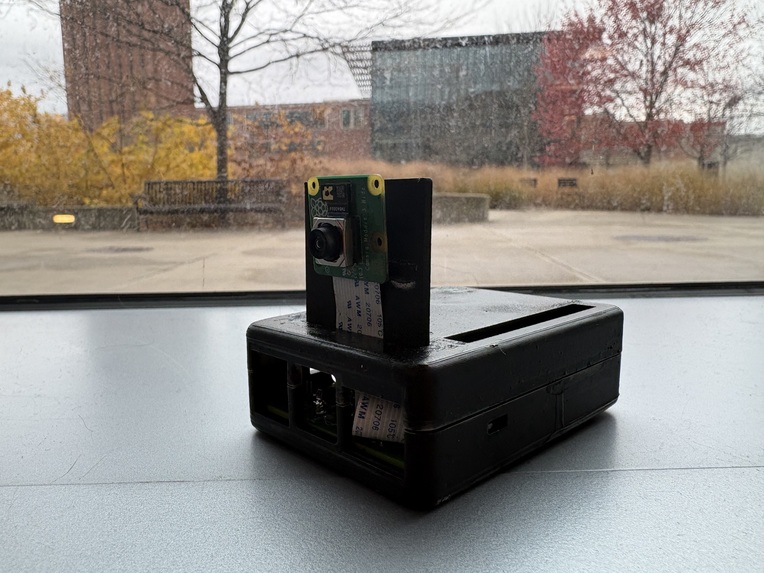
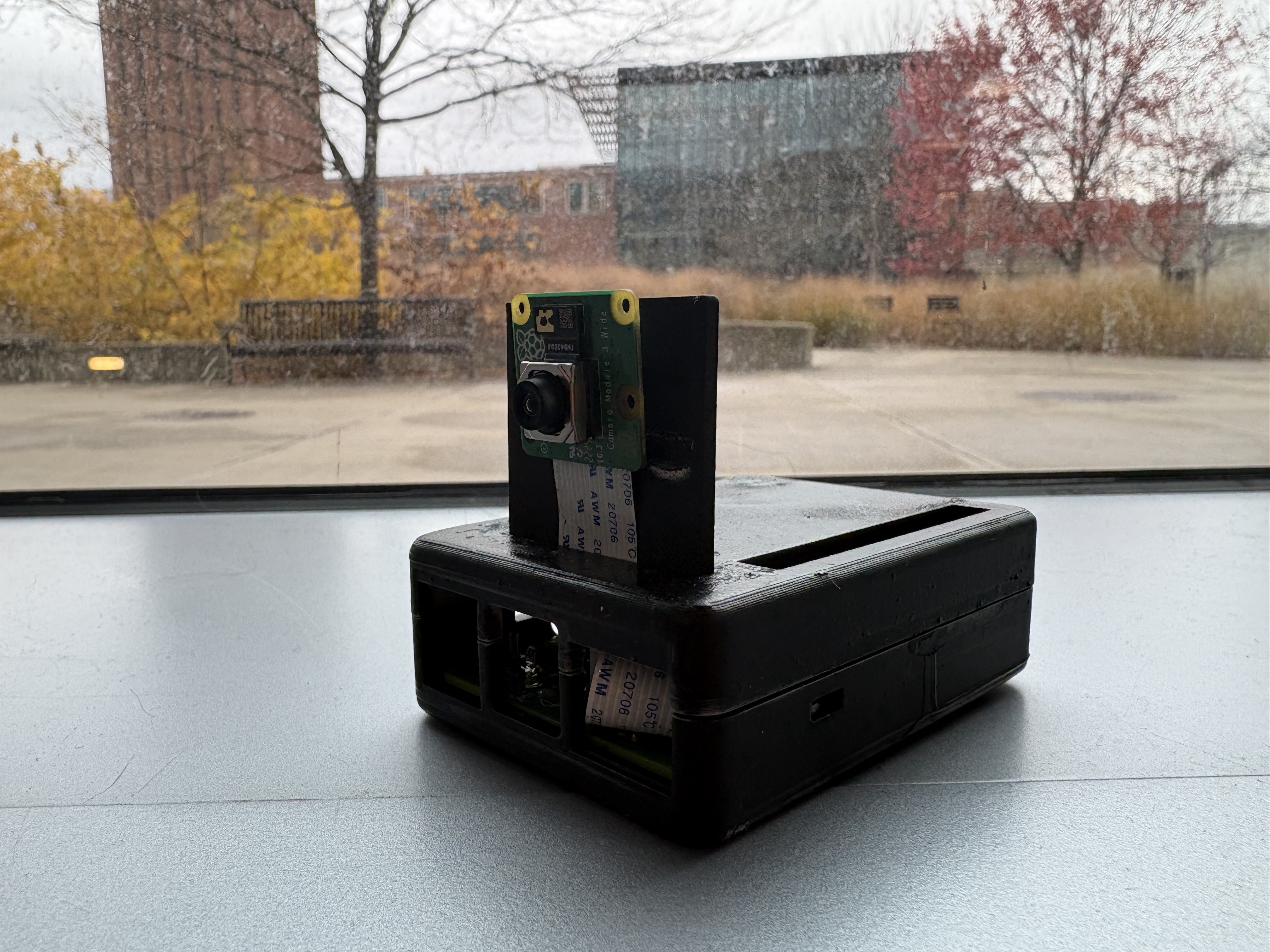
BlackBoxx side-view
-
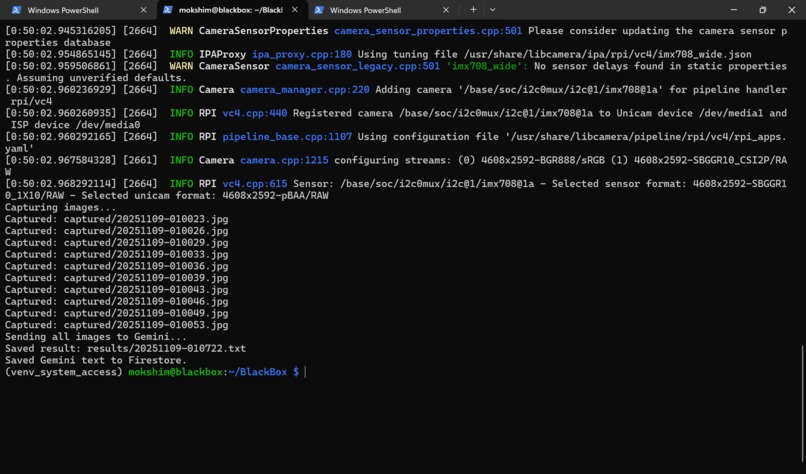
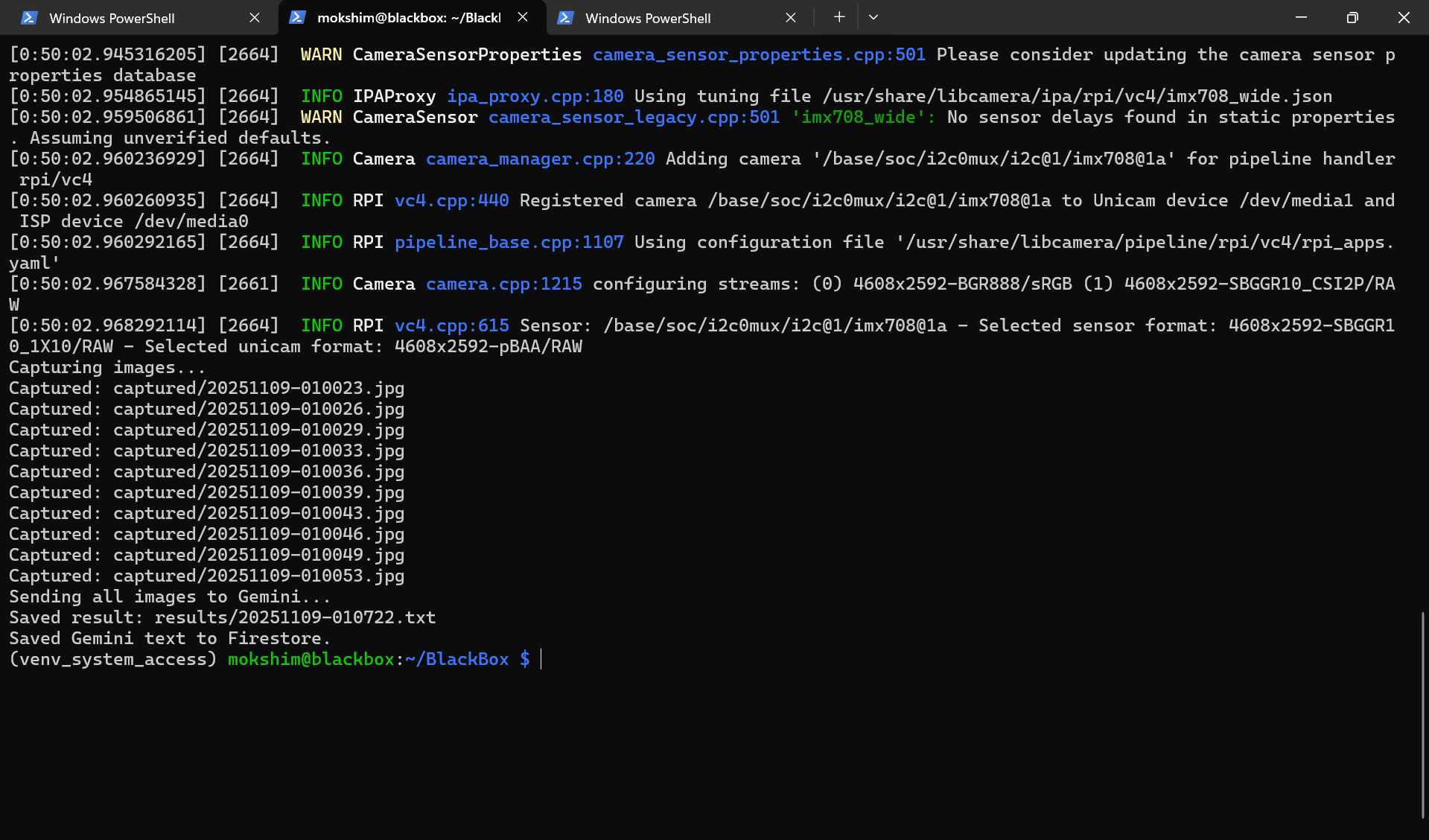
Our code running on the Raspberry Pi terminal
-
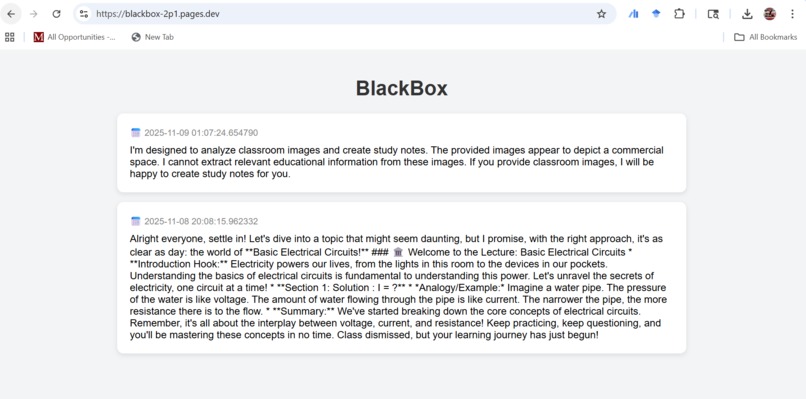
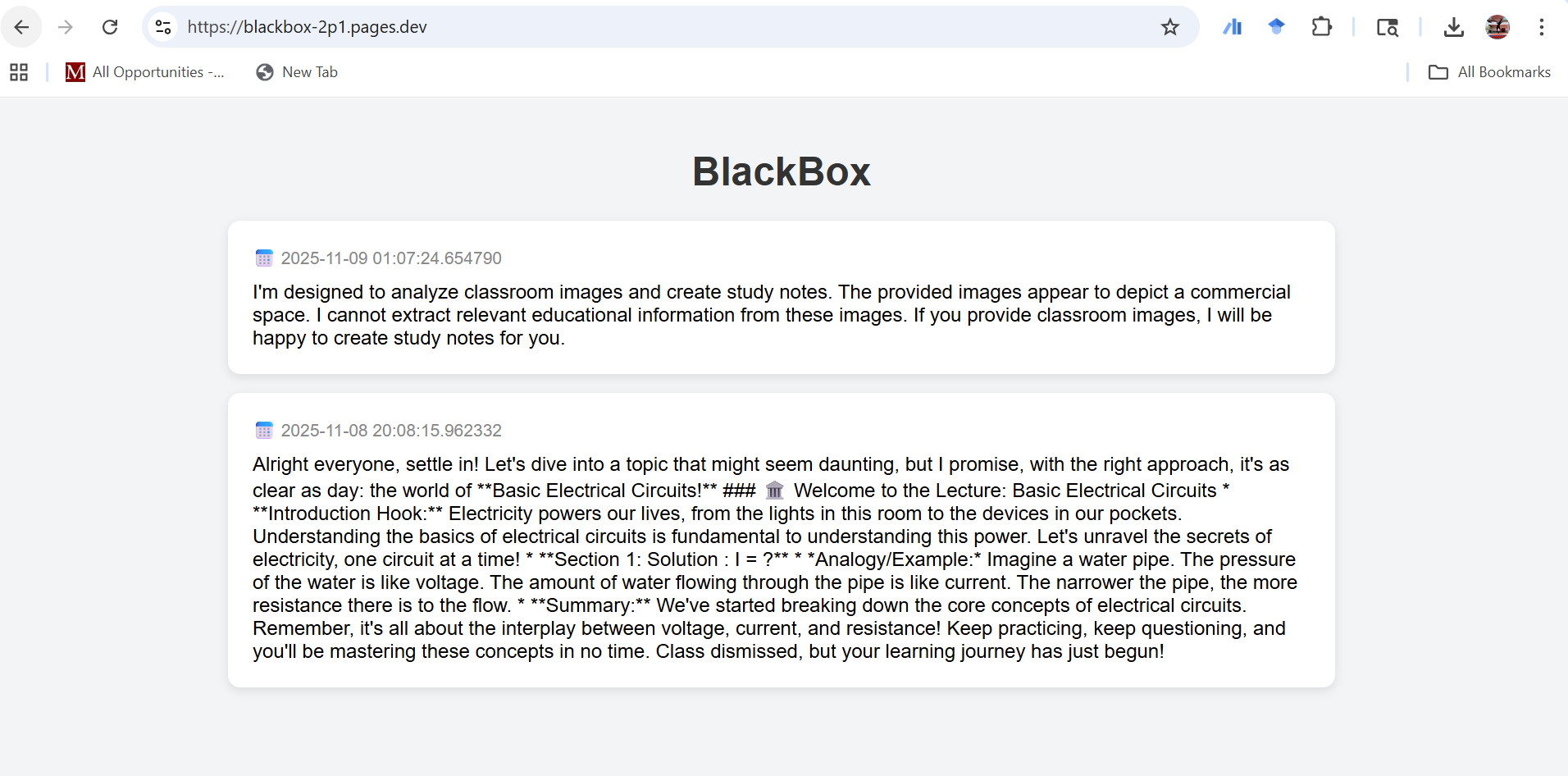
Our website to retrieve the answer from Gemini API. Visit at blackboxx.tech !
-
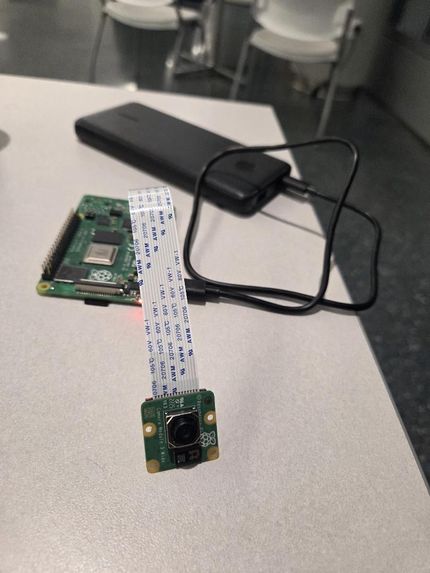
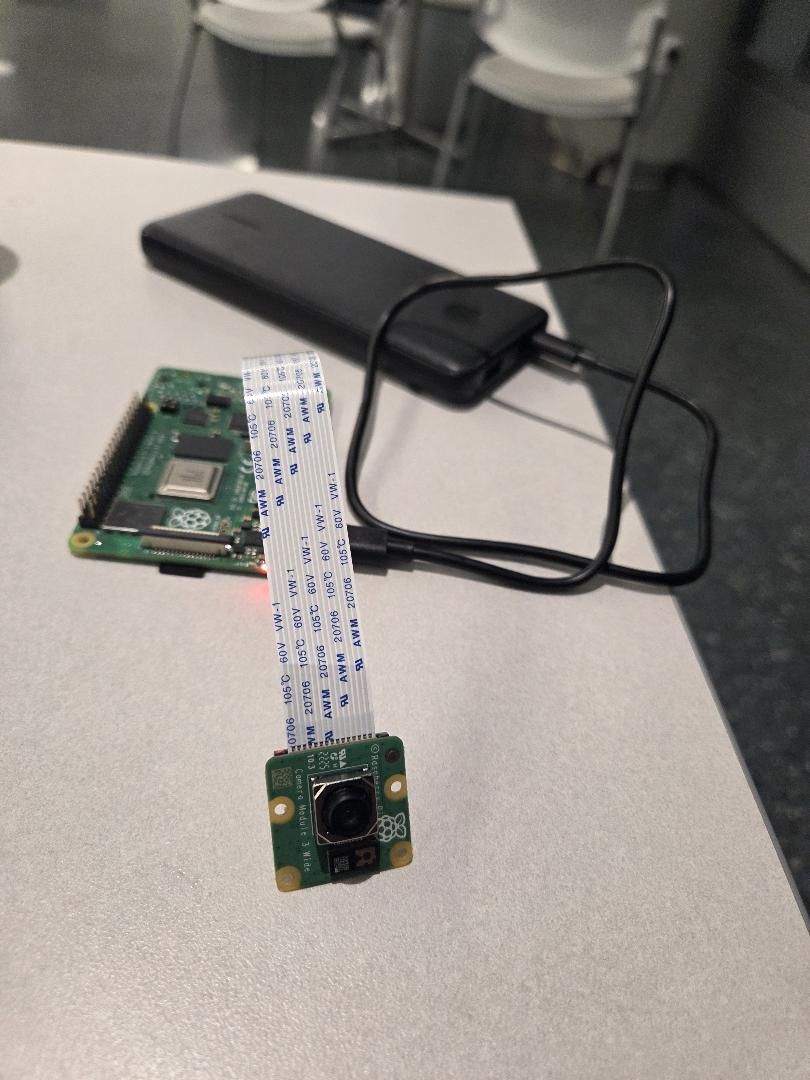
Raspberry Pi 4 in its glory!
-
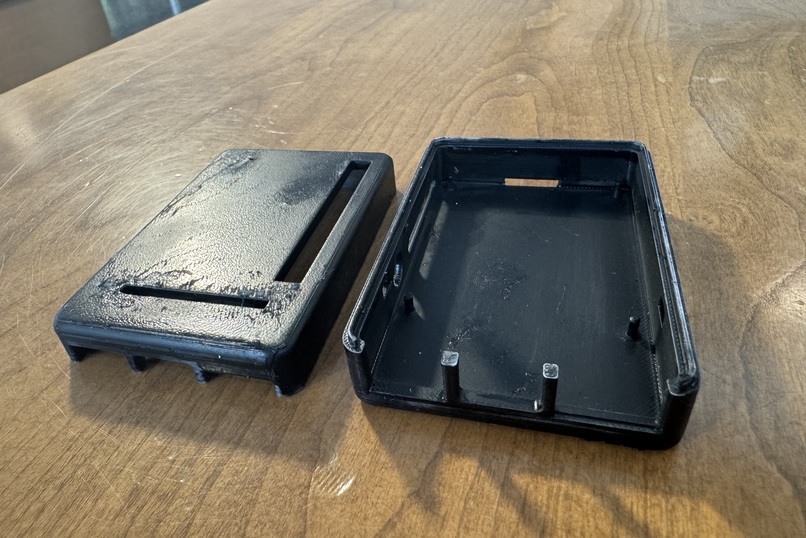
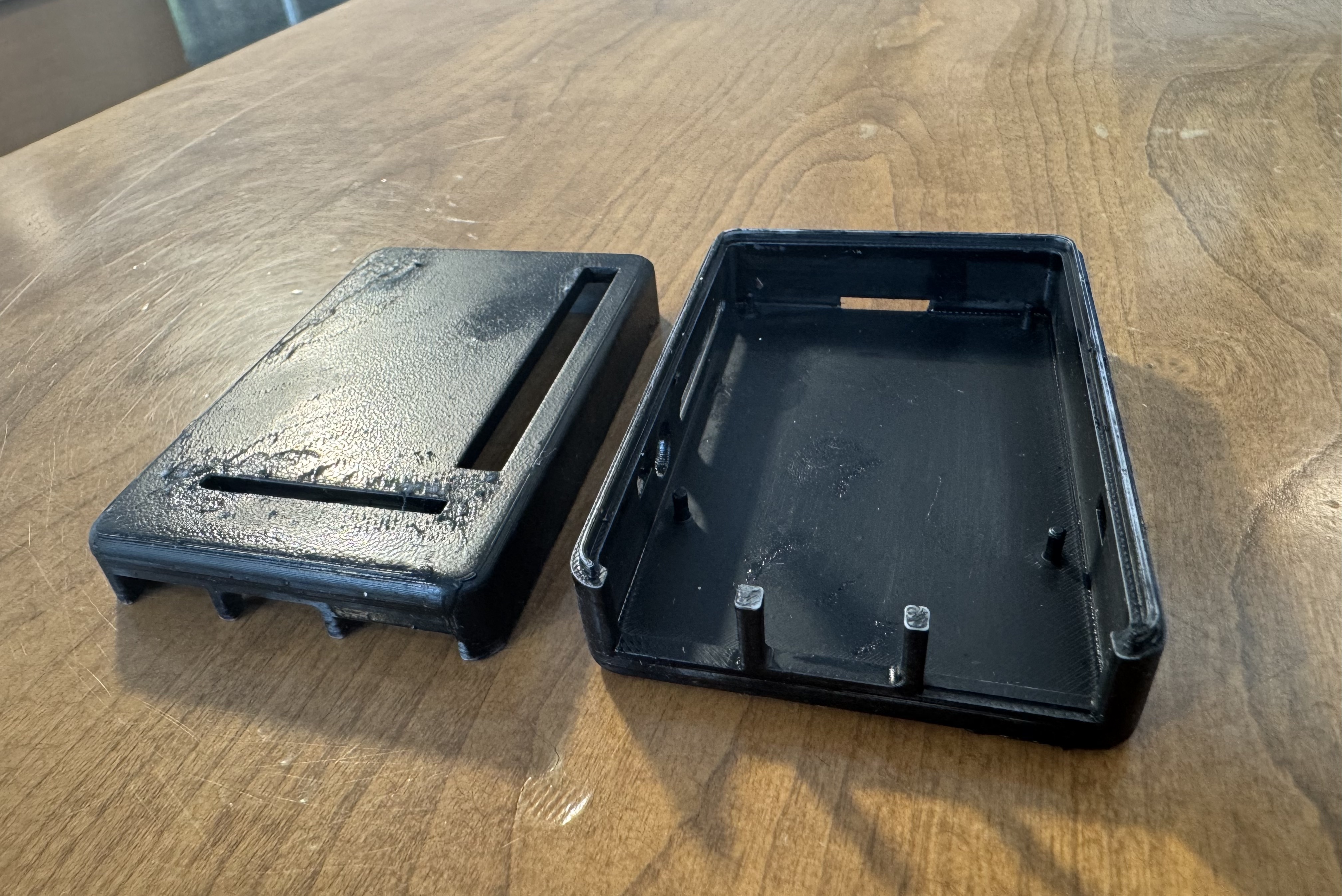
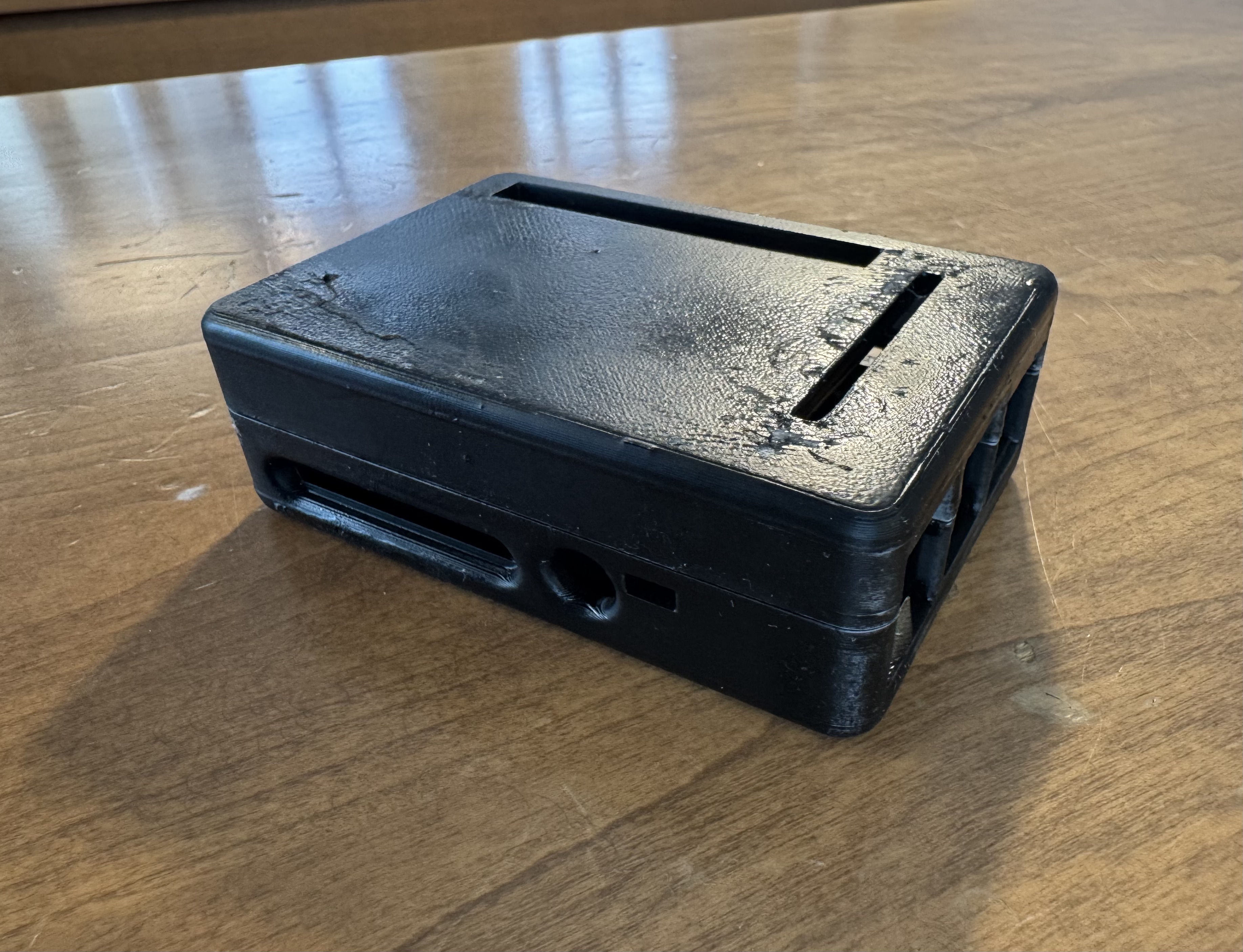
3D printed Housing
-
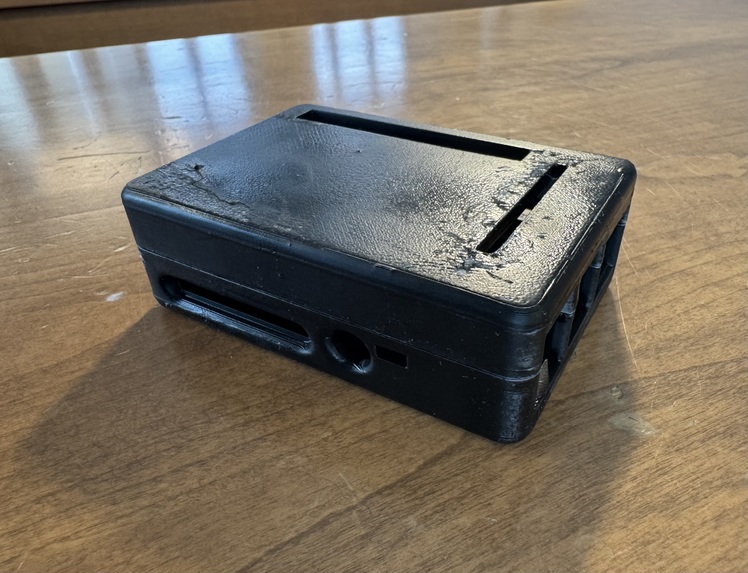
3D Printed Housing
-
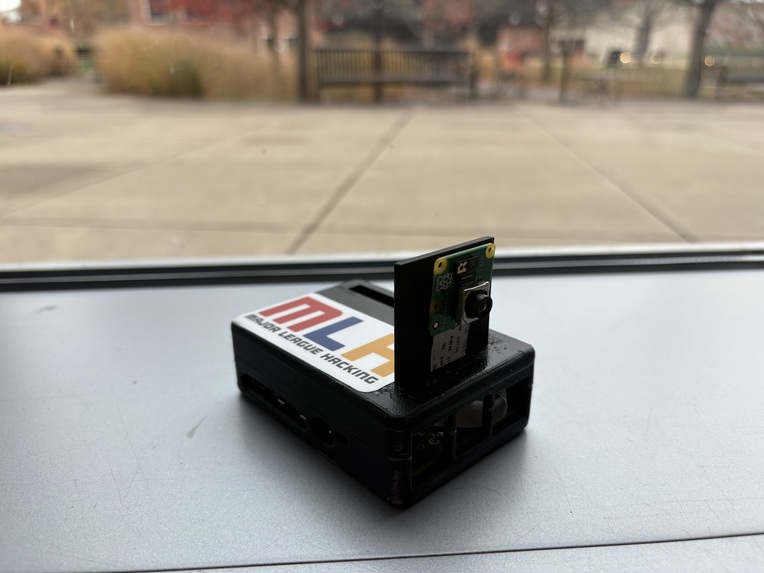
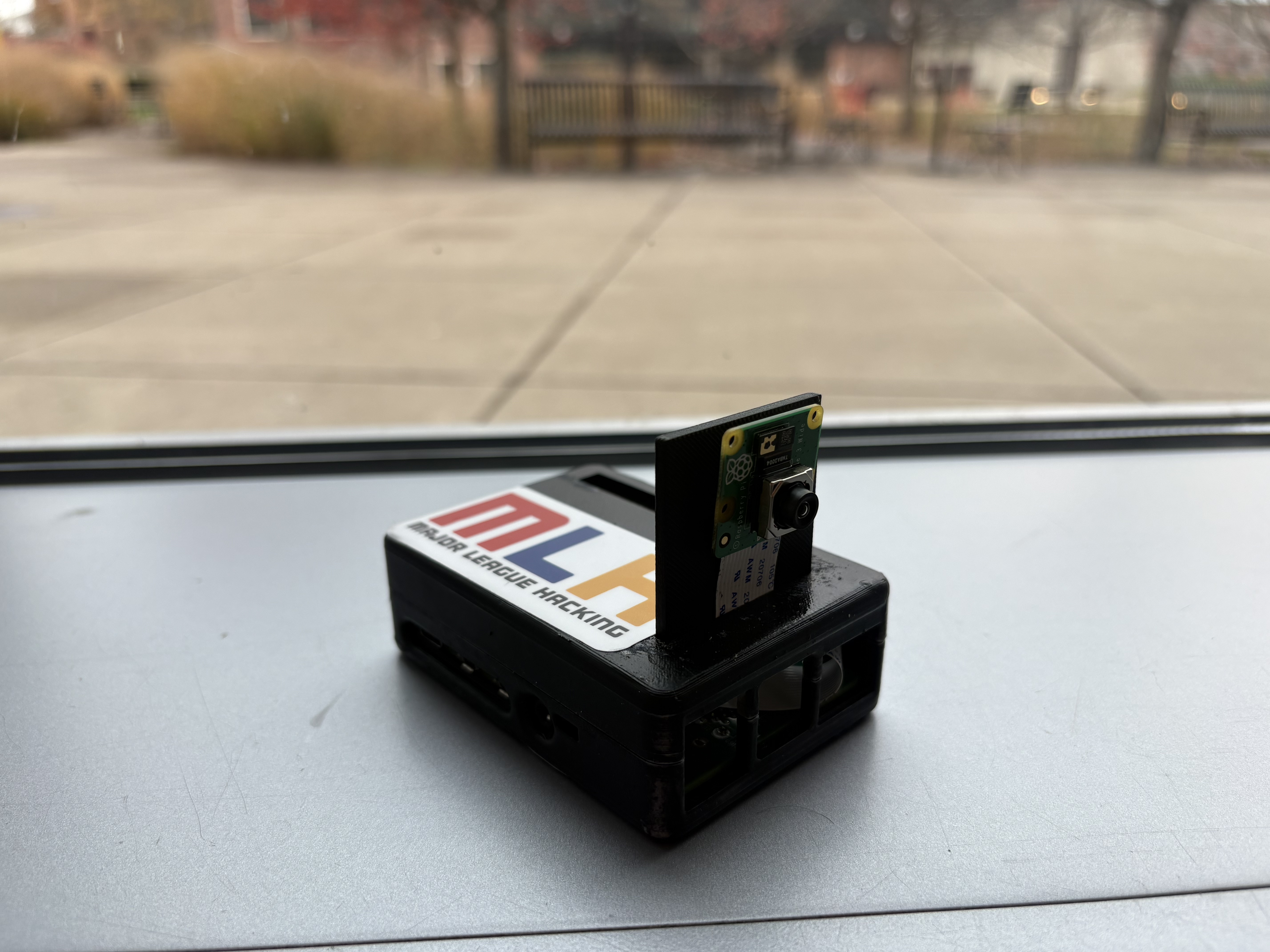
BlackBoxx with added MLH power!!
-
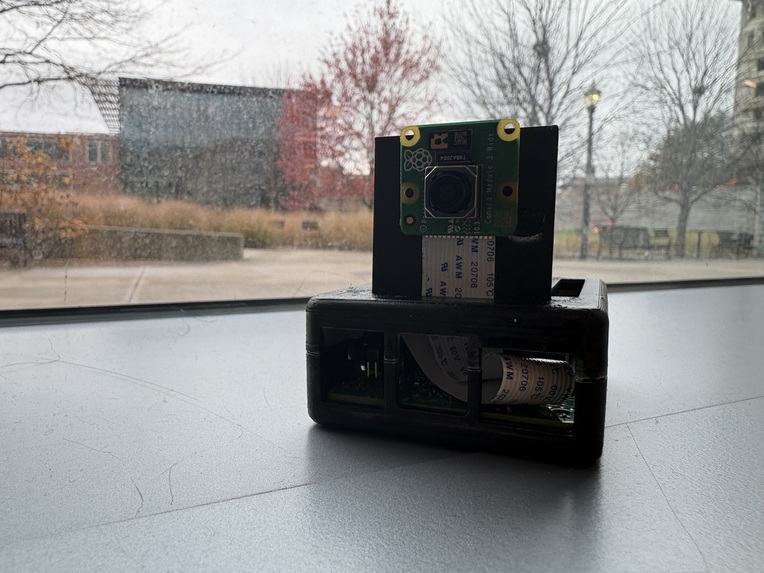
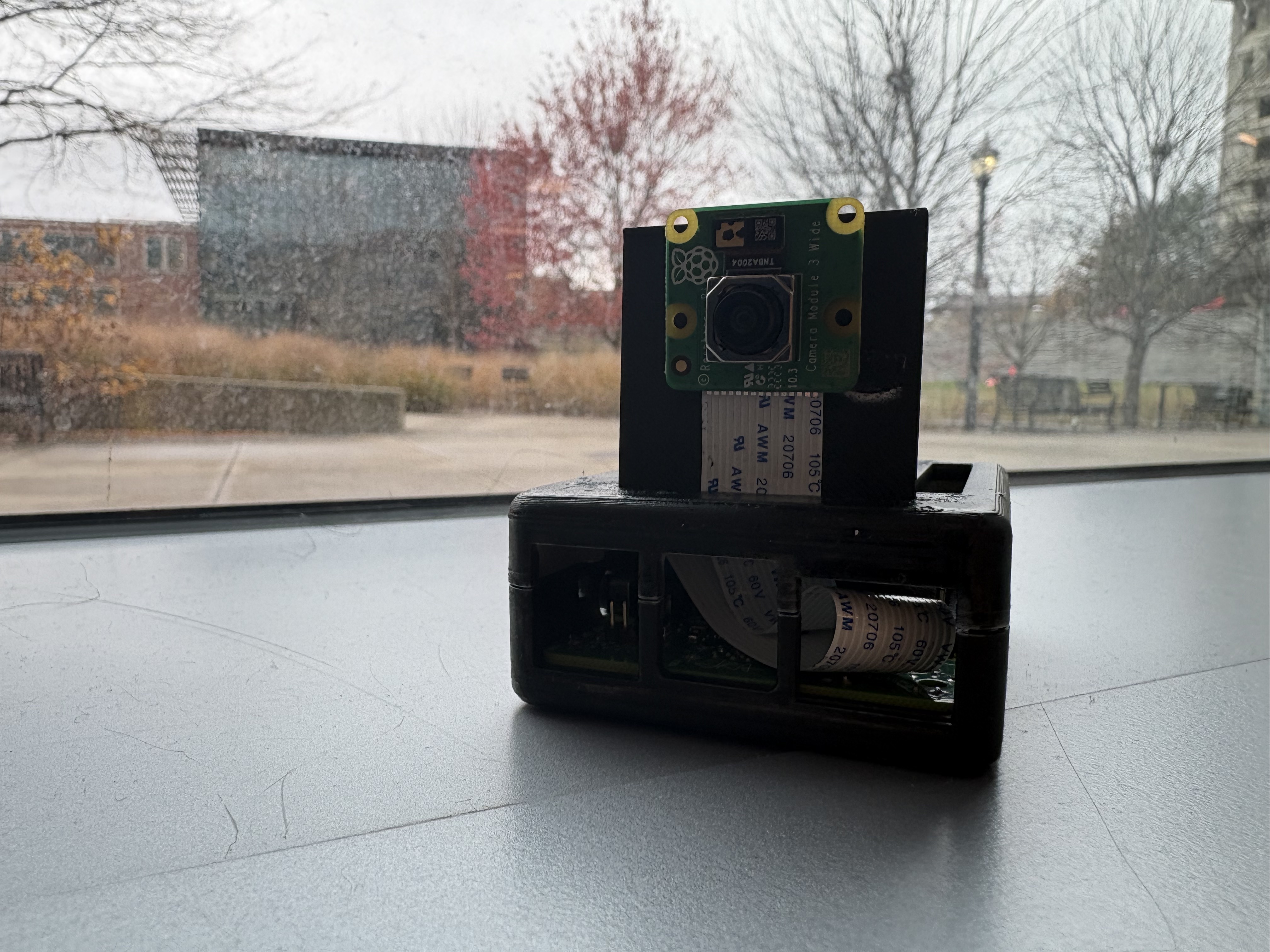
BlackBoxx front-view
Inspiration
After countless classes, we often find ourselves too tired to take detailed notes or pay attention to everything professors write on the board. We wanted a tool that could capture and explain classroom content automatically—so students never miss important information again.
What it does
BlackBox is a smart camera system that periodically captures images of the classroom board or screen and sends them to an AI model. The AI analyzes the image and generates clear, readable explanations or summaries. These results are automatically uploaded to the cloud and displayed on our web app, allowing students to review the material anytime
How we built it
As beginners, we relied heavily on generative AI to guide us through the development process. We first researched and selected the technologies we would use—Raspberry Pi, Python, Gemini API, and Firebase. Then, step by step, we built each piece. We ask different generative AI models to learn how to program, to capture image and send to Gemini API via the codes. We first test the program with capturing and analyzing using the laptop webcam, then we turn to Raspberry Pi camera. Then we ask generative AI to send the images to Firestore. While a team member working on the codes, others divide the rest of the work: 1 person on setting up raspberry pi, 1 person work on web coding and 1 do 3D printing. Finally, we learned how to upload the response from gemini to cloud via Firebase and retrieve it using our website.
Challenges we ran into
One major challenge was connecting our Raspberry Pi code (which uses the Gemini API) with Firestore. Managing authentication, setting up the Firebase service account, and sending data to the cloud correctly took time, debugging, and lots of trial-and-error.
Accomplishments that we are proud of
We have been able to learn new things. We built a full end-to-end product from scratch—even though we were total beginners. We learned new technologies, solved real engineering problems, and created something that actually works.
What we learned
We learned how to:
Build a website from the ground up
Set up and configure a Raspberry Pi
Work with Python
Use the Gemini API to process images
Store data in the cloud using Firestore
Connect hardware, AI models, and a web frontend into one complete system
Deploy a webapp to a custom domain
What's next for BlackBoxx?
At the moment, the BlackBox needs to have script run manually in its terminal by the user. We want to fix that by deploying an auto-launch solution that runs the script automatically as soon as the device is powered on. We plan to improve BlackBox by making it more accessible and easier for students to use. In the future, we hope to shrink the device into a smaller, portable version and eventually add more features like real-time explanations or multi-angle capture. We also look forward to a speech-to-text aspect for this application.
Built With
- 3dprinting
- camera
- cloudflare
- firebase
- gemini-api
- google-genai
- html
- linux
- opencv
- python
- raspberry-pi
- terminal


Log in or sign up for Devpost to join the conversation.