-
-
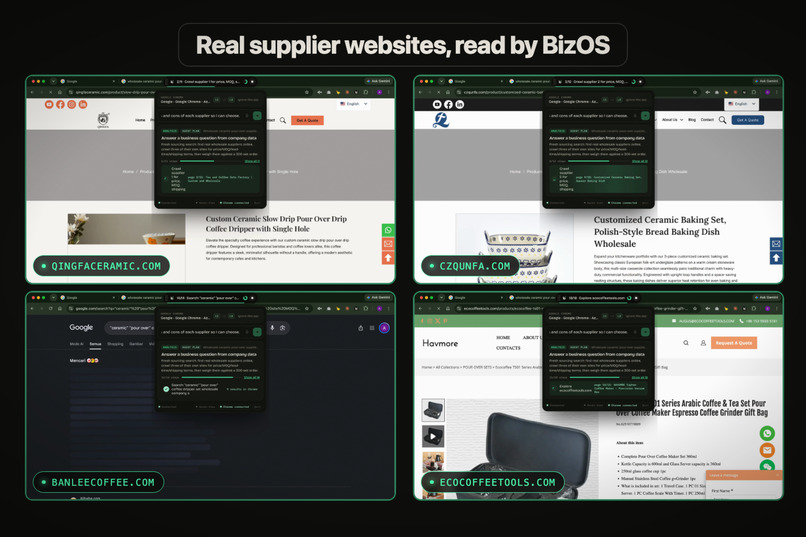
Automation over website or Desktop apps
-
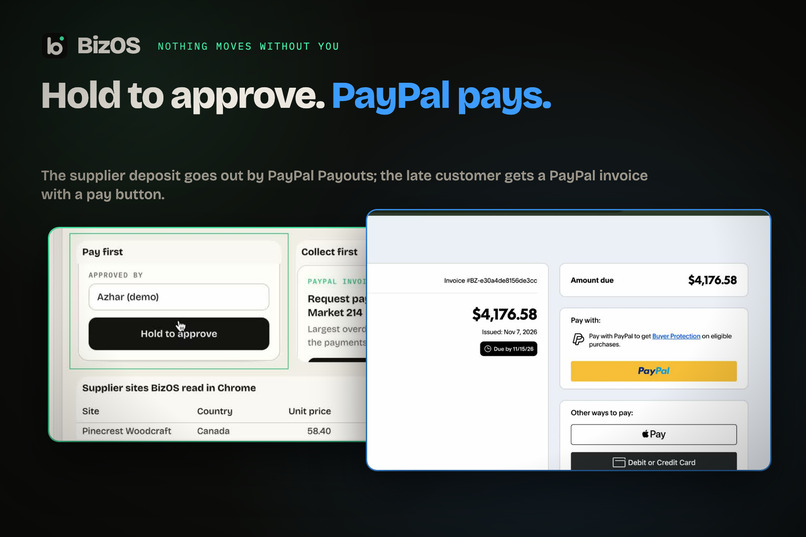
Hold to approve. PayPal pays.
-
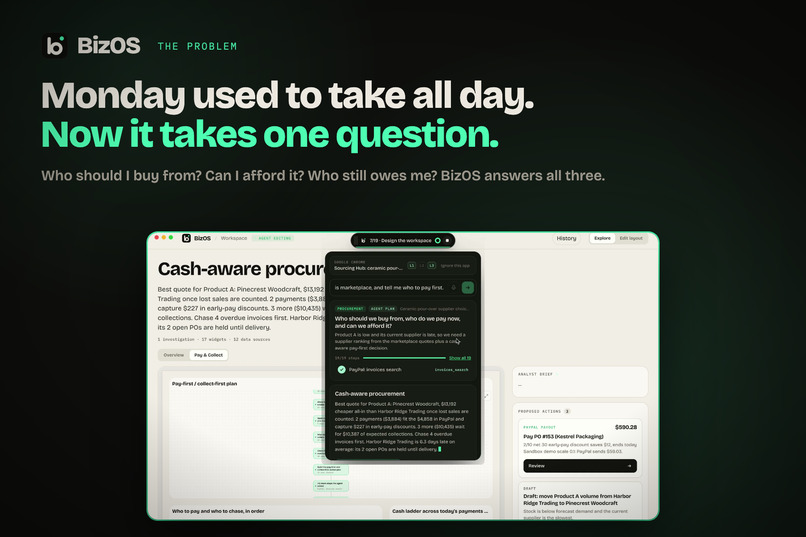
Monday used to take all day. Now it takes one question.
-
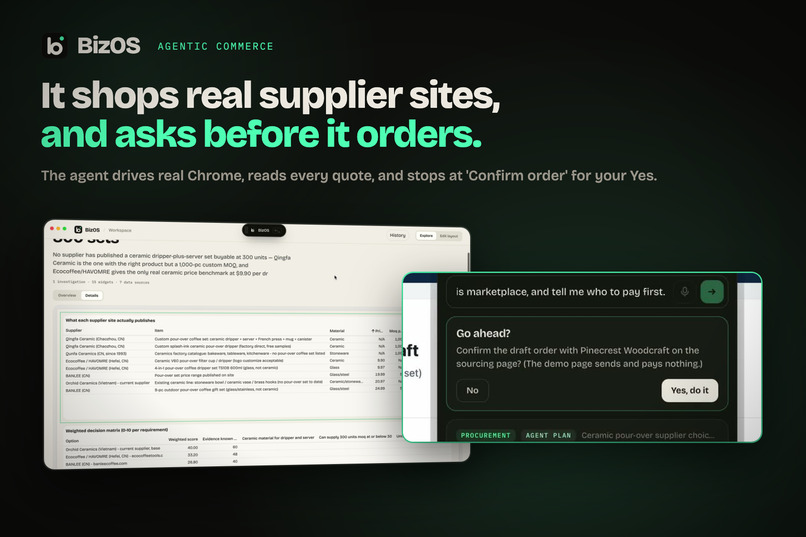
It shops real supplier sites, and asks before it orders.
-
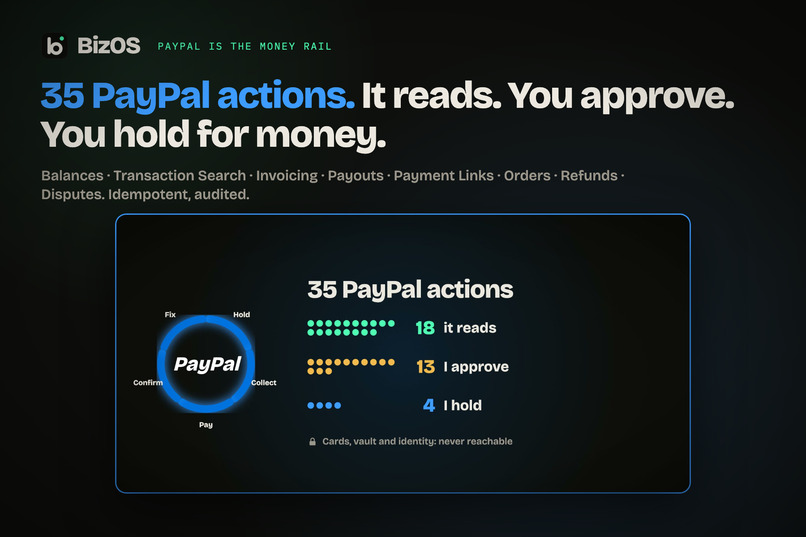
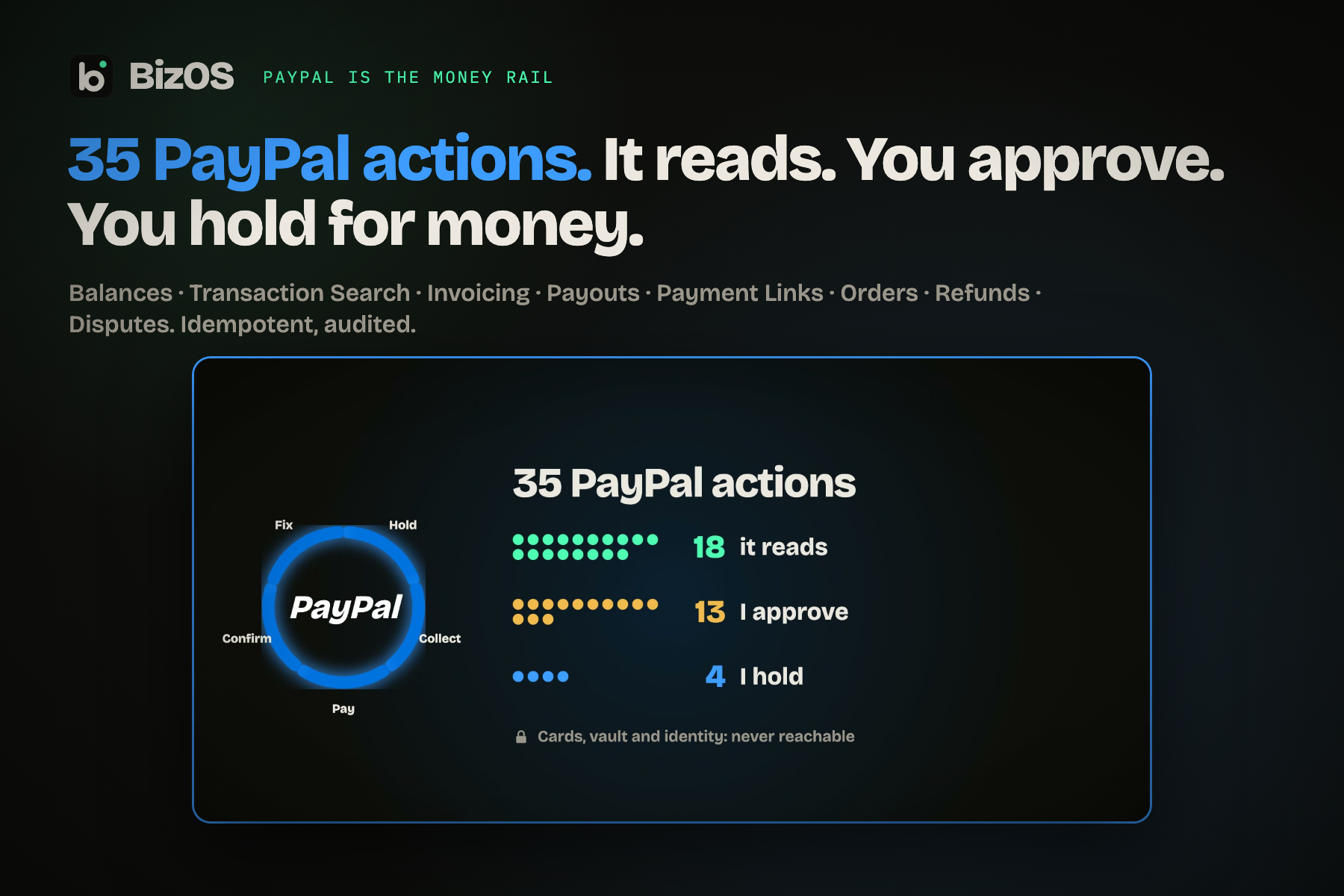
35 PayPal actions. It reads. You approve. You hold for money.
-
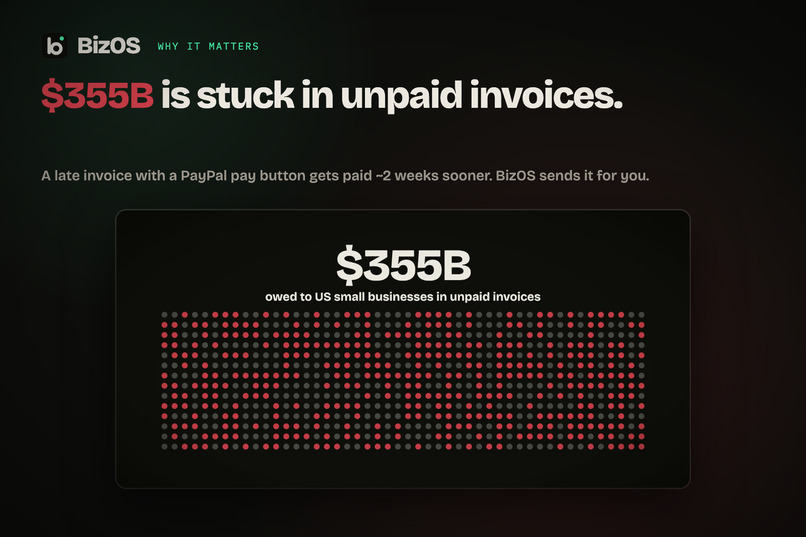
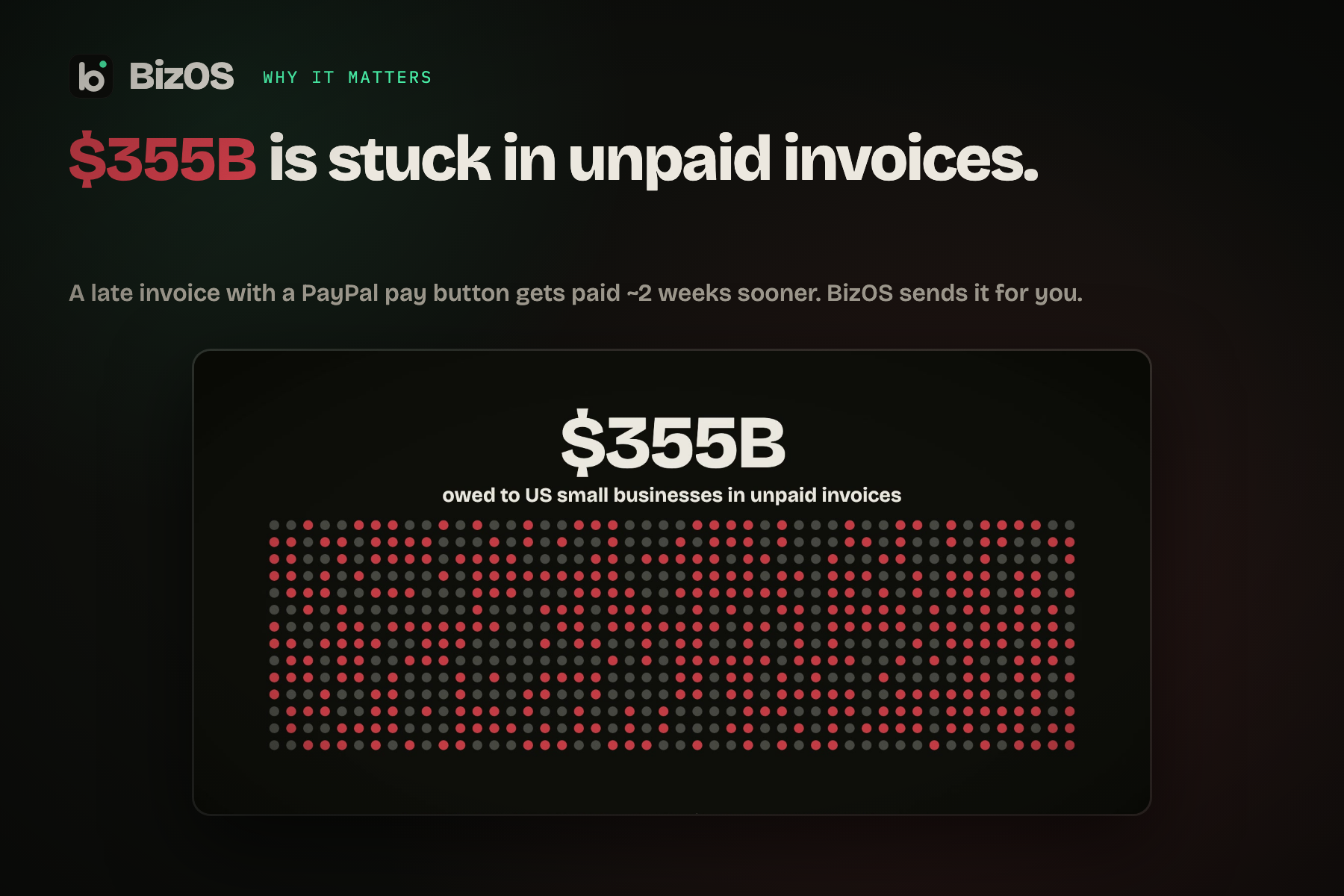
$355B is stuck in unpaid invoices.
-
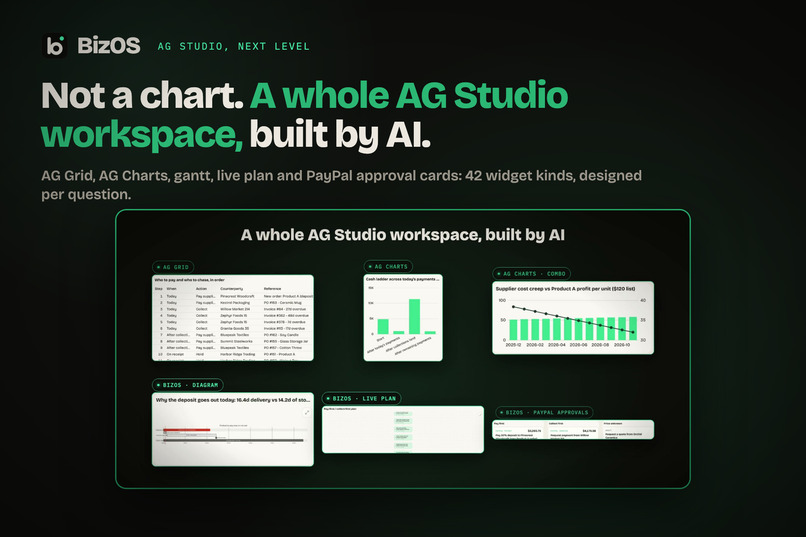
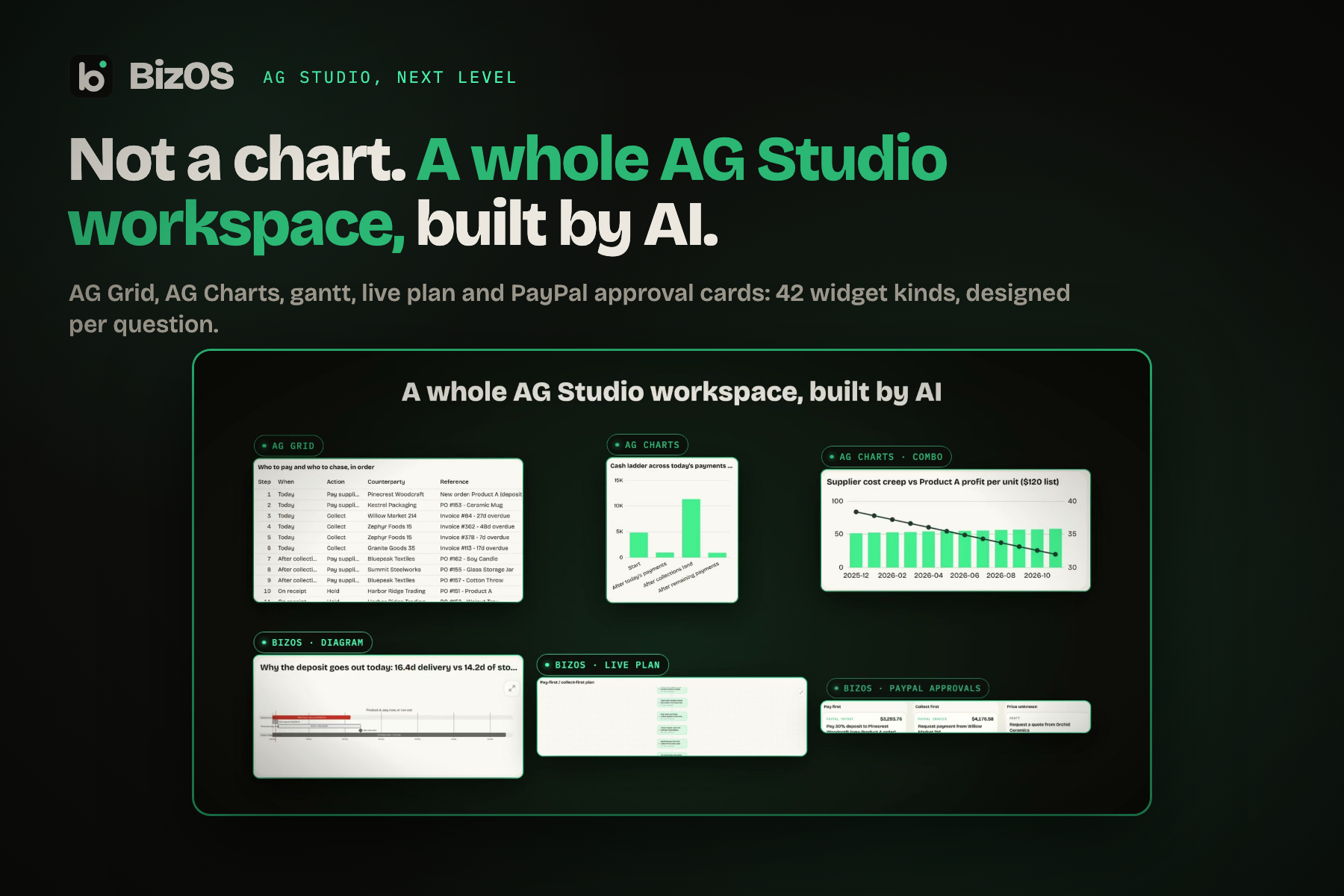
Not a chart. A whole AG Studio workspace, built by AI.
-
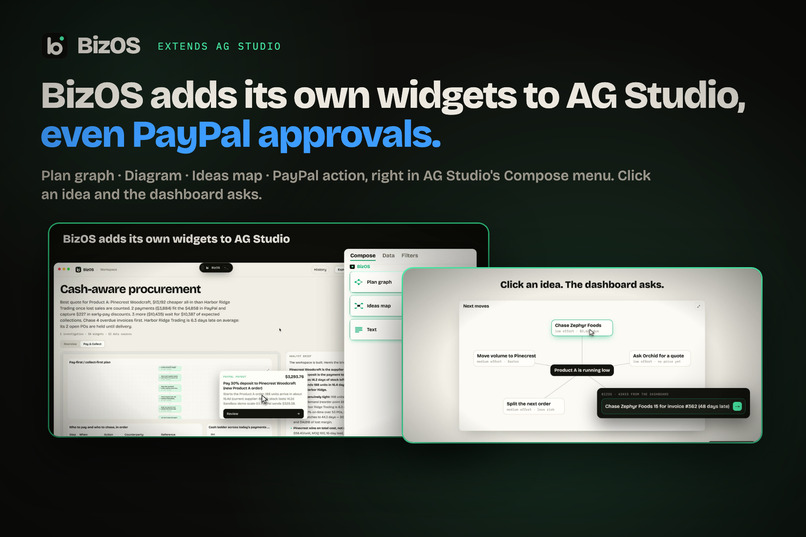
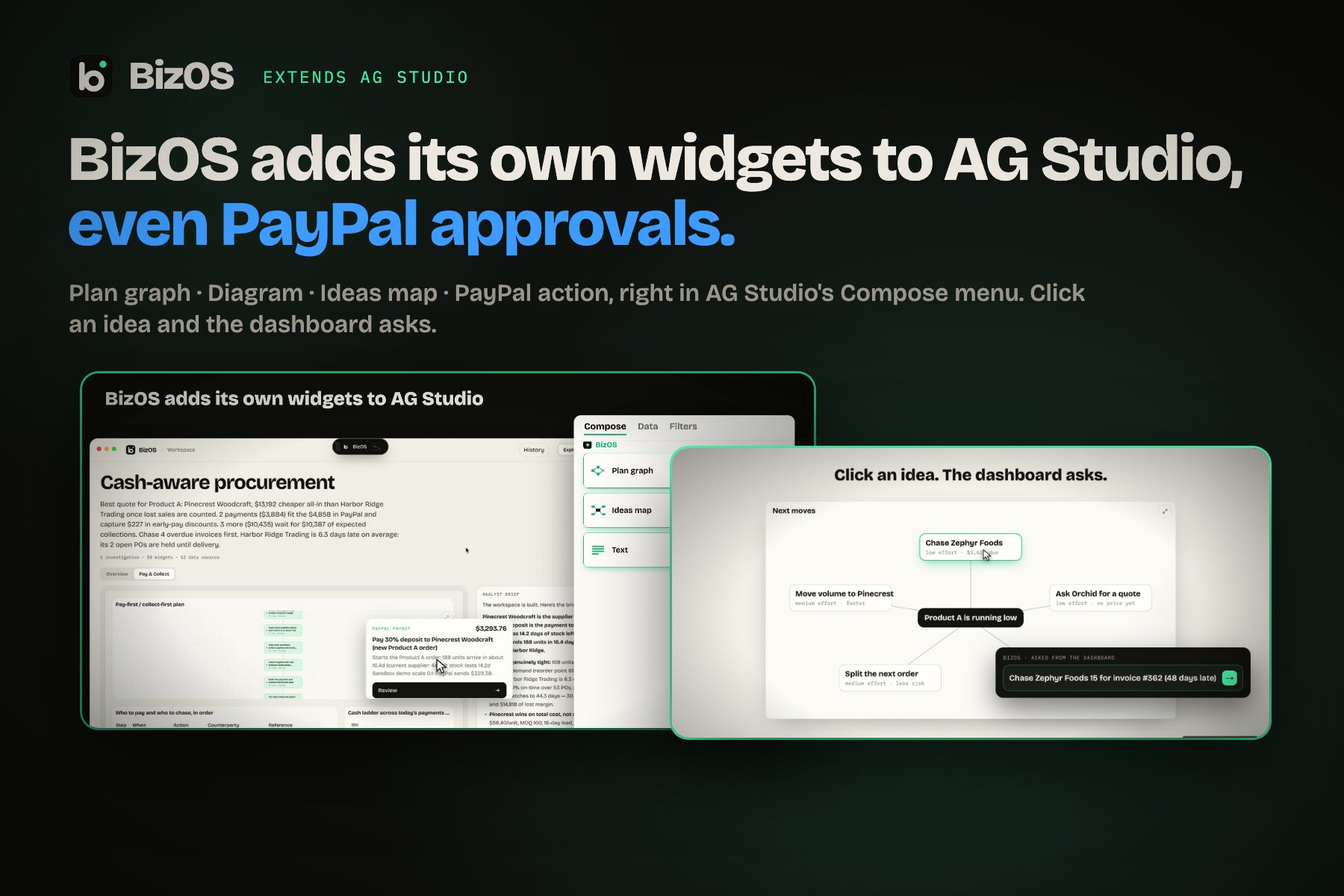
BizOS adds its own widgets to AG Studio, even PayPal approvals.
BizOS
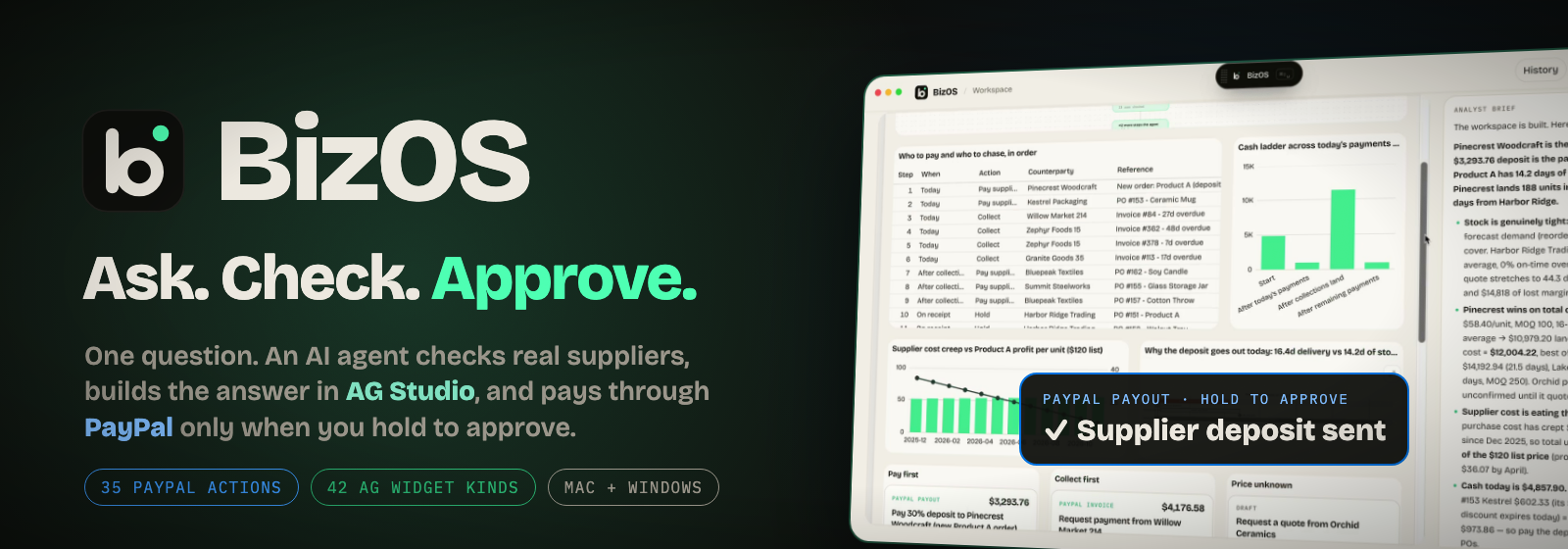
Ask. Check. Approve. Then PayPal pays.
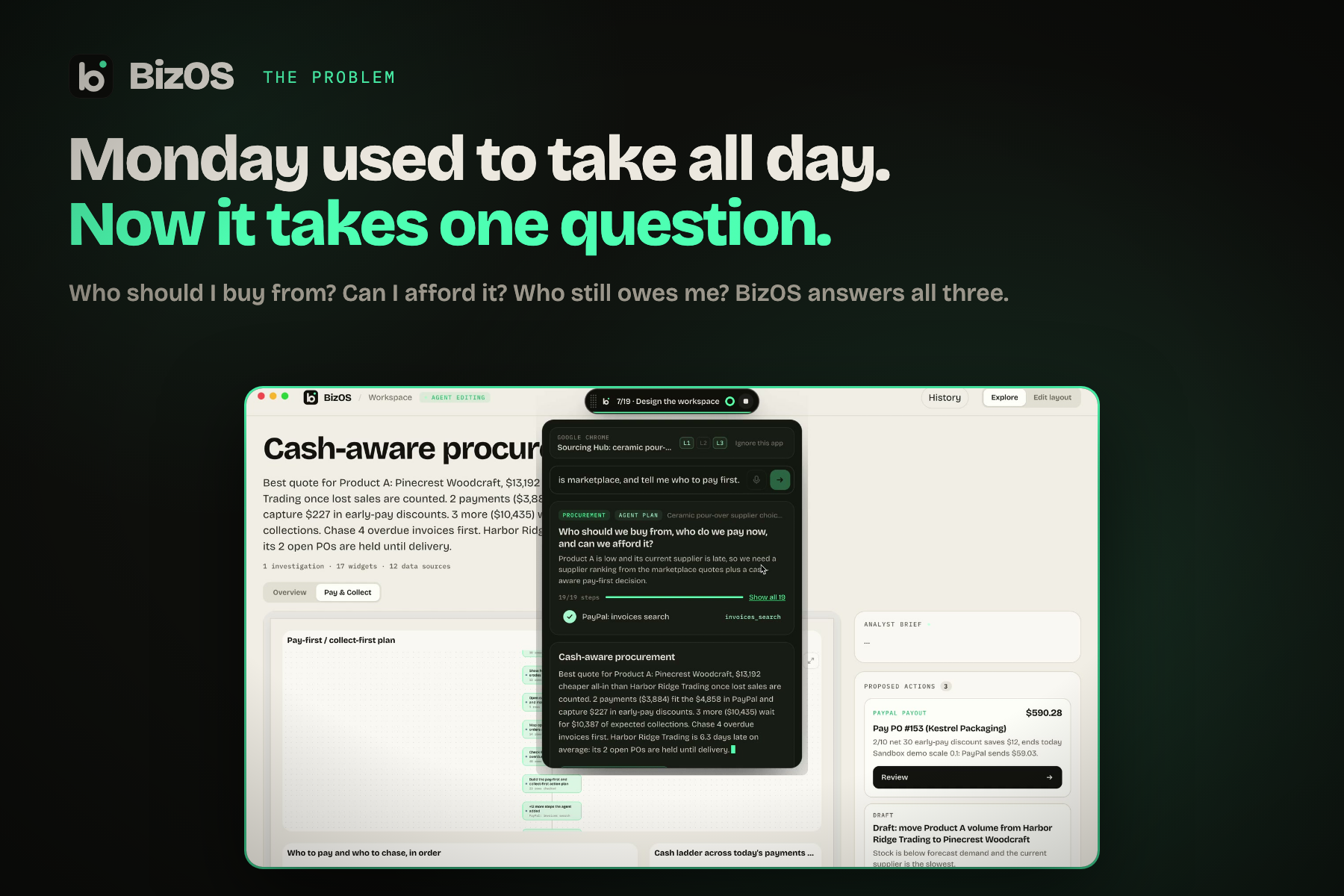
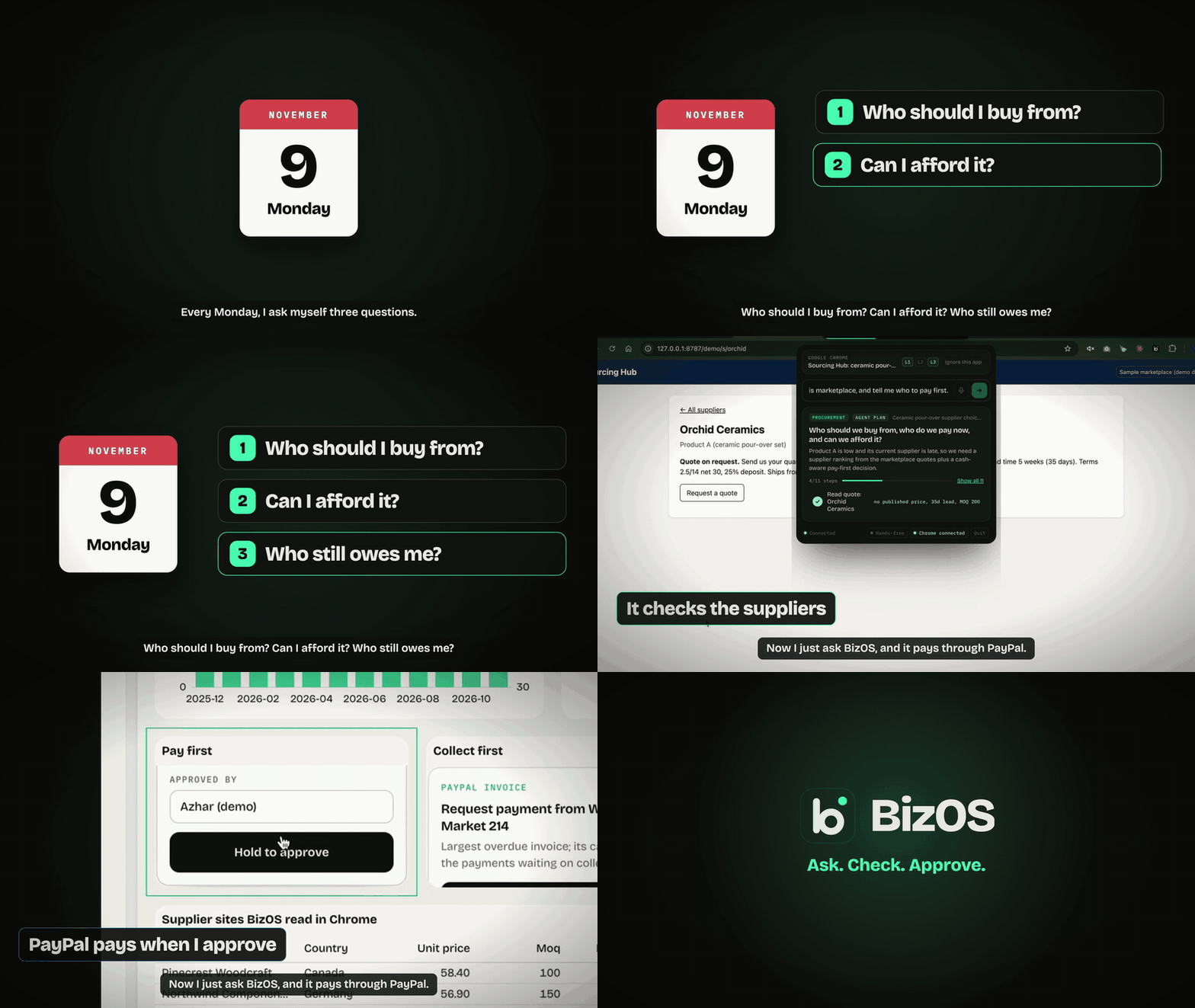
Every Monday, a small-business owner asks three questions: *Who should I buy from? Can I afford it? Who still owes me?* BizOS answers all three from one question. An AI agent checks real suppliers in Chrome, builds the answer as a live AG Studio workspace, and moves money through PayPal only when you hold to approve.



Inspiration
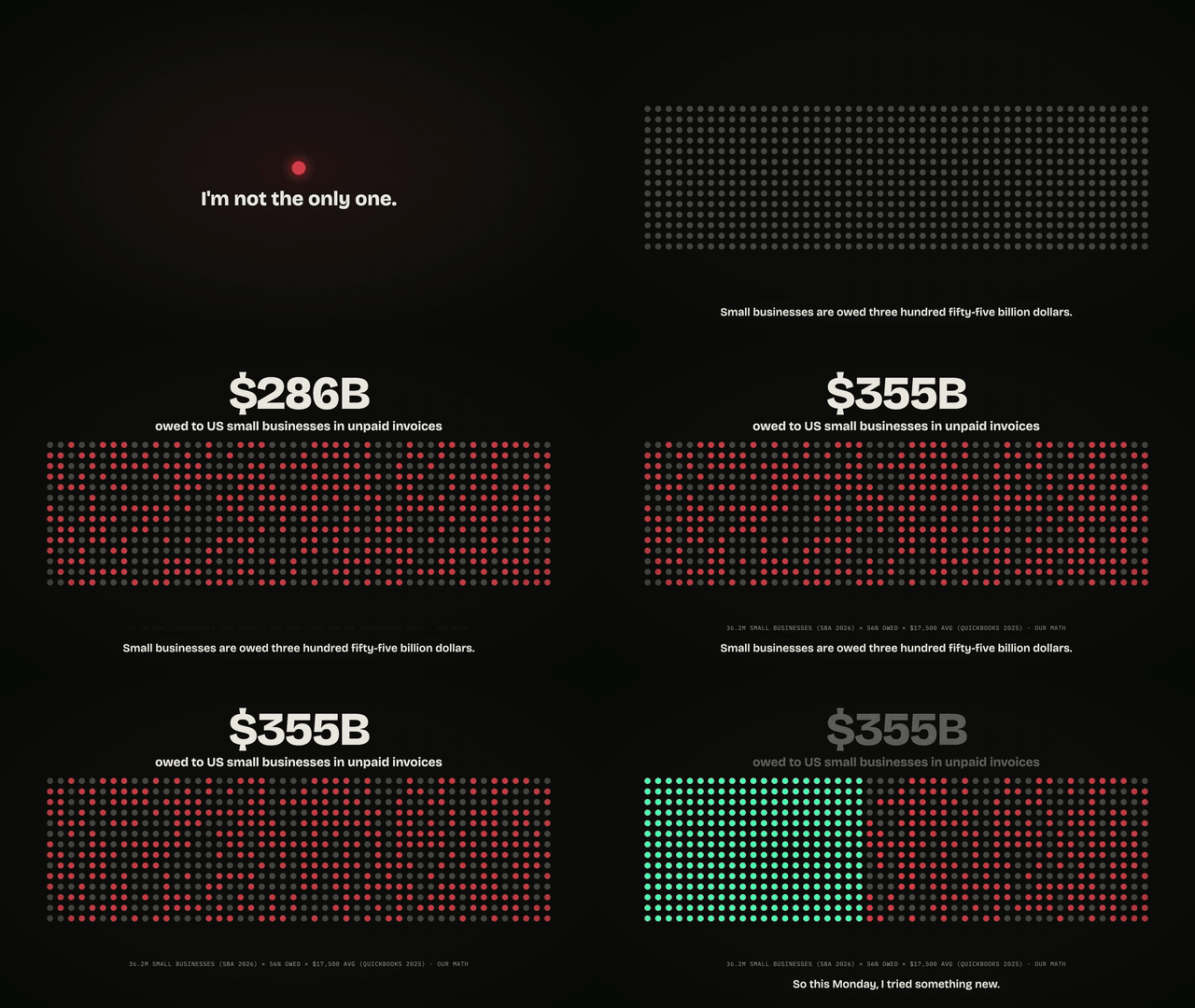
Small businesses are owed $355 billion in unpaid invoices (36.2M US small businesses × 56% owed × $17,500 average, from SBA 2026 and Intuit QuickBooks 2025). Owners lose about 4 hours a week chasing payments (Sage 2025).
We started with procurement, because it's where stock, suppliers, invoices and cash all meet. Every decision there ends as a payment, yet the facts live in three places that don't talk: supplier websites, spreadsheets, and PayPal. We wanted one question to replace twelve tabs, without ever letting an AI move money on its own.
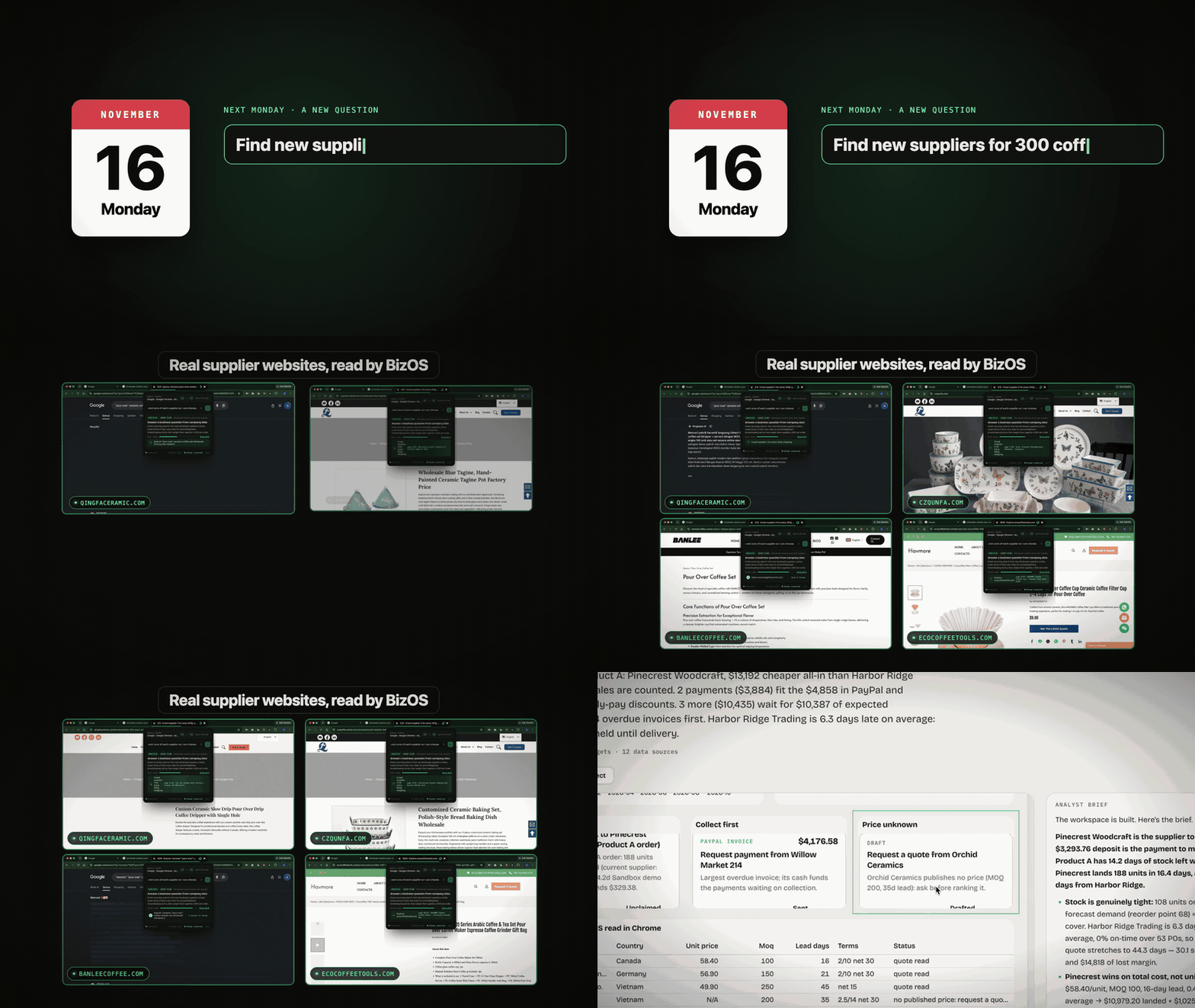
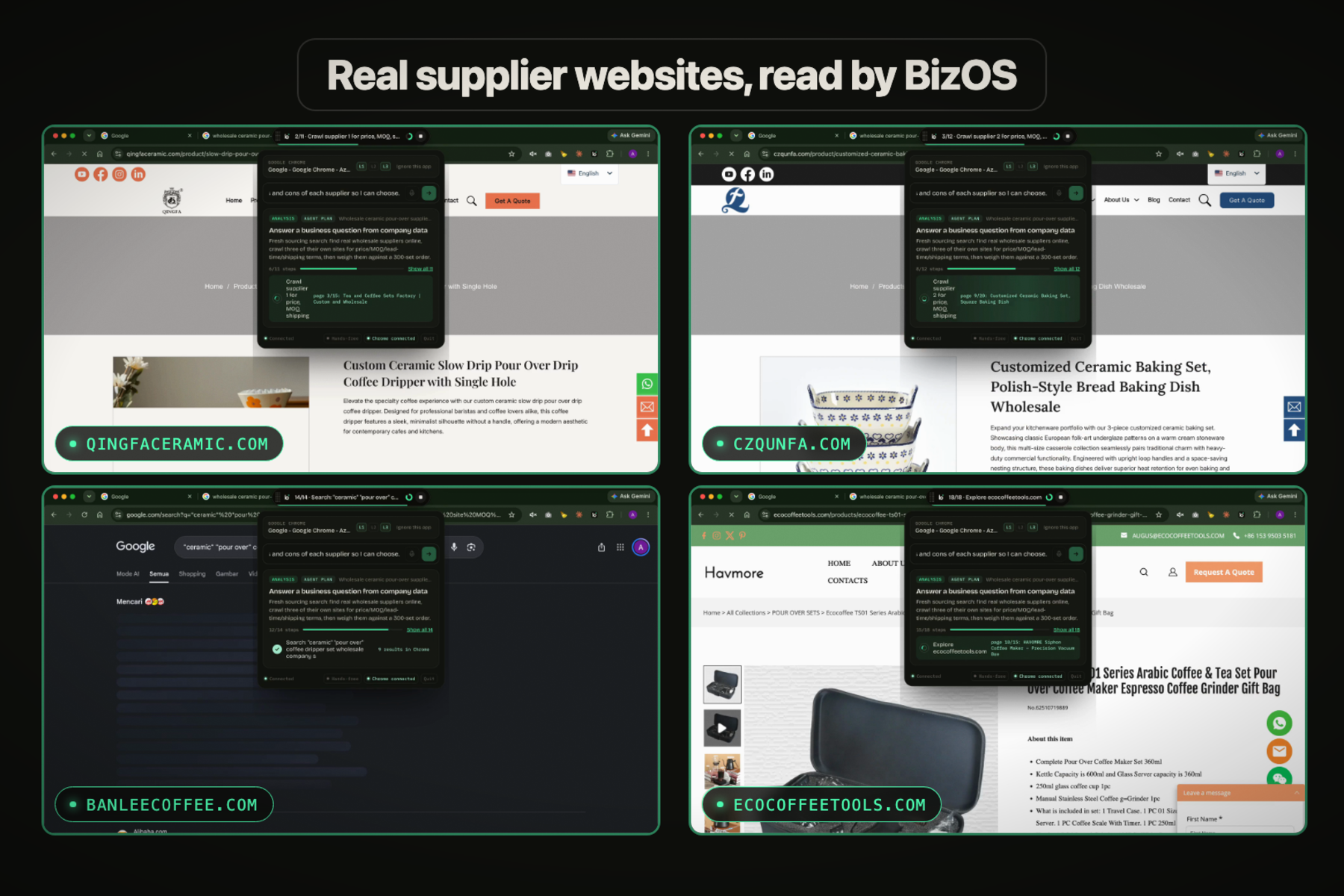
One question, four real supplier websites read at once.
What it does
| What happens | Why it matters | |
|---|---|---|
| 🗣️ Ask | ⌘⇧Space (Ctrl+Shift+Space) over any app. Type or talk. | No new tool to learn; it lives on top of your work. |
| 🧭 Plan | The AI draws its plan as a graph before anything runs. | You see what it will do. |
| 🌐 Check | It drives real Chrome, reads each supplier's own page, queries your data, reads PayPal. | Real facts, not guesses. Missing price? It says N/A and drafts a quote request. |
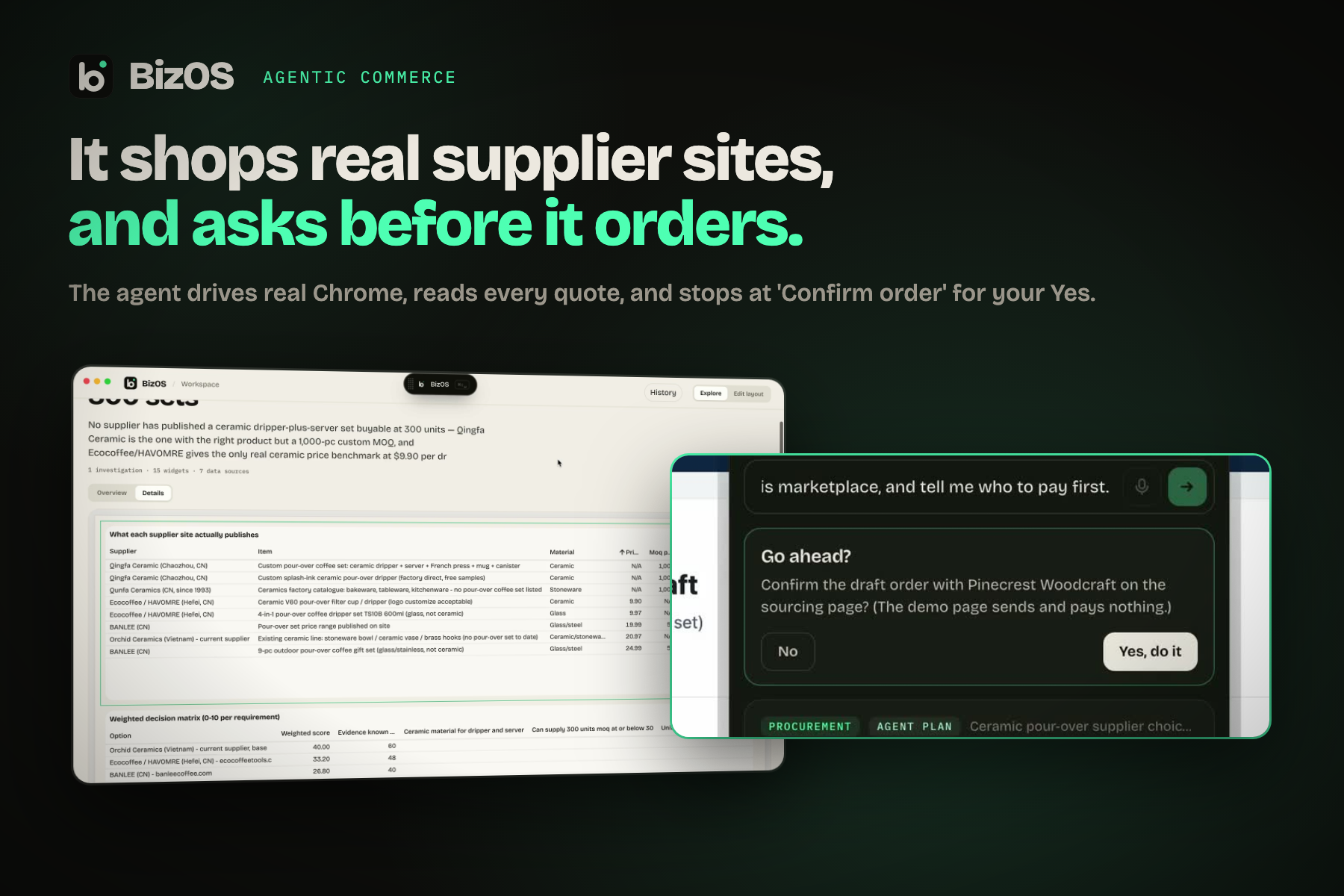
| 🛒 Order | It selects the winner on the supplier's page, then asks before *Confirm order*. | Agentic commerce with a human checkpoint. |
| 📊 See | It designs a live AG Studio workspace: grids, charts, gantt, plan, PayPal cards. | One page answers the question, and every number shows its source. |
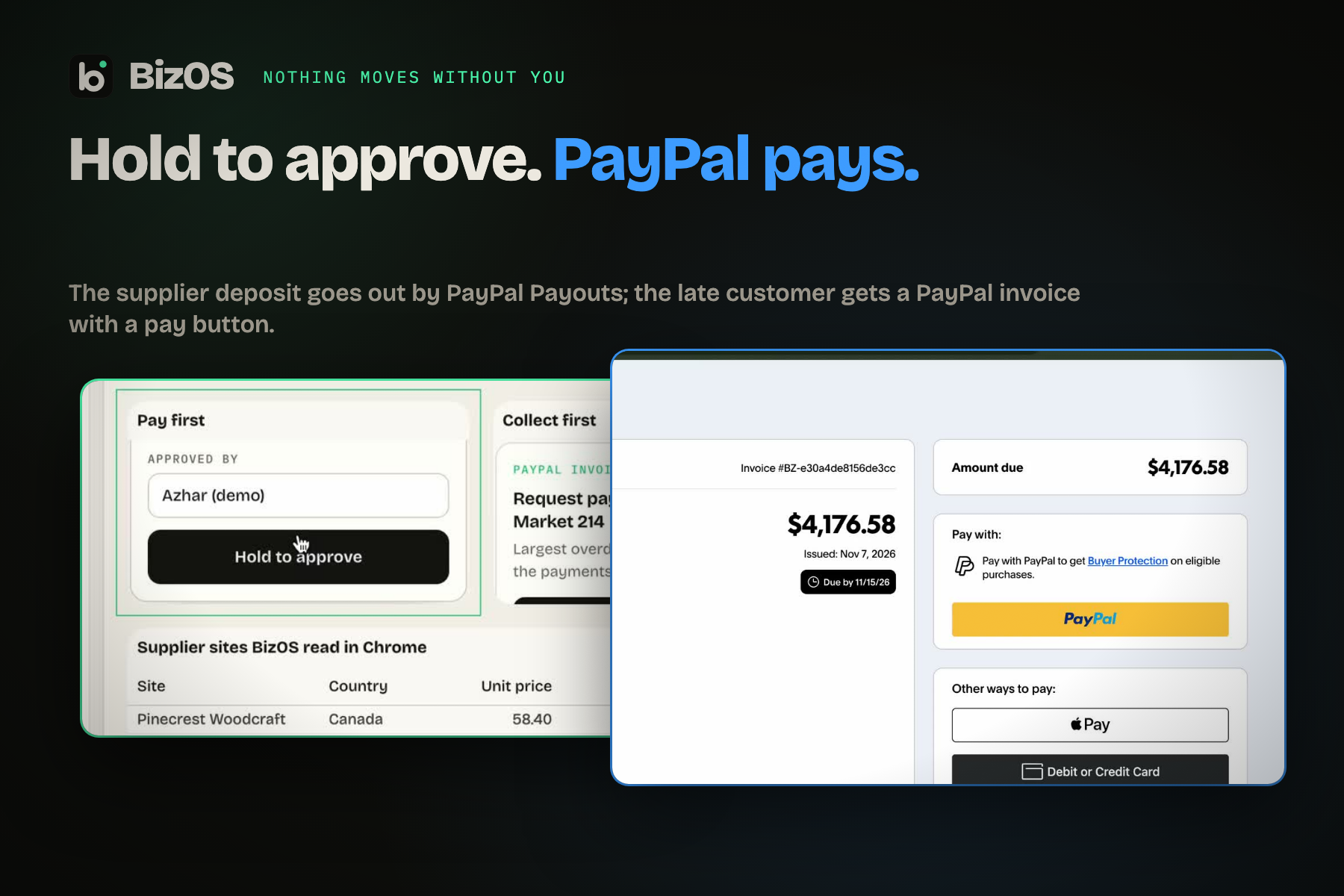
| ✋ Approve | You hold to approve. PayPal invoices the late customer and pays the supplier. Due dates go on your calendar. | Money moves only on a human press, once, logged. |
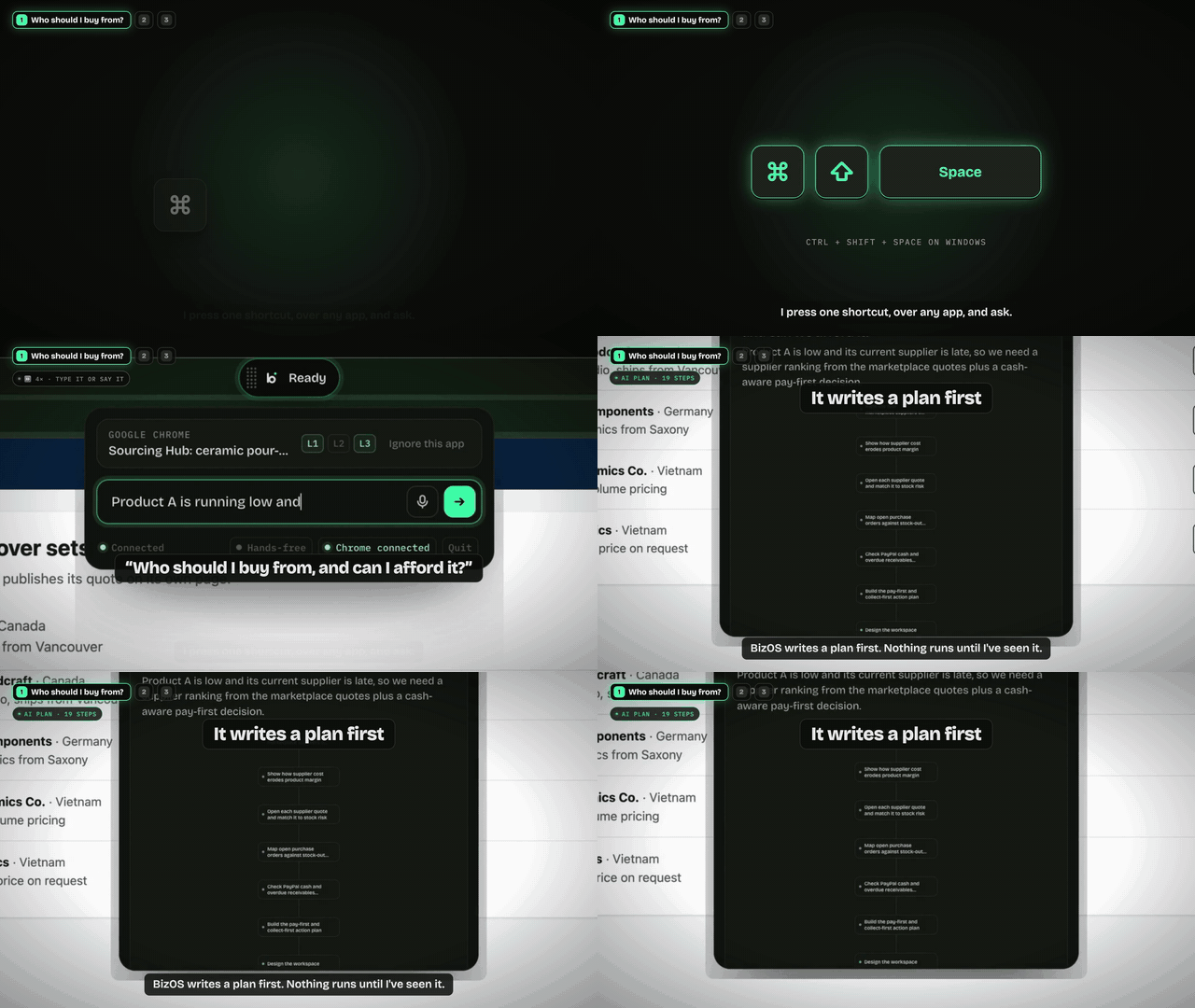 Ask, and see the plan first. |
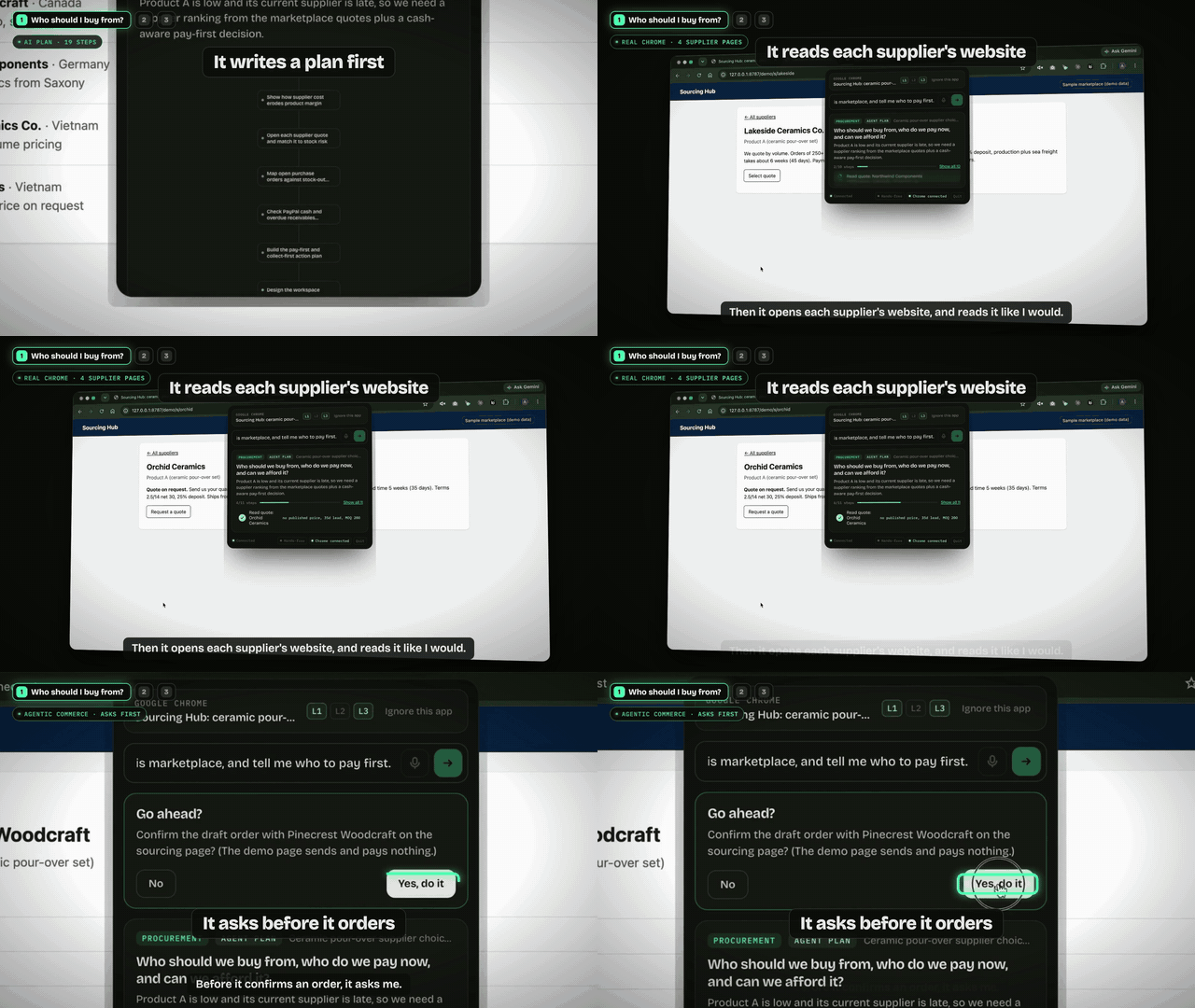 Reads real supplier pages; asks before it orders. |
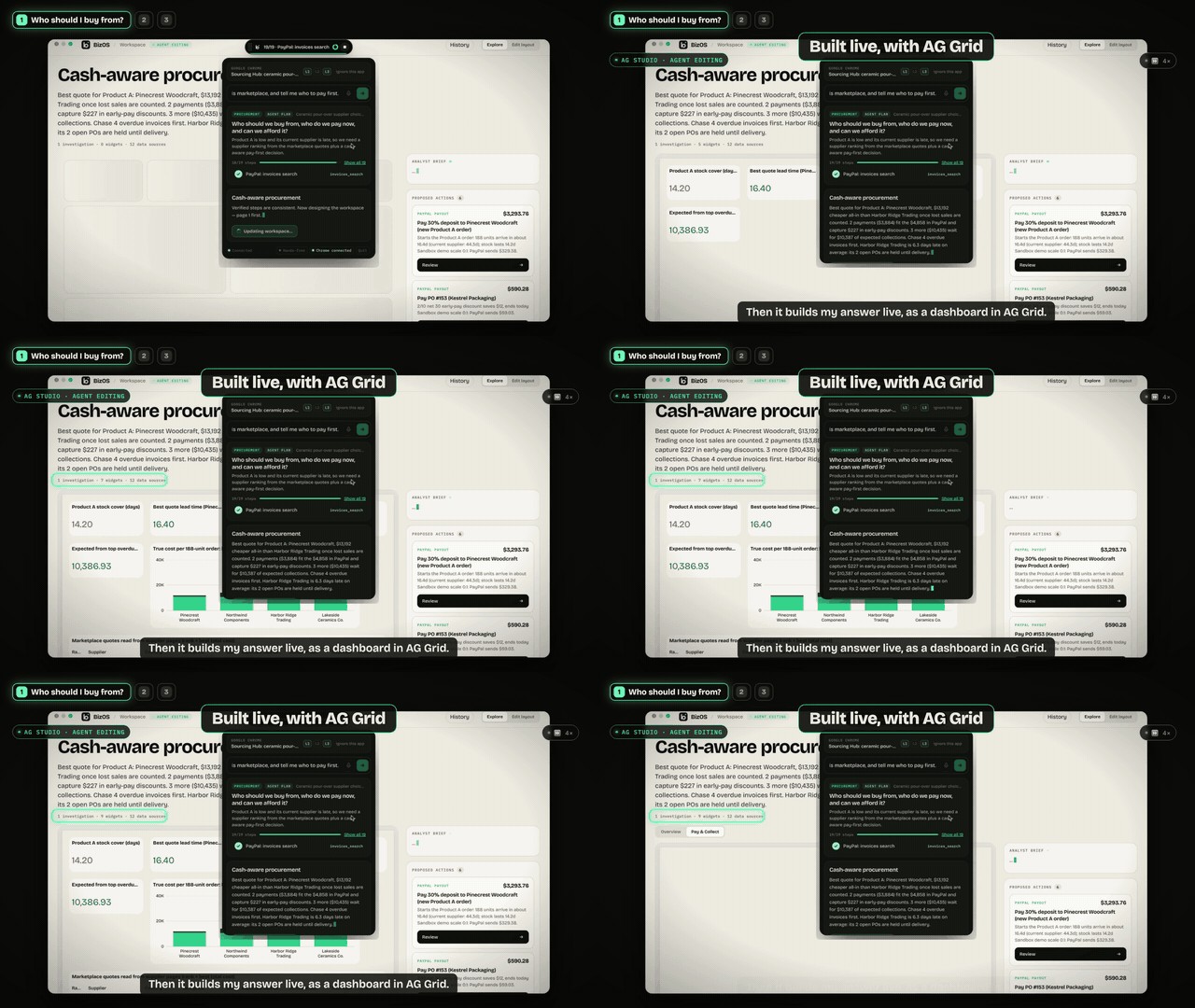 The AI builds the AG Studio workspace live. |
 Live PayPal balance, money already leaving, a 10% cushion: pays only what fits. |
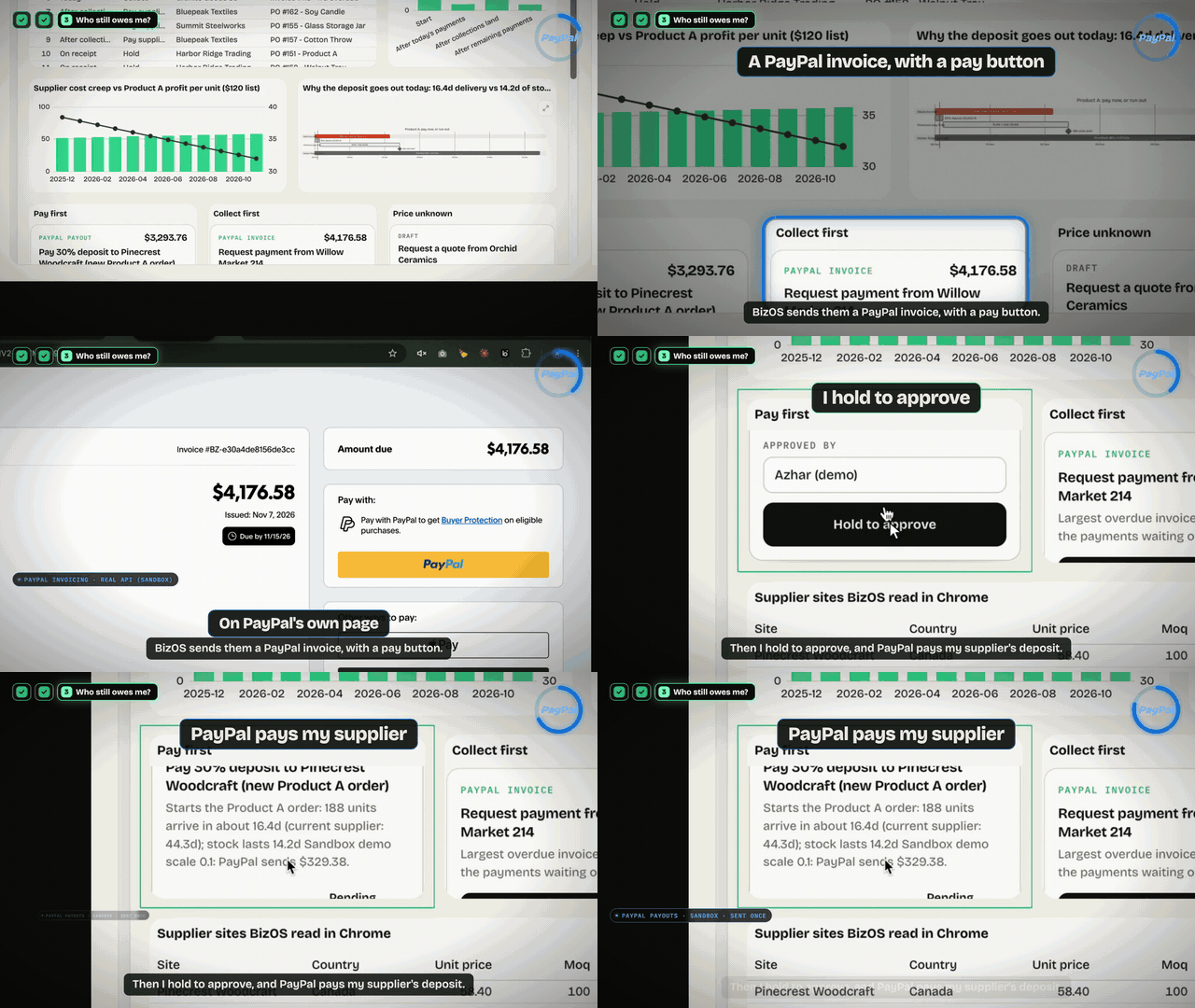 Hold to approve: PayPal Invoicing + PayPal Payouts. |
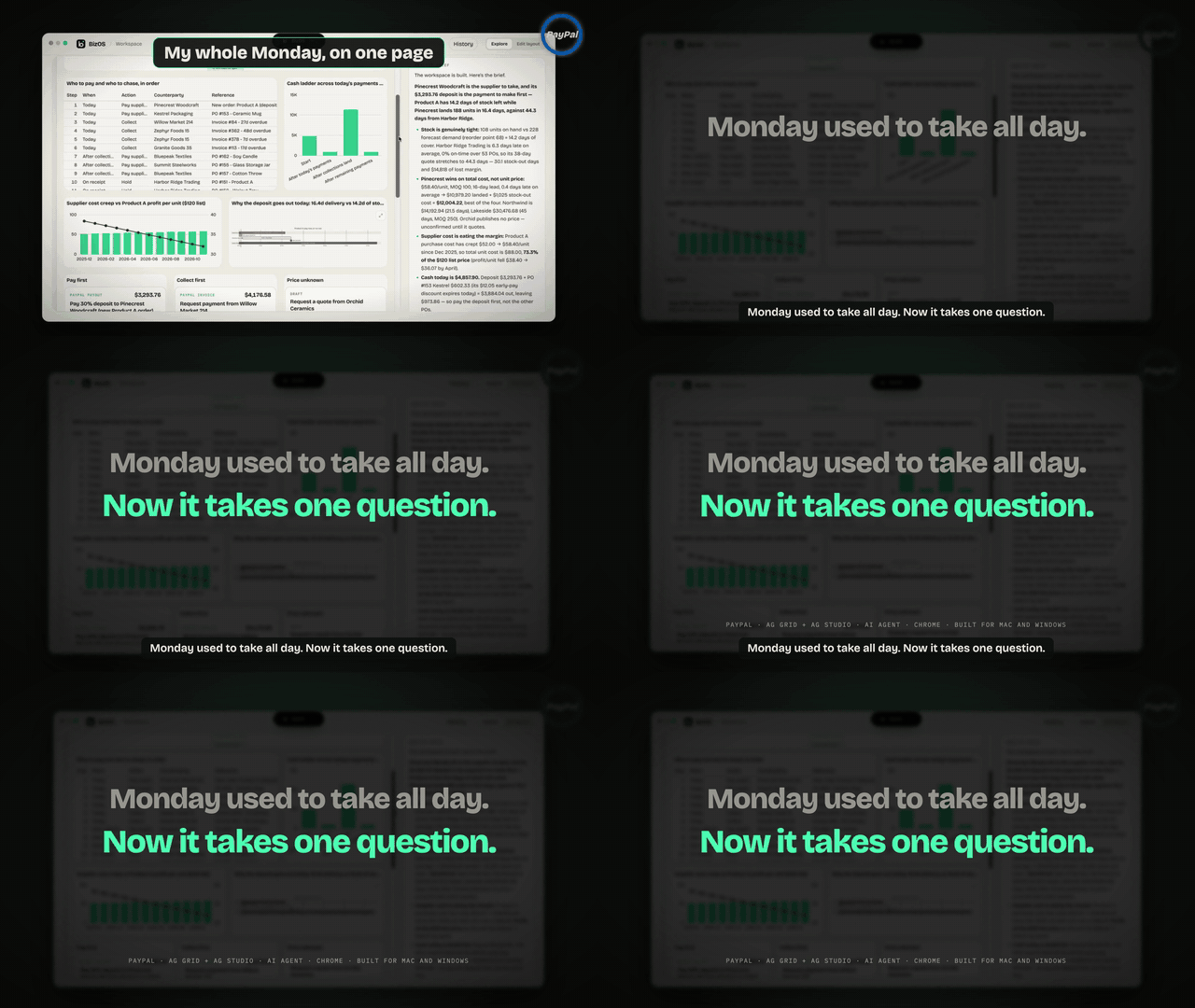 Monday used to take all day. Now it takes one question. |
AG Studio, taken to the next level
The AI doesn't draw a chart. It builds a whole AG Studio workspace for every question, and BizOS extends AG Studio itself.
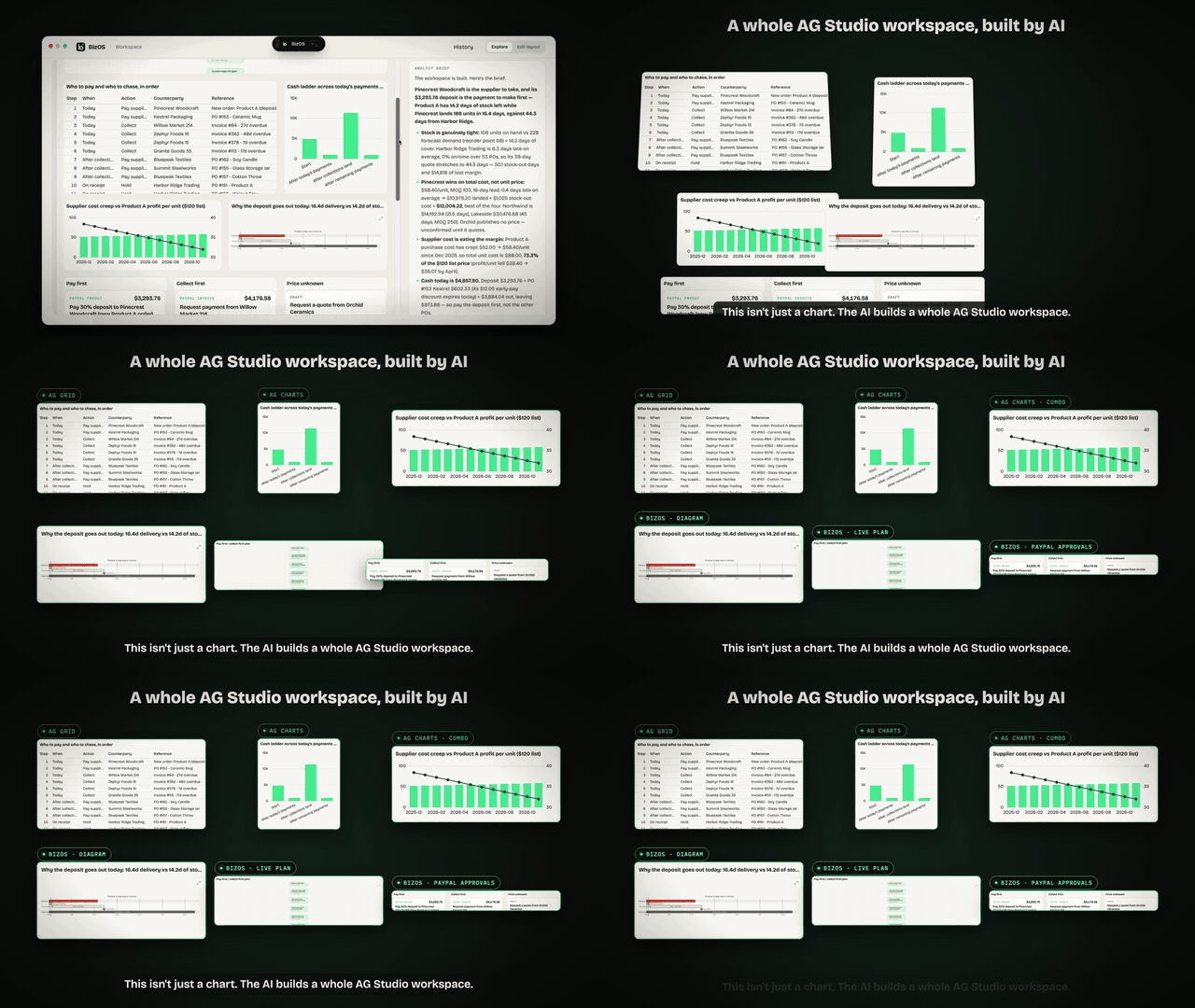 AG Grid, AG Charts, a combo chart, a gantt diagram, a live plan and PayPal approval cards, all placed by the AI. |
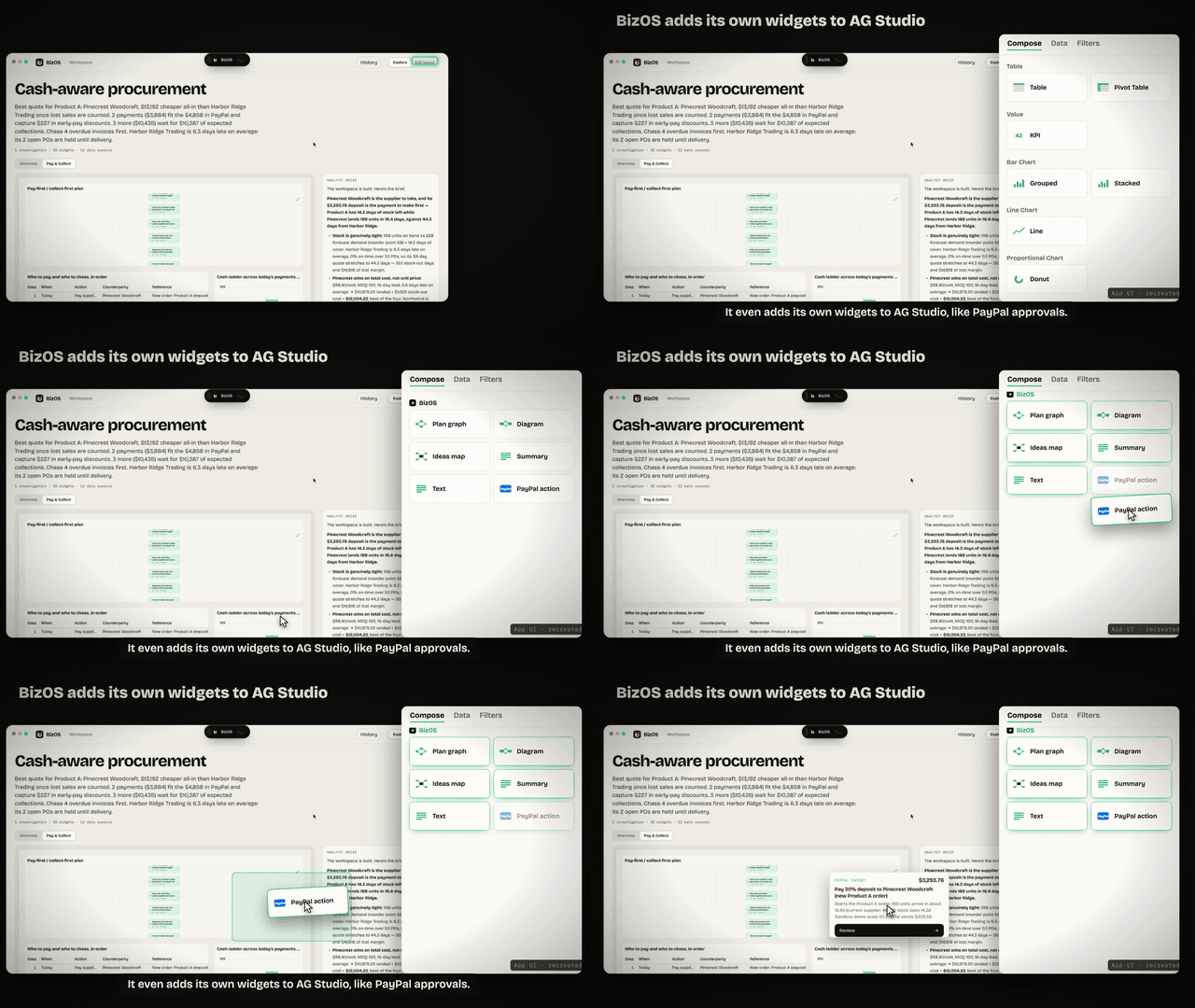 BizOS's own widgets appear in AG Studio's Compose menu, including a PayPal action card. |
 Click an idea on the Ideas map: the dashboard asks BizOS the next question. |
 Three questions, three different AI-designed workspaces (real runs). |
- 42 widget kinds the AI can place: AG Grid, pivot, KPI, 20 chart types, combo, scatter/bubble, treemap, sunburst, gauges, filters, text, image. It also sets the layout on a 12-column grid, names the pages, and picks a theme.
- 6 BizOS widgets registered inside AG Studio (
createWidgets({ additionalTypes })), each with anaidescription for AG Studio's own AI tools:- Plan graph
- Diagram
- Ideas map
- Summary
- Text
- PayPal action
- 17 Mermaid diagram types, with expand, zoom and pan.
- Live: ask again and the same workspace updates in place. Your Edit layout changes are kept, and a version check stops the agent from overwriting newer work.
PayPal is the money rail
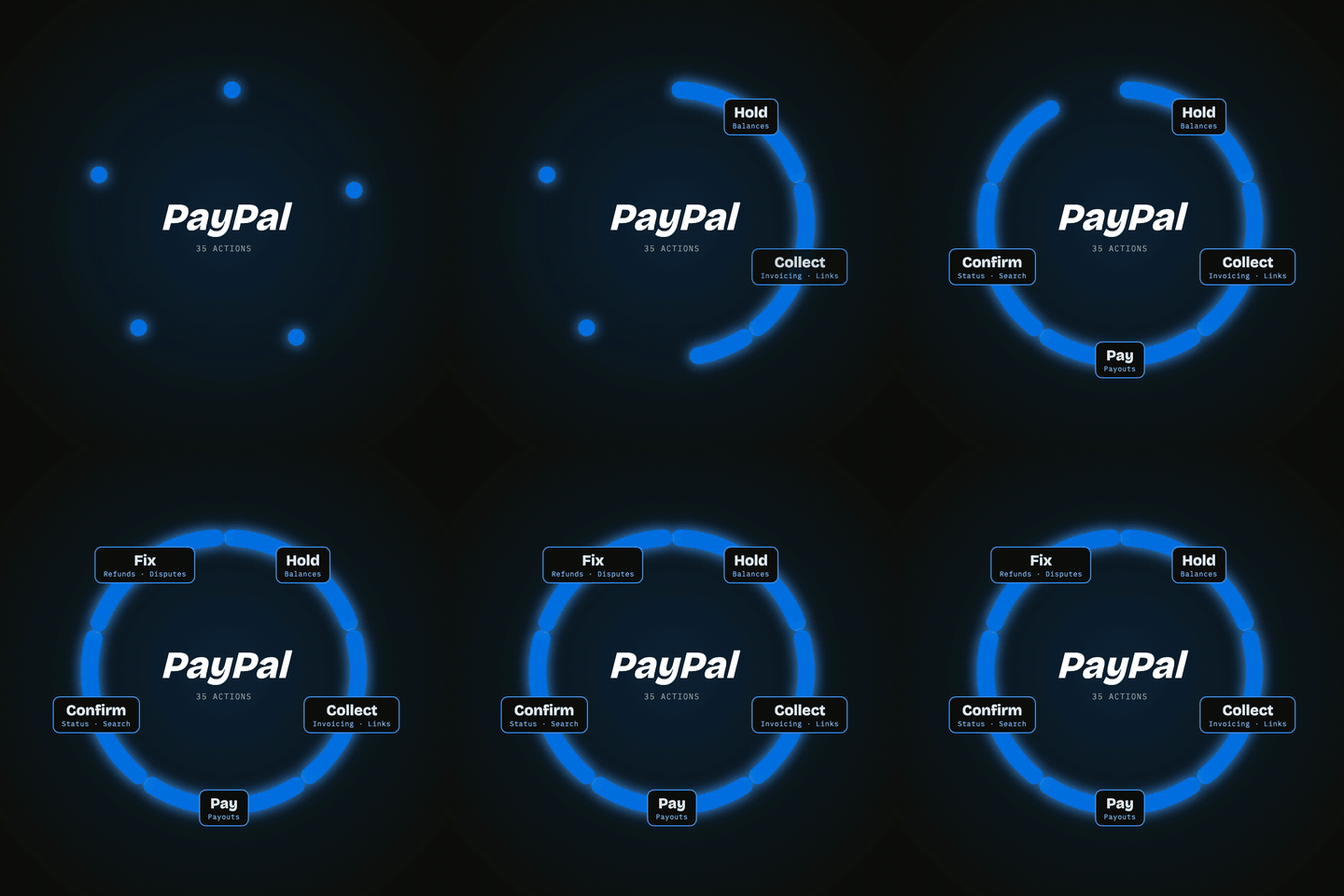
35 approved PayPal actions, in 3 risk levels:
- 18 Read: BizOS does these by itself (Balances, Transaction Search, Invoices, Disputes, Orders, Refunds, Subscriptions, Payment Links, Webhooks…)
- 13 Act: you approve a card (send / remind an invoice, payment links, orders, dispute replies…)
- 4 Money: you press and hold (Payouts, Refund, Order capture, Accept dispute claim)
Card, vault and identity endpoints are not on the list, so no prompt can reach them.
- Cash gate: spendable money = PayPal balance − payouts still settling − a 10% cushion, re-checked right before each payout.
- Sent once: idempotency keys (
PayPal-Request-Id,sender_batch_id) mean approving twice never pays twice. Every action is audited with who approved it. - Status flows back: Pending, Sent and ACTIVE show on the card, and the plan graph turns green.
- Finance too: "Do invoices and payments reconcile?" matches PayPal transactions against invoices.
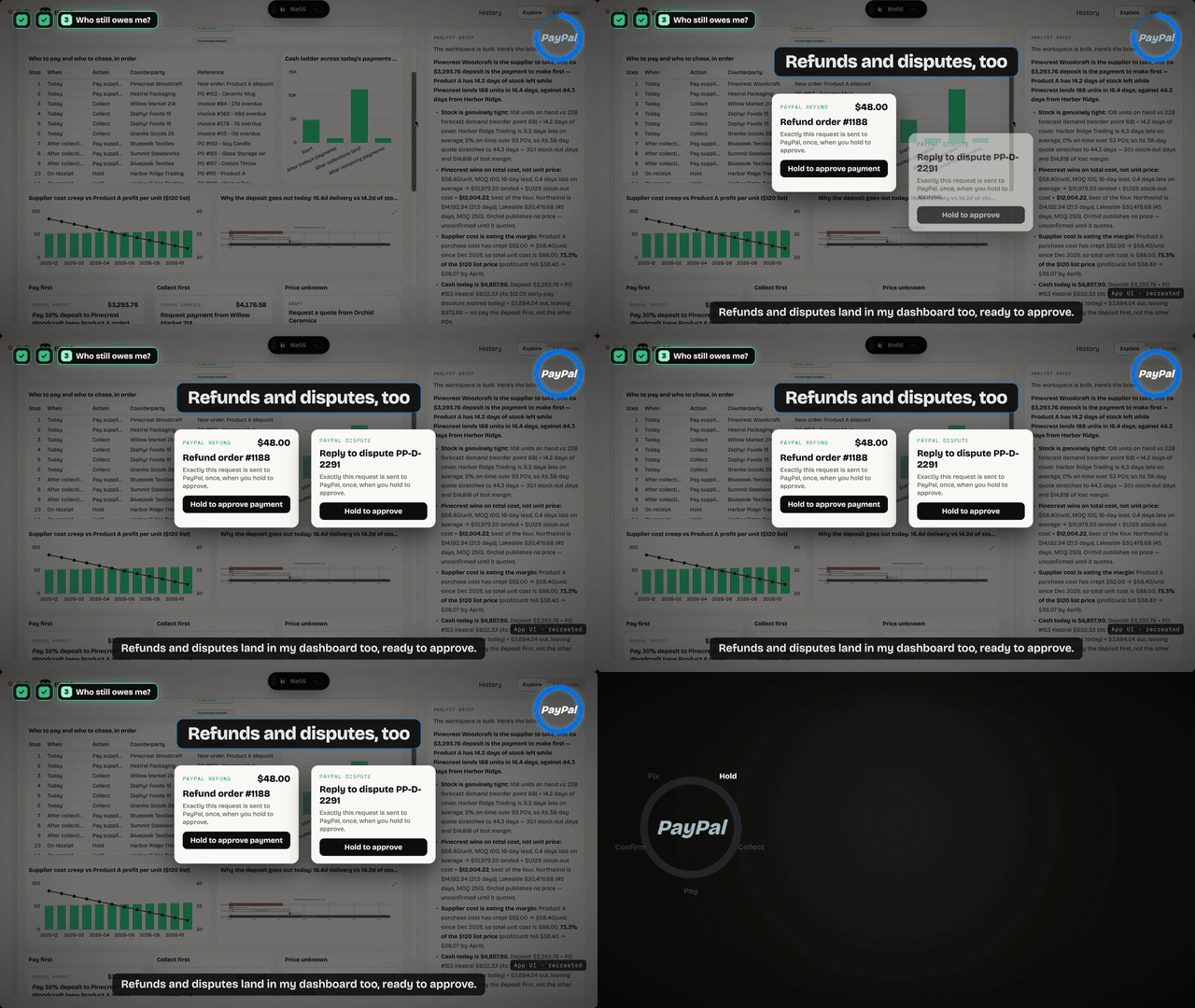 Refunds and disputes become approval cards inside the dashboard. |
 It reads by itself. You approve. You hold for money. |
How we built it
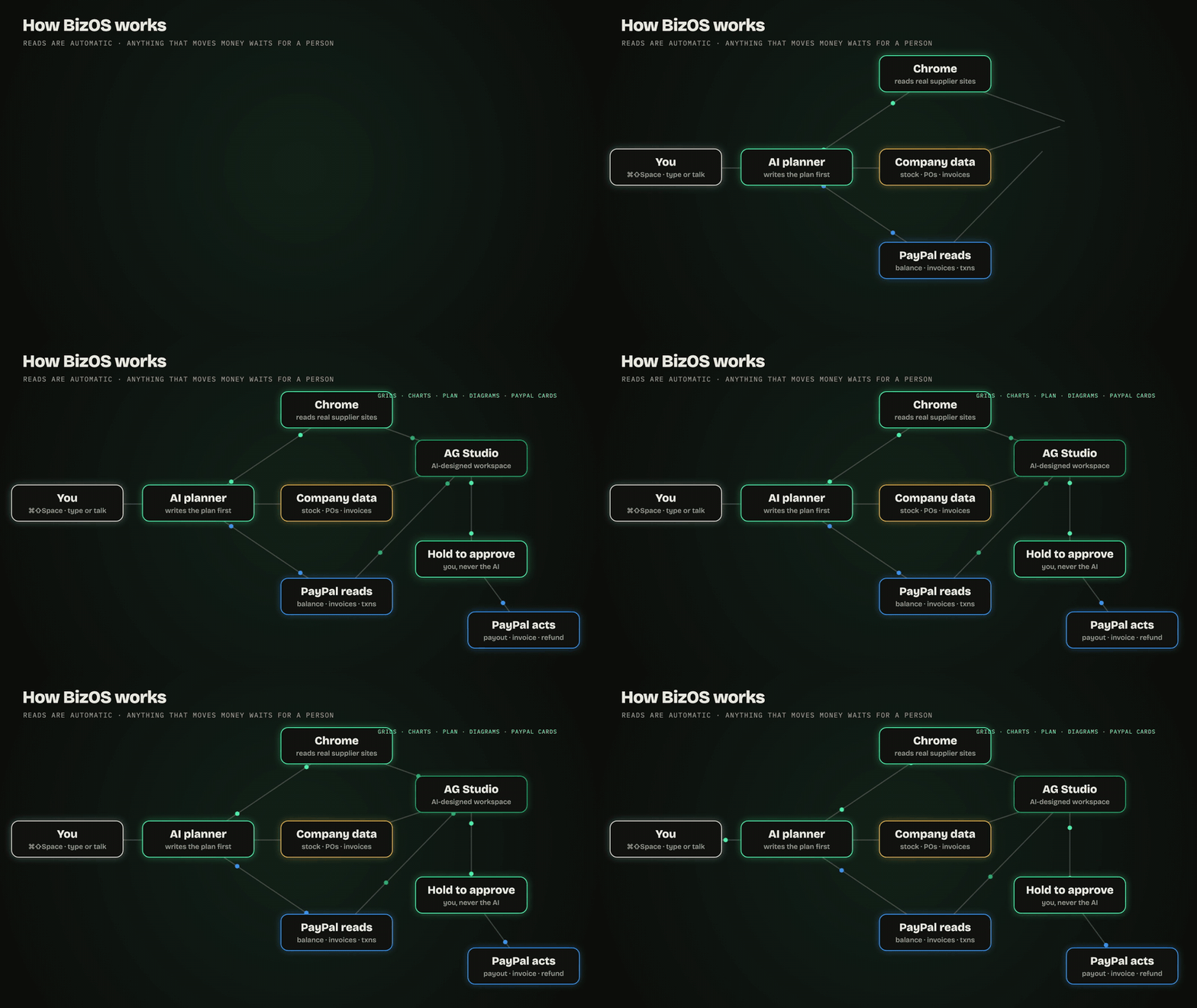
| Technology | Role |
|---|---|
| PayPal REST APIs (Sandbox) | Balances, Transaction Search, Invoicing, Payouts, Payment Links, Orders, Refunds, Disputes, Subscriptions, Webhooks: 35 actions, tiered, idempotent, audited |
| AG Studio 3 (AG Grid + AG Charts) | AI-compiled workspaces, custom BizOS widgets, live in-place updates, user and AI co-editing |
| OpenAI Agents SDK (any OpenAI-compatible model) | Planner agent → the user sees the plan → analyst agent with tools, streamed brief |
| Electron · React · Vite | Floating overlay over any app, workspace window, global shortcut |
| Chrome MV3 extension | Reads and operates real web pages over a local bridge; risky controls always ask |
| FastAPI · SQLite | Backend, guarded SQL over company data, local memory of past workspaces |
| Mermaid · React Flow | 17 diagram types, live plan graph, Ideas map |
| Vosk · OS dictation | Type or talk; offline "Hey BizOS" wake word, audio never leaves the machine |
| macOS Accessibility · Windows UI Automation | Calendar deadlines with alarms, desktop actions with confirmations |
Quality: 190 backend tests and 62 desktop tests pass. The scheduling rule that decides who gets paid first is a pure, tested function.
Challenges we ran into
- Trusting an AI with money. We split every PayPal endpoint into read, act and money tiers, and made press-and-hold the only path to a payout.
- Real websites are messy. Every supplier site has a different layout: tables, cards, prose, or "quote on request". The agent reads all of them, and says N/A instead of inventing a price.
- Live dashboards without flicker. Agent edits land in place in AG Studio. A version check stops an older window from erasing newer agent widgets, so the user and the AI can edit the same canvas.
- "Cheapest" is often wrong. Ranking by price alone picks late suppliers. We rank by total cost: price plus the sales lost while the shelf is empty.
Accomplishments we're proud of
- A full loop, end to end: question → plan → real web → AI-designed AG Studio workspace → PayPal Invoicing + Payouts → calendar.
- BizOS widgets inside AG Studio's own menu, including a PayPal approval card.
- 35 PayPal actions behind one consistent safety model.
What we learned
People don't want an AI that spends for them; they want one that does the reading and asks at the right moment. "Nothing moves without me" turned out to be the feature, not a limitation.
What's next
- Go live on PayPal production with per-business spending limits.
- More flows: payroll timing, subscription churn, dispute playbooks.
- A team mode: the same workspace shared, with roles for who can approve what.
- Signed installers for Mac and Windows.
Try it
- Source and run guide:
README.md·TECHNICAL.md - Run:
cd backend && uv sync && cd ../desktop && npm install && npm run dev, then press ⌘⇧Space and ask "Which suppliers should I pay this week, and can I afford it?" - Try it: https://d1xkqcn1ukdw2c.cloudfront.net/
BizOS · Ask. Check. Approve. · PayPal AI Hackathon 2026
