-
-
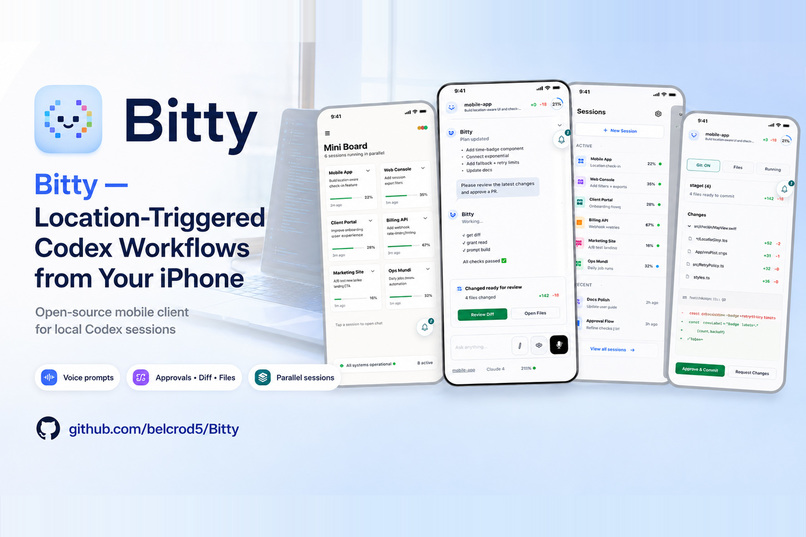
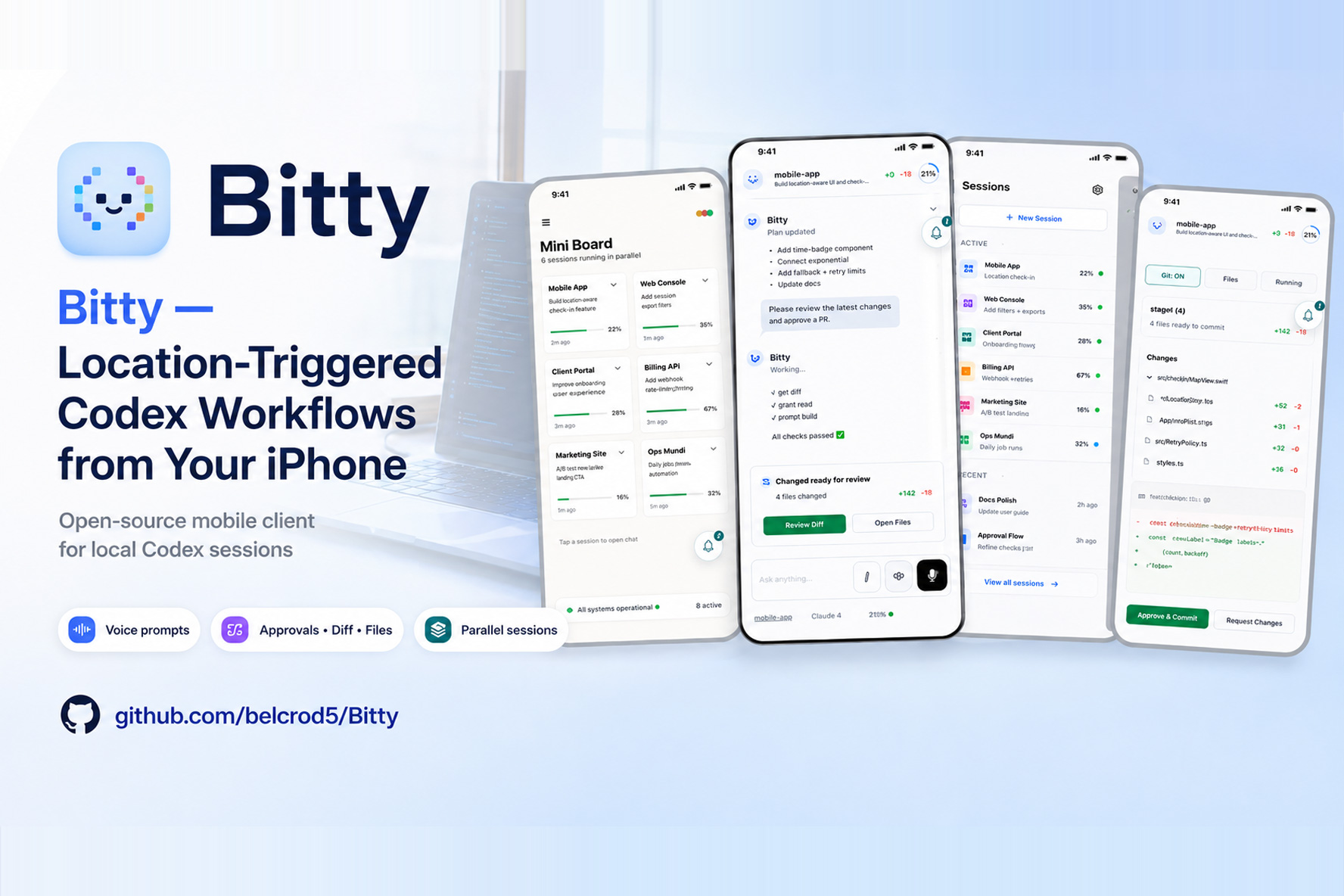
Bitty : Location-Triggered Codex Workflows from Your iPhone
-
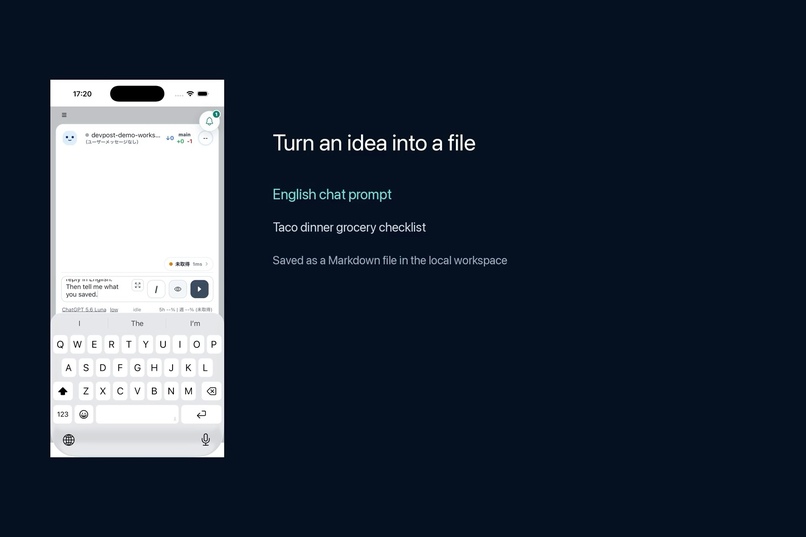
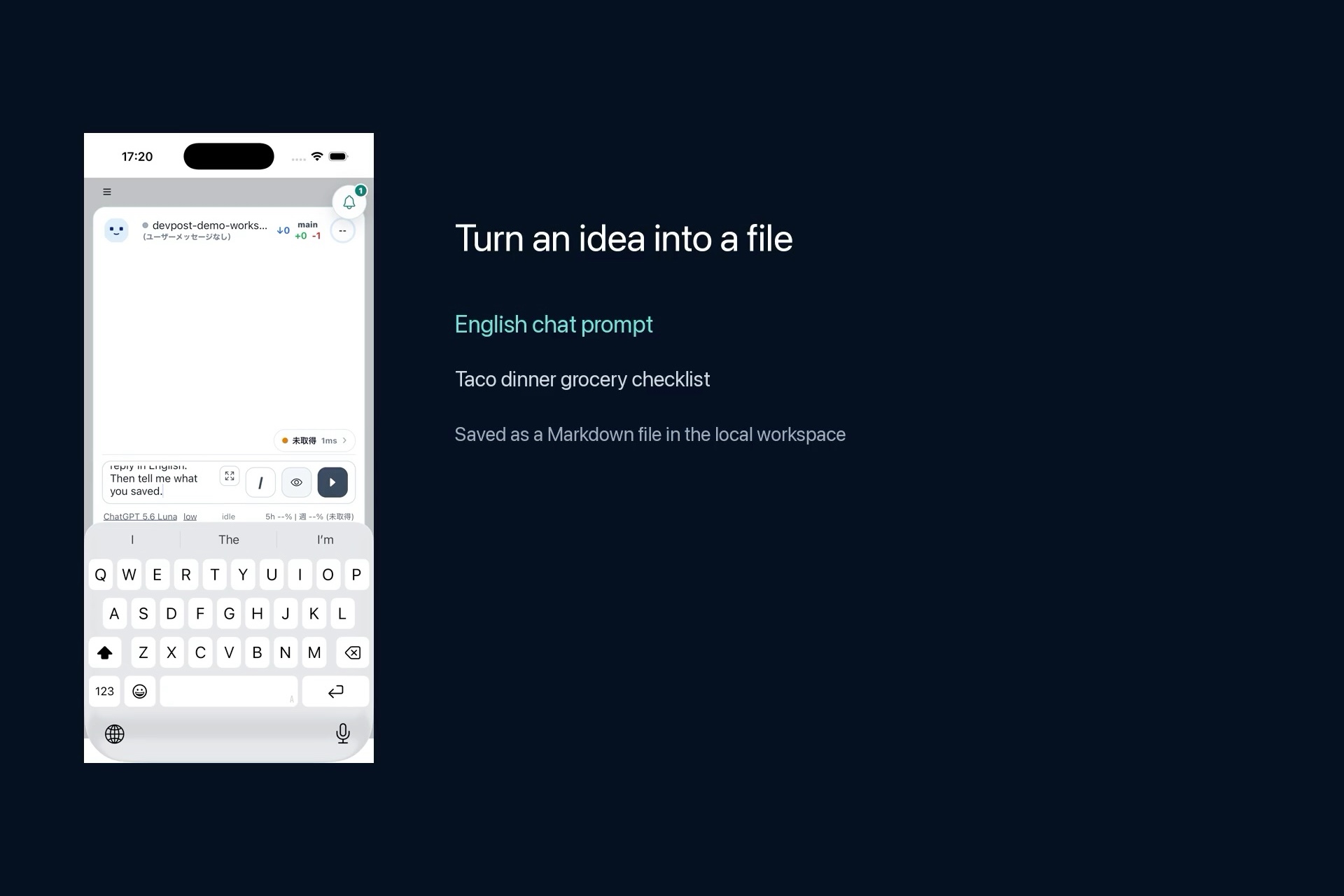
Turn an idea into a file
-
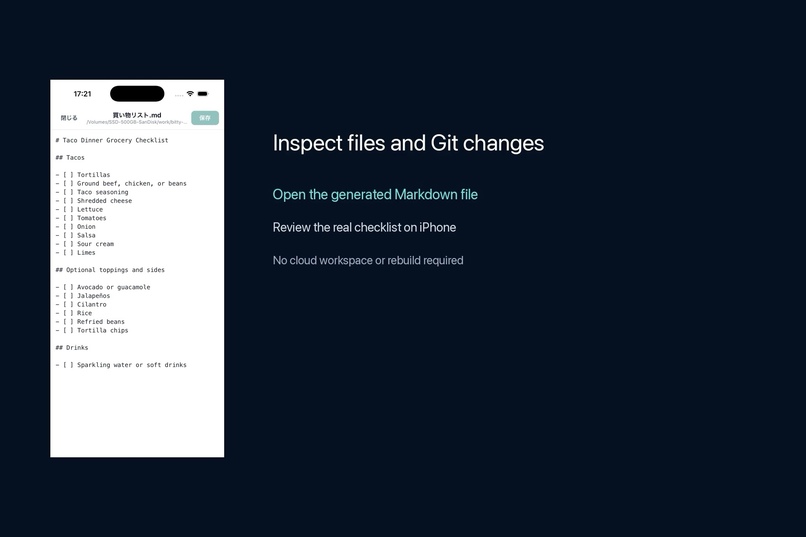
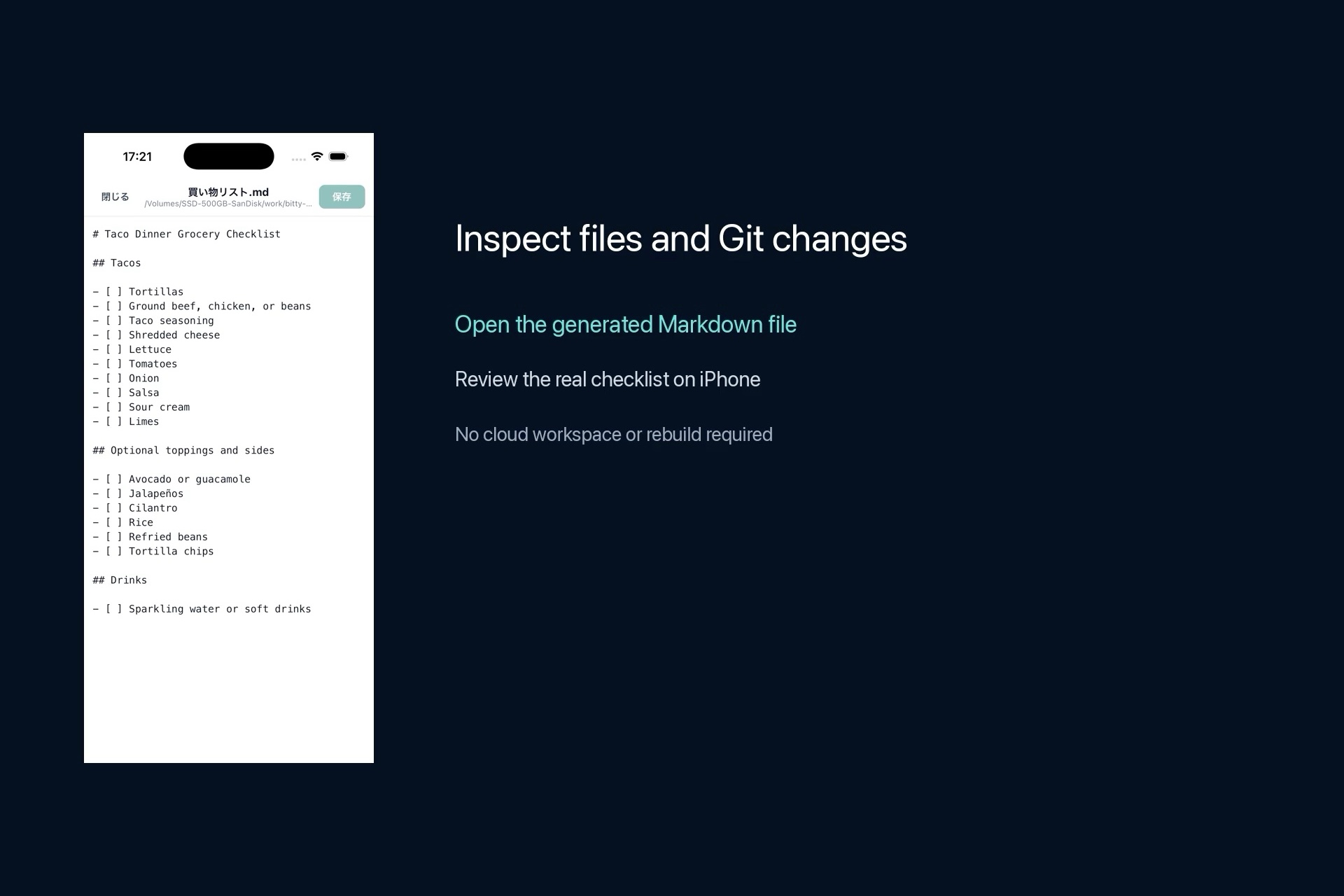
Inspect files and Git changes
-
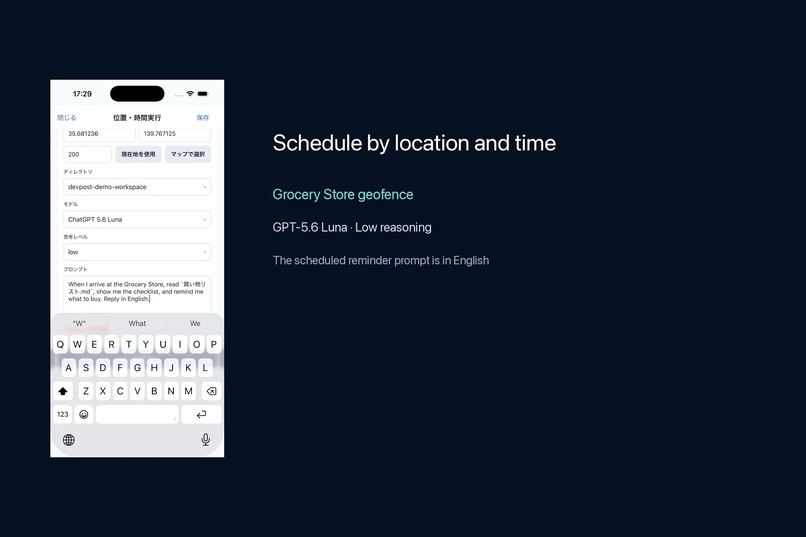
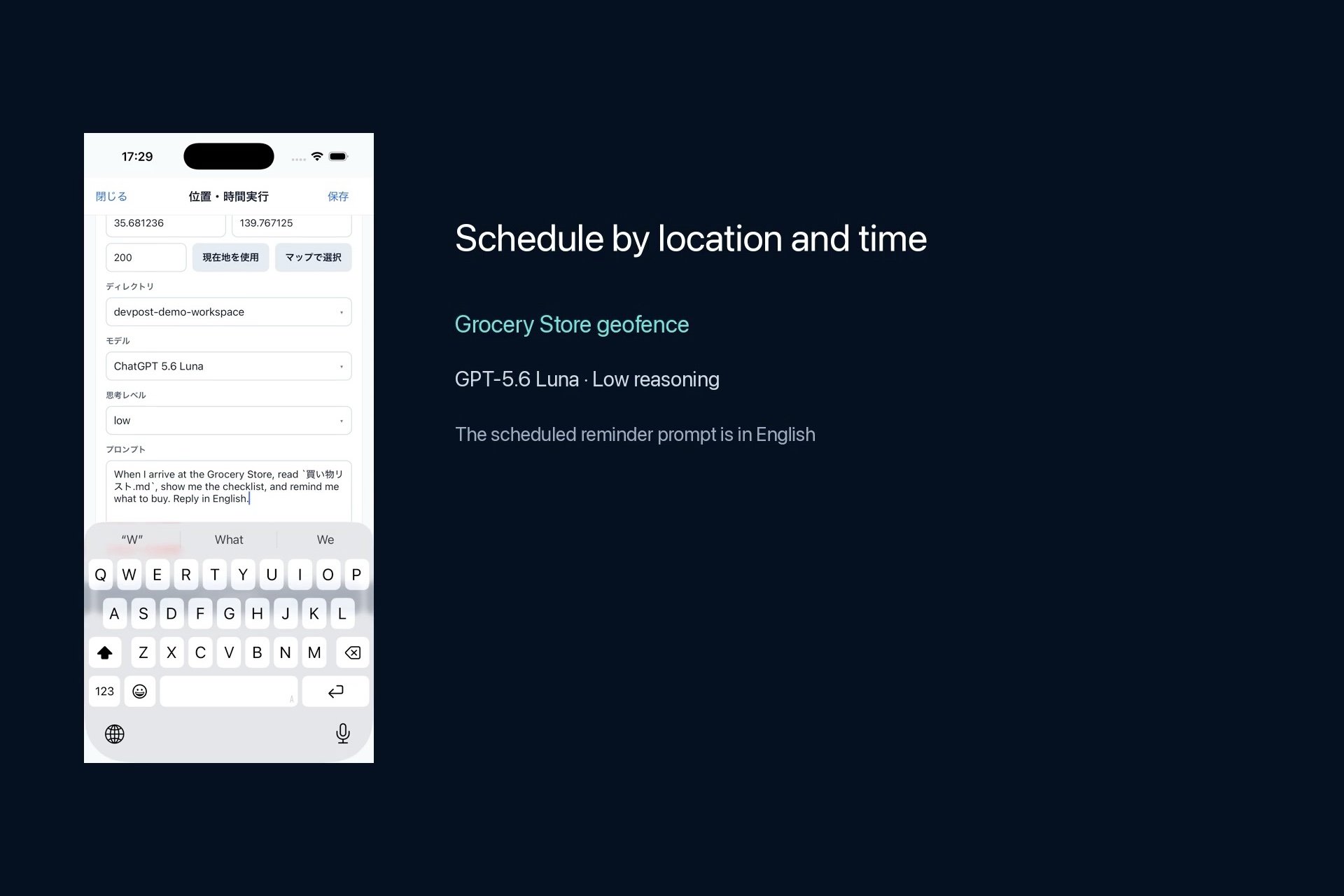
Schedule by location and time
-
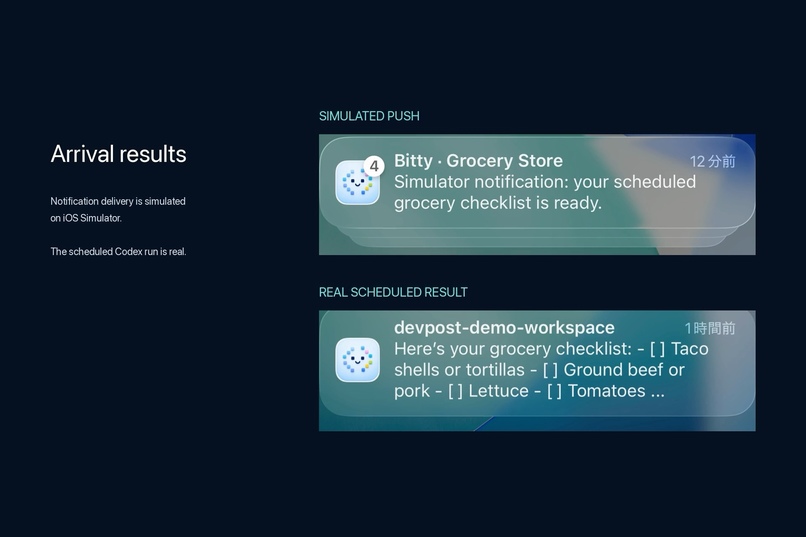
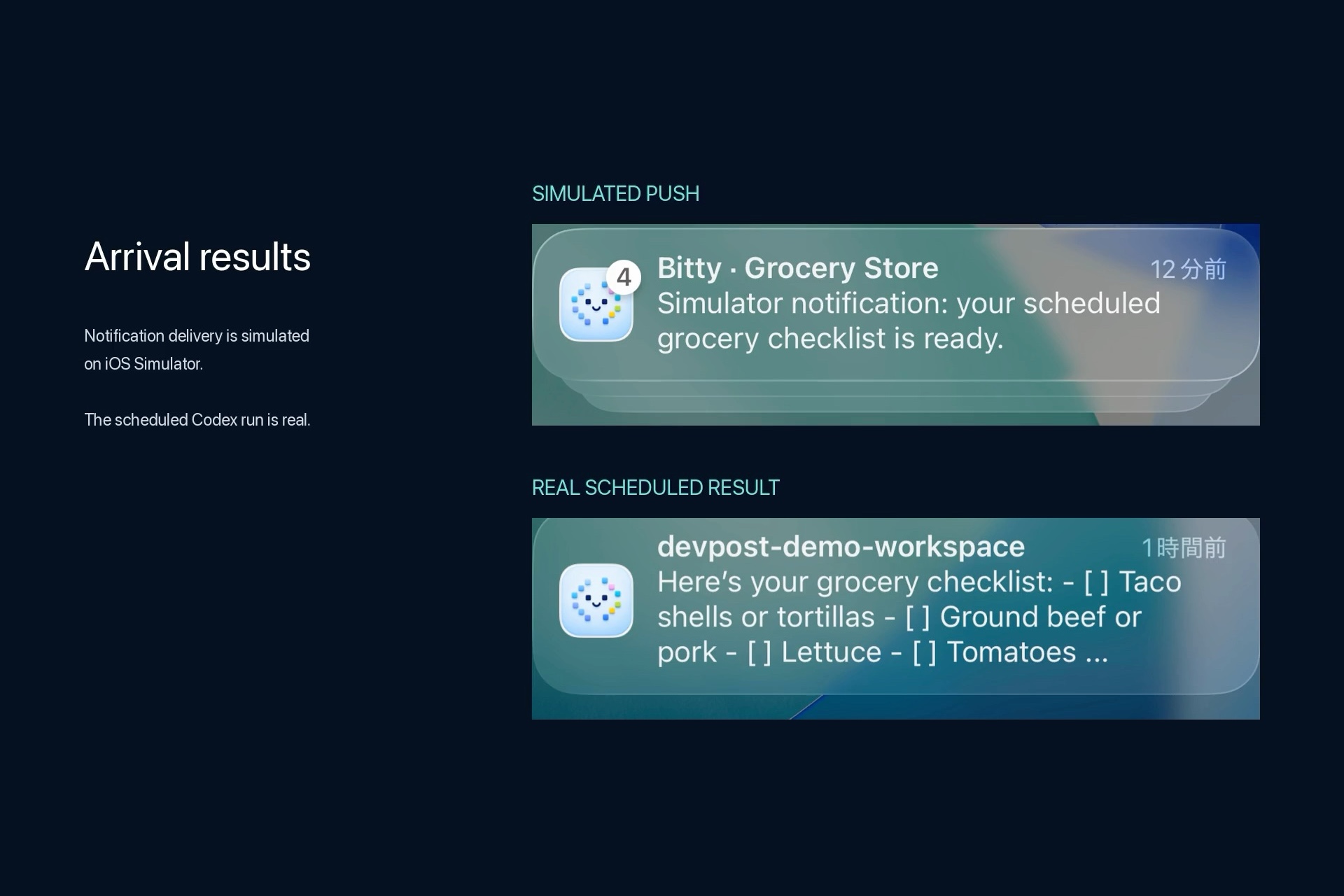
Arrival results
Inspiration
Codex is powerful for long-running local development, but working with it usually means staying in front of a Mac. I wanted a way to step away from my desk while still being able to check progress, send prompts, review approvals, and inspect changes.
That became Bitty: a local-first iPhone companion for Codex sessions running on your own Mac.
What it does
Bitty connects an iOS app to a private Node.js runner on macOS. From an iPhone or iPad, developers can:
- Start, resume, and monitor local Codex sessions
- Send prompts by text or voice
- Listen to assistant responses with text-to-speech
- Review and respond to tool approval requests
- Inspect Git diffs, workspace files, and running jobs
- Track token usage, context usage, and runtime status
- Manage multiple coding sessions through the Mini Board
- Receive notifications when work completes or requires approval
- Trigger a Codex run when the iOS device enters a saved location during a configured time window
The goal is not to replace the desktop development environment. Bitty makes a local coding agent easier to supervise while moving around.
How I built it
The mobile application is built with Expo, React Native, and TypeScript. A lightweight Node.js service runs on the Mac and communicates with the app through authenticated HTTP and WebSocket connections.
The runner integrates with the Codex CLI and exposes session state, streaming responses, approvals, files, Git changes, and job information. QR pairing and secure local storage make connecting an iPhone to the runner easier without placing credentials in the repository.
Bitty uses the developer's existing Codex authentication. Codex can be accessed through an eligible ChatGPT subscription or usage-based API key authentication; Bitty does not require a separate OpenAI API key of its own.
How I used Codex and GPT-5.6
Codex was used to inspect the existing codebase, design and implement the Build Week changes, add regression tests, run simulator verification, and review the resulting changes.
GPT-5.6 Sol was used to create the submission demo video. The app workflow shown in the video communicates with Codex app-server and uses GPT-5.6 Luna with Low reasoning.
What existed before Build Week
Before Build Week, Bitty already supported starting and resuming local Codex sessions, text and voice prompting, approval review, file and Git inspection, and monitoring multiple tasks through the Mini Board.
What I added during Build Week
During Build Week, I:
- Added native iOS push notifications
- Added location- and time-window-triggered Codex runs
- Added background recovery for location-triggered workflows
- Improved WebSocket reconnection and turn recovery
- Improved switching between Codex authentication profiles
- Fixed automatic voice conversation and TTS playback
- Improved context-usage reporting
- Added the file-writing workflow demonstrated in the video
In the demo, the location-triggered Codex run is real. Notification presentation is tested separately on iOS Simulator using xcrun simctl push; it is not a production
APNs delivery test.
Challenges
The hardest part was maintaining a reliable shared state between a mobile device and a long-running local process.
Mobile connections frequently sleep, reconnect, or change networks. Bitty therefore needs to recover interrupted WebSocket streams without duplicating events or losing the current turn. Approval handling also required careful security boundaries so that permissions do not accidentally carry across unrelated sessions.
Other challenges included streaming text-to-speech, safely exposing local files and Git information, handling background notifications, and keeping several active sessions responsive at the same time.
What I learned
I learned that a useful mobile interface for an AI coding agent is not simply a smaller chat screen. It needs clear visibility into execution state, approvals, context usage, files, and failures.
I also learned that local-first agent tools require strong authentication, reconnect logic, and explicit human control. Reliability and transparency are as important as model capability.
What's next
Next steps include improving remote connectivity, adding more native voice shortcuts, simplifying onboarding, and making Bitty easier for other developers to install and extend.
Built With
- apns
- codex
- expo.io
- gpt-5.6
- ios
- node.js
- react-native
- swift
- typescript
- websocket
- xcode


Log in or sign up for Devpost to join the conversation.