-
-
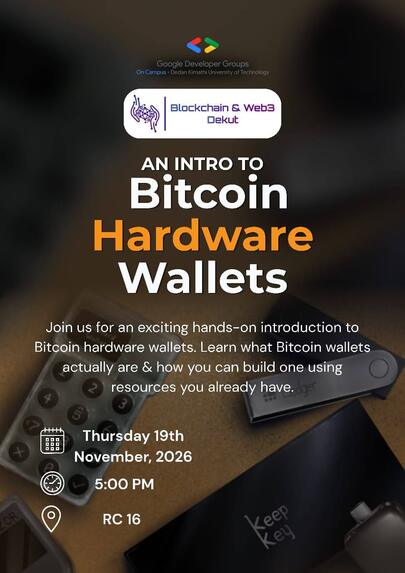
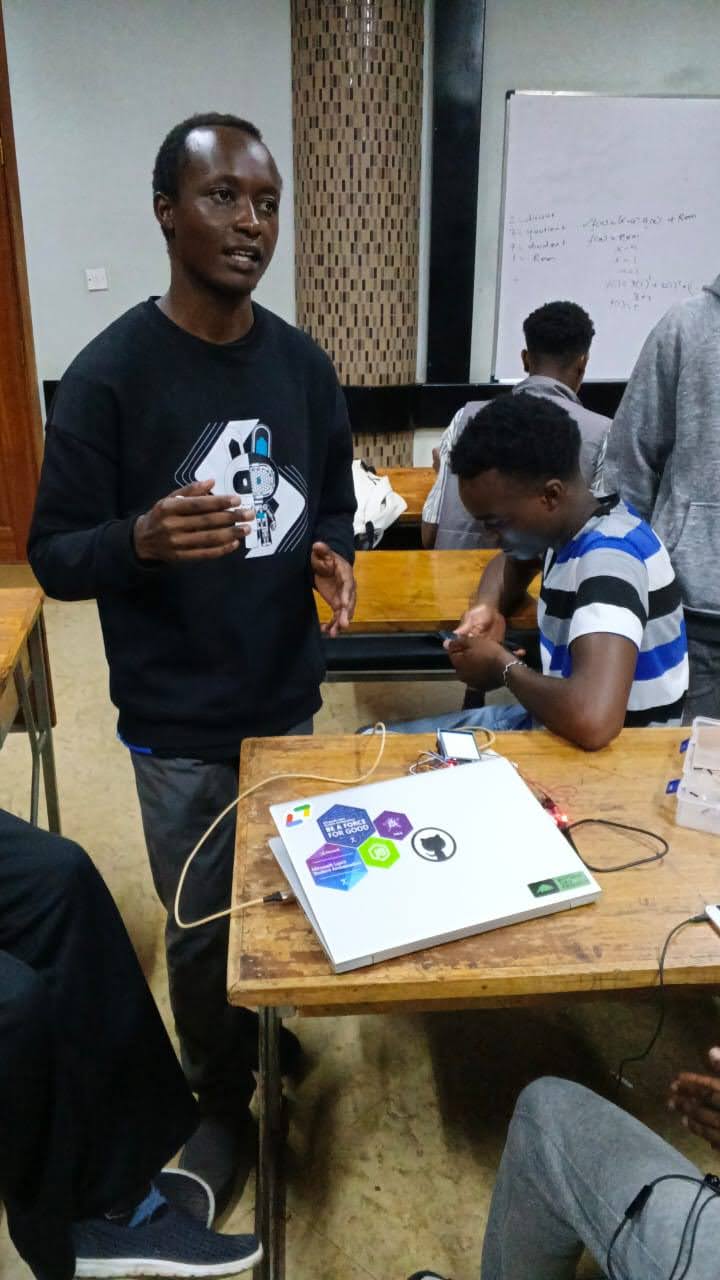
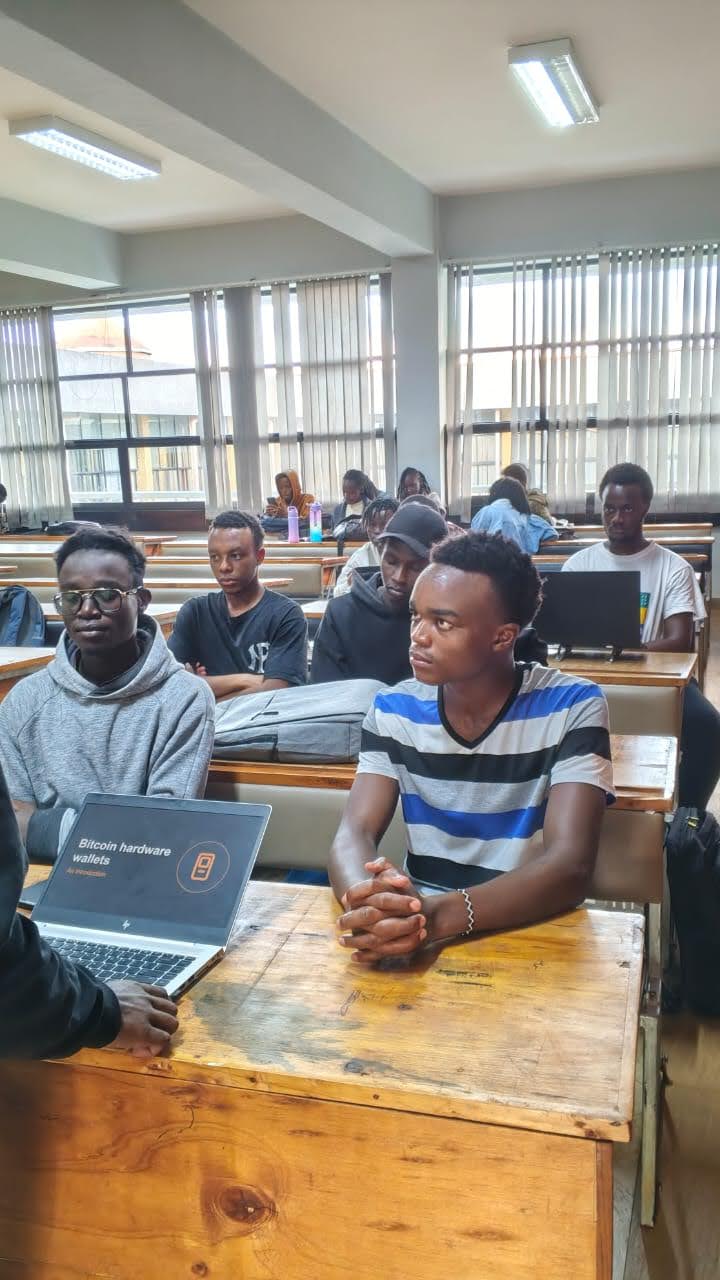
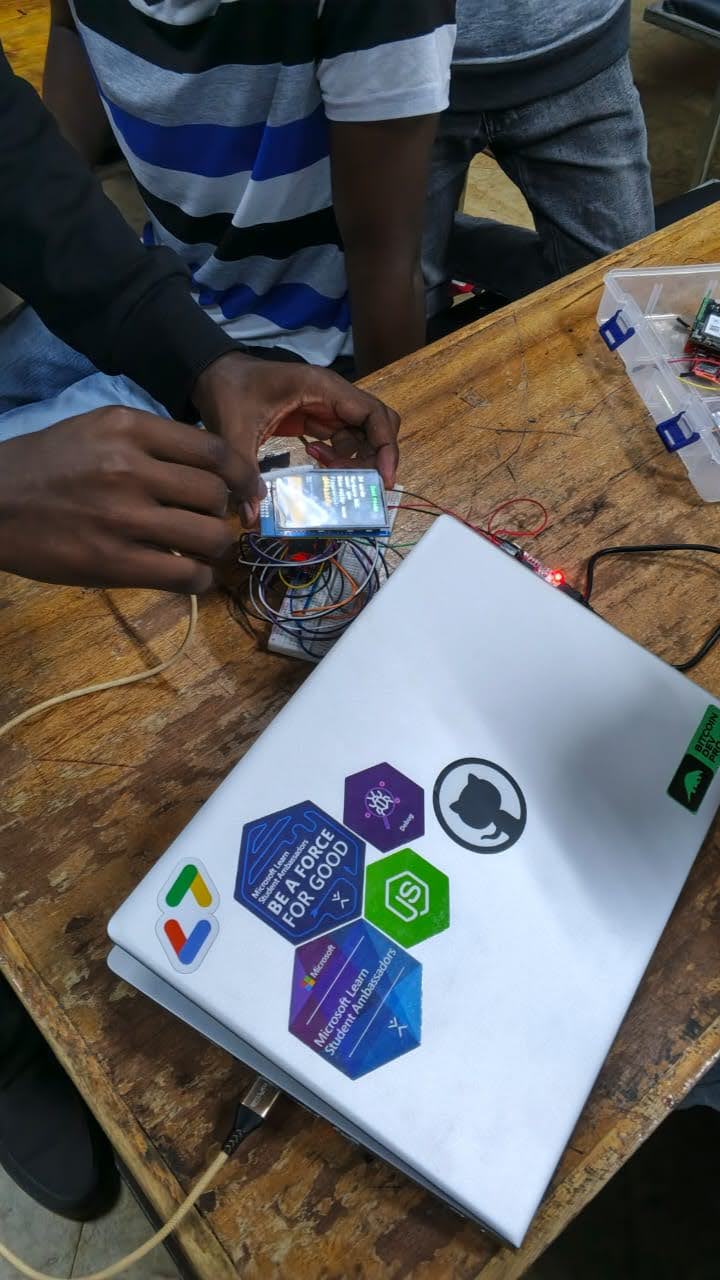
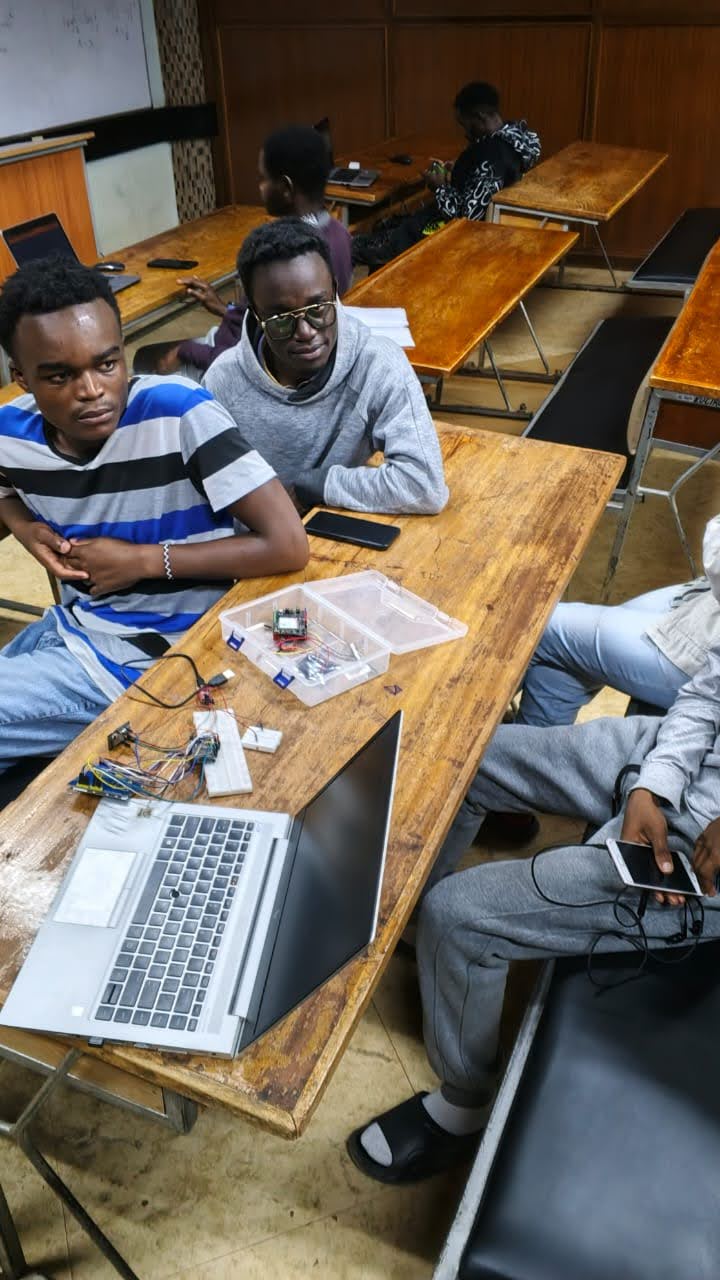
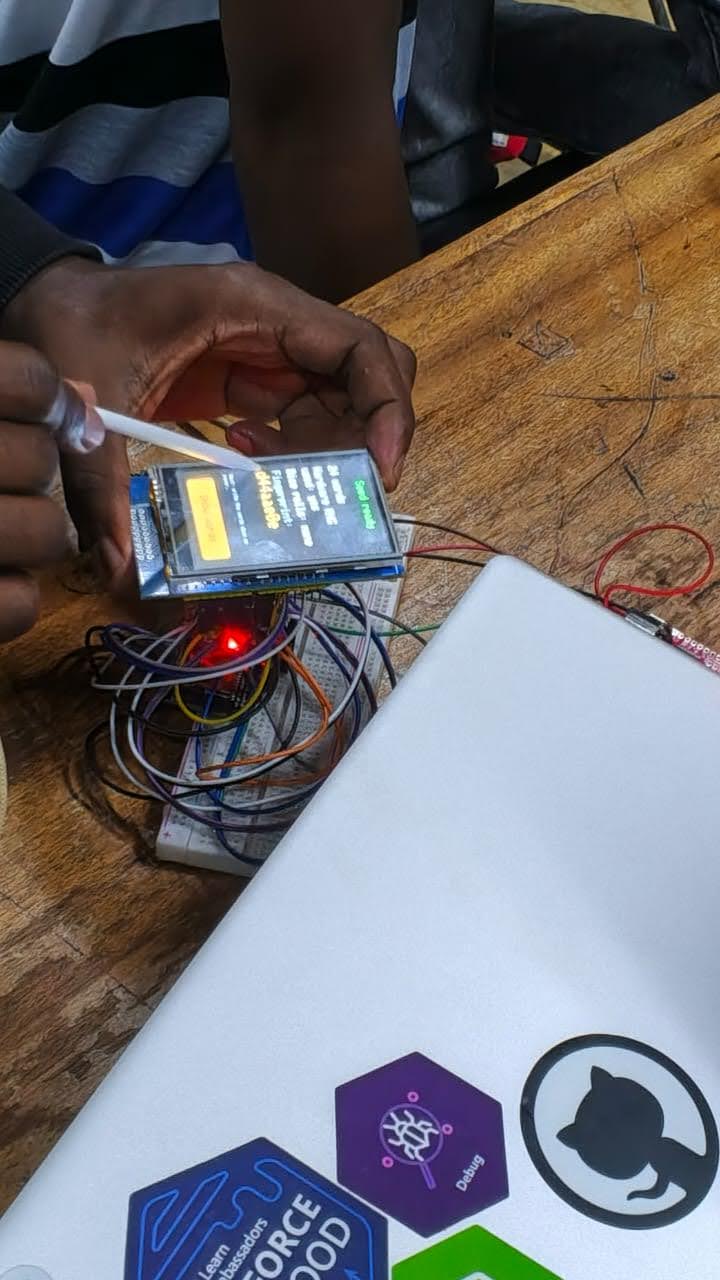
Student meetup I organized where I introduced students to hardware wallets and used BitForge as an example while explaining how it works.
-
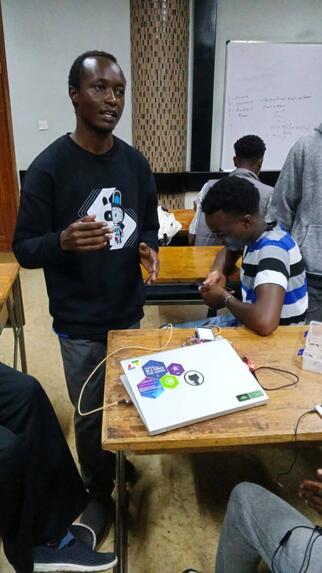
Photo from the hardware wallet student session with BitForge
-
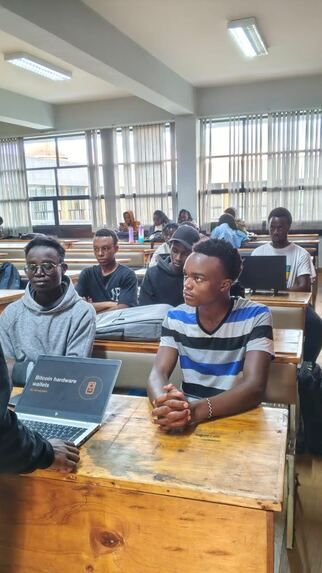
Photo from the hardware wallet student session with BitForge
-
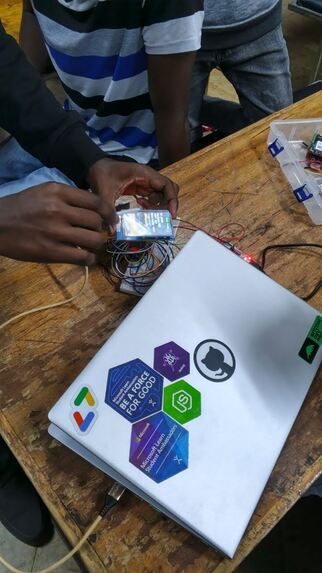
Photo from the hardware wallet student session with BitForge
-
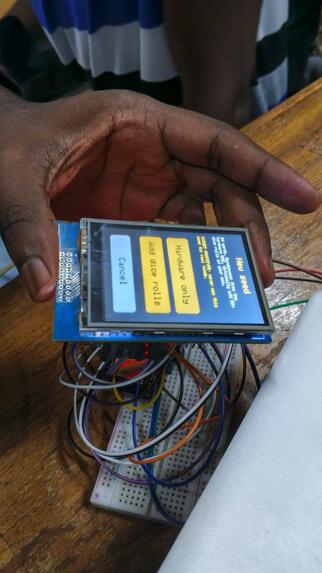
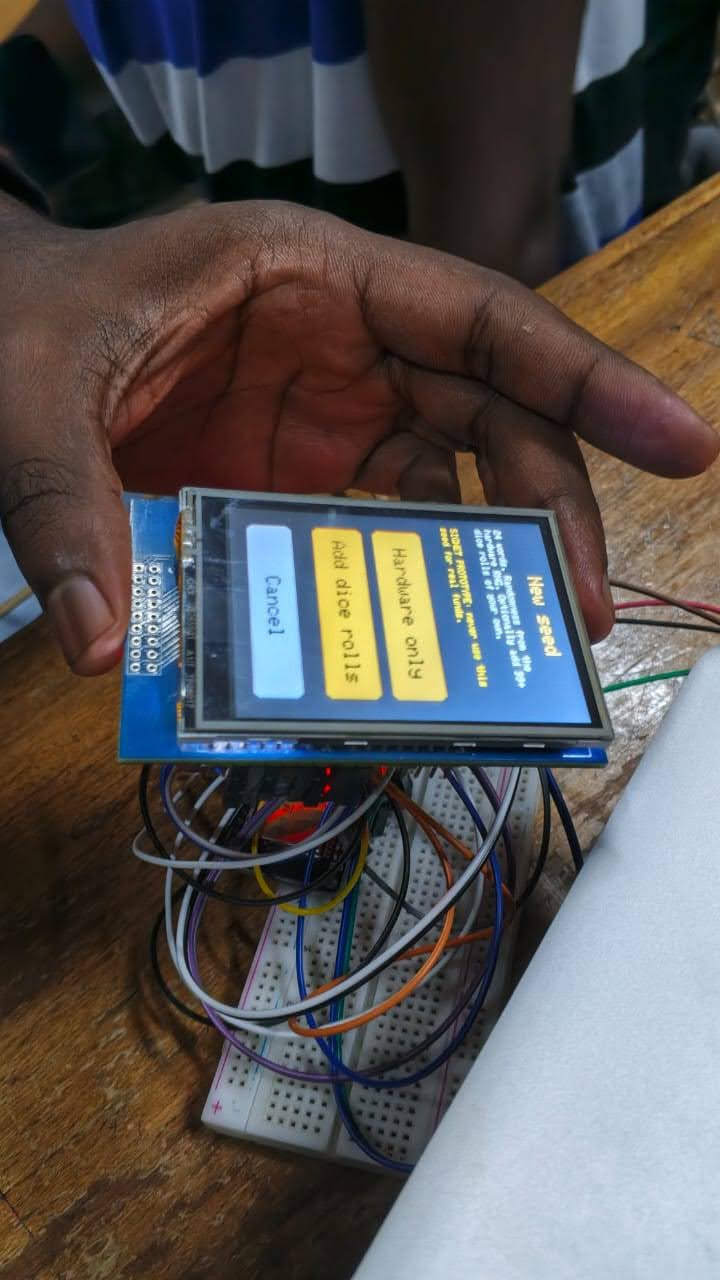
Photo from the hardware wallet student session with BitForge
-
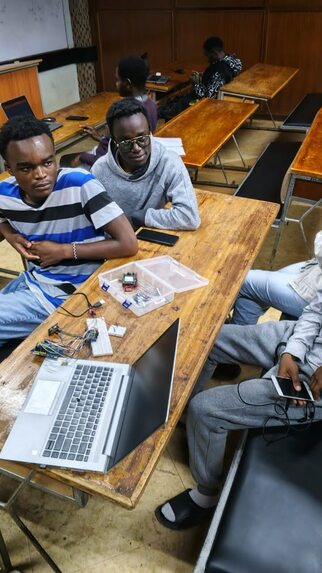
Photo from the hardware wallet student session with BitForge
-
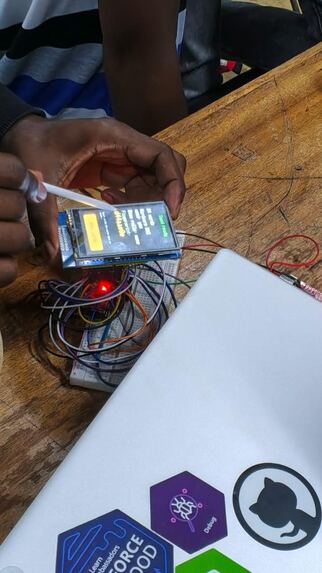
Photo from the hardware wallet student session with BitForge
Inspiration
A hardware wallet keeps the private key behind your bitcoin away from your computer. You can buy one and use it for years without ever knowing what happens inside it. To most people, it's a sealed box.
We wanted to open that box. Our goal is to help anyone understand how hardware wallets work, using things they may already have. Many hobbyists already have an ESP32 or two in a drawer, so we built on boards like that. The build needs no custom circuit board, and you don't need to be an expert to follow it.
We also wanted the parts to be easy to get wherever you are. Every part in this build was bought in Kenya, for about $42 in total, with no shipping from outside the country. You can start off the project using components from a hardware store close to you, without having to import any specialized hardware internationally.
What it does
BitForge is an air-gapped Bitcoin signing device made from an ESP32 DevKit, an ESP32-CAM and a 2.8" touchscreen shield. It never connects to the computer by cable or radio. The two sides only show each other QR codes.
- Sparrow Wallet on the computer runs as a watch-only wallet. It can see addresses and balances and build transactions, but it can't sign.
- The ESP32-CAM scans Sparrow's animated QR code, which holds the unsigned transaction (a PSBT), and passes it to the signer over one wire that carries data in one direction only.
- The ESP32 DevKit checks the transaction itself. It works out the amounts, the fee and the change without trusting the computer, and shows them on the touchscreen. Reject is the default.
- If you approve, it signs and shows the signed transaction as an animated QR code. Sparrow scans it with the webcam and broadcasts it.
The seed is never saved. You load it each session by typing the words or scanning a SeedQR, and it's wiped when you lock the device or leave it untouched for 5 minutes.
Alongside the device, the BitForge website has a step-by-step build guide, from a box of parts to a first signed transaction, with every step explained in plain language.
How we built it
The hardware:
| Part | Approx. price |
|---|---|
| ESP32 DevKit (ESP32-WROOM-32) | ~$10 |
| ESP32-CAM (AI-Thinker, OV2640 camera) | ~$11.50 |
| 2.8" TFT touch shield | ~$14 |
| USB-TTL serial adapter | ~$5.50 |
| Jumper wires | ~$1.50 |
The software:
- The firmware is written with the Arduino IDE on the ESP32 core 3.3.10.
- MCUFRIEND_kbv and the Adafruit libraries drive the display and touch.
- uBitcoin handles keys, addresses, PSBTs and signing.
- The QR generator and decoder are copied into the firmware itself.
The design:
- The camera link is one-way. It runs from the camera board's GPIO14 to the DevKit's GPIO34, which can only receive. Each frame carries its length and a CRC-32 checksum, and anything malformed is thrown away.
- Transactions travel as animated QR codes in the UR format. Its "fountain codes" let the scanner start at any frame, miss some, and still rebuild the whole transaction.
- The device has its own strict PSBT parser. It checks everything itself, then builds a new, minimal PSBT from the verified values only. That rebuilt copy is what gets signed.
Detailed instructions on how to build the hardware wallet can be found at https://bitforge.brianmuchai.com/build/01-parts-and-tools/.
Challenges we ran into
- Strapping pins. With the shield's
LCD_D0on GPIO12, the DevKit ran its flash at the wrong voltage and looped at power-up. WithLCD_RDon GPIO2, uploads were blocked. We moved them to GPIO22 and GPIO21 and patched the display library to match. - Libraries that wouldn't compile. On ESP32 core 3.3.10, both MCUFRIEND_kbv and uBitcoin failed until they were patched. The five small patches are documented in the guide.
- Secrets left in memory by uBitcoin. The library left the seed, the master key and child keys in memory after using them. Its wipe function could be optimised away by the compiler, and a cache kept seed words and passphrases by default.
- Not trusting the library with hostile data. uBitcoin has known weaknesses with hostile data, so the scanned PSBT never reaches it. Only the device's own rebuilt copy does.
- A slow camera. At Sparrow's default QR density, the ESP32-CAM read about one frame every ten seconds. At the lowest density, it read about one frame per second.
- A ground pin that isn't a ground. With the camera link's ground on the ESP32-CAM's
GND/Rpin, nothing scanned. That pin is tied to reset; the realGNDis next to 5V. - Sparrow and multi-input spends. Sparrow's QR code left out the earlier transactions a multi-input spend needs, although its saved file included them. The cause is still unknown. The workaround is to save the file and show it as an animated QR with a small tool from the firmware repository.
- Random restarts. The DevKit sometimes restarted by itself while the screen was being tapped, once during a transaction review (nothing was signed). It's thought to be loose wiring or the USB cable, but that isn't confirmed.
Accomplishments that we're proud of
- Real transactions signed on signet.
- A signer that doesn't trust the computer.
- It verifies every input, recalculates the fee, and proves change addresses before showing anything.
- It refuses multi-input spends without proof of the amounts, which blocks the fee attack CVE-2020-14199.
- Secrets wiped and checked on the device.
- After patching uBitcoin, the device searched its free memory for the seed and master key, and found no copy.
- A built-in self-test plants a copy on purpose to prove the search works.
- A fix given back upstream. We reported the uBitcoin memory problem in issue #39 and opened pull request #40 with the fix. Since uBitcoin is no longer actively maintained, we also publish a maintained fork with it included.
- Fully open source. The firmware is public under the MIT licence at github.com/muchai254/BitForge.
- A complete build guide that takes a beginner from parts bought locally for about $42 to a signed transaction.
The project was also build in public from start to finish. You can follow up the project's progress through the following X (twitter) posts:
- https://x.com/bmuchai254/status/2107408227449135197
- https://x.com/bmuchai254/status/2115746087977775562
- https://x.com/bmuchai254/status/2115772844978389155
- https://x.com/bmuchai254/status/2119027916483006634
- https://x.com/bmuchai254/status/2120409533713350671
- https://x.com/prlemayian/status/2123681135314063371
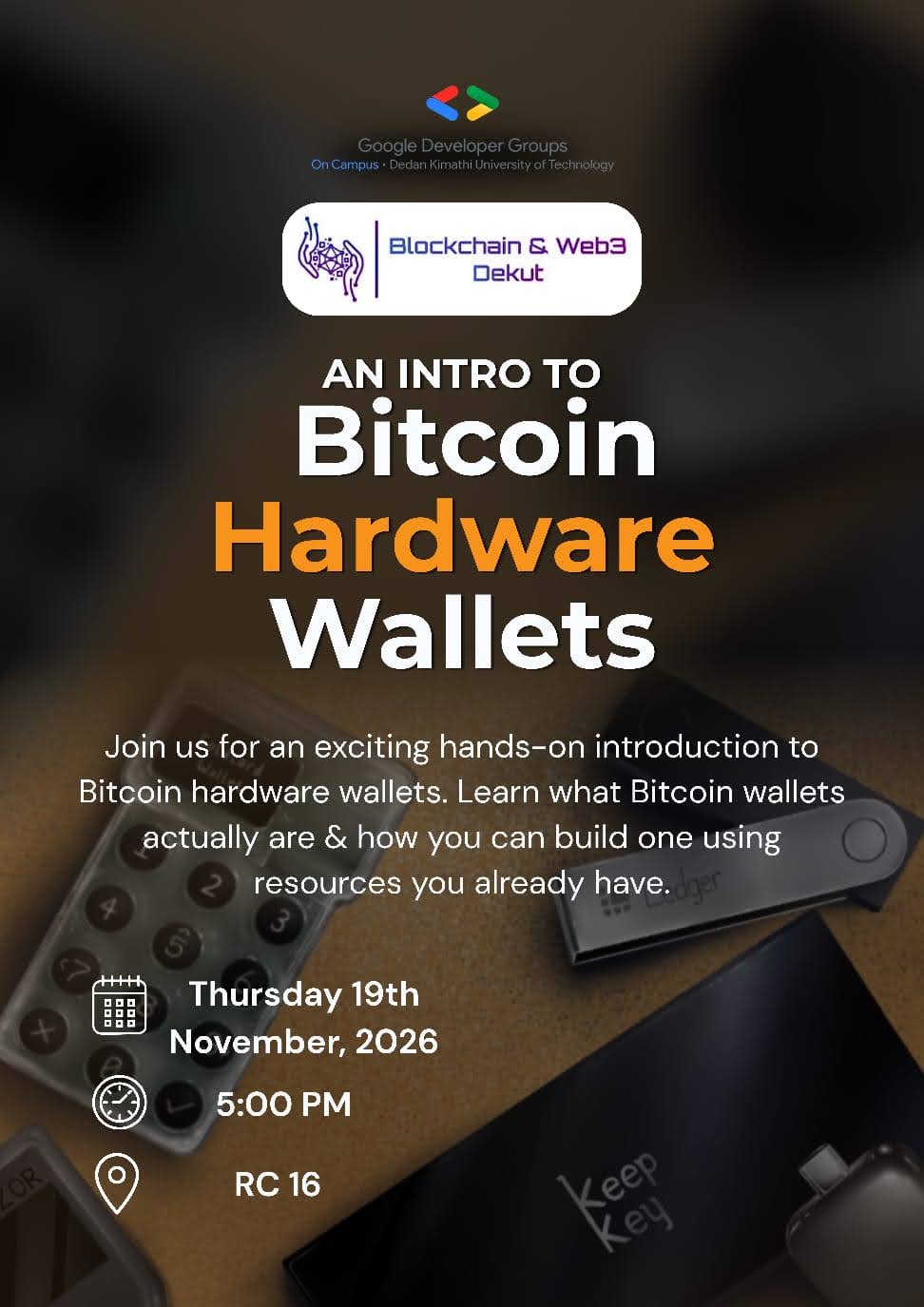
We also held a student meetup on 19th November where we got to learn more about Bitcoin Hardware wallets using BitForge to demonstrate what a Bitcoin hardware wallet is, how to sign a transaction with it and how to build it from scratch. Photos from the meetup can be found at the top of this page, by swiping across the YouTube video.
What we learned
- How the work is split. A watch-only wallet and a signer divide the job, so the seed never touches the computer.
- How a transaction crosses an air gap as an animated QR code, and how fountain codes make scanning forgiving.
- Never trust the computer. A signer must work out the amounts, fee and change by itself, and only accept change it can re-create exactly.
- Treat every byte as hostile, whether it comes from the camera or from a library's parser.
- A seed doesn't have to be stored. A stateless device loads it for one session and then wipes it.
- Wiping secrets is harder than it looks. Memory keeps old contents until overwritten, and a compiler may remove a wipe it thinks is unneeded.
- The hardware side. We learned about strapping pins, brownouts, and flashing two microcontrollers, and how to debug when the error points somewhere else.
What's next for BitForge
- Hardening: close the obvious prototype gaps, including a release build with all serial output switched off, and write down the threat model. -Enclosure: develop a 3D printable case for the hardware wallet.
- More hobby boards: support for an ESP32-S3 camera board and the Raspberry Pi Pico 2 (RP2350).

