Inspiration
As a parent of two young kids, I’d spent countless hours stressing over homemade birthday cakes—guessing sizes, fixing sunken layers, and scouring for age-appropriate designs. I realized so many parents in my circle faced the same struggle: we wanted meaningful, affordable cakes but lacked a one-stop tool to guide us. That’s when I set out to build BirthdayCake Planner—something that combined all the practical help I wished I’d had.
What it does
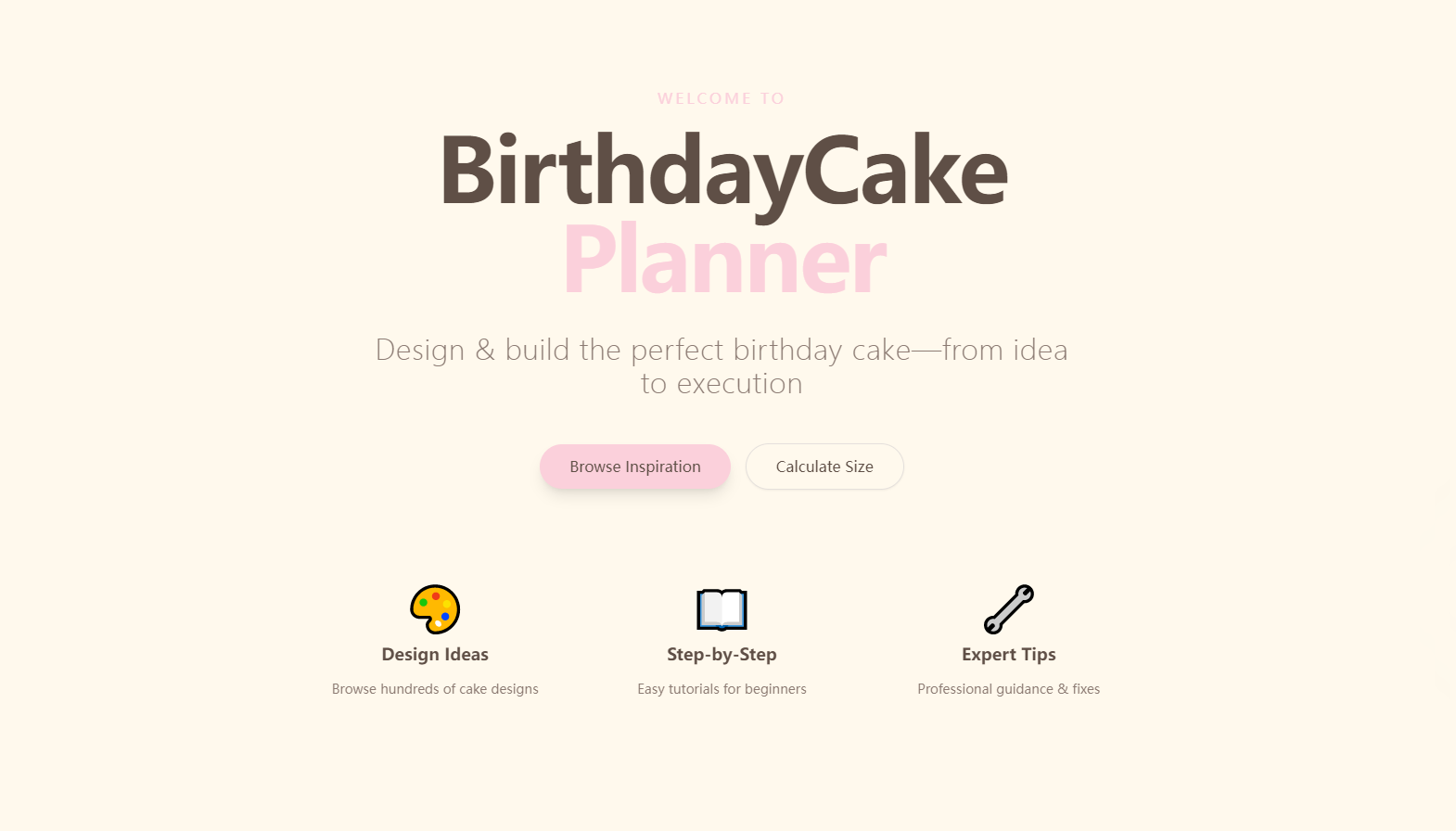
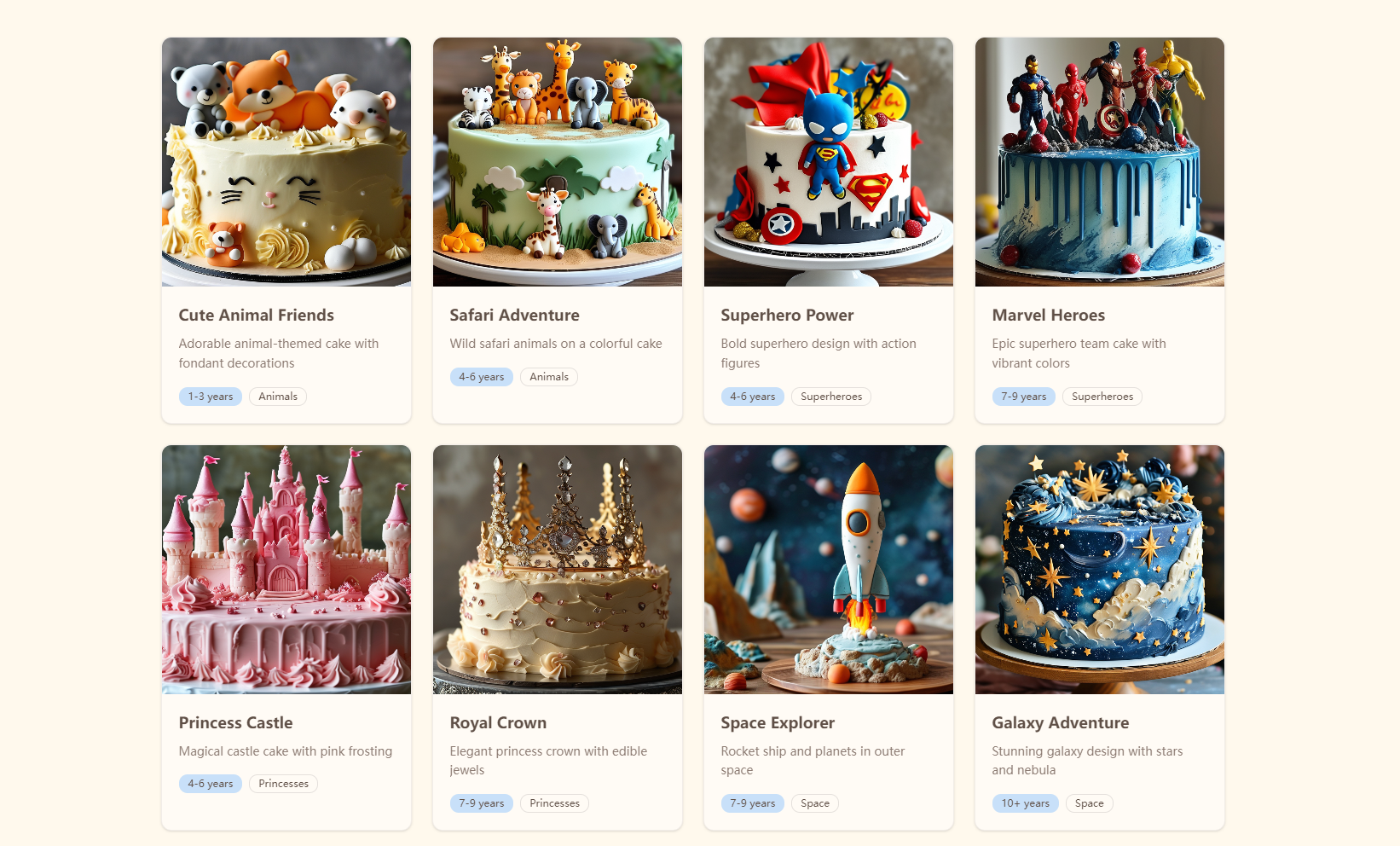
BirthdayCake Planner is a single-page web app for parents 25-45. It features a filterable cake inspiration gallery (by age/interest), step-by-step baking tutorials (no jargon!), decoration tips, a real-time cake size calculator (guests → diameter/batter/time), and fixes for common baking fails like sliding frosting or dry cake.
How we built it
I started with wireframing in Figma, focusing on the scrollable single-page layout and warm color palette (cream, pastel pink, sky blue). I coded the front end with HTML/CSS/Bootstrap and React for interactivity—building filters for the gallery, the calculator logic, and dynamic error handling for invalid inputs. Backend-wise, I used Node.js/JSON to store sample cake data and Firebase for lightweight hosting.
Challenges we ran into
The biggest hurdle was perfecting the calculator logic—ensuring serving sizes, batter quantities, and baking times aligned with standard Western baking norms for 1-100 guests. I also struggled with real-time filter updates for the gallery; initially, the UI lagged when multiple filters (age + interest) were applied, so I had to optimize the JavaScript event handling.
Accomplishments that we're proud of
We created a fully functional demo where every section works as intended: 12+ diverse cake designs in the gallery, a complete 6-inch cake tutorial, accurate calculator results, and clear troubleshooting guides. The UI is intuitive—parents can find what they need without scrolling endlessly or deciphering complex menus.
What we learned
I deepened my React skills, especially around state management for dynamic UIs. More importantly, I learned to prioritize user empathy: testing the app with fellow parents revealed small tweaks (bigger fonts, simpler language) that made it far more usable for busy caregivers.
What's next for this project
First, I want to add more cake designs and expand the tutorial library to include gluten-free options (a frequent ask from testers). Long-term, I’d like to integrate a simple shopping list generator and video tutorial embeds—keeping the focus on making homemade cake planning stress-free for families.

Log in or sign up for Devpost to join the conversation.