-
-
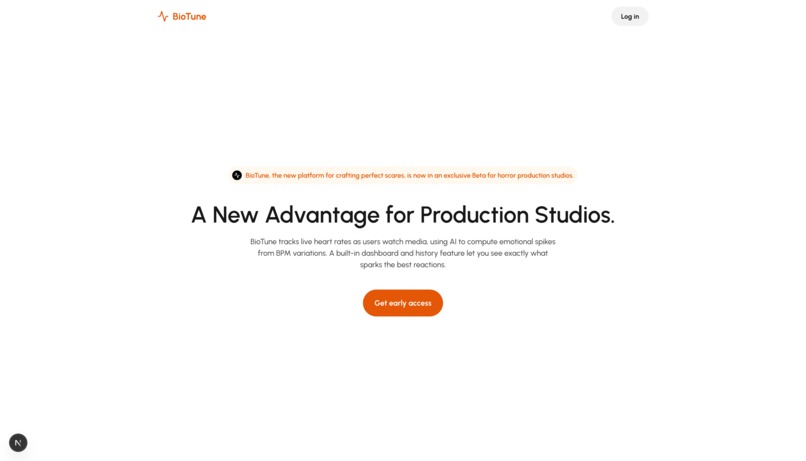
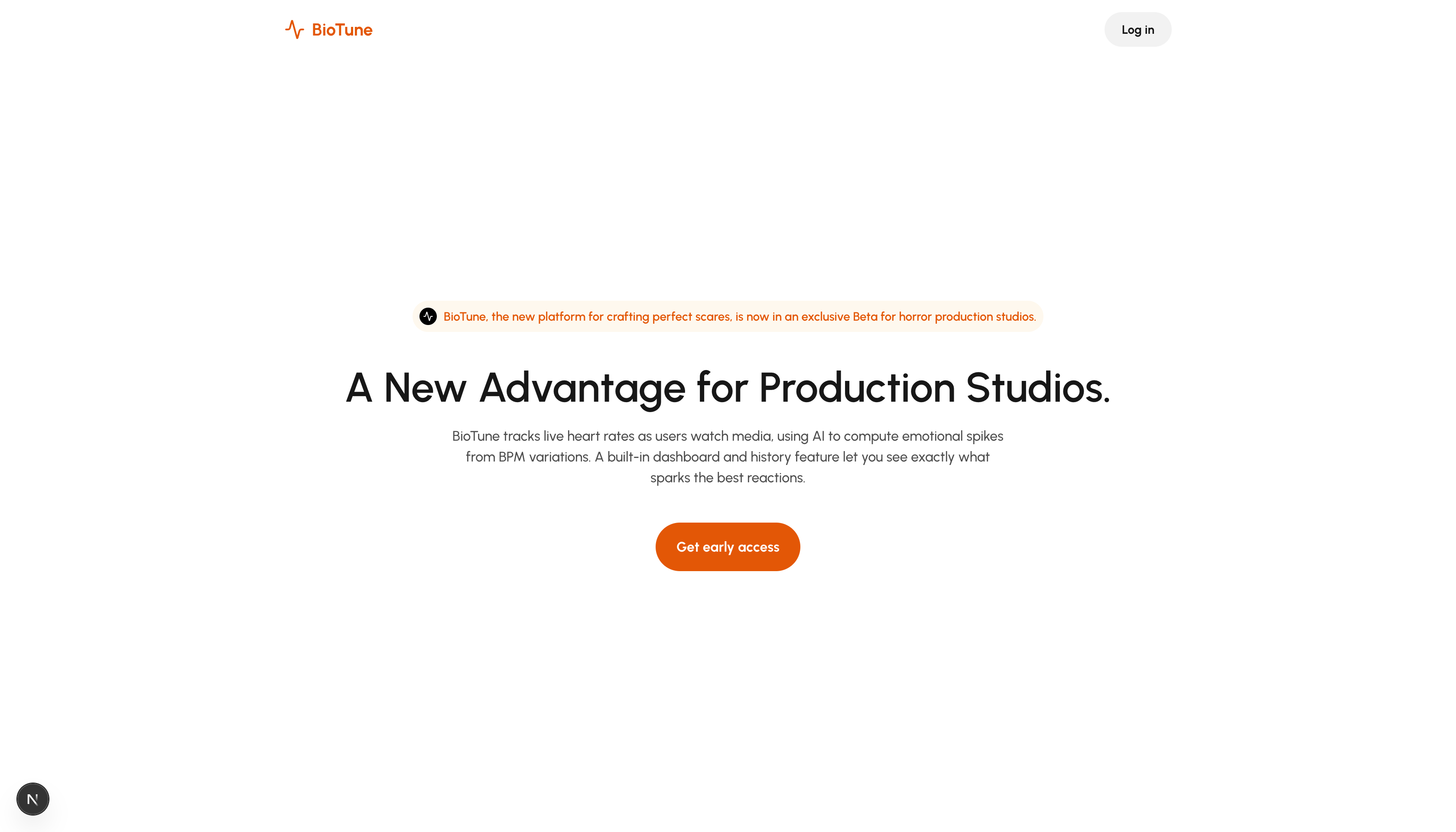
Lading page of BioTune
-
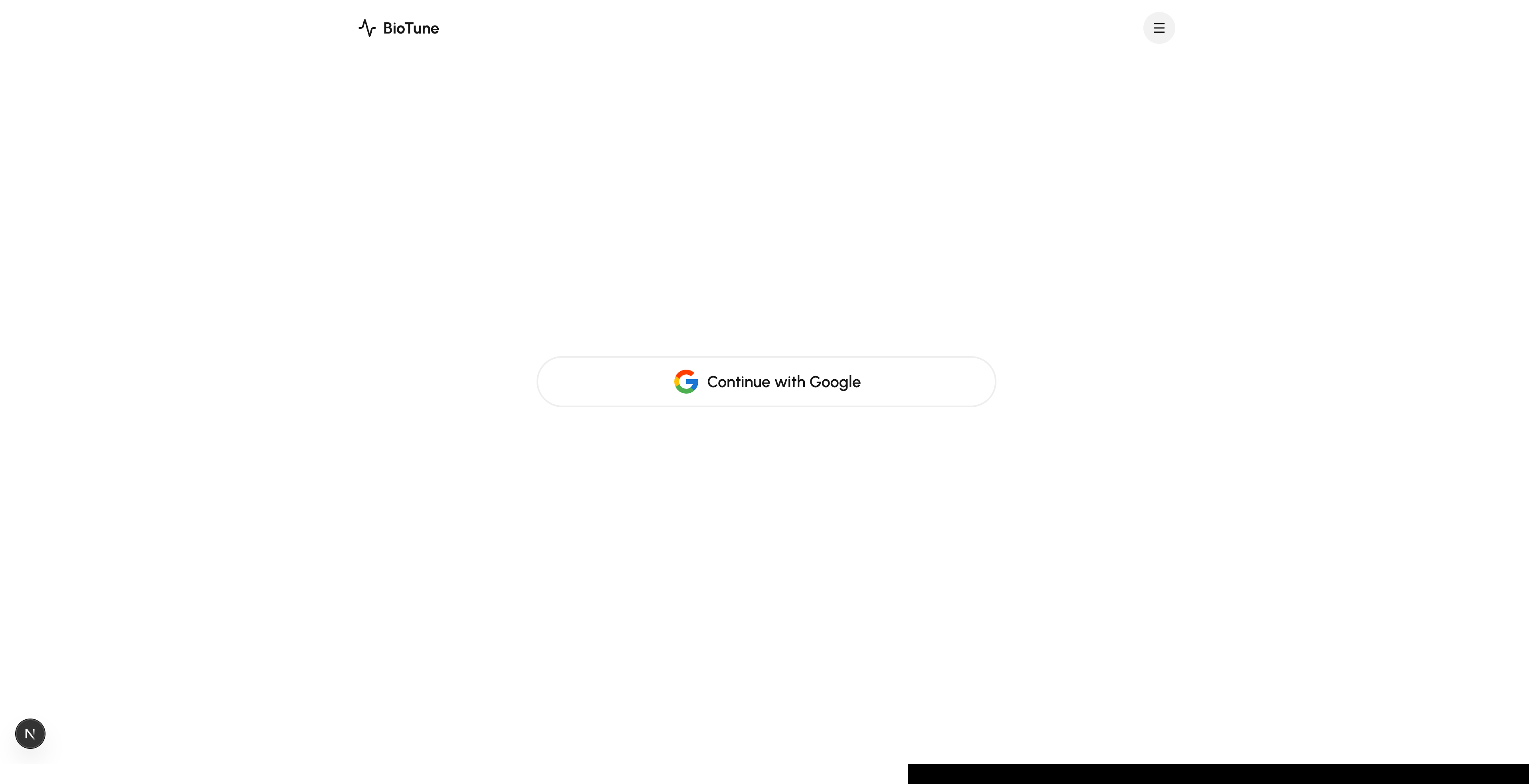
Login page
-
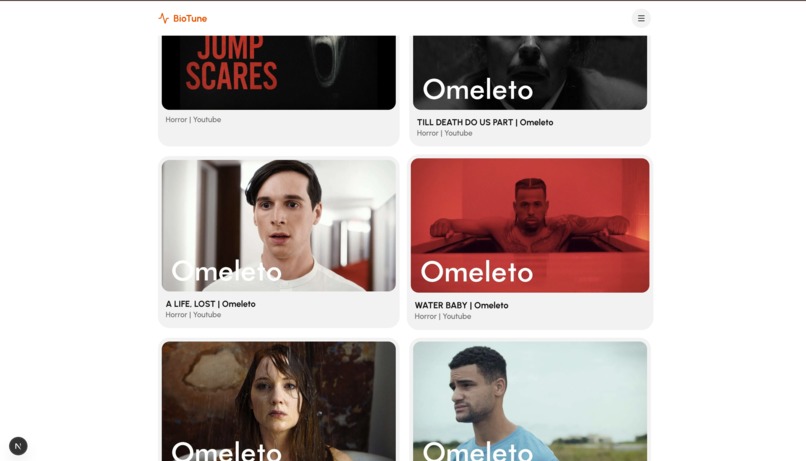
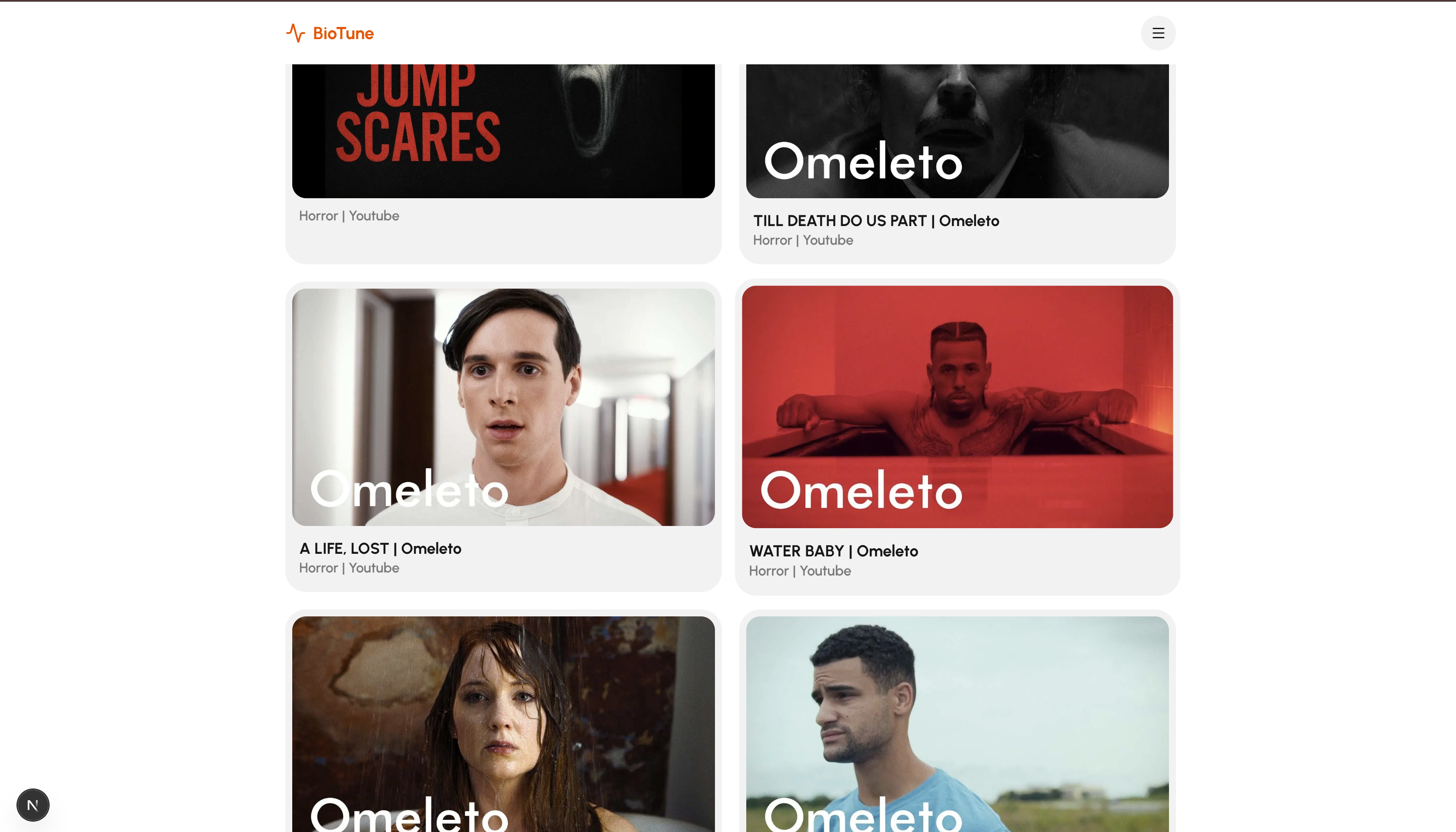
Home page that shows a catalog of videos that the user can watch.
-
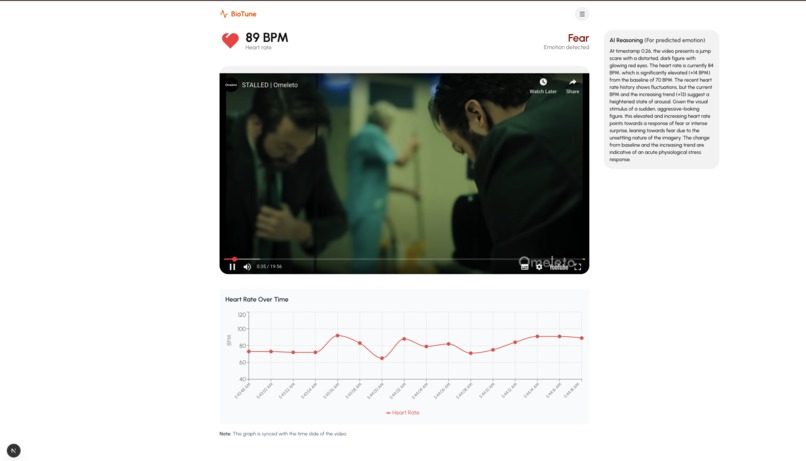
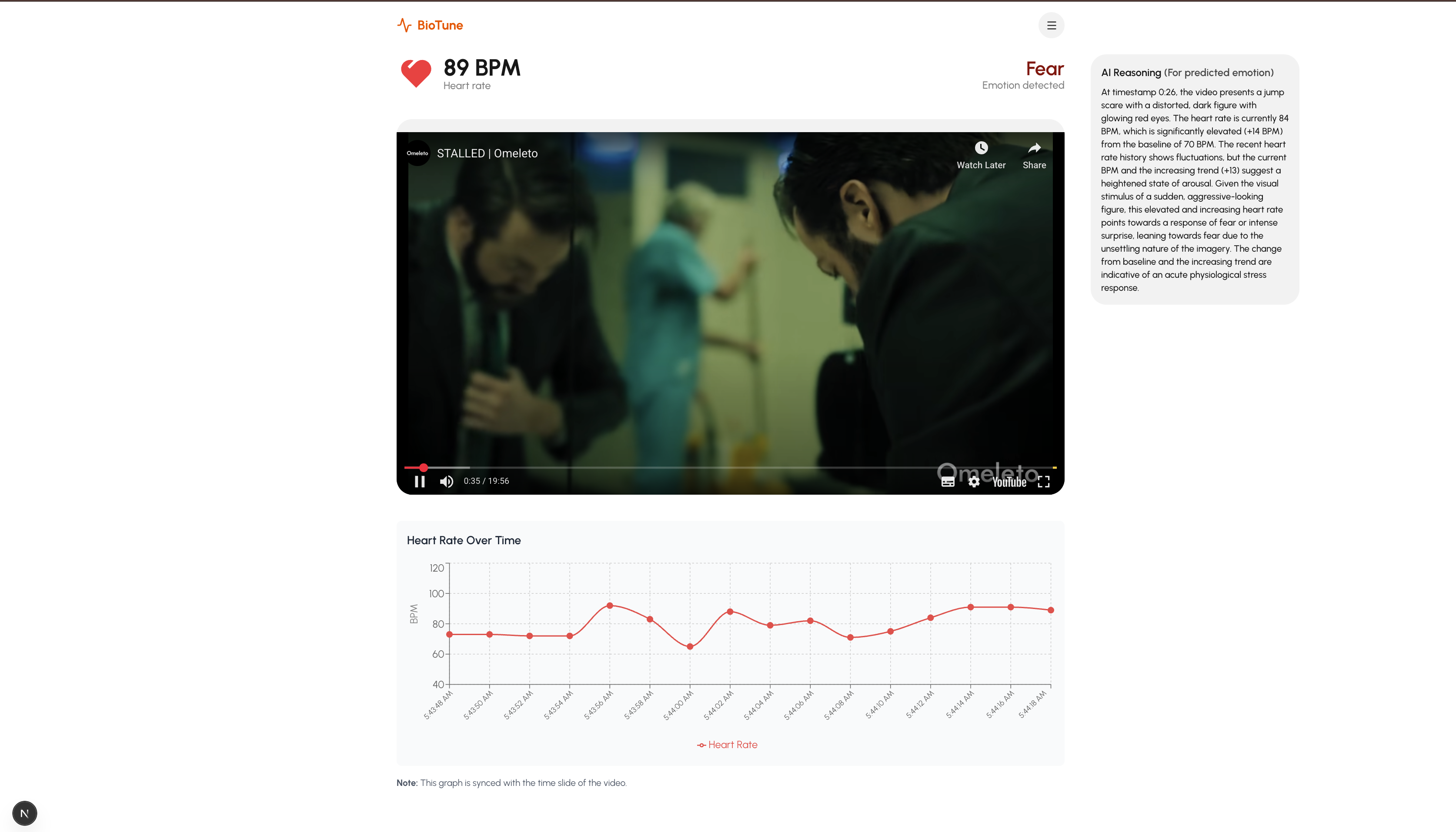
Movie page with AI insights of user emotion based on heart rate spikes and dips
-
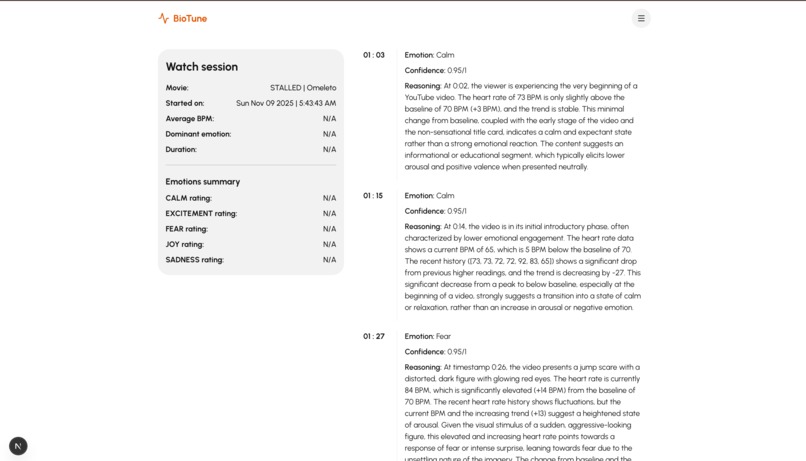
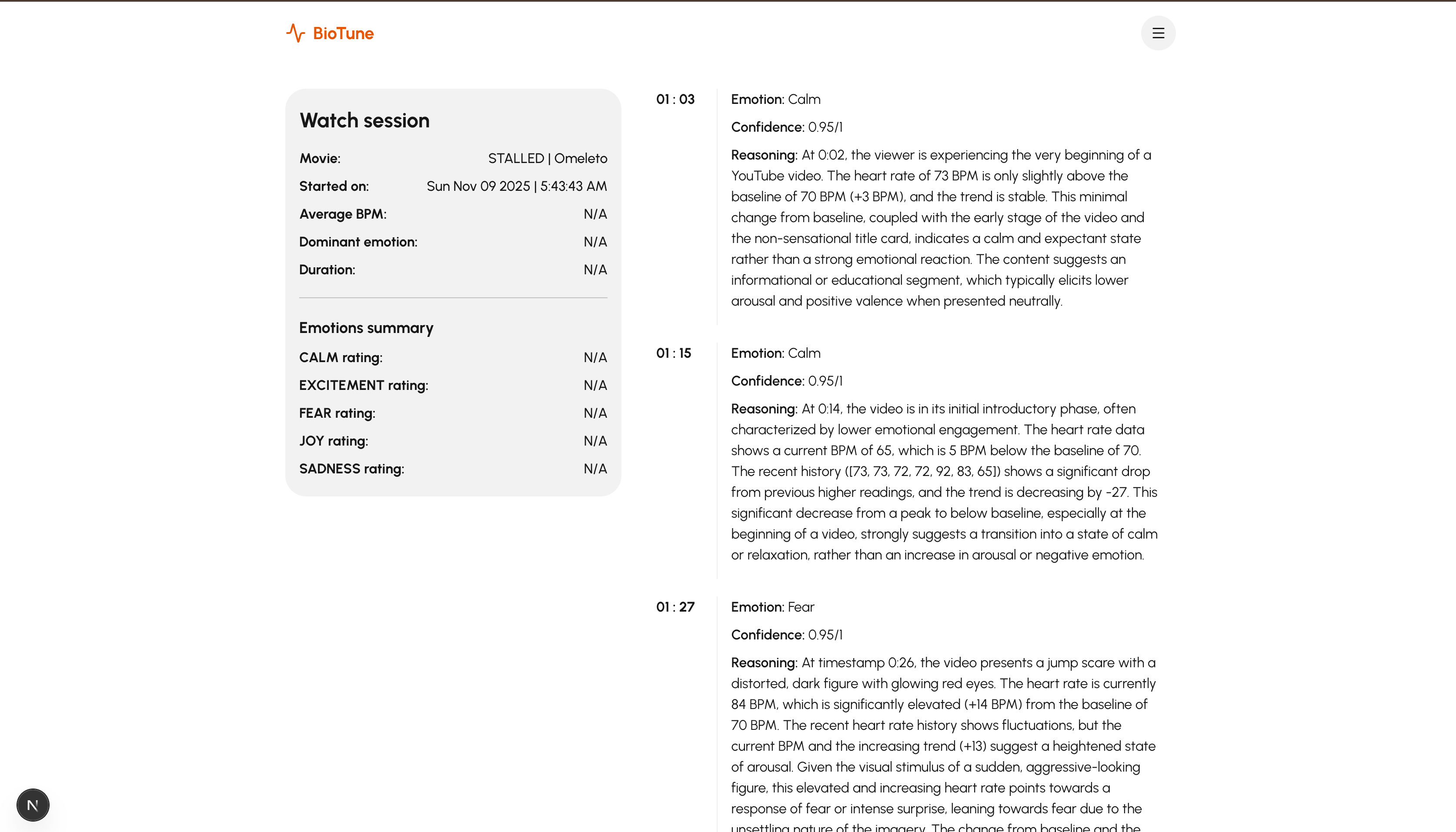
A page that shows the emotional activity recorded while watching a video. It shows the emotions and AI reasoning behind the emotion.
-
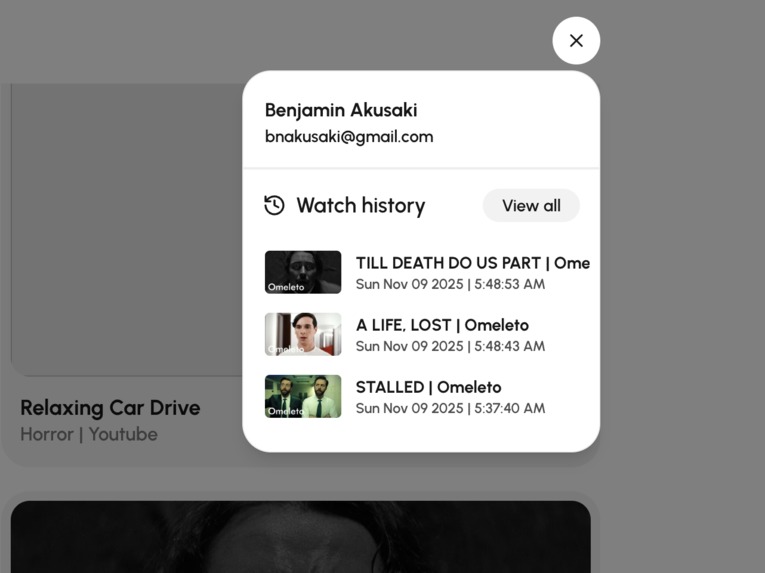
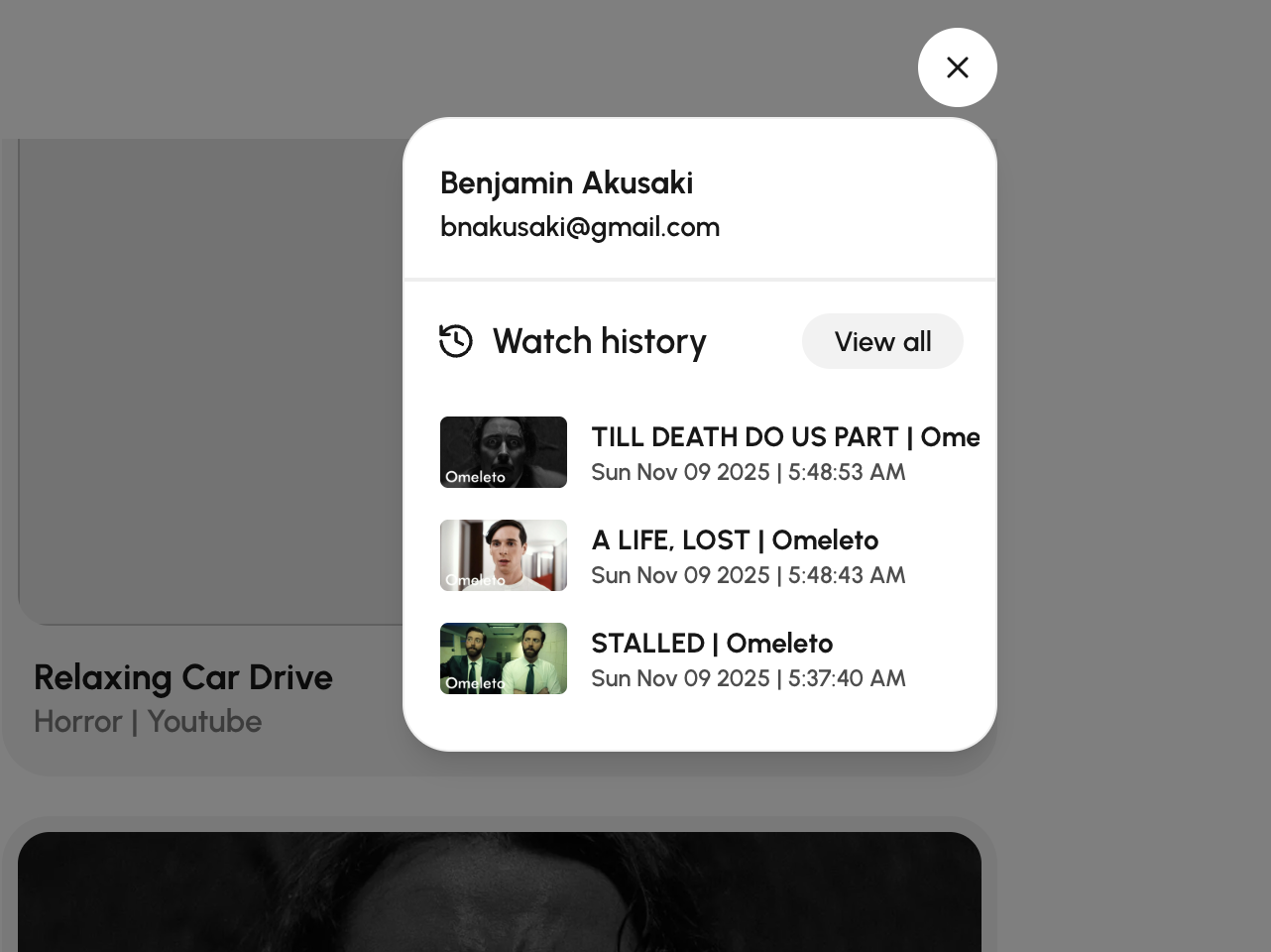
User watch history that let's gives them their watch sessions and emotional records for every movie.
BioTune- The next innovation in entertainment analysis
==================================================================================================================================
Introduction:
---------------------------------------------------------------------------------------------------------------------------------
Our tool, BioTune, allows users to watch different forms of media and track their beats per minute live. This is possible with a heart rate tracker. Additionally, with the use of the Gemini API we are able to compute different emotions based on bpm variations and spikes. A built in dashboard will present the emotion data afterwards. How can you see what you watched before? A history feature that allows you to relive those emotions. In short, we've helped viewers (and studios) pinpoit what sparks the best reactions!
What Inspired Us To Built This:
In the boom of social media and digital entertainment, users get content recommendations that do not necessarily improve their mental state. People react sometimes react to content that puts them in poor mental conditions and algorithms push on that to get more engagement from users.
Our goal is to build a system that enables us to fetch data from a common device and helps us to detect user emotions so that they can be recommended better content on social media. We decided to go with the smart watch and use the heart rate sensors in them to detect spikes in the user BPM activity and use that to detect their emotional state.
How we built this project:
We connected a heart rate sensor to an arduino and hooked the arduino to a python Flask backend which uploaded the heart rate BPM values read from the arduino to Firebase.
We built a web application with Next.js and Typescript and we set up a listener that listens to the values being uploaded by the heart rate sensor connected to the arduino and syncs it with whatever content the user is watching on the BioTune platform.
We collected this data, and calculate for significant spikes and dips in user heart rate as they watch the video.
When significant delta is detected, we pass the: a. delta b. heart rate BPM of the user c. the history of the user's heart rate BPM over the cause of watching the movie d. the timestamp of the video when the delta was detected e. the URL to the video
The data above is passed to the Gemini Generative AI Model, and we prompt the model to suggest the user's emotion based on this data with a confidence score attached to each suggestion made.
The data is stored in the database and it is used to recommend better content to the user in the Future.
The stored data can also be used by entertainment industries to produce better content for users
Challenges
- We struggled with how we will be able to let the arduino communicate with the web application we've built.
We considered writing the arduino data to a csv file and have a script read it directly into the web application. But that would work locally, it wasn't a feasible solution for a production application. So we settled with the Firebase listener approach
Our AI model was hallucinating a lot and suggesting obviously wrong emotions. To solve that, we gave it more data and more guided steps to make sure there are no ambiguities in it's prompt and this helped significantly
Built With:
---------------------------------------------------------------------------------------------------------------------------------









Features:
---------------------------------------------------------------------------------------------------------------------------------
Landing Page

Login Page

Home Page

Video Page

Emotional Records Page


Log in or sign up for Devpost to join the conversation.