-
-
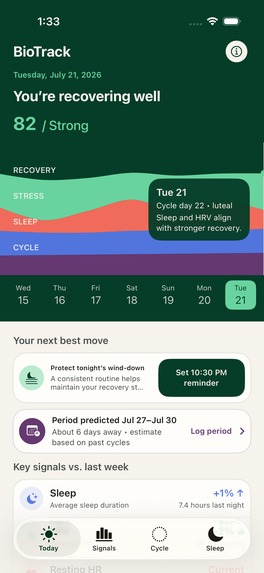
biotrack home page
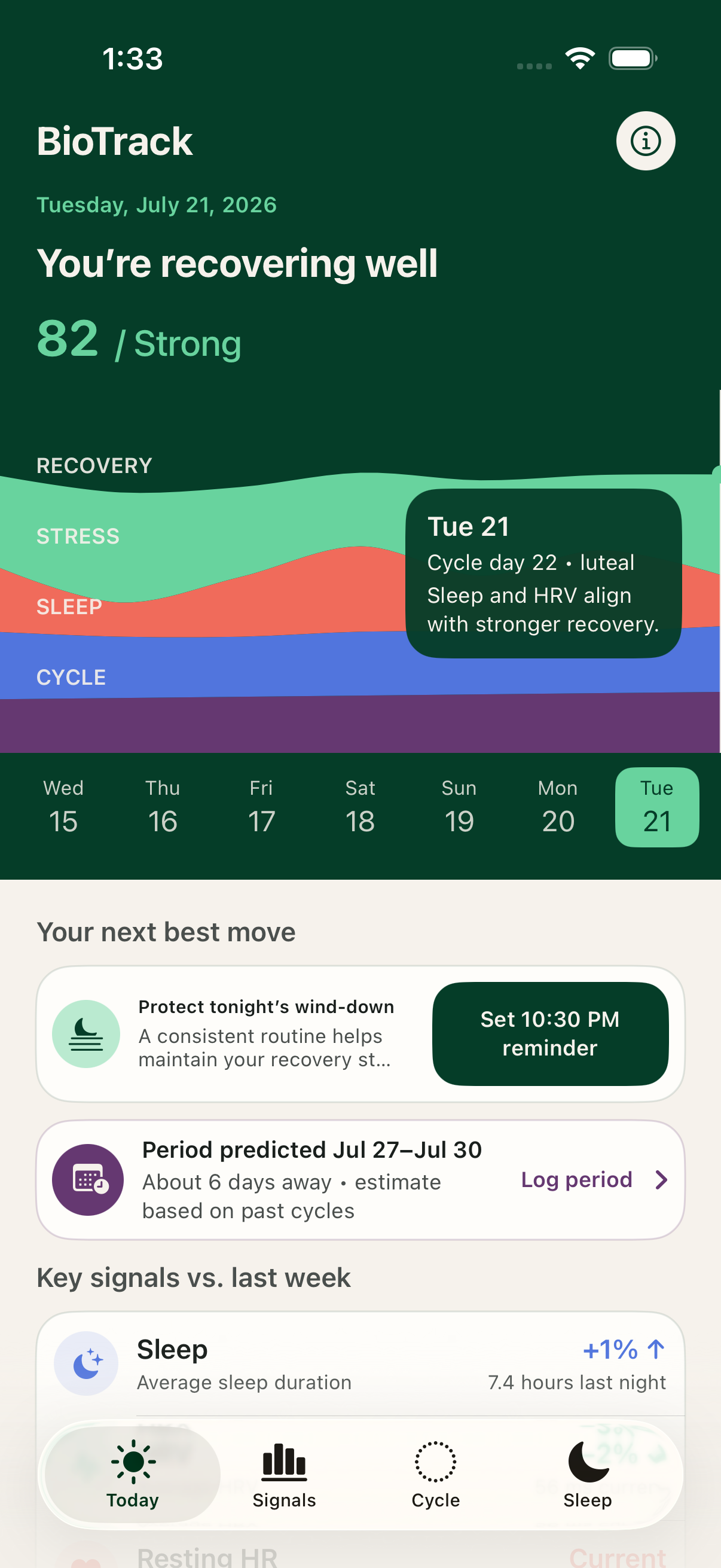
Short description
Biotrack is a privacy-first iPhone health companion that turns Apple Health signals into one calm daily story. There's no app currently that combines sleep, stress, and menstrual tracking all in one, so you can get an overview of your baseline health and this is what Biotrack does .
Inspiration
Wearables collect an enormous amount of intimate health data, but most people still have to jump between charts and interpret each signal alone. Biotrack began with a simple question: what if sleep, recovery, relative strain, and cycle context could be understood together, without sending that information to another server?
What it does
Biotrack reads only the Apple Health categories a user approves. Its Today screen combines current sleep, HRV, resting heart rate, and cycle phase into an explainable recovery view. Stress Trends compares HRV against the user's own range across a week, month, or year and calls out the periods with the most and least relative strain. Cycle Tracking saves chosen period entries to Apple Health and estimates the next period from logged cycle starts. Sleep Trends separates deep, REM, and core sleep across weekly and monthly views.
How we built it
The app is written in SwiftUI, with HealthKit for private on-device health access and Swift Charts for interactive trends. Period predictions use valid historical intervals rather than a fixed calendar date. Stress categories use personal HRV percentiles and deliberately collapse nearly flat data into “Typical,” preventing tiny measurement differences from becoming alarming claims. The app has no backend: health data stays in Apple Health.
How Codex accelerated the project
Codex helped turn an early health-data prototype into a coherent, testable product. It audited the existing flows from simulator screenshots, explored the visual direction, implemented the selected SwiftUI design, added cycle tracking and forecasts, corrected contrast issues, replaced hardcoded dashboard claims with HealthKit-derived trends, narrowed permissions, and built unit/UI coverage. The biggest acceleration came from the tight loop between visual inspection, implementation, and automated verification.
How GPT-5.6 was used
We used GPT-5.6 in Codex to review Biotrack's personal-baseline logic and health-language safety and also to design the UI of the home page. It identified that flat HRV data should not be labeled as changing stress, which led us to add a minimum-range guard and tests
Challenges
Health data is sparse, personal, and easy to overinterpret. The hardest product decision was making the interface feel useful without pretending the app can diagnose stress or predict a cycle with certainty. We addressed this with personal baselines, explicit estimate language, guarded flat-data behavior, empty states, and an in-app limitations statement.
Accomplishments
- A working native iOS app with no backend or health-data account.
- Period logging and forecasts integrated with Apple Health.
- Distinct week, month, and year HRV views that correctly identify the user's highest- and lowest-strain periods.
- A consistent high-contrast interface validated from current simulator screenshots.
- Ten automated test cases, including four end-to-end flows and launch coverage across four appearance/orientation combinations.
What we learned
The most useful health interface is not the one that shows the most data. It is the one that explains what changed, how confident it is, and what it cannot conclude. We also learned that a visual redesign becomes far stronger when its claims, permissions, accessibility, and test coverage are audited together.
What's next
Next we would add symptom and mood journaling, confidence ranges for cycle forecasts, an onboarding permission explainer, configurable notification times, VoiceOver and Dynamic Type device testing, and longitudinal correlations that require a minimum amount of data before appearing.
Built with
Swift, SwiftUI, Swift Charts, HealthKit, UserNotifications, XCTest, XCUITest, Xcode, Codex, and GPT-5.6 (after the required truthful session is completed).


Log in or sign up for Devpost to join the conversation.