-
-
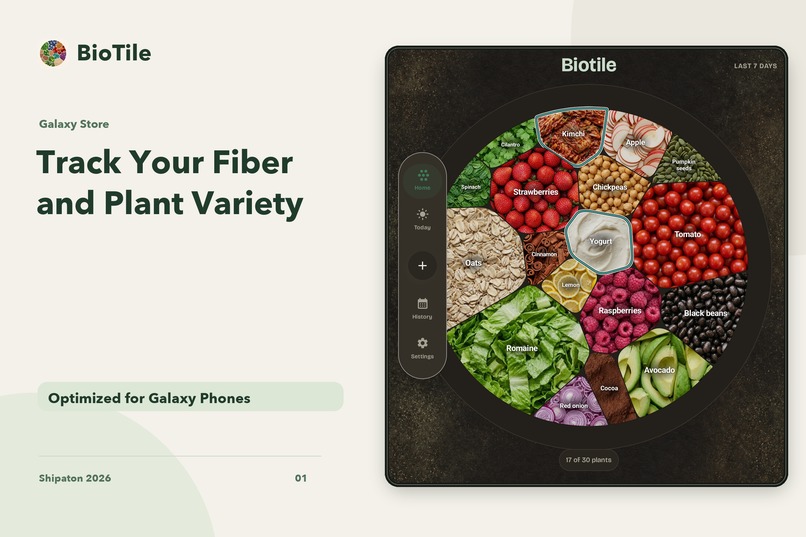
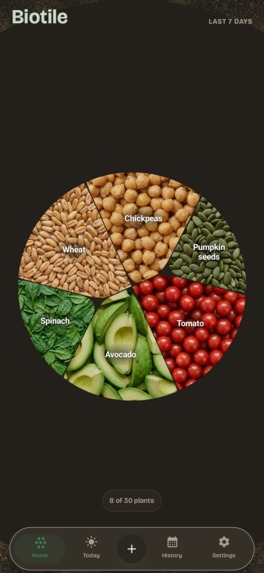
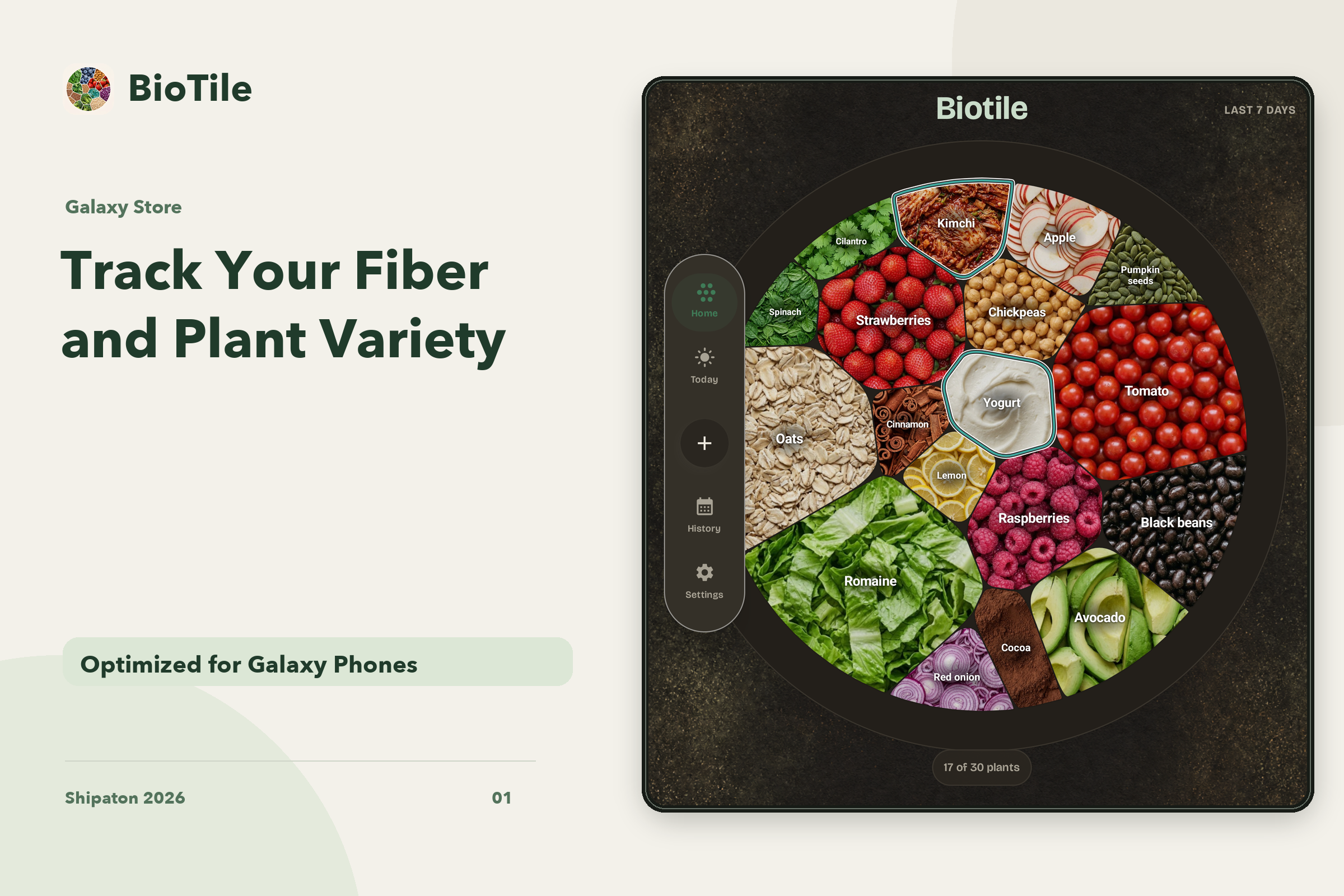
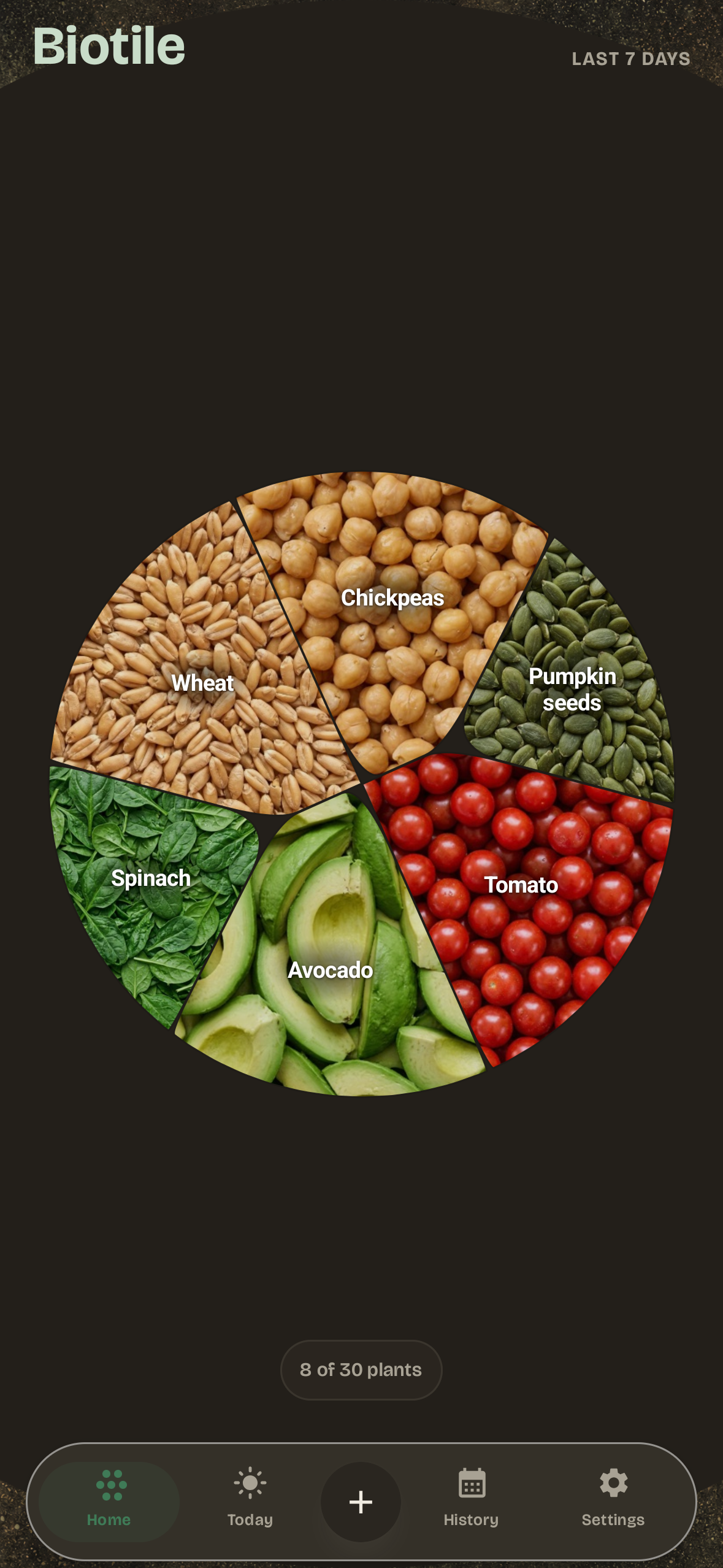
See the foods you’ve logged and your progress toward 30 plants a week.
-
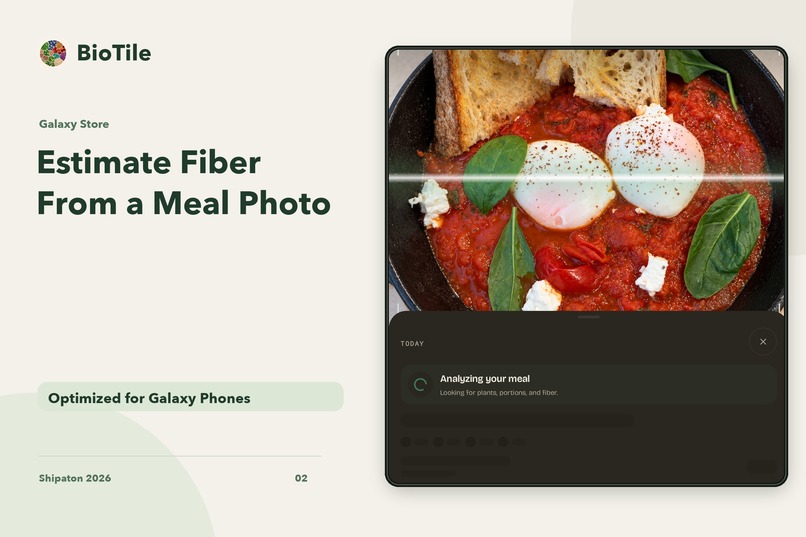
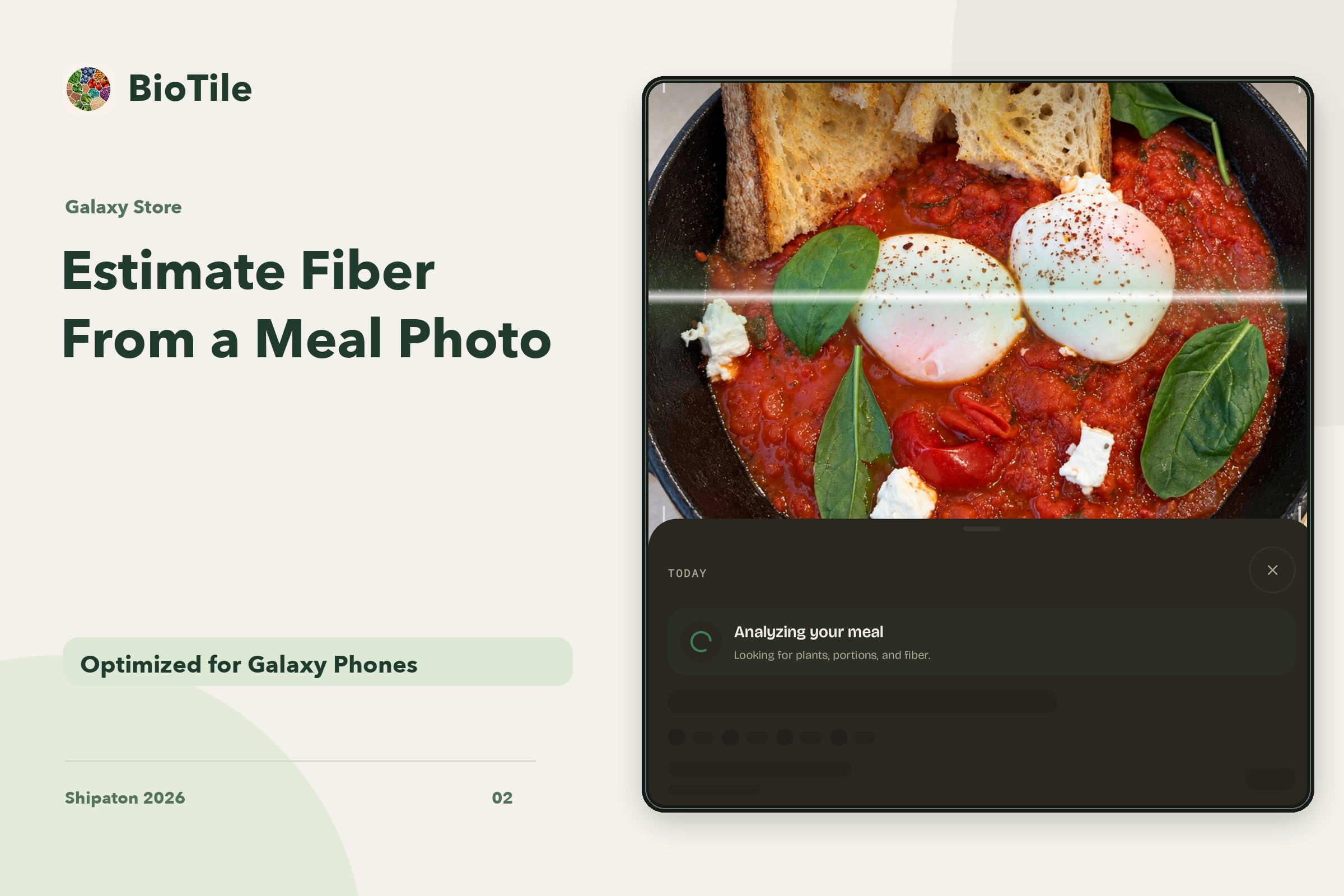
Photograph a meal, review its estimated ingredients and fiber, then log it.
-
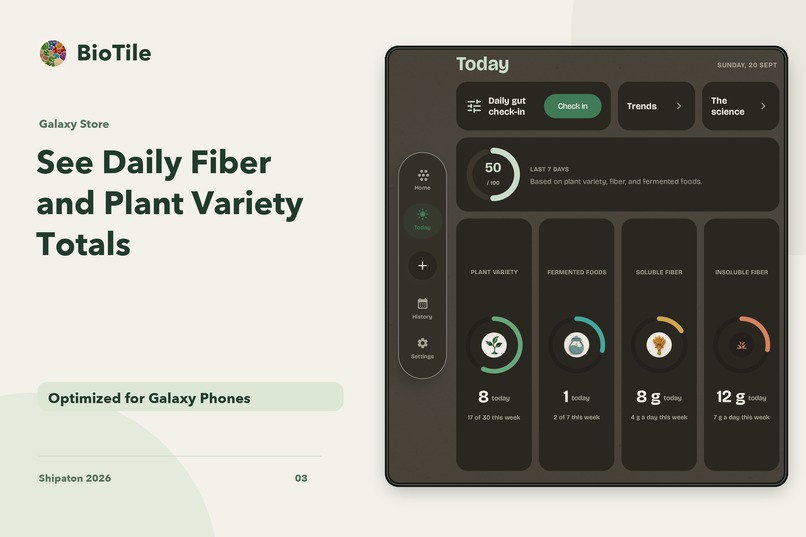
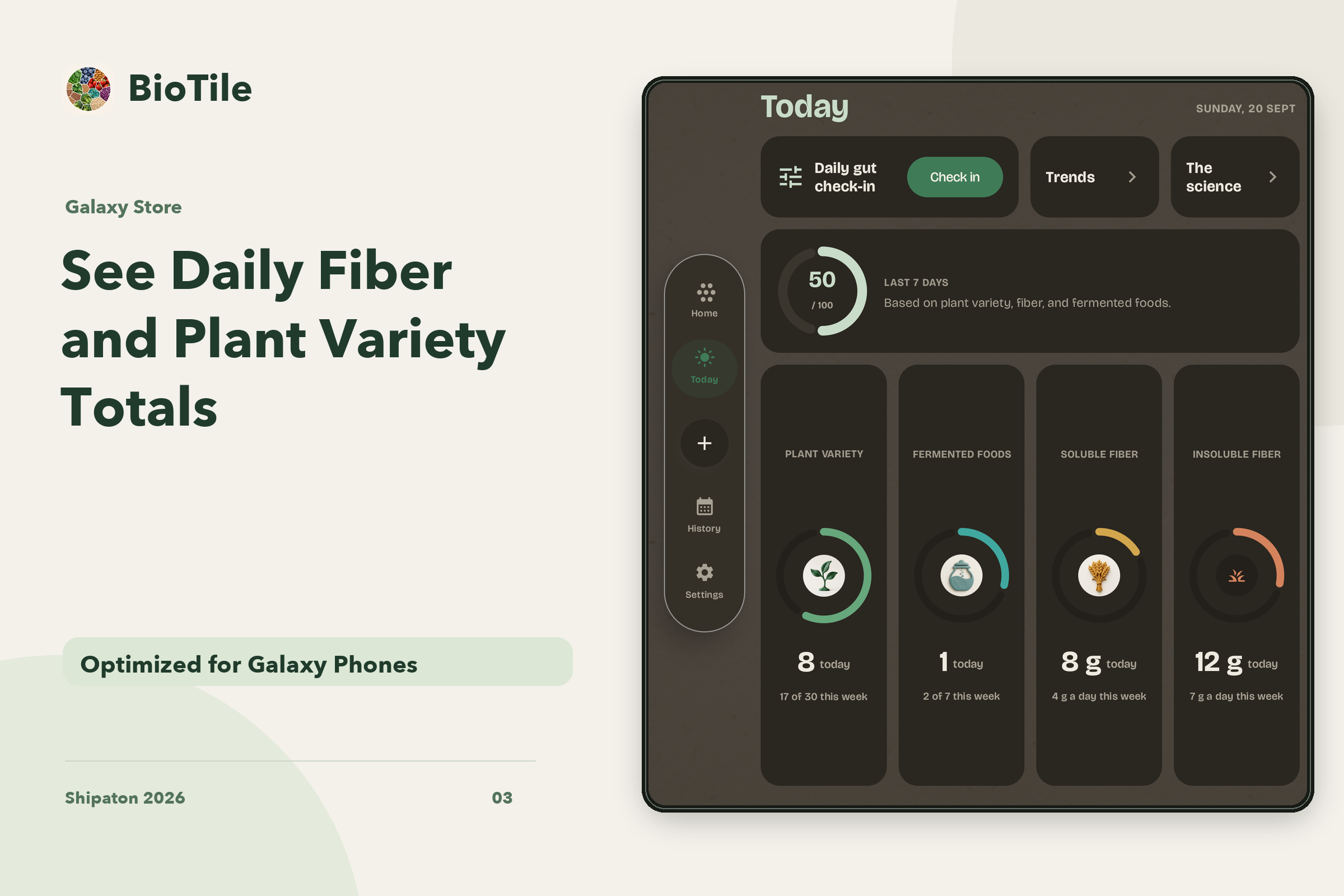
See your daily totals for plant variety, fermented foods, and soluble and insoluble fiber.
-
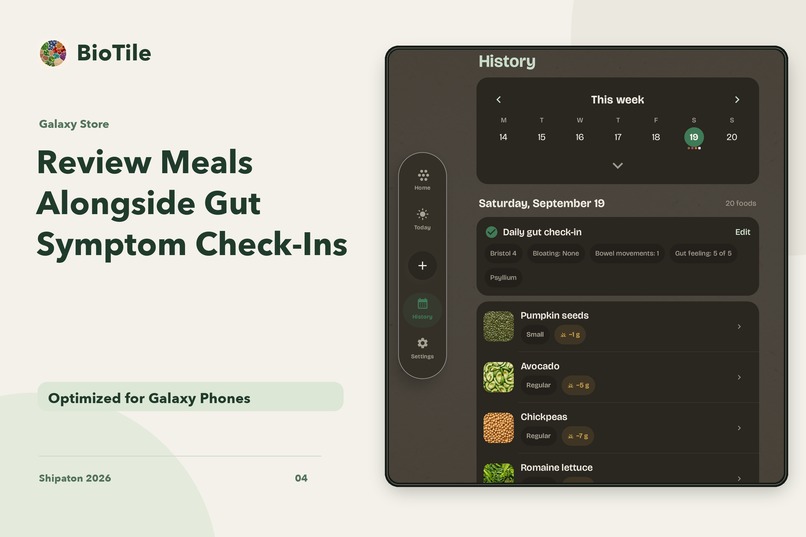
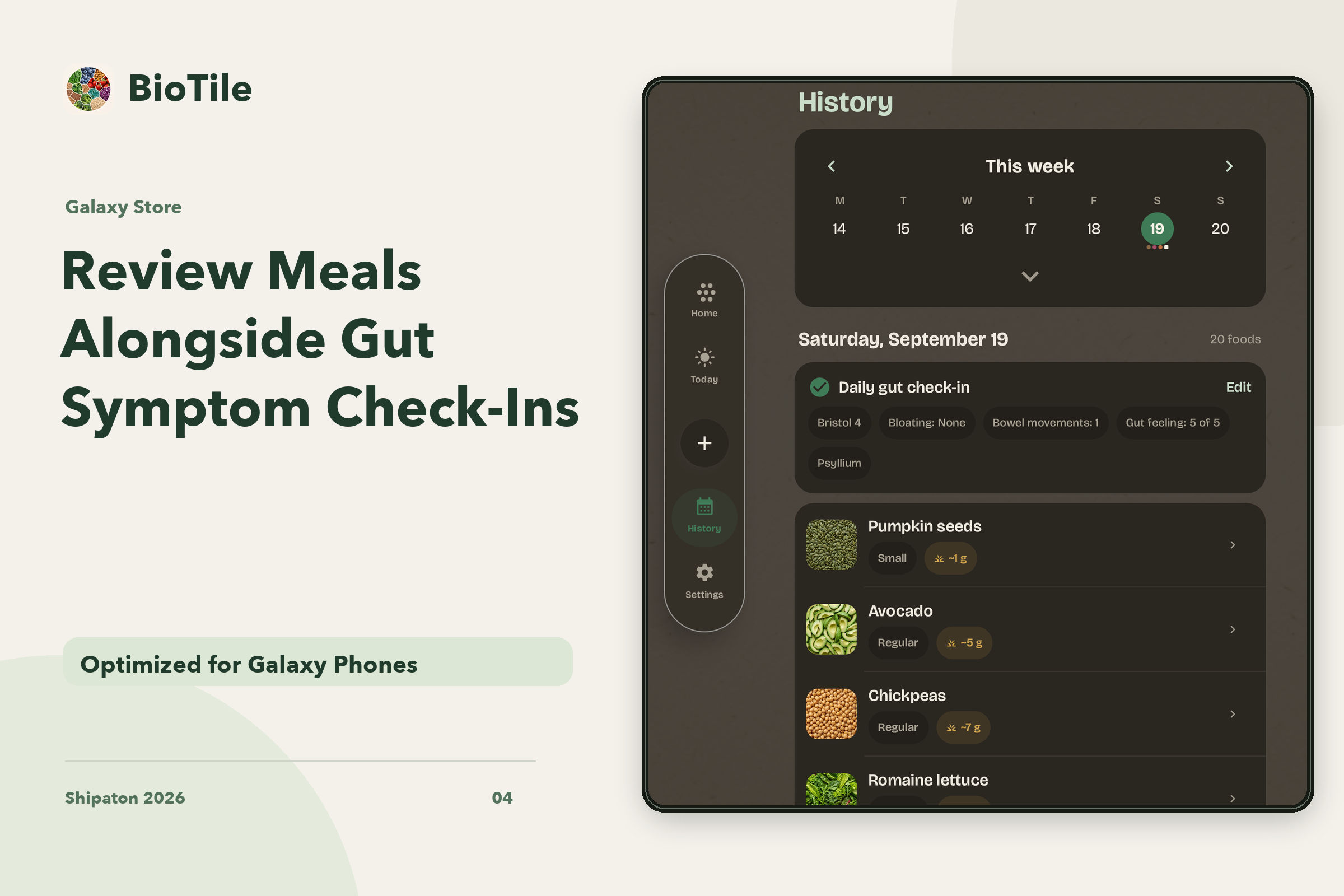
Review past meals alongside your digestion check-ins.
-
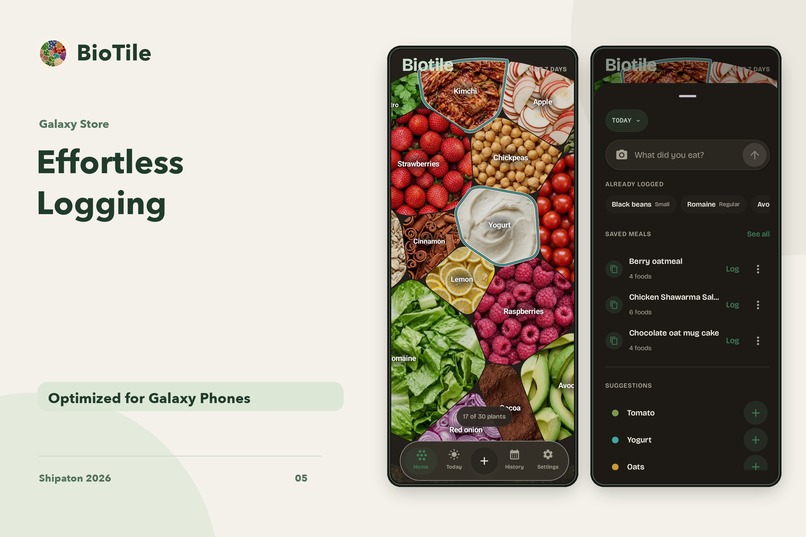
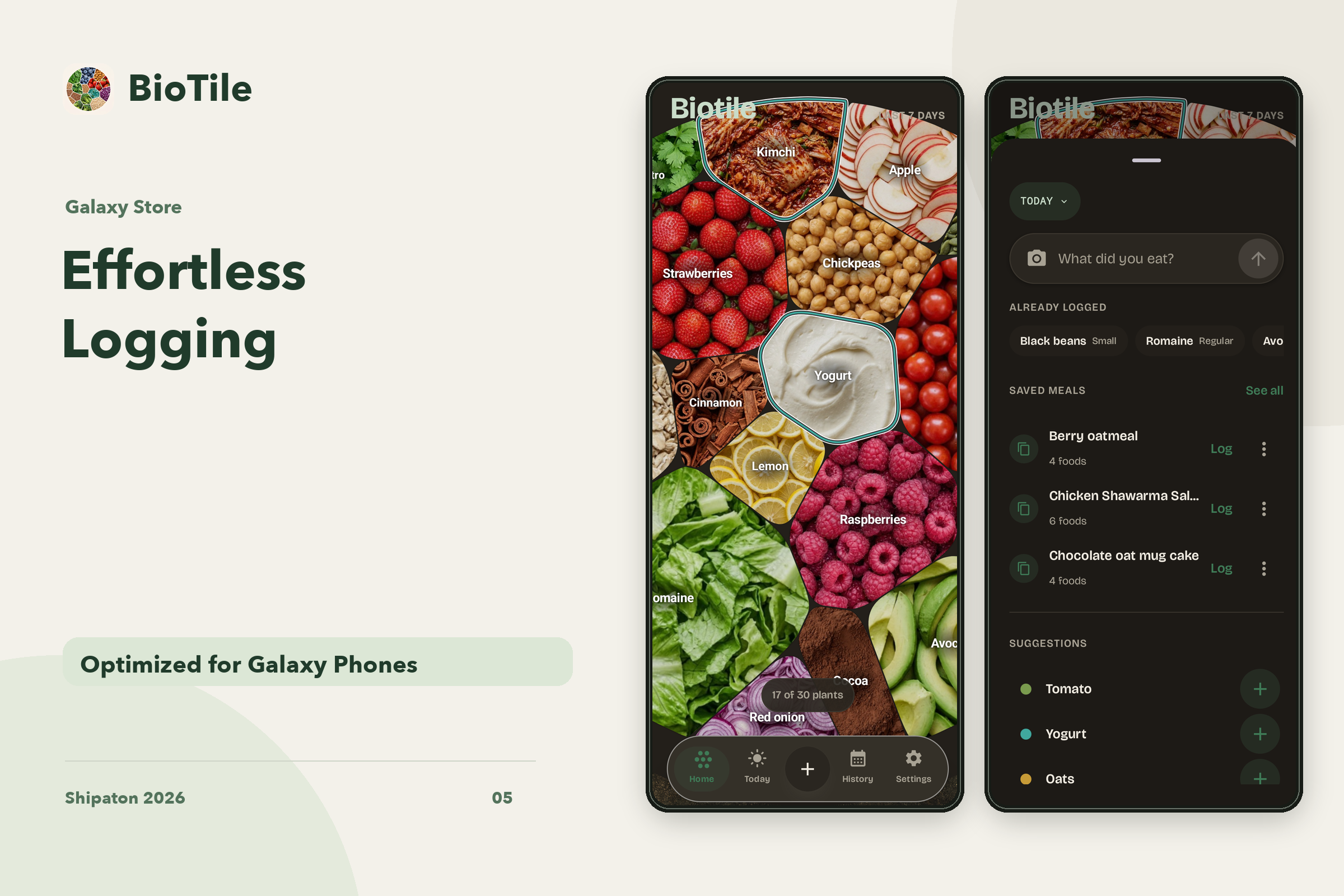
Log saved meals again, pick suggested foods, or add a meal by photo or text.
-
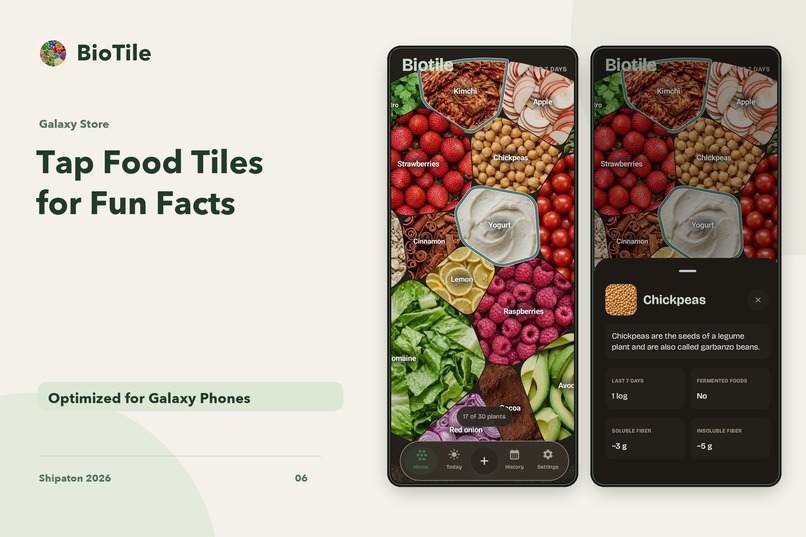
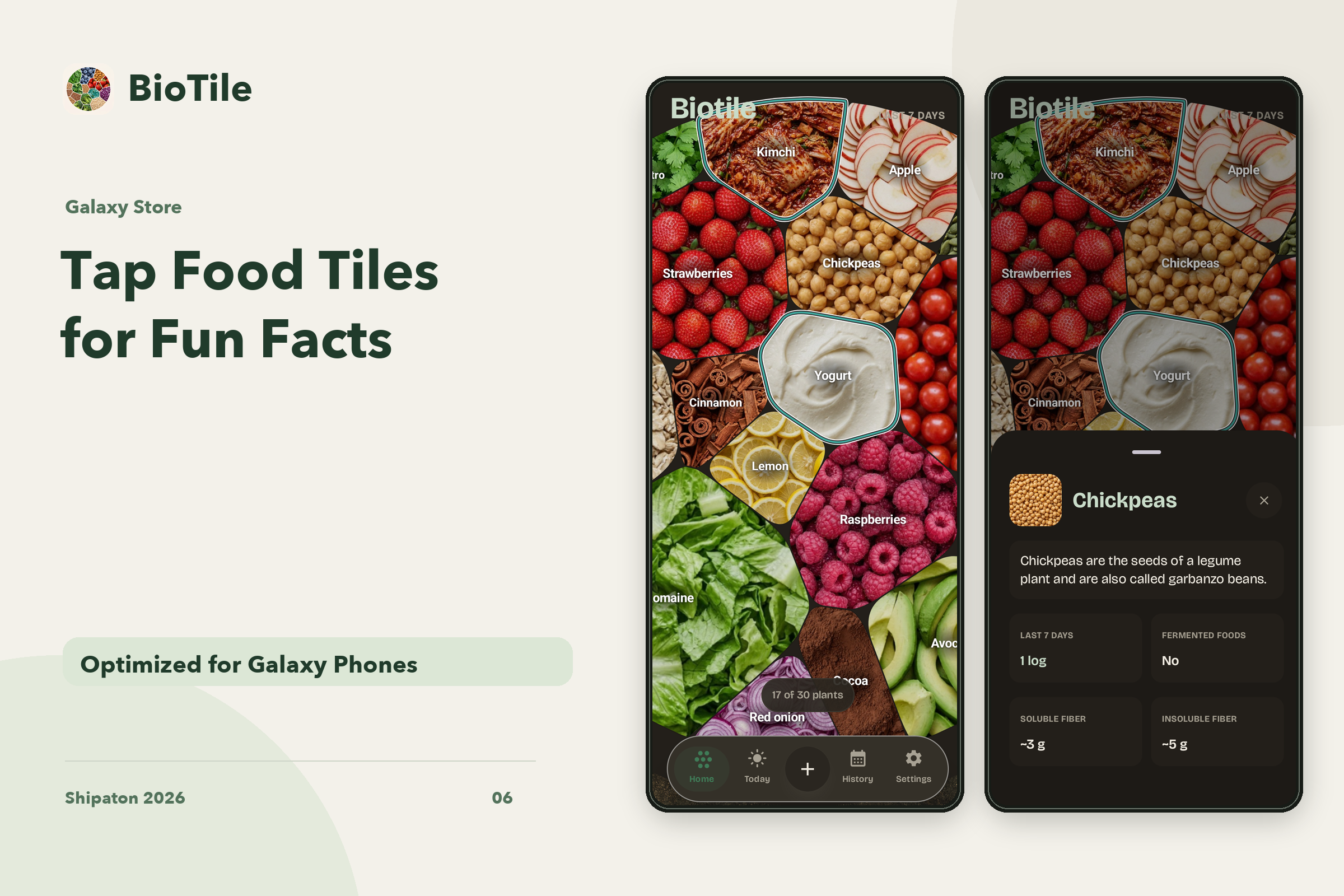
Tap a food tile to read a fun fact about what you ate.
-
App Icon
-
Raw Screenshot
Inspiration
We built BioTile around a simple question: how much variety did I feed my gut this week? Everyday meals contain the answer, but remembering every ingredient across seven days is hard.
BioTile makes those inputs visible. Photograph a meal, review the ingredients, and see how plant variety, fiber, and fermented foods contribute to your week. The weekly culture gives that progress a visual form that grows with what you eat.
Galaxy phones and foldables suit both sides of that experience: capture a meal on a compact screen, then use the expanded display to explore the week in more detail.
What it does
Photograph meals and review the ingredients. BioTile uses AI to suggest foods from a meal photo or description. Review and correct the suggestions before saving. You can also choose foods directly or reuse a saved meal.
See the inputs that feed your gut. Follow weekly plant variety toward a 30-plant goal, estimated soluble and insoluble fiber, and fermented servings. The score brings those inputs together, while individual views show the detail behind it.
Watch your week grow. Each plant adds a cell to a living weekly mosaic. Returning to a familiar food grows its cell; adding another plant brings more variety into the picture. This is a visualization of food records, not a measurement of bacteria in the gut.
Record how you feel. Short gut check-ins sit alongside meal history, and weekly trends help you review your eating patterns over time.
Keep everyday use practical. Choose catalog foods and saved meals offline, return to missed days, control reminders, and export your records. Photo analysis needs a connection; unavailable analysis can wait for a retry.
How we built it
The Android app is built with Kotlin and Jetpack Compose. Local storage keeps saved meals and check-ins available on the device, while a Cloudflare Workers backend supports accounts, AI analysis, and sync.
The Galaxy Store edition integrates Samsung In-App Purchase through RevenueCat for BioTile Pro subscriptions, entitlement checks, and restore.
Layouts respond to the available window width. Compact screens use bottom navigation. Wider screens gain a navigation rail, a broader Today view, and a two-column food picker with more suggestions visible at once.
Challenges we ran into
Meal photos are useful starting points, but ingredients and portions are uncertain. We made review and correction part of the flow so the person stays in control of what is saved.
Another challenge was presenting detailed weekly information without making a meal feel like paperwork. The mosaic provides a quick overview, while separate views explain plant variety, fiber, and fermented foods.
For Galaxy foldables, we adapted individual screens to the extra space. The expanded food picker offers more choices, the Today view reorganizes its content, and history keeps a readable column width.
Accomplishments that we're proud of
BioTile connects meal capture, ingredient review, a weekly food mosaic, gut check-ins, and trends in one experience. Its visual identity comes from the foods a person actually saves.
The dedicated Galaxy Store edition uses Samsung billing through RevenueCat and layouts for both compact and expanded displays.
What we learned
A useful wellness tool needs to make its inputs understandable. Showing the foods behind a score and letting people correct AI suggestions is as important as the score itself.
Building for Galaxy also taught us to give extra screen space a specific purpose: more food choices, clearer daily summaries, and comfortable reading widths.
What's next for BioTile
Our next focus is refining meal recognition, ingredient review, and the compact-to-expanded experience across Galaxy devices, while making weekly patterns easier to explore.
BioTile is a wellness tool. It does not measure the microbiome, diagnose a condition, or provide treatment. Food and fiber values are estimates.
Built With
- kotlin
- revenuecat

Log in or sign up for Devpost to join the conversation.