About BioSync HealthIntel

Inspiration

BioSync HealthIntel was born from a desire to bridge the gap in elderly care. Our mission is deeply personal, driven by the experiences of our grandparents:

  • Maternal Grandfather: Living with multicomorbidity diseases, which require intense, consistent management.
  • Paternal Grandmother: A situation involving conflicting medications, where we realized the vital importance of accurate symptom tracking.
  • Paternal Grandfather: The most significant influence; we witnessed the heartbreak of delayed diagnostics due to a lack of health awareness and the absence of any centralized medical record.

We realized that without a profound, robust record of symptoms and telemetry, doctors often lack the context needed to provide accurate diagnoses. We built this to ensure that no patient has to suffer due to a "lack of history."

What it does

BioSync HealthIntel functions as a high-fidelity "Medical Audit" tool. It maintains long-term records of daily symptoms, medication adherence, and health telemetry. By logging data such as blood glucose levels in ( \text{mg/dL} ), systolic/diastolic blood pressure in ( \text{mmHg} ), and oxygen saturation (( SpO_2 \% )), the app transforms raw notes into structured clinical insights. It is specifically designed to help with:

  • Early detection of disease progression.
  • Identification of conflicting medications.
  • Management of multicomorbidity complexities.

How we built it

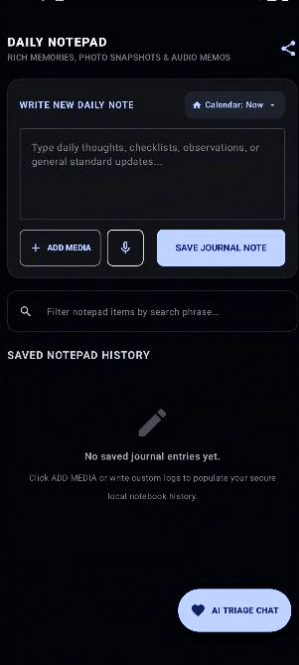
We developed this application using Kotlin (v1.9+), ensuring a fast, type-safe, and modern Android architecture. We utilized the MVVM pattern and Jetpack Compose (M3) to create a responsive, intuitive interface. A core pillar of our philosophy is accessibility: the app is entirely free of cost, with no hidden inputs, ensuring it is a tool for everyone. We integrated advanced AI capabilities (Gemini API) and Retrieval-Augmented Generation (RAG) to provide intelligent triage, ensuring the application feels like a full-fledged clinical assistant.

Challenges we ran into

  • AI Intelligence & Triage Logic: Integrating a RAG-based AI to make health status recommendations required rigorous testing to ensure safety and precision.
  • Kotlin Mastery: As we were relatively new to the language, learning to implement coroutines, Flow, and secure memory management was a steep but rewarding learning curve.
  • Ethics & Consent: Building the logic to share data securely, with full patient consent, while ensuring the architecture remained cost-free and privacy-focused, was a complex architectural challenge.

Accomplishments that we're proud of

We are proud to have created a bridge between home life and the clinic. The biggest accomplishment is the creation of a working RAG engine that provides a diagnostic severity scale, helping users realize when they need to seek medical attention versus when they are stable. We have turned raw daily observations into a tool that empowers both the patient and the physician.

What we learned

This project was an extensive deep dive into:

  • Advanced Kotlin & Mobile Architecture: Leveraging MVVM and lifecycle-aware components.
  • AI in Medicine: Understanding the practical implementation of RAG frameworks for health triage.
  • Clinical Investigation: Learning how to map symptom recognition to real-world medical value.
  • System Design: Mastering the API workflow and maintaining a "light-based" offline model that provides a stable, full-fledged feel for users.

What's next for BioSync HealthIntel

Our roadmap is focused on scalability and systemic reform:

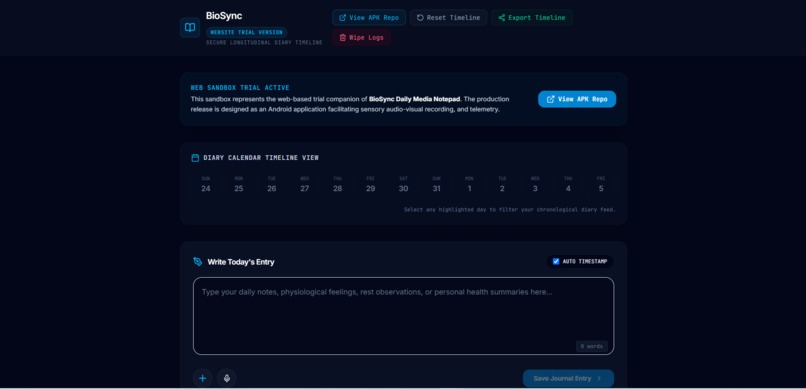
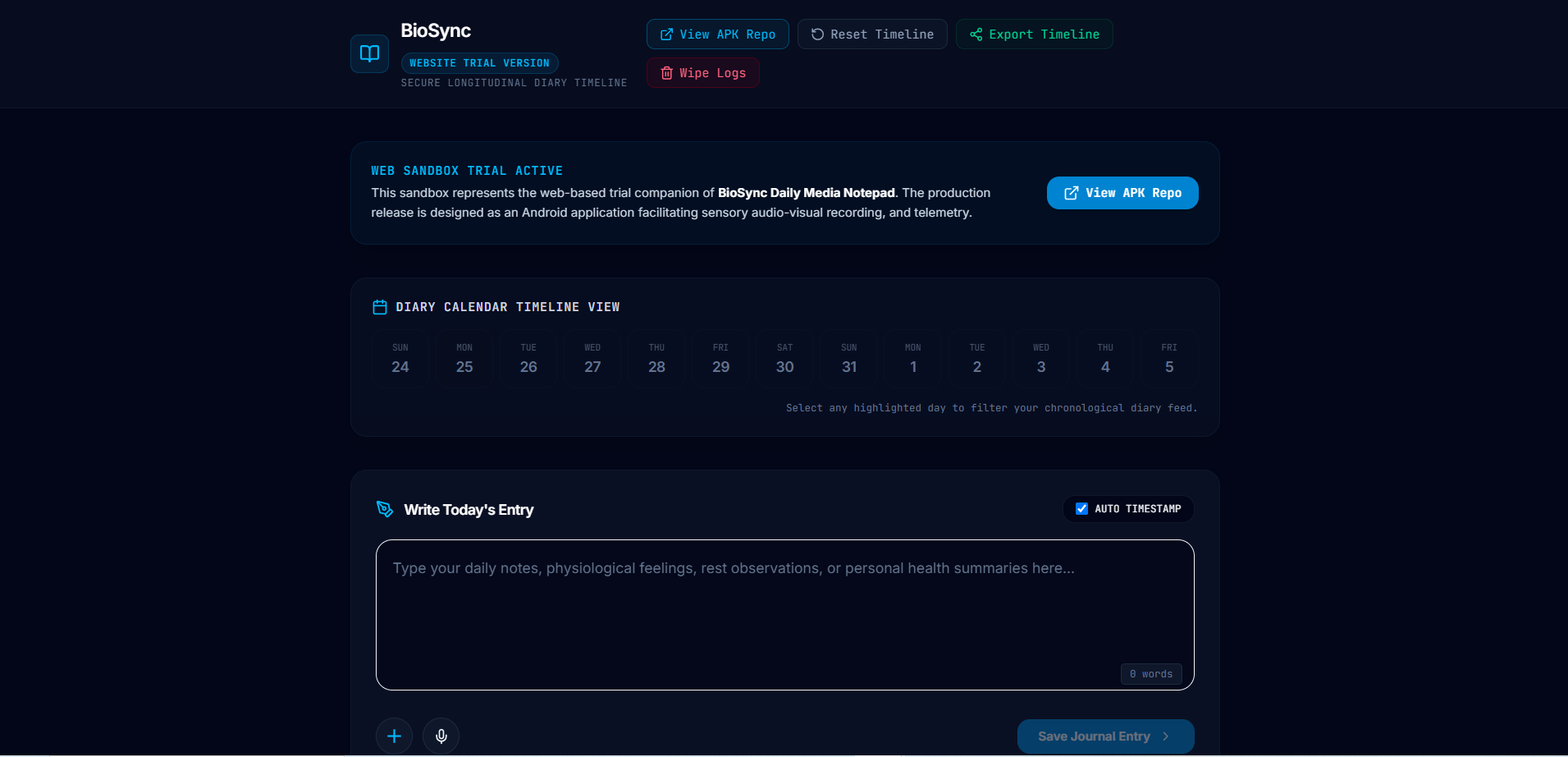
  • Platform Expansion: Building dedicated APK and web versions to increase accessibility.
  • Communication Systems: Developing a robust, standard-based communication portal for better patient-to-physician interaction.
  • Database Management: Evolving the local storage into a full-fledged, secure health database management system to further improve longitudinal diagnostic accuracy.

Built With

  • android
  • android-architecture-components
  • google-gemini
  • gradle
  • jetpack-compose
  • kotlin
  • mvvm
  • offline
  • okhttp
  • retrofit
  • room-database
  • sqlite
Share this project:

Updates

posted an update

BioSync — Medication Alarm & Hardware Feedback System

BioSync is a robust, high-fidelity medication adherence and alarm system built with modern Android UI paradigms and deep hardware integrations. This system ensures critical medical alerts are never missed through high-contrast immersive overlays, multi-sensory feedback loops, and intuitive, mistake-proof interaction models.


Feature Architecture & UI Specifications

Screen C: Full-Screen Active Alarm Takeover

An immersive, high-contrast takeover overlay designed to command immediate attention and guarantee user interaction when a critical medication alarm triggers.

  • Scale Pulsing Animation: The notification bell icon features a smooth, continuous glowing/pulsing card scale effect (0.95f to 1.15f) to visually signify an active, high-priority alert state.
  • Hero Typography: Replaced standard text blocks with an elegant, ultra-bold 52.sp digital time readout paired with a high-visibility flashing ALARM RINGING header.
  • Live Clock Feed: Features a synchronized, ticking time display that updates dynamically every second directly inside the takeover window.
  • Metropolitan Chip Layout: Selected sound tones (e.g., Chirp Tune, Zen Chimes, Digital Beep) and vibration metrics are framed beautifully inside translucent, modern pill-shaped chips.
  • Failsafe "Swipe-to-Dismiss" Slider: To completely eliminate accidental touch dismissals, standard buttons are replaced with a red-accented interactive slider. Users must slide the thumb fully to the right (>= 92% completion) to clear the active alert.

Screen A: Registered Alarms Dashboard

A streamlined medical control hub integrated directly inside the secondary Dashboard UI to help users manage upcoming and historical schedules.

  • Real-time Digital Chronometer: Integrated a full-date and ticking clock system displaying hh:mm:ss a — Day, Month Date using a clean, professional monospace typeface (13.sp) for perfect geometric alignment.
  • Sleek Alarm Cards: Active alarms are housed inside rounded Material 3 cards featuring prominent 22.sp bold scheduled times, custom labels, and list-level quick actions.
  • Localized Smart-Formatting: Automatically parses and translates selected individual days into standard weekly structural labels (e.g., Mon, Wed, Fri, Every day, or One-time Alarm).
  • Snoozed Badges: High-contrast indicator chips dynamically appear on individual cards to visibly signify that an alarm is currently resting in a snooze interval.

Screen B: Create & Edit Configuration Sheets

Replaced primitive text forms with interactive, tactile Material 3 selection rollers for rapid and precise input modification.

  • Custom Clock Rollers: Features sleek up/down arrow buttons to scroll through hours and minutes dynamically in 5-minute step intervals, complete with a quick-tap button to toggle AM/PM tags.
  • Circular Weekday Selectors: Outfitted with 7 circular, highly responsive weekday buttons that instantly toggle component states (transitioning from baseline surface background to primary brand accents) upon selection.
  • Tactile Snooze & Sound Tones: Replaced cluttered dropdown menus with elegant horizontal FilterChip rows, enabling rapid one-tap selection of snooze duration boundaries (1m, 5m, 10m, 15m, 30m) and chime sound preferences.

Embedded Multi-Sensory Hardware Feedback

The UI states are deeply integrated into Android’s native audio and haptic sub-systems to maintain situational awareness.

  • Ringing Sound Loops: Triggers standard pre-configured device alarm sounds and ringtone chimes dynamically, looping continuously until explicitly processed.
  • Synchronized Pulse Vibration: Triggers a strict, repeating structural vibration cadence using a longArrayOf(0, 800, 800) pattern on supported devices.
  • Unified State Dismissal: Ringing audio and vibration tracks stop playing instantly the exact millisecond an alarm is toggled off, snoozed, dismissed, or deleted.

Automated Branding Pipeline

To keep application production environments perfectly synced with the master identity assets, the build system uses an automated pipeline:

// build.gradle.kts
tasks.register("downloadBrandAssets") {
    description = "Pulls latest branding assets from Github and bundles them natively."
    doLast {
        val assetUrl = "[https://github.com/Shauryavikramsingh/.../Icon.png](https://github.com/Shauryavikramsingh/.../Icon.png)"
        val targetFile = file("src/main/res/drawable/biosync_logo.png")

        println("Downloading latest production brand assets...")
        targetFile.writeBytes(java.net.URL(assetUrl).readBytes())
        println("Assets successfully bundled natively as biosync_logo.png")
    }
}

tasks.named("preBuild") {
    dependsOn("downloadBrandAssets")
}

Log in or sign up for Devpost to join the conversation.