Inspiration
Overview
This project is a biometric and behavioral-based authentication server built using Node.js + Express.
It combines: Biometric Verification (fingerprint + facial recognition simulation) Behavioral Analysis (typing rhythm + mouse movement patterns) Continuous Monitoring (trust score tracking & re-authentication)
Features: Biometric Verification (90% fingerprint, 85% facial recognition success rates) Typing Behavior Analysis (dwell times, flight times, pressure variance) Mouse Movement Analysis (velocity, distance, click pressure) Trust Score Calculation based on user baseline Continuous Session Monitoring with alerts (SECURE, CAUTION, WARNING, CRITICAL) Re-authentication if anomalies are detected Session Analytics (confidence trends, trust score trend, alerts)
What it does
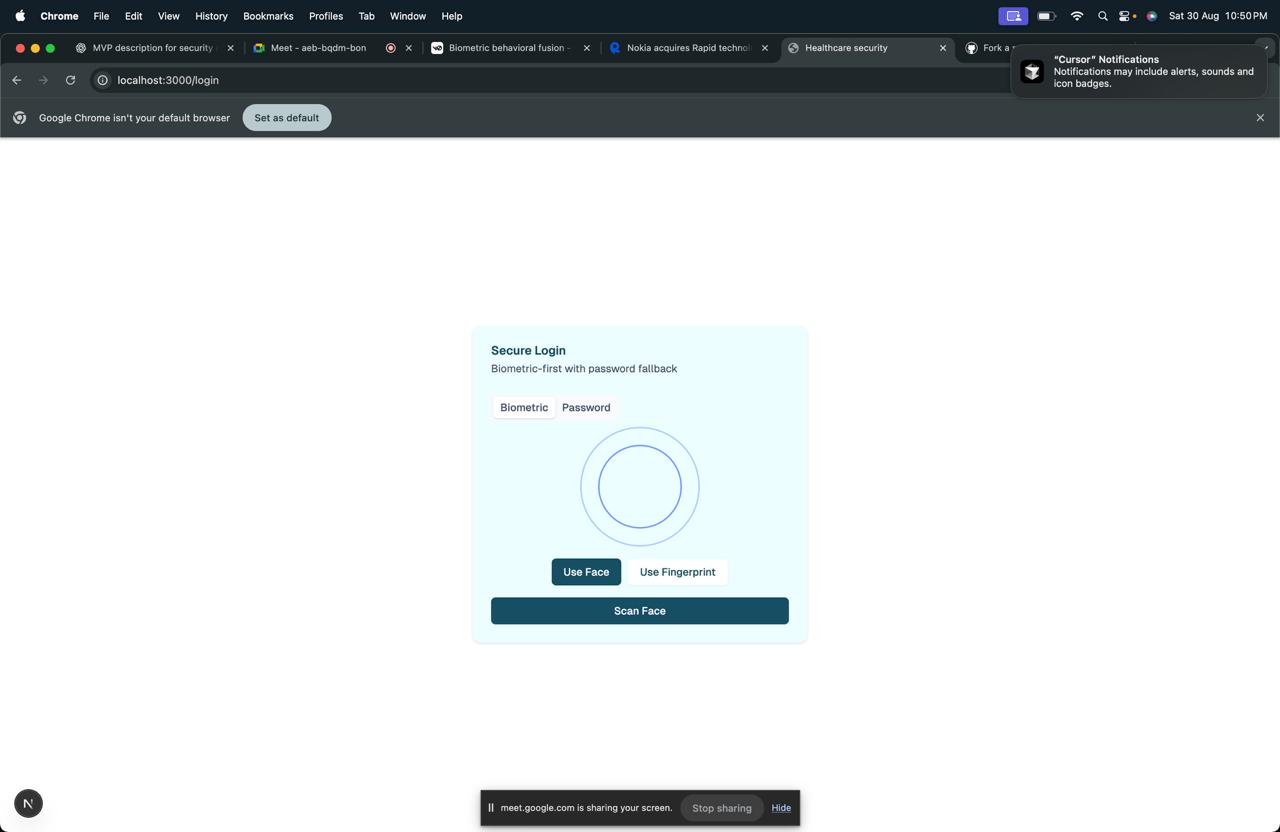
Enrollment – When a user signs up, the system saves their biometric data (like simulated fingerprint/face) and their behavioral patterns (typing rhythm, mouse movement). Authentication – At login, it checks both: Biometric match (fingerprint/face hash) Behavioral match (typing + mouse baseline comparison) Continuous Monitoring – Even after login, the system keeps checking user behavior (typing speed, mouse activity, etc.) during the session. If the behavior starts looking very different from the baseline, the trust score goes down. Alerts & Re-authentication – If the trust score drops below a threshold, the system raises alerts (CAUTION, WARNING, CRITICAL). In critical cases, the user must re-authenticate with biometrics. Analytics – The system can generate reports like: Average trust score Session duration Number of alerts Status (Verified / Compromised)
How we built it
We started by simulating biometric data instead of using real fingerprint or face scans, we generated unique hash values to represent them.Next, we added a behavioral layer by tracking things like typing speed and mouse movement. From this, we built a baseline profile for each user.On top of that, we created a trust engine. Every time someone used the system, it compared their current behavior with their baseline. The trust score was calculated by combining biometric match and behavioral similarity. If the score dropped too low, the system raised alerts from caution to critical. In critical cases, the user had to re-authenticate with biometrics.Finally, we built a simple analytics dashboard to show trust scores, alerts, and session outcomes, so we could see how secure each session was.
Challenges we ran into
one of the biggest challenges was simulating biometric data realistically, since we didn’t have access to actual fingerprint or face scanners. We had to come up with hash-based identifiers that still felt secure. Another hurdle was defining behavioral patterns. People don’t always type or use the mouse the same way every time, so we had to find a balance between being too strict and too lenient in our trust score calculation.We also struggled with continuous monitoring. Making the system run checks in the background without slowing things down was tricky, but we managed to optimize it. And finally, building a clear alert system and dashboard that was simple to understand while still showing useful insights took some iteration.
Accomplishments that we're proud of
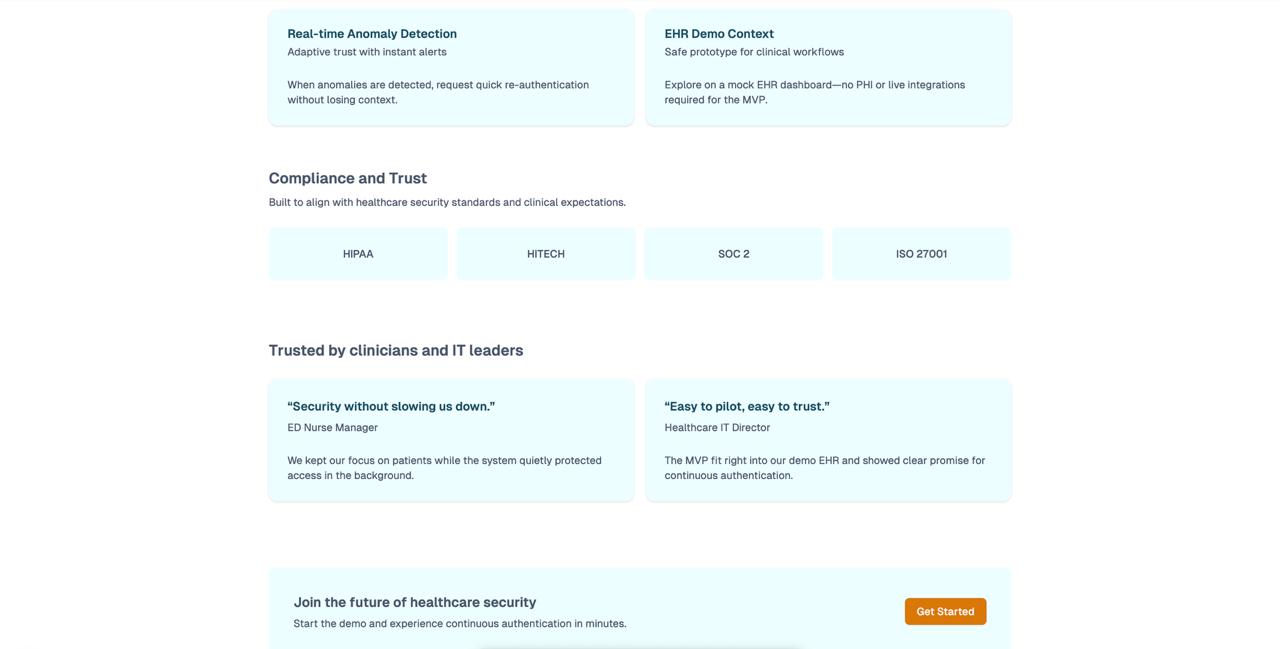
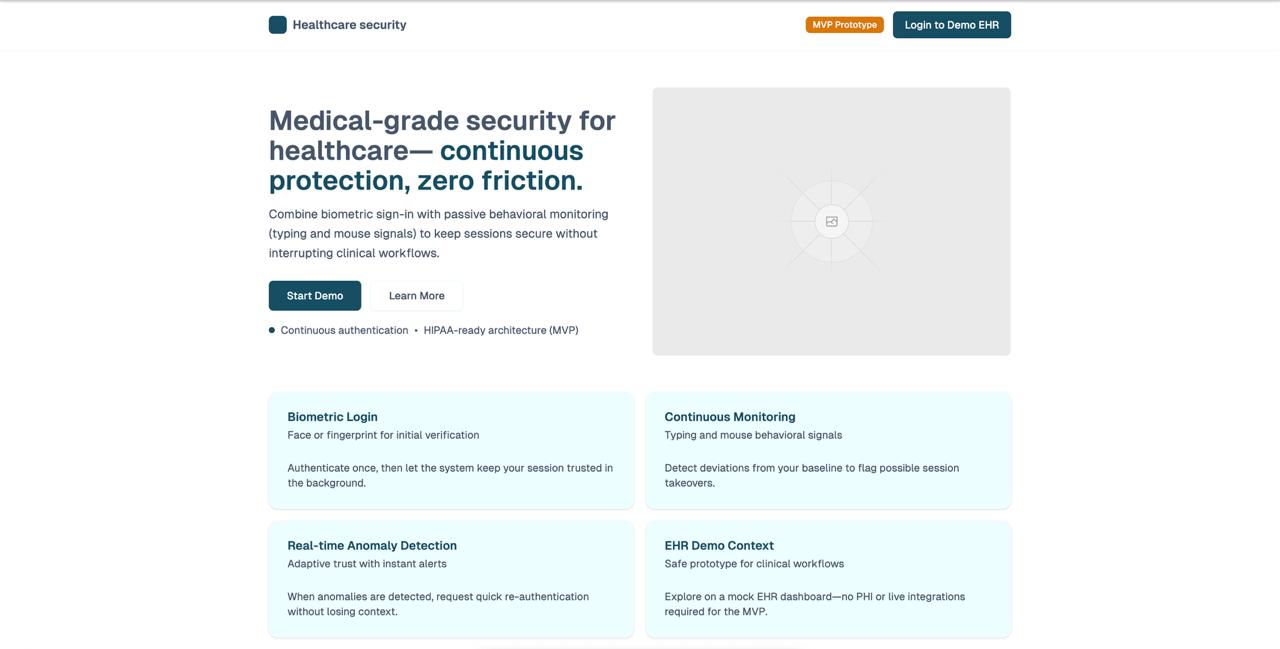
We’re proud that we were able to bring together biometric and behavioral authentication into one working prototype. It doesn’t just stop at login it keeps monitoring continuously, which makes it stronger than traditional systems.
We also built a trust engine that calculates scores in real time and raises alerts based on risk levels.
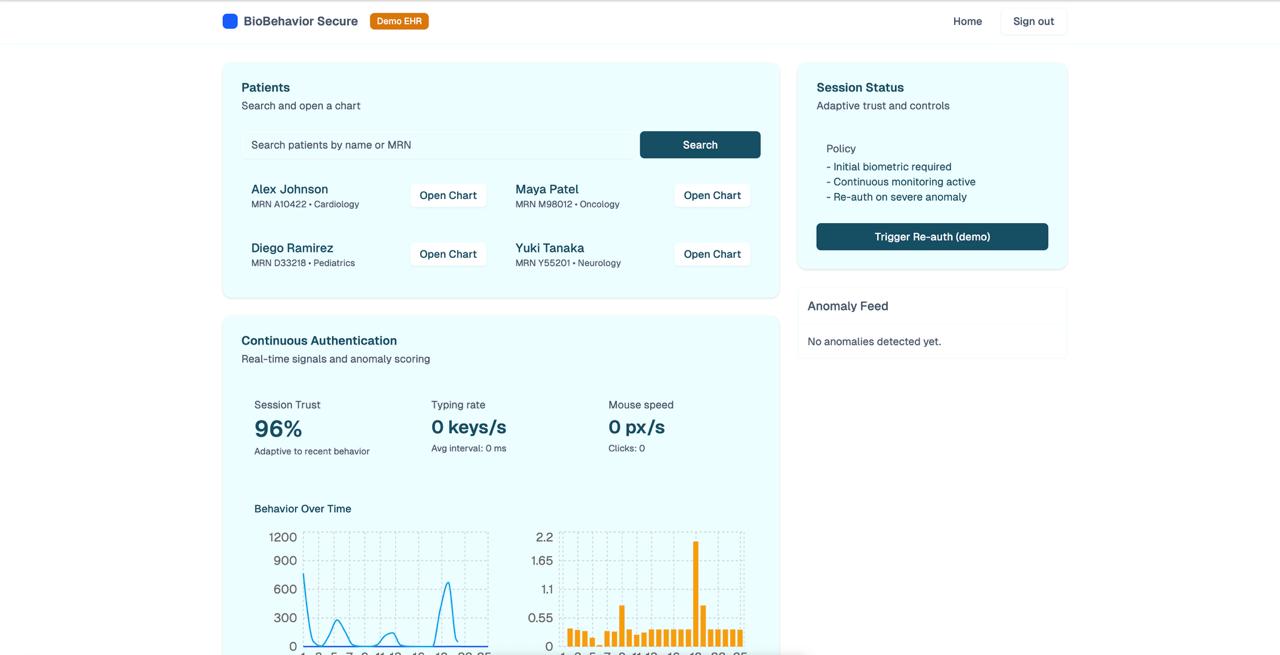
Another accomplishment was creating a dashboard that summarizes trust scores, alerts, and session outcomes, making the system easy to understand at a glance.
Most importantly, we proved that a lightweight solution for continuous authentication in healthcare and beyond is possible, even without expensive hardware.
What we learned
Through this project, we learned how powerful it is to combine biometrics with behavioral patterns for stronger security. We got hands-on experience in designing trust-based systems, where authentication isn’t just a one-time event but a continuous process. We also realized the importance of fine-tuning thresholds being too strict can frustrate real users, while being too loose can let intruders slip through.
Finally, we learned how to present security insights clearly with dashboards so that even non-technical users can understand the risks.
What's next for Biosentry
Going forward, we want to make BioSentry more practical and closer to real-world use. The next steps include: Integrating real biometric devices like fingerprint scanners and facial recognition APIs instead of simulated data. Expanding behavioral signals, such as keystroke dynamics, touchscreen gestures, and even walking patterns for mobile use. Scaling the trust engine to handle thousands of users in parallel, which is important for hospitals and enterprises. Improving explainability, so the system can tell users why their trust score dropped and how to fix it. Deployment-ready prototype, with cloud-based dashboards and real-time monitoring for actual testing in healthcare or corporate settings. The long-term vision is for BioSentry to become a lightweight, affordable continuous authentication platform that can be adapted to different industries beyond healthcare.
API ENDPOINTS
| Method | Endpoint | Description |
| ------ | --------------------------- | ------------------------------------------------------ |
| POST | /api/enroll | Enroll a new user with biometric + behavioral baseline |
| POST | /api/authenticate | Authenticate user with biometrics + behavior |
| POST | /api/monitor | Monitor active session for behavioral drift |
| POST | /api/reauthenticate | Re-verify biometrics if trust score drops |
| GET | /api/analytics/:sessionId | Get analytics for a session |
| POST | /api/logout | Logout user and clear session |
| GET | /api/health | Health check endpoint |
| Element | Markdown Syntax |
|---|---|
| Heading | # H1 ## H2 ### H3 |
| Bold | bold text |
| Italic | italicized text |
| Blockquote | > blockquote |
| Ordered List | 1. First item 2. Second item 3. Third item |
| Unordered List | - First item - Second item - Third item |
| Code | code |
| Horizontal Rule | --- |
| Link | title |
| Image |  |

Log in or sign up for Devpost to join the conversation.