-
-
01
-
04
-
02
-
03
Inspiration
As a biotechnology student, I’ve come to realize that finding a research paper is often much easier than actually understanding it.
A paper may be on a subject I’m interested in, but once I open it, I’m suddenly faced with unfamiliar genes, proteins, lab techniques, experimental methods, and terminology that send me across multiple tabs just to make sense of one section.
That experience inspired me to create BioResearch AI.
I wanted to build a tool that would help students navigate biological research papers without replacing the real process of reading and learning. The idea was straightforward: upload a paper, select the part you’re struggling with, and receive an explanation that helps you keep going.
I also wanted the project to be valuable for students who may not always have easy access to mentors, research experience, or other academic support.
What it does
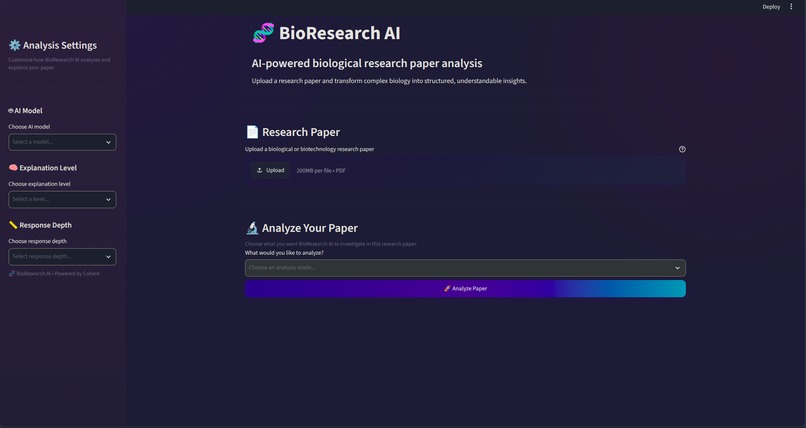
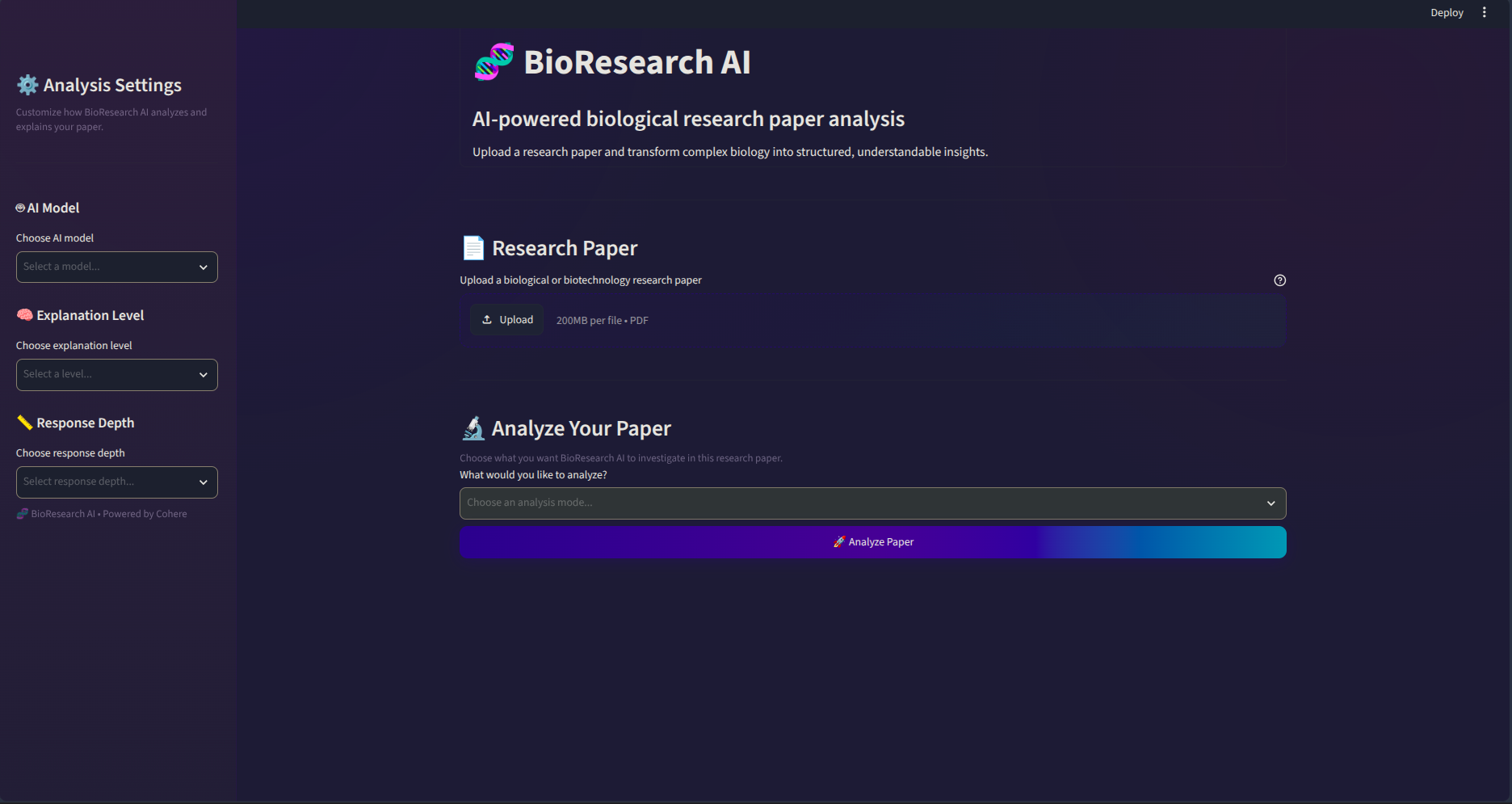
BioResearch AI is a Streamlit app designed to help users understand biological research papers.
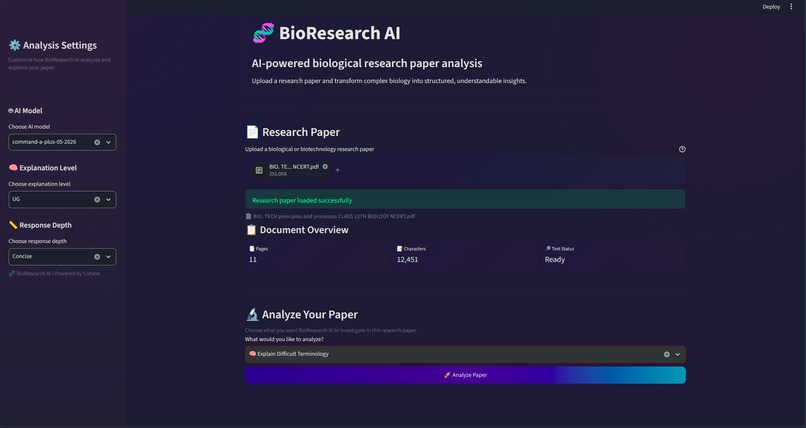
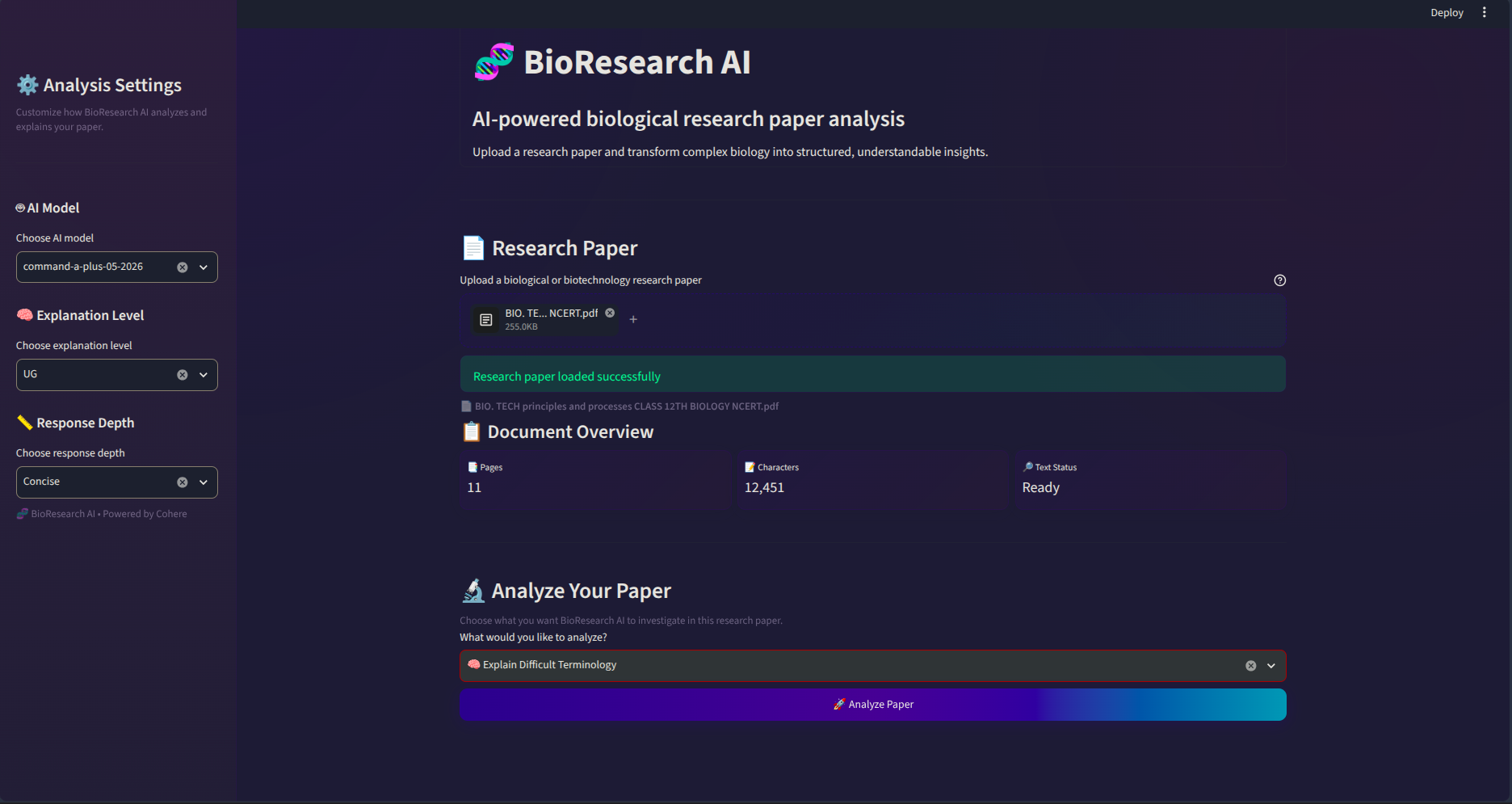
A user uploads a research paper in PDF format and selects the type of help they need rather than getting one broad summary of the whole document.
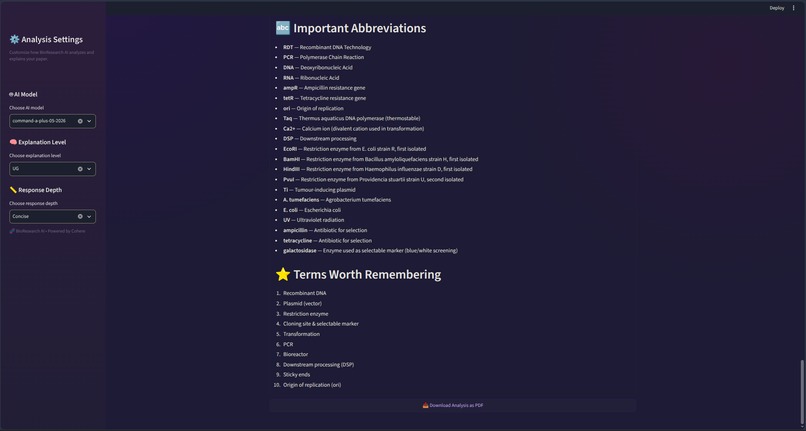
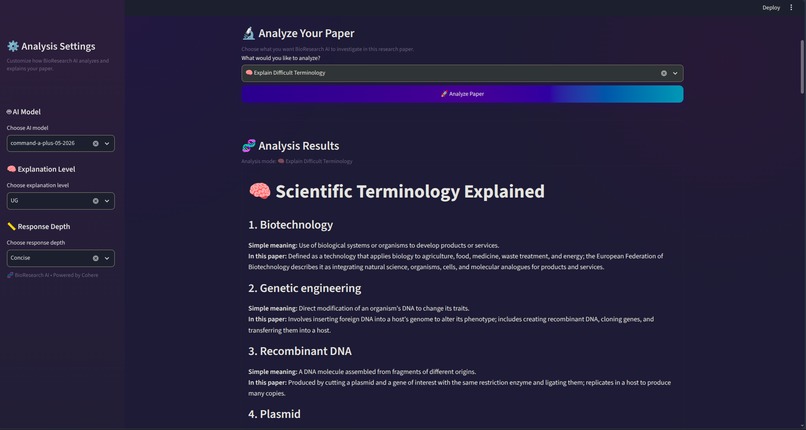
The application can:
- Extract key genes and proteins
- Explain experimental methodologies
- Identify laboratory techniques
- Describe biological mechanisms
- Break down research findings
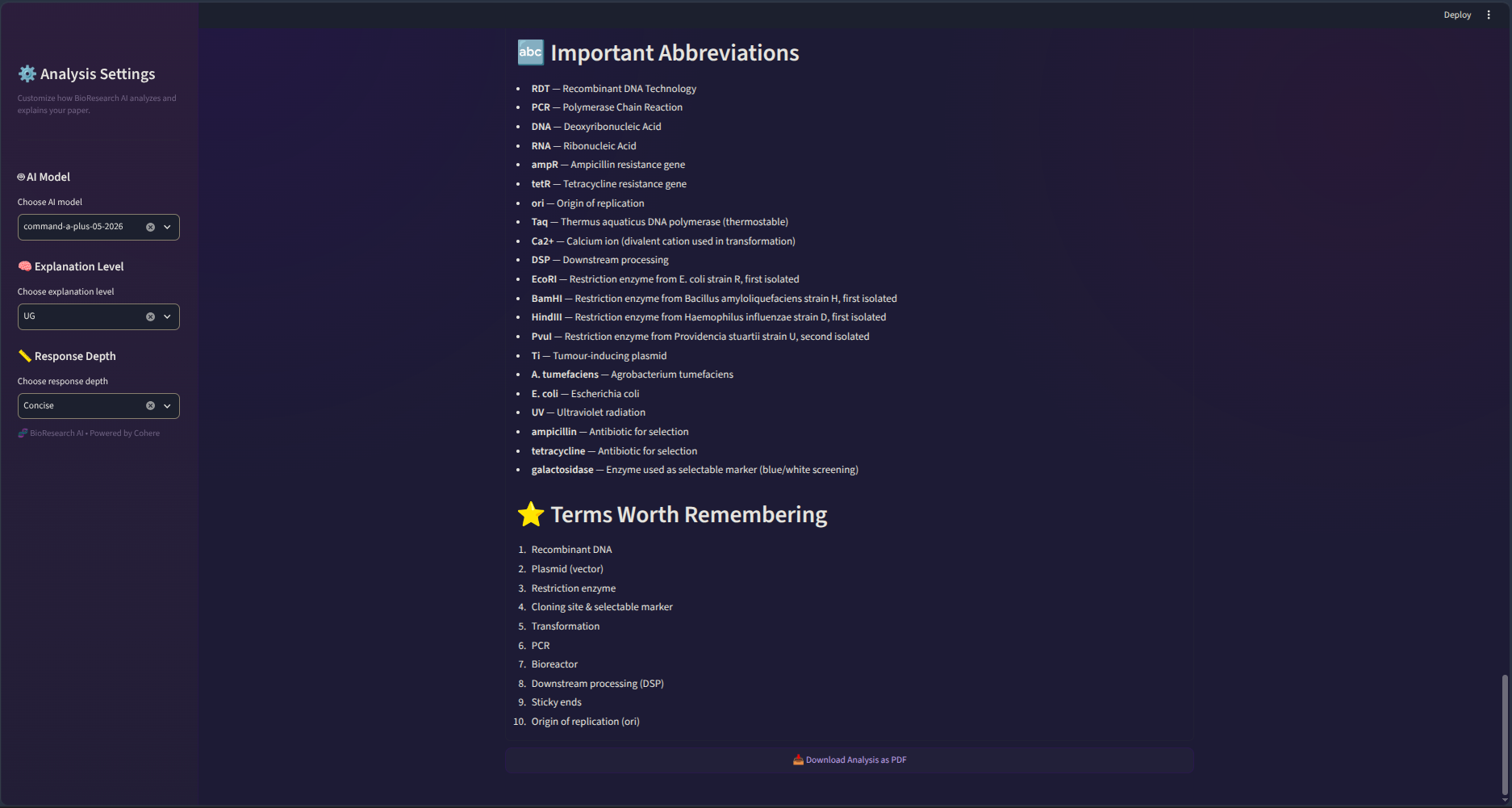
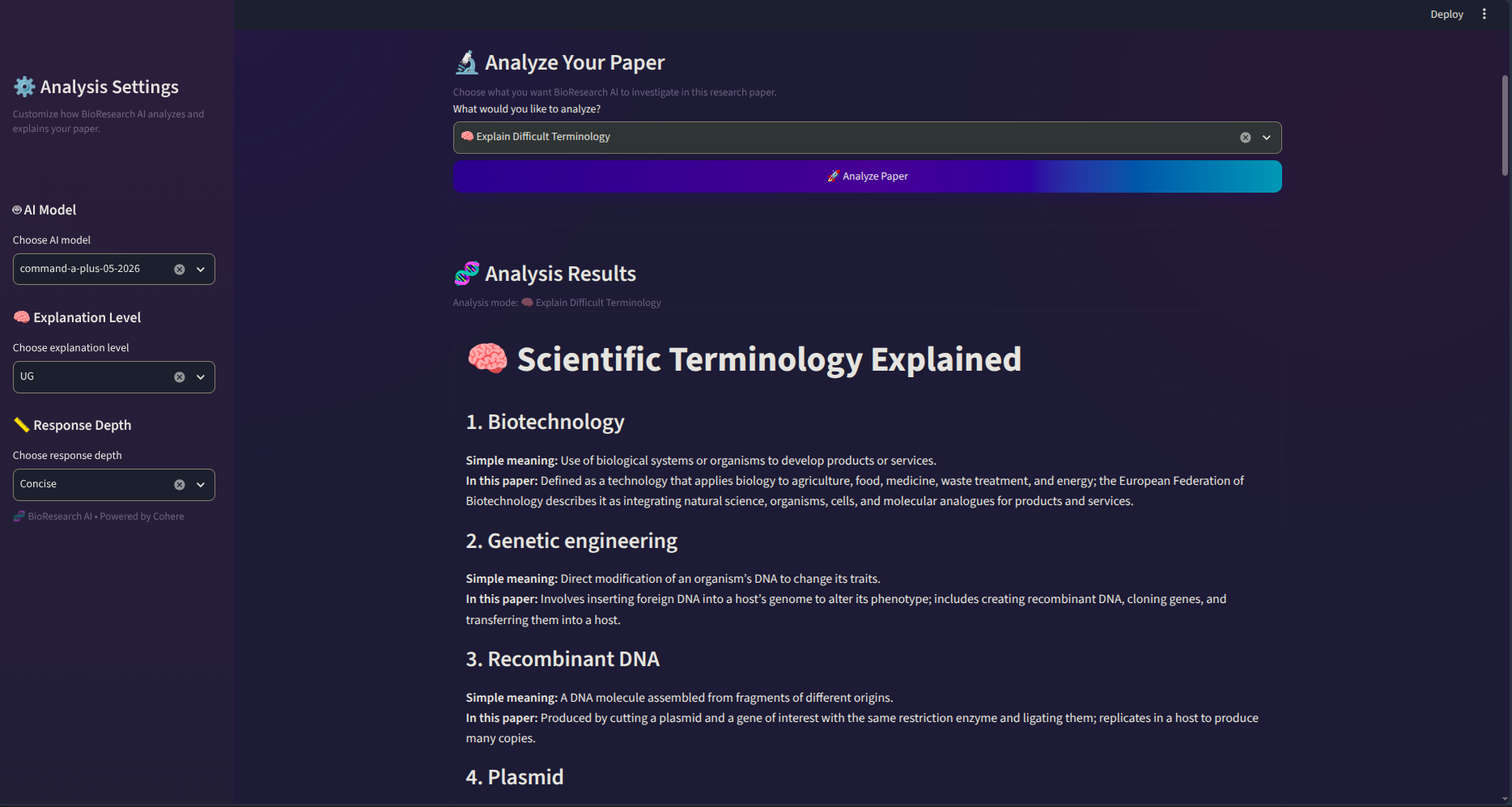
- Explain challenging scientific terms
- Generate revision notes
- Generate viva questions
- Create flashcards for studying
Users can also adjust settings such as explanation level and response depth.
My goal was to make it feel less like asking a random chatbot questions and more like using a focused study tool built specifically for biological research papers.
How I built it
I built BioResearch AI with Python and Streamlit.
Streamlit powers the interface and lets users upload a paper, set how they want it explained, choose an analysis tool, and view the output.
For PDF handling, I used PyMuPDF to pull text from uploaded research papers. The extracted text is then combined with the user’s selected analysis and sent through the Cohere API using prompts tailored to that specific task.
The basic workflow is:
Research Paper (PDF)
        ↓
Extract Paper Text
        ↓
Choose Analysis Tool
        ↓
Prepare Task-Specific Prompt
        ↓
Cohere
        ↓
Structured Biological Explanation
Rather than using the same prompt each time, different tools give different instructions depending on whether the user wants help understanding methodology, results, terminology, genes and proteins, or something else.
Challenges I ran into
One of the first challenges was working with PDFs themselves. Research papers are not always clean blocks of text. They often include references, figures, tables, multiple sections, and formatting that doesn’t always survive text extraction perfectly.
API integration also caused some unexpected debugging issues. At one point, I realized that the model’s response wasn’t structured the way my code expected, which forced me to understand the API response instead of just copying code until it worked.
Prompt design was another challenge.
I quickly learned that sending an entire paper with a vague instruction like “Explain this” doesn’t always create a useful learning experience.
Someone trying to understand an experimental method has very different needs from someone preparing for a viva or trying to understand the biological mechanism behind the results.
That eventually led me to create separate analysis tools instead of one generic AI button.
Accomplishments that I’m proud of
I’m proud that BioResearch AI became more than just a basic PDF chatbot.
I built the project on my own while learning, and it brought together several interests of mine: biotechnology, Python, AI, research, and software development.
I had to work through PDF extraction, API integration, Streamlit interfaces, application logic, prompt design, error handling, and debugging while also considering whether the output would actually help someone studying biology.
I’m especially happy that I chose to build specialized research tools rather than simply adding a chat box.
The project began with a problem I personally understood, and I was able to turn that problem into a working application.
What I learned
One of the biggest lessons I learned is that connecting an AI model to an app is the easy part. Making that model useful is much harder.
I gained a deeper understanding of Python, Streamlit, PDF processing, APIs, application state, error handling, prompt design, and debugging.
I also became much more comfortable reading documentation and investigating errors instead of treating every error message as something mysterious.
Interestingly, the project also changed the way I think about research papers.
Instead of seeing a complex paper as one huge block of information, I began breaking it down into smaller questions:
**What experiment did the researchers perform?
Which genes or proteins matter most?
What lab techniques did they use?
What biological mechanism are they studying?
What do the results actually show?
Those questions eventually became features in BioResearch AI.
What’s next for BioResearch AI
BioResearch AI is still something I can expand quite a bit further.
One improvement I’d especially like to explore is tying answers more closely to specific parts of the uploaded paper. Instead of just generating an explanation, the app could direct users to the relevant section or page so they can check the information themselves.
I’d also like to improve support for longer and more complex papers, especially documents with figures and tables.
Other future possibilities include comparing research papers, better paper navigation, citation-aware explanations, improved flashcards and study tools, and eventually letting users explore links between multiple papers.
But I want to preserve the project’s original purpose: make scientific literature easier to approach while still encouraging students to engage with the research itself.
Built With
- api
- cohere
- dotenv
- pymupdf
- python

Log in or sign up for Devpost to join the conversation.