-
-
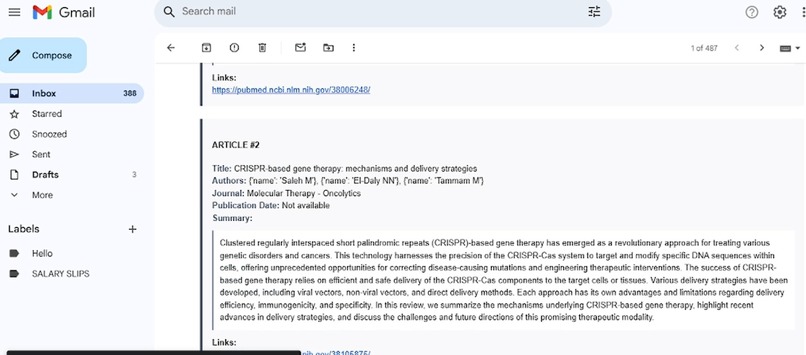
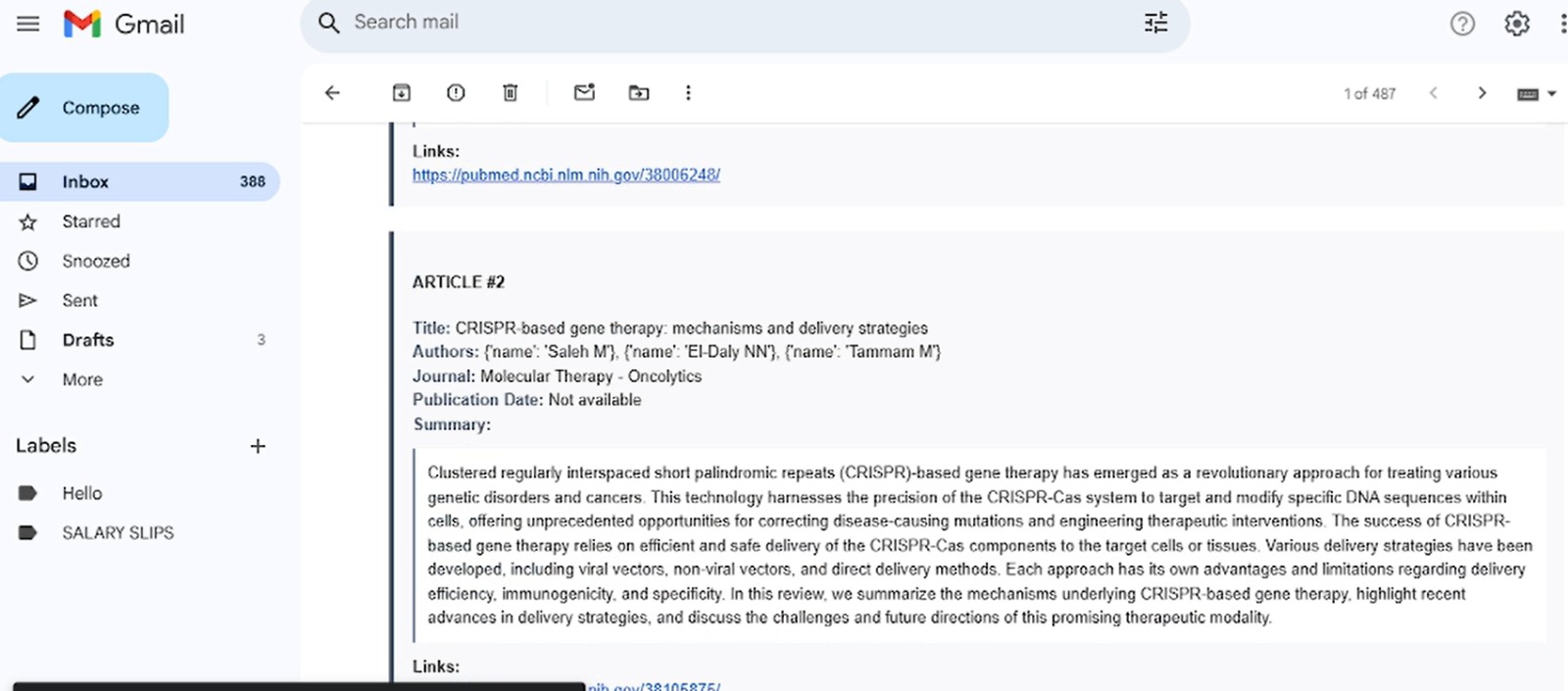
Received Email and we can see the output
-
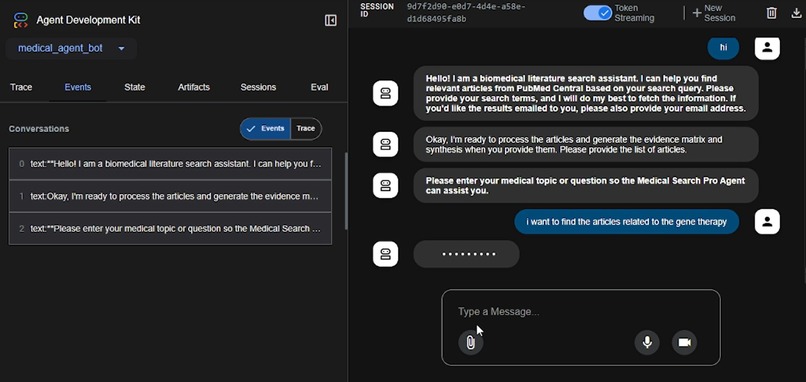
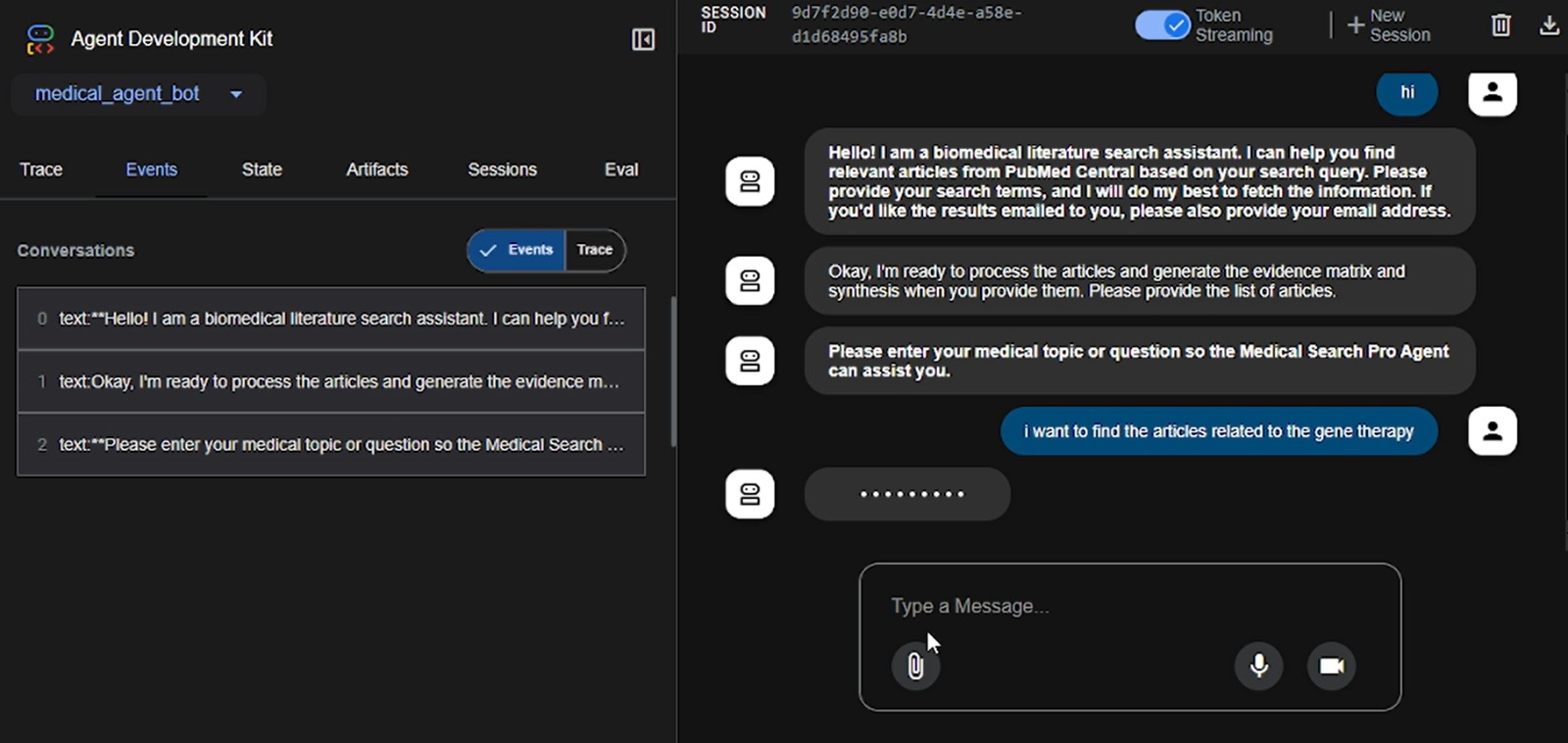
Input Prompt
-
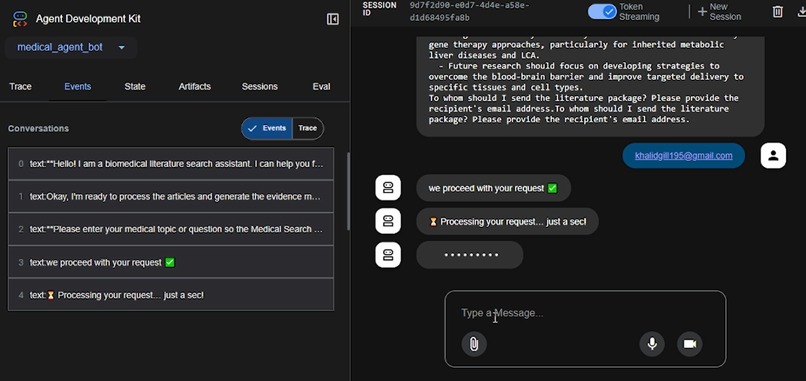
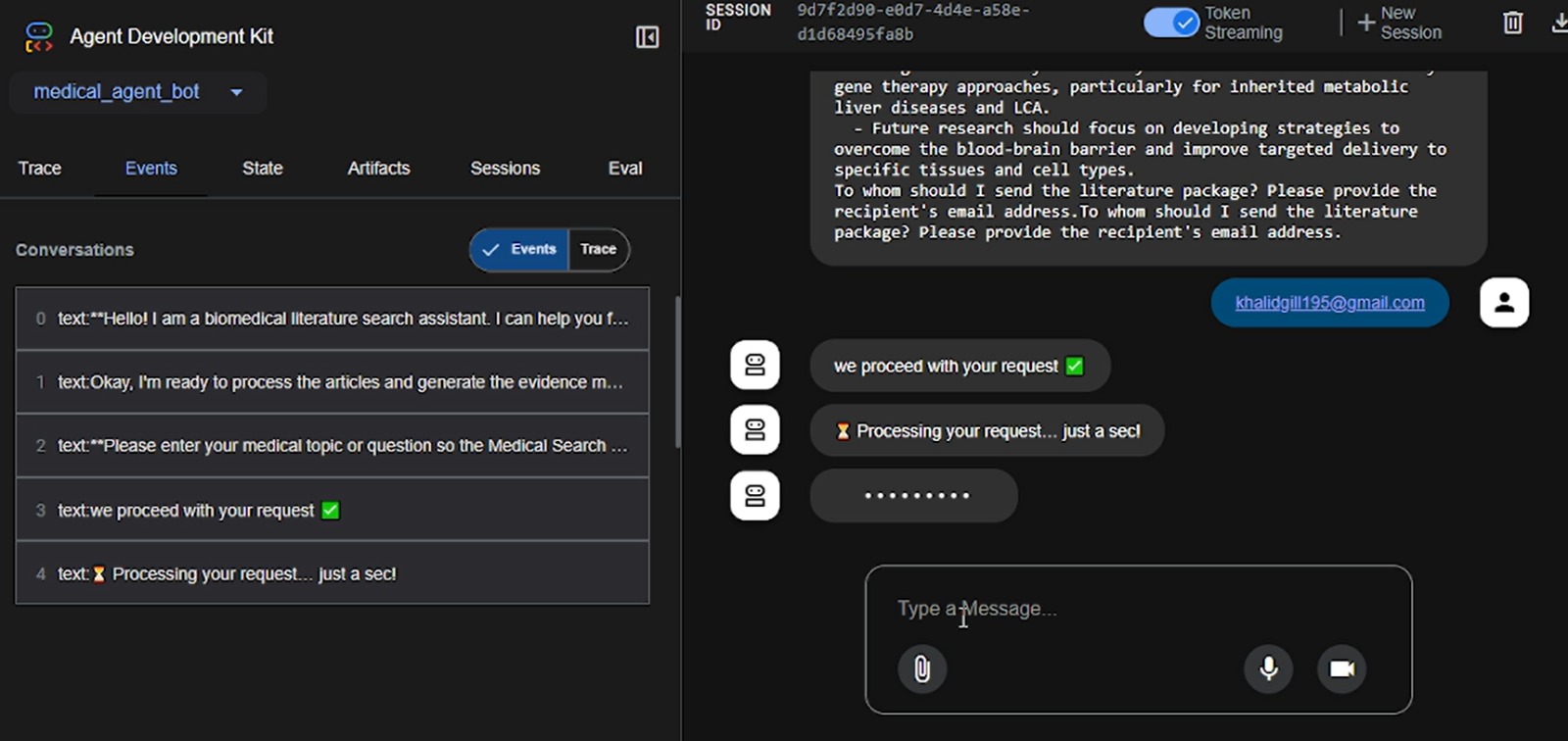
Agents taking email and sent
-
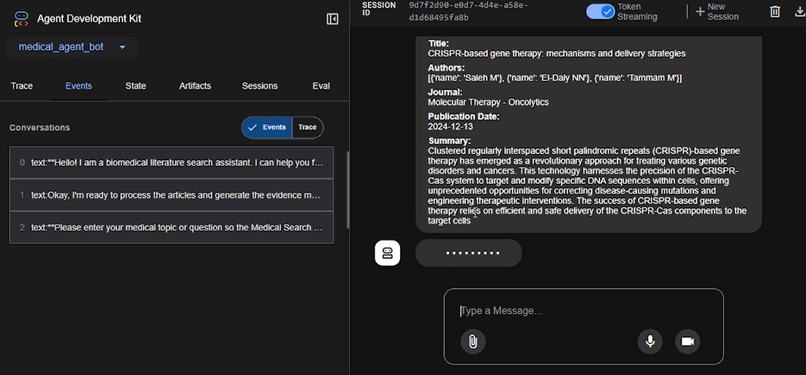
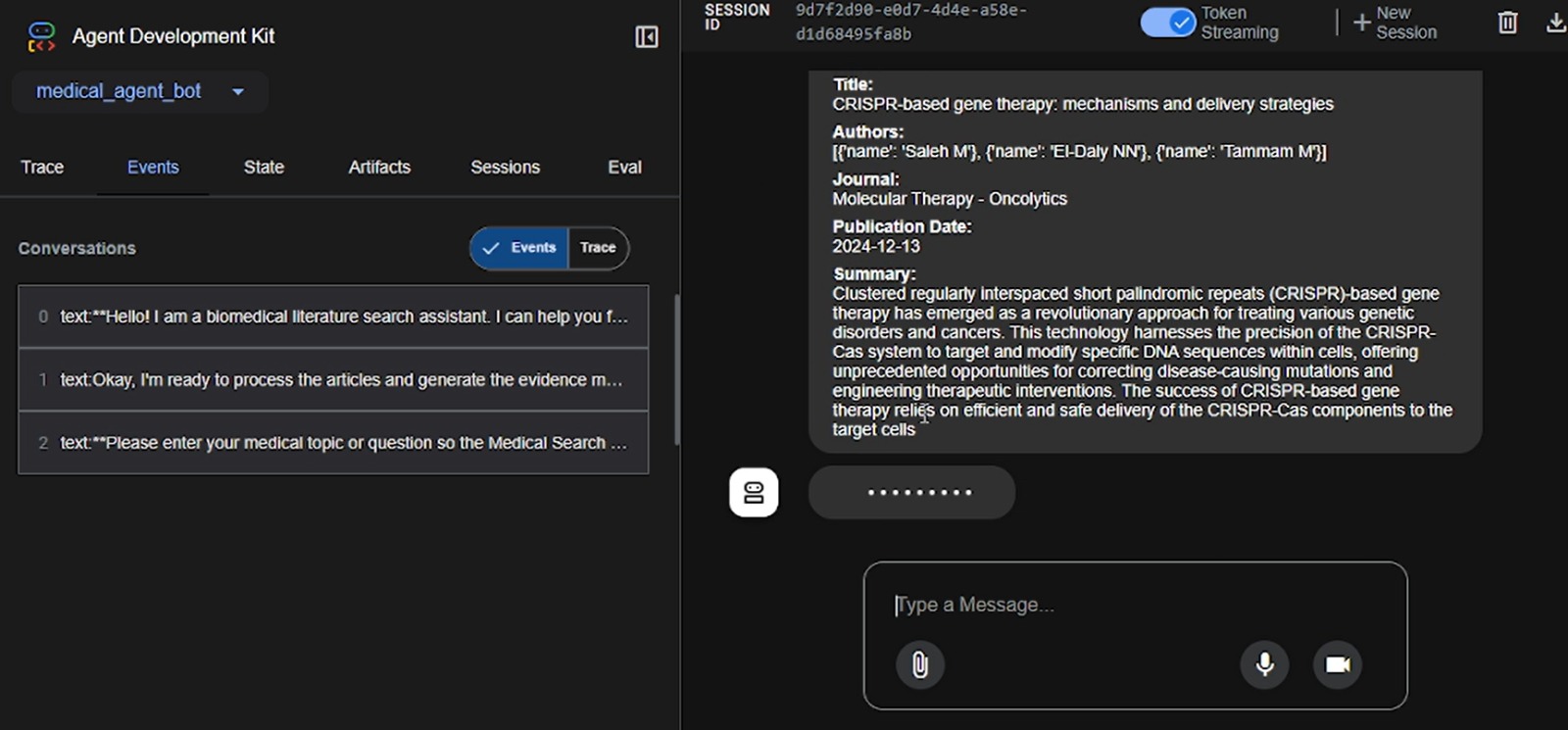
Agents working
My Journey Building MedicalSearch Pro Agent
"Automation isn’t just about saving time; it’s about freeing researchers to think bigger."
What Inspired Me
Medical and graduate students—including me—spend hours manually searching PubMed, copying abstracts, and formatting emails for supervisors. I kept wondering:
“Why can’t all of this be automated?”
That frustration, mixed with my curiosity about agent-based architectures, pushed me to design a pipeline that turns a simple medical question into a polished evidence report—no manual busywork required.
What I Learned
Agent-Oriented Design
Breaking a complex workflow into small, single-responsibility agents made the system modular and easier to manage.Human-in-the-Loop User Experience
Even smart agents need a polite “Is this what you meant?” checkpoint. I learned to add quick clarification prompts without disrupting the workflow.Google Cloud CLI for Deployment
I used the Google Cloud CLI (gcloud) to deploy and manage services efficiently. It taught me how to:- Configure GCP projects and services
- Set up IAM roles and service accounts
- Deploy Docker containers to Cloud Run directly from the terminal
PubMed API Integration
I learned how to query biomedical literature using the E-Utilities API, including how to handle rate limits and structure responses for NLP.Effective Email Templates
Clinicians prefer brief and scannable formats. Using concise tables and summaries improved user engagement.
How I Built It
| Step | Tools / Approach | Why It Matters |
|---|---|---|
| System Design | Draw.io → Figma | Clear diagrams make collaboration and debugging easier. |
| Core Code | Python 3.10, FastAPI, Pydantic | Ensured async performance and type safety. |
| Agents | QueryIngestor, EvidenceBuilder, EmailDispatcher |
Each handles a specific task and communicates via Redis pub/sub. |
| Knowledge Layer | PubMed E-Utilities API | Enables live access to biomedical literature. |
| Deployment | Docker + Google Cloud CLI (gcloud) → Artifact Registry → Cloud Run |
CLI-based deployment gave me full control over build and rollouts. |
| CI/CD | GitHub Actions + Cloud Run | Enables safe, repeatable deployments. |
Challenges & Solutions
| Challenge | Initial Problem | Solution |
|---|---|---|
| Collecting Emails | Users forgot to provide email addresses. | Built a collect_recipient_email form to pause flow until provided. |
| PubMed API Limits | Too many requests caused 403 errors. | Added rate limiting and a local cache to reduce load. |
| Outlook Email Rendering | CSS was being stripped. | Used Premailer to inline styles and rely on tables. |
| GCP IAM Confusion | Incorrect roles caused deployment failures. | Created Terraform modules with proper permissions. |
| Multilingual Queries | MeSH failed on non-English text. | Used Google Translate before enrichment. |
Impact So Far
- Search-to-email time: Under 90 seconds
- Users: 40+ medical students and 3 clinicians tested
- Feedback:
“Finally, an email I can forward to my PI without editing.”
What’s Next
- Auto-generate PDF policy briefs
- Add RAG-powered instant answers (e.g., "Is metformin safe in CKD stage 3?")
- Integrate with Slack and Microsoft Teams
Closing Thoughts
“I learned that automation isn’t just code—it builds trust between humans and machines.”
Creating MedicalSearch Pro Agent helped me turn my own research pain points into a helpful tool. If you’re tired of repetitive literature searches, give it a try—and let the agent do the heavy lifting while you focus on innovation.
Built With
- google-cloud
- googleadk
- neondb
- pubmedapi
- smpt


Log in or sign up for Devpost to join the conversation.