-
-
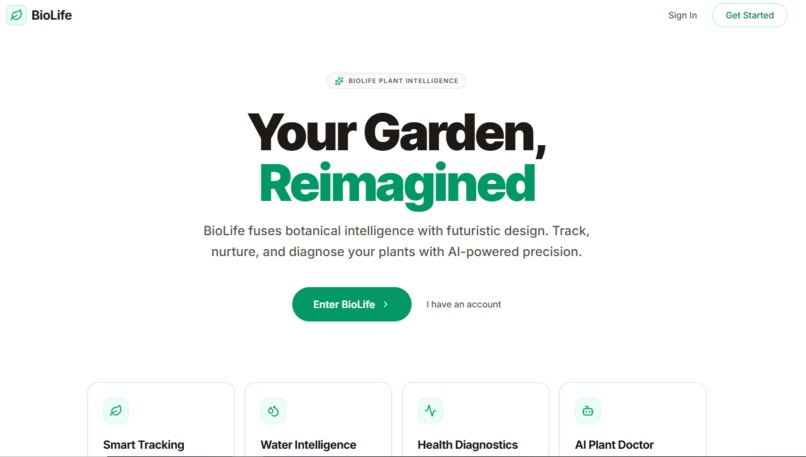
Home Page
-
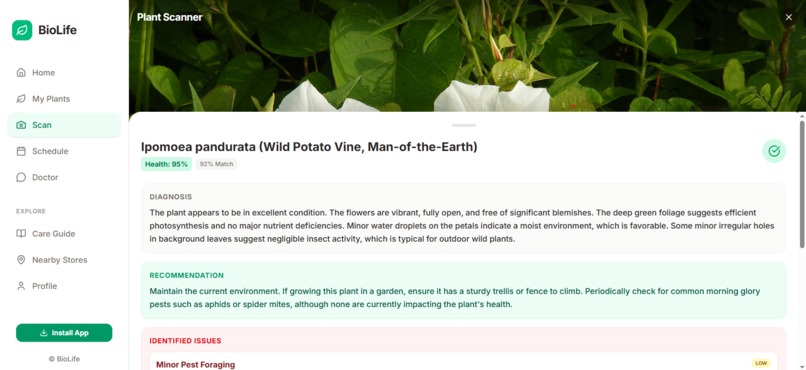
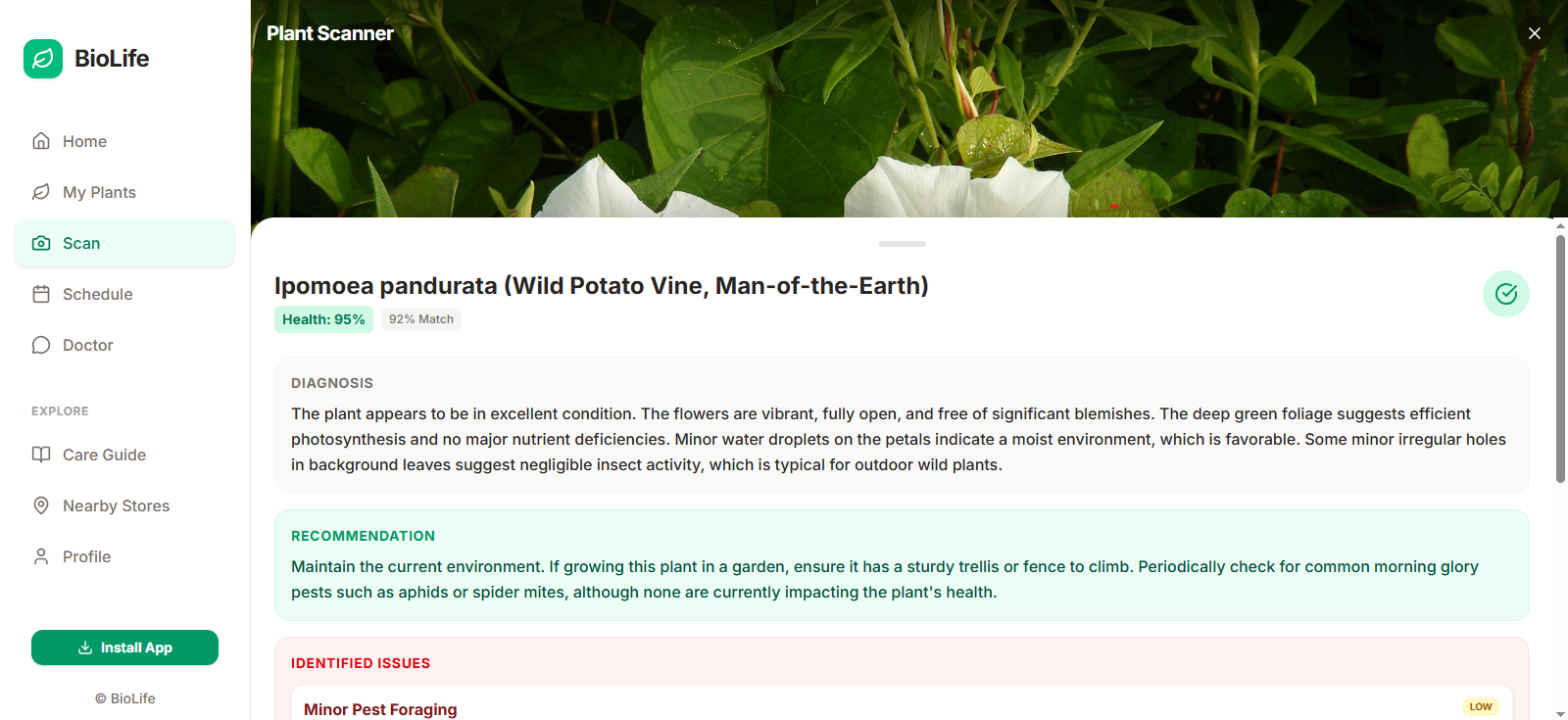
Scan Page
-
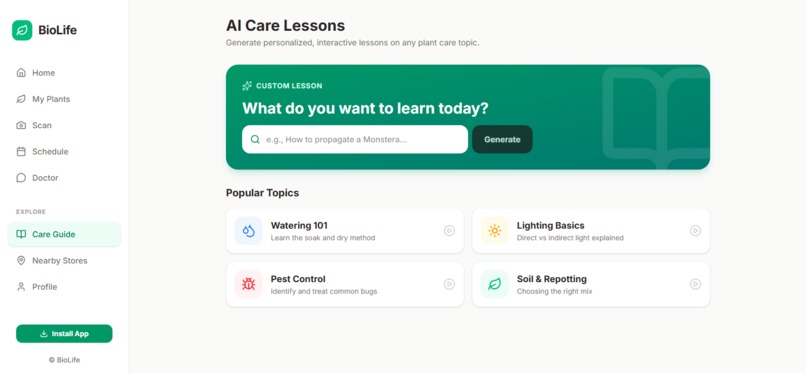
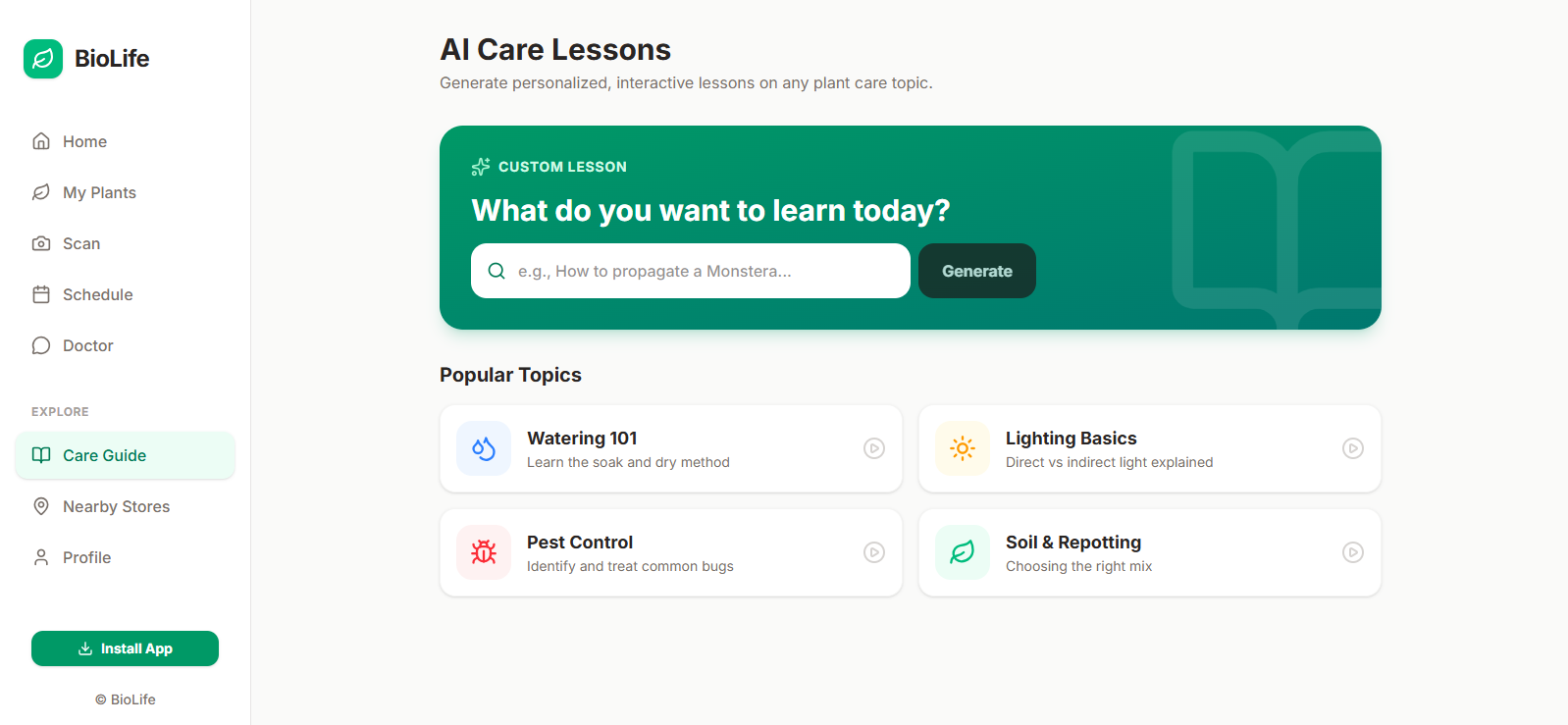
Care Giving Page
The Story of BioLife: Merging Nature and Intelligence
BioLife was born from a simple observation: people love plants, but they often struggle to keep them alive. The gap between wanting a lush indoor garden and the reality of withered leaves is usually filled with guesswork. I wanted to bridge that gap by creating a digital companion that treats plant care not as a chore, but as a data-driven, rewarding experience.
The Inspiration
The inspiration for BioLife came from the intersection of two worlds: the tranquility of nature and the precision of modern AI. I wanted to create an application that felt less like a spreadsheet and more like a partner in nurturing life. By leveraging advanced vision models, I realized we could turn a smartphone camera into a diagnostic tool, providing users with the same insights a professional botanist might offer, right in their pocket.
How I Built BioLife
Building BioLife was an exercise in full-stack orchestration.
Frontend: I used React with Tailwind CSS to create a responsive, mobile-first interface. The goal was to make the UI feel organic yet professional, using soft colors and fluid animations.
AI Integration: The core of the diagnostic feature uses the Gemini API. When a user scans a plant, the image is sent to the model with a carefully crafted prompt, asking it to act as a botanist and return structured JSON data.
Backend & Data: Firebase serves as the backbone. Firestore manages the plant data, schedules, and user history, while Firebase Authentication handles secure user sessions. State Management: I implemented a custom PlantContext to manage the complex state of plant schedules, health history, and scan counts across the application.
Challenges Faced
The development journey was not without its hurdles: AI Reliability: Getting consistent, structured JSON output from a generative model required extensive prompt engineering. I had to ensure the model returned exactly what the app expected, even when the image quality was suboptimal. State Synchronization: Managing real-time watering schedules and health history across multiple components required careful use of React hooks and context to avoid infinite re-renders. Security: Implementing robust Firestore Security Rules was a significant challenge. Ensuring that users could only access their own data while allowing for future collaborative features required a deep dive into Firestore's security model, particularly using the Validator Function Pattern to prevent unauthorized data modification.
What I Learned
This project was a profound learning experience: AI as a Tool: I learned that AI is most powerful when it is constrained. By forcing the model to return a specific JSON schema, I could treat AI output as a reliable data source for the application logic. Security-First Development: I learned that security is not an afterthought. Designing secure rules for Firestore taught me the importance of the "Default Deny" principle. UX for Utility: I learned that for utility apps, the interface must be invisible. Every interaction, from the "Bot Check" on signup to the horizontal swipe navigation, had to be intuitive and fast. The Math Behind the Health To provide users with meaningful feedback, BioLife uses a weighted scoring system for plant health. While simplified for the UI, the underlying logic considers multiple factors: Where: is the number of health factors (e.g., leaf color, soil moisture, growth rate). is the weight assigned to a factor based on its importance. is the normalized score (0-100) for the factor . This allows the AI to provide a nuanced health assessment, rather than a binary "healthy/unhealthy" label, giving users a clear metric to track their progress over time. BioLife is more than just an app; it is a testament to how technology can enhance our connection to the living world. I hope it helps you grow a greener, happier space.


Log in or sign up for Devpost to join the conversation.