-
-
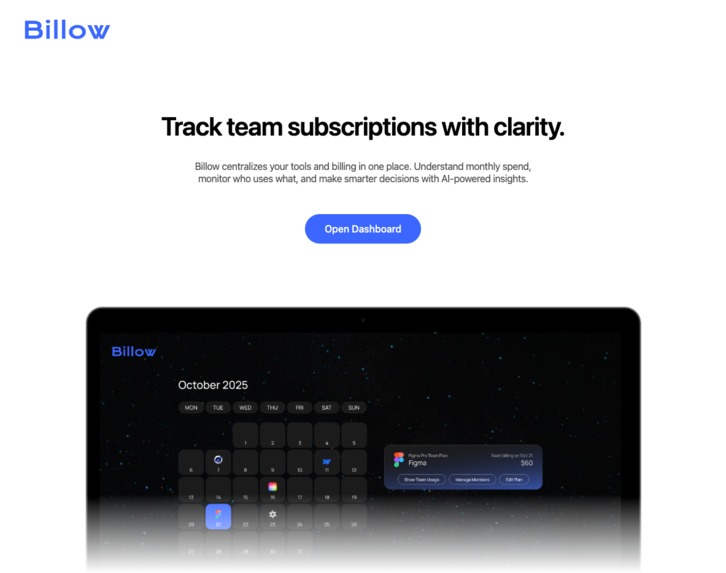
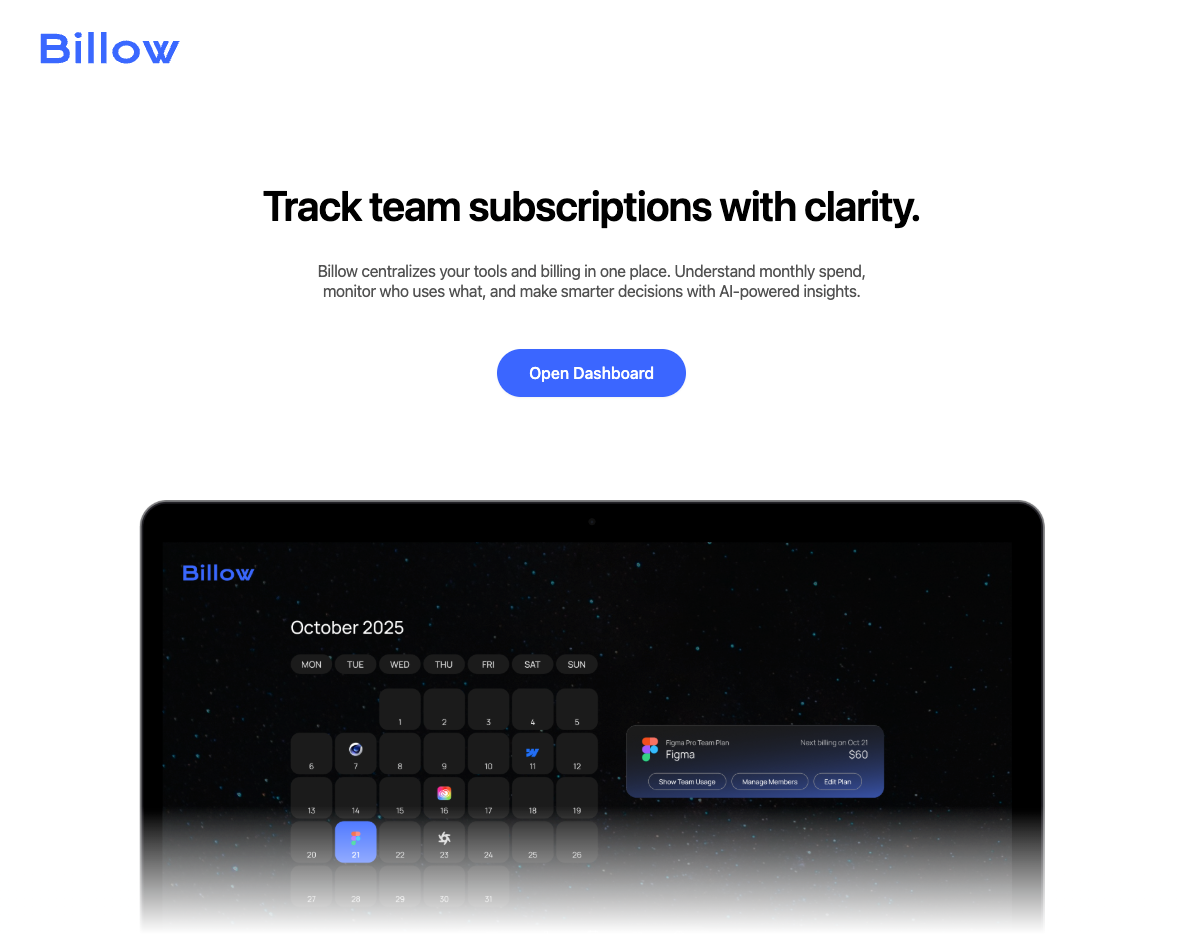
Intro Page
-
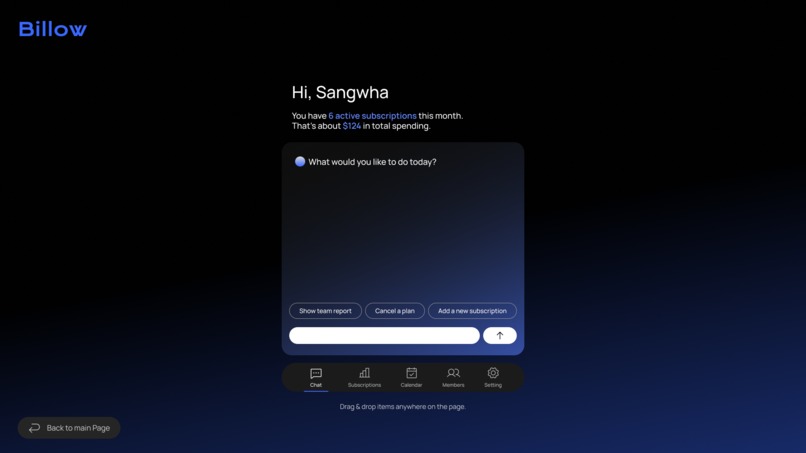
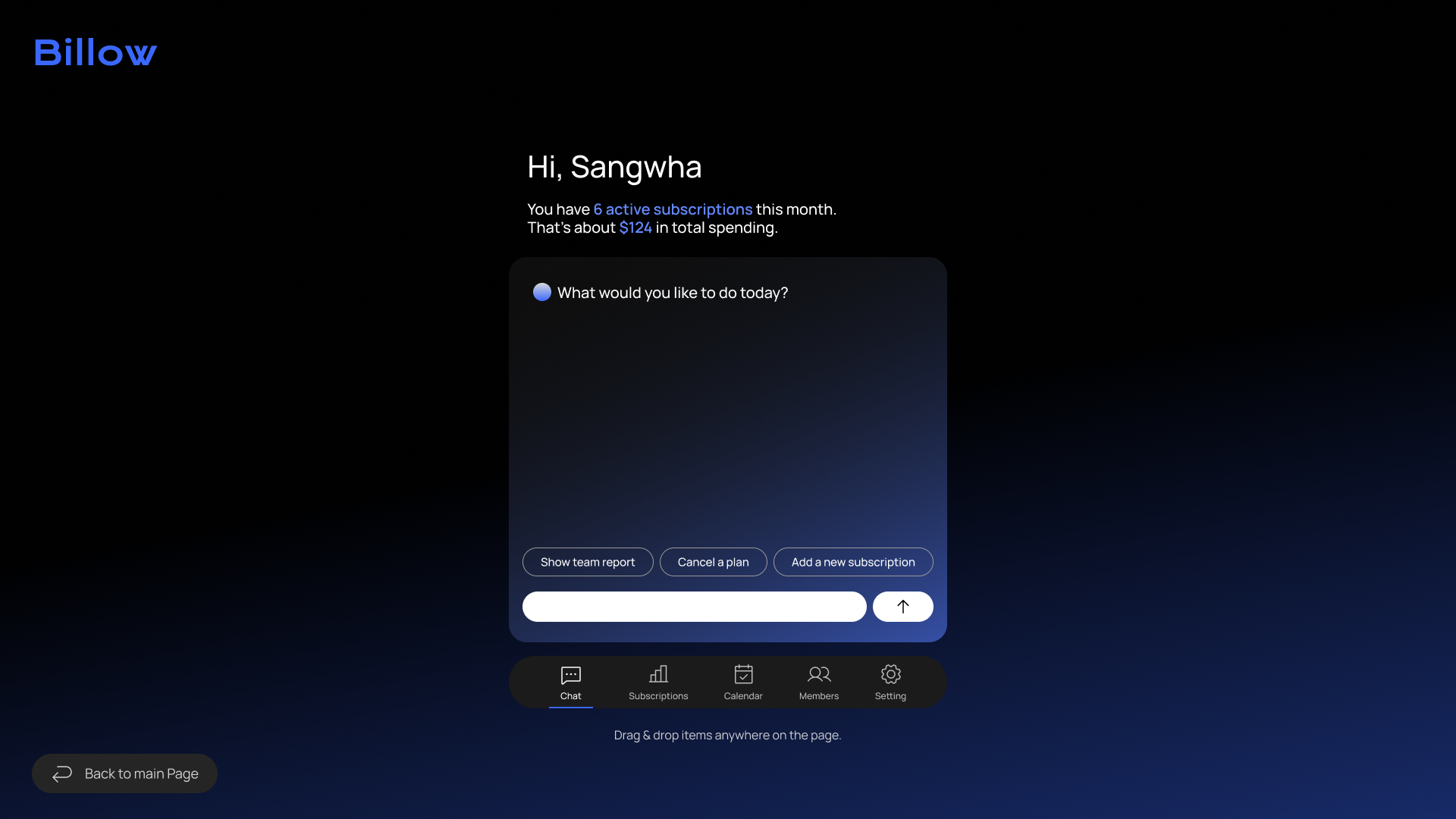
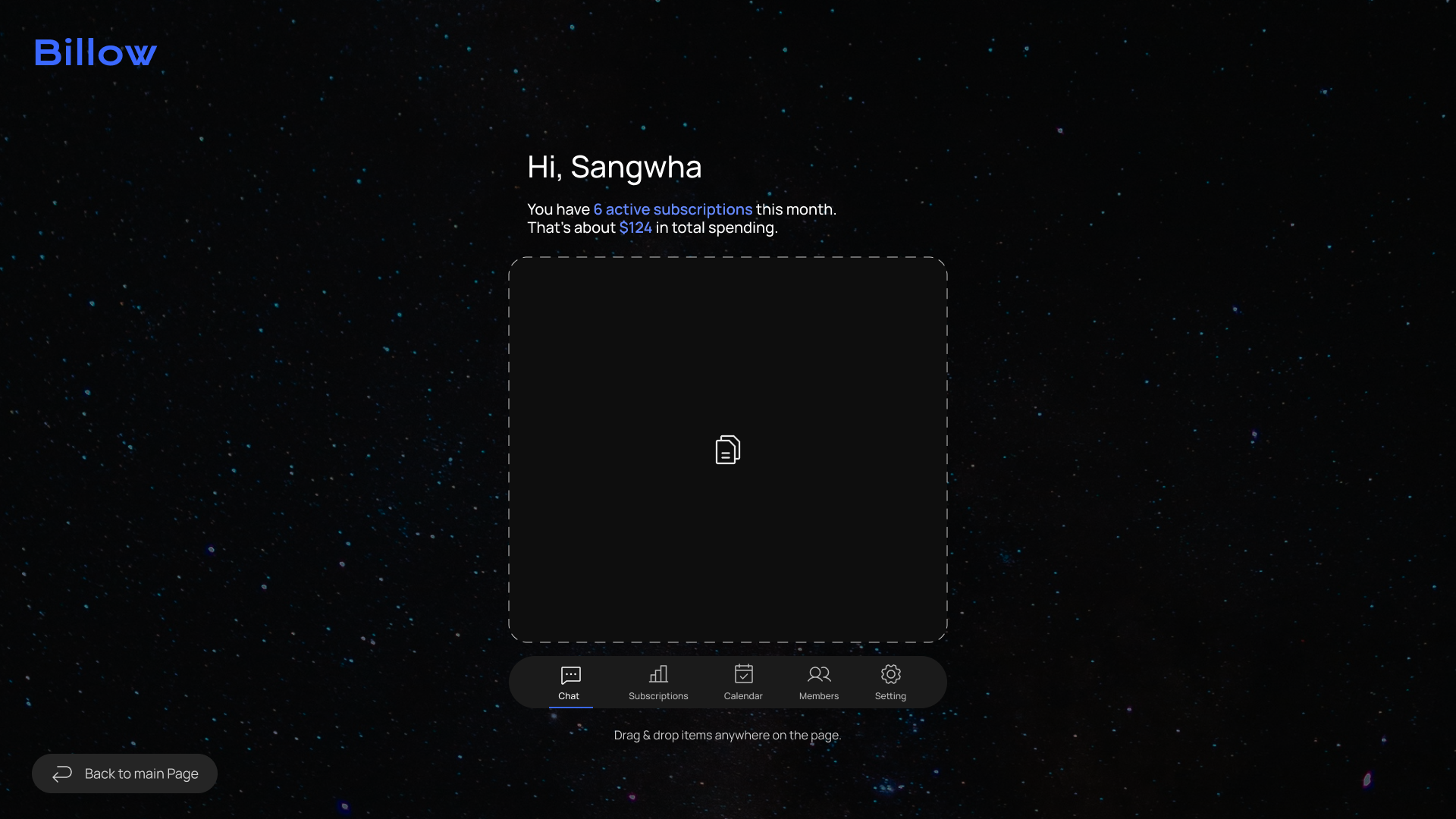
Dashboard/chat page
-
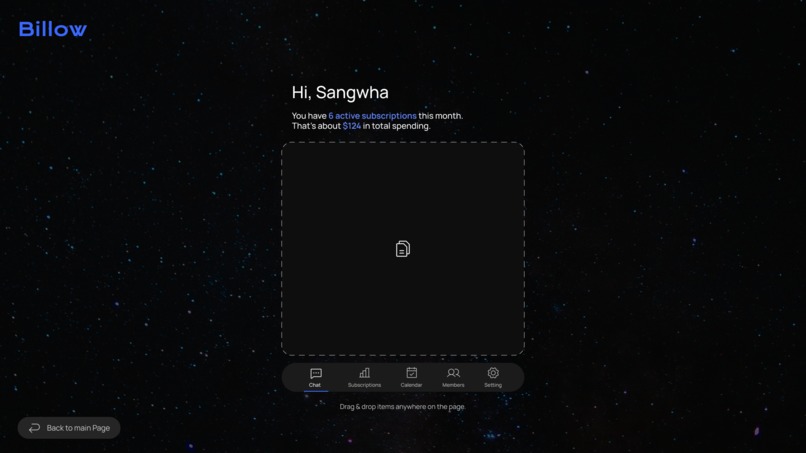
Dashboard/chat page - drag and drop
-
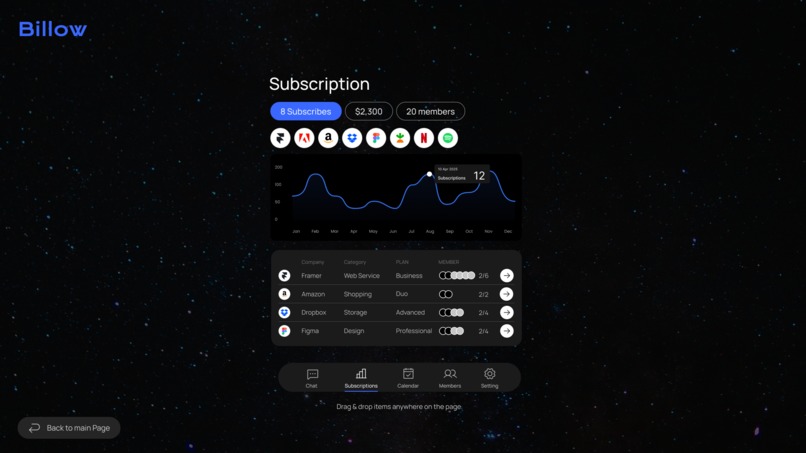
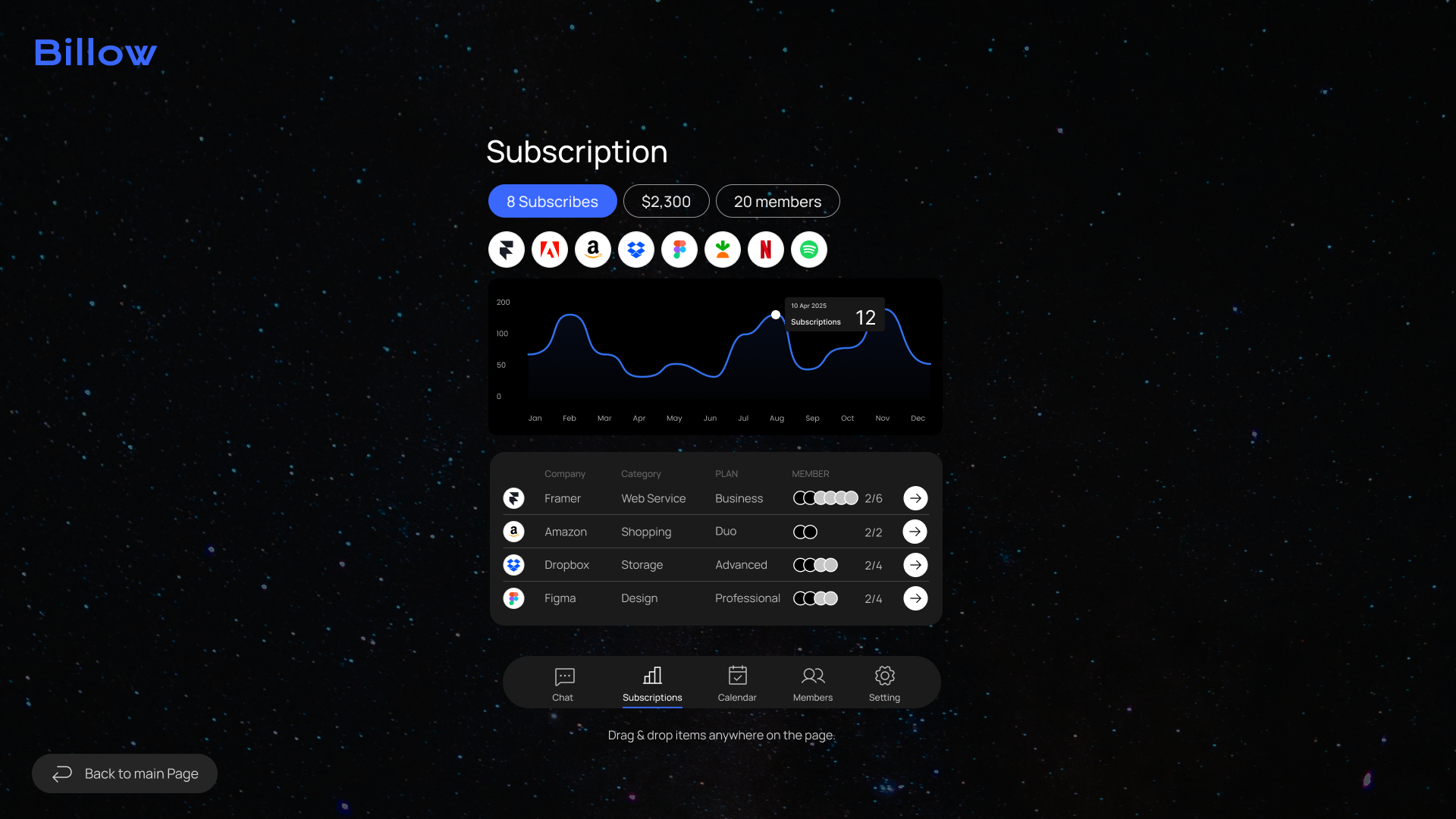
Dashboard/Subscription page
-
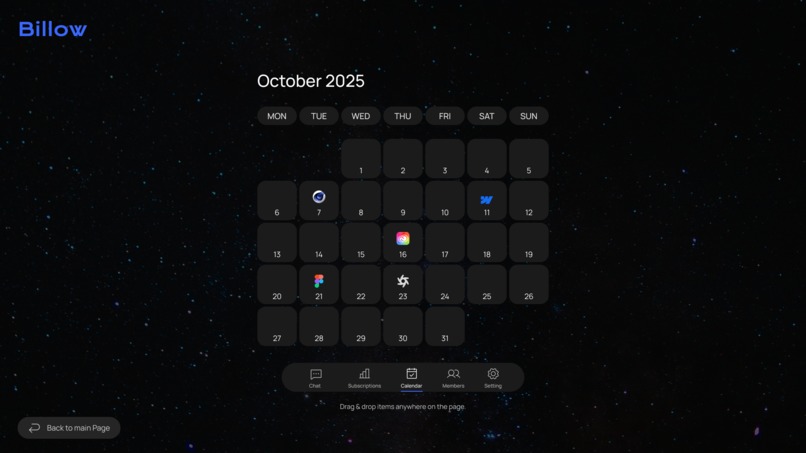
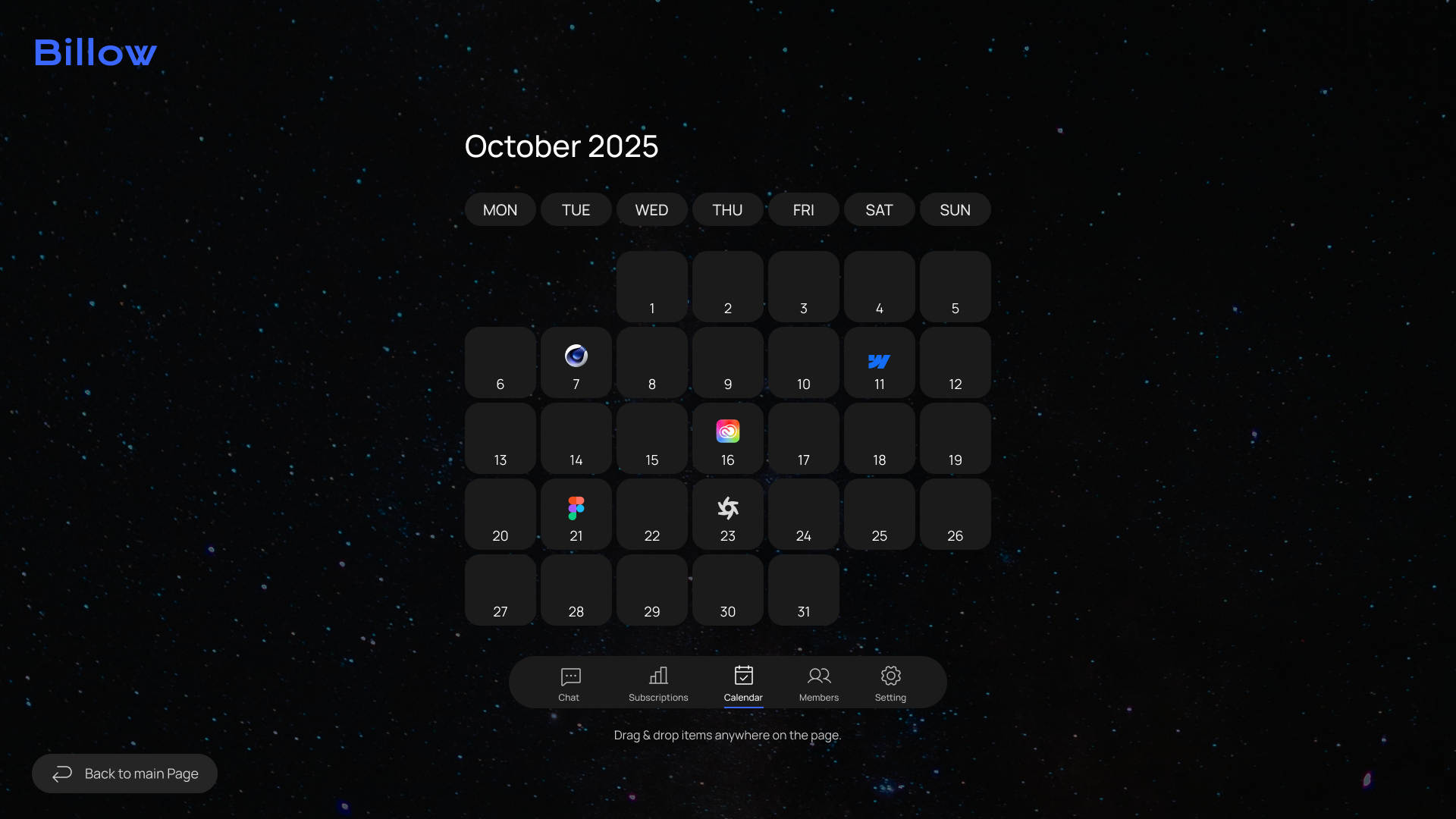
Dashboard/Calendar page
-
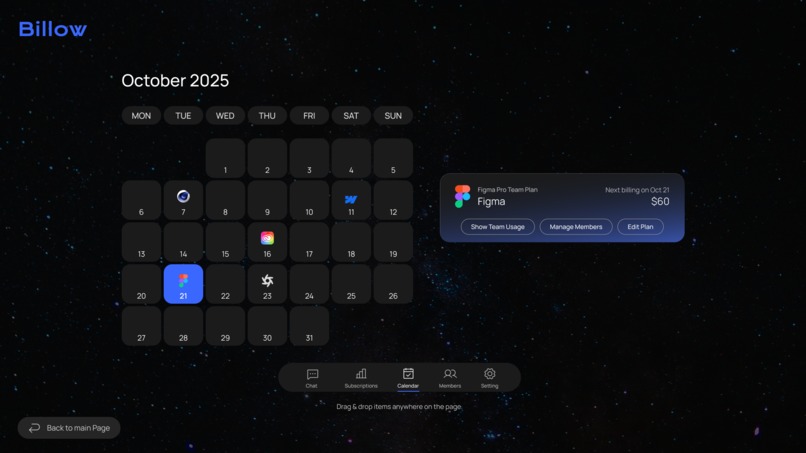
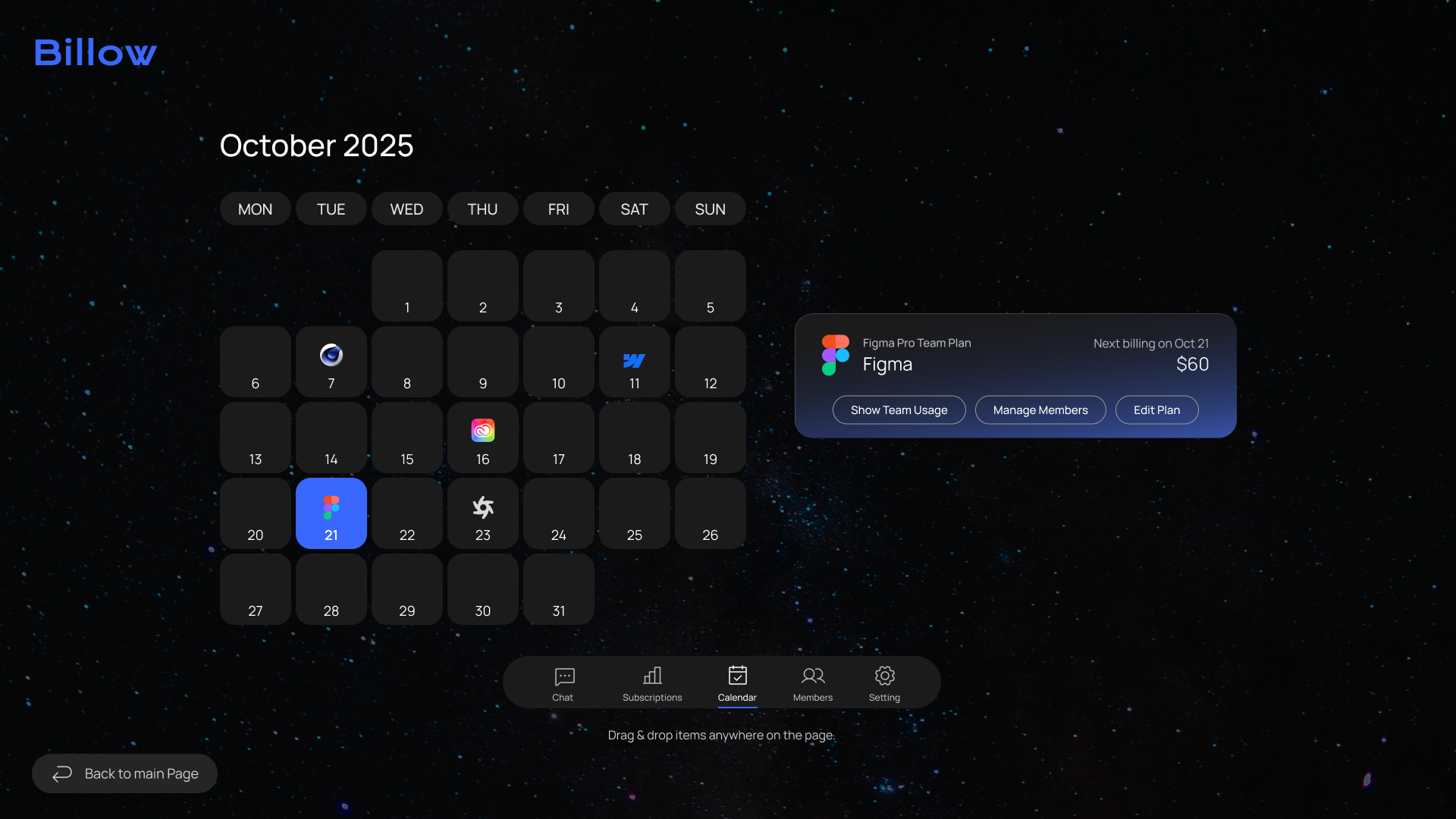
Dashboard/Calendar page - click
Inspiration
While using multiple SaaS tools like Slack, Figma, and Adobe Creative Cloud as a team, we found it extremely difficult to track subscription costs and usage across each service.
Many startups and small teams face the same challenge. They end up paying for tools that aren't being used, or struggle with opaque management of shared accounts.
That's why we developed Billow, a subscription management dashboard, aiming to achieve cost visibility and efficiency.
What it does
Billow is a dashboard that lets you manage all your team's subscriptions in one place. Upload invoices to track cost trends, identify unused tools, and let AI automatically summarize and analyze spending using the Gemini API. We aim for smarter cost management that saves both time and money.
Given the limited development timeframe and team structure, this iteration focused on prototyping the visual interface (UI), leaving some feature pages incomplete. Integration with the Gemini API is also at a minimal connection level. It does not actually manage subscriptions but implements summary and response functions as a conversational AI. Moving forward, we plan to build upon this foundation to develop more practical data processing and automated analysis capabilities.
How we built it
We designed the high-fidelity wireframe in Figma and built Billow using React and Tailwind CSS. Within a limited timeframe, we focused on creating a clean and intuitive dashboard UI, smooth routing, and an AI chat-like experience for users.
Challenges we ran into
-Concept design and determining design direction within a short timeframe -Integration with the Gemini API and authentication setup -Teamwork and role allocation within limited time constraints
Accomplishments that we're proud of
-Within a limited timeframe, we achieved a highly polished UI design through collaborative work in Figma. -Implementing smooth rou ting with React and consistent styling with Tailwind CSS -Despite being composed entirely of API beginners, the team successfully implemented basic Gemini API integration and built foundational conversational AI functionality.
What we learned
I learned the ability to manage projects from design to development within a short timeframe. Furthermore, by experiencing AI-driven automation, I gained an understanding of the potential for UX design utilizing LLM (Large Language Models).
How to run locally
If your project structure contains a client folder (e.g. /billow-app/client), please use the following commands in the terminal:
cd client
npm install
npm run dev


# Then open the development server in your browser at:
http://localhost:5173


# If the project files have already been moved to the root directory, simply run:
npm install
npm run dev
What's next for Billow
We plan to add the following features going forward: Design for the members page and settings page. Drag-and-drop functionality for invoices on the chat page. Multi-user dashboards for teams. Ultimately, we aim to create a SaaS management tool that individuals and startups alike can use with confidence.
Built With
- express.js
- gemini-api
- html/css
- javascript
- node.js
- react
- tailwind-css
- vite



Log in or sign up for Devpost to join the conversation.