-
-
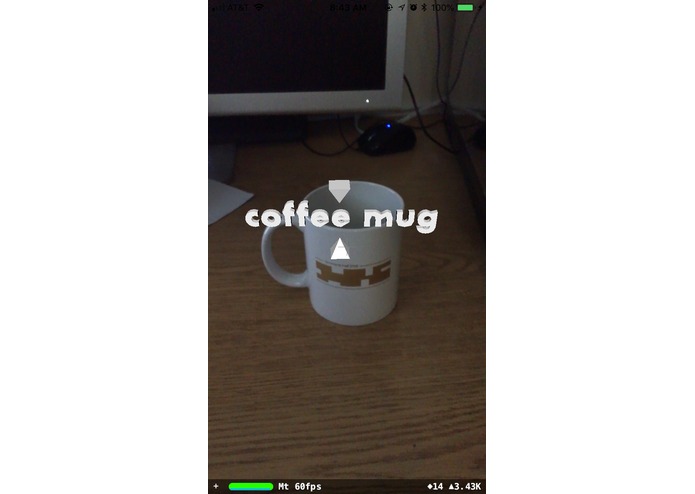
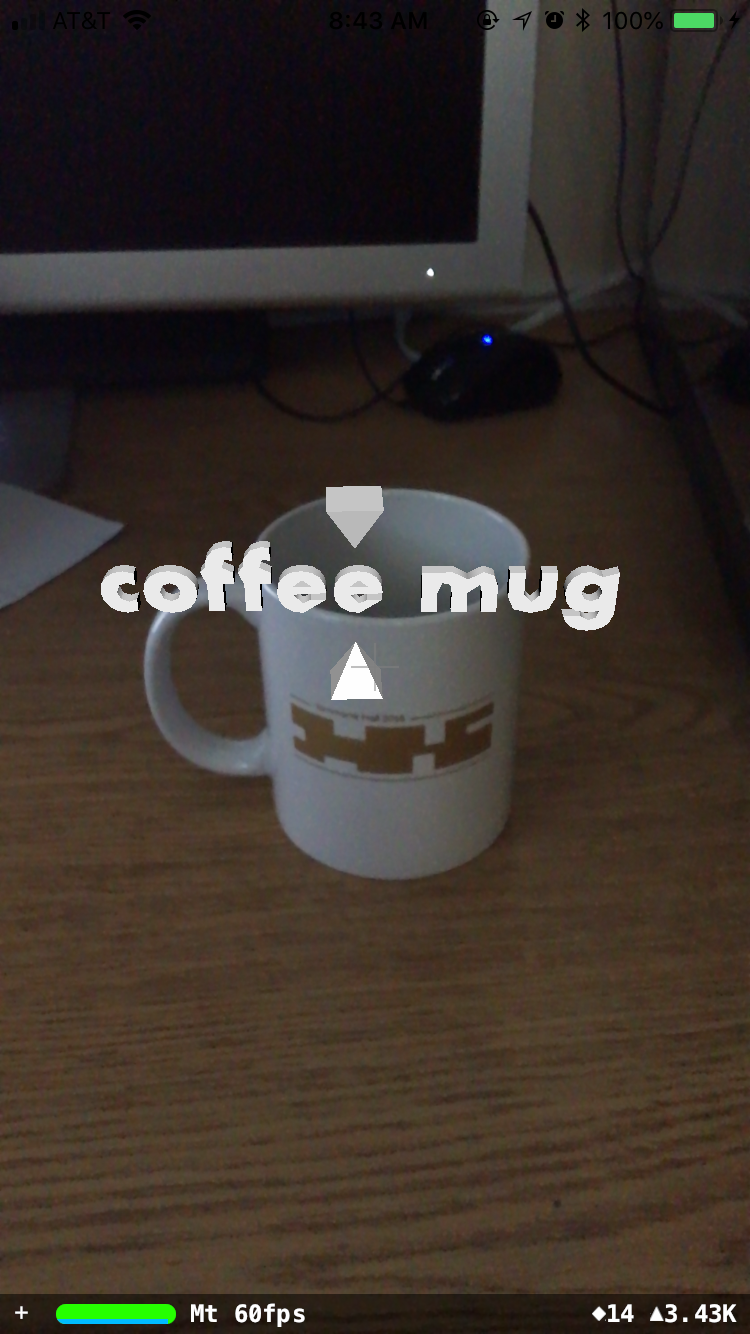
English identification of coffee mug
-
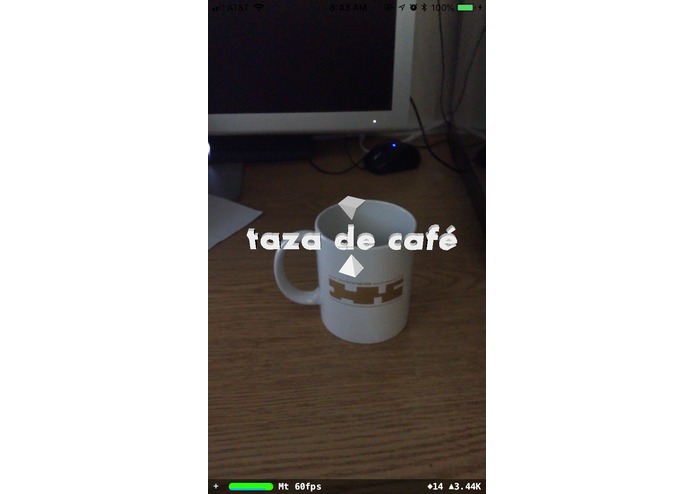
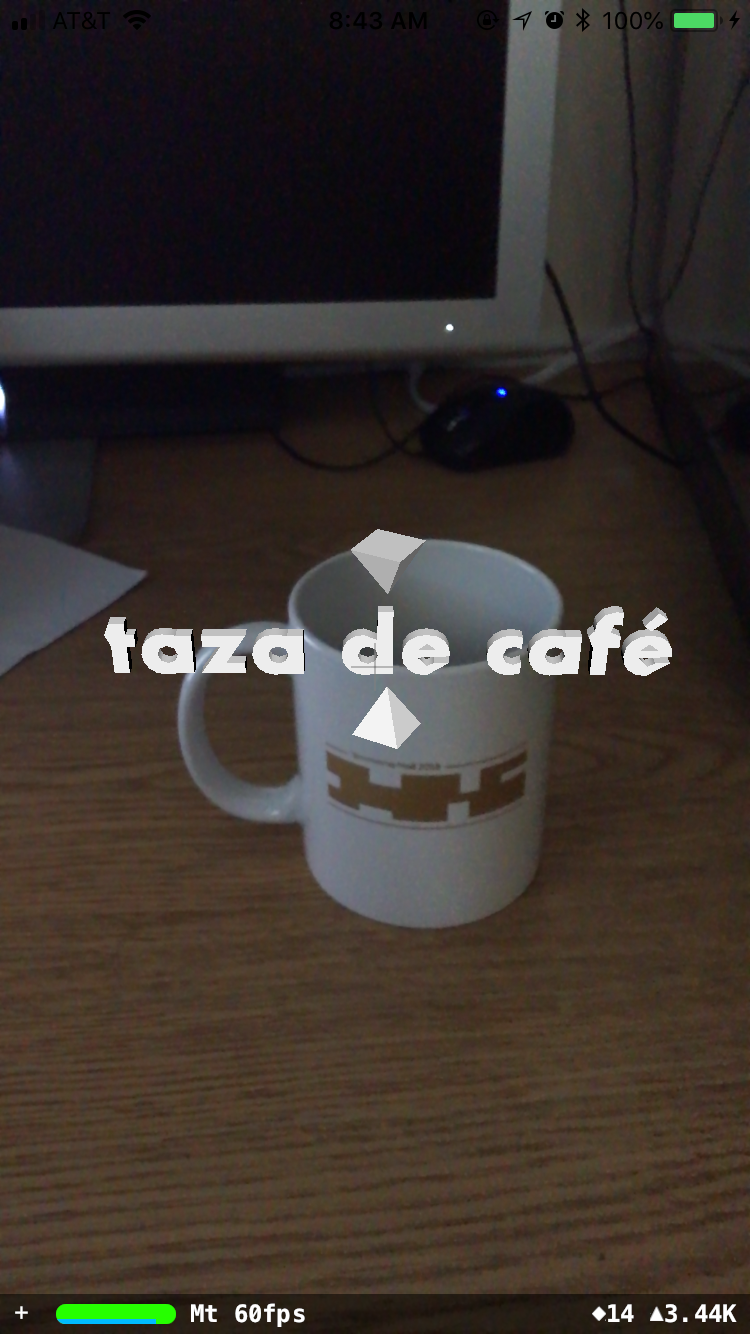
Translation of coffee mug
Inspiration
One of the hardest aspects of learning a new language is remembering the vocabulary. Therefore, we wanted to use common modern technologies to create an innovative, interactive, and affective way to learn a new language. Hands-on learning is one the most affective ways to learn something new. This is bilinguAR. bilinguAR solves this by linking the real world to language learning through augmented reality.
What it does
bilinguAR use augmented reality and image recognition to assist learning a new language. The user can use their mobile phone as a looking glass into their world with translations are objects around them. To use the app, the user points their camera at objects around them. By tapping the screen once, the object in the center screen will be label with the users preferred language. Then by taping the screen with two fingers, all the labels in the world are translated. As the user continues to look around and learn new objects, he can alway return to previously classified objects and still see their labels. Once the user is satisfied and wants to test their knowledge, they can double tap the screen to clear all labels. The applications for bilingAR are endless.
How we built it
We built bilinguAR using modern frameworks such as Apple's CoreML and ARKit and Google's Cloud Platform.
Challenges we ran into
The accuracy of the image recognition model is still one of the biggest challenges we face. Incorrectly identifying an image defeats the purpose the of the app in the first place, so we implemented a couple things to counteract this. Firstly, when the object is first identified, we put the label in the user's preferred language so that the user can verify the object is correct. We also want to add the ability for the user to change the label if the label in the preferred language is incorrect.
Accomplishments that we are proud of
Overall, we are proud of the entire project. From conception to fruition, it has been an amazing journey where we learned a ton and made an app that has the possibility to help.
What we learned
We have never used any of the frameworks for this project before. As an result, we learned how to use Apple's ARKit to capture images and render 3D objects on the screen; we learned how to use Apple's CoreML to load in a model and classify static images; and we learned how to use Google's Cloud Platform to receive translations of words.
What's next for bilinguAR
While the core concept is there for bilinguAR, there is still so much that we can add. As of right now, bilinguAR only supports vocabulary--and is very limited to the size of the CoreML model that we used. We want to improve on this twofold: (1) we hope to continue growing the recognition model in terms of number of items and accuracy; and (2) we hope to support more intuitive ways to learn a language such that grammar and speech are taught in addition to just vocabulary. We had some ideas to implement this in the future: we want to add a feature so that the objects can be added in common phrases. Additionally, we want to add audio feedback so that pronunciation is not lost and speech-to-text to help assist translations. We believe that there are so many ways bilinguAR to be improved and help individuals.
Built With
- arkit
- coreml
- google-cloud-translation
- objective-c

Log in or sign up for Devpost to join the conversation.