-
-
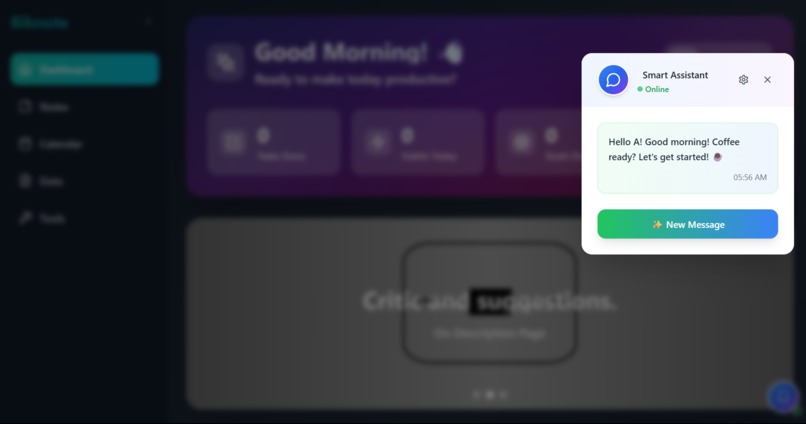
Bot
-
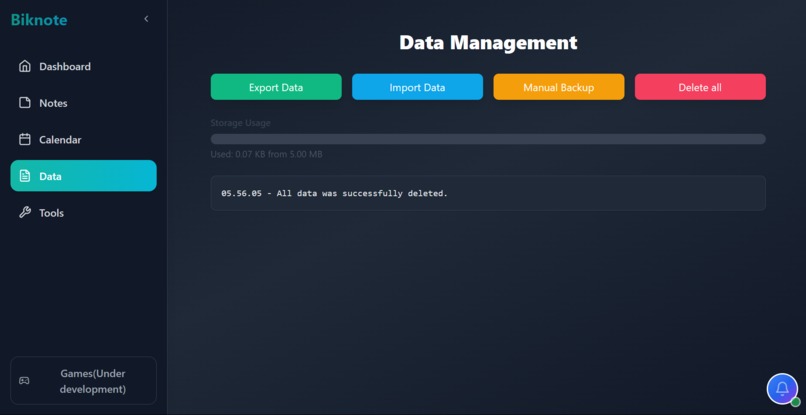
Data Management
Inspiration
I often open productivity apps, but many of them are too complicated requiring logins and a stable internet connection just to access my own data. So I thought, why not create my own version that works even with my unstable internet?
What it does
Biknote offers several features such as regular notes, quick notes, a Pomodoro timer that I personally use for studying, and a free QR code generator so I no longer have to watch ads just to create a QR code.
How we built it
Biknote was built using React, TypeScript, Vite, Tailwind CSS, and Lucide React. I used Bolt for the main code and continued editing and improving the project in Visual Studio Code. Once ready, I deployed it using the Deploy button on Bolt.
Challenges we ran into
One of the biggest challenges was my device my laptop often crashed during development due to limited RAM (only 4GB). I hope to upgrade it when I have the budget. Another issue was related to services that require credit cards, which I don’t have since I’m still a student working solo. That’s why I chose tools like Bolt and Netlify they’re simple and offer free plans that work well.
Accomplishments that we're proud of
I’m proud of Biknote because it helped me stay focused on coding and actually complete a project I can share publicly. The fact that it might be useful to others makes me even more proud.
What we learned
I learned a lot about using Bolt and Netlify tools I rarely used before. I also discovered my weaknesses and limitations, which motivated me to keep improving and learning more.
What's next for Biknote
I plan to keep developing it little by little, as there are still many features I haven't implemented yet. As for monetization, I might consider adding banner ads to the dashboard if any advertisers are interested. In the end, I will continue maintaining Biknote because I personally use it and hopefully, others will find it useful and start using it too.
Built With
- lucide-react
- react
- tailwind-css
- typescript
- vite


Log in or sign up for Devpost to join the conversation.