-
-
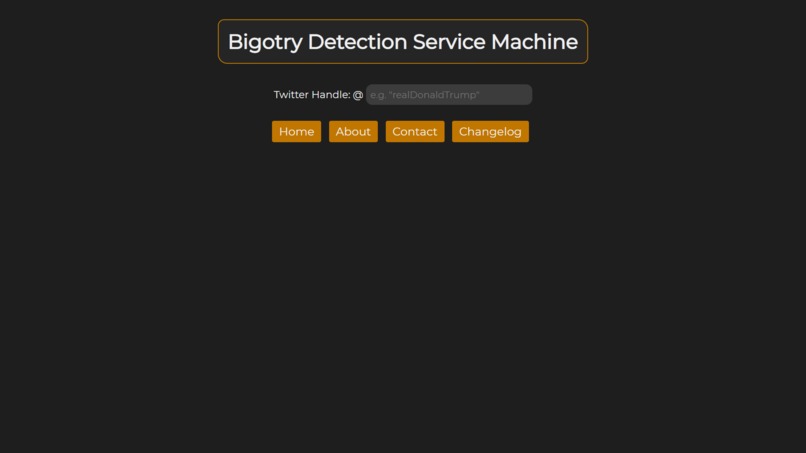
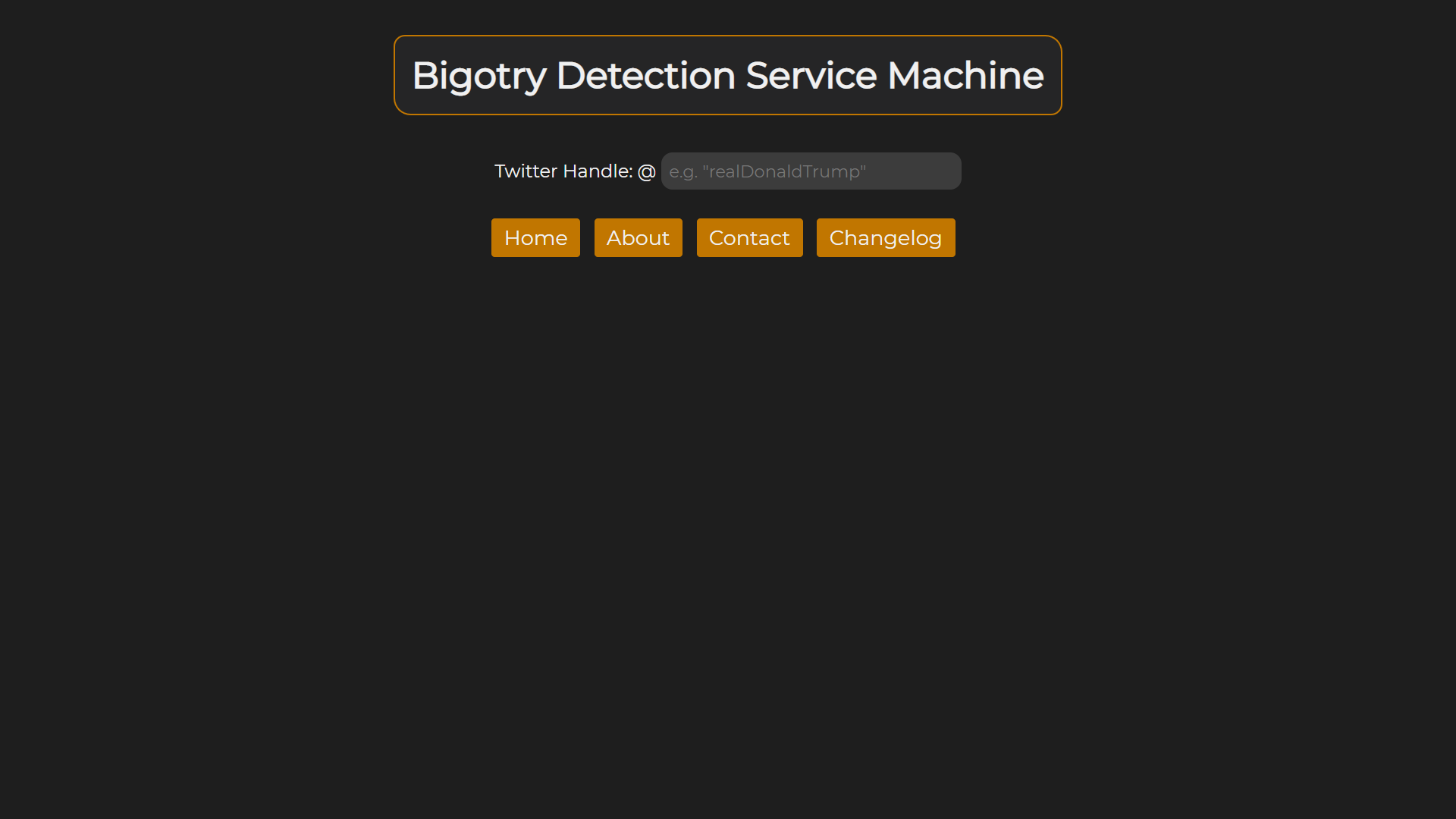
Homepage.
-
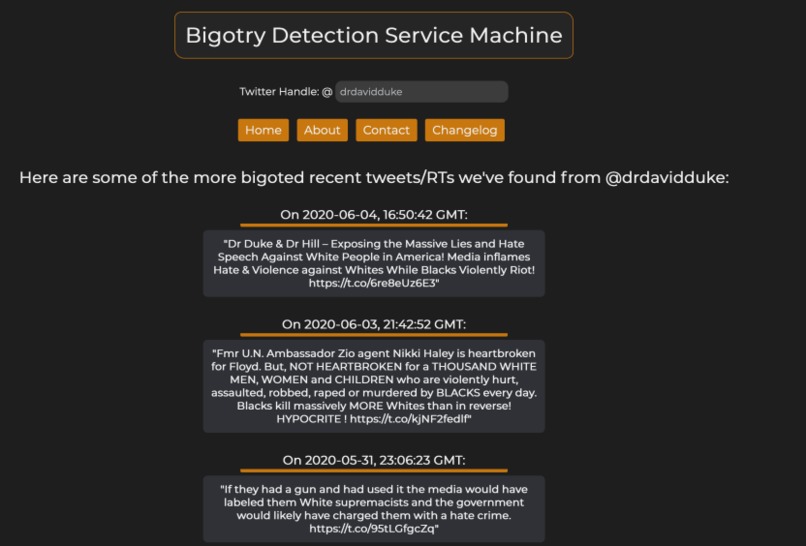
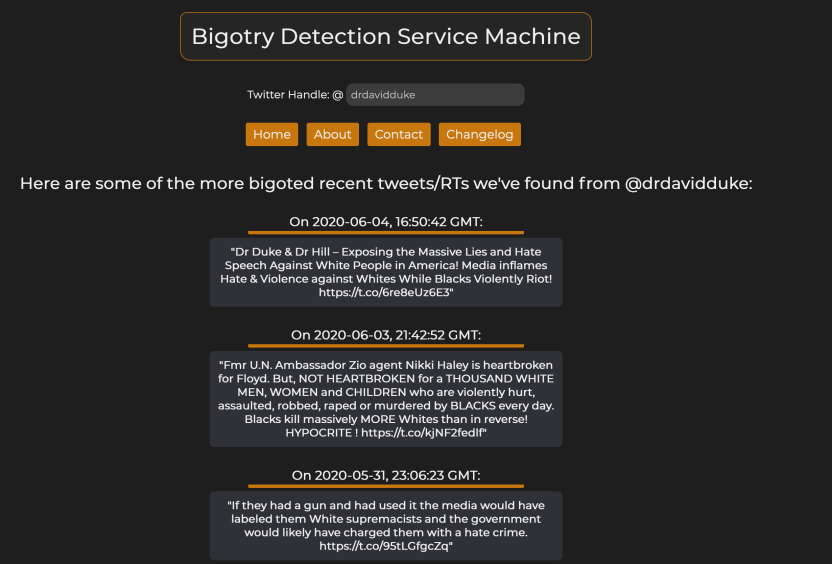
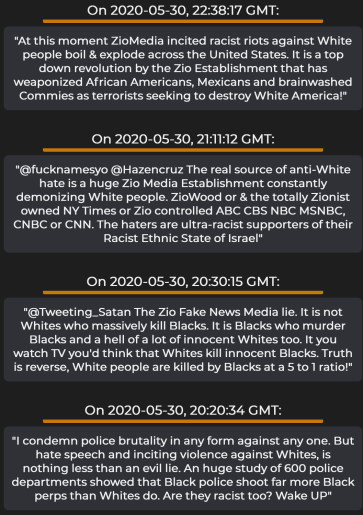
Getting racist tweets from @drdavidduke. As one can imagine, there are a LOT of them.
-
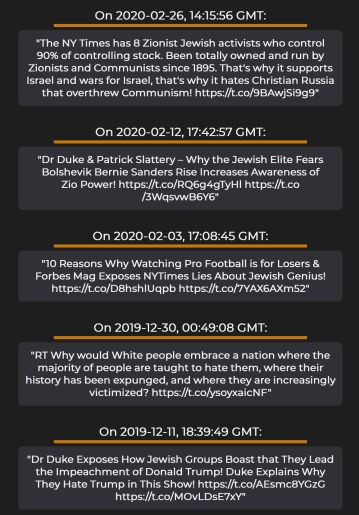
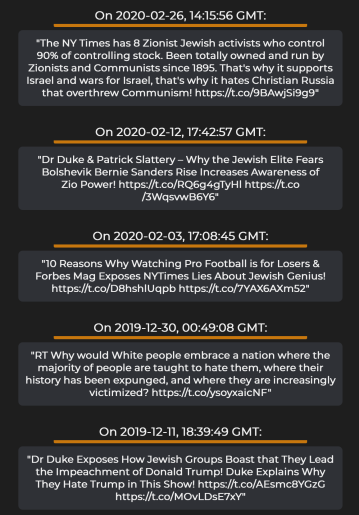
More David Duke tweets.
-
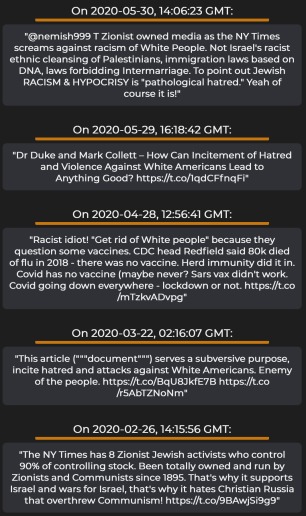
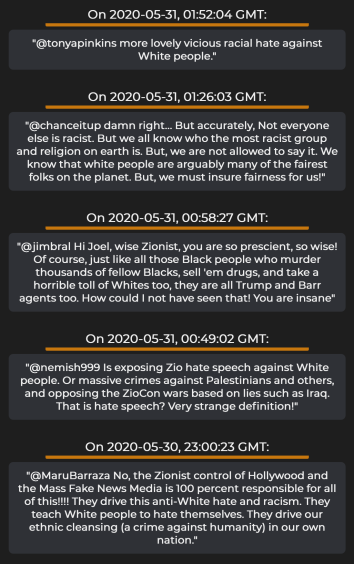
More Duke tweets...
-
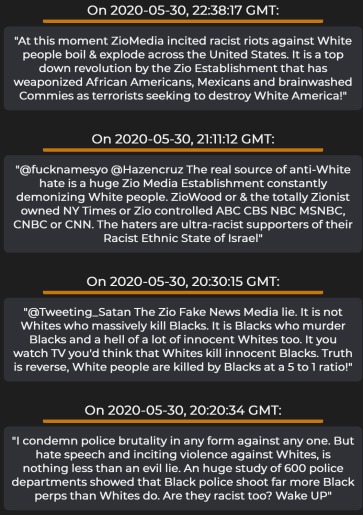
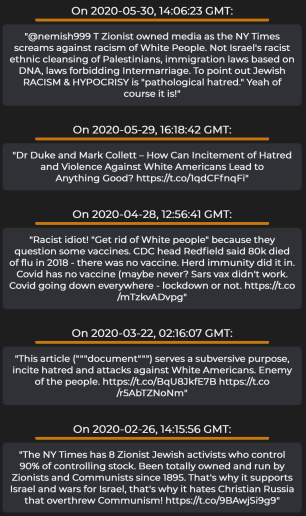
More ...
-
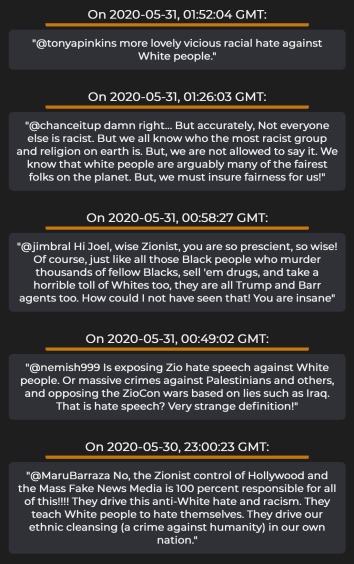
He's not a very good guy, is he?
-
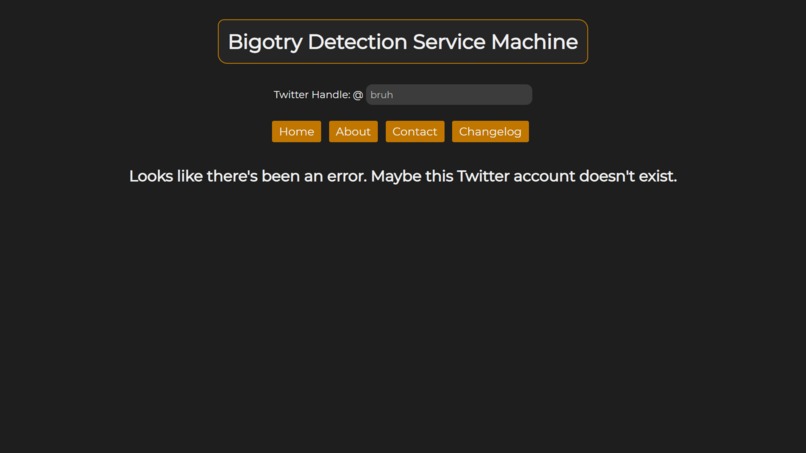
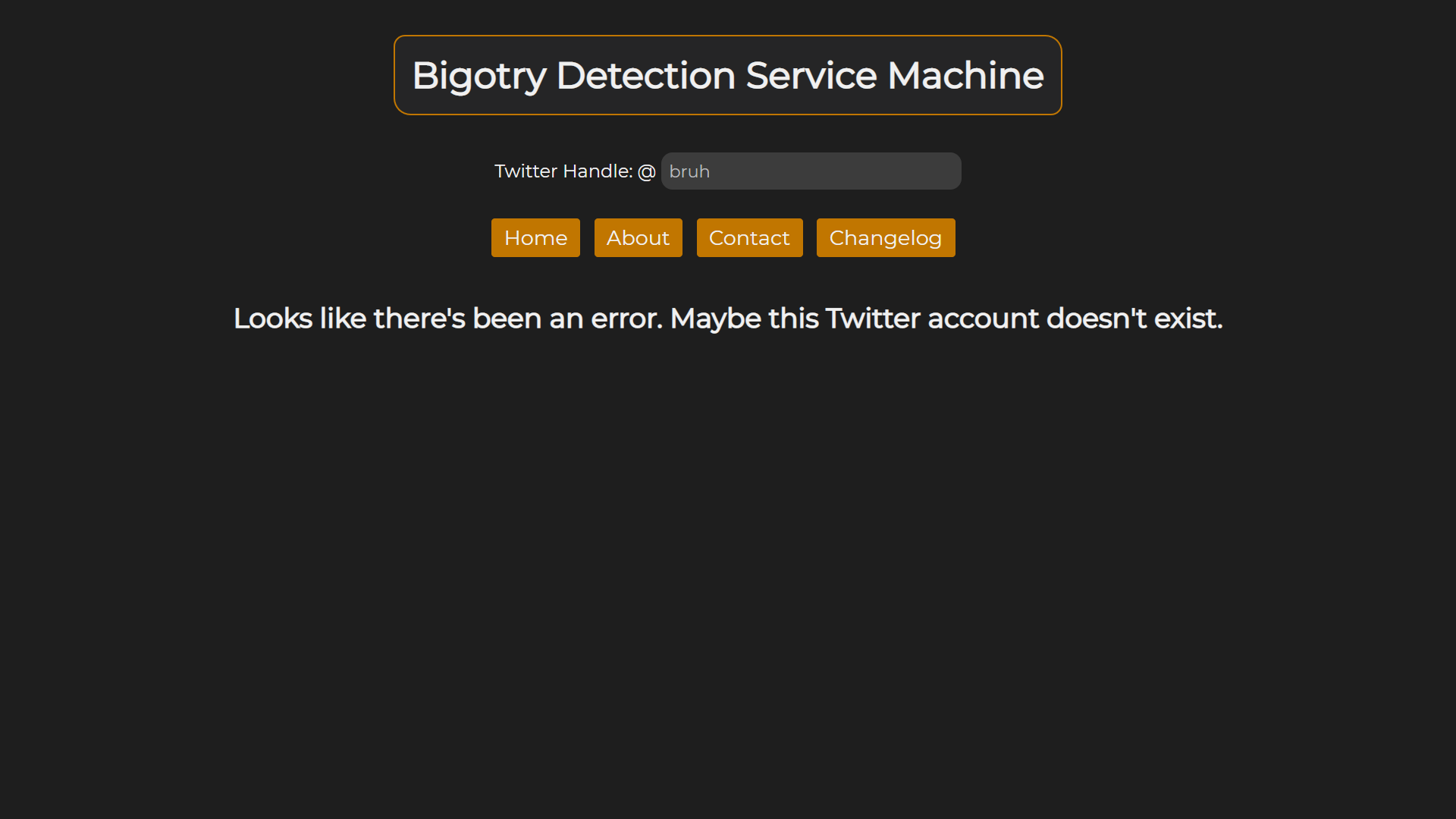
Nonexistent Twitter account.
-
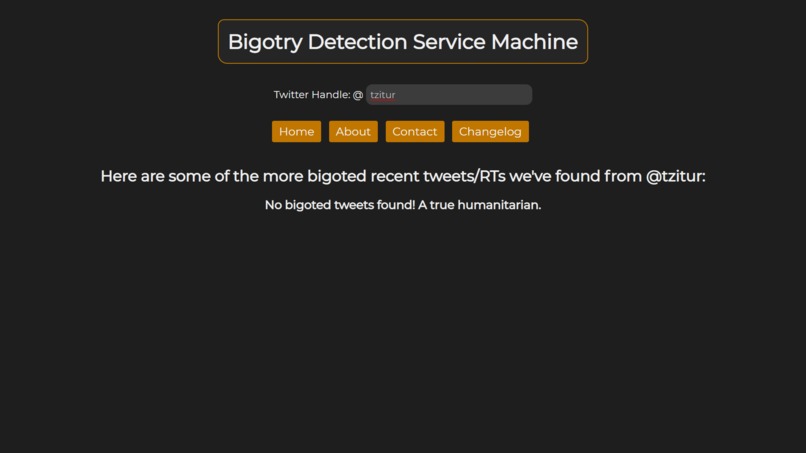
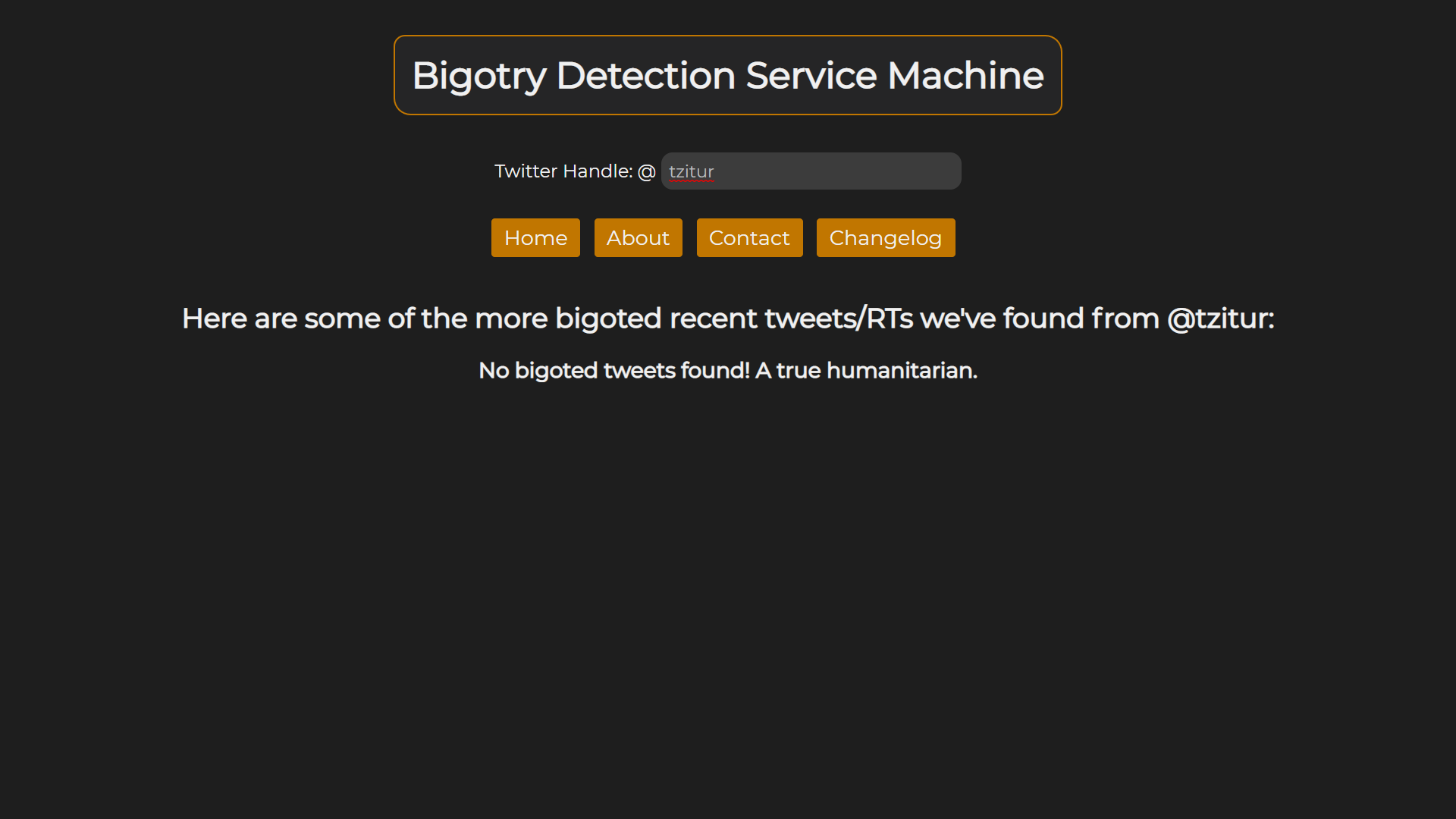
A refreshing absence of bigotry!
-
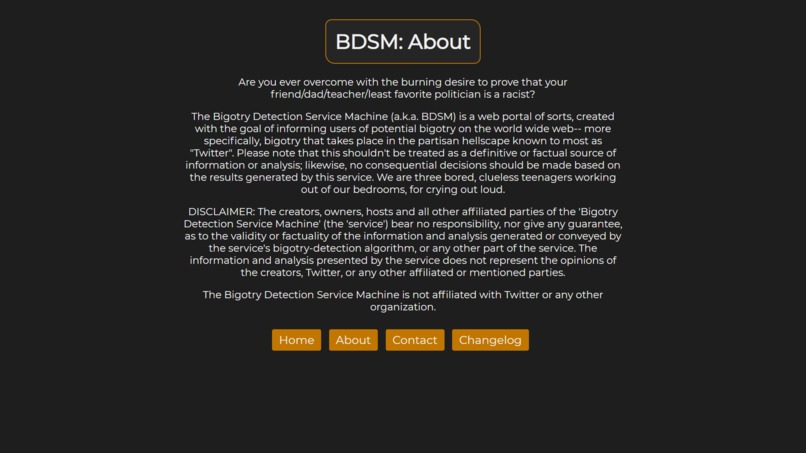
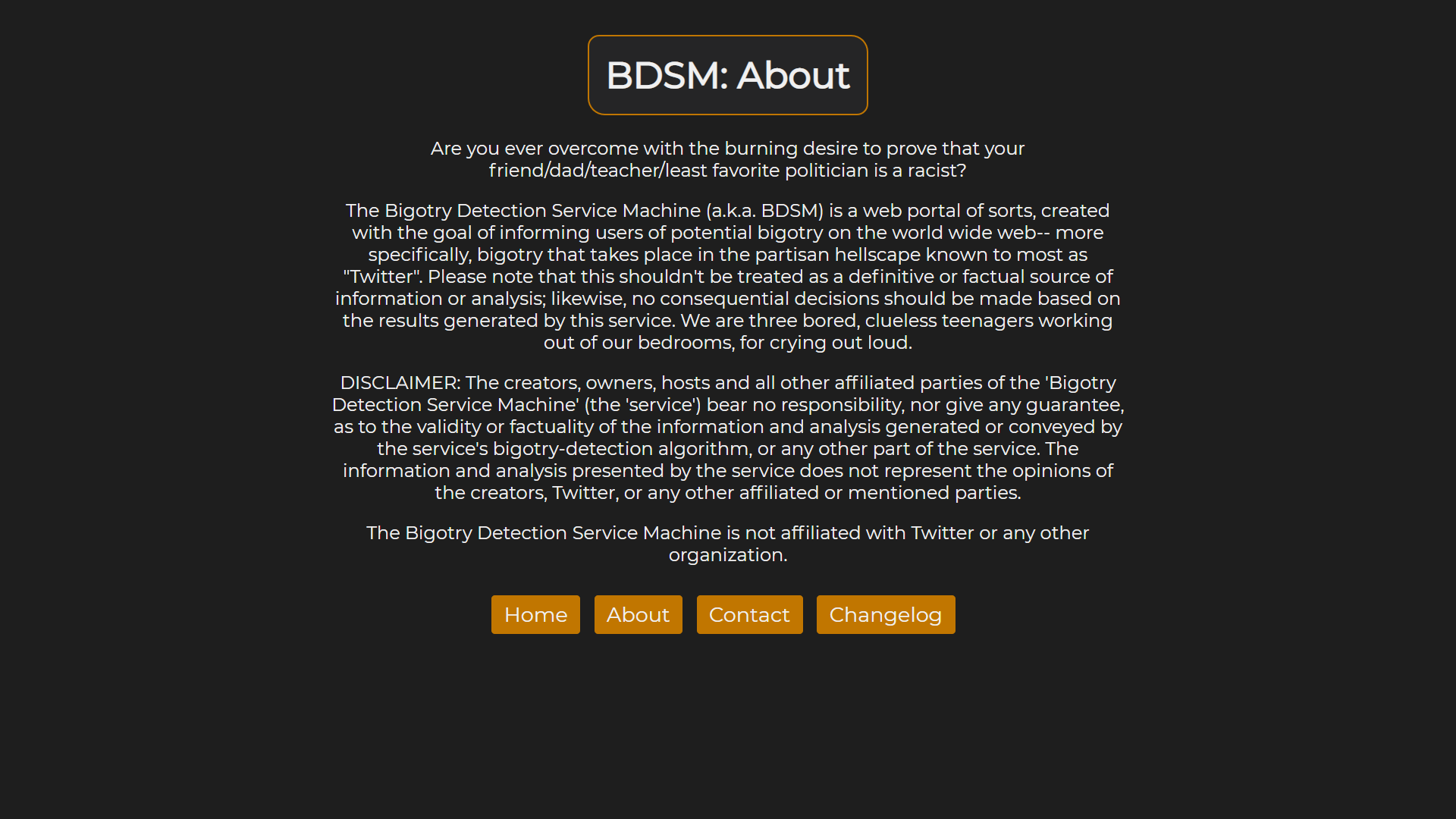
About page.
-
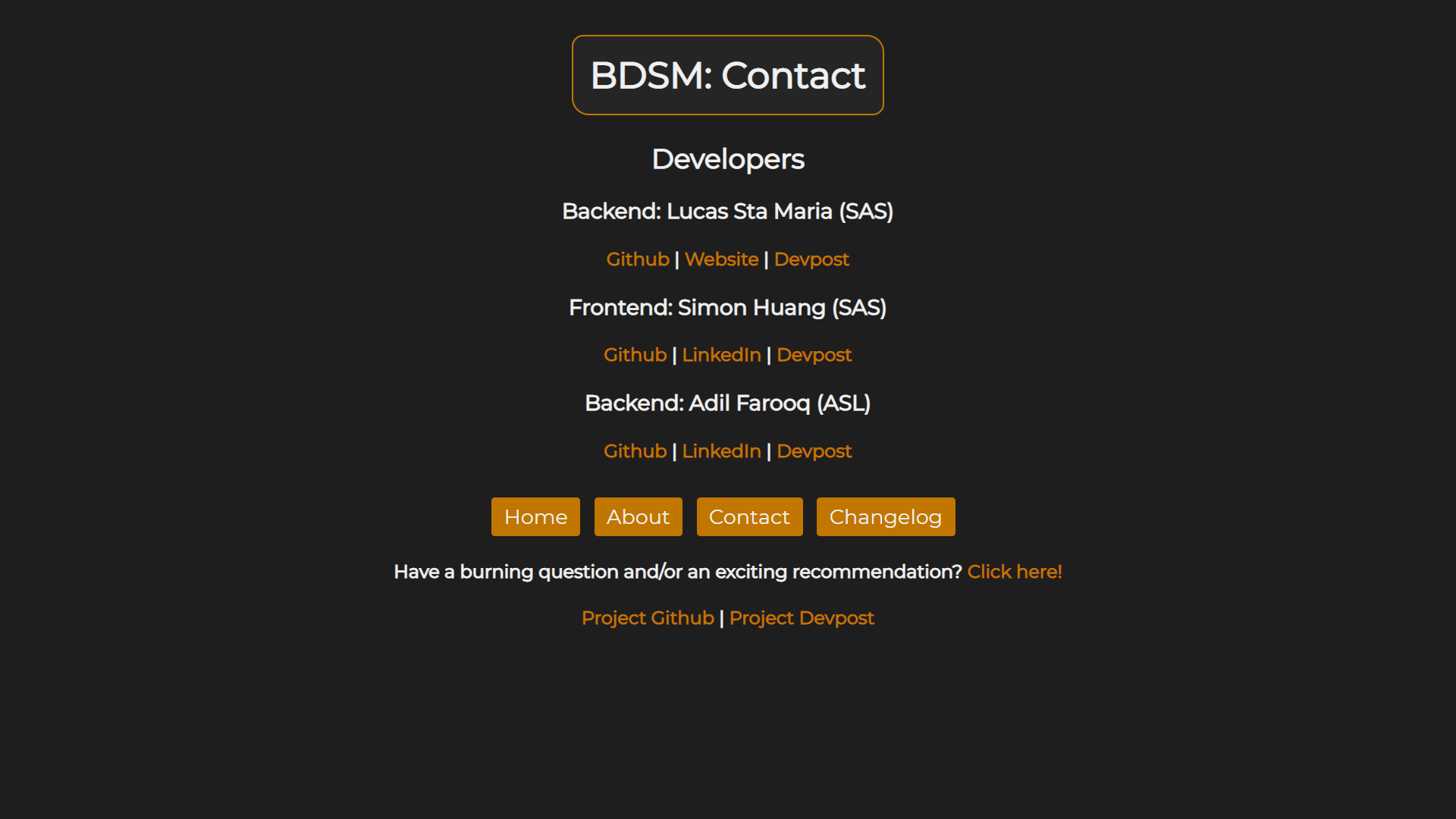
Contact page.
-
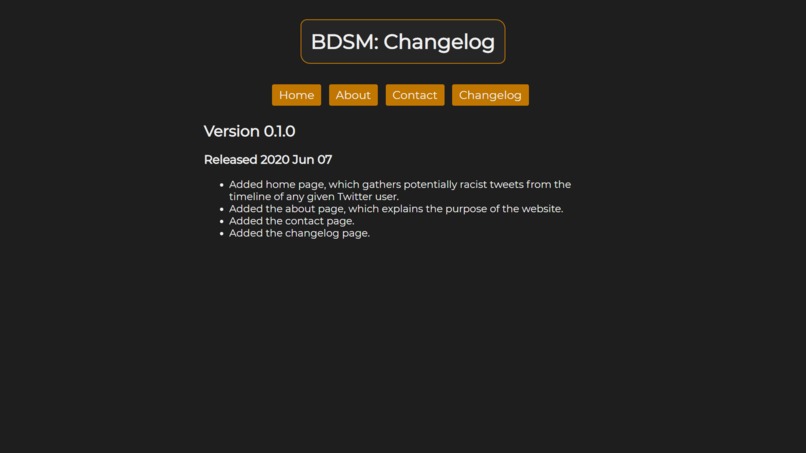
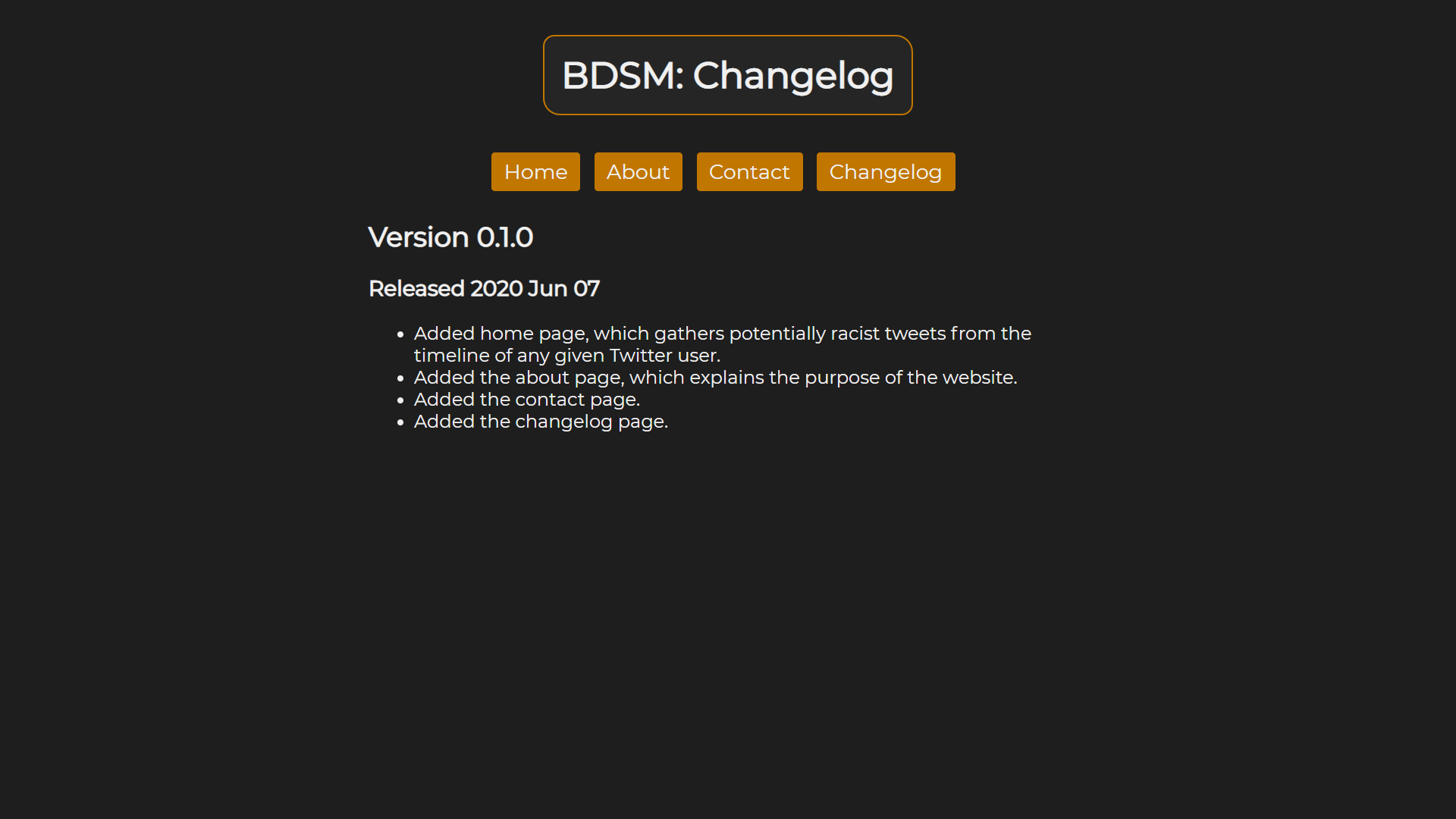
Changelog.
-
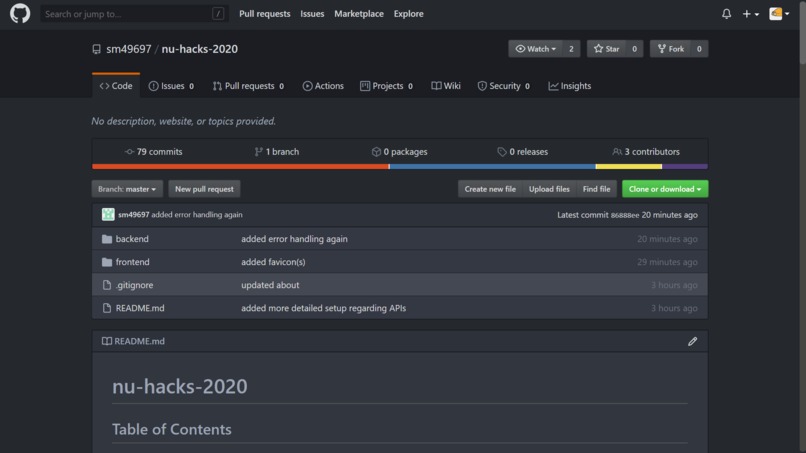
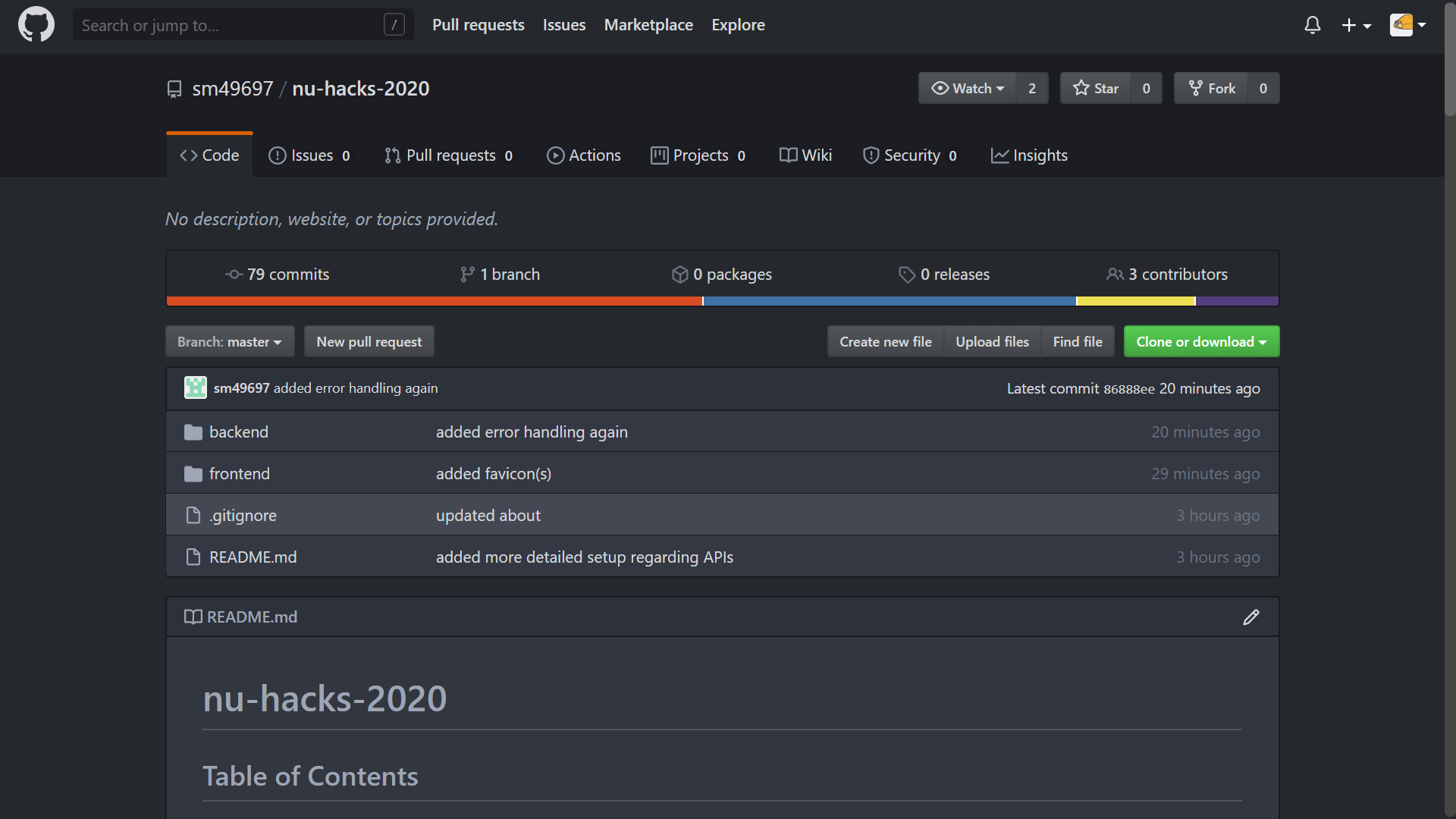
Github repo.
Bigotry Detection Service Machine
Table of Contents
- Problem Statement
- Idea / Solution
- Dependencies / Limitations
- Future Scope
- Getting Started
- Built With
- Authors
- Acknowledgements
Problem Statement
Bigotry, in all forms, seems as pervasive as ever in today's political climate (need we a better example to look to than current events?). Coupled with the meteoric rise of communication over the internet in recent decades, it's become disgustingly easy for any given individual to spew unbridled prejudice and hate towards anyone through the web. This online bigotry comes in all shapes and sizes, from the more overt, slur-heavy forms to those that are comparatively subtle, and thus more difficult for social media platforms to identify, flag, and remove. And it's this problem that our Bigotry Detection Service seeks to address.
Idea / Solution
This website aims to identify the racist (or otherwise derogatory) social media posts from any user (from public figures to the average Joe), in the hopes that a comprehensive, efficient algorithm to eradicate online hate speech can be one day developed, making the internet a safer, more inclusive place for everyone.
Dependencies / Limitations
For our predominantly-Python backend, we made use of several popular frameworks to ease our workload.
First up is Flask, which we employed for two main purposes. Firstly, we used it to serve our static files, including the styling sheets and the scripts-- Flask also acted as an API layer, allowing us to separate the logic of our code from the client-side.
To coordinate with the Twitter API, we used Tweepy, primarily to pull the latest tweets and retweets from a given user's feed. The username would be sent with the API call to our Flask server.
We also implemented IBM Watson's Tone Analyzer service to evaluate the tone of the tweets, which we used in conjunction with an analysis of the tweet's subject matter to determine whether or not said tweet contains prejudice against a group of people.
Combining all this, we produced the backend for the product; from there, the information is relayed to the comparatively straightforward (but no less easy to produce) frontend. In its current state, the website is limited solely to checking posts from Twitter, but we anticipate to expand to other platforms, such as Facebook or Reddit.
Future Scope
In the future, it's quite possible that this service could be expanded to the majority of social media platforms, and the analysis would not be limited to just a users' own posts, but other social media activities as well (e.g. one's Facebook groups). This would give a more detailed evaluation since more posts/social media activities can be gathered. Furthermore, additional criteria for bigotry would also be incorporated into the analysis in order to produce more accurate results.
Getting Started
Prerequisites
- Python 3.6 or later is recommended
- A recent version of pip
Installing
MacOS
Clone the repository into the directory you choose.
git clone https://github.com/sm49697/nu-hacks-2020.git
Enter the backend of the repository to start setting up.
cd nu-hacks-2020/backend/
Create and enter a Python virtual environment.
python3 -m venv venv
. venv/bin/activate
Install the dependencies.
pip install -r requirements.txt
Get API keys and authentication from Twitter (create a developer app) and Watson Tone Analyzer. Replace the contents of config.txt with your Twitter authentication details, and watsonconfig.txt with your Watson Tone Analyzer authentication details.
config.txt:
twitter_api_key
twitter_api_secret
twitter_api_access_key
twitter_api_access_secret
watsonconfig.txt:
watson_api_key
watson_service_url
To the text file badwords.txt, add a list of words to be used by our algorithm to detect potentially bigoted, racist or derogatory posts. Given that the Devpost Community includes minors above the age of 13, and respecting the Devpost Community Guidelines, we have opted not to provide a list of words for this file. In order for the algorithm to utilise the words in the badwords.txt file most effectively, we suggest including words that relate to race, gender, religion and other groups in a negative connotation:
this
is
an
example
of
the
format
for
the
list
of
bad
words
Running the server.
export FLASK_APP=main.py
python -m flask run
You can now visit the website!
localhost:5000
Windows Command Line
Clone repository into the chosen directory.
git clone https://github.com/sm49697/nu-hacks-2020.git
Enter the backend directory of the repo.
cd nu-hacks-2020/backend/
Create and activate a virtual Python environment.
python3 -m venv venv
. venv/Scripts/activate
Install dependencies.
pip install -r requirements.txt
Get API keys and authentication from Twitter (create a developer app) and Watson Tone Analyzer. Replace the contents of config.txt with your Twitter authentication details, and watsonconfig.txt with your Watson Tone Analyzer authentication details.
config.txt:
twitter_api_key
twitter_api_secret
twitter_api_access_key
twitter_api_access_secret
watsonconfig.txt:
watson_api_key
watson_service_url
To the text file badwords.txt, add a list of words to be used by our algorithm to detect potentially bigoted, racist or derogatory posts. Given that the Devpost Community includes minors above the age of 13, and respecting the Devpost Community Guidelines, we have opted not to provide a list of words for this file. In order for the algorithm to utilise the words in the badwords.txt file most effectively, we suggest including words that relate to race, gender, religion and other groups in a negative connotation:
this
is
an
example
of
the
format
for
the
list
of
bad
words
Run the server. Paste/type the set command exactly as written below.
set FLASK_APP=main.py
python -m flask run
You can now visit the website!
localhost:5000
Built With
- Flask: server
- Tweepy: twitter API wrapper
- Watson Tone Analyzer: tone analyser
Authors
- Lucas Sta Maria - sm49697
- Simon Huang - simonyellow
- Adil Farooq - FarooqAdil
Acknowledgements
- All work on the Bigotry Detection Service Machine was done during the NotUniversity Hacks hackathon June 6-7, 2020


Log in or sign up for Devpost to join the conversation.