Inspiration
I kept opening Bible apps and landing in something that wanted a streak, an account, a colour, a reason to come back tomorrow. The text was in there somewhere, behind the product. I wanted the object instead. A book you pick up, put your name on, and open. The rest of the phone can stay noisy. This one should not.
What it does
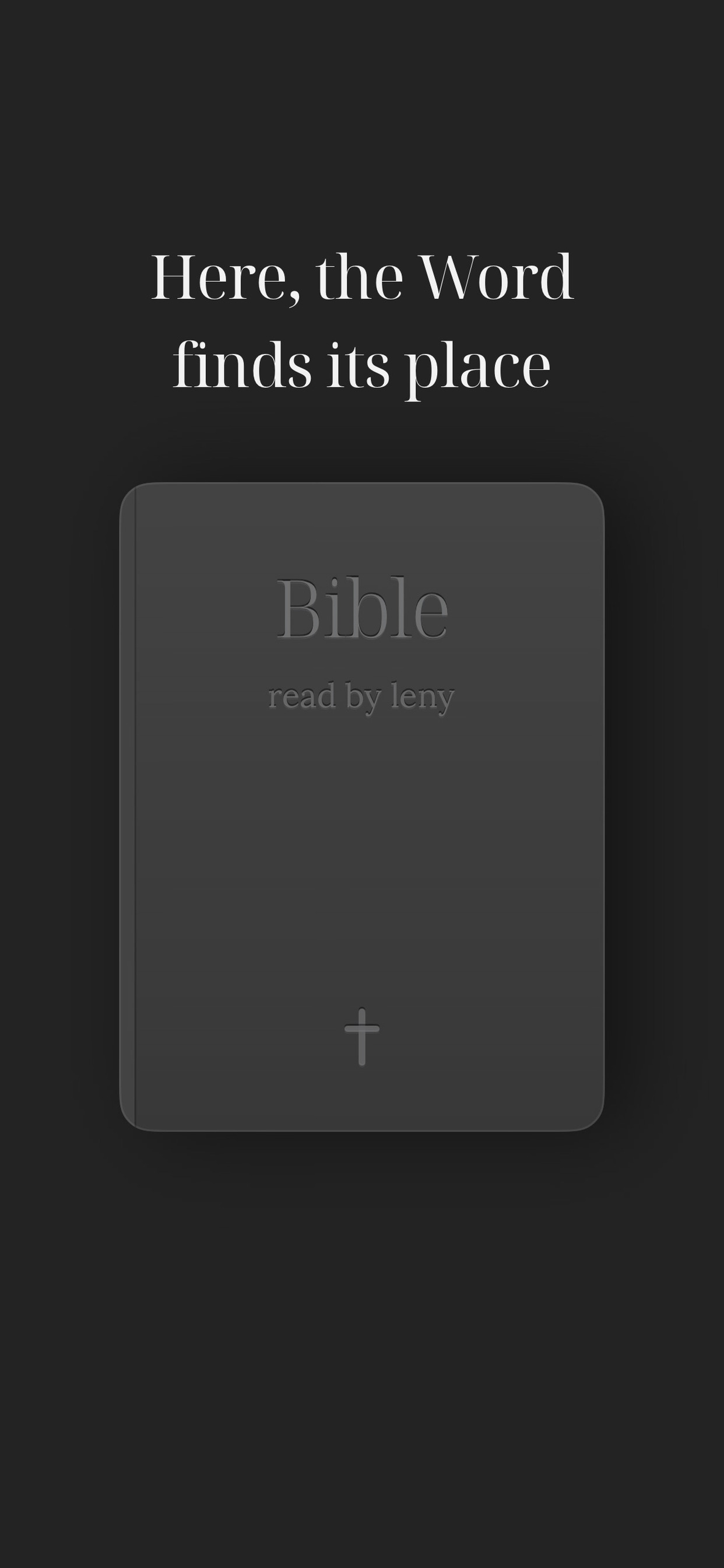
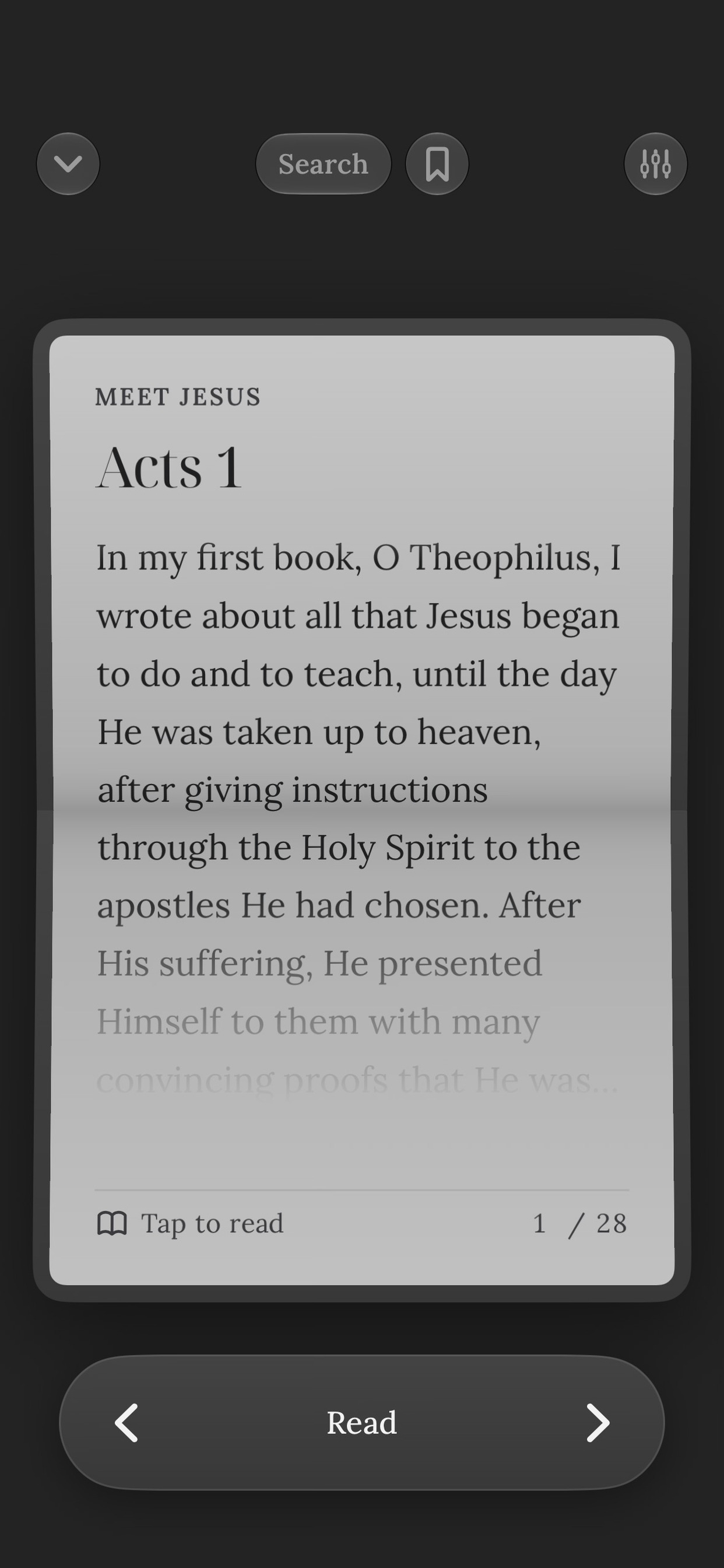
Bible: Quiet is an iPhone app for reading Scripture. You meet a closed cover, you sign it, you choose a language, a translation, and a plan, and then the home screen is that book. Opening it is how you read. Chapters follow the plan you picked, page by page, not a calendar of content.
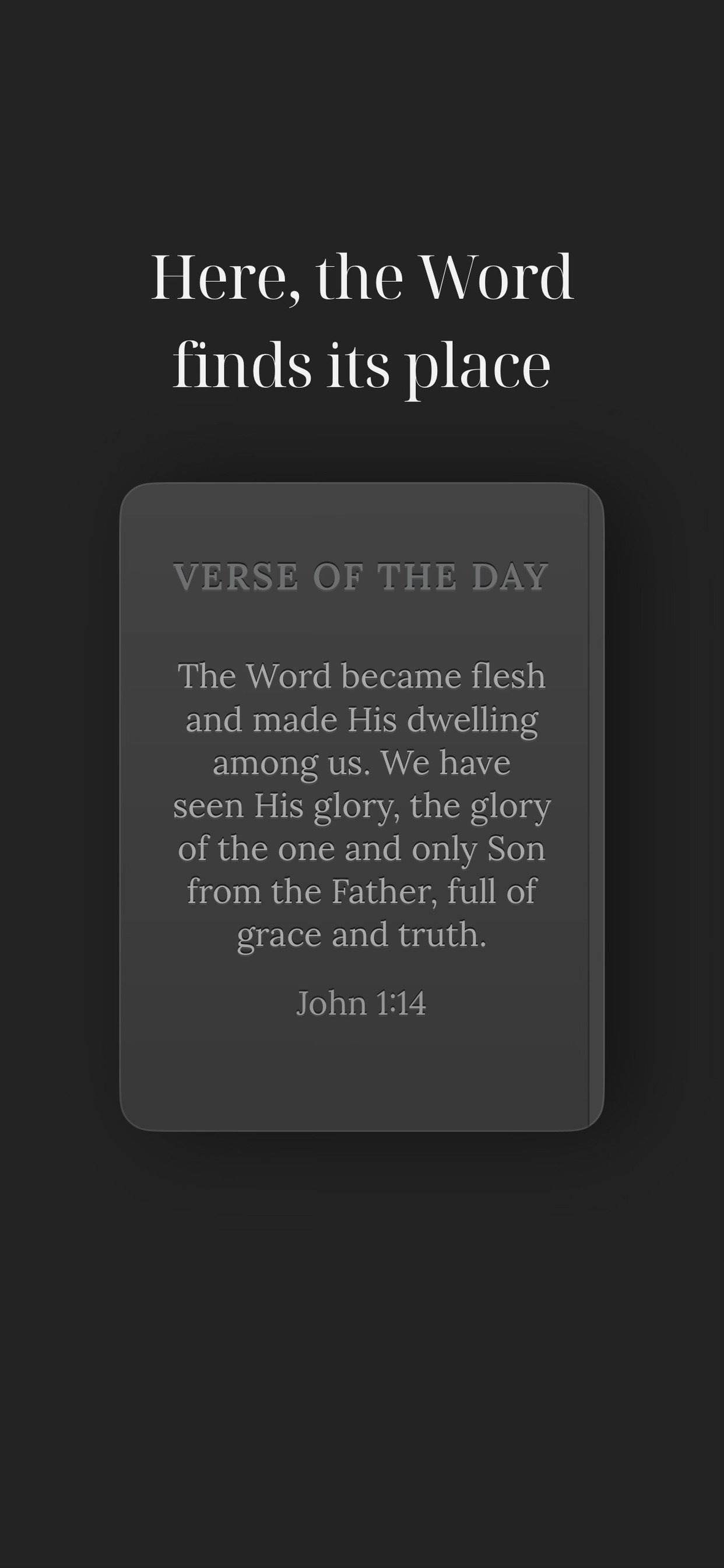
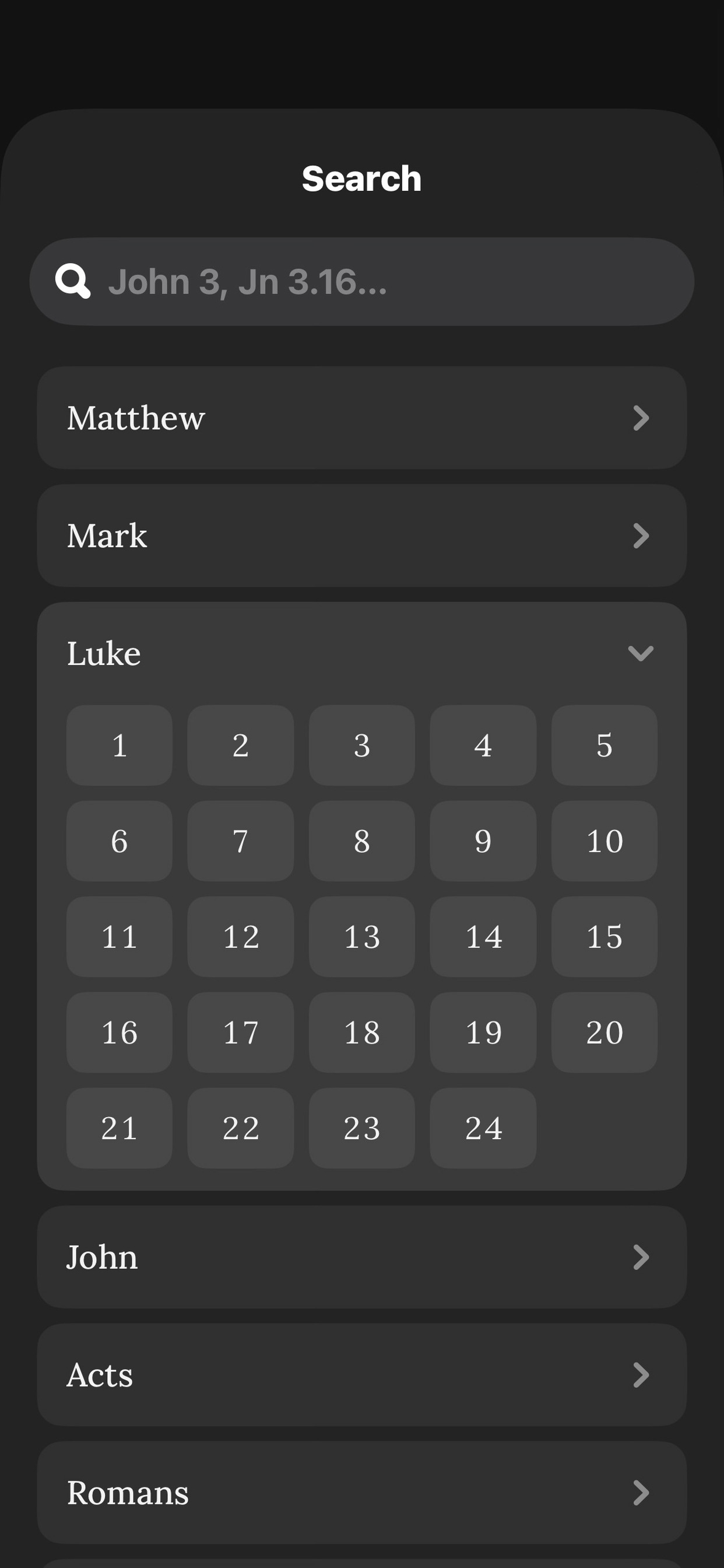
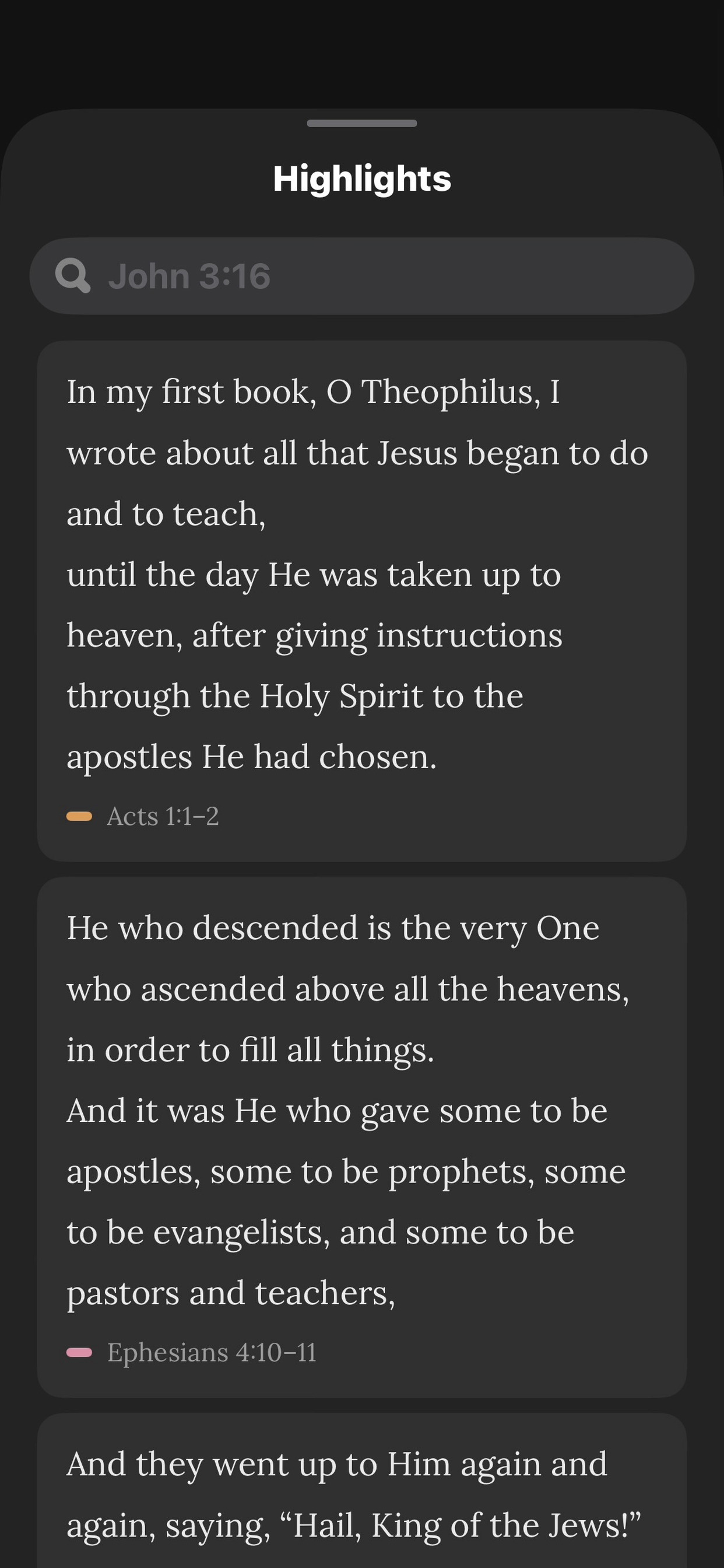
Highlights stay on the verse. Search finds a passage without turning the reader into a browser. A verse can sit on the Lock Screen and on a home screen widget. There is optional radio if you want a voice in the room. There is no account, no advertising, and nothing in the app that watches you. Optional donations live in Settings and they do not unlock a better Bible.
How we built it
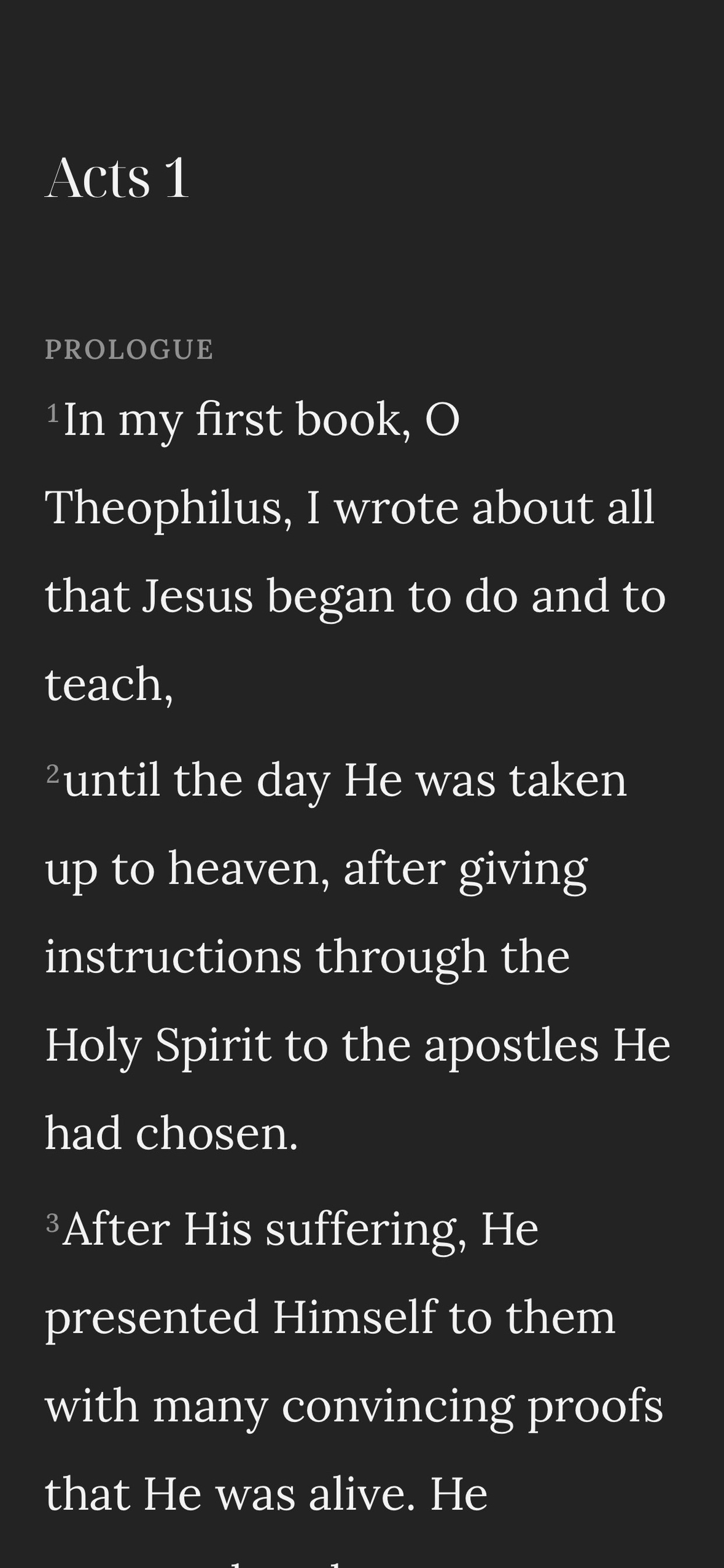
It is native SwiftUI, Swift 6, iOS 26 only. The project is generated with XcodeGen so the layout of the code stays the source of truth. Screens do not invent their own spacing or type. There is a small design system for that, and two serifs: Noto Serif Display on the cover and the titles, Lora once you are actually reading.
Scripture comes from YouVersion. A Cloudflare Worker sits in front of the API and it is the only process that talks to it. It only answers the handful of requests the app really makes. Progress and highlights live on the device, and in iCloud if the reader already has that on.
Purchases go through RevenueCat. Six fixed amounts, consumable. Each tap is a new gift. Nothing is restored because nothing was taken away.
Challenges we ran into
Shipaton needs a real in app purchase. The obvious move is a paywall. That would have been the same app I did not want to make. Getting RevenueCat in without turning Genesis into a catalog was the actual problem, and the answer had to be a tip that does nothing. If that sounds like a waste of a purchase, it is working.
The other fight was the top of the screen. I hid the status bar so the clock would not sit on the page, and iOS 26 took the progressive blur with it. The system only paints that fade against a real bar or a scroll view. Welcome was just a cover, sitting there, with no edge to blur against. Making the book still feel like a book, and still get that fade on every onboarding page, took longer than it should have.
Keeping the YouVersion key off the phone meant a worker, an allowlist, and a test that fails if the credential ever shows up in the binary. That is boring infrastructure. It is also the difference between shipping a reader and shipping someone else's secret.
Accomplishments that we're proud of
The cover takes a name. After that the app has a reader, not a user profile. I care about that more than I care about the stack.
And the book opens. Not a tab bar with a Bible icon on it. A cover, a spring, a page. When that works, people forget they are in an app.
What we learned
A metaphor is a constraint, not a mood board. If settings look like a generic iOS form, the book was a lie. If the verse sits under chrome, the quiet was a lie. I learned to delete the thing that was only there because other apps have it.
I learned the platform is not the WWDC slide. Liquid Glass, scroll edge effects, safe area bars, they show up where the system expects a bar, and they vanish when you hide the clock. You find that out on a phone, not in a simulator.
I learned that free and no purchase are not the same thing as honest. The honest version, for this project, was a purchase that refuses to become a feature.
What's next for Bible: Quiet
Next is getting it into someone's hand and watching it get read like a stranger would read it. On a train, with a thumb, without me standing there. Whatever is wrong will show up there.
I am not planning a second platform or a social layer. If it grows, it should still be a book.

Log in or sign up for Devpost to join the conversation.