BibleBuddy
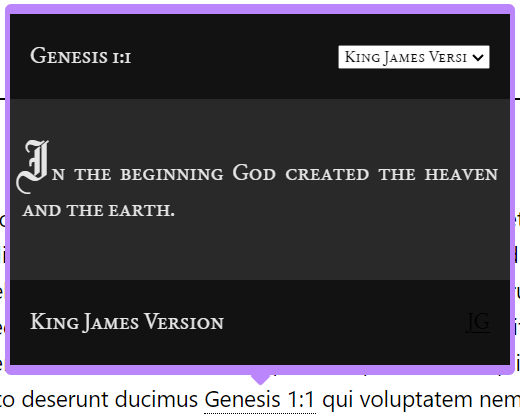
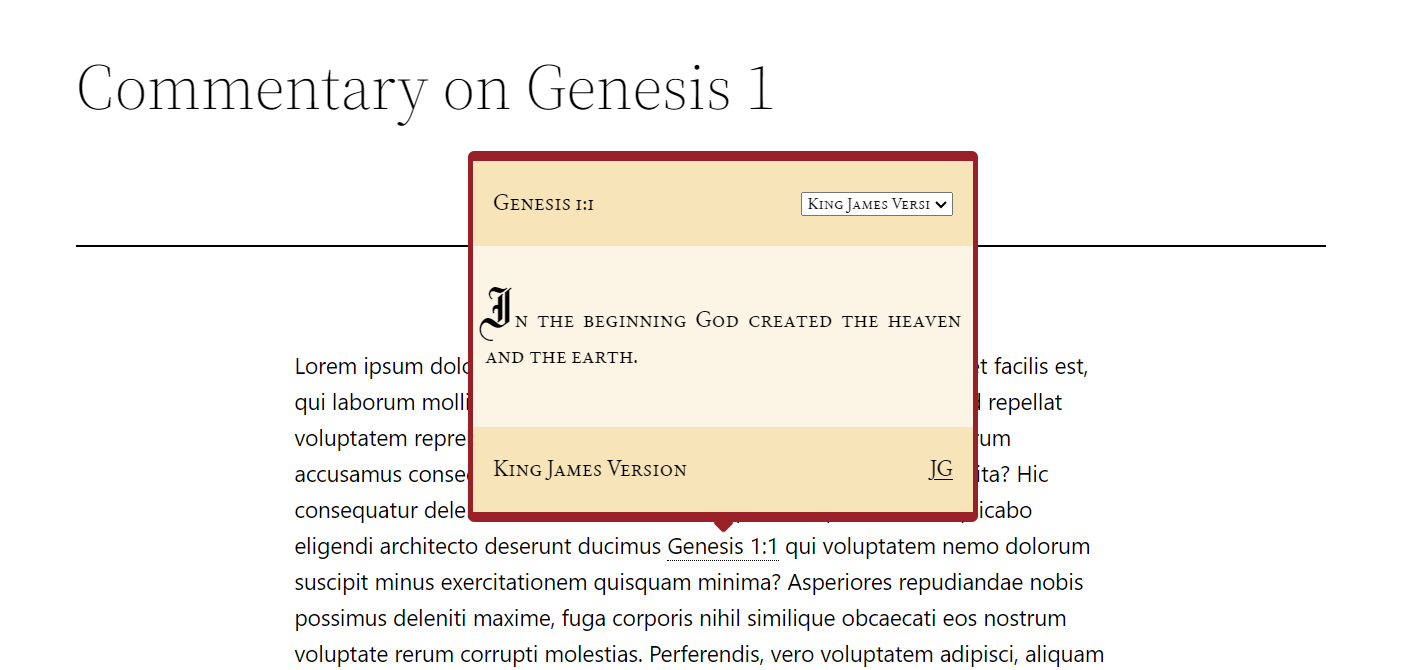
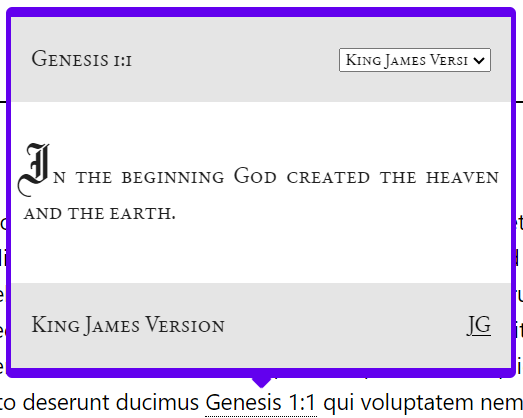
A helpful WordPress plugin that automatically adds a helpful popup to any Bible verses you type in your posts that displays the verse.
Get it on the WordPress plugin directory: link
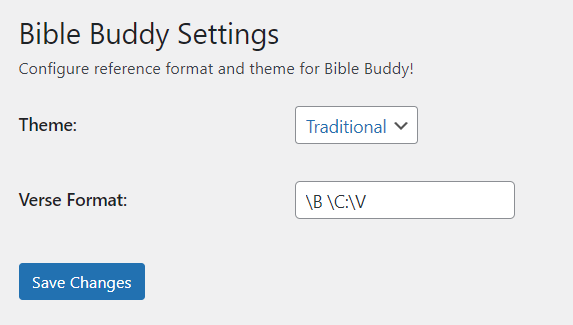
Setup and Configuration This plugin adds a pop-up to all posts on your blog that contain a verse reference. A verse reference is a simple set of characters that meet a format specified in the plugin settings page. The verse reference will contain three special tokens:
- '\B' = book of the Bible
- '\C' = chapter of that book of the bible
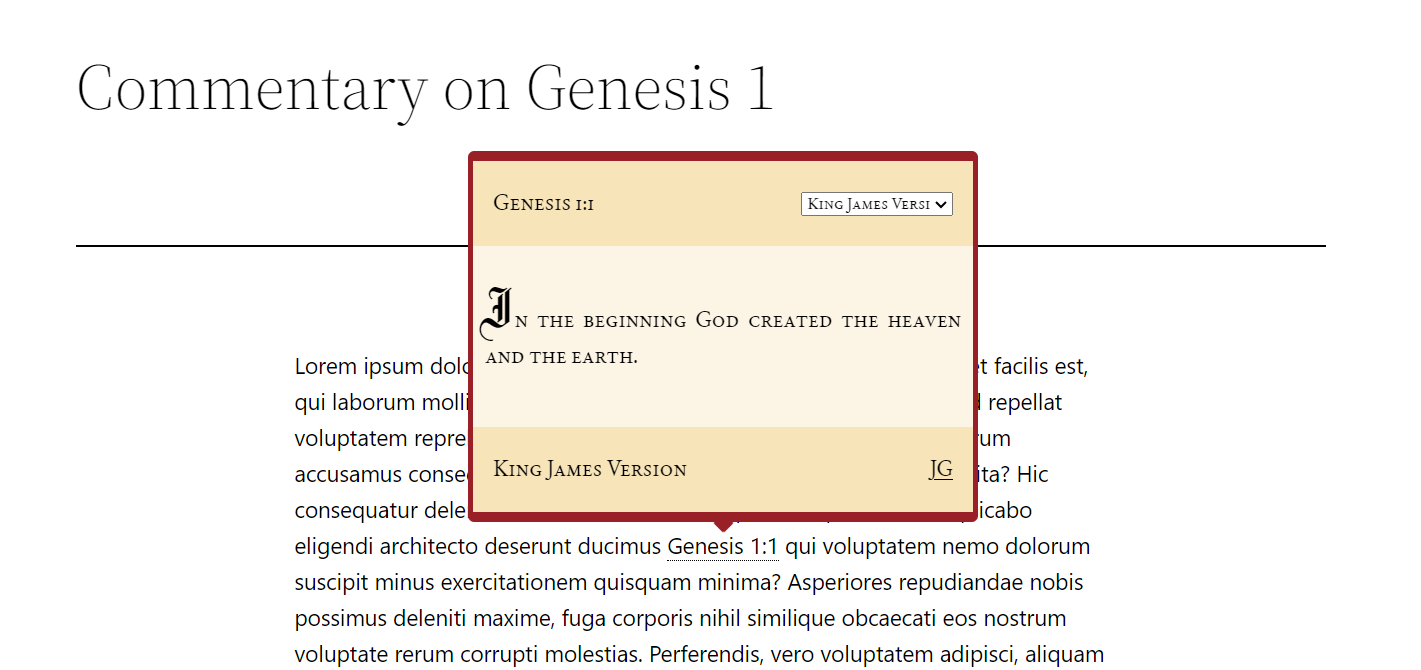
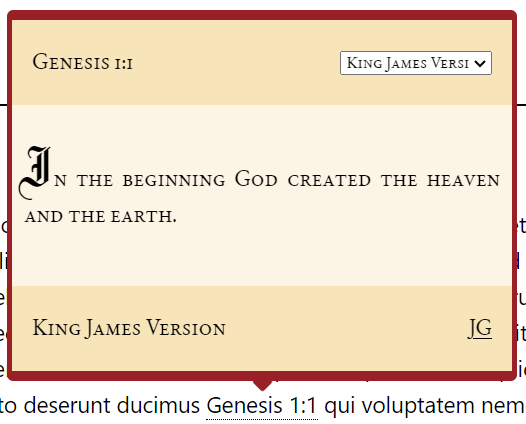
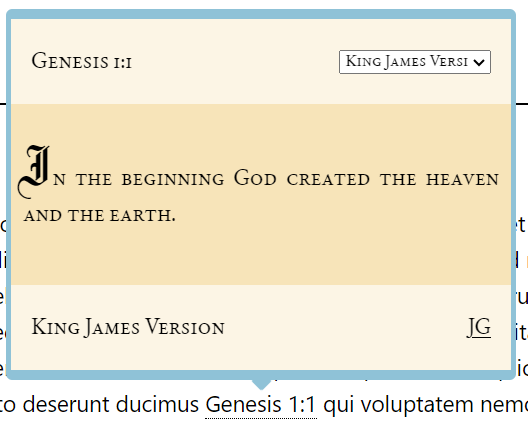
- '\V' = verse from that chapter. Any time a verse reference is found in a post, the plugin will automatically underline it with a dashed line, and it will become clickable. Upon being clicked, the verse popup will appear. This is a popup card that will stick to the verse reference and it will show what that verse actually says. This is meant to save space and time for the author, so they can reference Bible verses in their posts without making their posts unnecessarily long and verbose.
Dependencies and APIs Currently, this plugin utilizes the api provided by link to pull all verses. As some versions are incomplete, the plugin only supports a selection of the versions offered by the api. This source is subject to change in the future! This plugin was also built using popper.js. Check that project out here: https://popper.js.org
Open Source! This plugin is offered for free to anyone who wants to add wisdom from the Bible to their posts. Support and development may or may not continue, but any work anyone can do to improve this plugin to help it accomplish its purpose of helping spread the word of God would be much appreciated!
** How I built it ** I developed a WordPress plugin in the php programming language to implement this plugin. I used hooks and filters to manage settings and insert javascript and html objects onto WordPress posts and pages. I also used the popperjs library and vanilla javascript to make the verse card appear on the post page next to the corresponding verse reference, to get the Bible data from the api, and to display it on the card.
** Challenges ** This was my first project where I wrote a lot of my own javascript to manipulate the DOM, so learning to do that was quite a challenge. I also had to teach myself WordPress plugin development for this project, which was its own challenge. But, the hardest challenge was assembling a regex dynamically based on the verse format the user entered in the settings.
** What I learned ** In this project, I learned how to use ajax, a third-party api, popperjs, and vanilla js to display useful relevant directly modify the DOM with useful information to help the reader. I also learned how to develop WordPress plugins, including interacting with the different WordPress apis, including actions/filters, settings, and script enqueueing. This plugin also involved building a complex regex, so I learned the php regex system as well.
The main thing I learned through all of this, however, was how to teach myself new skills. This project required me to teach myself regular expressions, manipulation of the DOM with vanilla javascript, the popperjs library, WordPress development, ajax for interacting with my api, and more. This gave my problem-solving and learning skills a big boost.
Built With
- javascript
- php
- popperjs
- wordpress

Log in or sign up for Devpost to join the conversation.