-
-
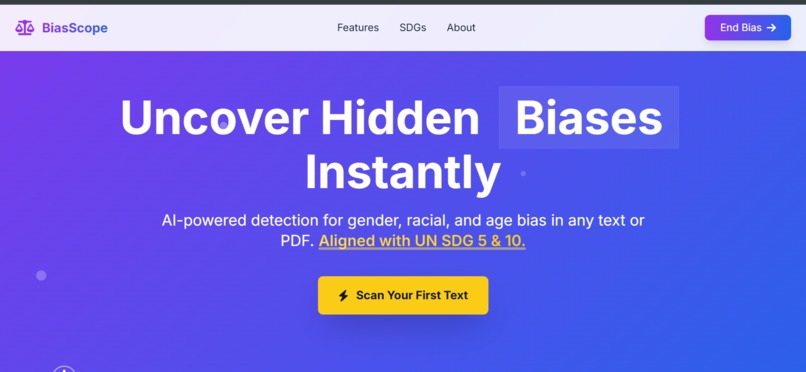
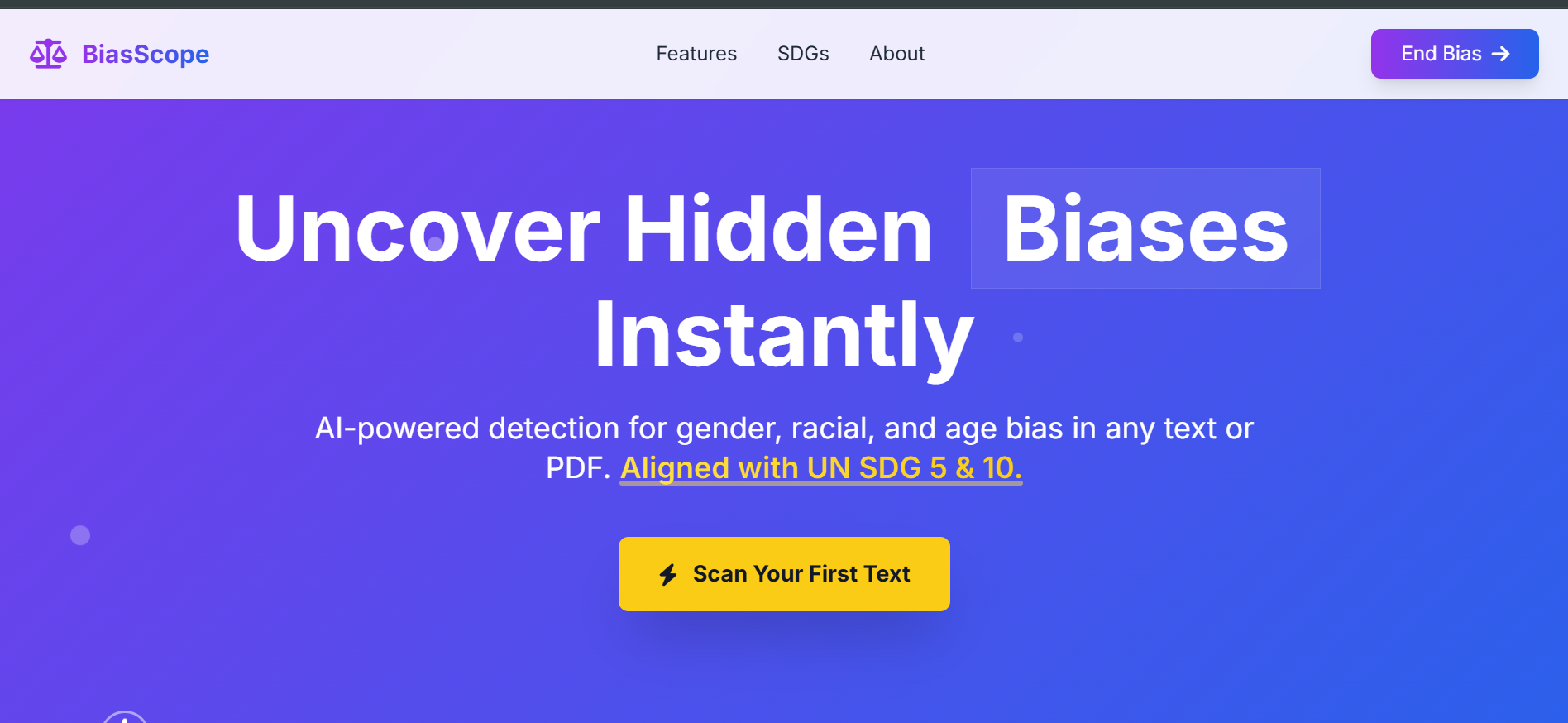
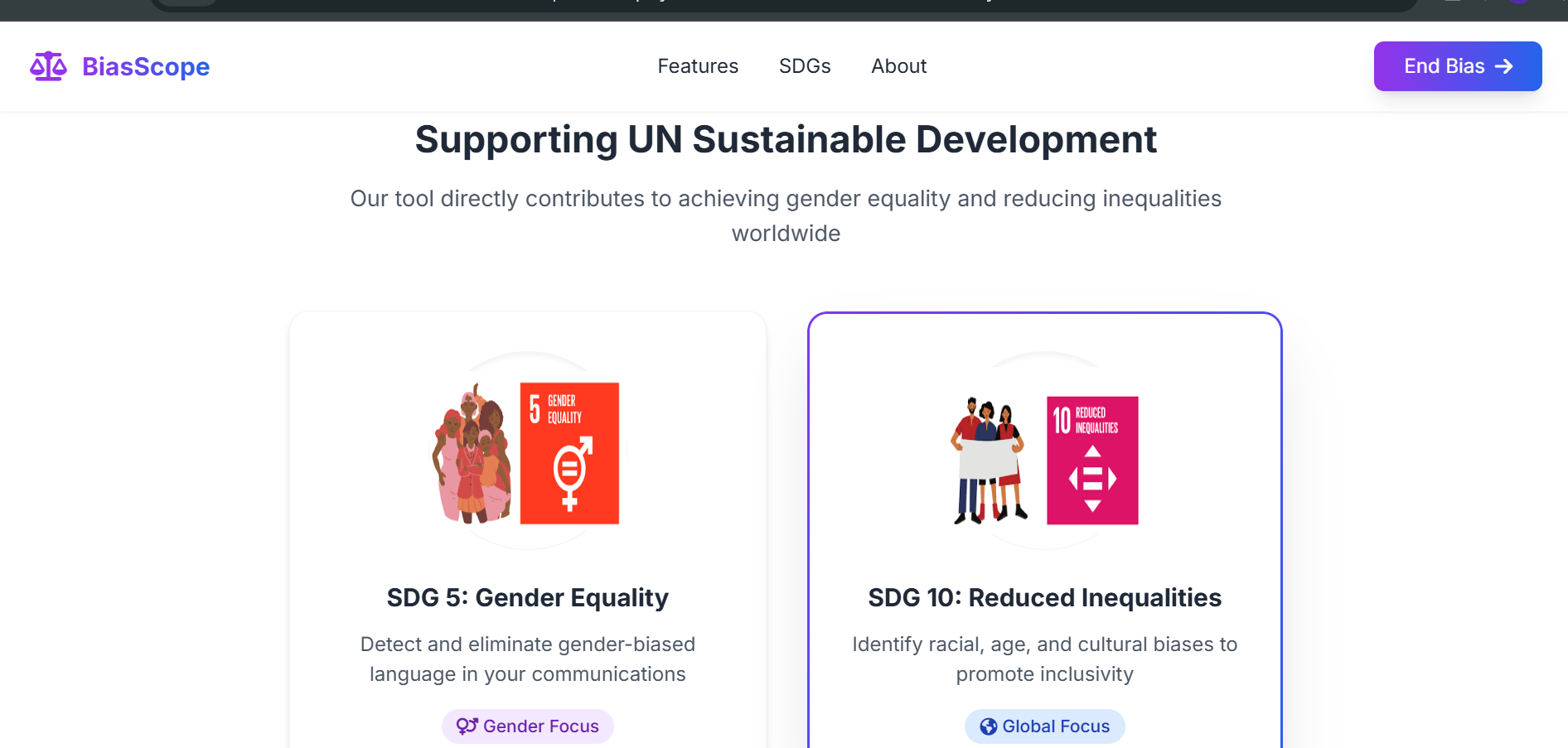
The landing page of BiasScope
-
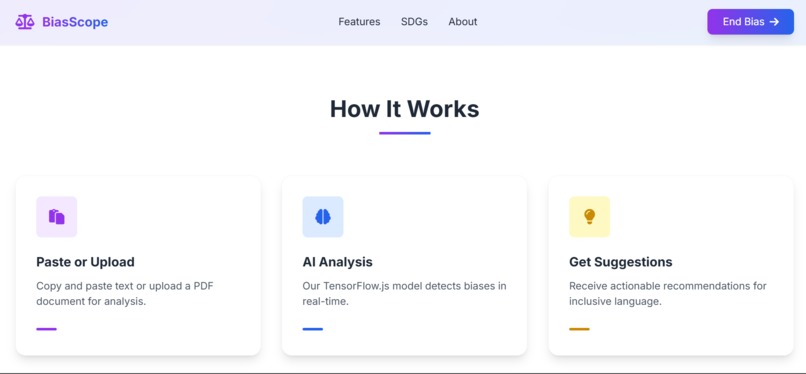
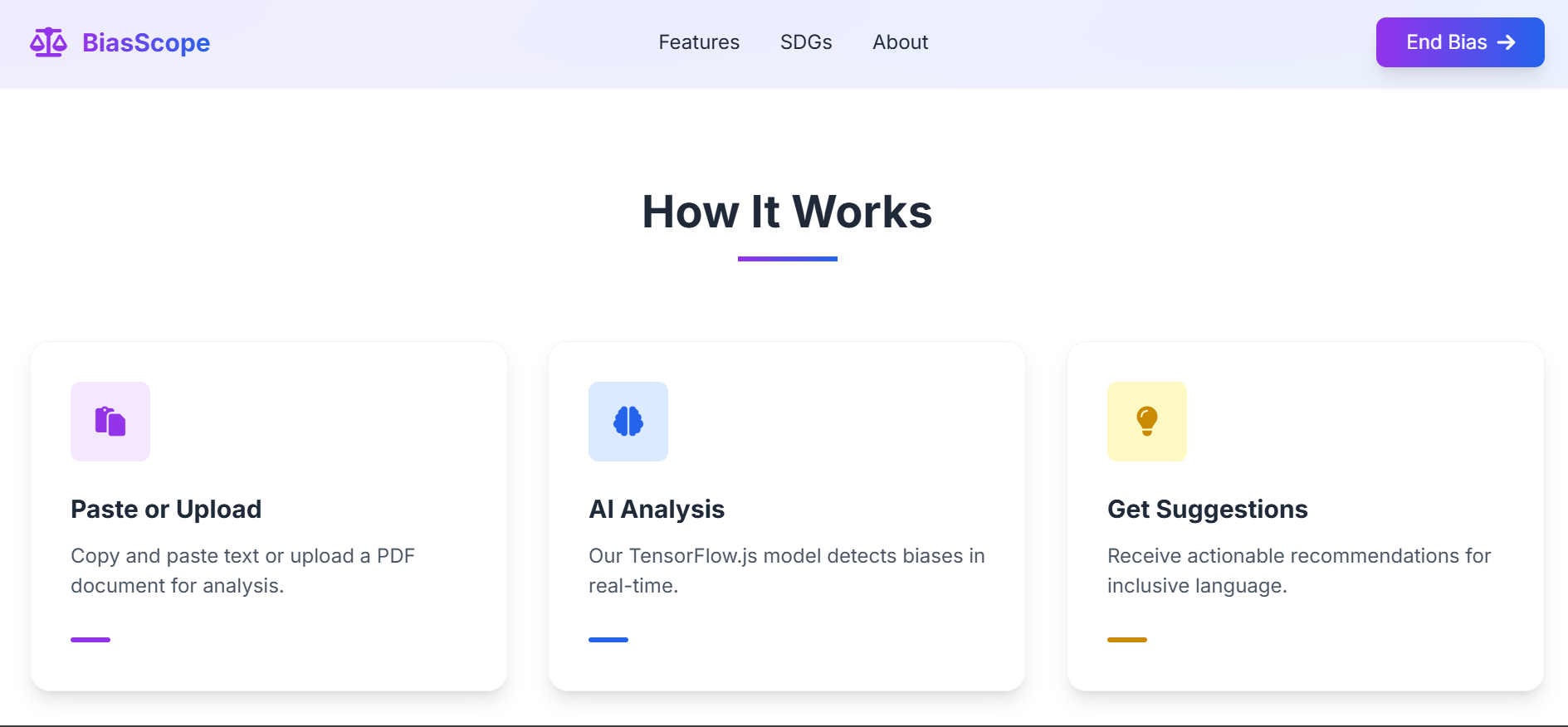
How BiasScope Works
-
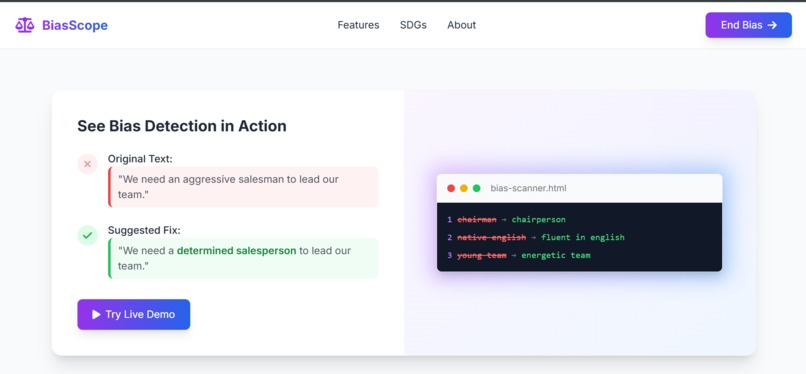
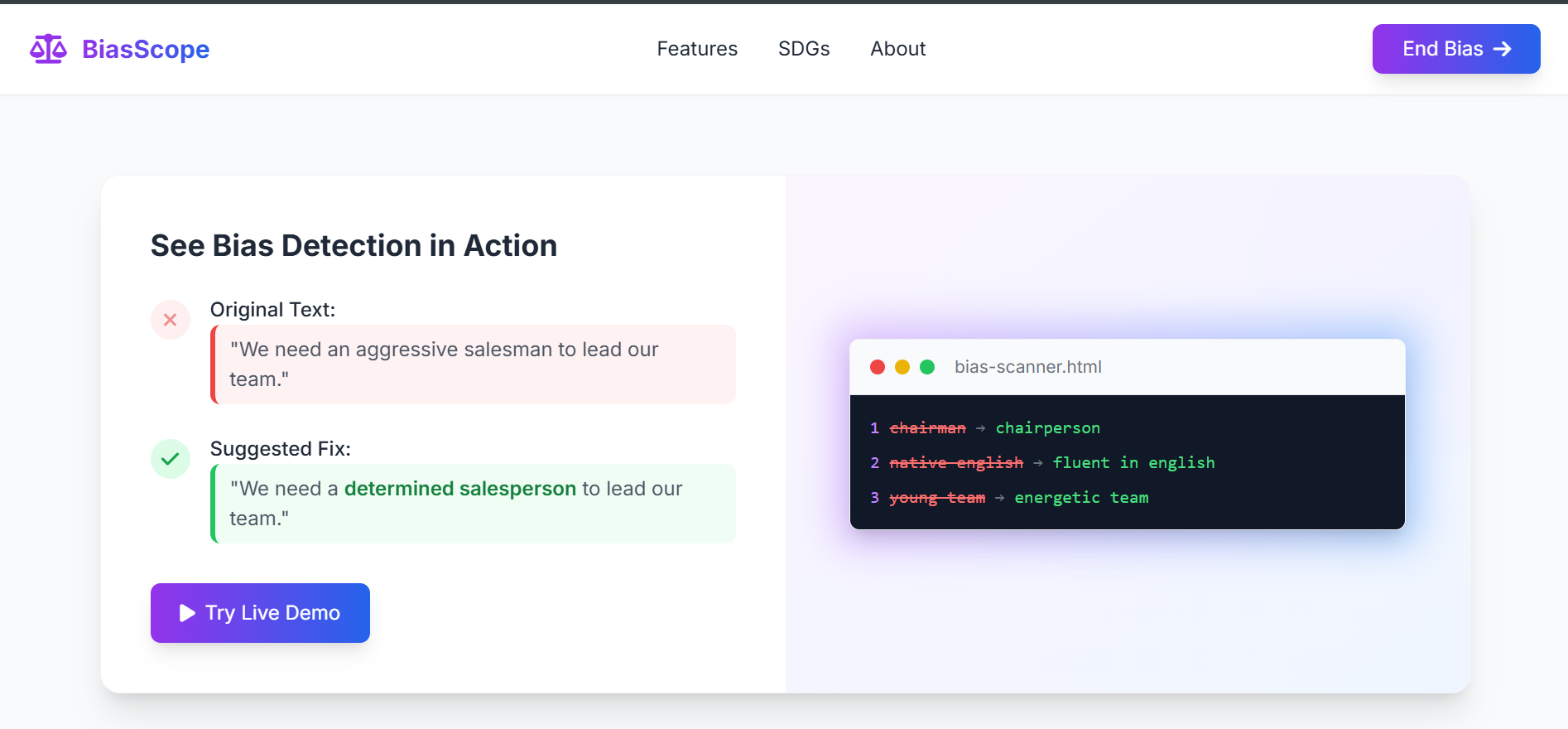
BiasScope in action
-
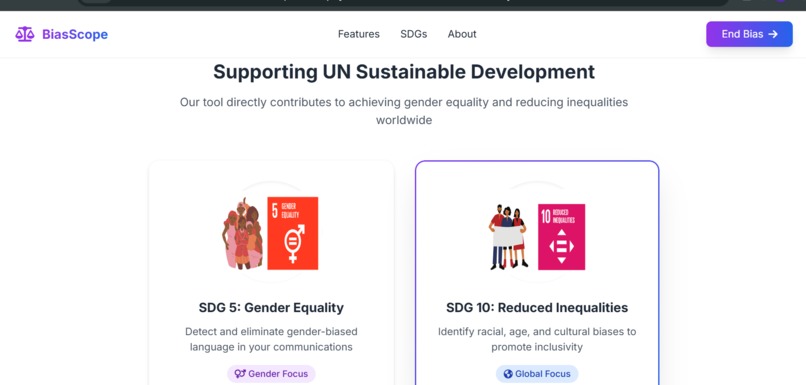
The UNSDGs it solves
-
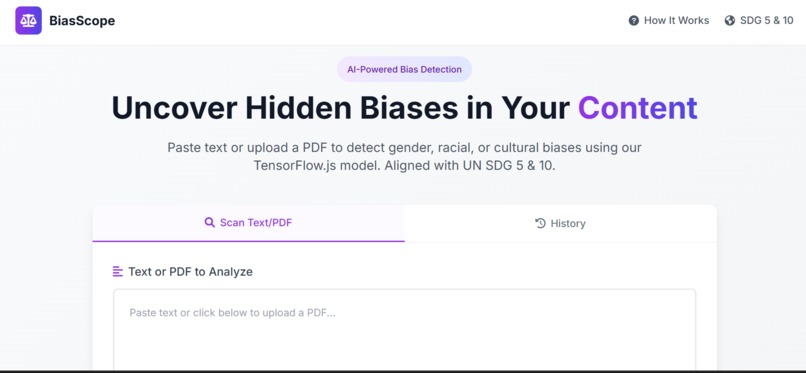
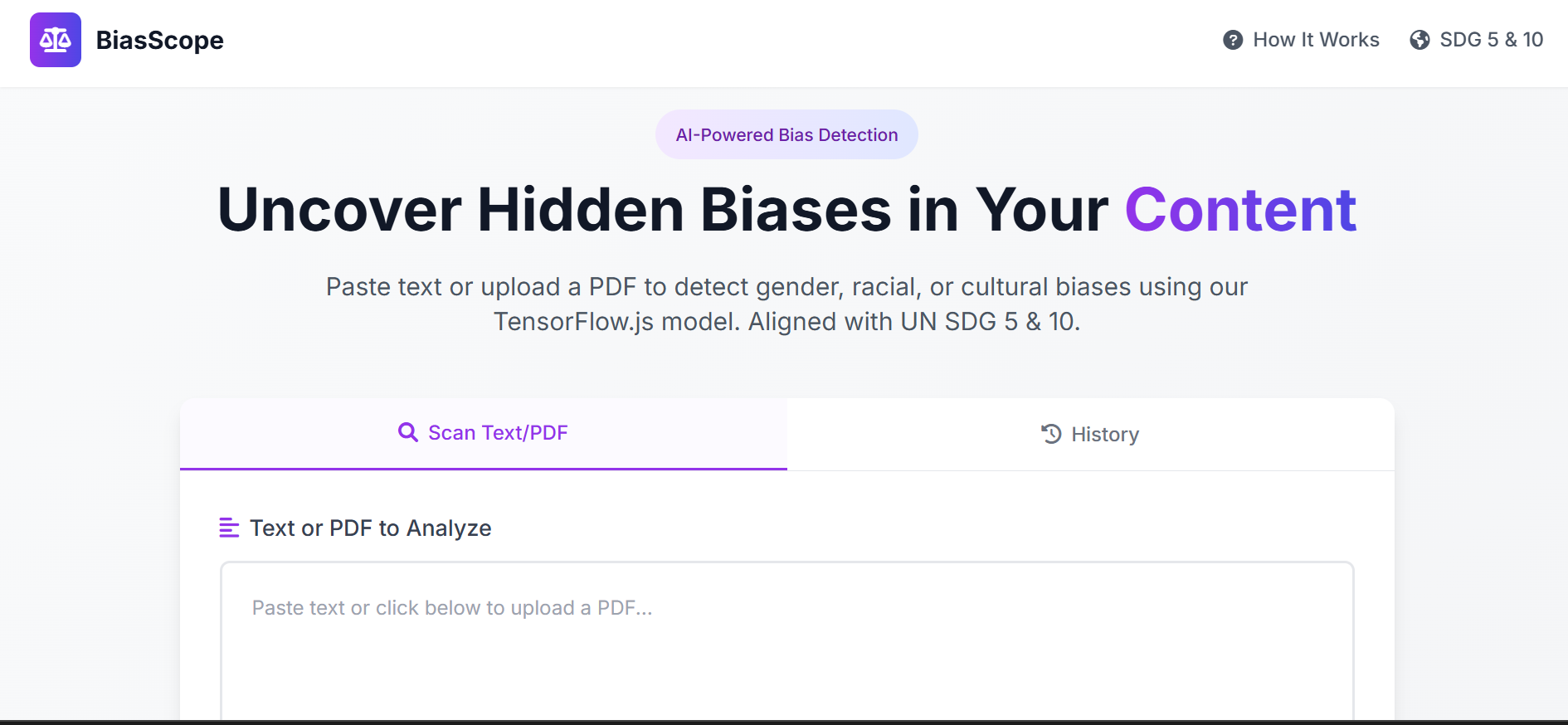
Main interface for BiasScope to paste text or upload pdf
📖 Bias & Toxicity Scanner Web App
A React + TensorFlow-based AI-powered web app that scans input text and PDF files for biased phrases and toxic language, giving users instant feedback for more inclusive communication.
🌟 Inspiration
As a frontend developer passionate about ethical AI and inclusive communication, I was inspired to build the Bias & Toxicity Scanner to help individuals and organizations write more respectful and inclusive text. Subtle biases in language often go unnoticed but can have major impacts—especially in areas like recruitment, education, and content creation.
This project was my attempt to promote fairness and awareness in written communication using the power of AI.
💡 What I Learned
- How to integrate TensorFlow.js with React to run toxicity detection models client-side.
- Creating a rule-based system to detect and highlight biased language.
- Extracting and parsing text from PDFs using
pdfjs-dist. - Managing state, form validation, and dynamic scanning in React.
- Storing and retrieving scan history using
localStorage.
🛠️ How I Built It
1. Set up a React project using Vite for fast development.
2. Defined a set of phrase-based bias-detection rules in JavaScript.
3. Integrated TensorFlow.js toxicity model to detect:
   - Toxic
   - Severe Toxic
   - Obscene
   - Threat
   - Insult
   - Identity Attack
   - Sexually Explicit content
4. Implemented file upload features for both text and PDF files.
5. Used Tailwind CSS to design a clean and responsive UI.
6. Highlighted biased/toxic phrases dynamically and allowed users to download reports.
## 🚧 Challenges I Faced

1. **TensorFlow Model Load Time**
   Loading the TensorFlow.js toxicity model sometimes took a few seconds, especially on slower networks. I had to implement asynchronous model loading with clear UI feedback to avoid freezing the interface.

2. **False Positives in Toxicity Detection**
   The AI model occasionally flagged harmless phrases as toxic. I had to fine-tune the confidence threshold and add logic to reduce unnecessary alerts without compromising safety.

3. **Handling Complex PDFs**
   Extracting accurate text from PDFs was tricky. Some files had embedded fonts or broken structures. Using `pdfjs-dist`, I had to experiment with parsing strategies to consistently get clean, readable text.

4. **Custom Bias Rules Maintenance**
   Creating a balance between detecting biased phrases and avoiding over-flagging required careful curation. It was challenging to ensure that the predefined phrases didn’t result in irrelevant or offensive matches.

5. **State Management for Dynamic Scans**
   Handling multiple states—like loading, scanning, result display, error states—especially while supporting both text and file uploads, required careful component structuring and testing.

6. **Performance Optimization**
   With real-time scanning and highlighting, performance started to lag on larger documents. I had to optimize how DOM updates were triggered and offload heavier computations.

7. **UI/UX Consistency Across Devices**
   Ensuring the app was visually appealing and functional across mobile, tablet, and desktop required meticulous responsive design with Tailwind CSS.

8. **Ensuring Accessibility**
   I wanted the tool to be usable for everyone, so I had to ensure contrast ratios, keyboard navigation, and ARIA labels were properly handled.
Built With
- anime.js
- api
- css3
- html5
- javascript
- localstorage
- pdfjs-dist
- react
- tailwindcss
- tensorflow.js

Log in or sign up for Devpost to join the conversation.