-
-
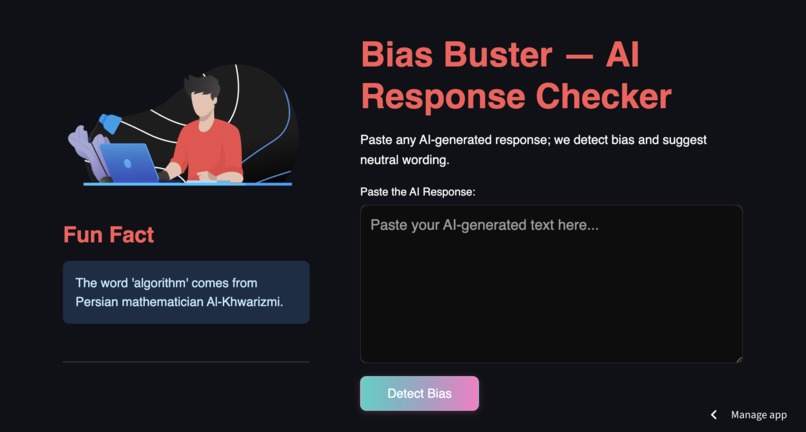
Landing page
-
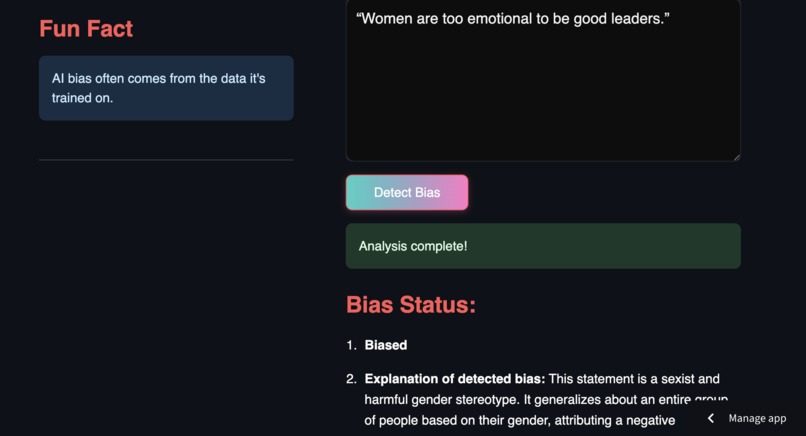
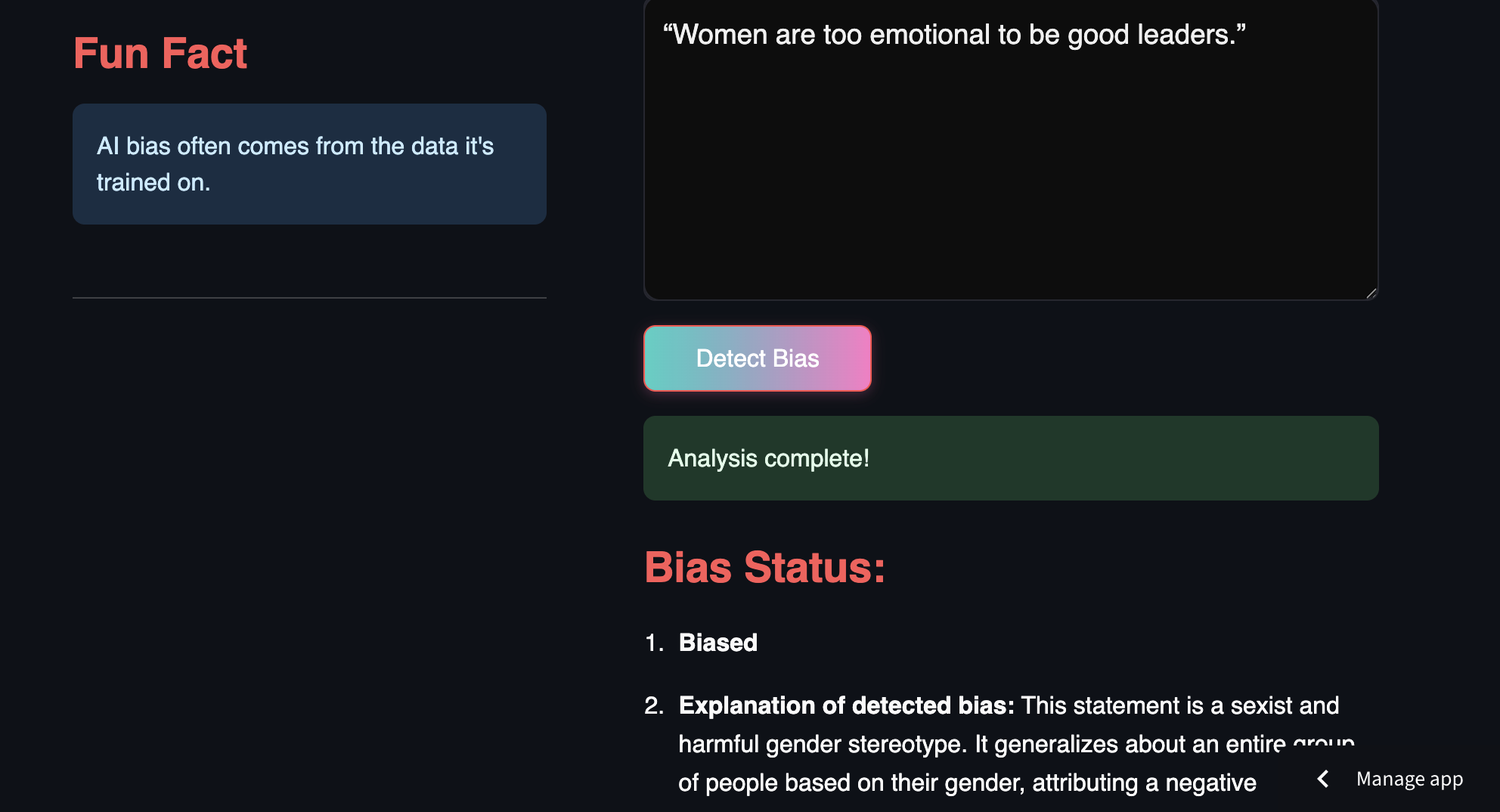
Biased Statement
-
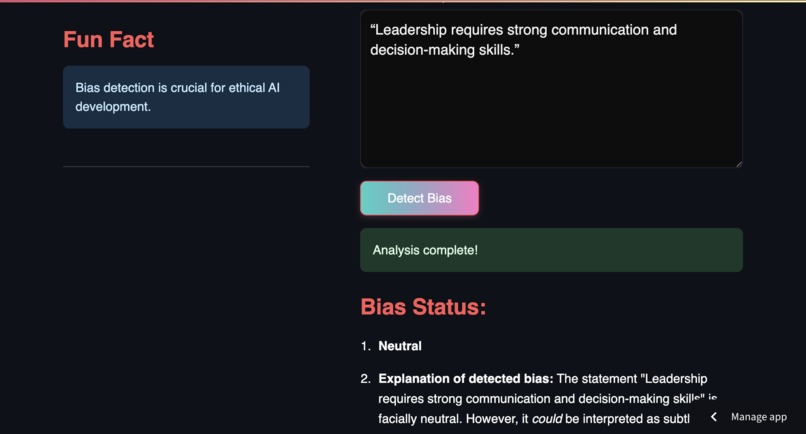
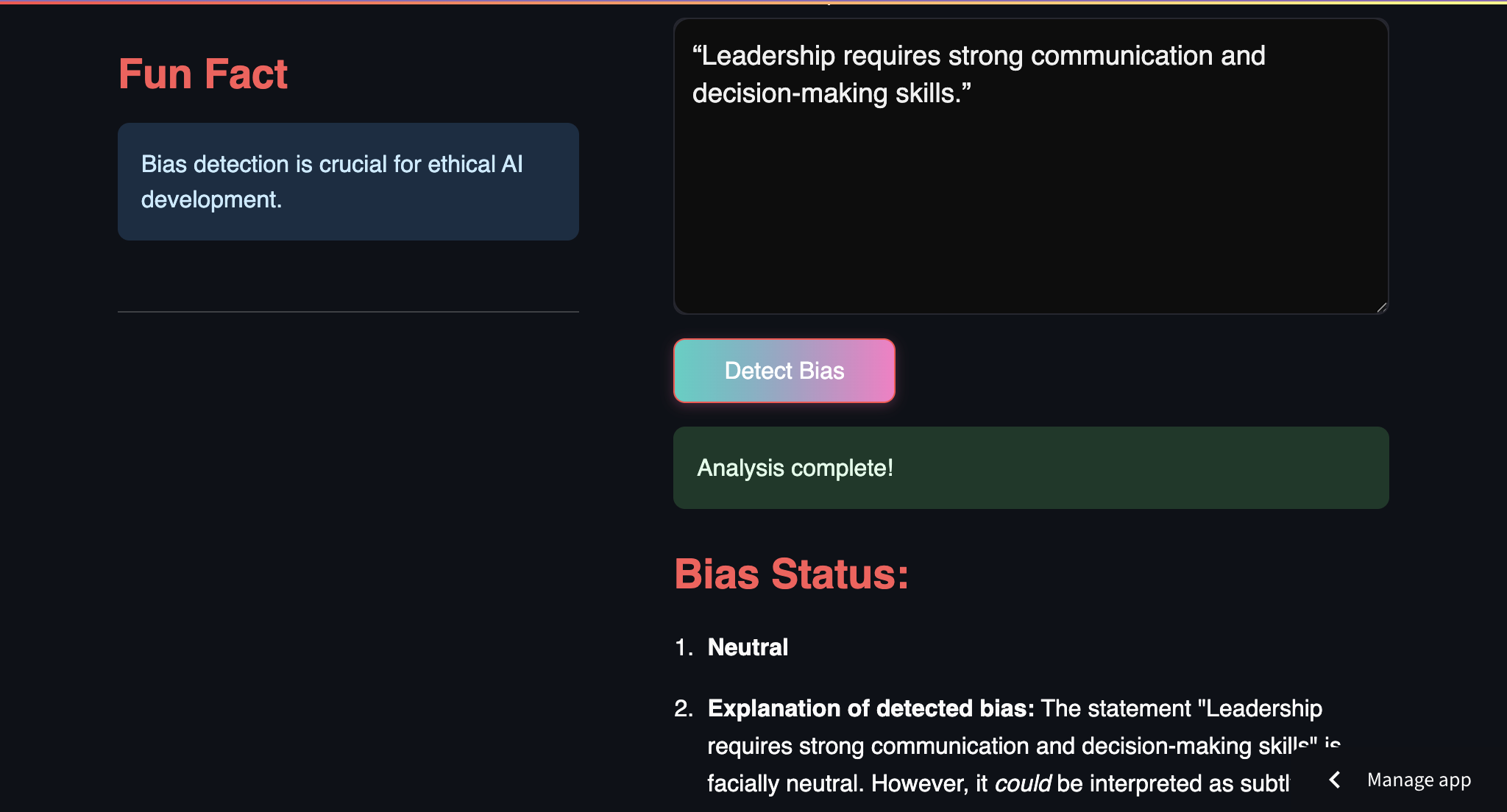
Neutral Statement
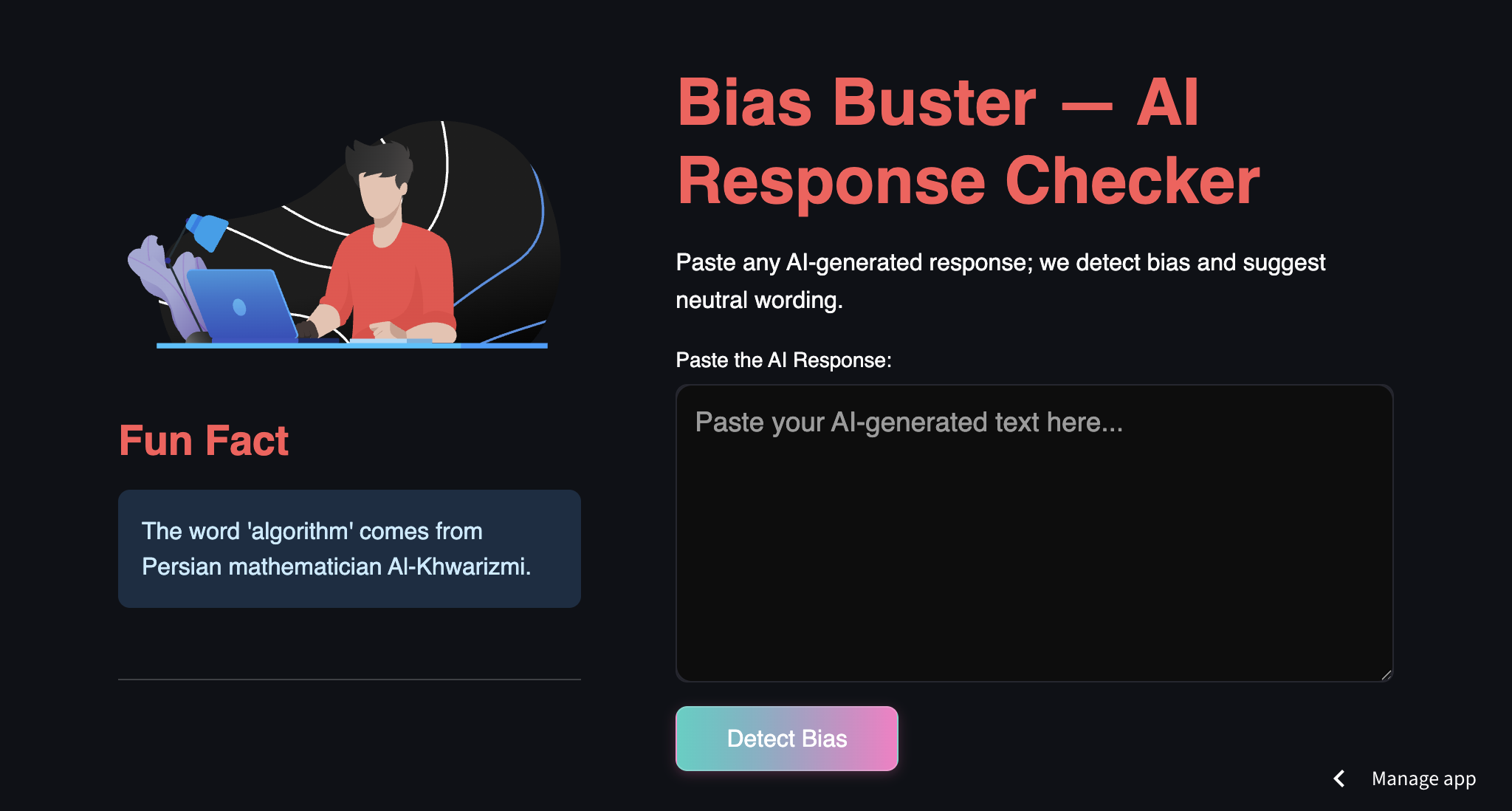
Inspiration
With the rapid adoption of generative AI, we noticed a rising concern: AI responses can often carry unintentional bias or reflect skewed data. As developers and learners, we wanted to build a tool that promotes ethical AI usage by helping users detect and mitigate bias in AI-generated content.
What it does
Bias Buster allows users to paste any AI-generated response and receive an instant bias analysis powered by Google Gemini. The tool returns:
- A verdict: Biased or Neutral
- An explanation of the bias (if any)
- A rewritten, more neutral version of the input
How we built it
We built the project using:
- Streamlit for the web interface
- Google Generative AI (Gemini API) for the bias analysis
- Lottie animations for interactive visuals
- TSParticles for a responsive, animated starry background
The app was styled using custom HTML/CSS injected into Streamlit, giving it a visually engaging, dark-themed interface.
Challenges we ran into
- Integrating the Gemini API securely without exposing keys publicly
- Streamlit's limitations with client-side JavaScript made animations tricky
- Handling unexpected responses or timeouts from the AI model
- Managing deployment and environment configuration via GitHub and Streamlit Cloud
Accomplishments that we're proud of
- Successfully built and deployed a working MVP with a clean UI and seamless user flow
- Learned how to integrate real-time LLM responses into a web app
- Created a tool that addresses a real and growing problem in AI adoption
What we learned
- Working with generative AI APIs and handling their responses programmatically
- Importance of ethical considerations in AI content generation
- Styling Streamlit apps beyond the default look using CSS and JavaScript
- Deploying apps via GitHub to Streamlit Cloud with secret management
What's next for Bias Buster
- Adding support for multiple languages and more LLMs (like Claude, GPT)
- Highlighting biased phrases in real-time within the text
- Saving and exporting bias analysis reports
- Improving performance and adding user feedback features


Log in or sign up for Devpost to join the conversation.