-
-
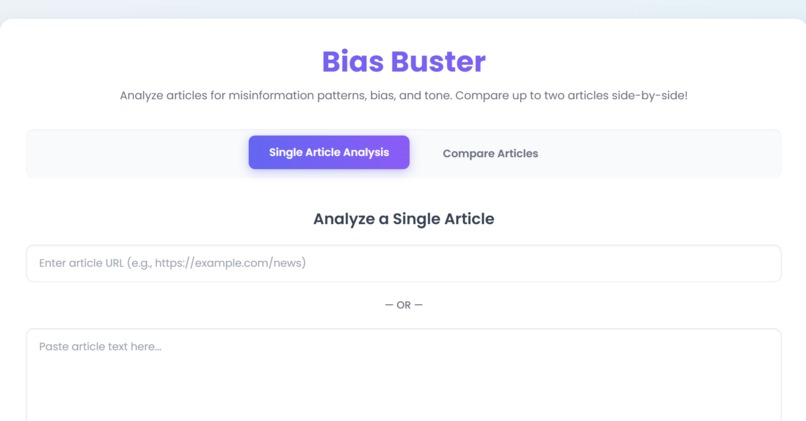
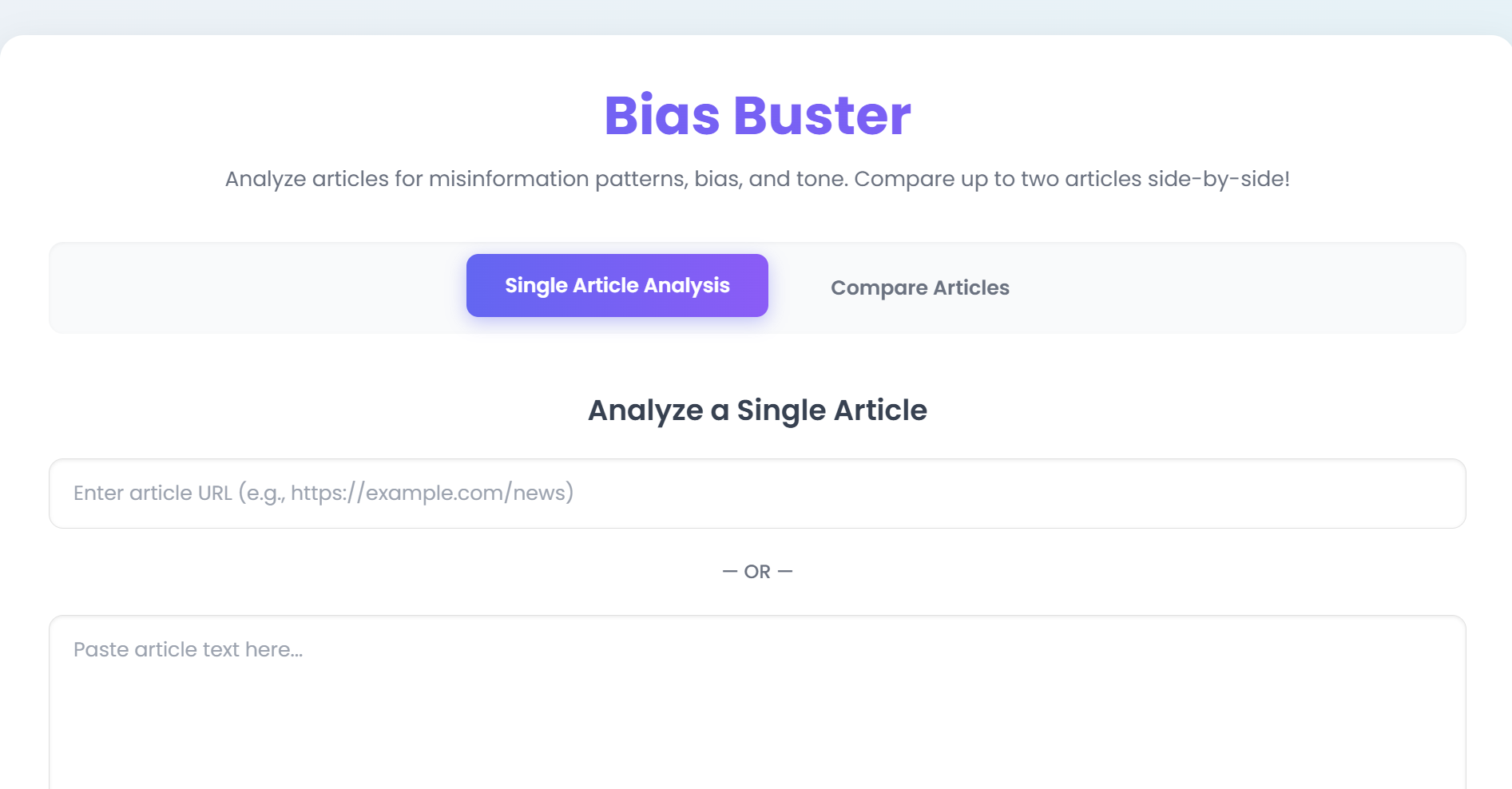
Website
-
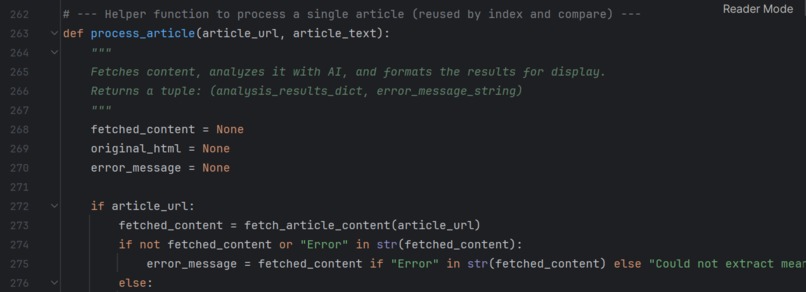
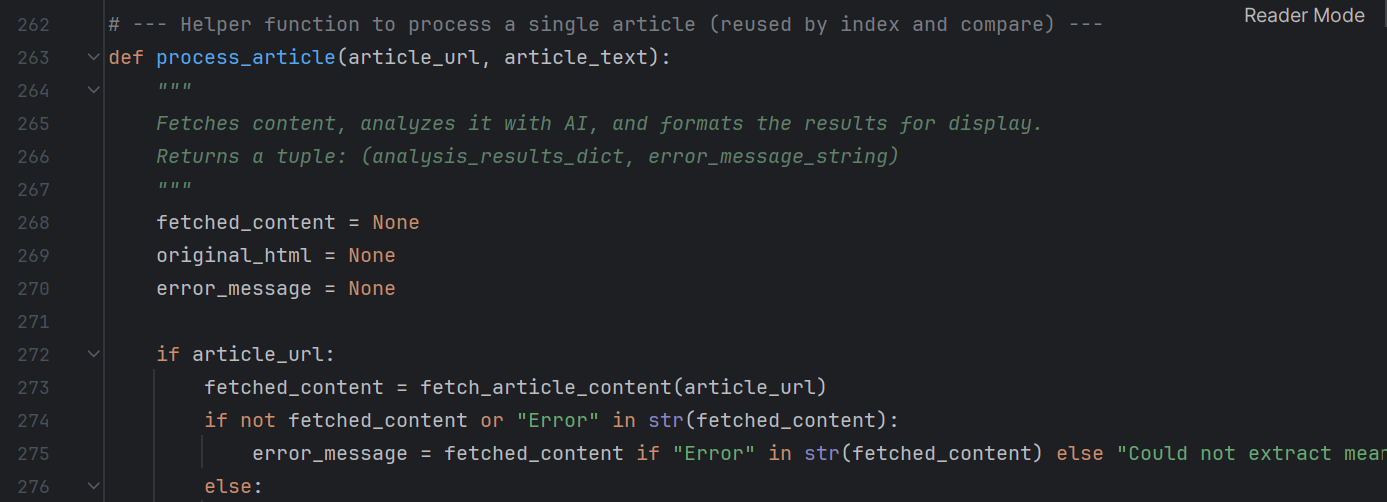
Code Snippet
-

Bias Buster

🧠 Inspiration
We're constantly bombarded by articles that look legit but subtly push agendas, twist facts, or emotionally manipulate us.
Existing tools like Grammarly or fact-checkers focus on grammar or isolated claims — but they don’t highlight how content misleads.
We built Bias Buster to bridge that gap: a tool that not only analyzes content but teaches readers to recognize manipulative techniques themselves.
🔍 What it does
Bias Buster:
- Accepts any news URL or pasted article text
- Detects tone, theme, and overall sentiment quality (e.g., “Read Freely”, “Major Issues”)
- Flags misinformation patterns like:
- Loaded Language, Ad Hominem, Generalization, Appeal to Emotion, Red Herring, etc.
- Highlights exact phrases in the article and explains:
- What the issue is
- Why it’s misleading
- Severity level: Minor, Moderate, Major
- Confidence score of detection
- What the issue is
- Suggests trusted sources users can check for counter-perspectives
- Includes Compare Mode to analyze two articles side-by-side
Unlike most tools, Bias Buster doesn’t just check facts — it checks the manipulation strategies behind how those facts are presented.
🛠 How we built it
- Frontend: HTML5, Tailwind CSS, and vanilla JavaScript
- Backend: Flask (Python)
- AI Core: Meta’s Llama 4 Maverick via Groq API for blazing-fast inference
- Scraping:
requests+BeautifulSoup, with header spoofing - Logic: Custom prompt engineering, regex-based JSON cleanup, and token-based LLM formatting
🧱 Challenges we ran into
- Sites like Indian Express block scraping from cloud platforms — had to spoof headers. Note: this worked for running locally, in the try-out link, articles from yahoo news and BBC work best.
- LLMs sometimes return malformed JSONs — Had to write cleanup regex functions to sanitize it
- Differentiating between strong opinion and misleading rhetoric took lots of prompt engineering
- Building a UI that is both insightful and intuitive — many tools feel overwhelming
🏆 Accomplishments we're proud of
- Real-time bias detection with in-text highlighting and tooltip explanations
- Compare mode to assess variance between two news sources
- Confidence scoring + severity levels for every detected pattern
- Generates output in seconds thanks to Groq’s inference speed
- Keeps explanations educational, not just functional — it’s about empowering the reader
📚 What we learned
- The most dangerous misinformation isn’t always false — it’s just framed misleadingly
- Users trust tools more when they explain decisions, not just output results
- Scraping the open web is a nightmare — fallback strategies are a must
- You can make AI fast, explainable, and accessible — all in under 1MB
🚀 What's next for Bias Buster
- 🧩 Chrome Extension for 1-click article analysis while browsing
- 🌍 Multi-language support for global misinformation detection
- 🧠 User feedback loop to improve detection quality
- 📷 Meme + visual misinformation detection
- 📥 PDF & newsletter analysis (email scanning too)
- 📱 Mobile UI + Android app wrapper
⚔️ How it's better than current tools
| Tool | Can Detect Bias? | Explains Misinformation? | Highlights Text? | Compare Mode? | Real-Time AI? |
|---|---|---|---|---|---|
| Bias Buster | ✅ | ✅ | ✅ | ✅ | ✅ |
| Grammarly | ❌ | ❌ | ❌ | ❌ | ❌ |
| NewsGuard | ✅ | ❌ (source-based only) | ❌ | ❌ | ❌ (manual team) |
| Fact-checkers | ✅ | ❌ (claim-level only) | ❌ | ❌ | ❌ |
Stay sharp. Read smart. Bust bias.
Built With
- flask
- groqapi
- html5
- javascript
- llm
- python

Log in or sign up for Devpost to join the conversation.