-
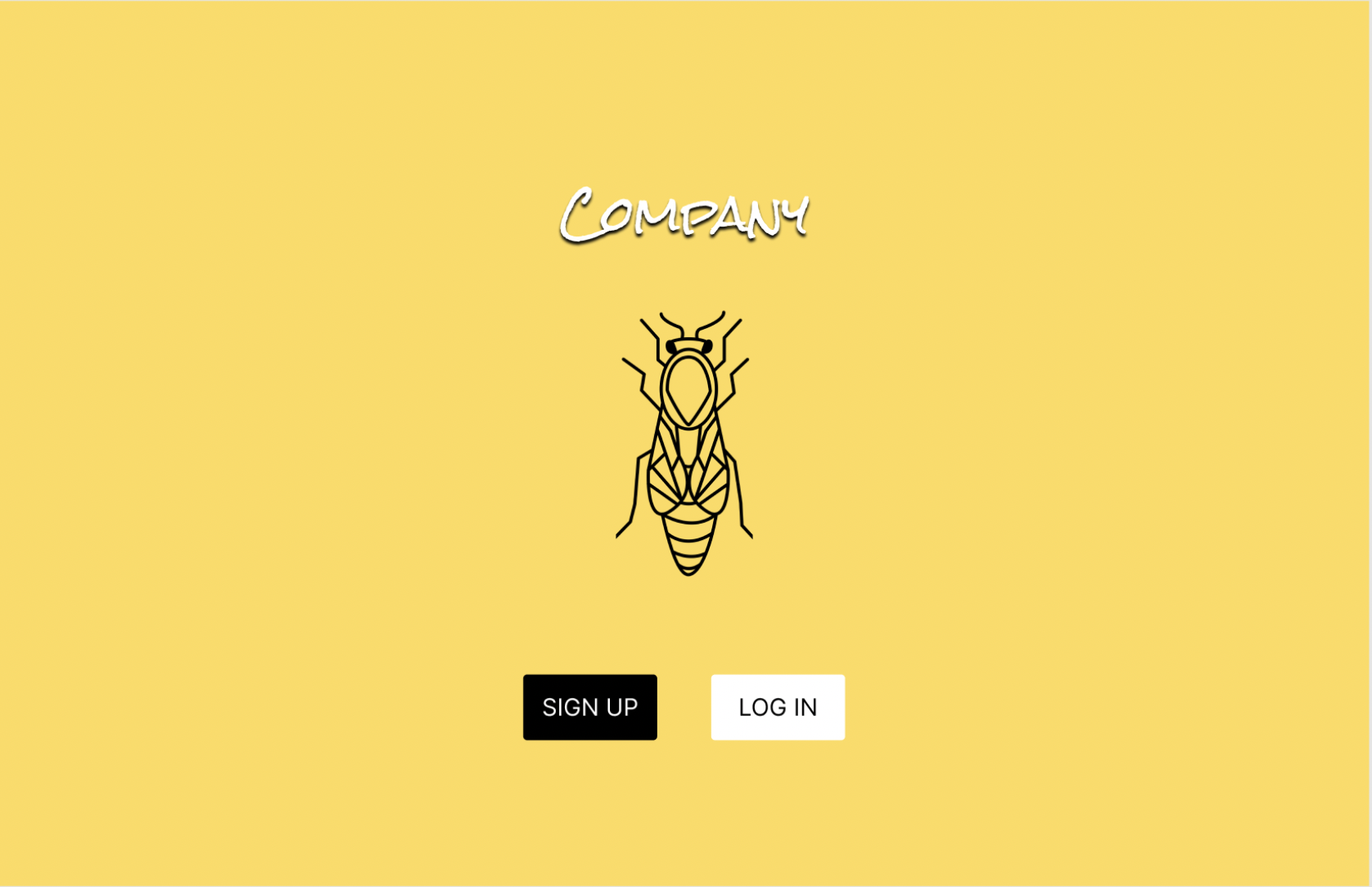
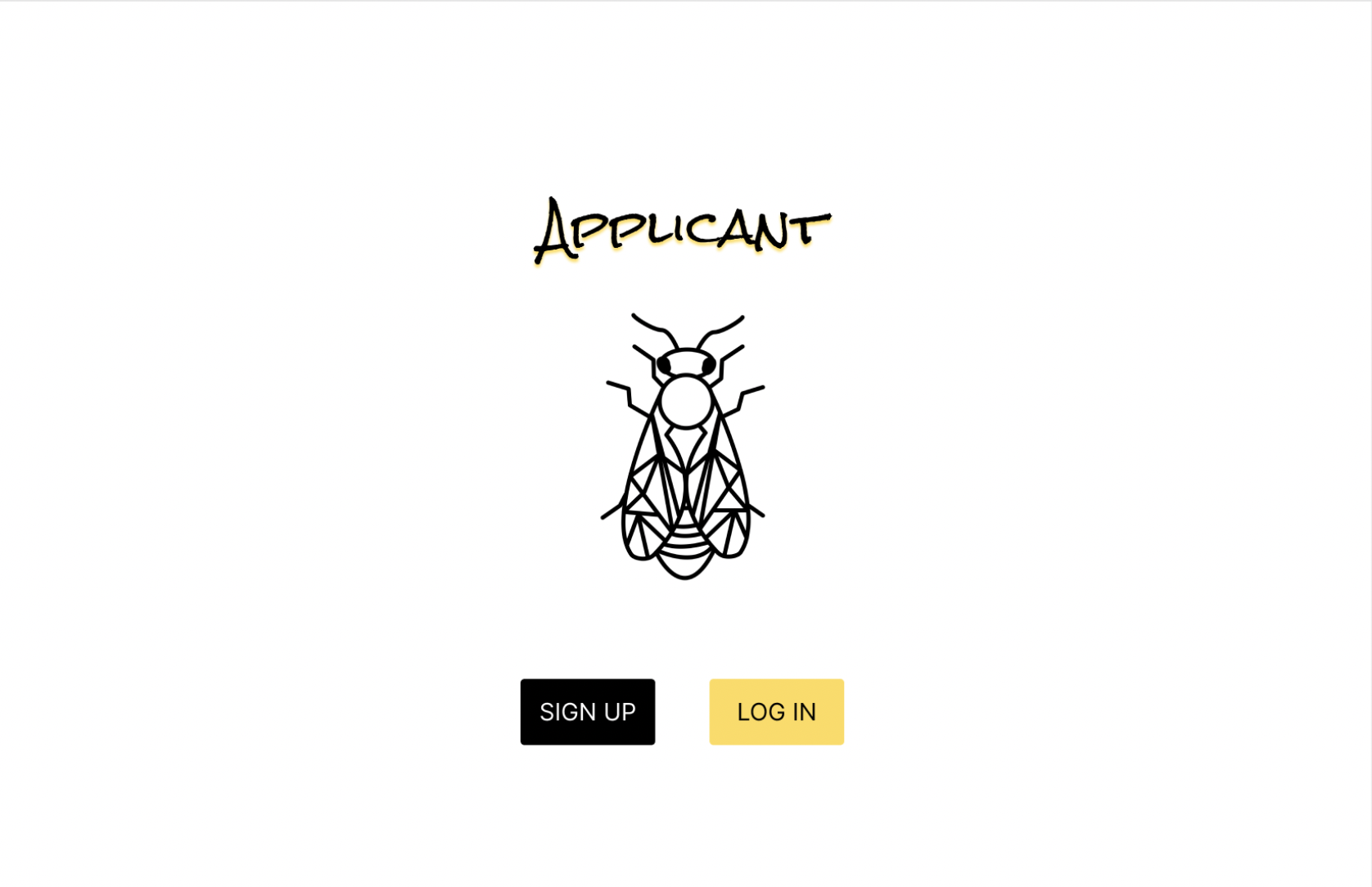
Launch Page
-
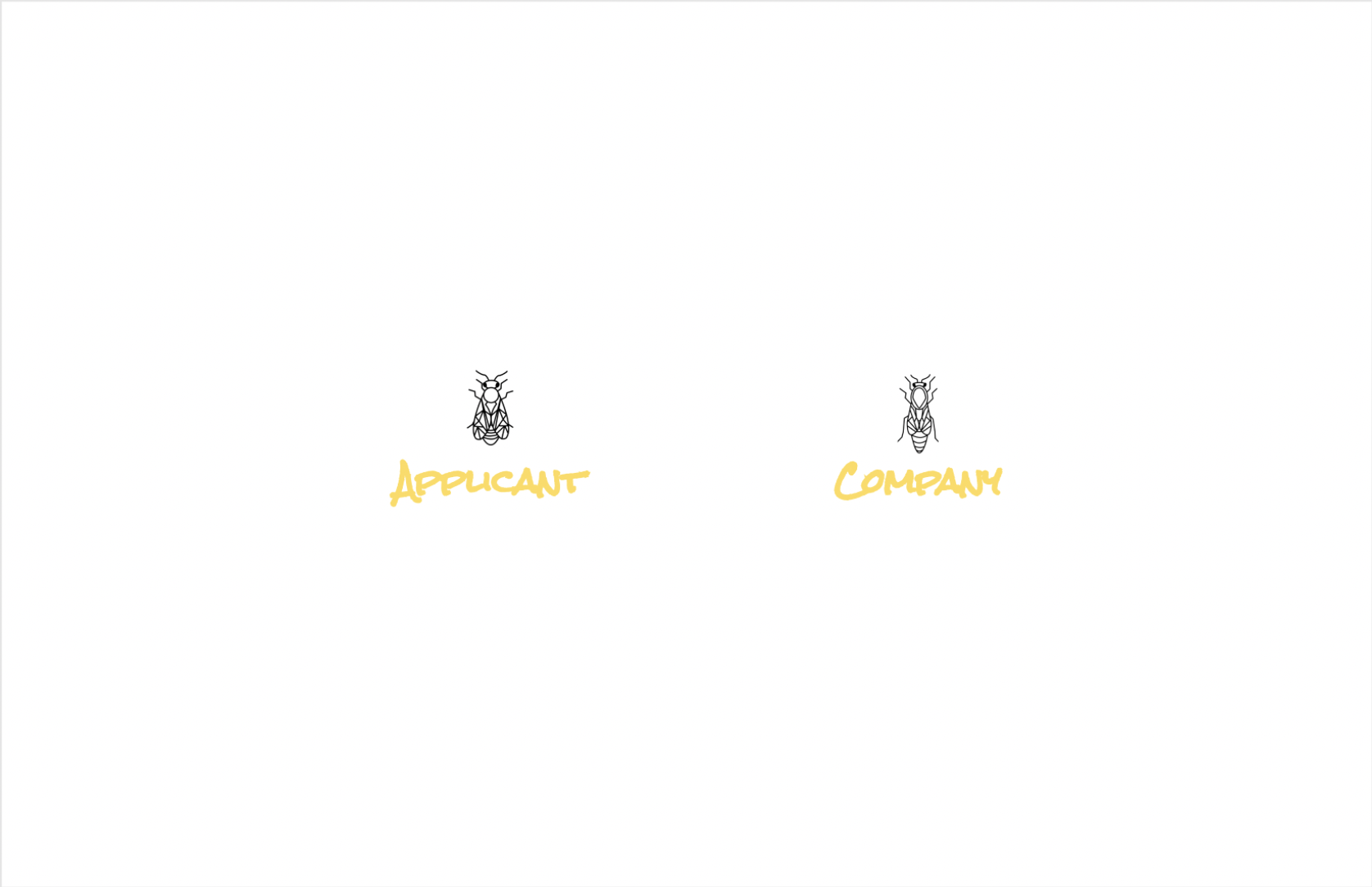
Applicant or Company
-
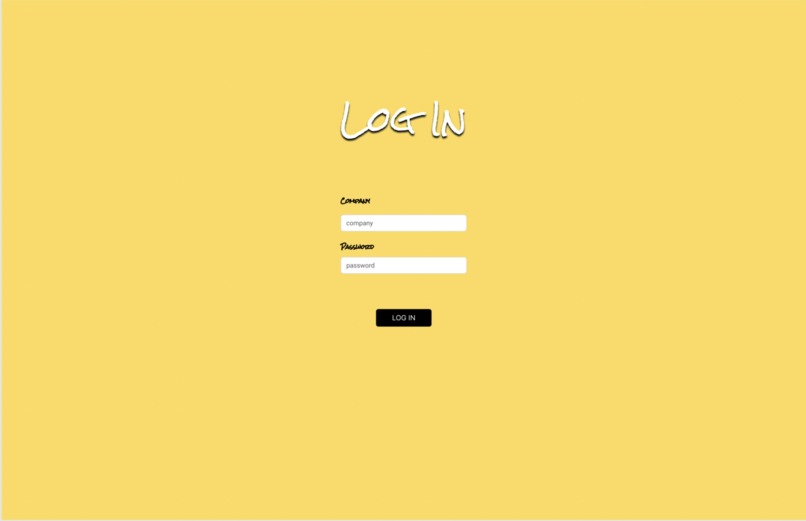
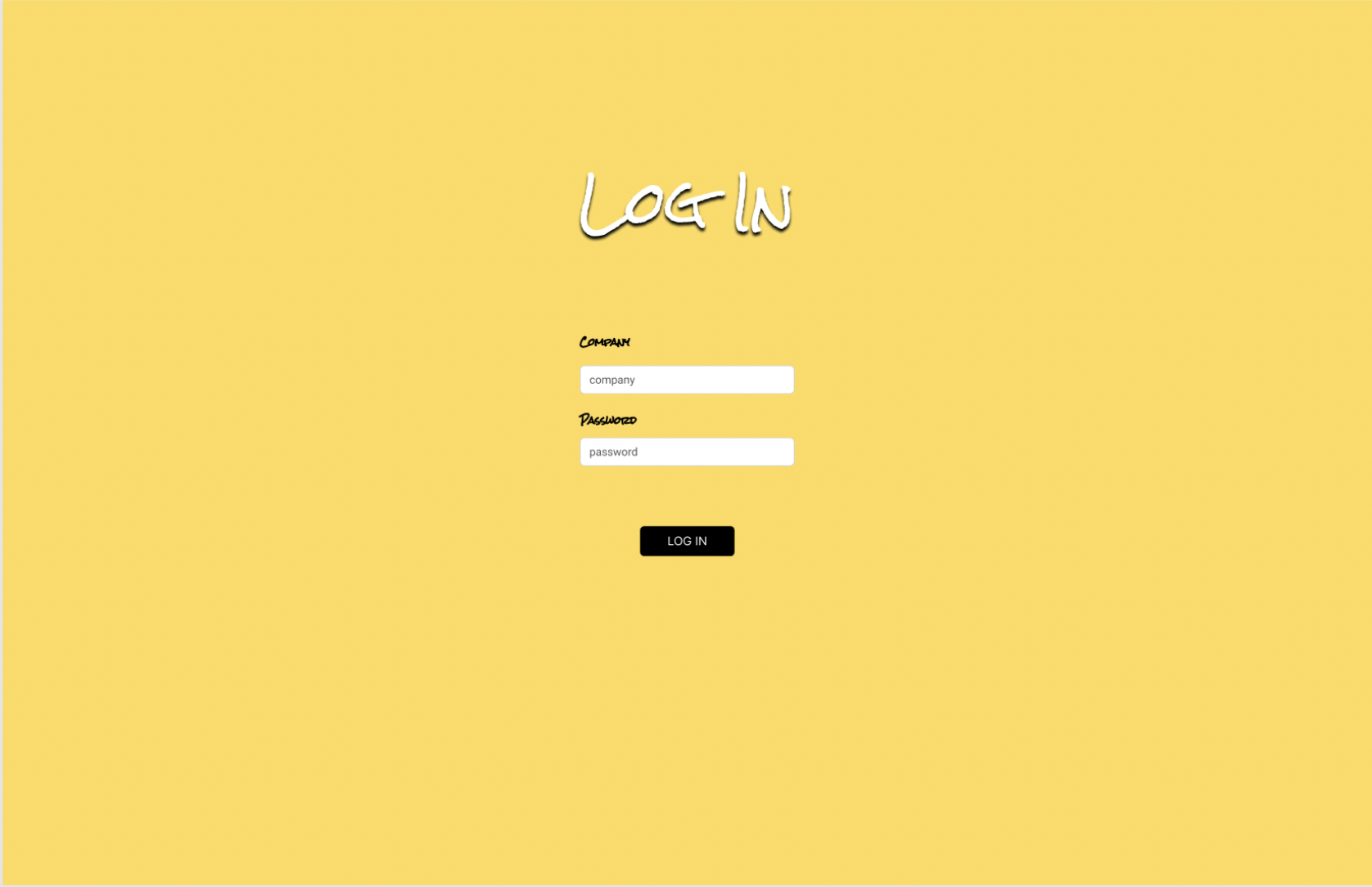
Company Log In Page
-
Company Landing Page
-
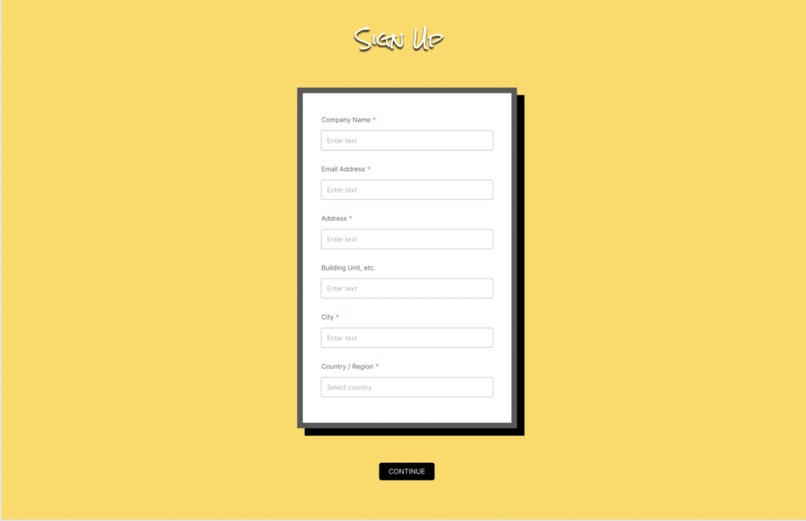
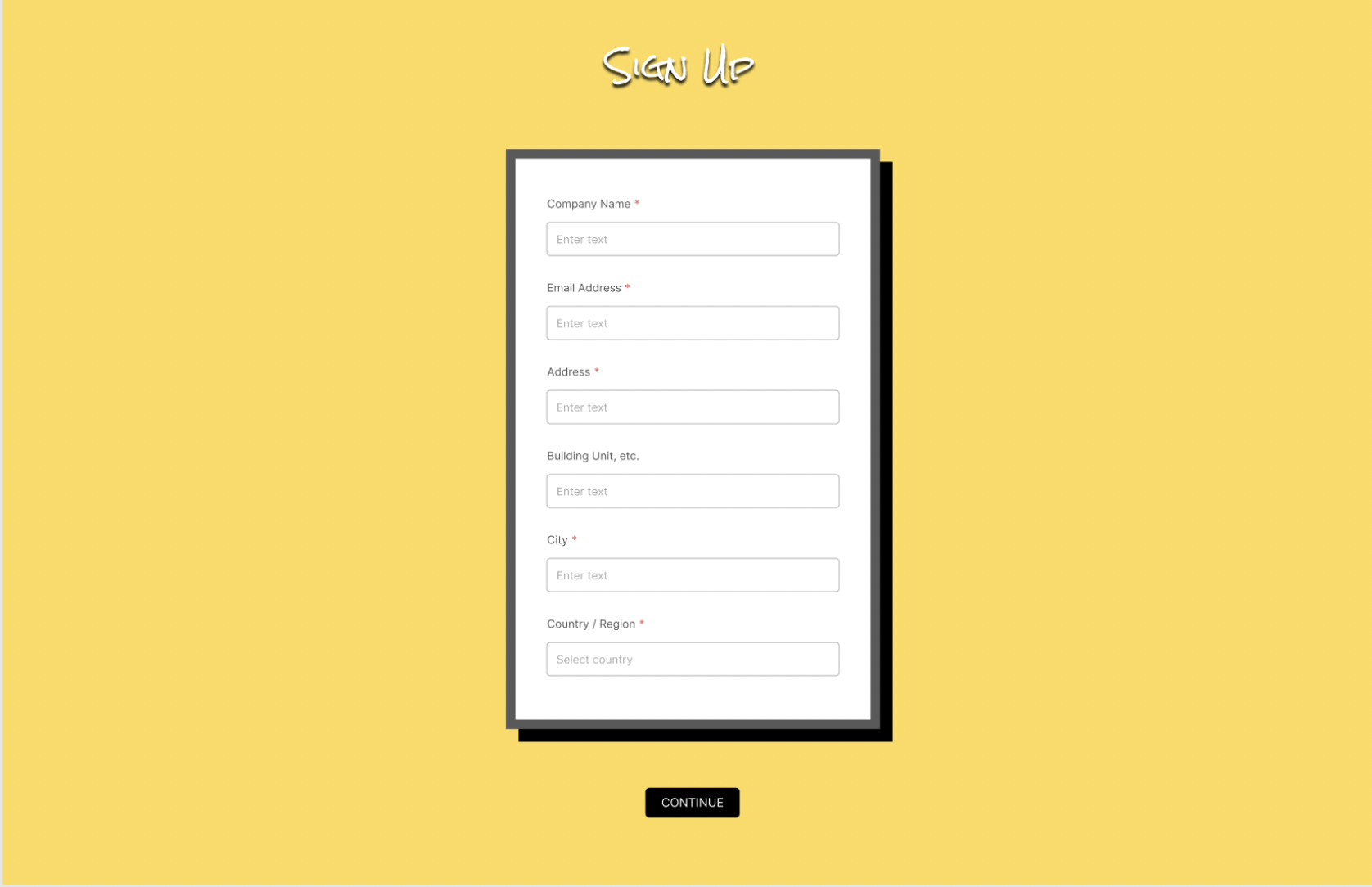
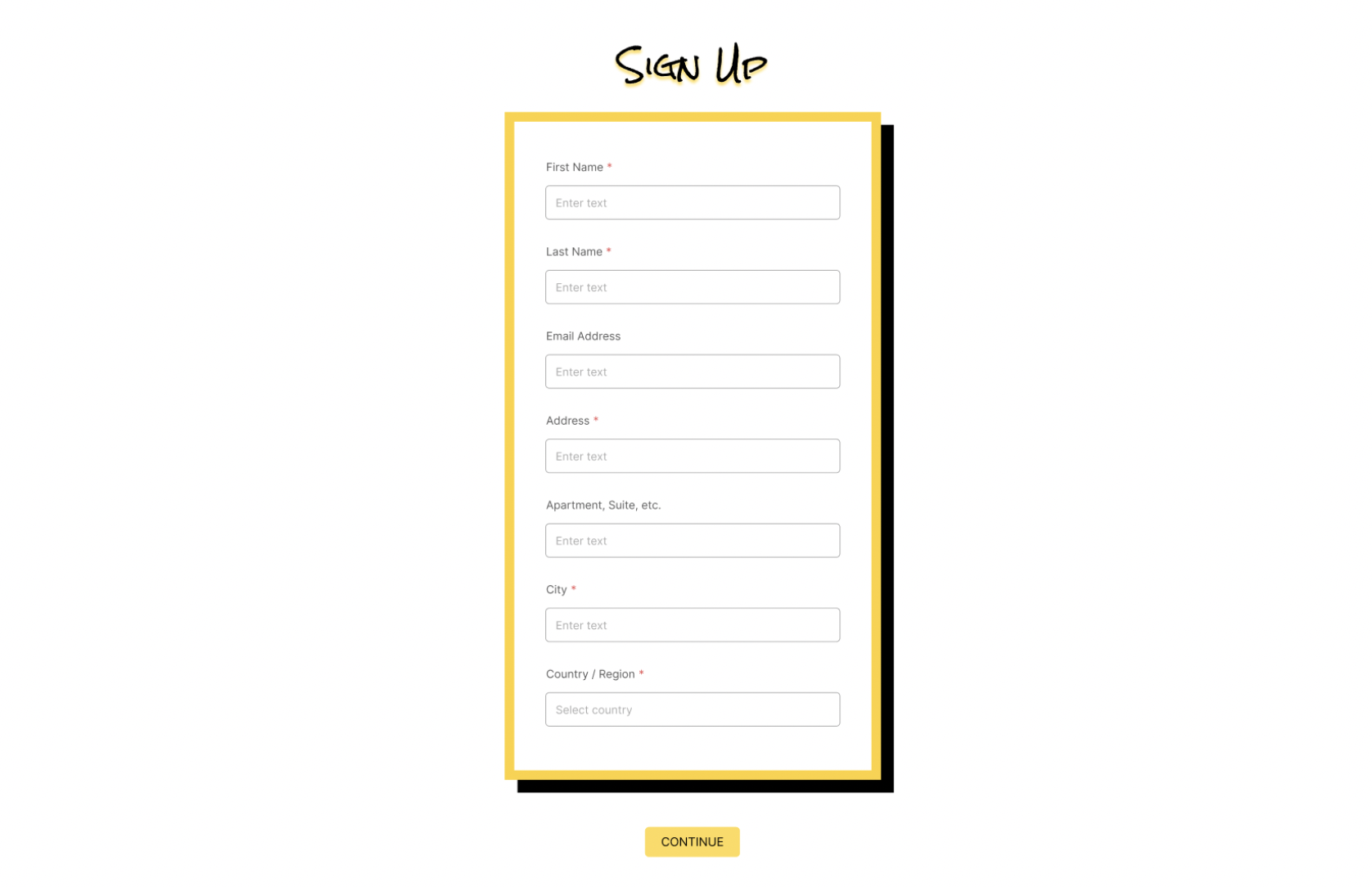
Sign Up
-
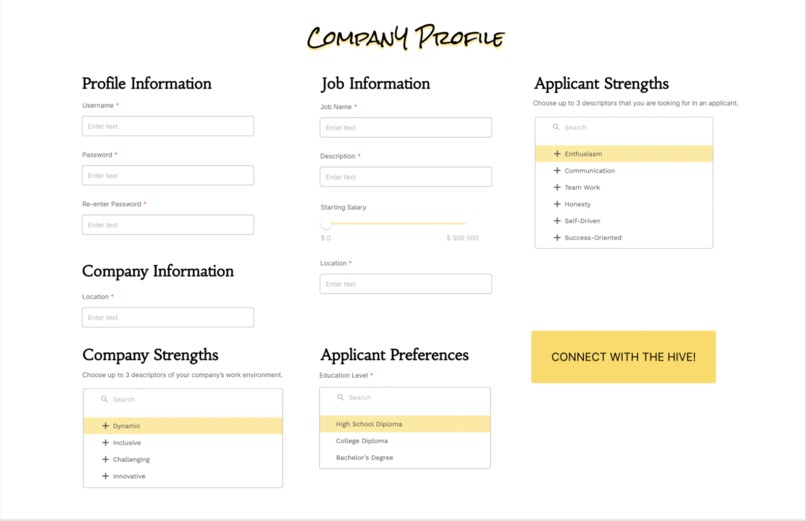
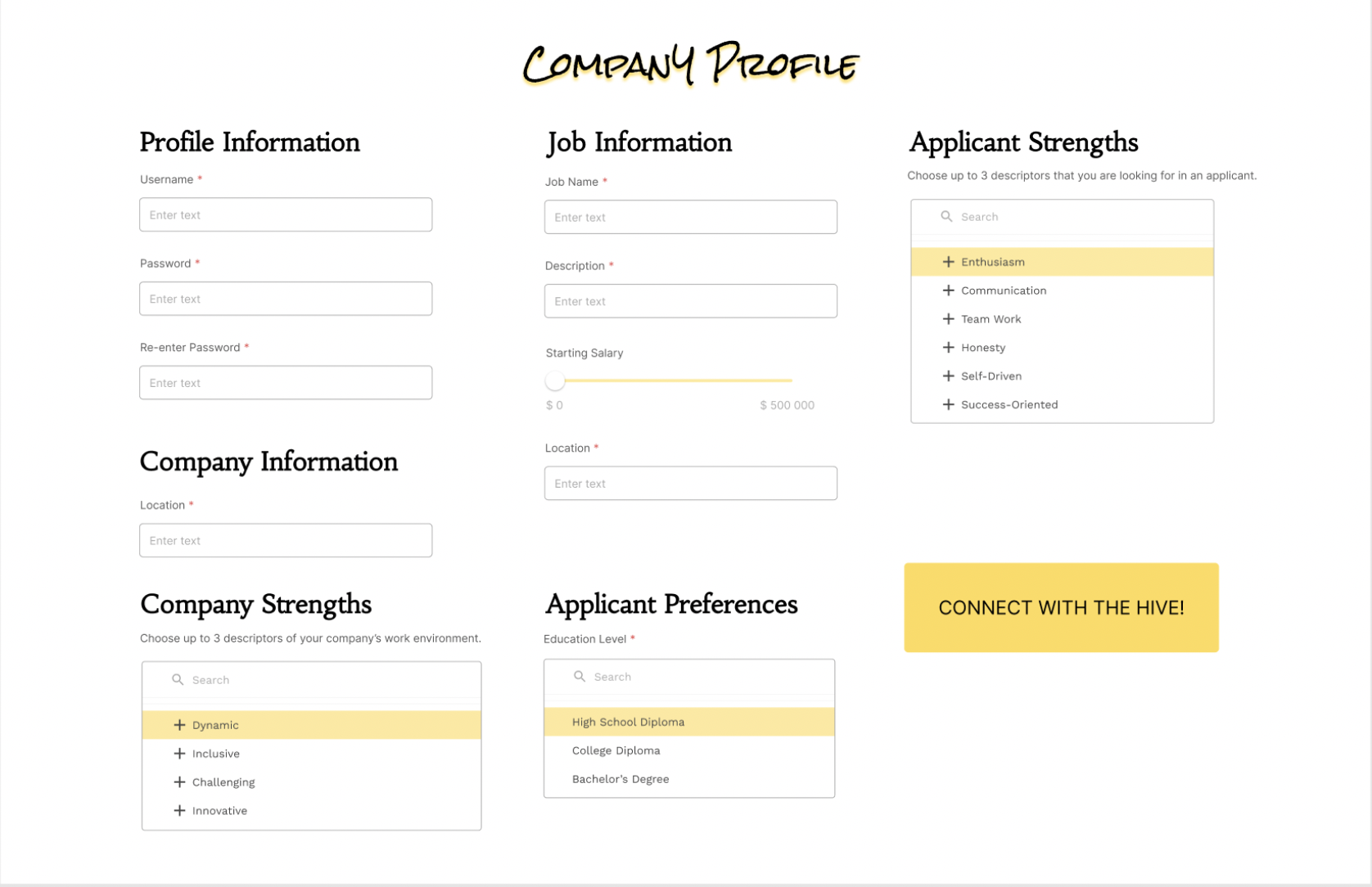
Company Profile Input
-
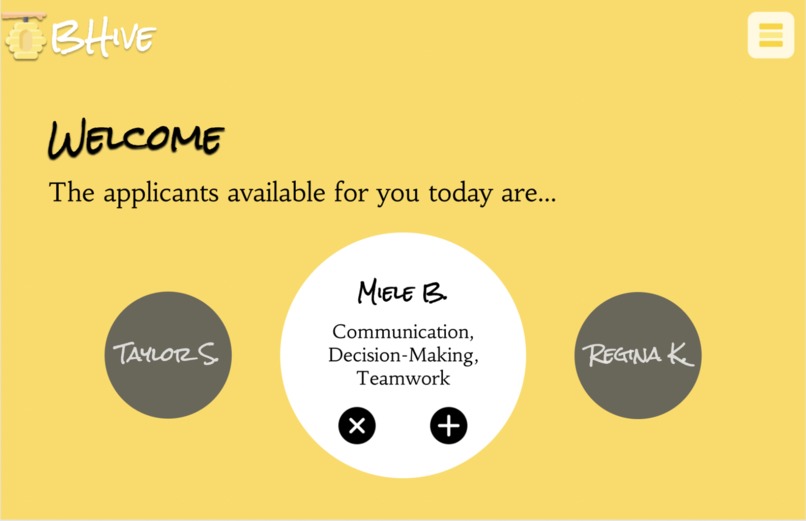
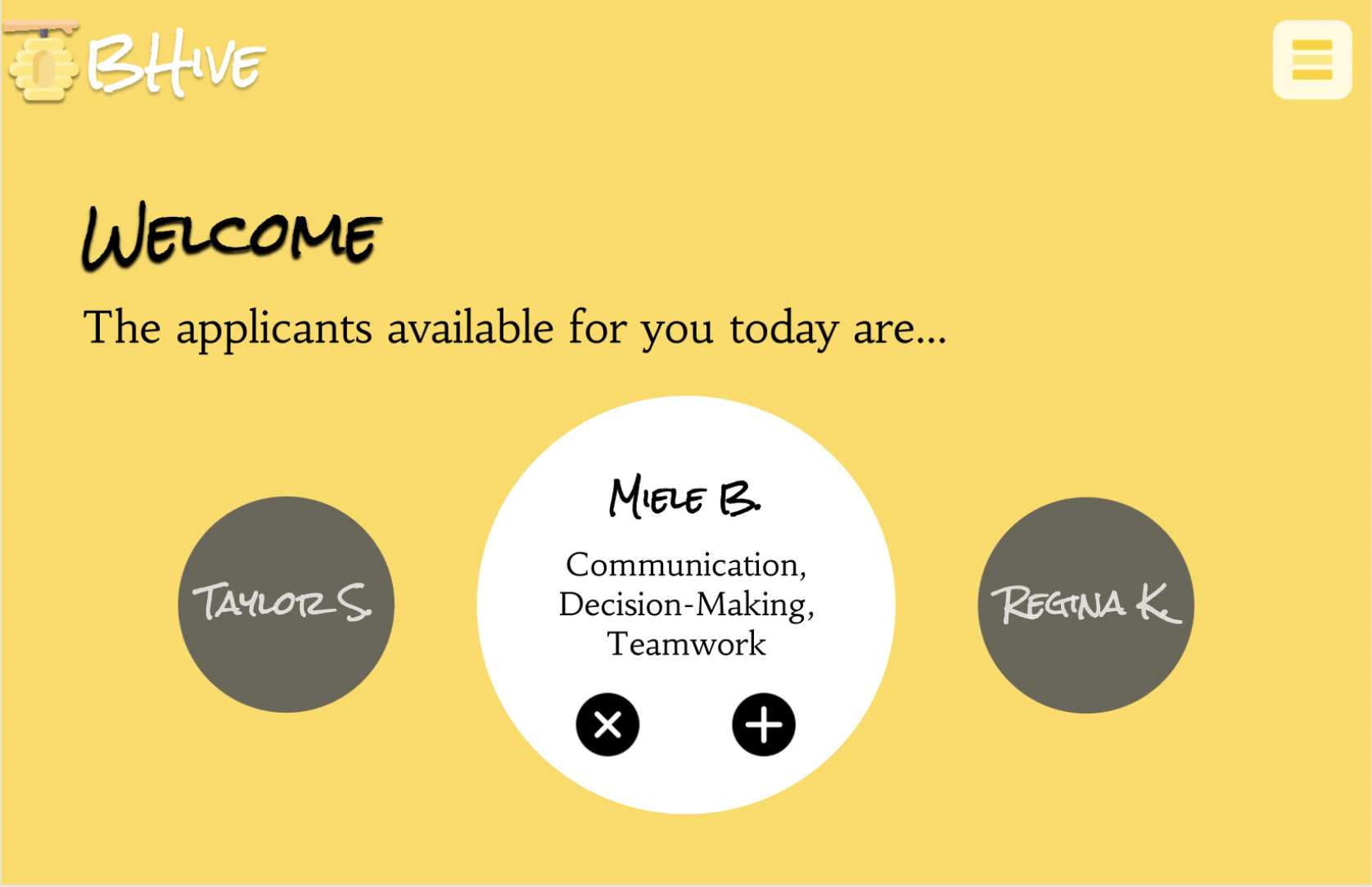
Company Welcome/Match Page
-
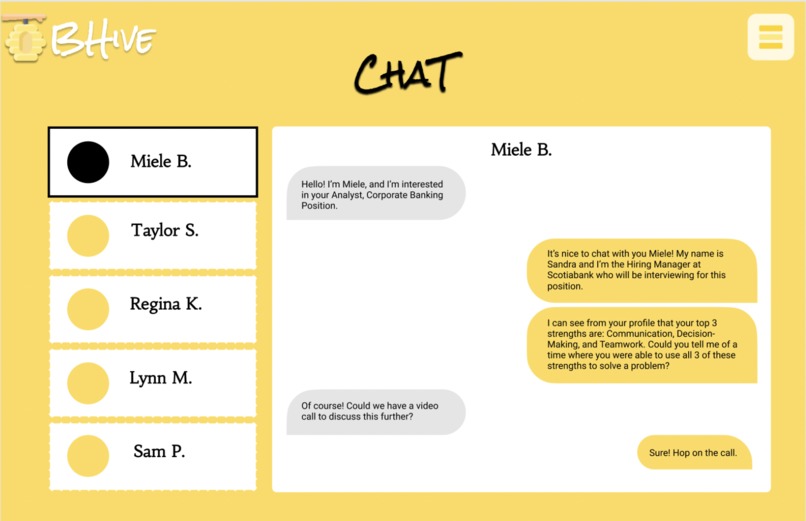
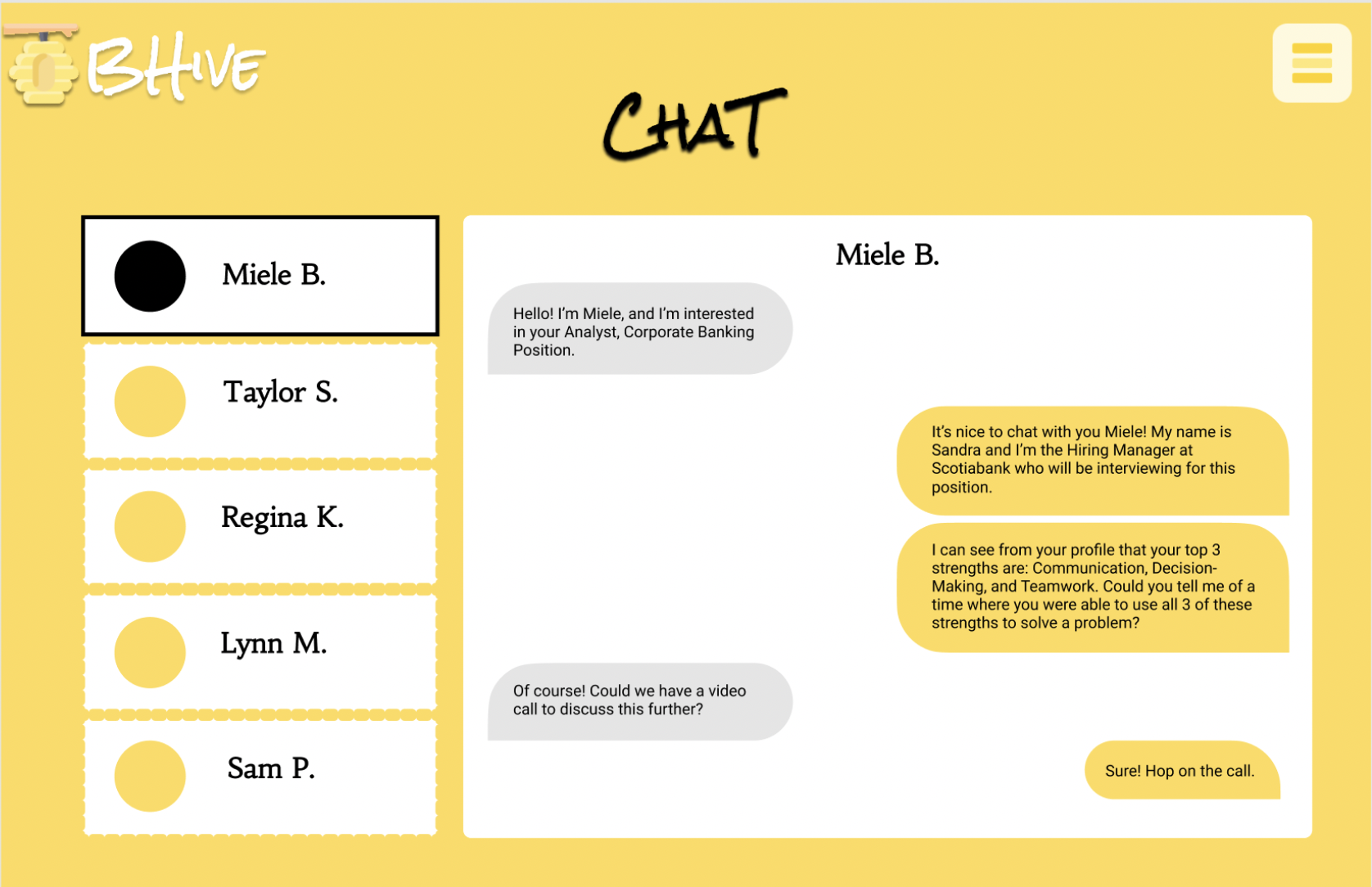
Company Chat w Job Applicants
-
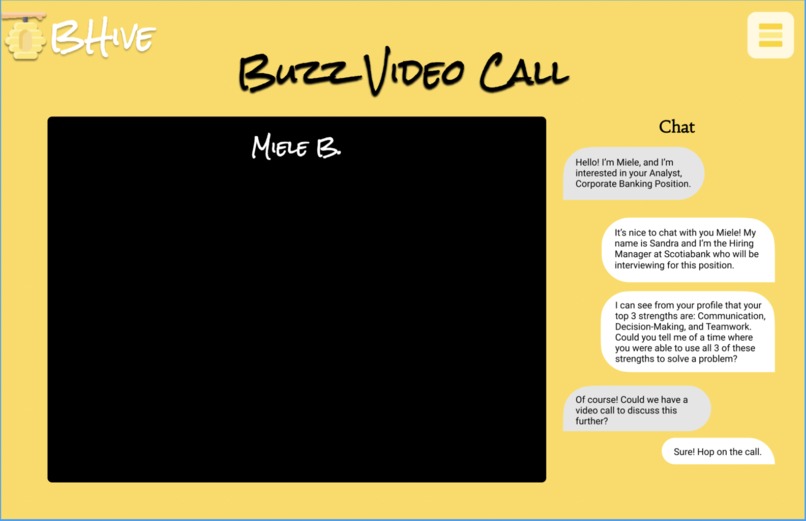
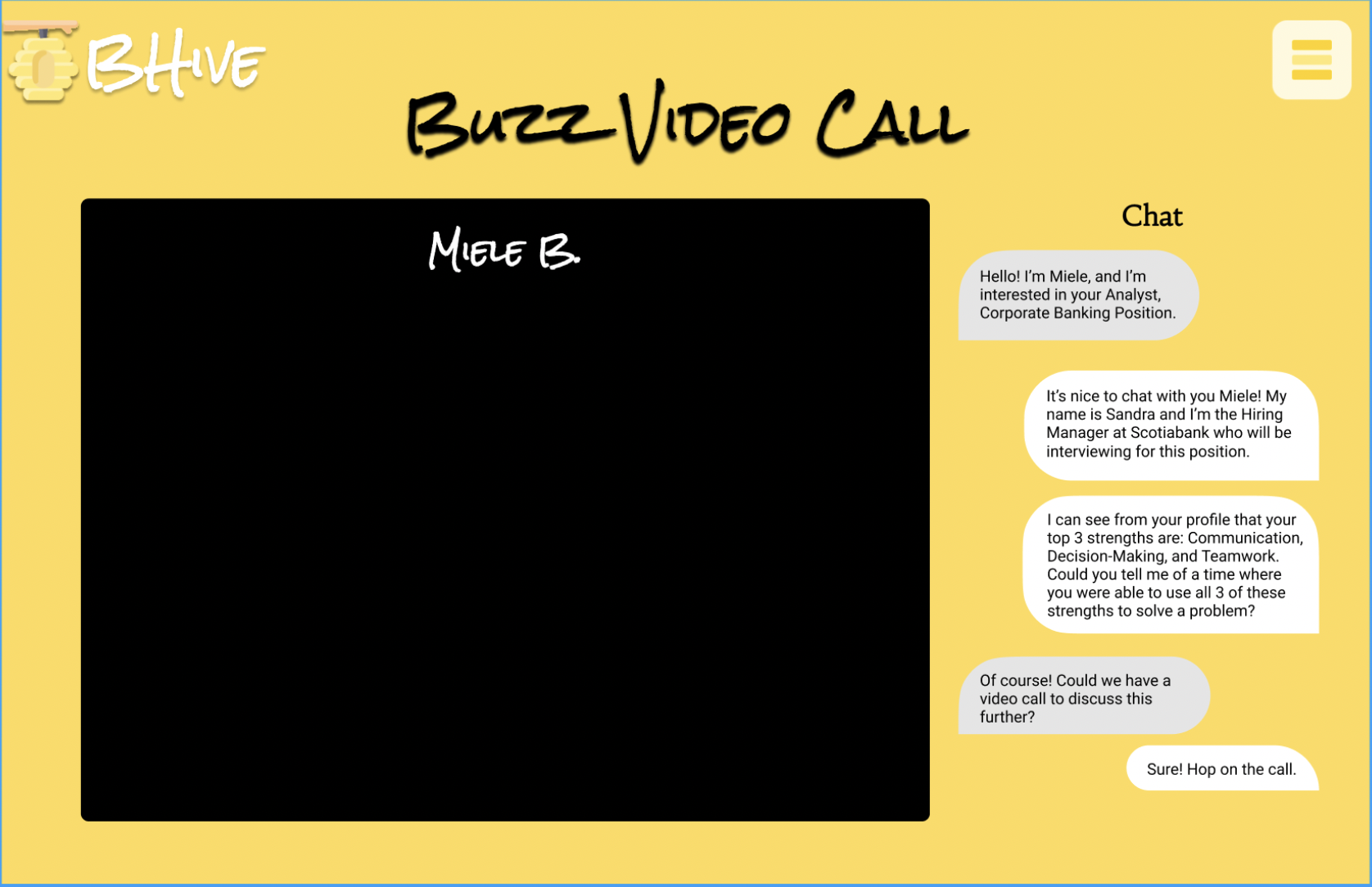
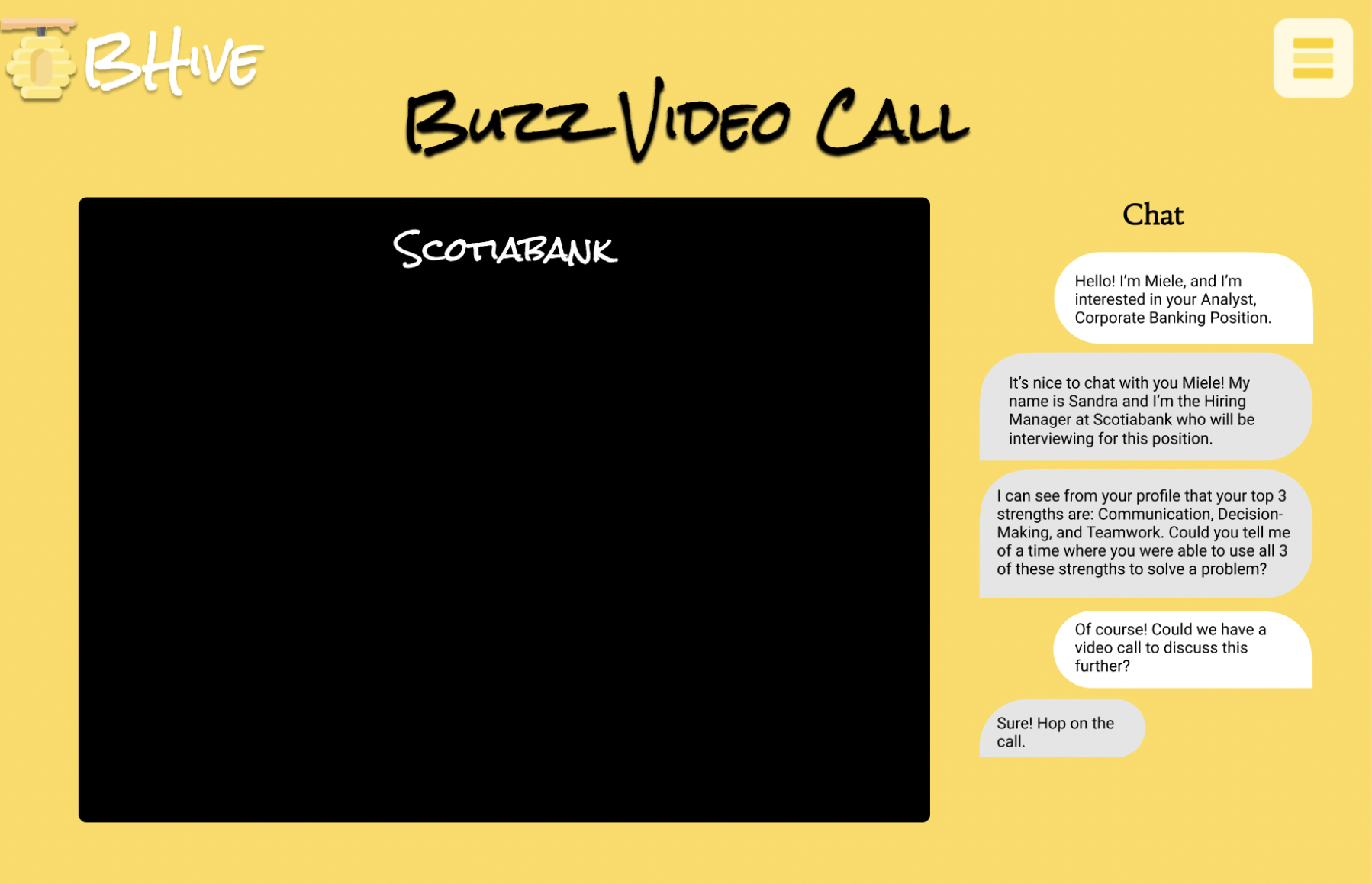
'Buzz' Video Call w Job Applicant
-
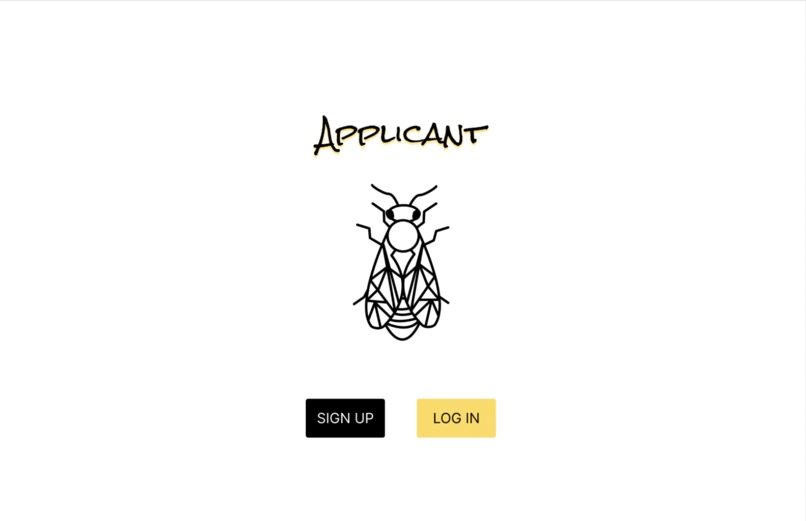
Applicant Landing Page
-
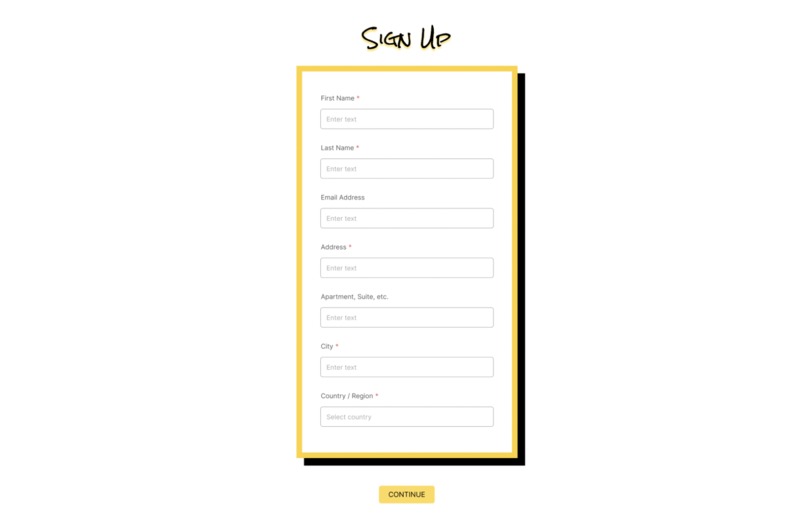
Applicant Sign Up
-
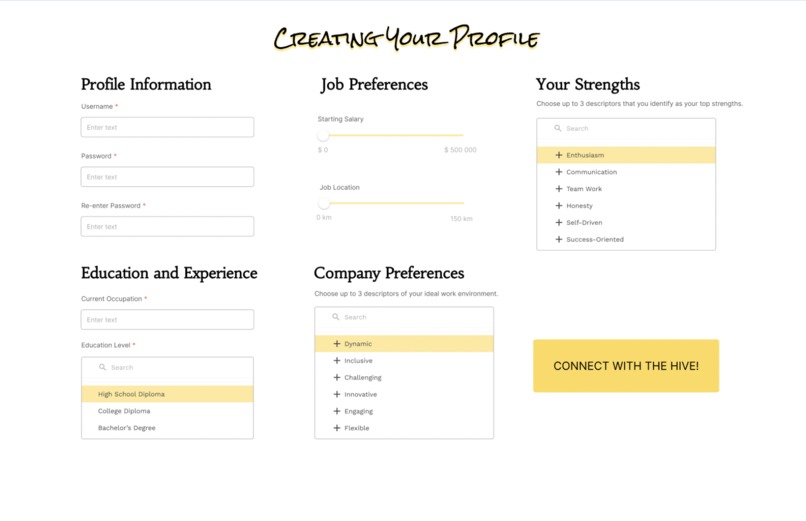
Applicant Profile Input
-
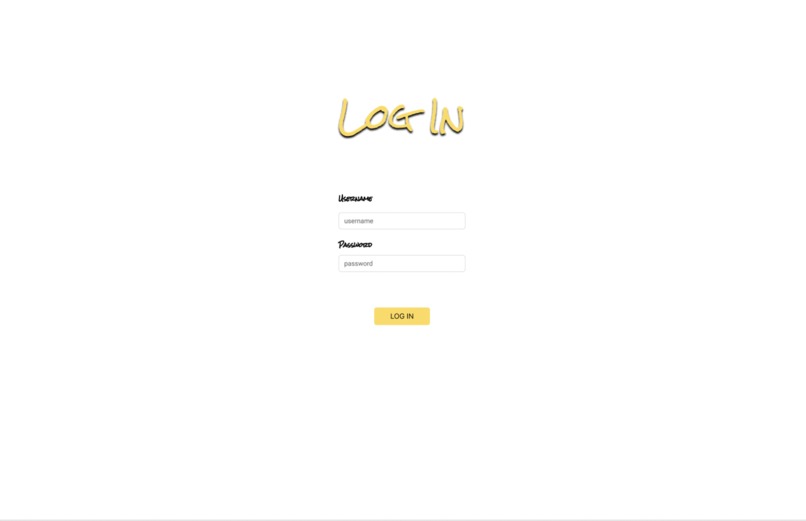
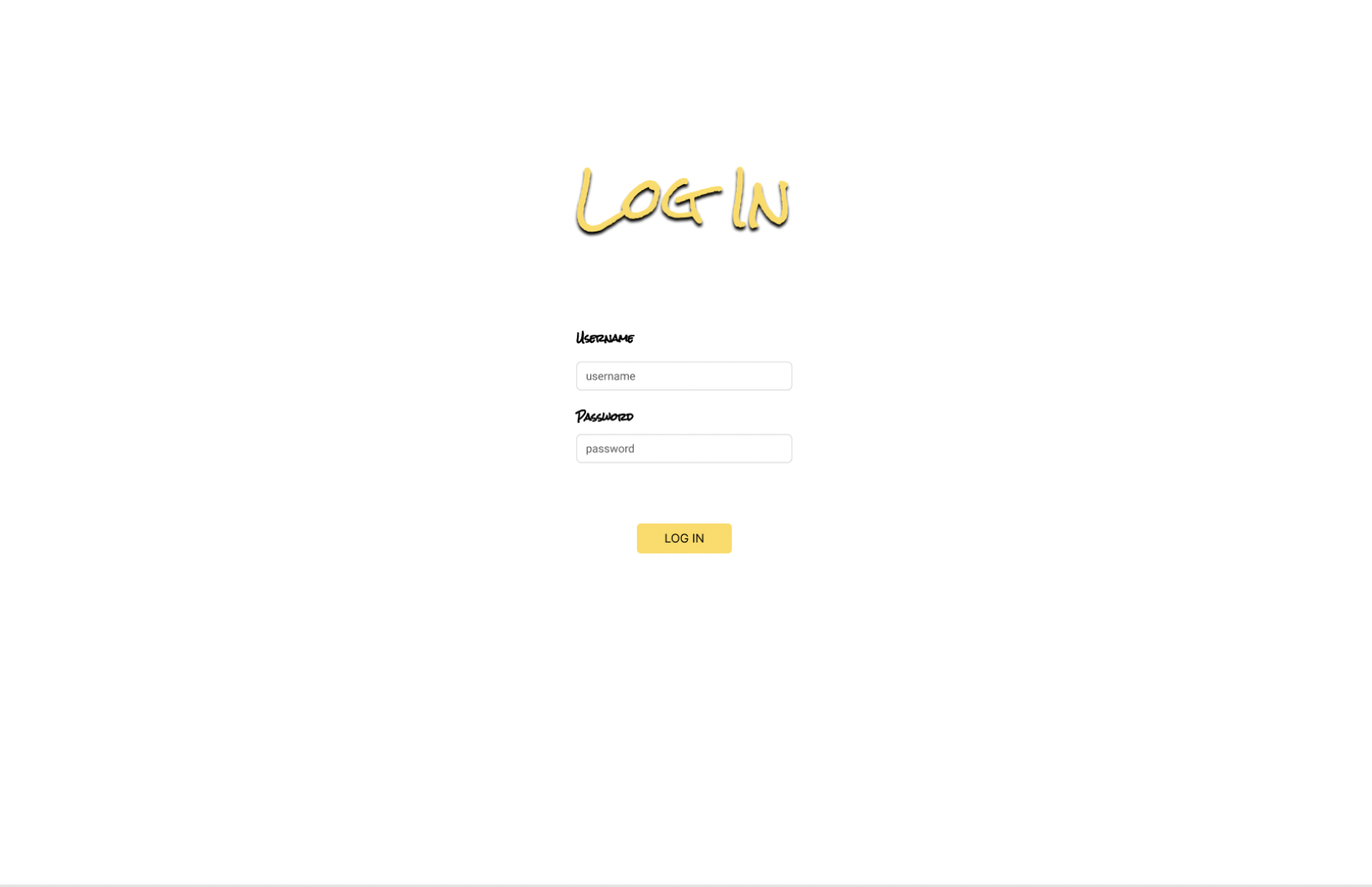
Applicant Log In Page
-
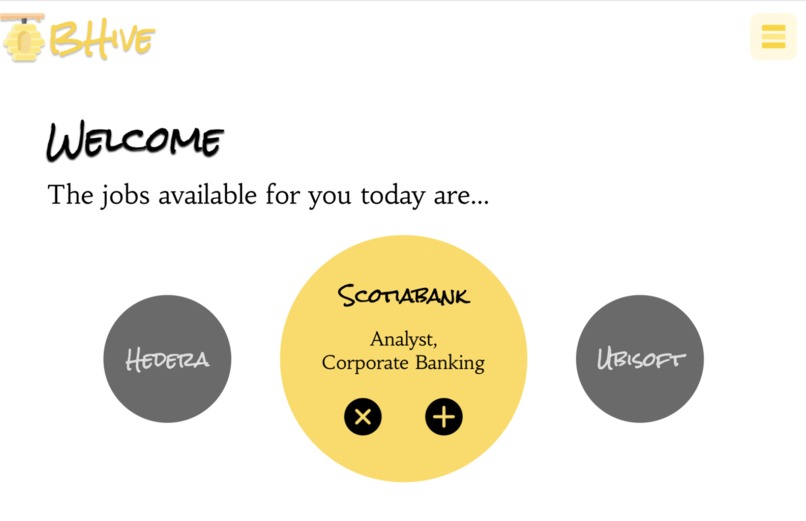
Applicant Welcome/Match Page
-
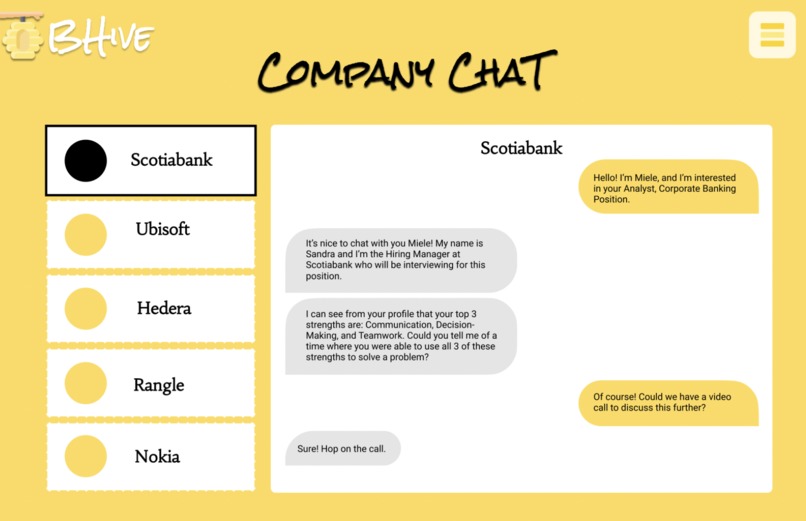
Applicant Chat w Companies
-
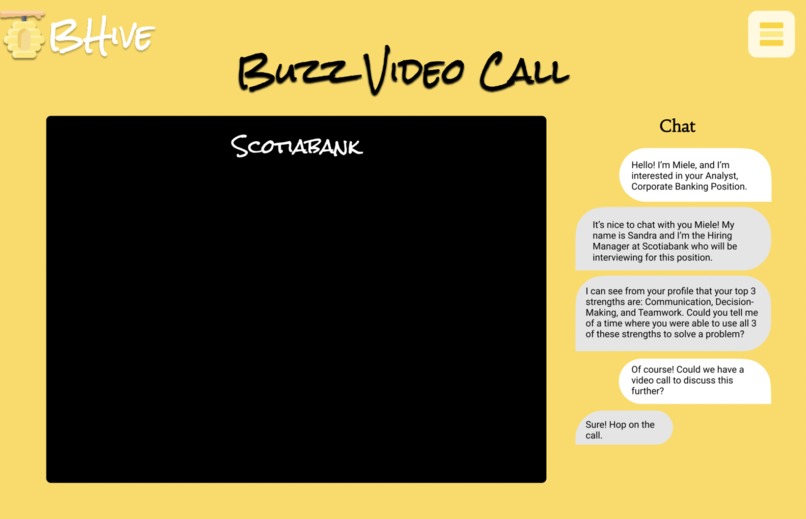
'Buzz' Video Call w Company
-
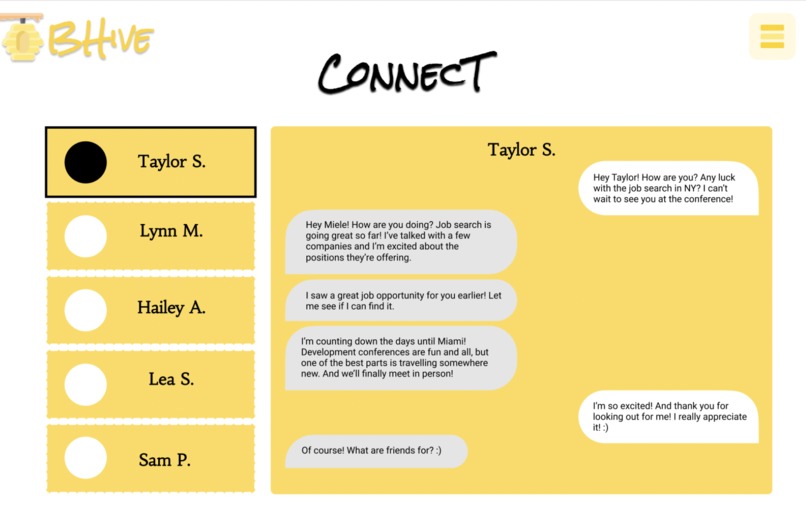
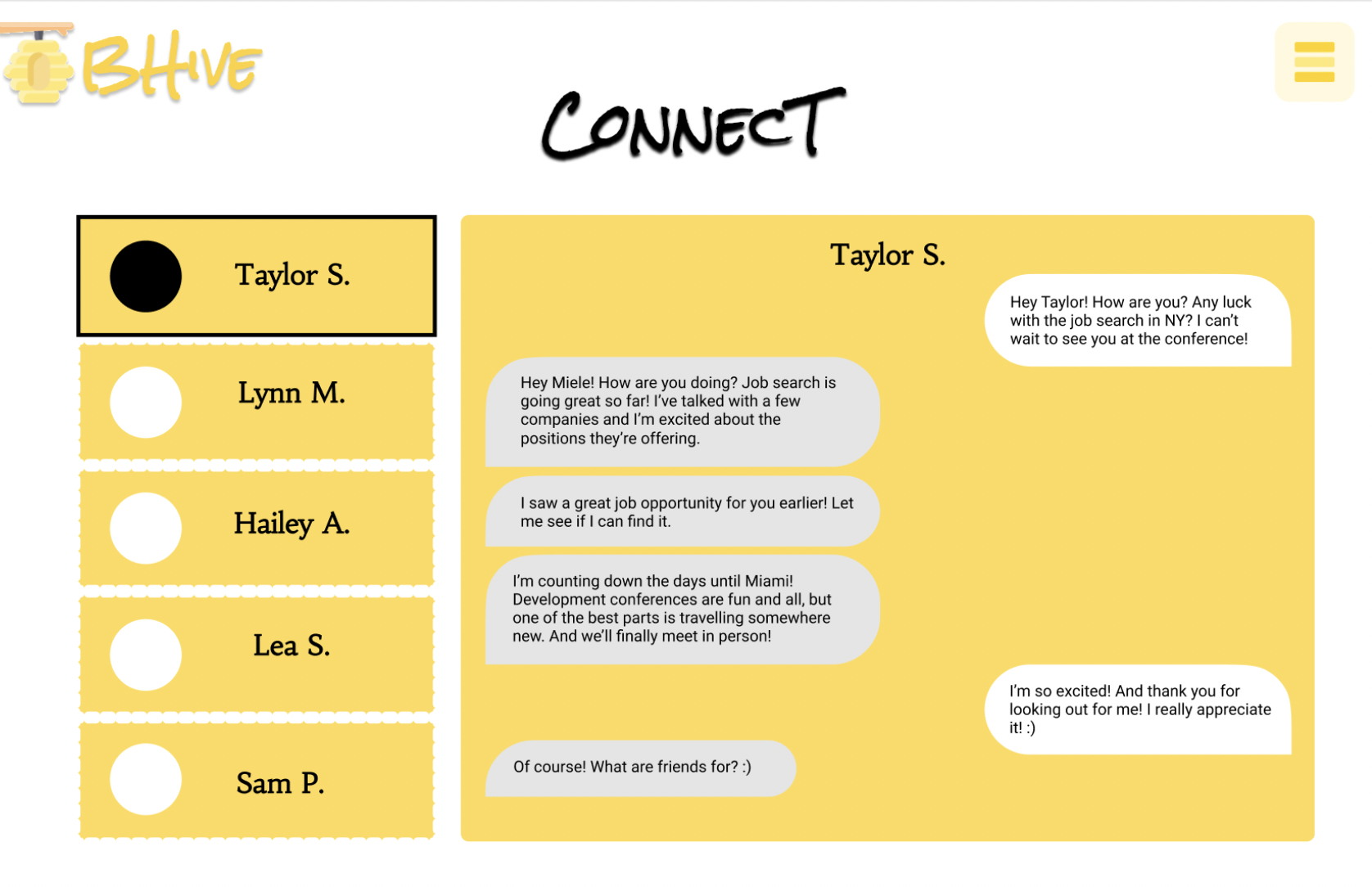
Applicant Connect Chat w Other Job Applicants
Inspiration
The inspiration behind this project was our own experiences with the gruelling process of applying to jobs. We are students who participated in the SheHacks marathon to gain experience in coding and learn new things about computer science, but we also came to network in order to gain more experience with job hunting.
Our idea was, "what if applying to a job was as simple as a dating app?" Looking at only the baseline qualifications, strengths of an individual, and their interest in a company's job would remove the arduous work of going through resumes and cover letters for a company as well as streamlining a job applicant's application process by matching with companies based on certain parameters.
Based on this idea, BHive was born!
What it does
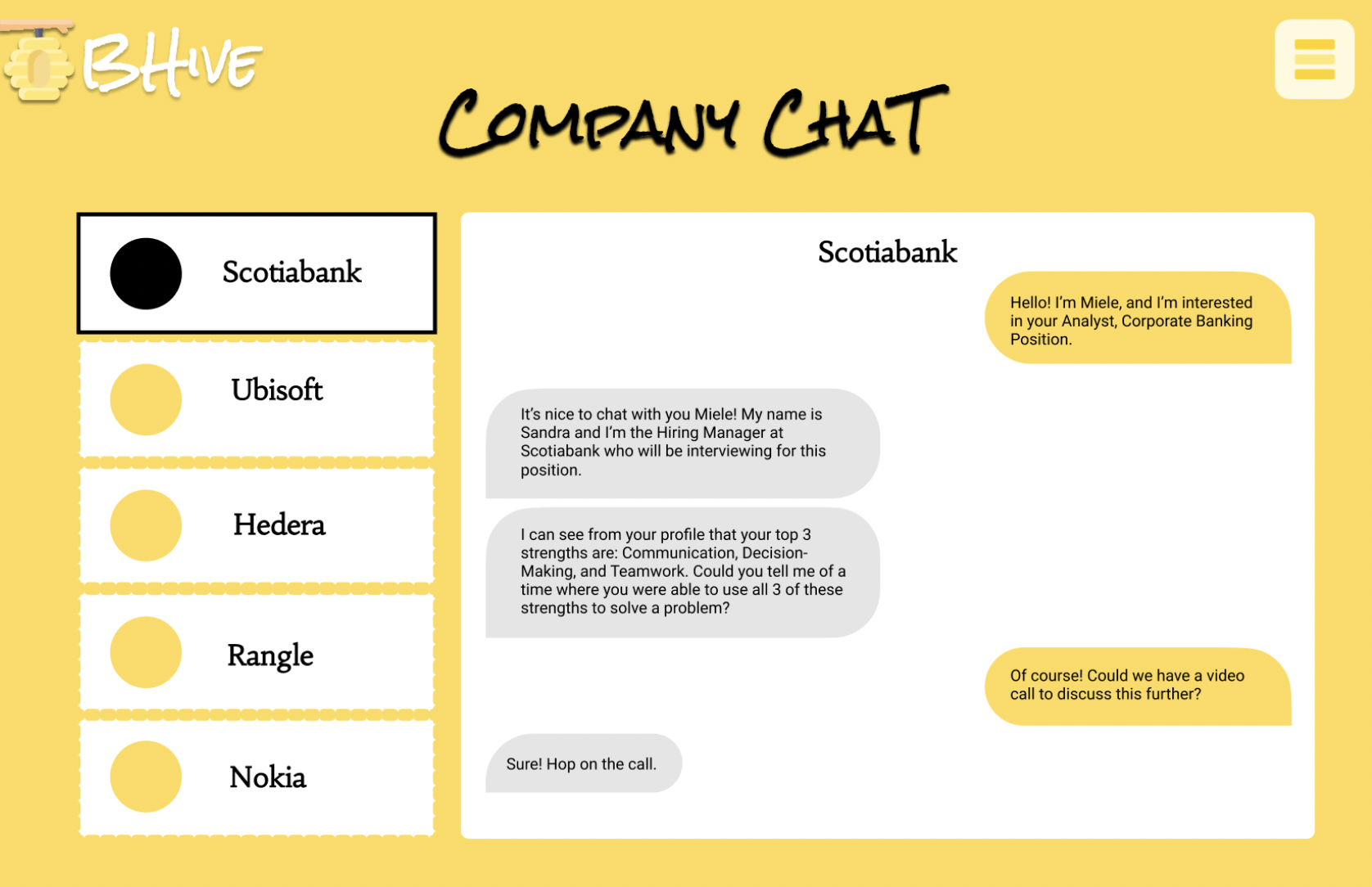
BHive connects companies with job applicants on a more personal level without the hassle of reviewing multiple resumes and personal letters. Job applicants have direct access to hiring managers once matched and can choose to video call them, message them, and share what makes them a good candidate.
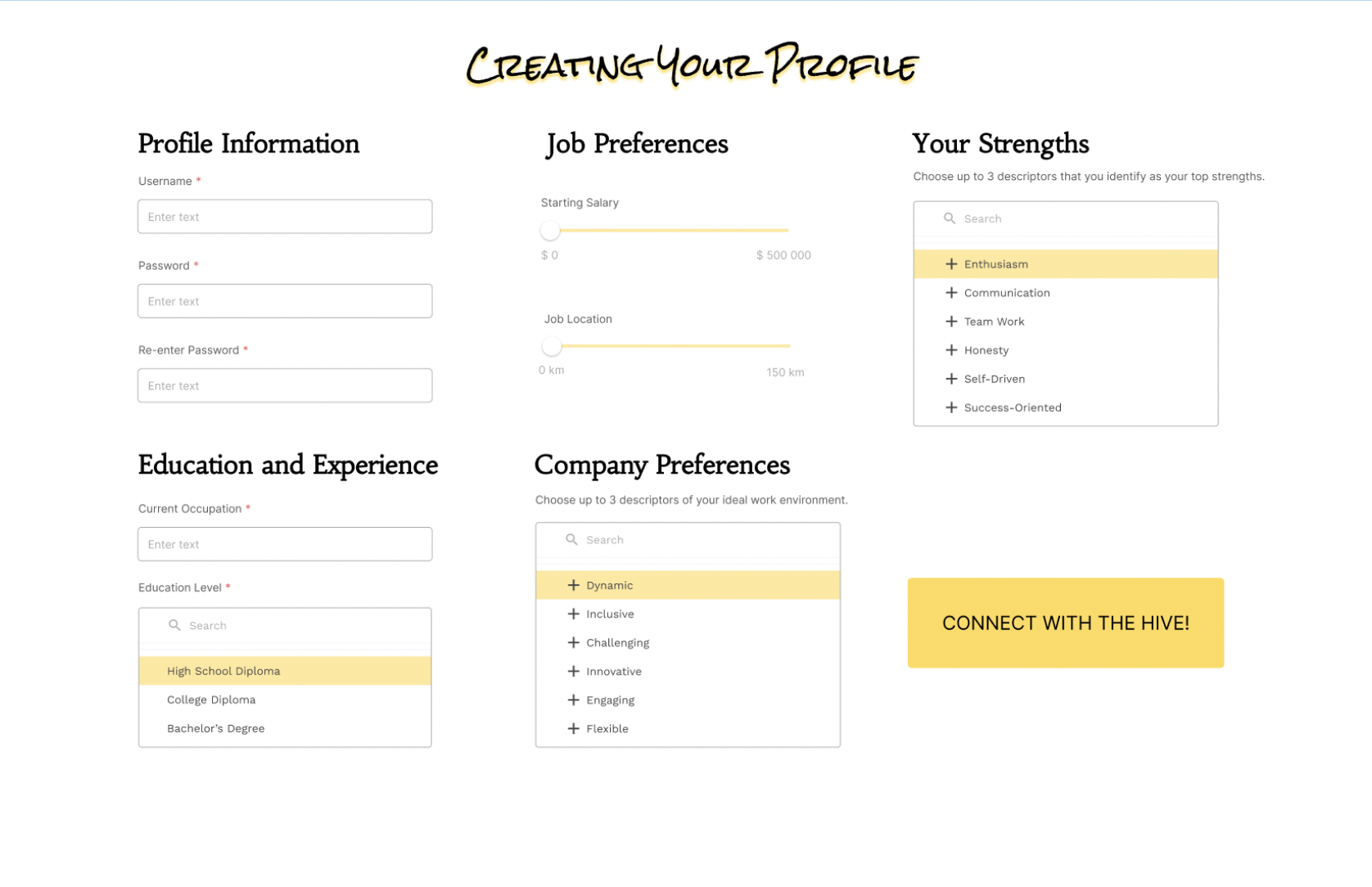
Users start by creating their profile and inputting information on their level of education, what they would like their starting salary to be, how far they're willing to travel for their job, and their top 3 strengths that make them a great candidate for a job position.
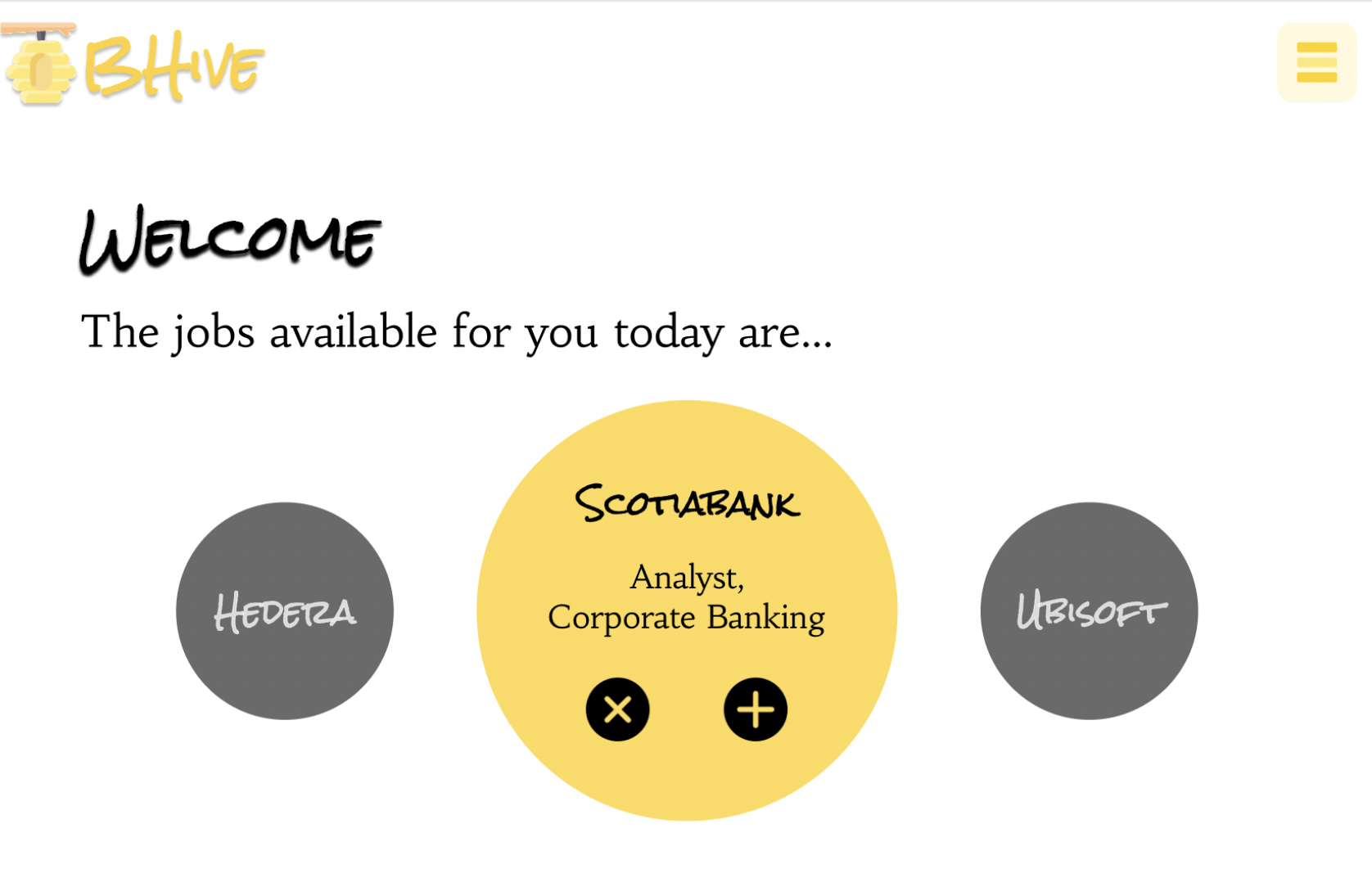
Using this information, companies and job positions are suggested to them, which they can then choose to match with or remove from their interest. If the company matches with an applicant, they can then move on to messaging and video calls to develop a personal connection and have a less formal interview process.
On the company's side, they are asked to input similar information but also include a job description and the top qualities they are looking for in their ideal candidate. Based on this information, the app will suggest job applicants which a hiring manager can go through and decide to match with. To remove as much bias as possible, only a job applicant's name and top 3 strengths are shown when a hiring manager looks at a profile. (Base qualifications like education level are already filtered out.) Once matched, a company can chat with an applicant and view more of their profile.
*Applicants also have the chance to connect with other applicants through the Connect Chat which facilitates community-building. It is important to us that job applicants are able to network and support one another when looking at jobs and careers in different industries (but especially STEM!).
How we built it
We first developed our web flow on a Google doc to make sure that we knew what we wanted out of our web app before we put in the coding work. Then, we made the app preview on Figma. While the app preview was being created, one of our group members (shout out to Rhea!!) did the back end work with Java. She created a hash map to store the user input in a database that could then be used in the later stages of the app when profiles were being viewed and matched.
Challenges we ran into
One of our biggest challenges was trying to figure out how connect the back end coding with the front end. Our back end was also written in Java while our front was written with HTML. Luckily we had the help of SheHacks mentors who suggested we convert the back-end coding to JavaScript which would help make a smoother connection between the front-end and back-end coding. Since it was a language we weren't familiar with, we had to allocate additional time to learning the language and translating our code from Java into JavaScript in order to create a better experience overall.
Due to our inexperience with web development, we were also unable to fully incorporate our frontend with our backend. We were, however, able to code the data structure that we planned to store our data in and experiment with JavaScript's class attributes (such as parent classes).
Accomplishments that we're proud of and What We Learned
We're proud of our idea and the time and effort we put into the project. We learned a lot about Figma and the different add-ins that can be used to help convert the CSS on Figma to an HTML file. We also started to learn a whole new language (JavaScript), which was stressful but rewarding.

Log in or sign up for Devpost to join the conversation.