-
-
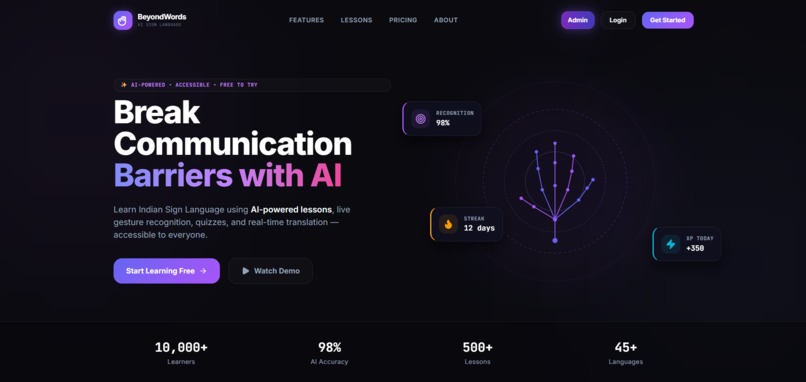
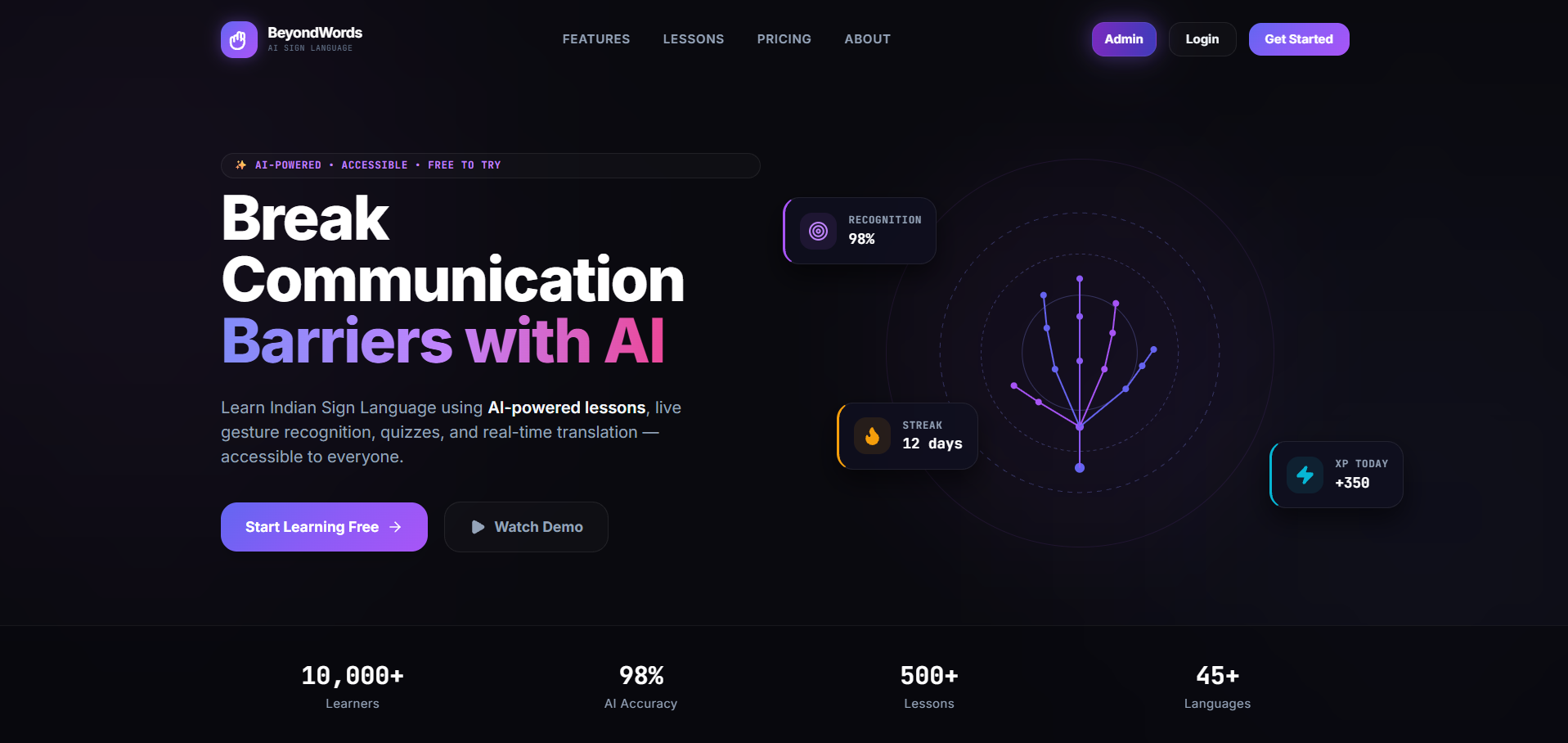
Landing Page
-
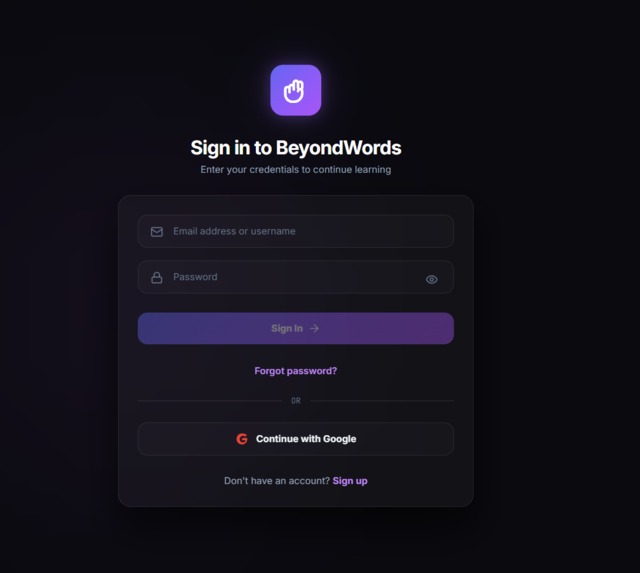
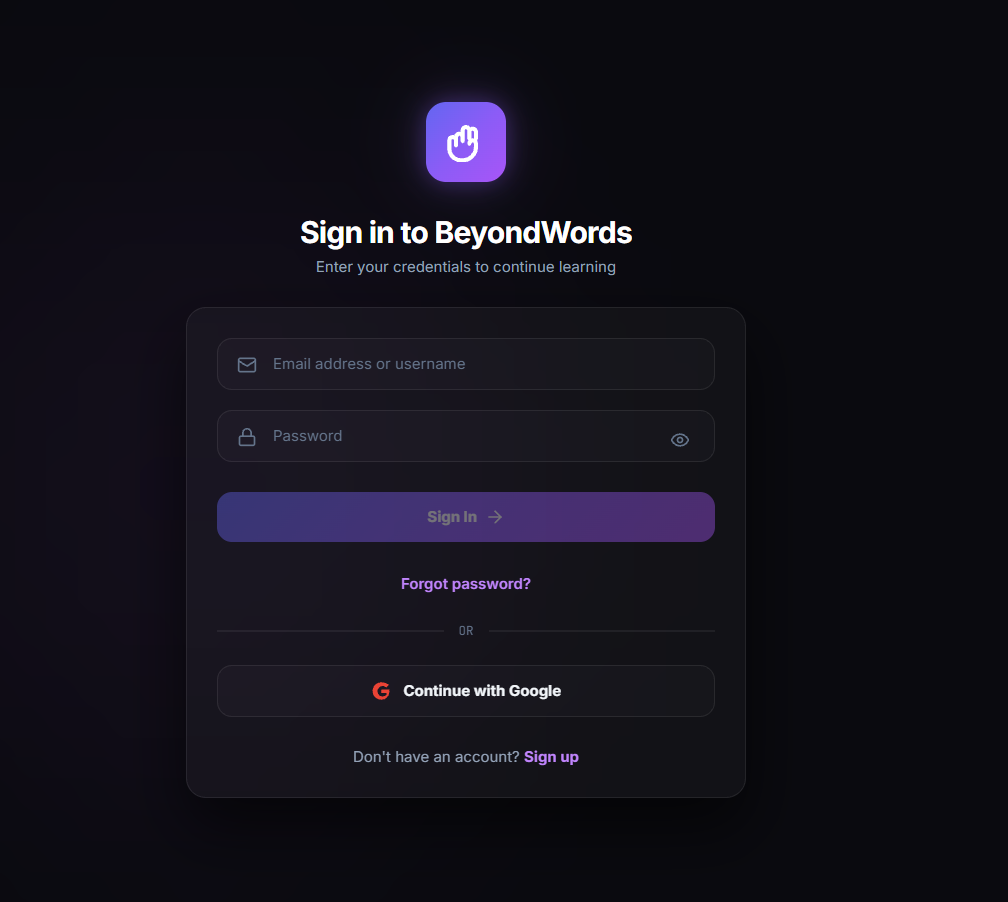
Login Page
-
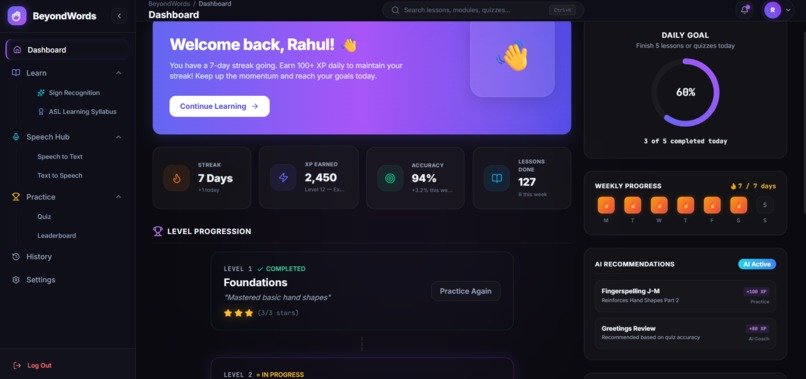
DashBoard Page
-
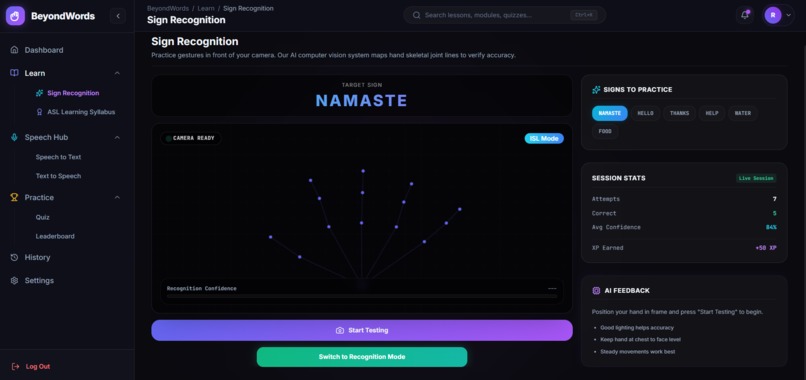
Learn Section (test)
-
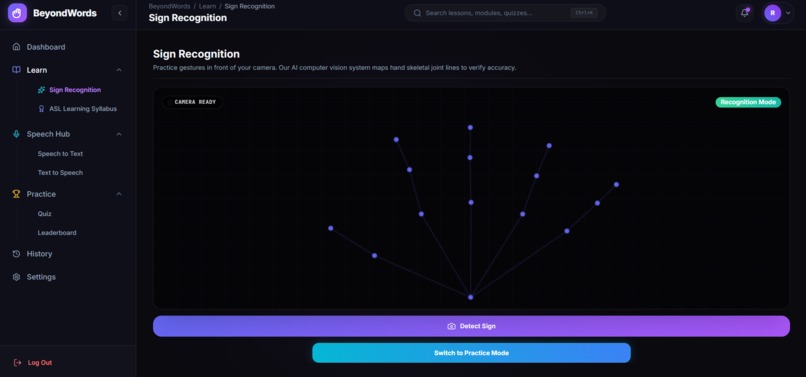
Learn Section(detection)
-
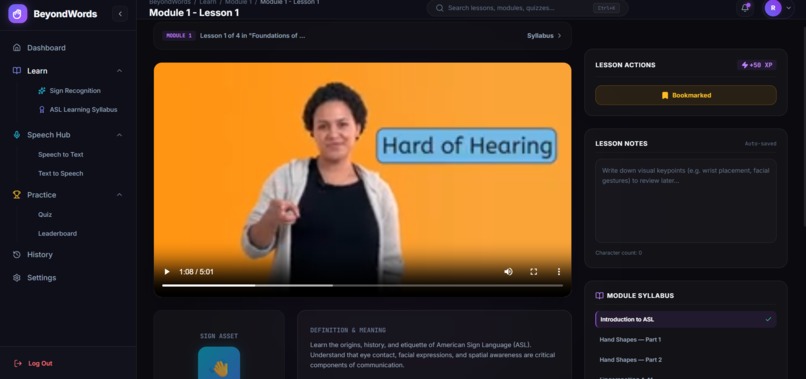
Lessons part
-
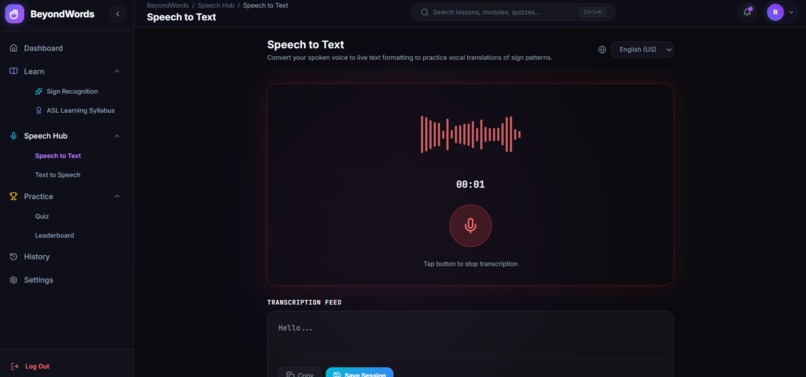
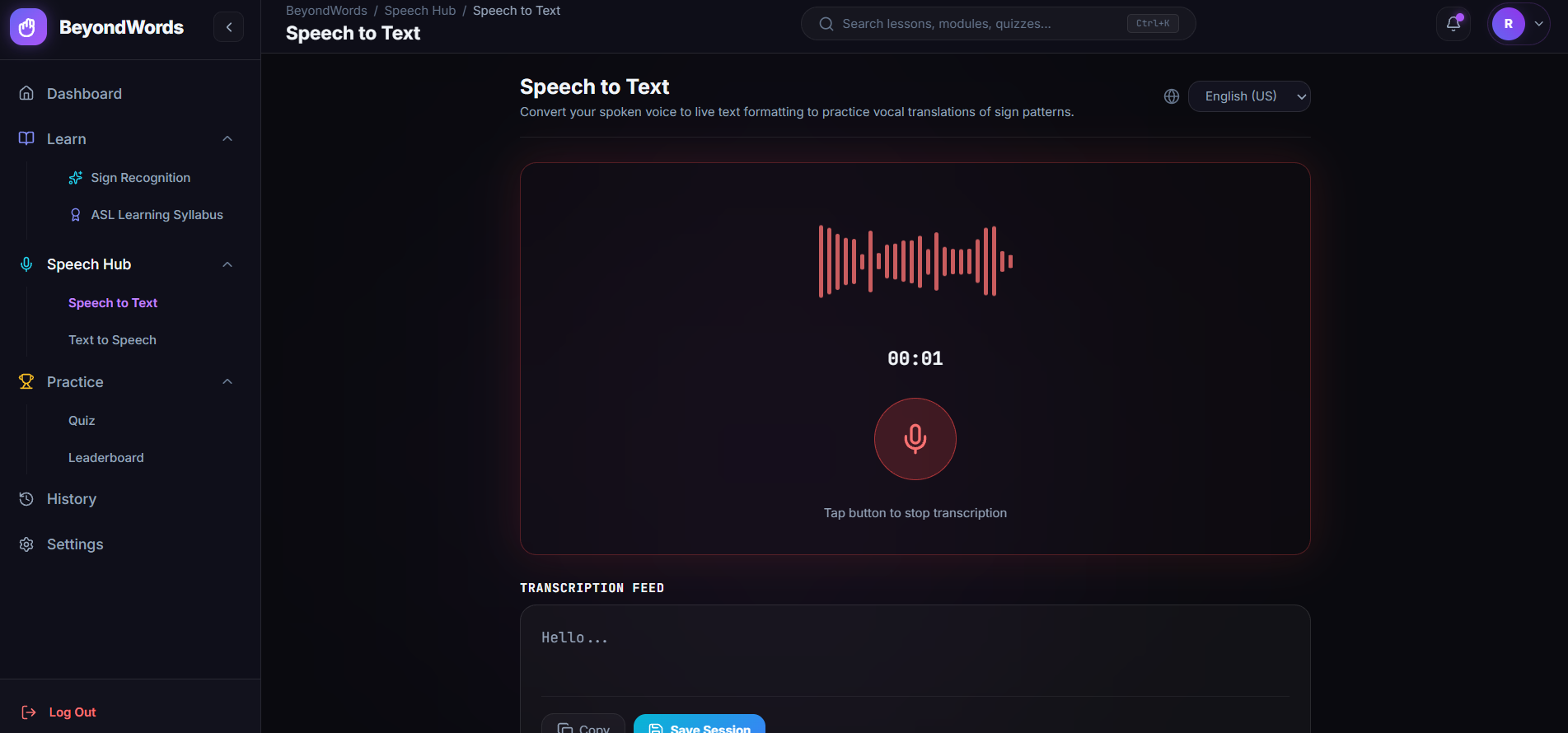
Speech-to-Text page
-
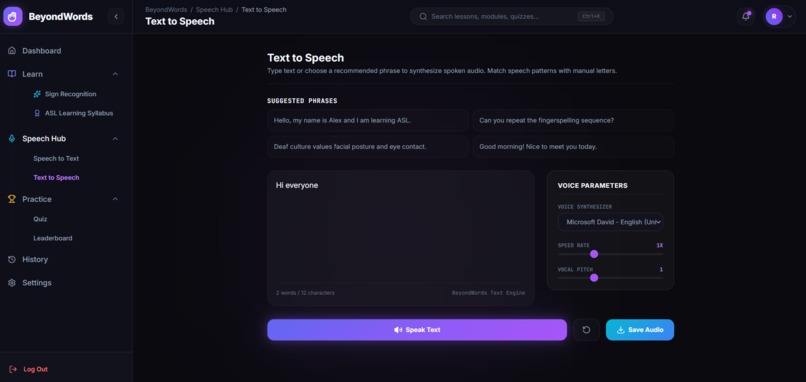
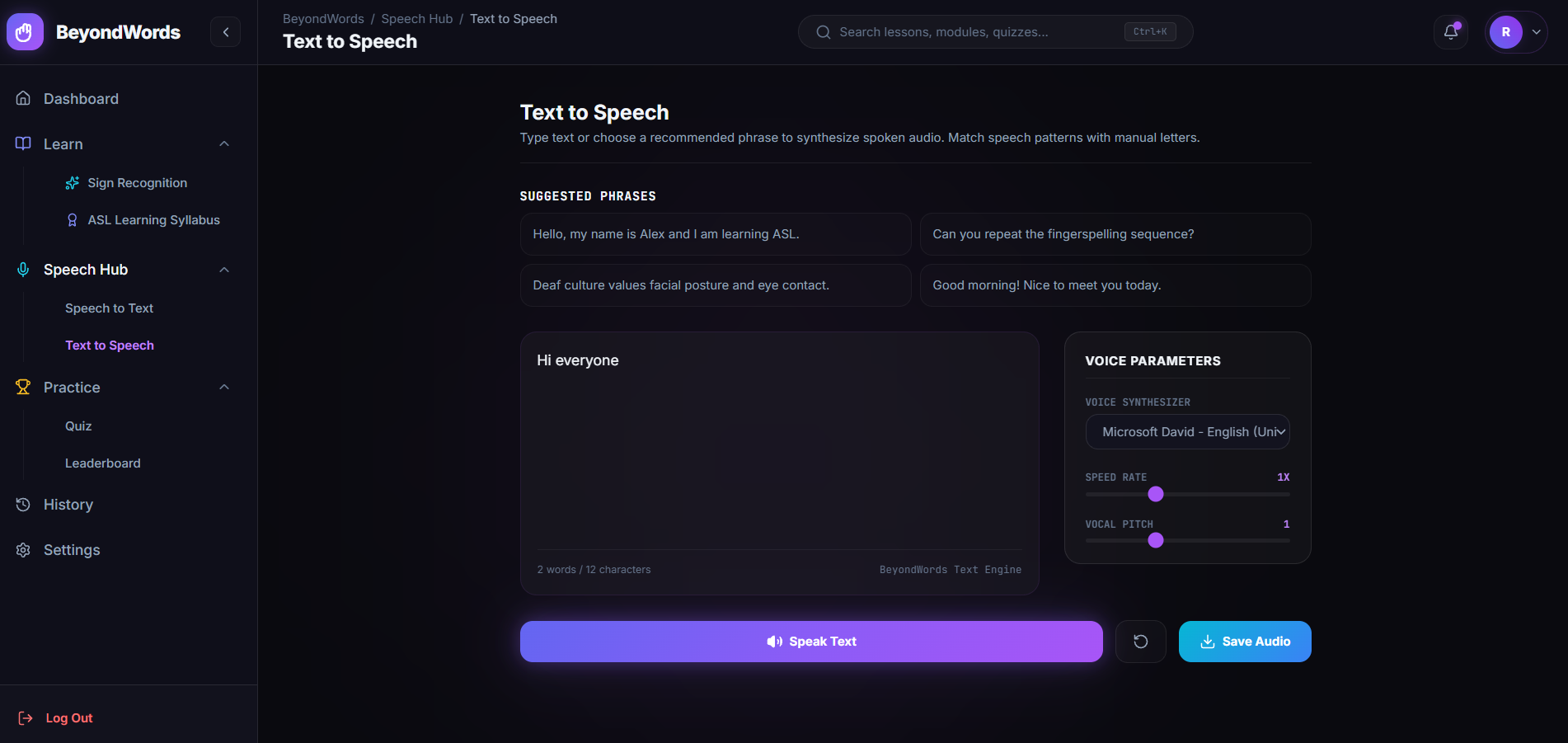
Text to Speech page
-
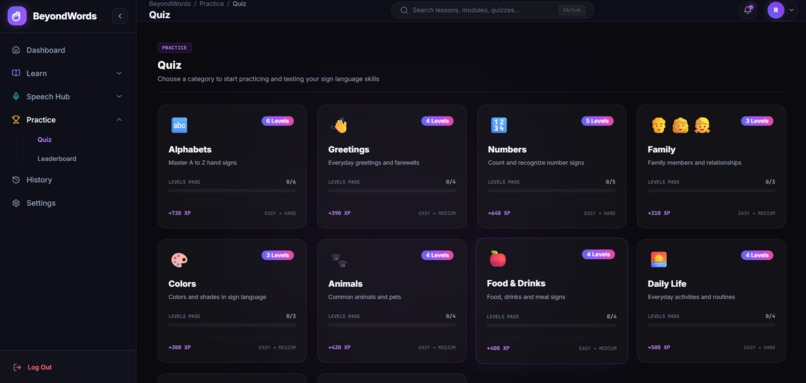
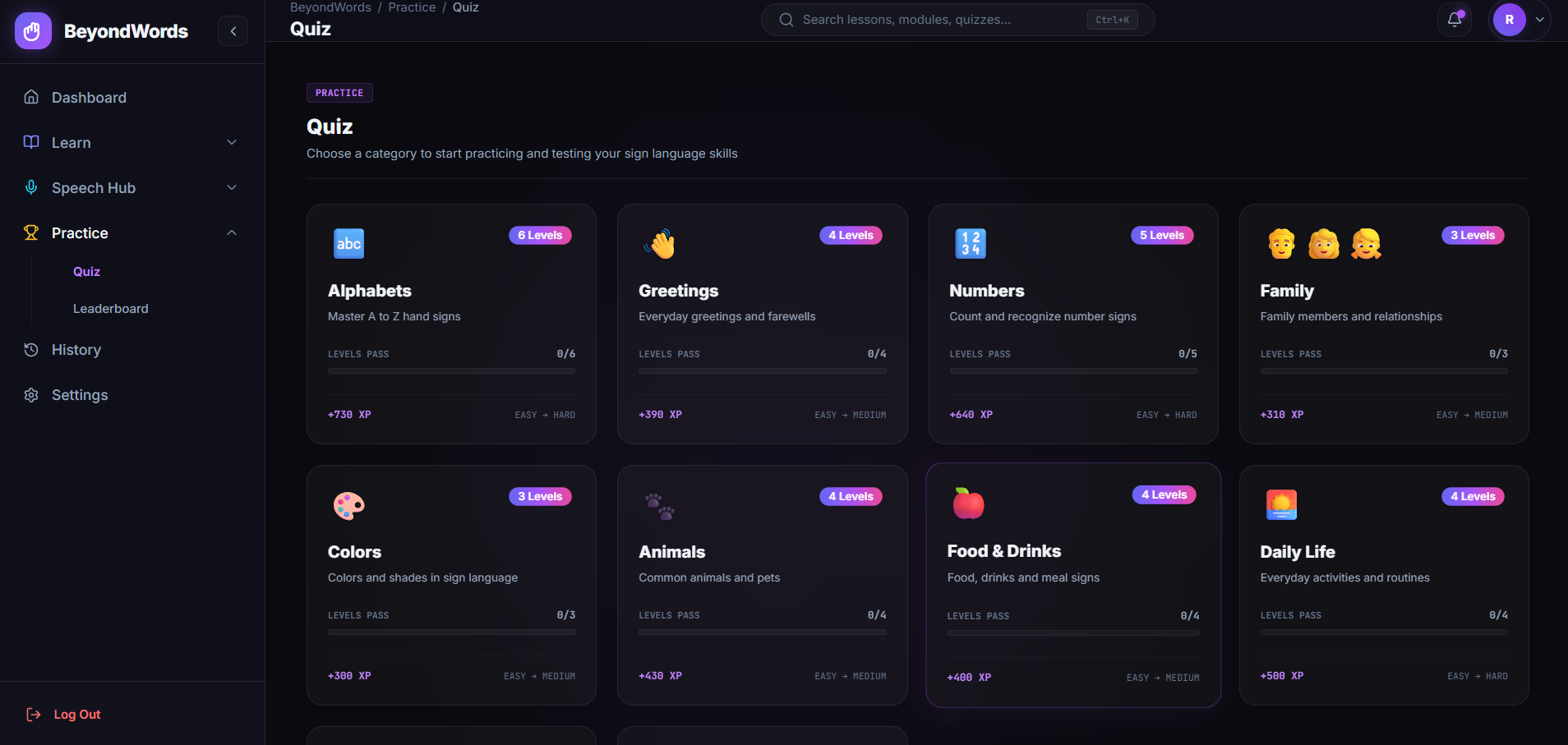
Quiz page (categorized)
-
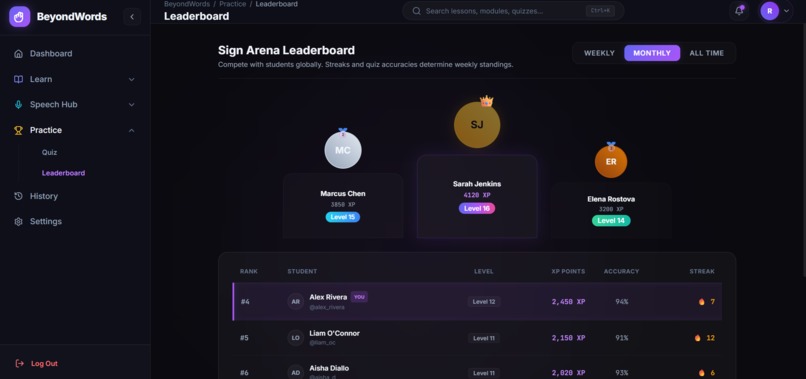
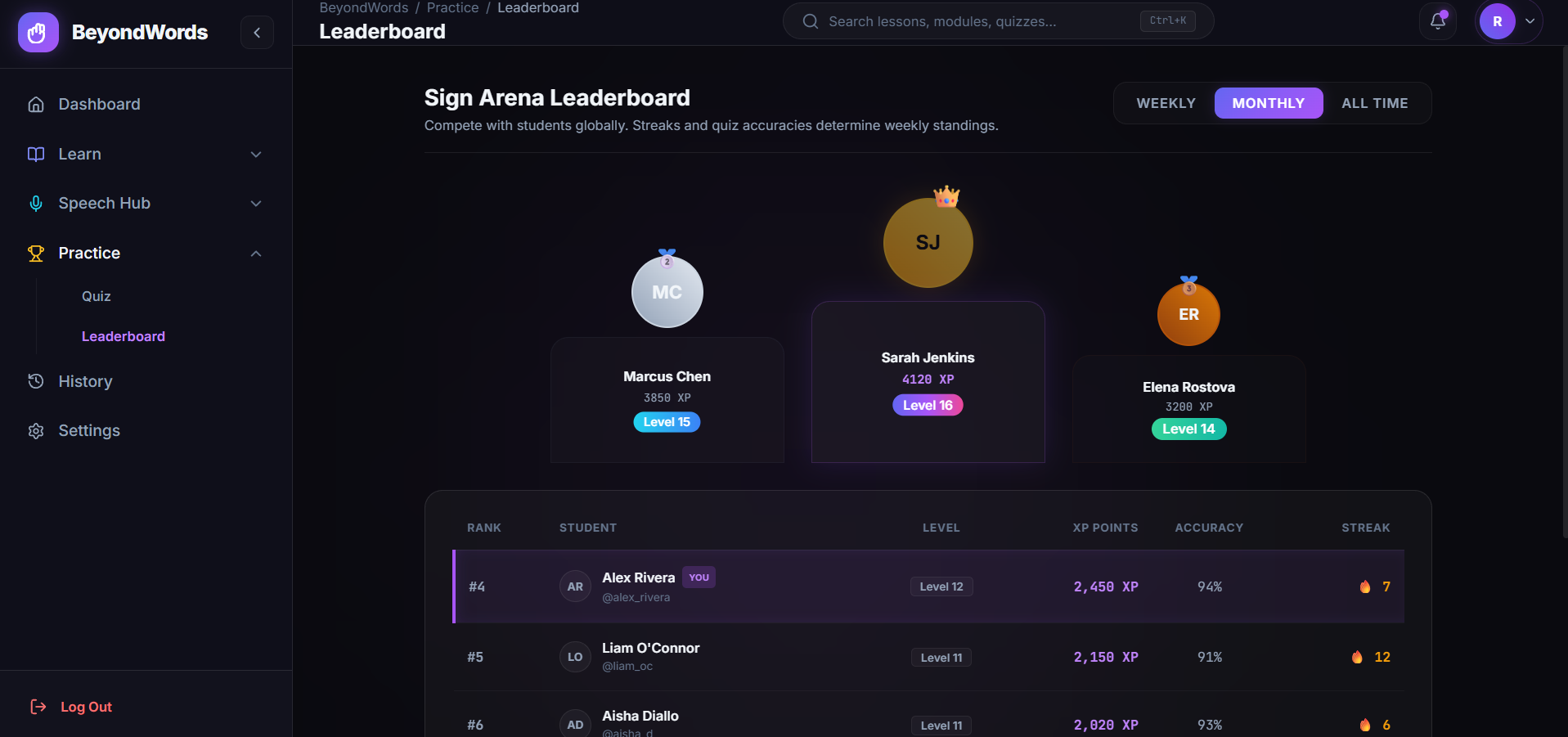
LeaderBoard page
-
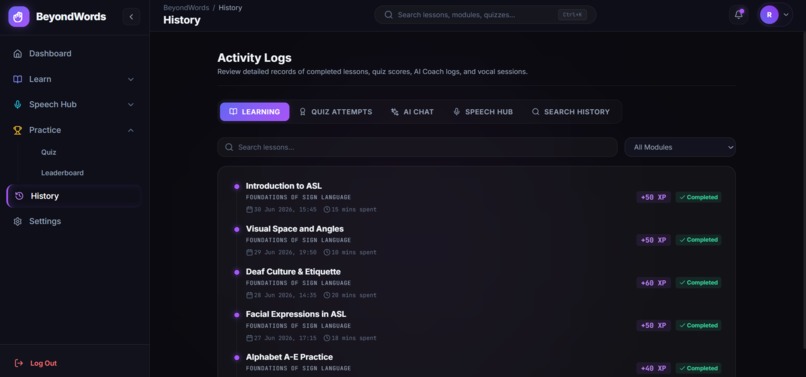
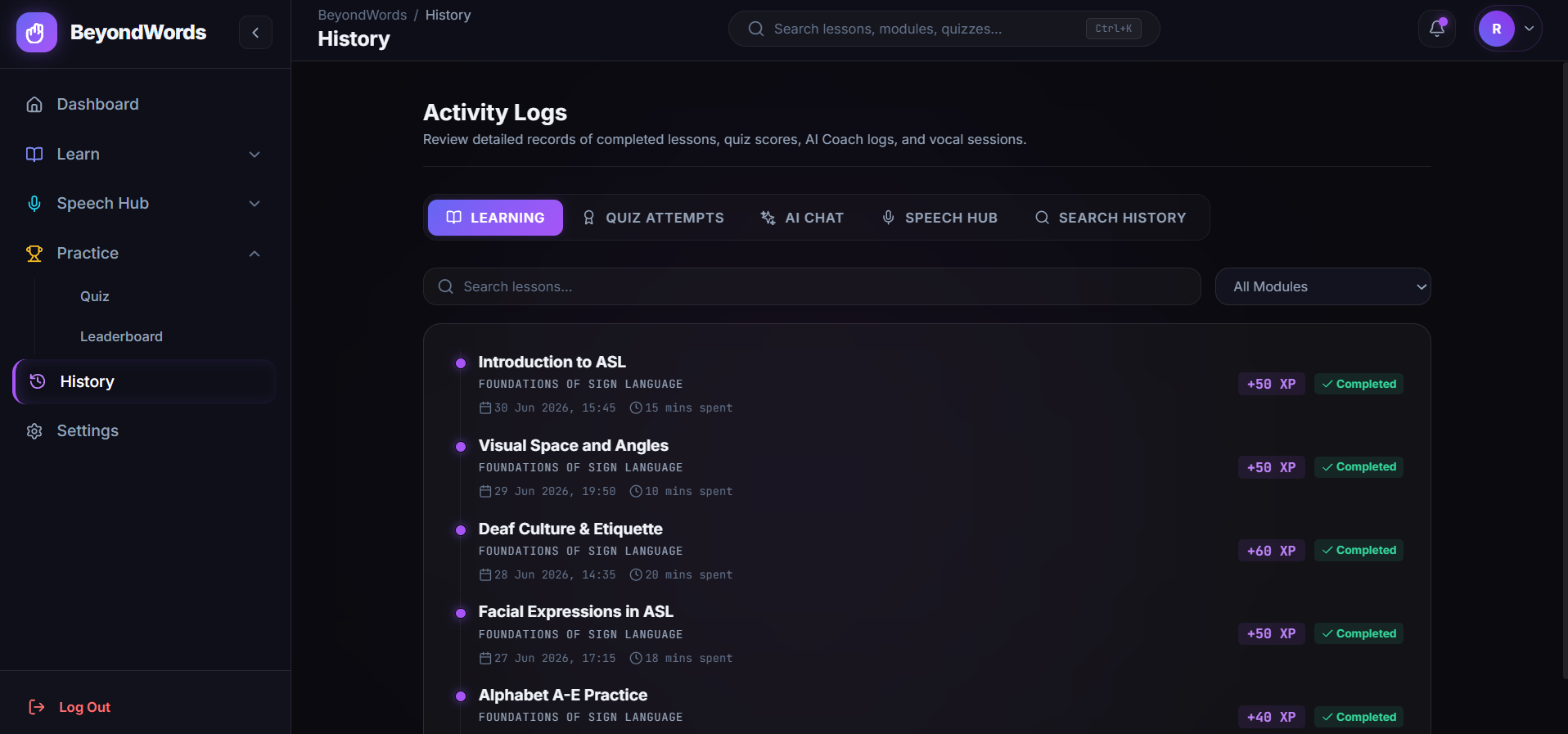
History Page
-
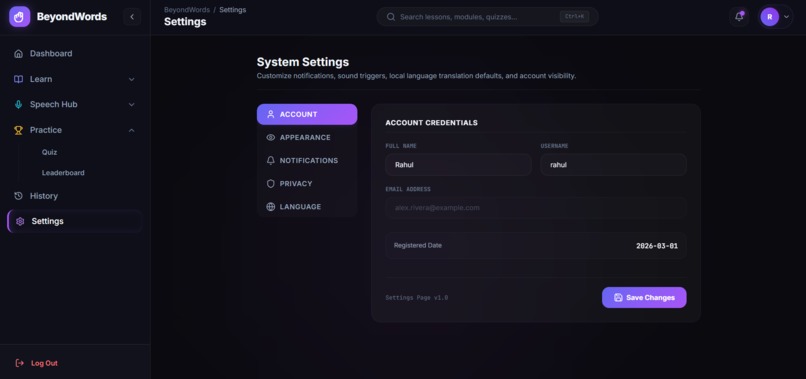
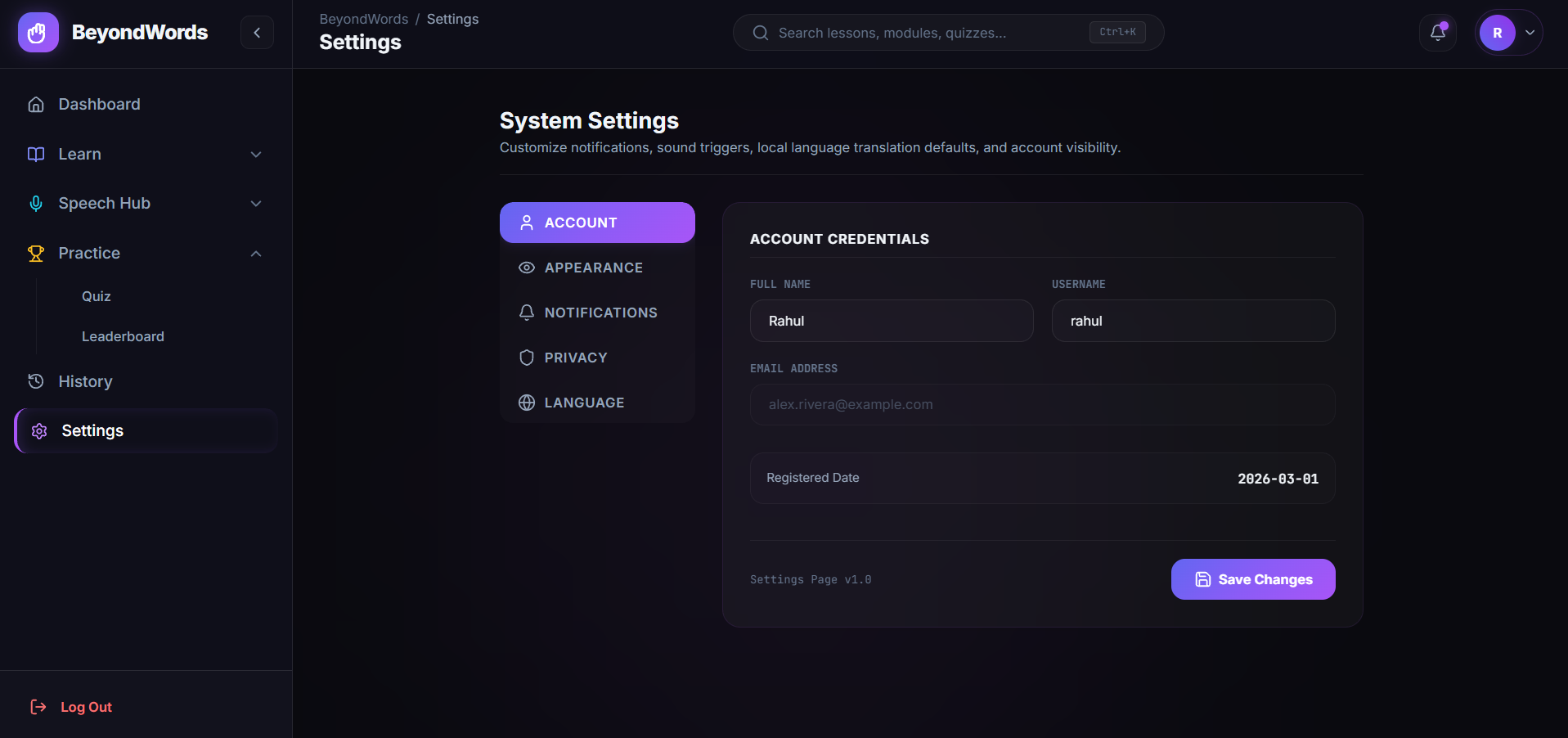
Settings Page
-
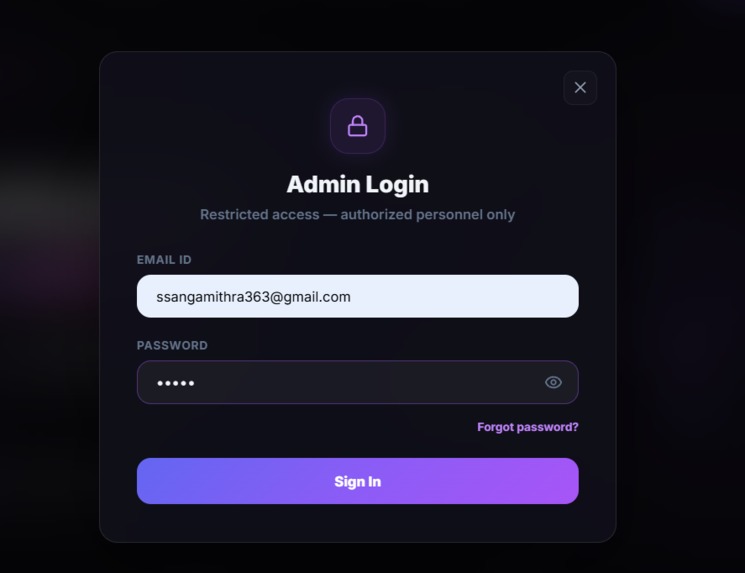
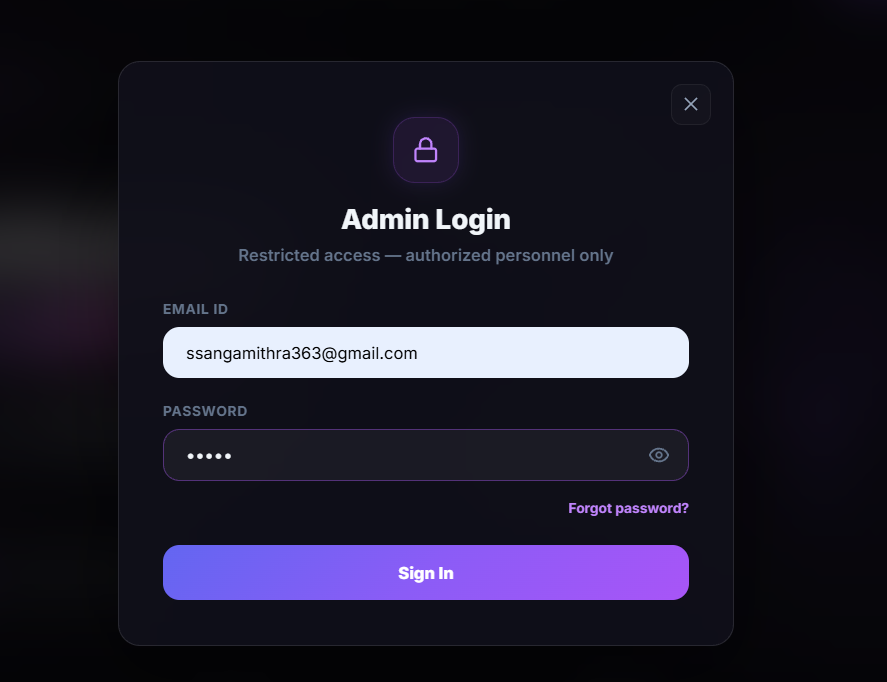
Admin Login
-
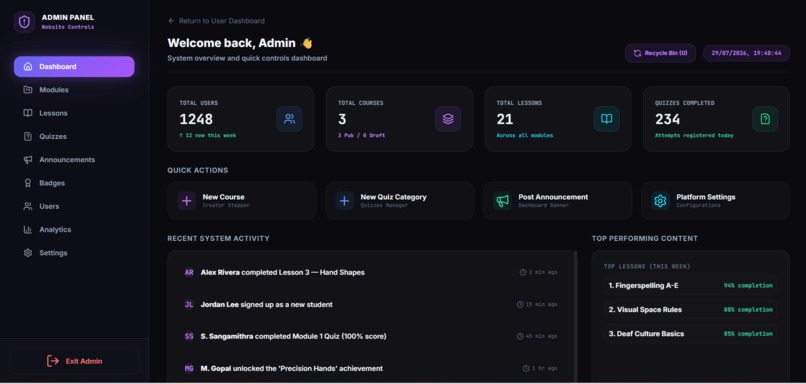
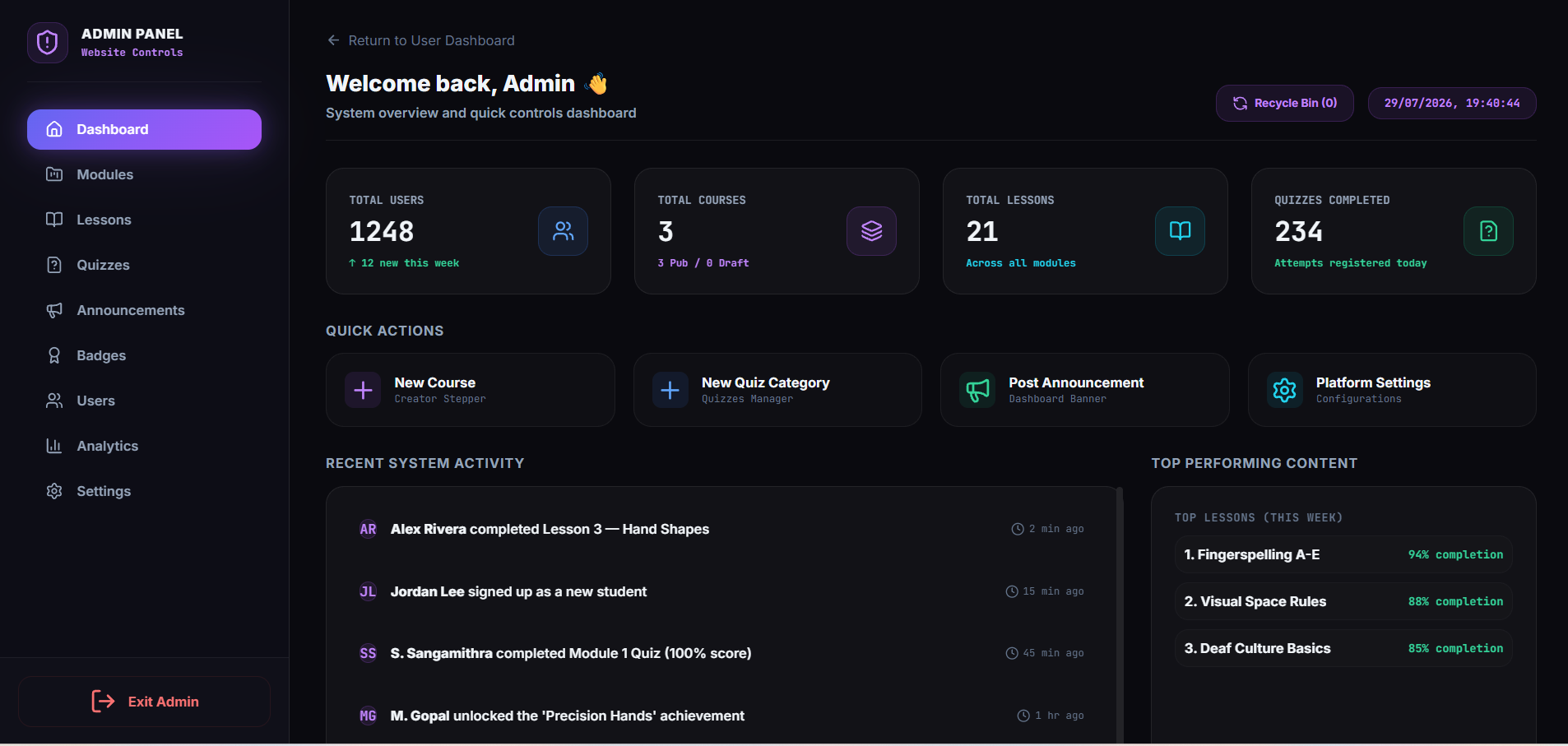
Admin Dashboard
Inspiration
Sign language learning tools online are surprisingly outdated — most are static video libraries with no feedback, no motivation to keep going, and almost always built around a single sign language (usually ASL), leaving out the millions of people who use ISL and other regional sign languages. We wanted to fix that gap. The idea for BeyondWords came from a simple question: what if learning a sign language felt as addictive and rewarding as leveling up in a game, while also actually understanding you back?
We also kept coming back to the communication gap between the Deaf/hard-of-hearing community and hearing people who don't know sign language. A learning app alone doesn't solve that — you also need a bridge that works in the moment, in real conversations. That's what pushed us to combine structured learning with real-time speech-to-text and text-to-speech conversion in the same product.
What it does
BeyondWords is an AI-powered sign language platform built around three pillars:
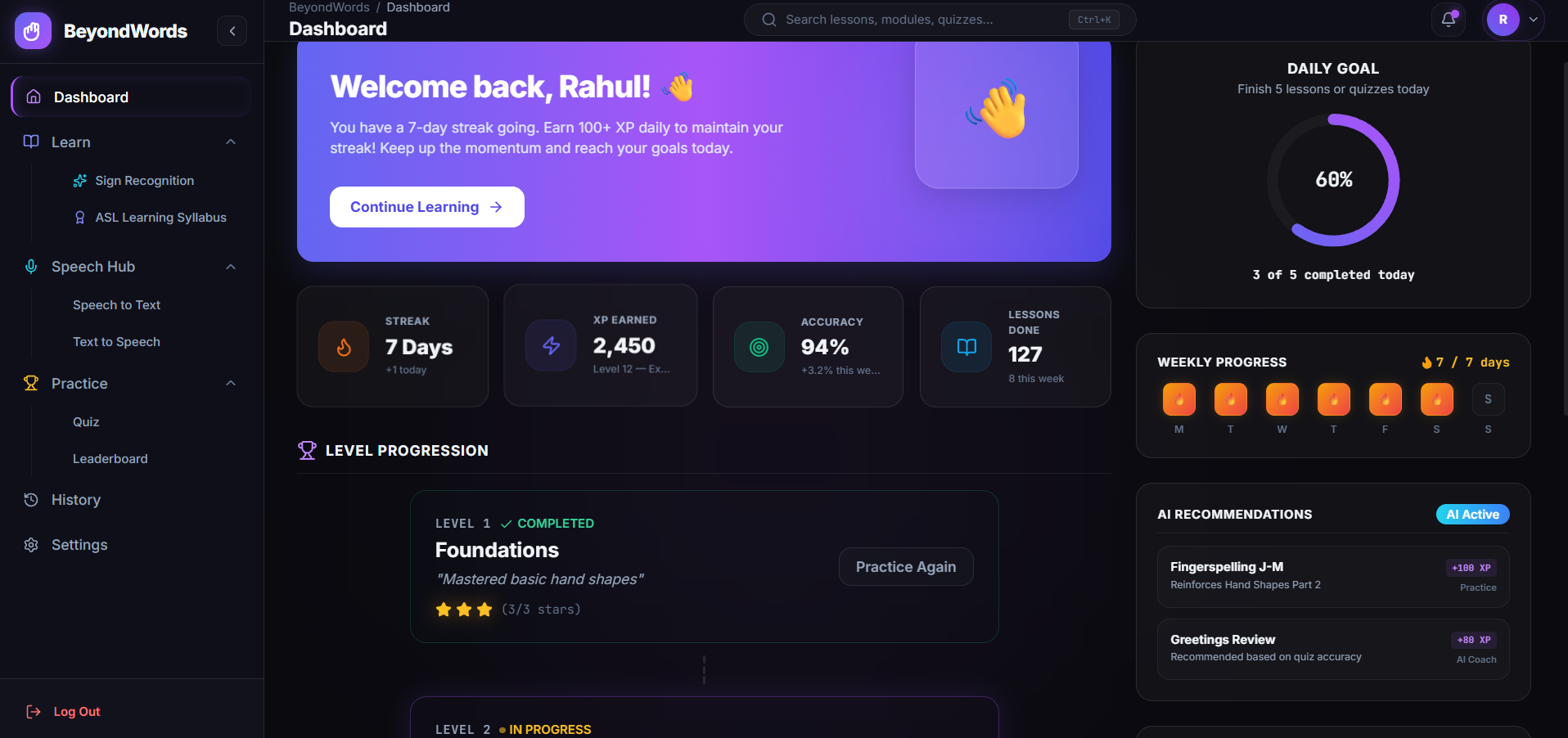
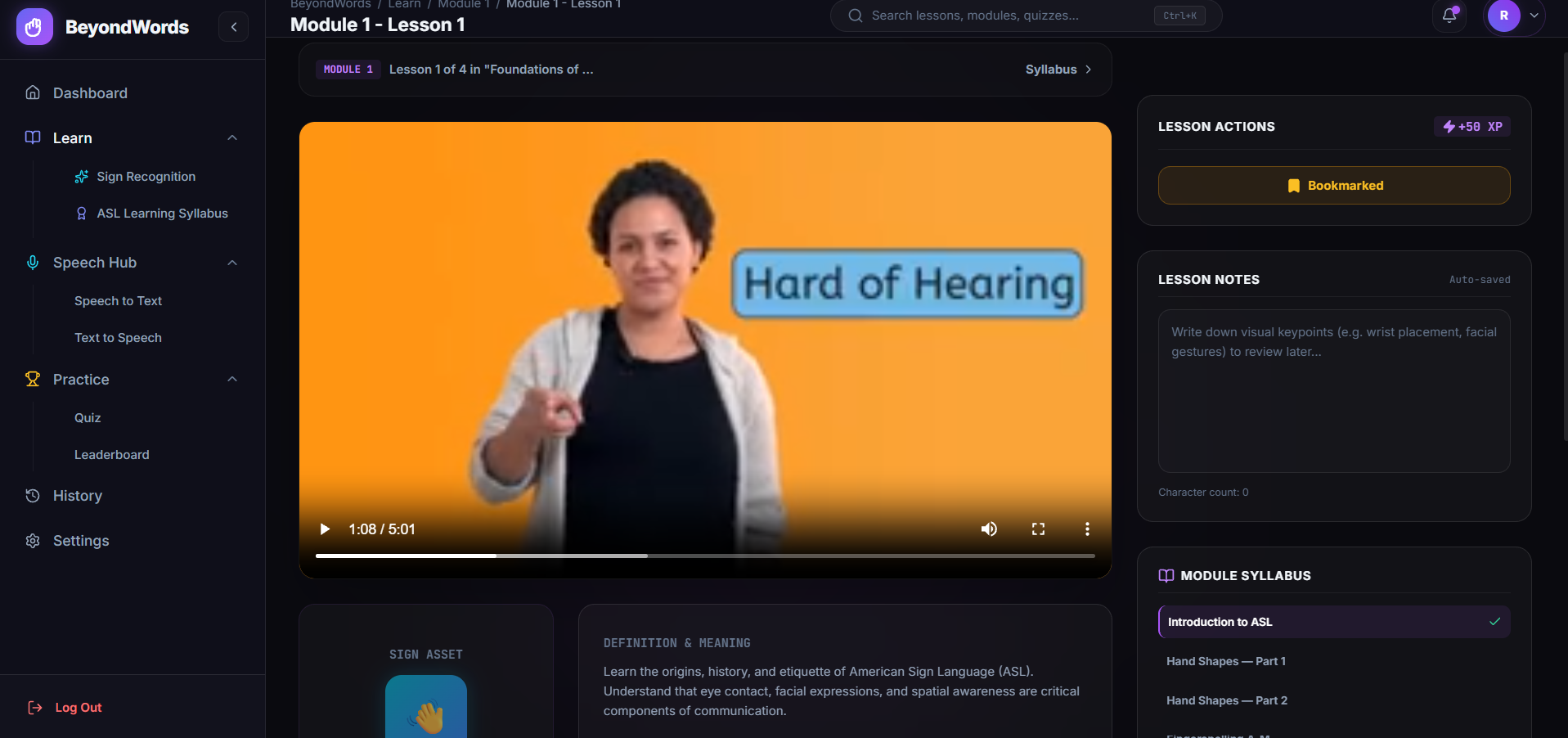
- Gamified Learning — Structured modules and lessons (starting with fingerspelling and building up to full signs), each carrying XP rewards, progress tracking, streaks, achievements, levels, and a leaderboard, so learning feels like progress in a game rather than homework.
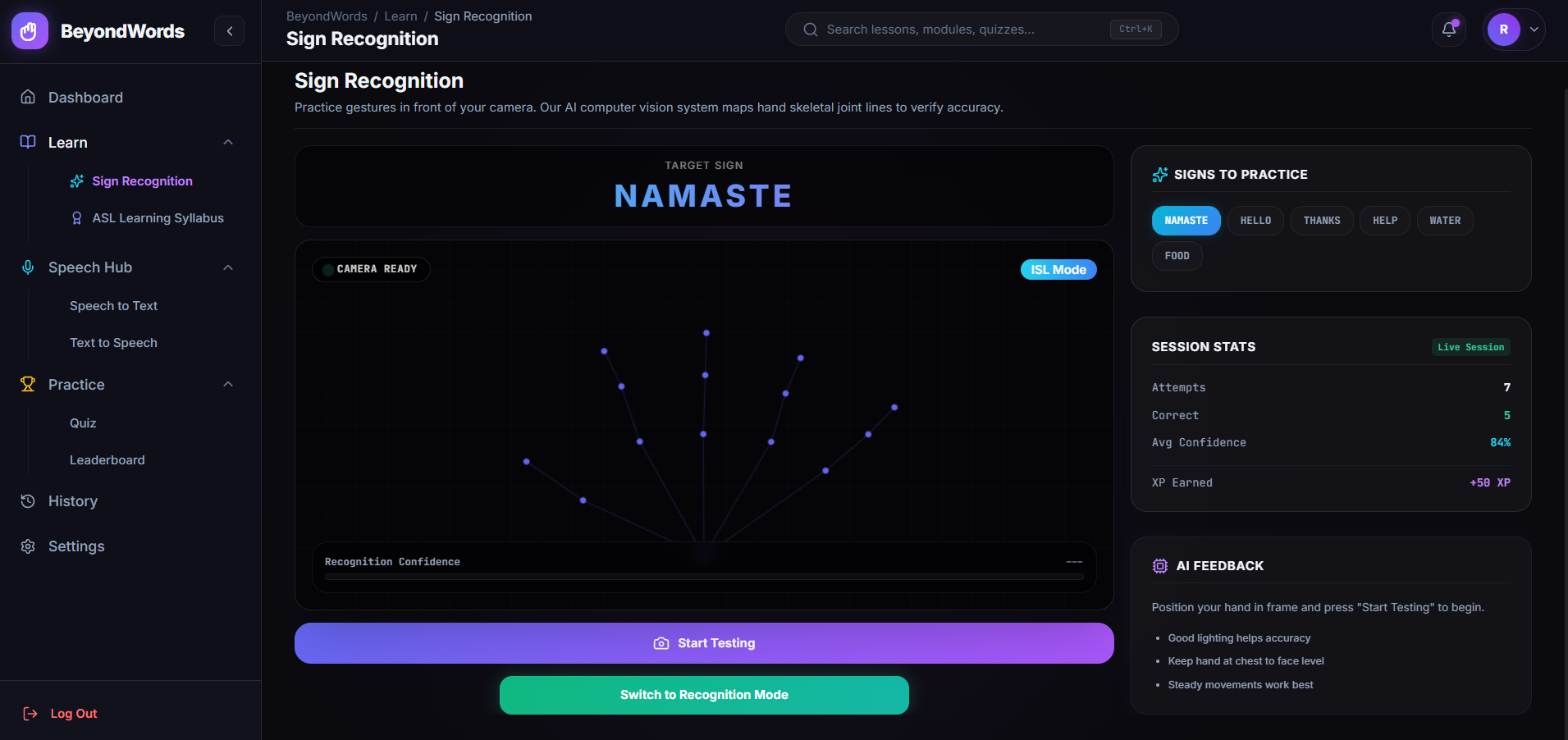
- Dual Language Support (ASL + ISL) — Learners can choose between American Sign Language and Indian Sign Language, addressing a major blind spot in existing platforms that treat ASL as the only sign language worth building for.
- AI-Assisted Learning — An AI-driven "Learn with AI" mode that adapts explanations, pronunciation breakdowns, and contextual examples per sign, alongside a more traditional syllabus-based path for learners who prefer structure.
- Real-Time Speech Conversion — A speech-to-text and text-to-speech module that lets a hearing person and a Deaf/hard-of-hearing person communicate in real time — spoken words are converted to text (and eventually sign), and typed/selected text is converted back into natural speech.
Together, this turns BeyondWords from "just another course" into a two-way communication and learning tool.
How we built it
- Frontend: React 18 with Vite for a fast dev/build pipeline, React Router for navigation across auth, dashboard, learning, practice, and profile flows.
- UI/UX: Tailwind CSS for styling with a custom design system (glass cards, gradient badges, progress rings), and Framer Motion for the animations that make XP gains, level-ups, and transitions feel satisfying rather than static.
- Gamification Engine: Custom React hooks (
useXP,useProgress,useLocalStorage) power XP accumulation, streaks, unlockable modules, and achievement tracking, backed by structured module/lesson data (difficulty, XP reward, completion state) and a leaderboard data layer. - Data Visualization: Recharts and an activity heatmap component to visualize a learner's consistency and progress over time — the same kind of feedback loop that keeps people coming back to habit-tracking apps.
- Speech Conversion: The Web Speech API (
SpeechRecognitionfor speech-to-text,SpeechSynthesisUtterancefor text-to-speech) for real-time, in-browser conversion between spoken and written language, with voice selection and playback controls. - State Management: React Context (
AppContext,SidebarContext) to manage authentication flow, sidebar/navigation state, and shared app state across pages without pulling in a heavier state library.
Challenges we ran into
- Designing gamification that motivates without feeling gimmicky — balancing XP curves, unlock logic, and achievement pacing so progress feels earned rather than arbitrary.
- Supporting two sign languages instead of one — ASL and ISL differ significantly in handshapes, grammar, and structure, so the module/lesson data model had to be flexible enough to represent both without hardcoding assumptions from just one language.
- Real-time speech conversion in the browser — working around inconsistent browser support and accuracy limitations of the native Web Speech APIs, especially for continuous recognition and natural-sounding playback.
- Keeping the experience accessible — making sure a platform designed for the Deaf and hard-of-hearing community was itself usable without relying on audio cues, while still serving hearing users who need the speech-conversion side.
- Scope management — with gamification, dual sign-language support, AI-assisted learning, and real-time conversion all in one product, prioritizing what to build first for a working demo was a constant challenge.
What we learned
We learned that accessibility tools succeed or fail on small UX details — timing of feedback, clarity of instructions, and whether the app respects a learner's pace. We also learned a lot about the practical differences between ASL and ISL that most learning platforms ignore, and how much design work goes into making gamification feel motivating instead of manipulative. On the technical side, we got much more comfortable with the Web Speech APIs' quirks and with structuring a React app so that a gamification layer (XP, streaks, achievements) can sit cleanly on top of any kind of learning content.
What's next for BeyondWords
- Move from browser Web Speech APIs to a more robust AI speech pipeline for higher accuracy across accents and noisy environments.
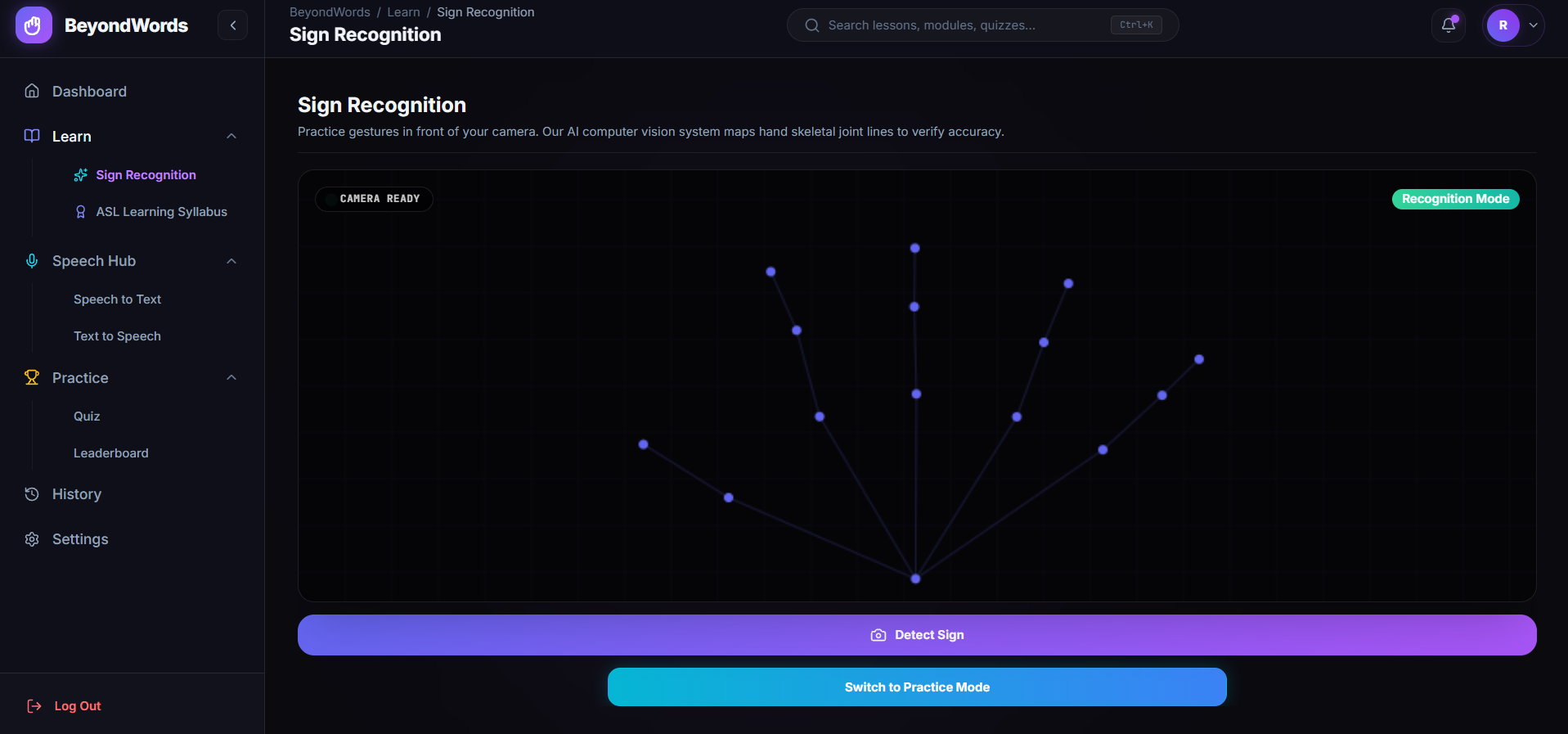
- Add real sign recognition via camera/pose-detection so the app can check a learner's signing, not just their quiz answers.
- Expand beyond ASL and ISL to additional regional sign languages.
- Build a backend to support persistent accounts, real leaderboards across users, and cross-device progress sync.
Built With
- clsx
- contextapi
- css3
- date-fns
- framer
- html5
- javascript
- localstorage
- lucide
- oxlint
- postcss
- react
- recharts
- speechrecognition
- speechsynthesis
- tailwind
- tailwind-merge
- vite
- webspeechapi

Log in or sign up for Devpost to join the conversation.