Inspiration
BetterPomo started as a tool I built to help my girlfriend and me study together. We wanted something simple where we could share the same timer, stay accountable, and see each other's progress without needing several different productivity apps.
Most Pomodoro tools are designed for one person. BetterPomo was created around the idea that focusing can be easier when you are doing it with friends, classmates, or a team. After using the first version ourselves, I decided to make it available for everyone for free.
What it does
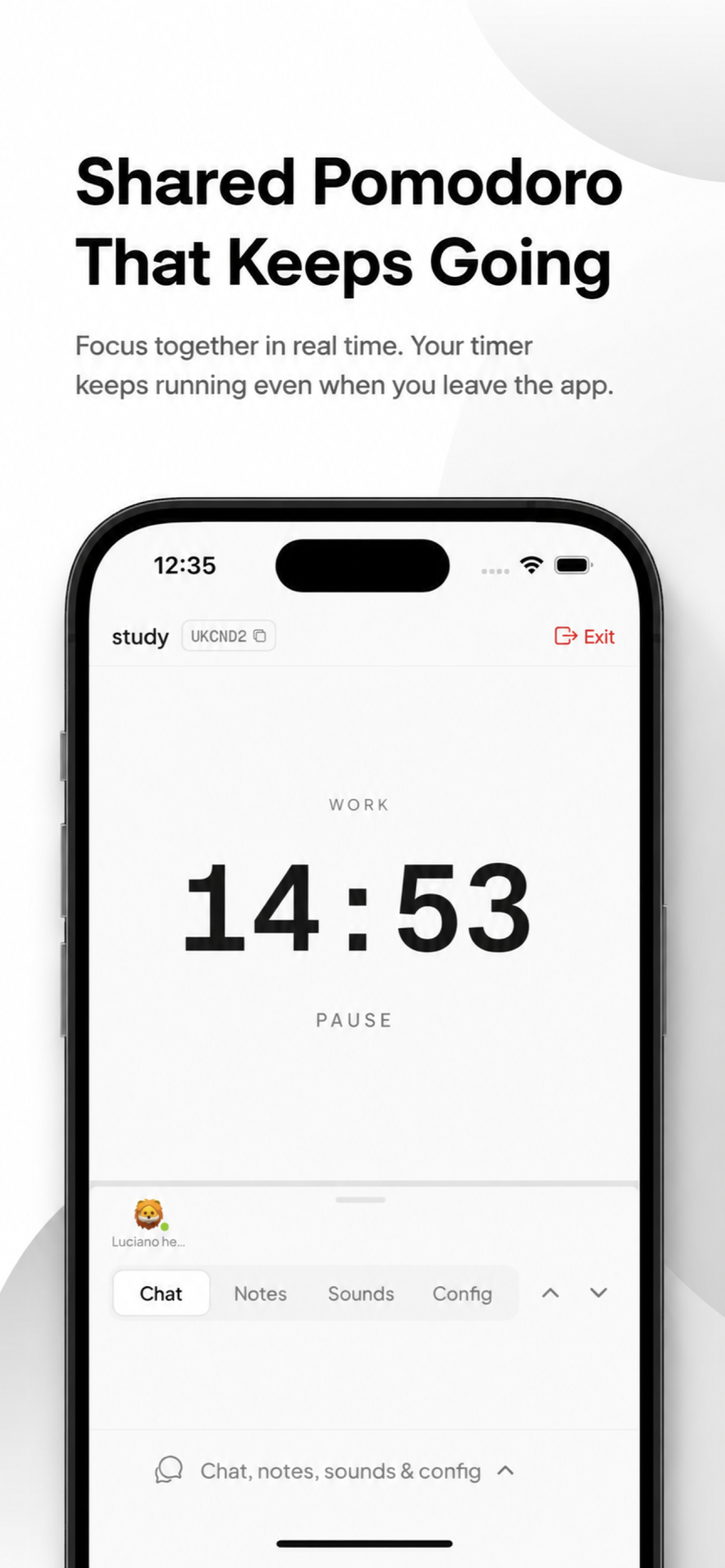
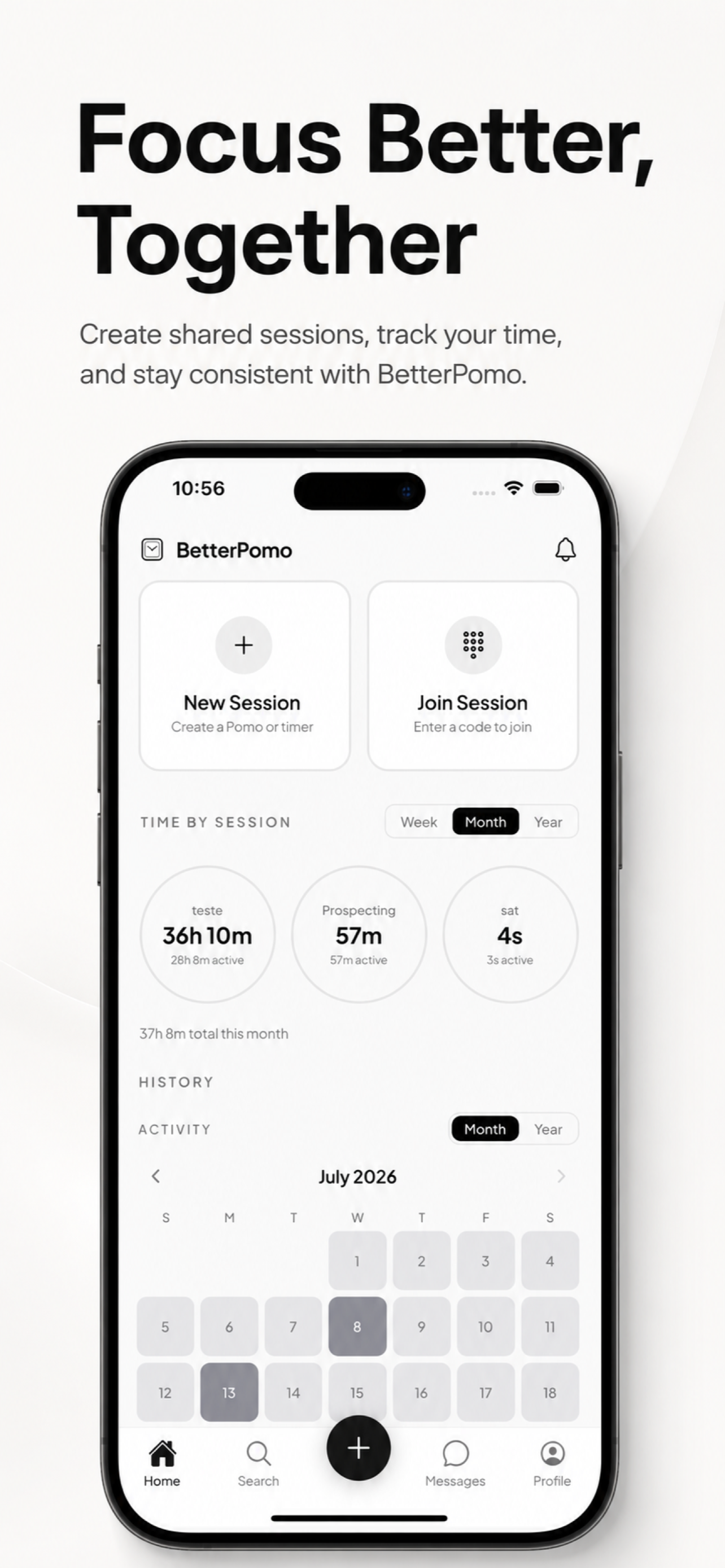
BetterPomo is a shared productivity platform where users can create Pomodoro or stopwatch sessions and invite other people to join using a session code.
Users can:
- Create shared or private Pomodoro sessions
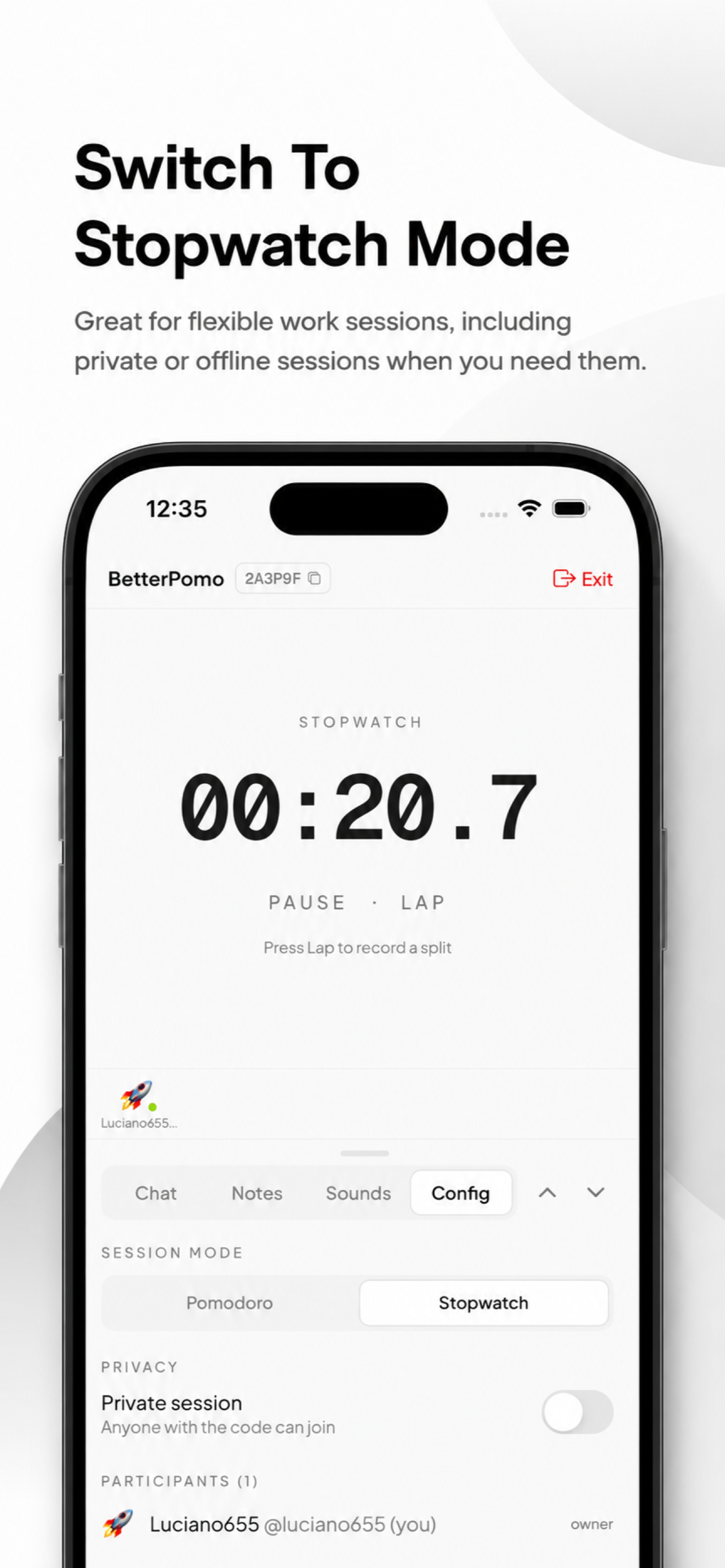
- Use a stopwatch for flexible study or work sessions
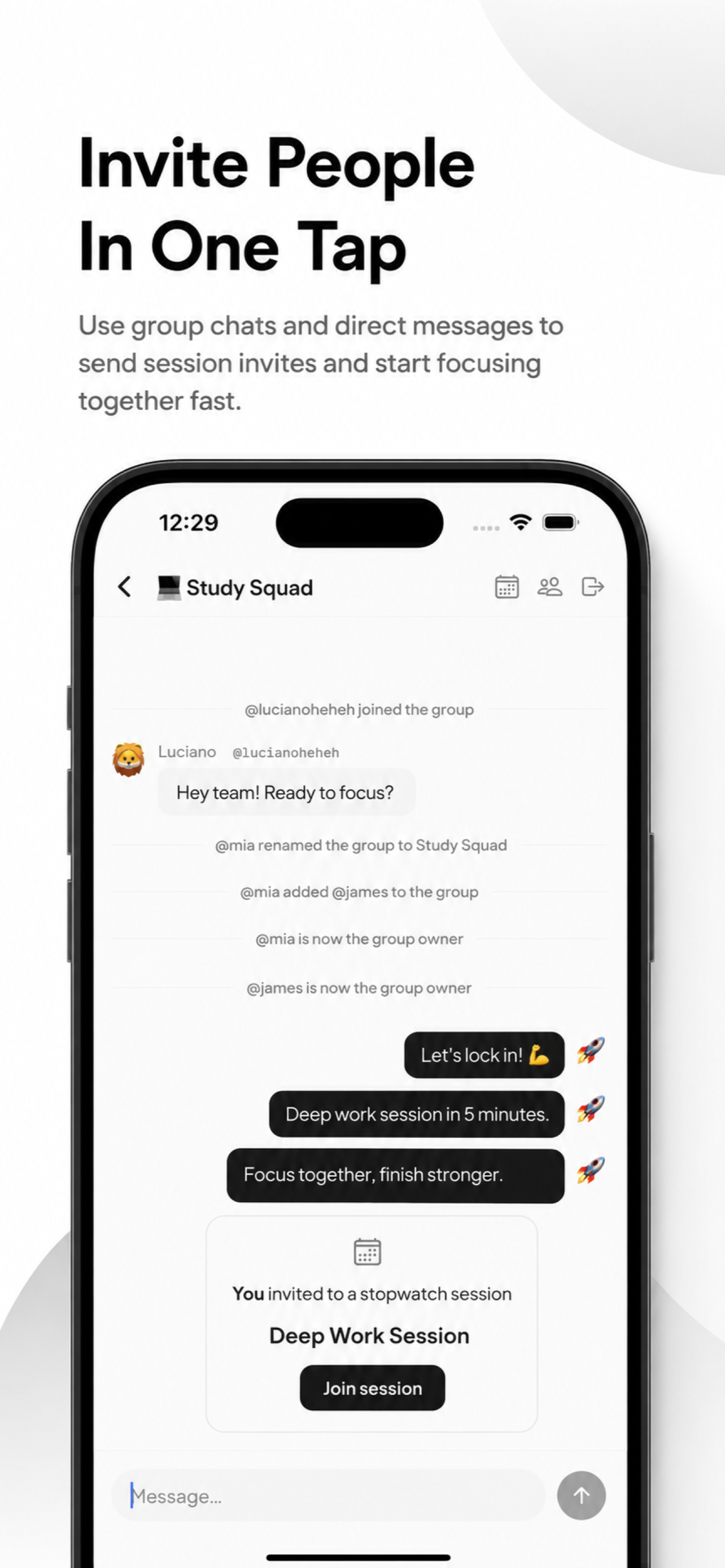
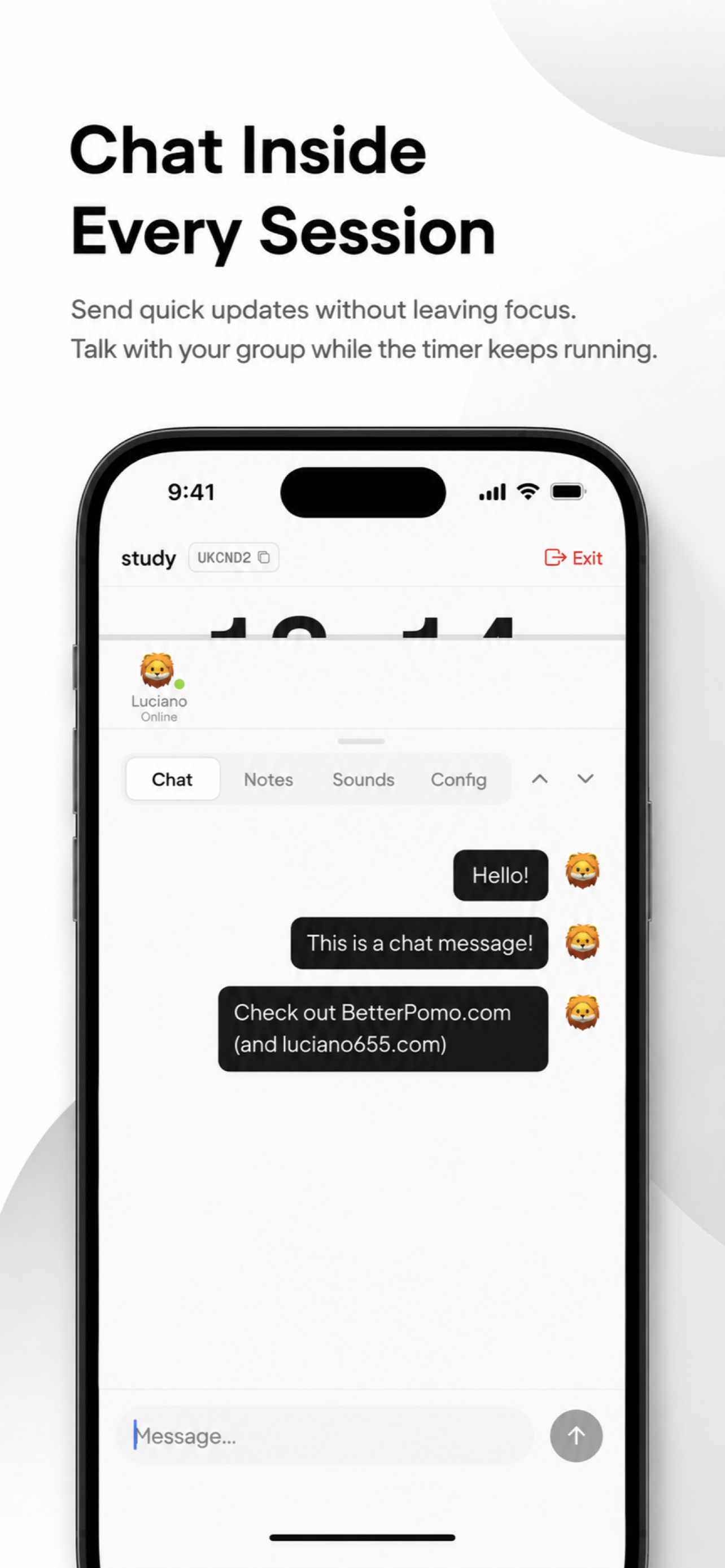
- Chat with other participants in real time
- Keep the timer running after leaving or closing the app
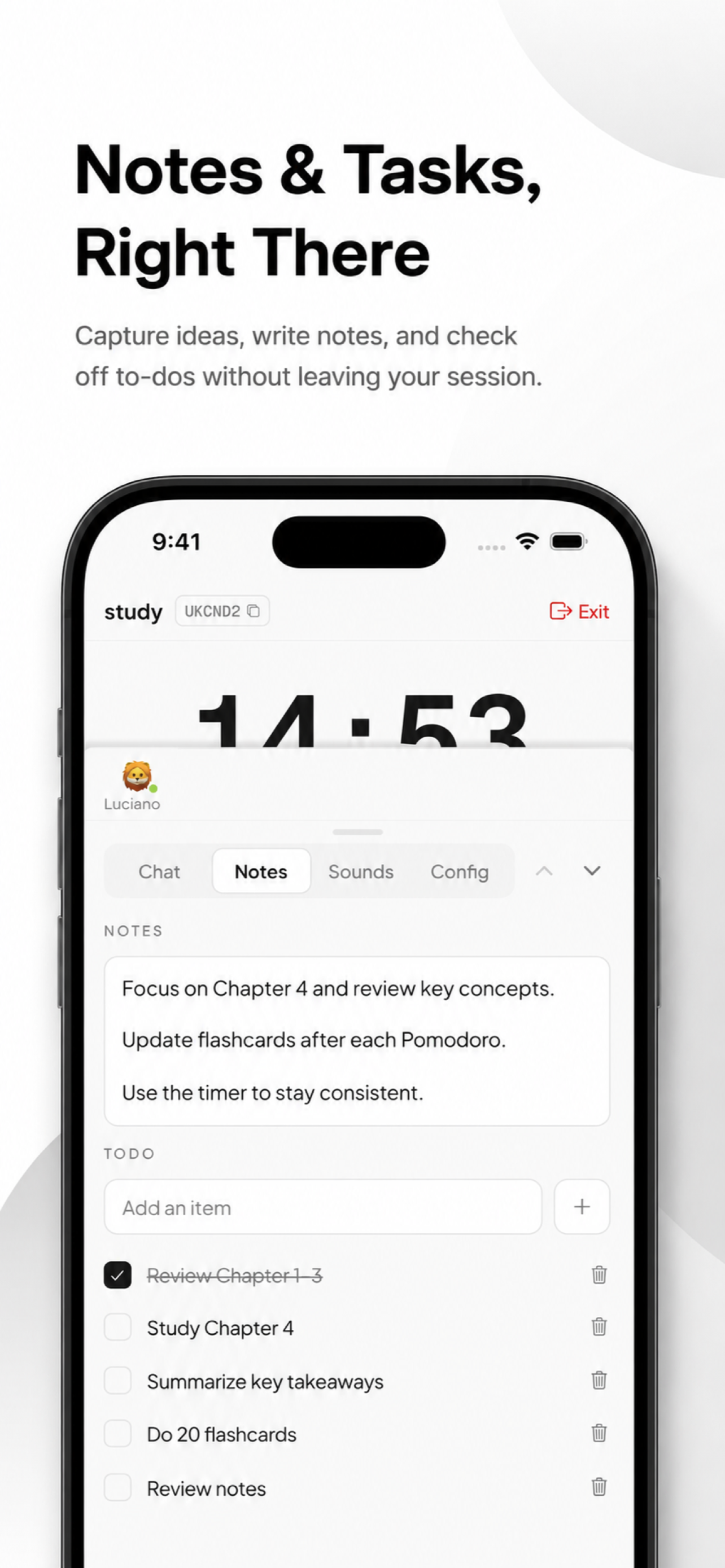
- Create notes and to-do lists
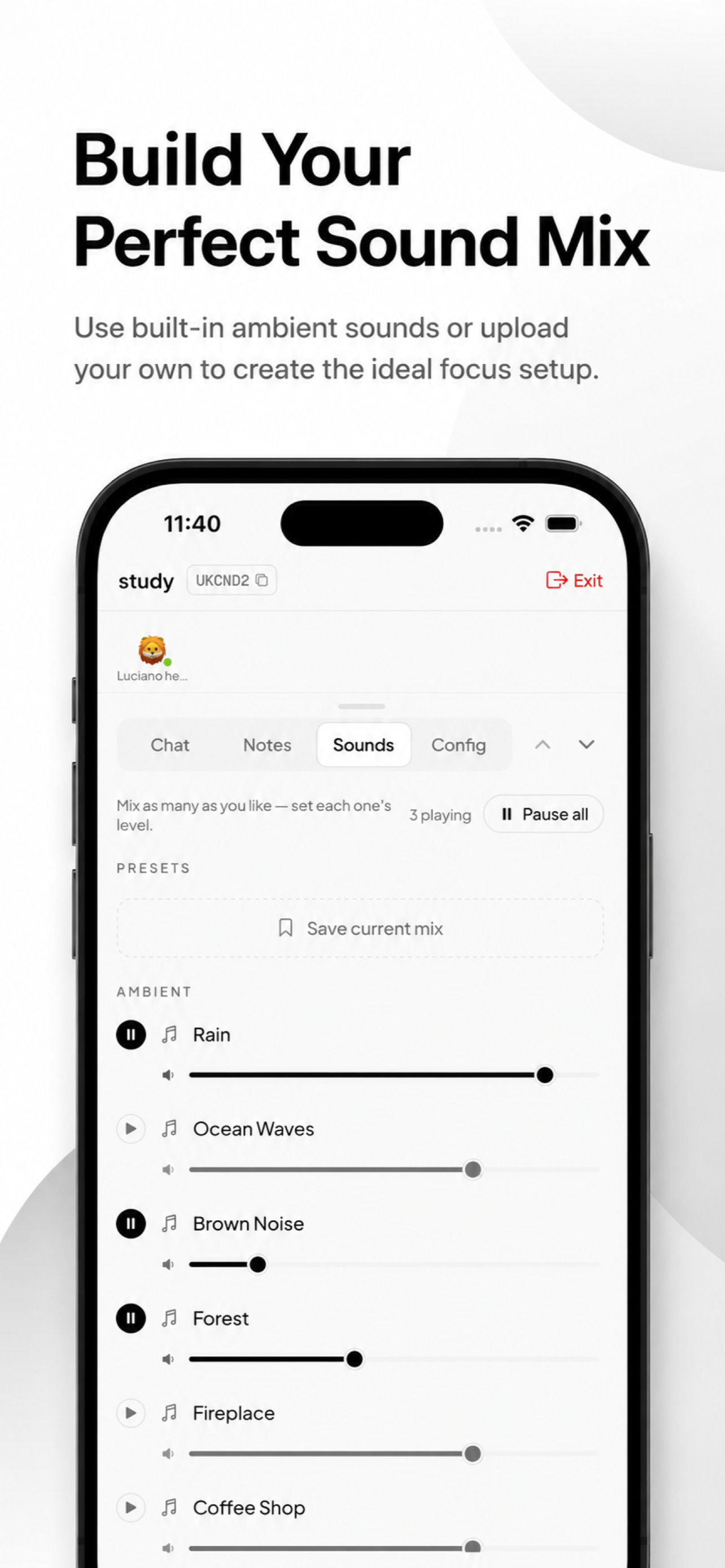
- Listen to focus sounds or upload their own
- Add friends and invite them to sessions
- Create groups with members and administrators
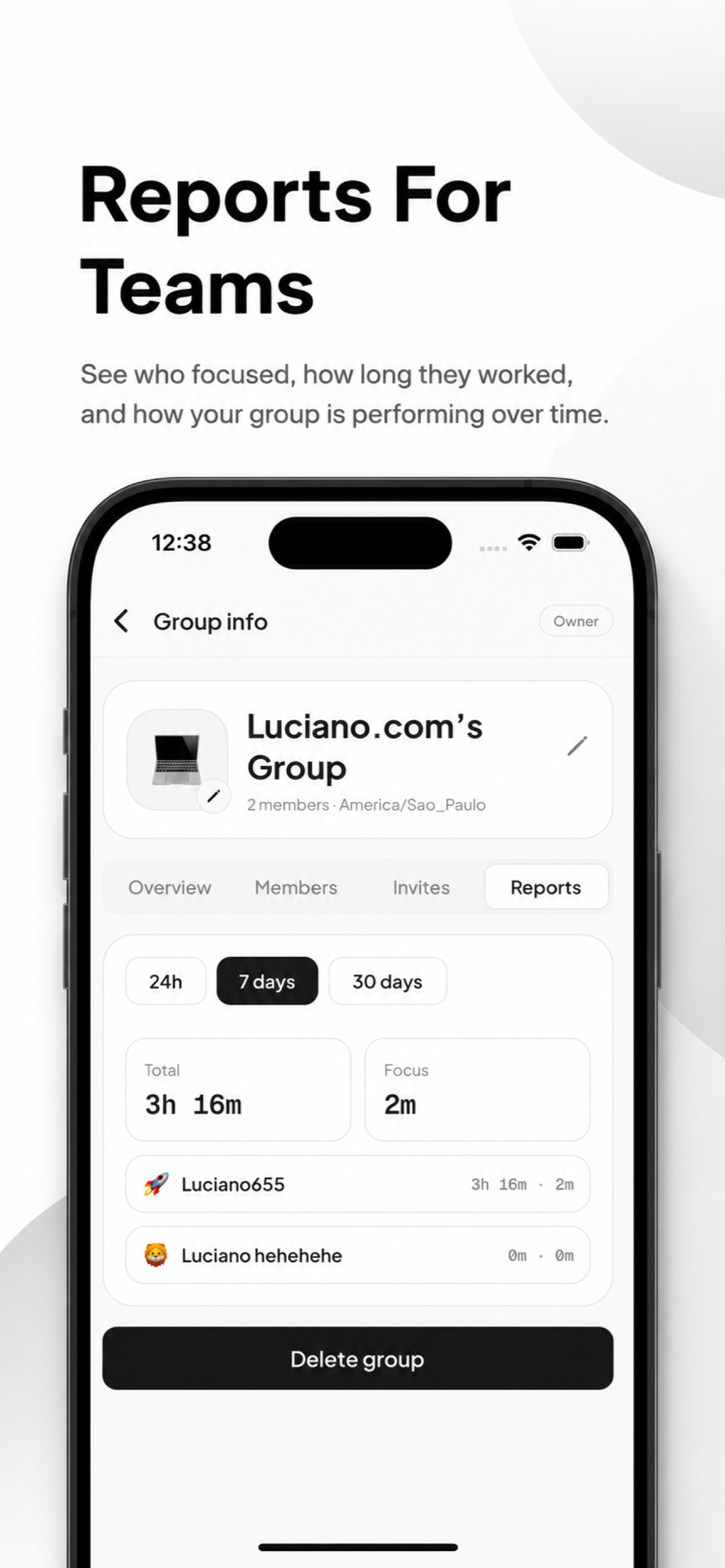
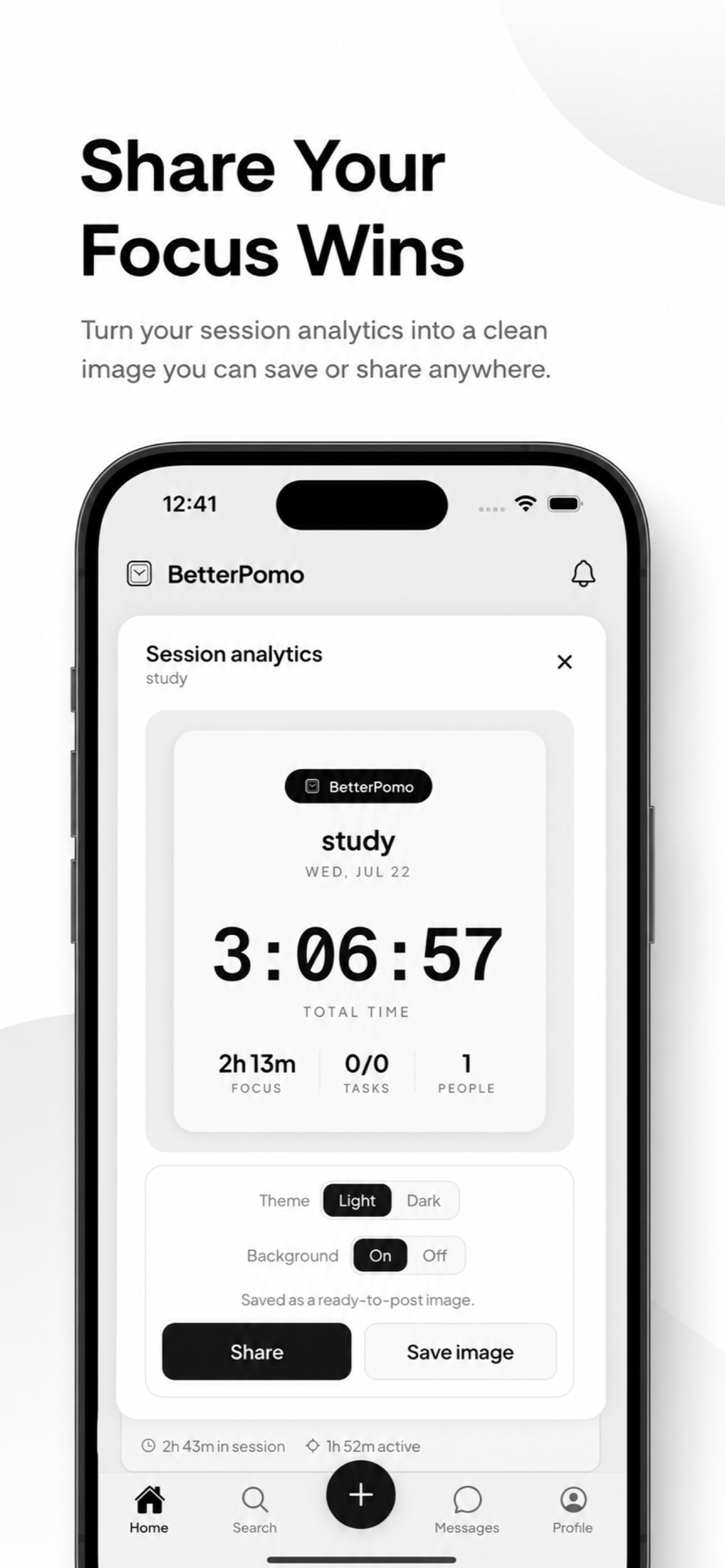
- View personal and group productivity analytics
- Track focus time, completed sessions, activity, and progress
- Share their productivity statistics
The platform is available on the web and is also being developed as a mobile app.
How we built it
BetterPomo was built as a full-stack application.
The web application uses Next.js and React. The mobile application is built with React Native and Expo. The backend uses Node.js and Express, while Supabase handles authentication, database storage, and other backend services.
Real-time features are used to synchronize timers, messages, participants, and session updates between users. The timer system was designed so that it does not depend only on the screen remaining open. Instead, it calculates the correct timer state using timestamps, allowing sessions to continue even when users leave the app.
The interface follows a minimal black, white, and gray design. The goal was to keep the product visually clean while still offering more functionality than a traditional Pomodoro timer.
Challenges we ran into
One of the biggest challenges was synchronizing the timer correctly between multiple users. Everyone in a shared session needs to see the same remaining time, status, and session phase, even if someone joins late, refreshes the page, loses connection, or leaves the app.
Another challenge was making the timer continue reliably in the background. Mobile devices and browsers can pause or limit background processes, so the timer could not depend on continuously running code. Using timestamps and restoring the current state when the app becomes active helped solve this problem.
Building real-time chat, participant updates, groups, analytics, permissions, and session invitations also introduced many edge cases. For example, the application needs to handle users joining or leaving, administrators changing group settings, duplicated events, interrupted connections, and updates arriving in an unexpected order.
Maintaining both web and mobile versions was another challenge because some features behave differently across browsers, Android, and iOS.
Accomplishments that we're proud of
I am proud that BetterPomo grew from a small tool for two people into a complete productivity platform that other students and teams can use.
Some of the accomplishments I am most proud of include:
- Building synchronized Pomodoro and stopwatch sessions
- Making timers continue after users leave the app
- Creating real-time chat and session notifications
- Developing personal and group analytics
- Adding groups, administrators, reports, and member activity
- Building both web and mobile versions
- Keeping the product completely free
- Releasing the project publicly and receiving feedback from real users
I am also proud that BetterPomo combines many productivity features in one place without losing its simple and minimal interface.
What we learned
Building BetterPomo taught me that even a simple feature like a timer becomes much more complex when it needs to work across multiple devices and users.
I learned more about real-time systems, authentication, database design, background behavior, mobile development, analytics, error handling, and synchronization. I also learned how important it is to design around unexpected situations, such as poor internet connections, duplicated requests, users closing the app, or multiple people updating the same data.
The project also taught me the importance of releasing early and listening to users. Several features and improvements were created after seeing how people actually used the platform.
What's next for BetterPomo
The next step is to continue improving reliability, performance, and the overall user experience.
Planned improvements include:
- Publishing and improving the mobile application
- Adding home-screen widgets
- Expanding group reports and analytics
- Improving notifications and session reminders
- Adding more customization options
- Improving onboarding for new users
- Growing the BetterPomo community
- Continuing to build features based on user feedback
The long-term goal is to make BetterPomo a complete place where individuals, friends, study groups, and teams can focus together and understand their progress.
Built With
- nextjs
- node.js

Log in or sign up for Devpost to join the conversation.