-
-
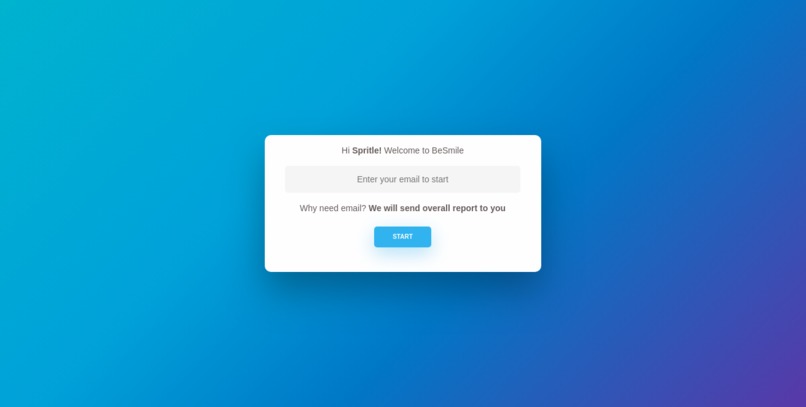
BeSmile - Welcome Page
-
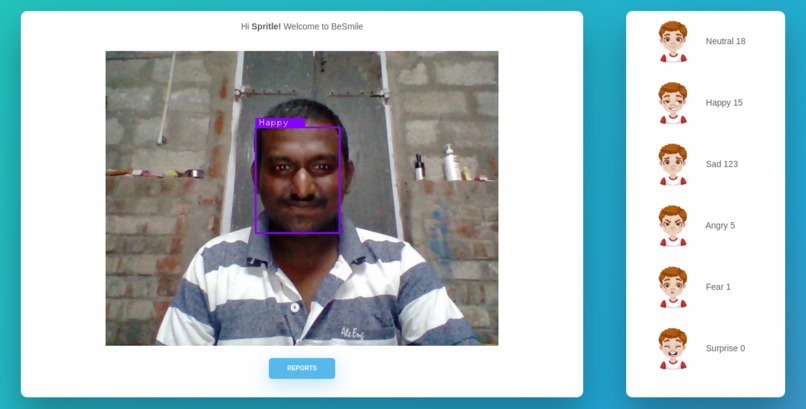
BeSmile - Home Page
-
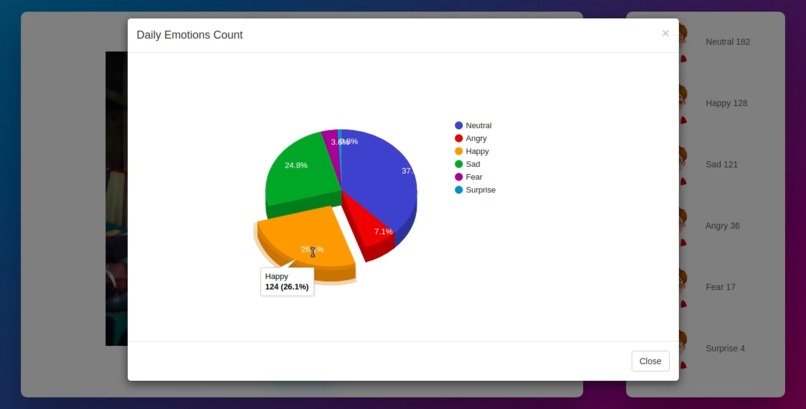
BeSmile - Report Page
What is PyEmotion?
PyEmotion is the python package for Facial Emotion Recognition and its build on top of PyTorch. And it will be supported various application development like, Web/Desktop and Mobile. Using PyEmotion package, We can detect the person's facial emotions like,
- Neutral
- Angry
- Fear
- Happy
- Sad
- Surprise
How PyEmotion working?
Using PyTorch, I have trained a custom model for detect the person's Facial Emotion. This package will provide a pretrained model's functions which is helping to detect the person's emotion.
I have added my custom trained model to this python package. So, It will take care of the Emotional Recognition for Web, Desktop and mobile apps.
What is BeSmile?
BeSmile is a web app, It mainly builds with PyEmotion. Using AI programs to detect the Person's mood while doing their work.
Why we need to use Besmile? → Besmile not only detect the person's mood, It also helps to increase your happy face count during the stressful working hours. Yes, Besmile will send the funny joke during your work hours. Actually, It truly helps to increase your happy face count.
So, The BeSmile's overall idea is to improve the happy face count.
Besmile also can detect the children mood and give insights to online teacher. I mean, During the quarantine days most of the people using the video conferencing calls. So, we can track the particular person's emotions during the call and online class etc.
How BeSmile working?
Using python flask to I have created a simple web app and I have implemented the PyEmotion's functions. This application based on 3 main pages, lets discuss the pages individually.
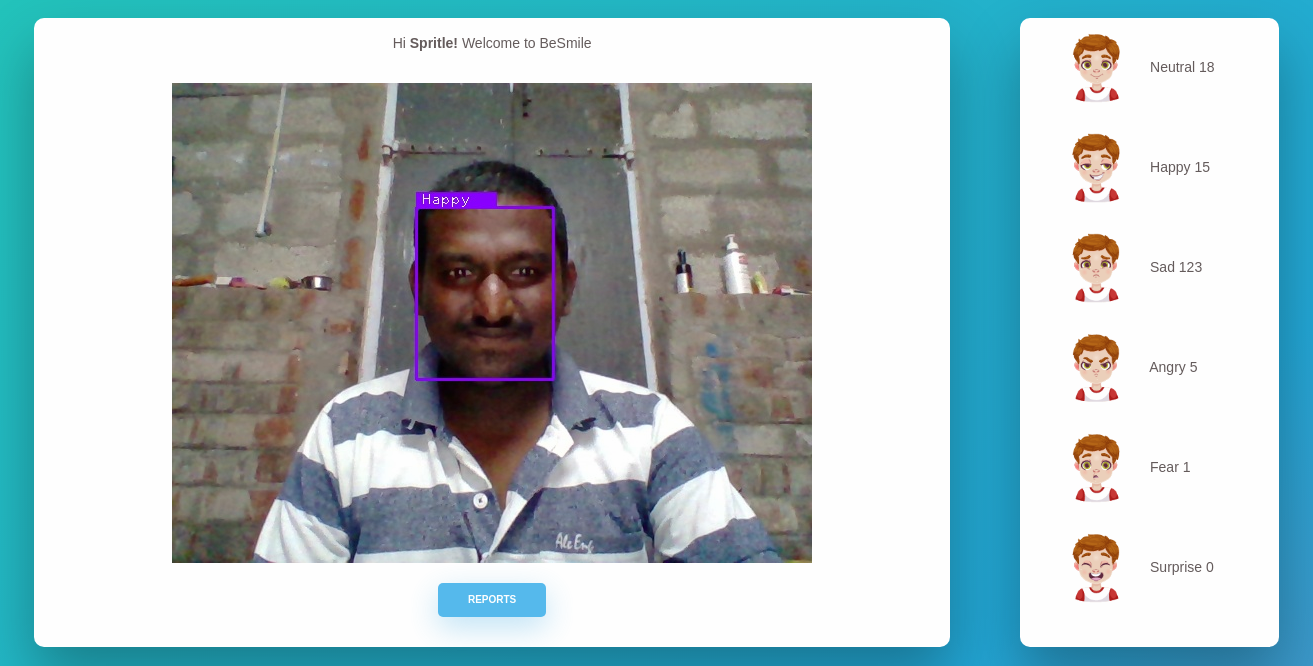
- Welcome Page - This is the start point of the application, Just enter the email to go the next page. Enter email option available at very first time only.
- Home Page - Here you can see the webcam view and your emotions count. Also, below the cam view, Report button available.
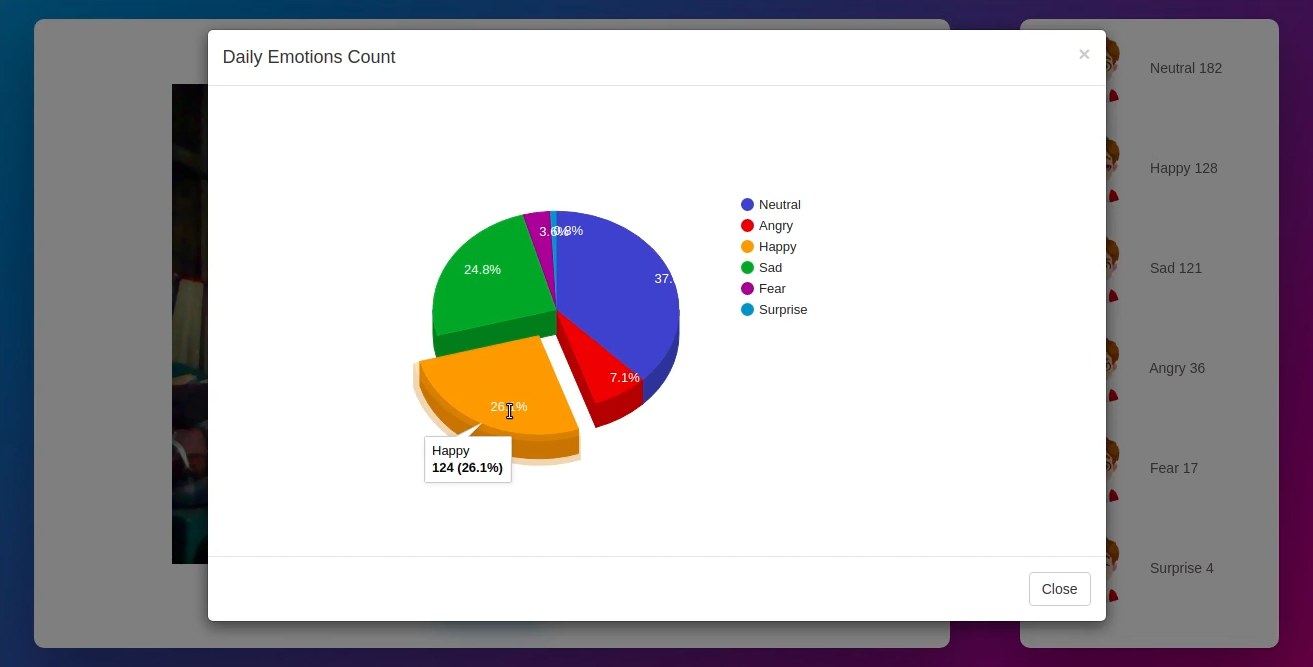
- Report Popup - Click the report button to you can view your emotions count.
In the report popup we can see the % of the emotion. Each and every 10 minutes the application will show the funny joke. We can also set the joke interval time, yes it like cool right.
How inspired to do this application?
I strongly believe the following sentence "Every Invention Has Personal Needs". So, that way the idea came from during the covid Quarantine days. Yes, working with Quarantine days are the worst part in my life. Each and every day I started with happy face, but end with angry face.
I need to reduce the angry face. So, this is the main reason to build this application
What are the advantages of my concept?
Capability: There is no restriction to use GPU not supported system, You can run this application on any type systems and also the various operating systems.
NO External API: We don't need to use any external API on this application.
Data Security: Each and every user's data will be safe. There is no chance of Data breach.
Offline: This application will be work on offline mode also :)
Deployment: Also, We don't need to deploy anything because, Initially I have created a python package called PyEmotion. So, It will take care of the model file availability and other things.
What are the disadvantages of my concept?
I would like to get it from your side and also I will convert as an advantage one :)
What I learned
Lot of things :
- How to use PyTorch with python
- Using PyTorch to train a custom model and detect person's facial emotions.
What is next?
- I will spend some time to develop this as a Desktop App and share my colleagues and friends to use it.
- It can detect the children mood and give insights to online teacher. I mean, During quarantine days most of the people using the video conferencing calls. So, we can track the particular person's emotions during the call or online class etc.
- Need to add an option like. Every user can post overall report to their social media's.
- Will add idle option.
- Restriction to detect multiple person's emotions.
What are the PyTorch tools used?
- torch
- torchvision
- facenet_pytorch
Built With
- python
- pytoch


Log in or sign up for Devpost to join the conversation.