-
-
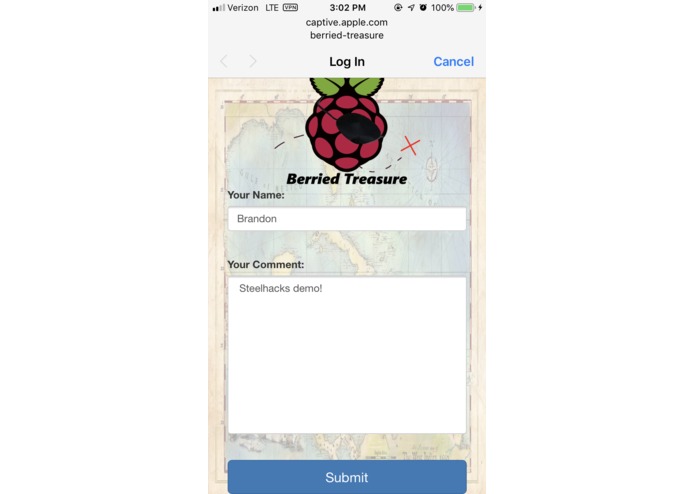
Captive Portal/Entry Page
-
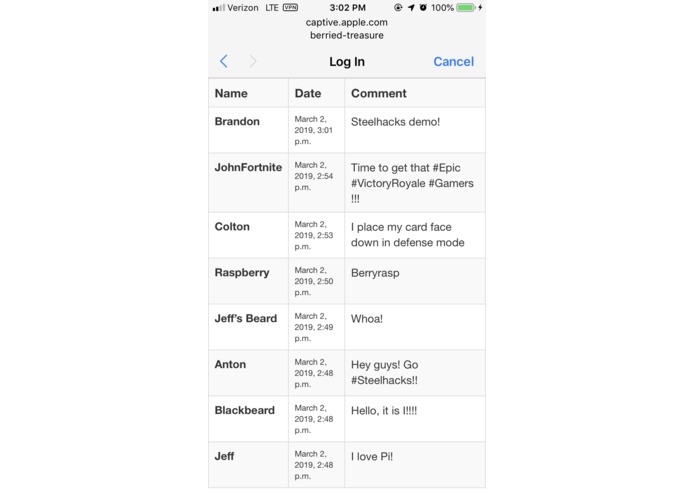
Previously Left Comments
-
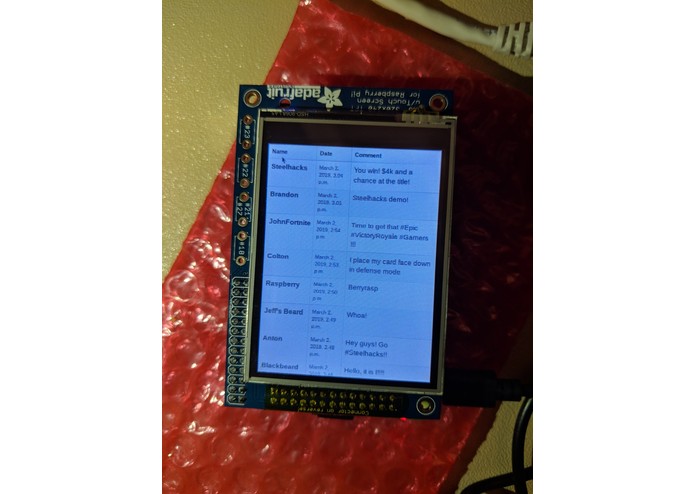
Comments on Pi's Screen
Inspiration
We wanted to work with IoT devices, and thought about where the Raspberry Pi could be a fun tool to rework something fun in the physical world. After some thought, we decided to make a geocaching-like system with the Raspberry Pi.
What it does
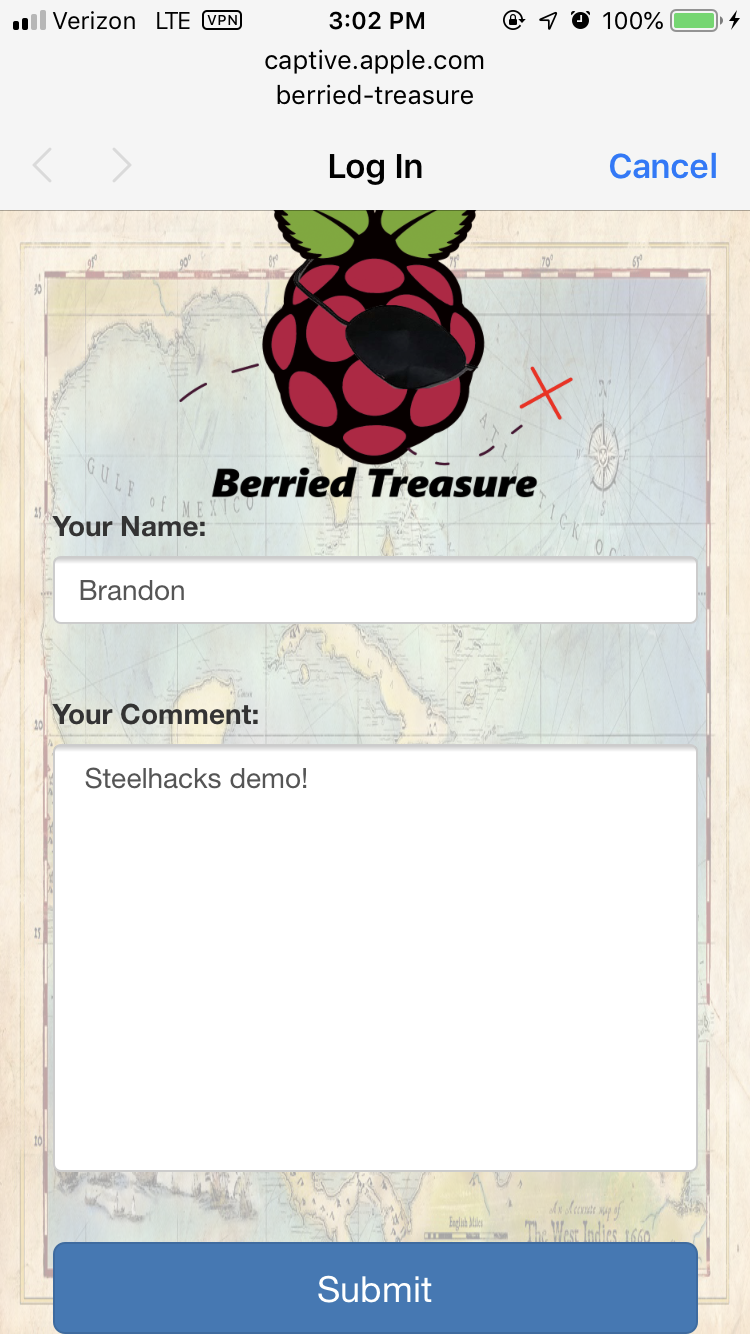
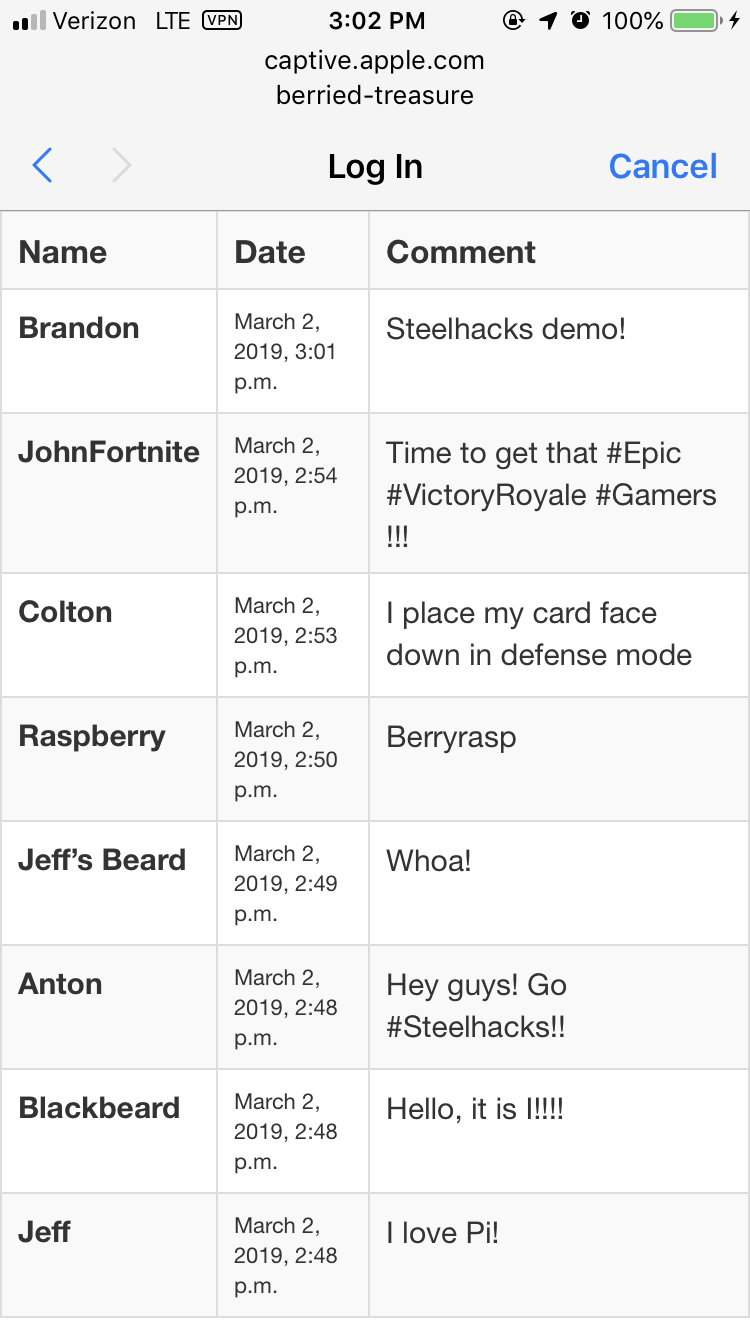
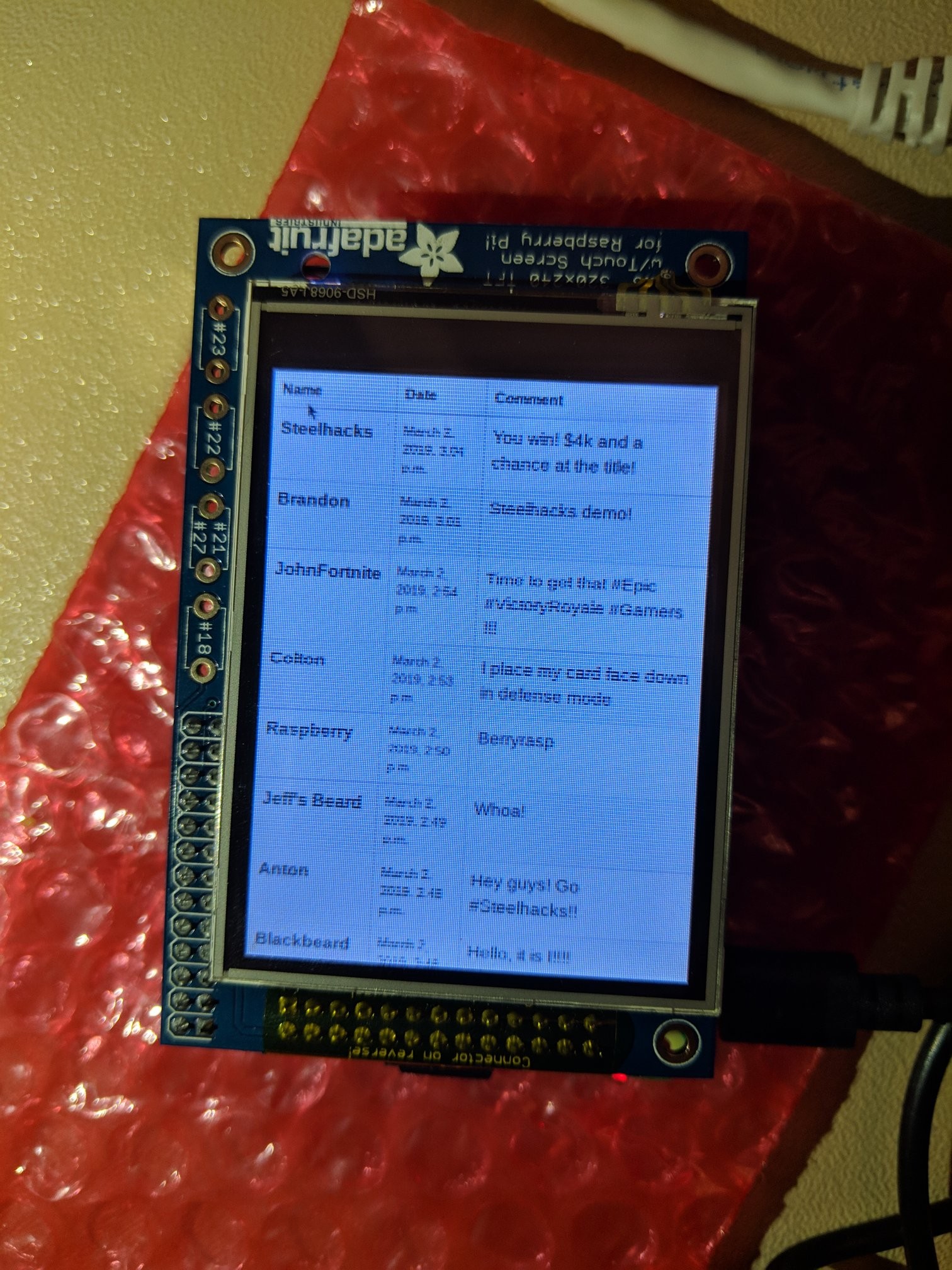
Berried Treasure allows people to connect to the Pi's hotspot and access a captive portal. This captive portal will allow user's to enter their name and a comment, which will display on a results page that lists all of the most recent comments. This allows people to see who else has previously connected to it, giving a living history similar to real life geocaches.
How we built it
We built Berried Treasure as a Django webserver hosted on the Raspberry Pi. The Pi had multiple changes made to settings in order to capture and redirect web-traffic to the captive portal. The Django server then handles user's accesses to redirect them to the correct page. We chose Django because none of us were familiar with the framework.
Challenges we ran into
Configuring Pi, using and learning Django for the first time, & capturing and redirecting DNS traffic to create captive portal.
Accomplishments that we're proud of
We finished all major goals to create a working demo.
What we learned
How to develop in an MVT Framework, configuration of basic IoT networking, setting up and using Raspberry Pi, how to create a web application using Django, implementing a Bootstrap CSS file.
What's next for Berried Treasure
Rebuild webserver to host it off of the Raspberry Pi, allowing multiple Pis to be hosted and registered to the server. This would allow the results of each Pi to be viewed from the cloud, while additional comments could only be added through local hotspot access. We would also like to add a login system allowing users to track previously accessed caches.


Log in or sign up for Devpost to join the conversation.