-
-
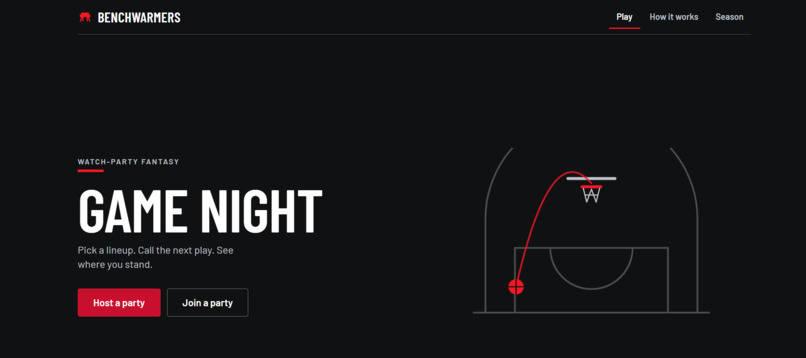
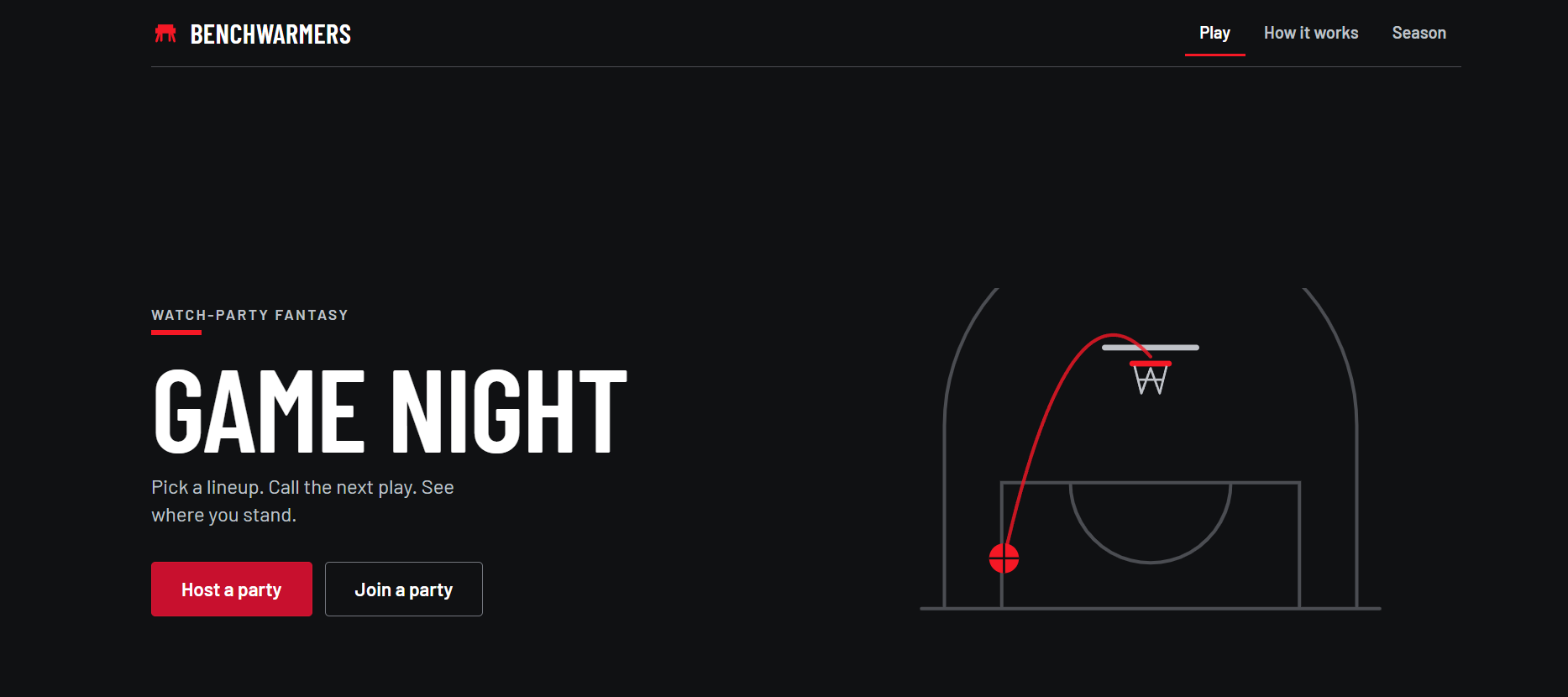
Home screen
-
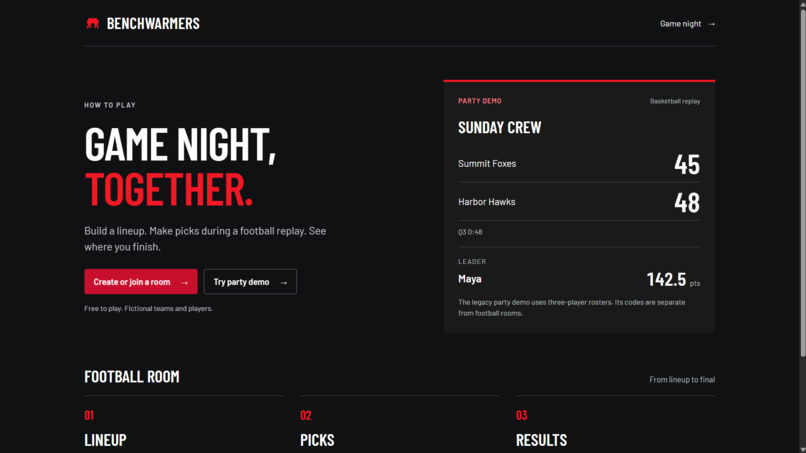
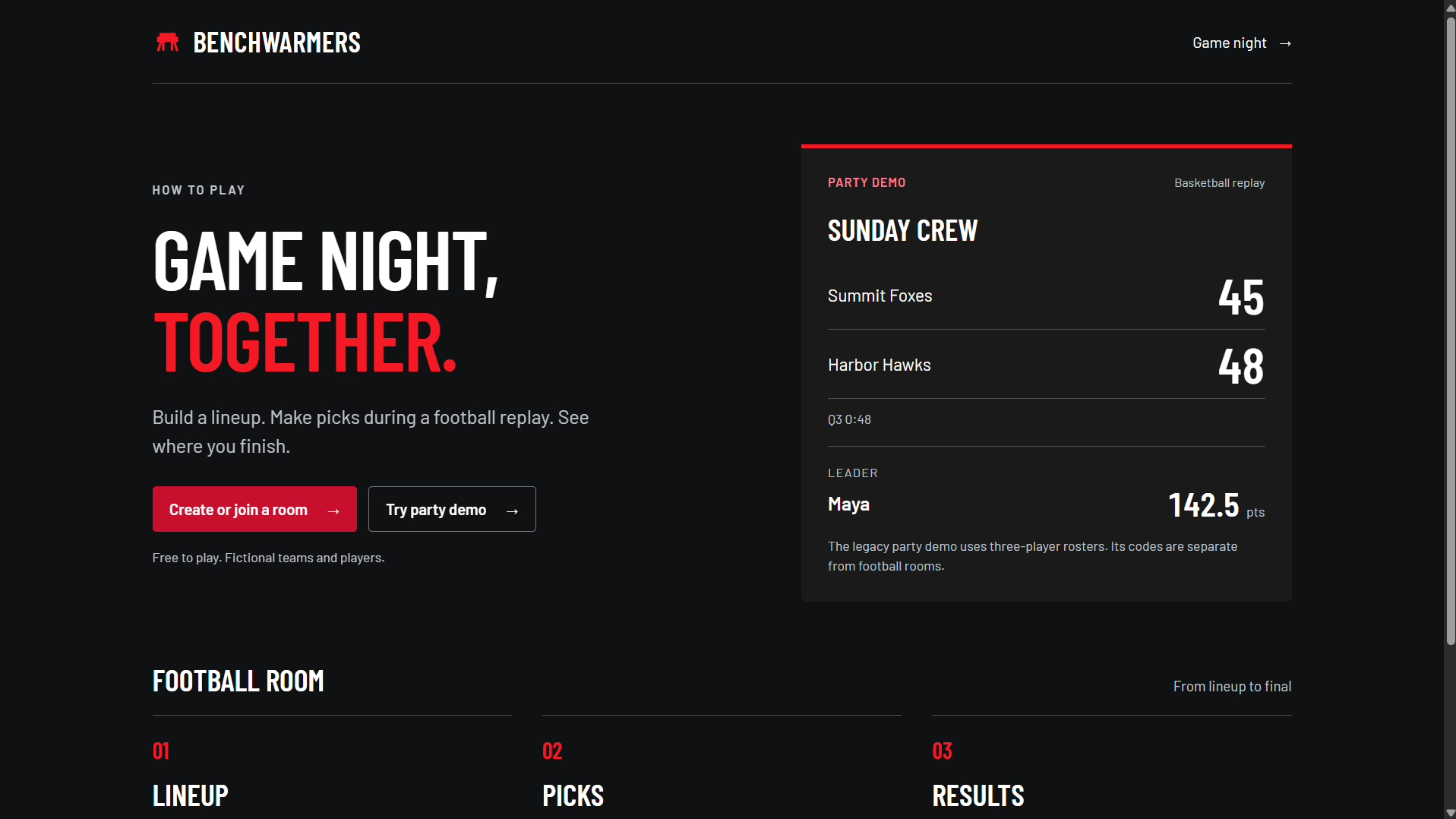
How it works
-
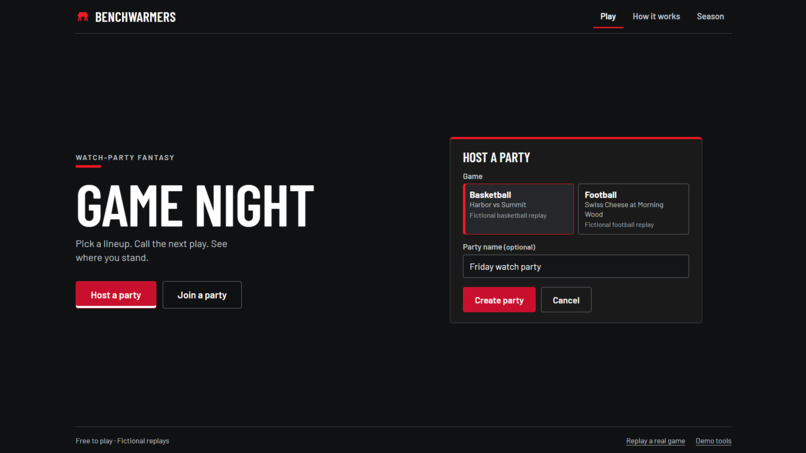
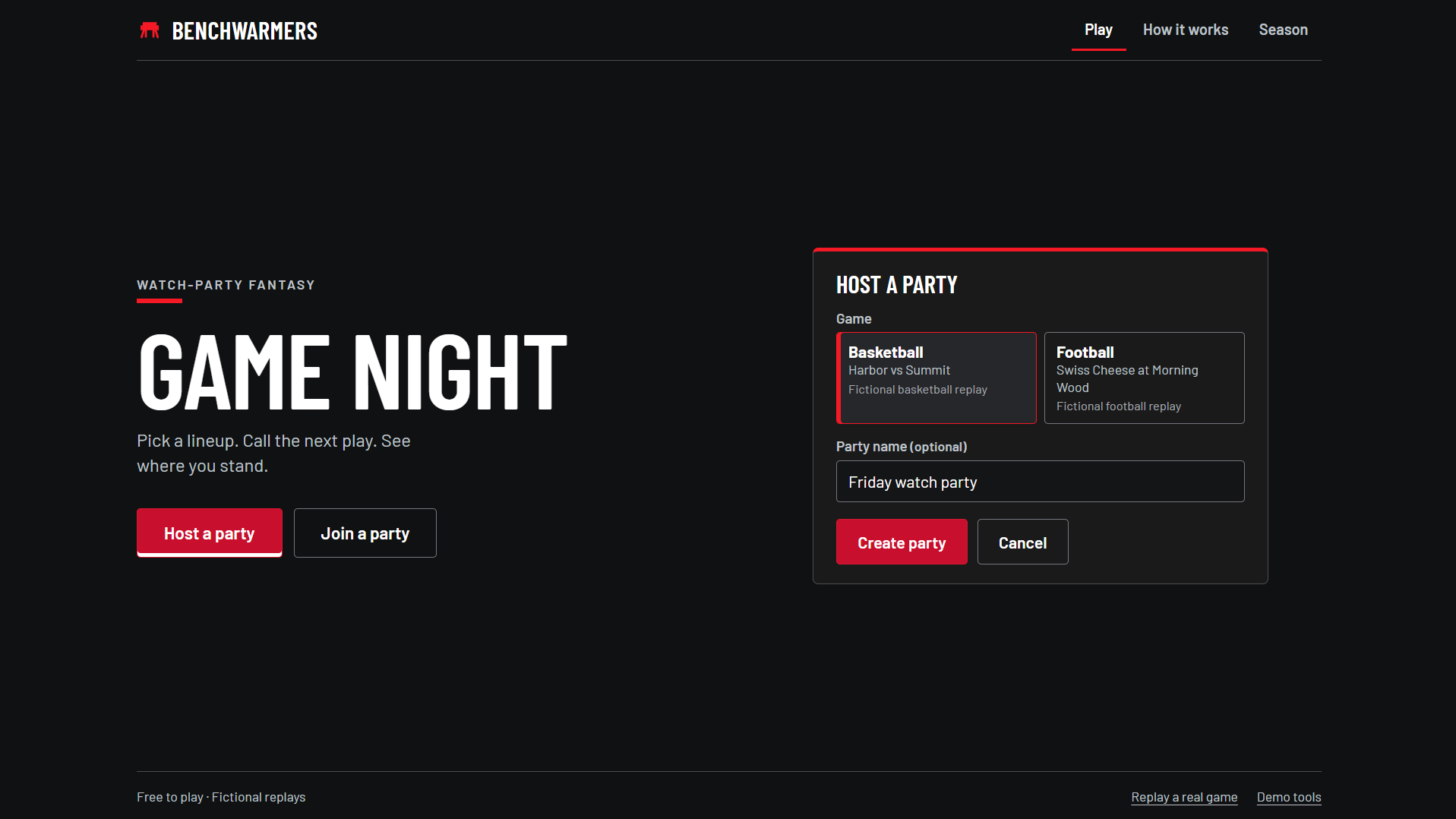
Choose to host or join a party
-
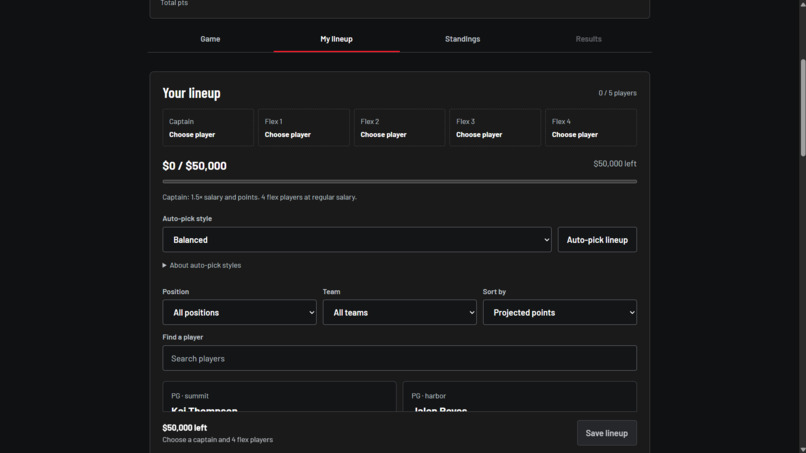
Your salary cap
-
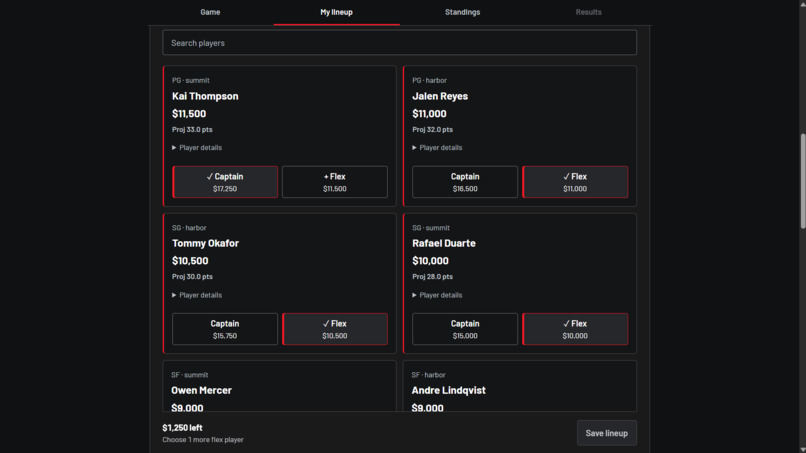
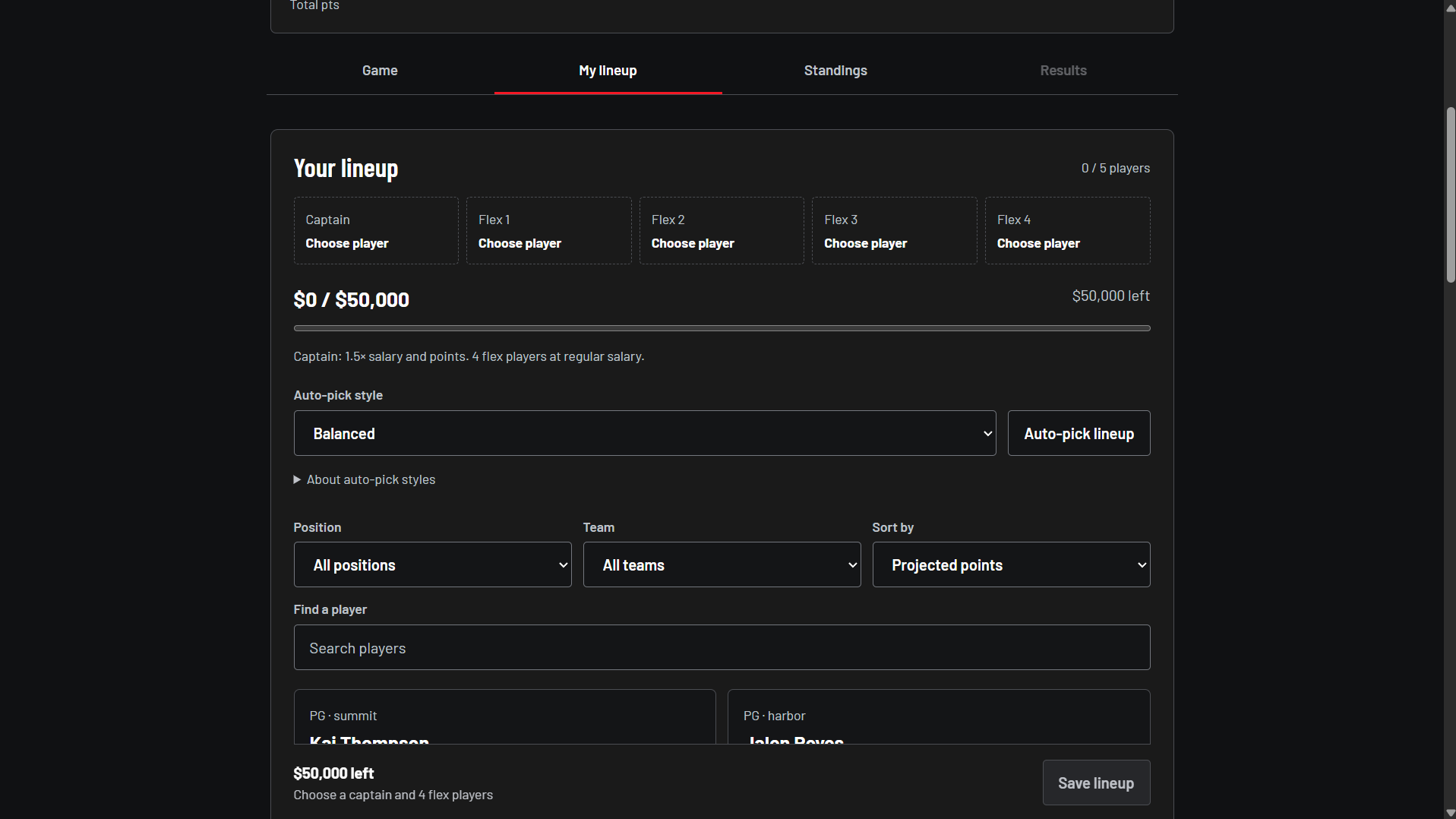
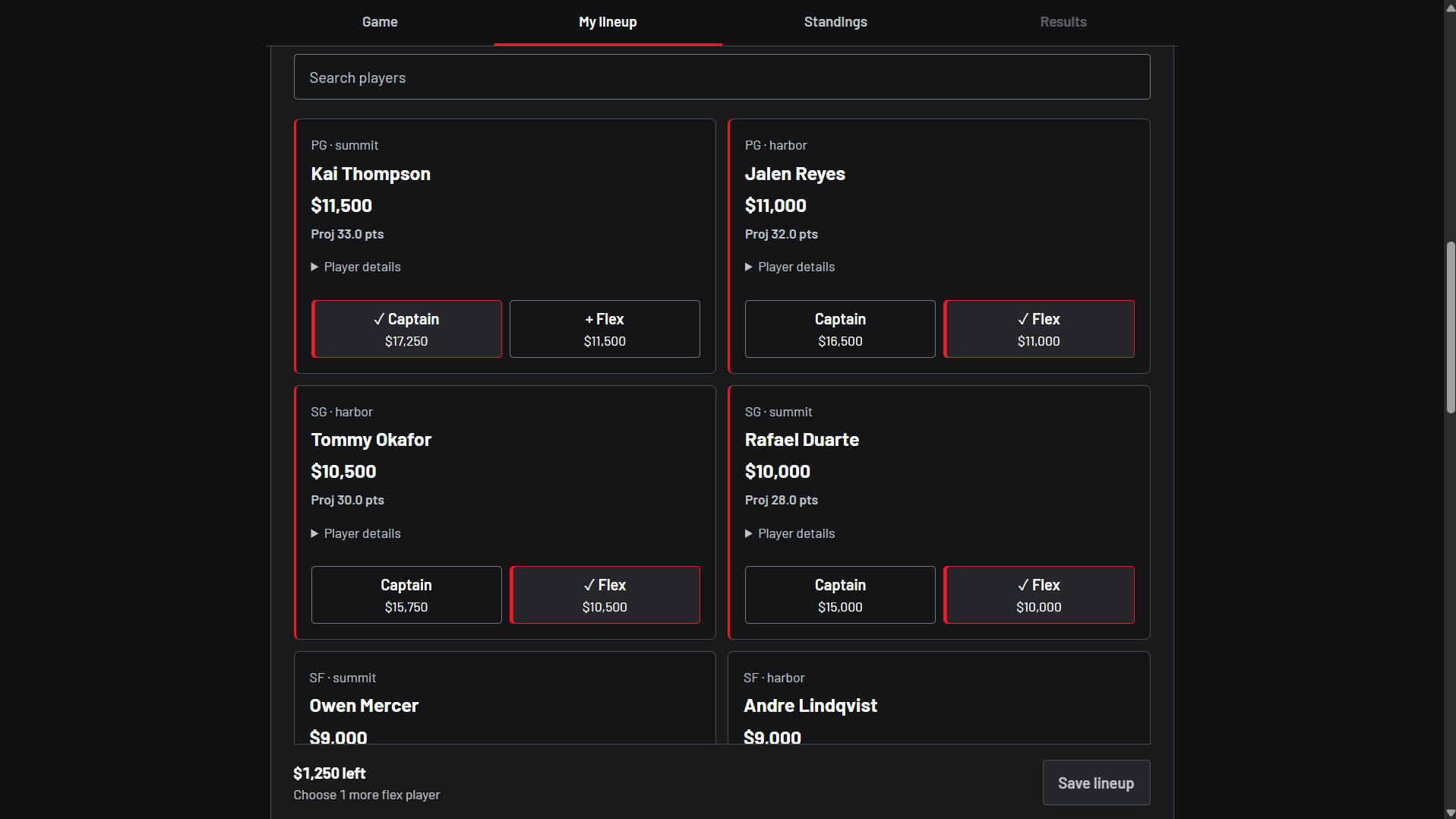
Pick your roster
-
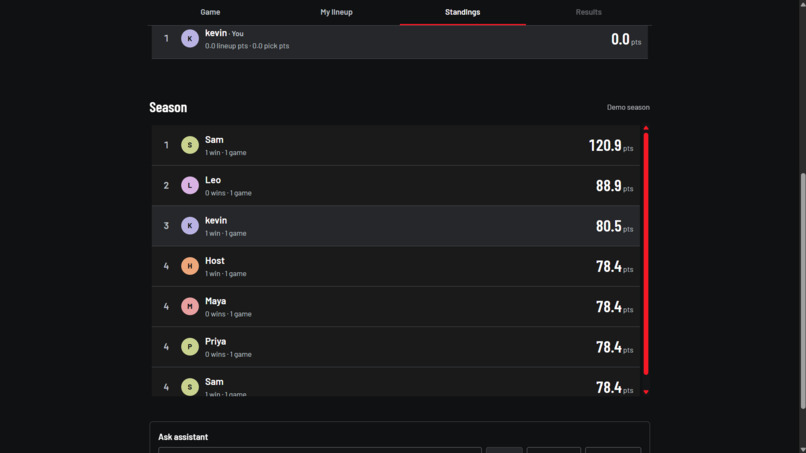
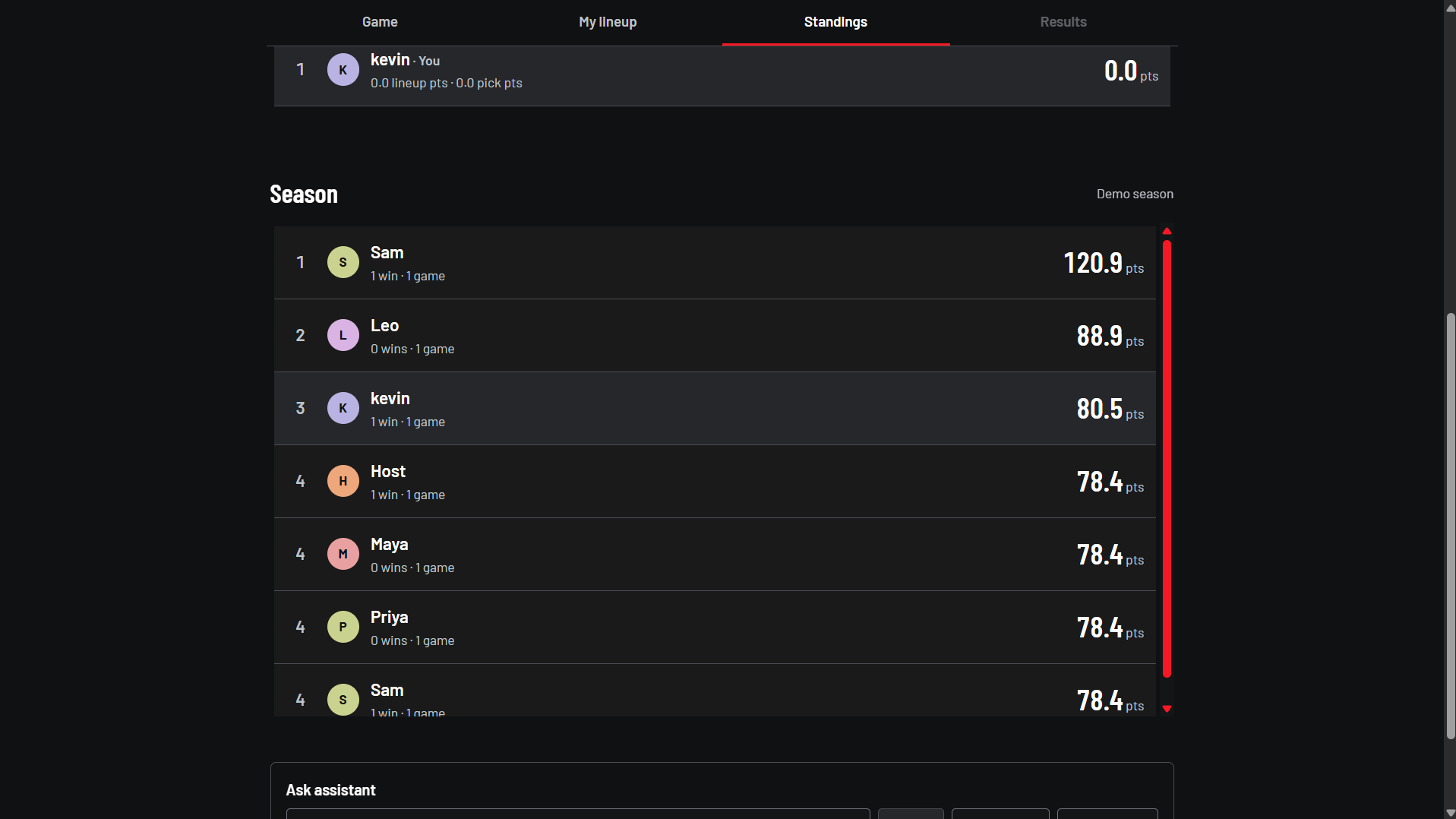
Season standings
-
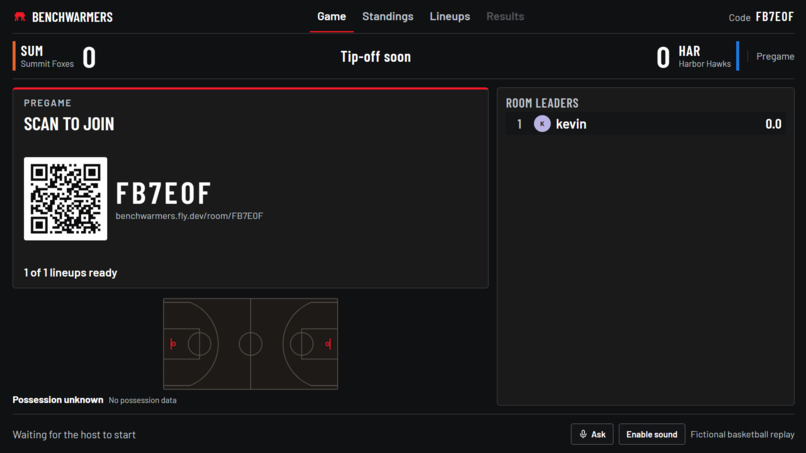
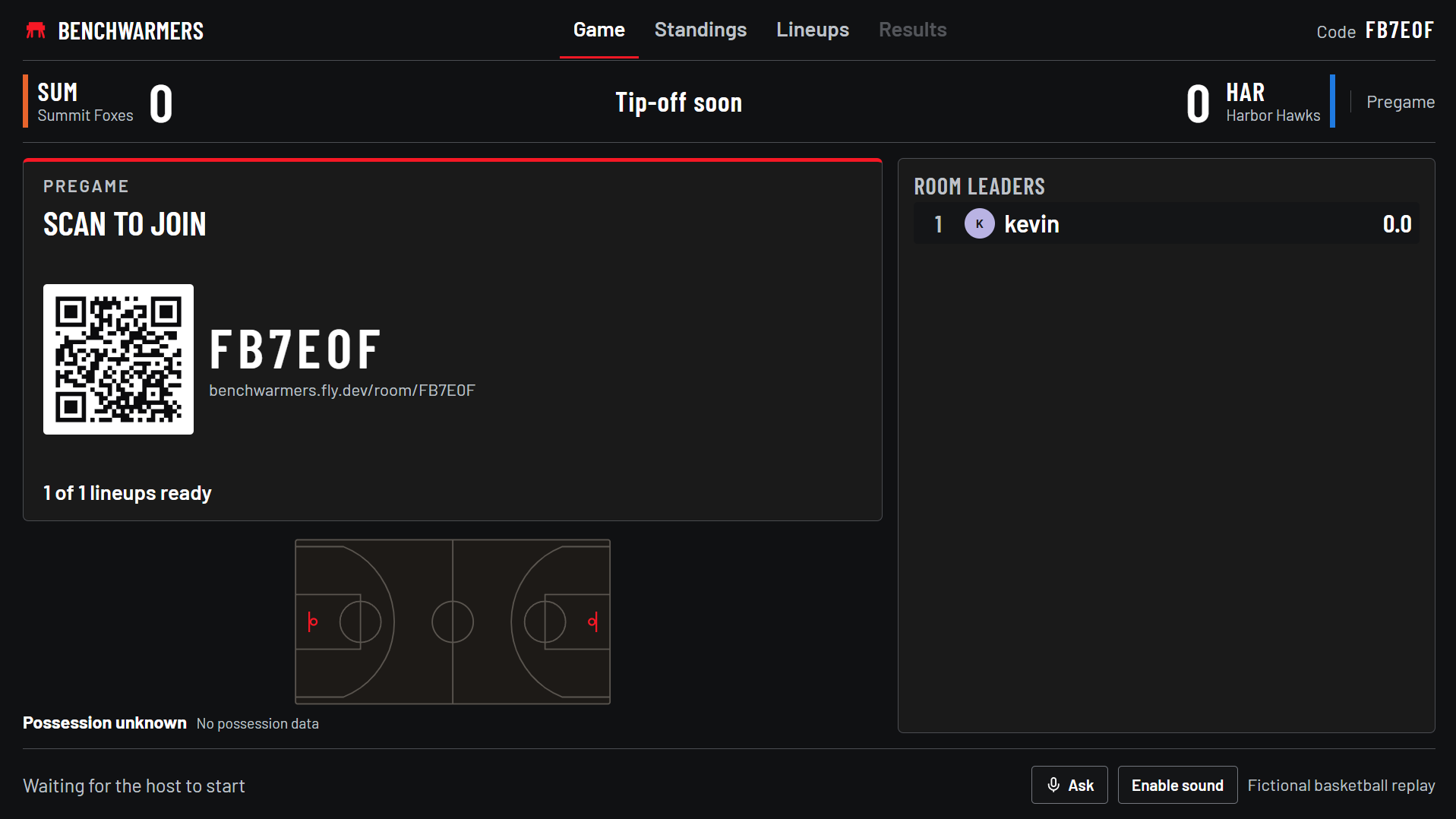
Room
-
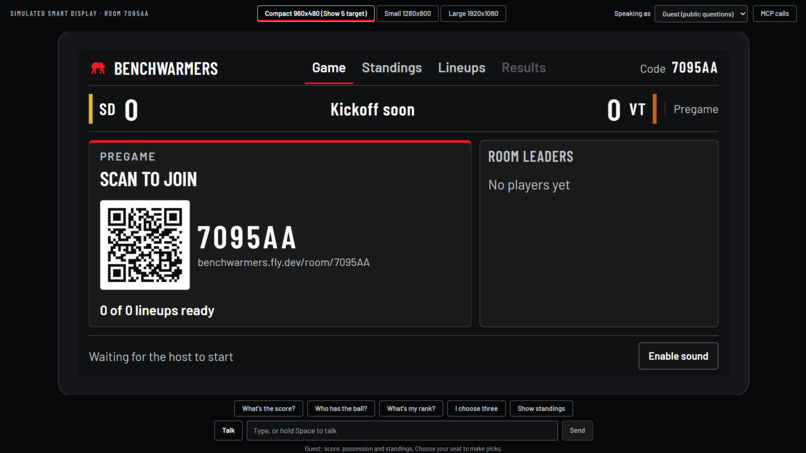
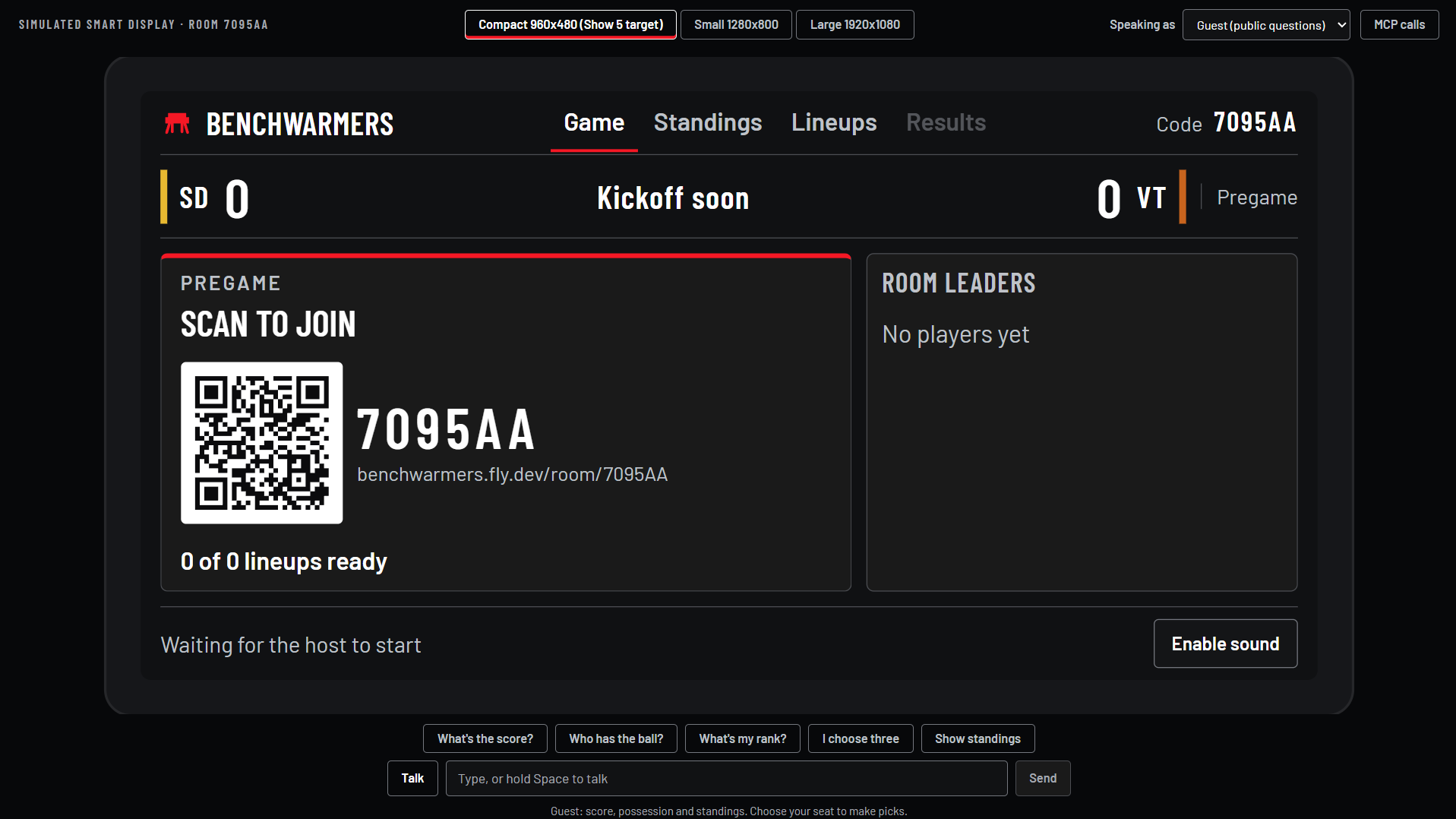
Display screen on Echo Show 5 (simulated)
-
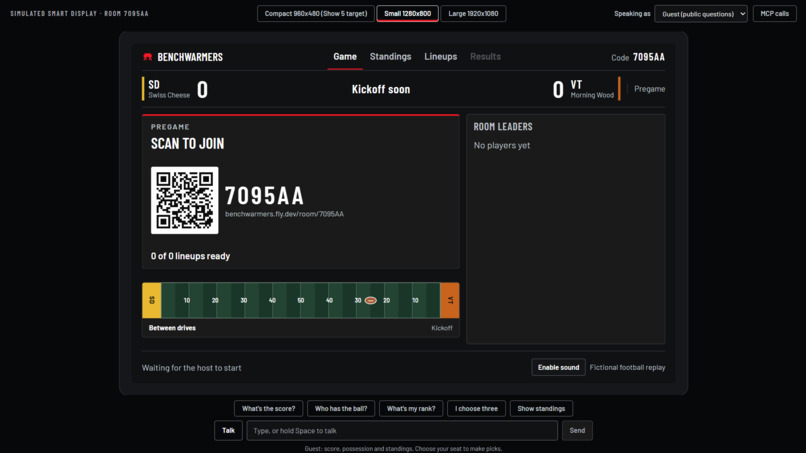
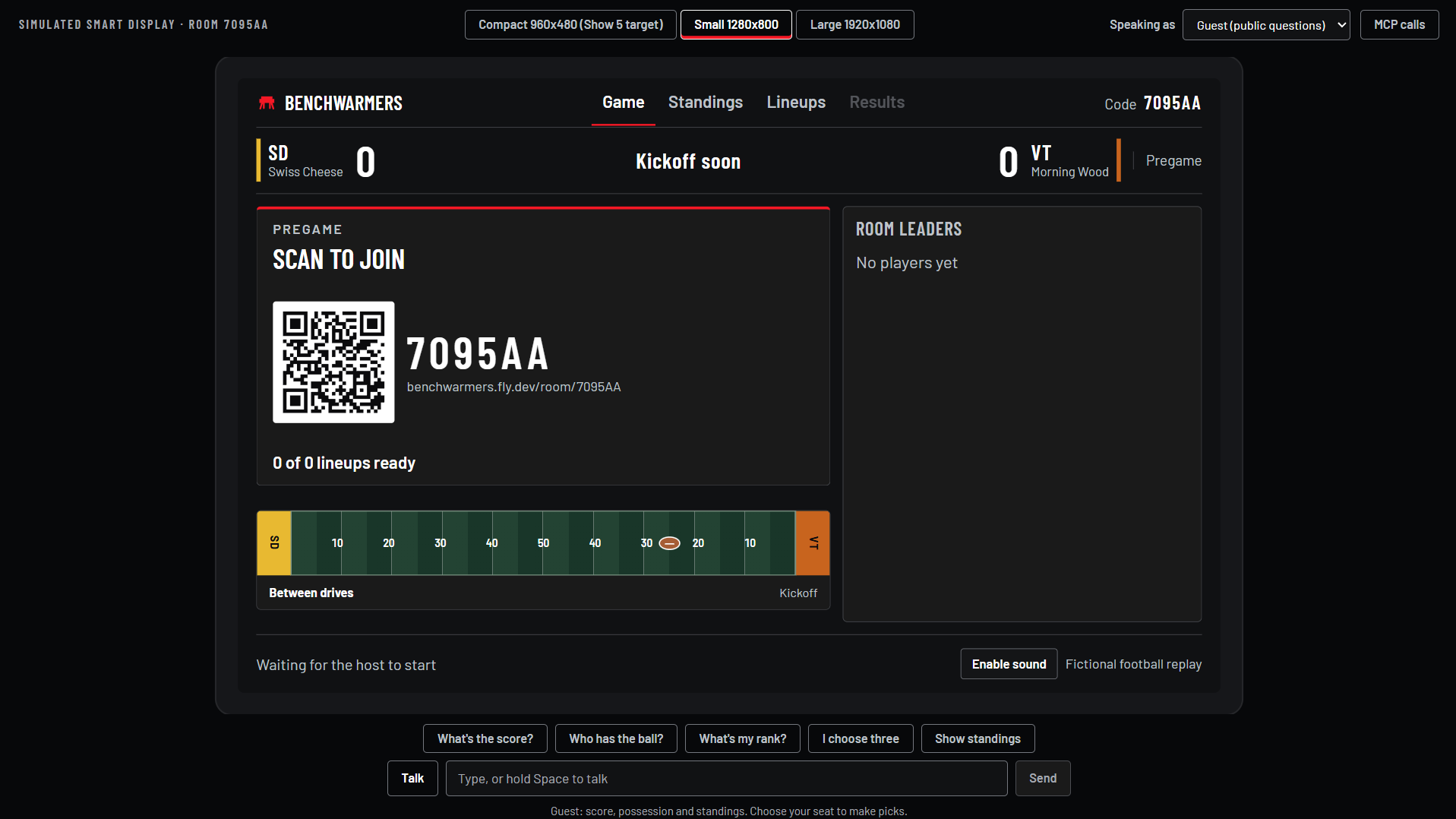
Small display screen, Echo Show 8 (simulated)
Inspiration
Sports are more fun when everyone has a reason to care about the next play. We wanted to bring that energy to friends watching together—or from different cities—without requiring everyone to manage a complicated fantasy league.
That became Benchwarmers: a shared game night where friends build a lineup, predict what happens next, and follow the standings together. We wanted participation to feel conversational: ask a question, make a call, and get back to watching.
What it does
A host creates a basketball or football room, and friends join using its room code. Each player chooses one captain and four flex athletes within a salary cap, then answers timed predictions as the game unfolds.
A shared display shows the game, scores, and standings. Saved season results connect each game night to the next.
The simulated Alexa+ smart display is central to the experience. Players can ask questions such as “What’s the score?” using typed input or supported browser speech controls. The MCP calls panel shows the actual tool interaction behind the response.
The standard demo uses fictional scripted games and requires no account, API key, or Echo device.
How we built it
We built Benchwarmers with TypeScript, Node.js, Express, React, and Vite.
The server controls the game clock, prediction deadlines, accepted actions, and scoring, giving every phone and display the same authoritative state.
The MCP TypeScript SDK exposes game actions as tools, while MCP Apps provides interactive widgets. The simulated display makes real MCP Streamable HTTP calls, connecting assistant requests directly to game functionality.
Google Gemini supports optional content generation and assistant function calling. Committed content and an offline router keep the core demo usable without model credentials. The game engine determines outcomes; models help communicate them.
JSON provides default persistence, with an optional SQLite profile for transactional storage. We also implemented browser speech controls and experimental on-device speaker identification using Transformers.js, WavLM, and ONNX Runtime.
Challenges we ran into
Authenticated MCP example hosts required configuration changes before they could render our widget. Windows HTTP interception also caused transport errors and intermittent stalls that initially looked like application bugs.
Browser voice processing introduced large downloads, calibration questions, and cross-origin isolation requirements. Those isolation headers conflicted with embedded video, requiring different policies for different routes.
Visual testing exposed another challenge: a scoring animation could obscure the winner card during the final transition, even when behavior tests passed. That remains a presentation issue to polish.
Accomplishments that we're proud of
We connected multiplayer room play, shared displays, persistent standings, and an inspectable MCP-backed assistant into one experience.
The credential-free demo makes the project accessible to judges and teammates. The visible MCP trace also lets people understand how an assistant request becomes a game action.
Our latest validation recorded 1,604 passing automated tests, with one server test skipped, plus successful type checks, builds, and service smoke checks.
What we learned
A conversational interface needs clear answers to three questions: Who is acting? What happened? Was the action accepted? Speaker selection, visible tool traces, and server-confirmed results became important parts of our design.
We learned that offline fallback improves reliability, but diagnostics must still distinguish fallback behavior from successful live model execution.
We also learned to combine unit tests, real HTTP/MCP checks, browser flows, persistence tests, and visual review. Each catches problems the others can miss.
What's next for Benchwarmers
We want to polish final-result transitions, make onboarding simpler, and test speech and speaker identification with real people in noisy living rooms.
We also want to validate the experience inside an actual Alexa+ host. Our current simulated smart display provides a working foundation for that next step.
Built With
- css
- express.js
- fly.io
- gemini
- github
- html
- javascript
- node.js
- onnx
- playwright
- react
- sqlite
- transformers.js
- typescript
- vite
- vitest
- wavlm


Log in or sign up for Devpost to join the conversation.