-
Benchly
Benchly — Your Hands-Free Lab Companion
What Inspired Us
The idea came from a real moment of frustration.
Last summer, one of our teammates was a research intern at Baylor's cancer biology lab. Every single day, she'd be mid-experiment — gloves on, hands contaminated, completely focused — and she'd have to stop everything just to check a protocol sheet, set a timer on her phone, or write down a sample ID on a sticky note. One wrong move and the sample was compromised. One missed step and the experiment had to restart.
She wasn't alone. Anyone who has ever worked in a research lab knows that feeling — protocols to follow, samples to track, timers to manage, and notes to take, all at the same time, all while your hands are occupied. It doesn't matter if you're a summer intern or a seasoned postdoc. The bench demands your full attention, and the paperwork never stops.
We built Benchly because that problem has a solution. It just hadn't been built yet.
What We Built
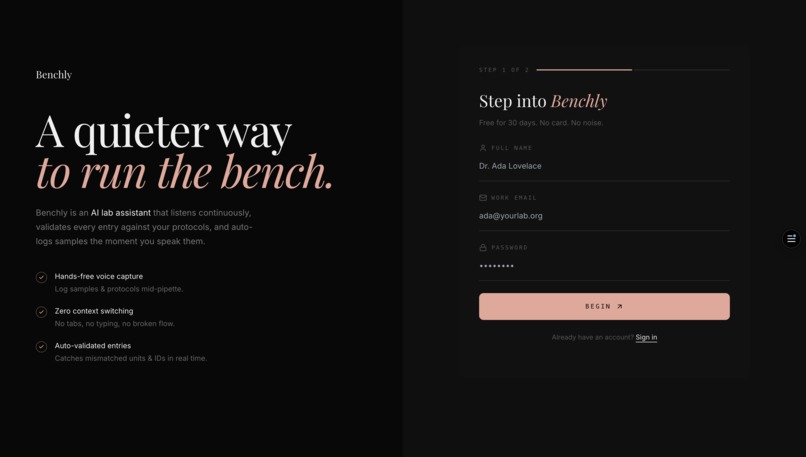
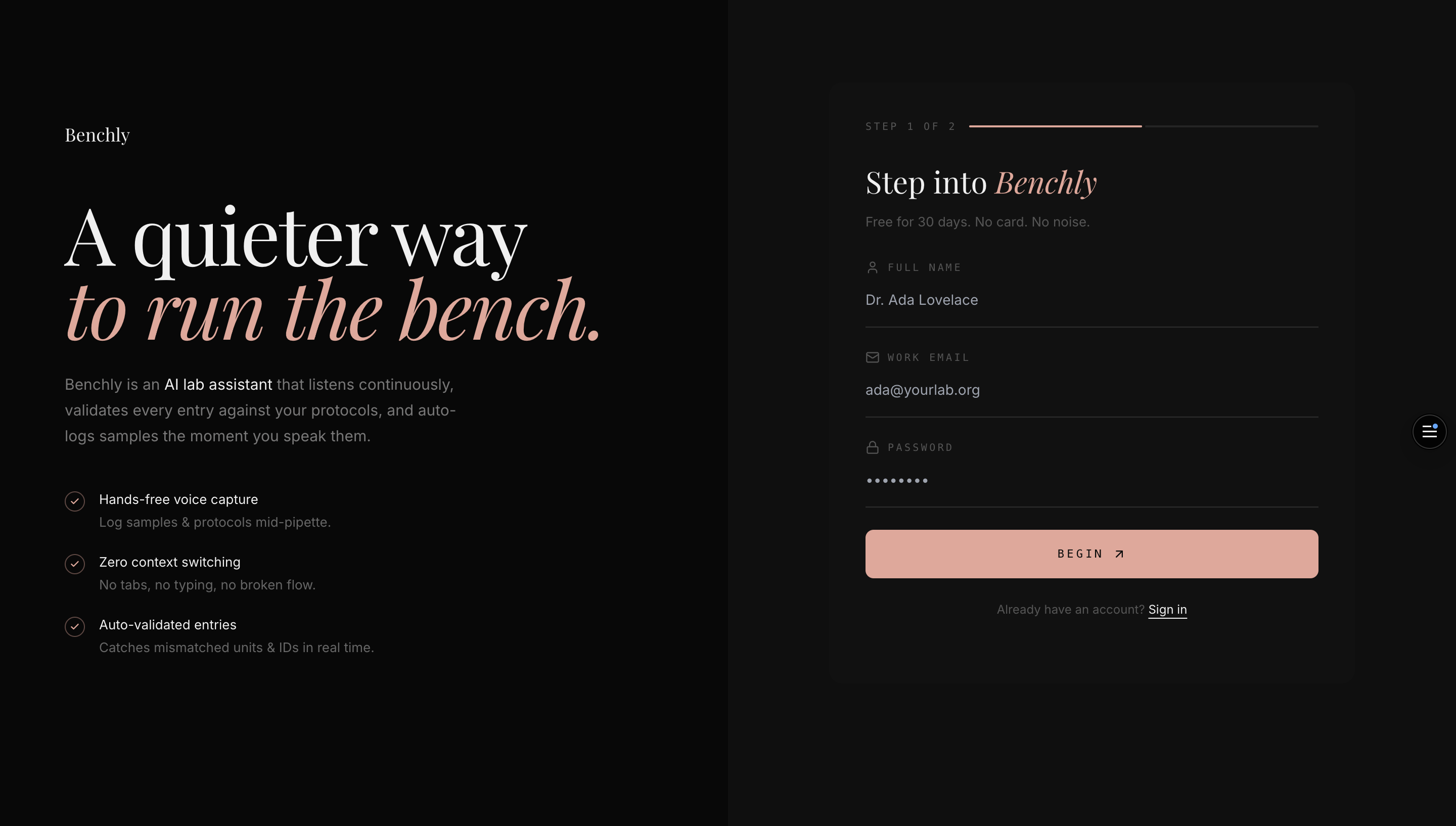
Benchly is a full-stack laboratory workflow platform that lets researchers run their entire lab session without ever touching their phone or computer. It combines:
- Step-by-step protocol guidance — real scientific protocols (PCR, Gel Electrophoresis) broken into clear, readable steps with warnings, timers, and context
- A hands-free AI companion — powered by OpenAI's Realtime API, Benchly listens continuously and responds in under 300ms. Say "hey Benchly, log tube B3 in the minus 20 freezer" and it's done. Say "take me to my weekly summary" and you're there.
- Automatic experiment logging — every step completed, every sample stored, every voice interaction saved to a structured database. Nothing gets lost.
- Weekly lab reports — at the end of each week, Claude synthesizes everything that happened — protocols run, samples logged, observations made — into a structured report ready for lab meeting
- A team system — PIs and postdocs can view their team's progress in real time, assign tasks, and monitor experiments without sending a single email
How We Built It
We built Benchly in under 24 hours with a two-person team.
Frontend: Next.js 14 with TypeScript and Tailwind CSS. Framer Motion for animations. The UI was designed to feel like a premium scientific tool — dark, minimal, and focused.
Voice: OpenAI Realtime API over WebRTC. This replaced our initial implementation which used Web Speech API + separate transcription + ElevenLabs TTS — three sequential API calls that added 1-2 seconds of latency. The Realtime API collapses all of that into a single WebSocket connection with sub-300ms response time, built-in voice activity detection, and native interruption handling.
AI: Claude (Anthropic) powers the text chat, protocol guidance context, and weekly report generation. Gemini powers a secondary chat interface. The voice AI uses GPT-4o Realtime with a carefully engineered system prompt that gives it full context about the current page, active protocol, current step, and user profile.
Database: Supabase (PostgreSQL) with row-level security. Six core tables: profiles, protocols, steps, sessions, samples, and voice_logs. Every voice interaction is stored with timestamps and used to generate accurate weekly summaries.
Deployment: Vercel with automatic deploys on every GitHub push.
Challenges We Faced
The voice latency problem was the hardest thing we solved. Our first approach — speech recognition → Claude interpret → Claude respond → ElevenLabs speak — had 1.5 second minimum latency. It felt like talking to a robot. We switched to OpenAI's Realtime API which handles everything in one connection, but the WebRTC setup was significantly more complex. We spent hours debugging ephemeral token expiry, SDP exchange timing, and Safari-specific microphone permission issues.
Making the AI feel human took more iteration than we expected. A technically correct AI that says "I have executed the navigate function to redirect you to /dashboard" is useless. We rewrote the system prompt multiple times to get Benchly to say "Moving there now" instead. The difference between robotic and human comes down to very specific prompt engineering — response length limits, forbidden phrases, confirmation styles, and contextual awareness.
Scope discipline was a constant challenge. We wanted to build everything — shadow mode for interns, protocol PDF import, team notifications, a full calendar system. We had to make hard cuts repeatedly to keep the core experience working perfectly rather than having ten half-working features.
The contamination problem is real — we discovered early that even our "hands-free" solution required clicking a button to activate voice. We added a passive wake word listener ("hey Benchly") using the Web Speech API that runs continuously in the background, so the user truly never has to touch anything.
What We Learned
Building Benchly in under 24 hours taught us that the hardest part of building a voice-first application isn't the voice — it's making the AI smart enough to understand what people actually mean, not just what they literally say. "I'm done" means something different depending on whether you're on step 3 of a protocol or on the last step. "Take me back" could mean the previous page or the previous protocol step. Teaching an AI to understand context rather than keywords is an entirely different engineering problem than we anticipated.
We also learned that real users — real interns, real researchers — have a completely different relationship with technology than developers do. They don't want to learn commands. They want to work, and they want the tool to get out of the way.
That's what we tried to build.
Built With
- anthropic-claude-api
- framer-motion
- github
- google-gemini-api
- next.js
- openai-realtime-api
- openai-tts
- postgresql
- supabase
- tailwind-css
- typescript
- vercel
- web-speech-api

Log in or sign up for Devpost to join the conversation.