-
-
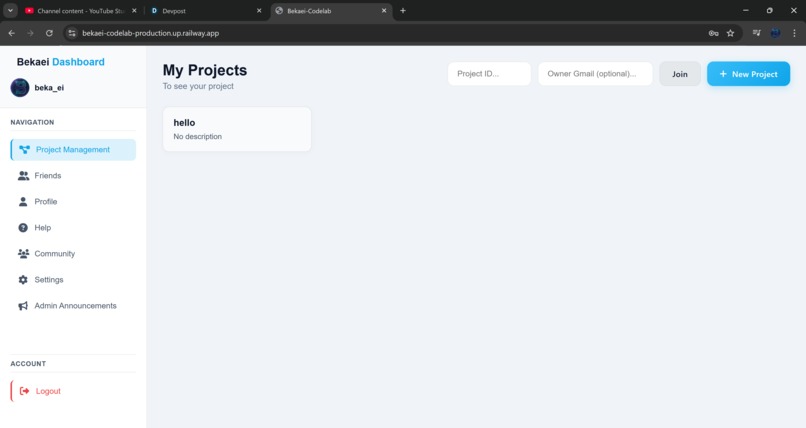
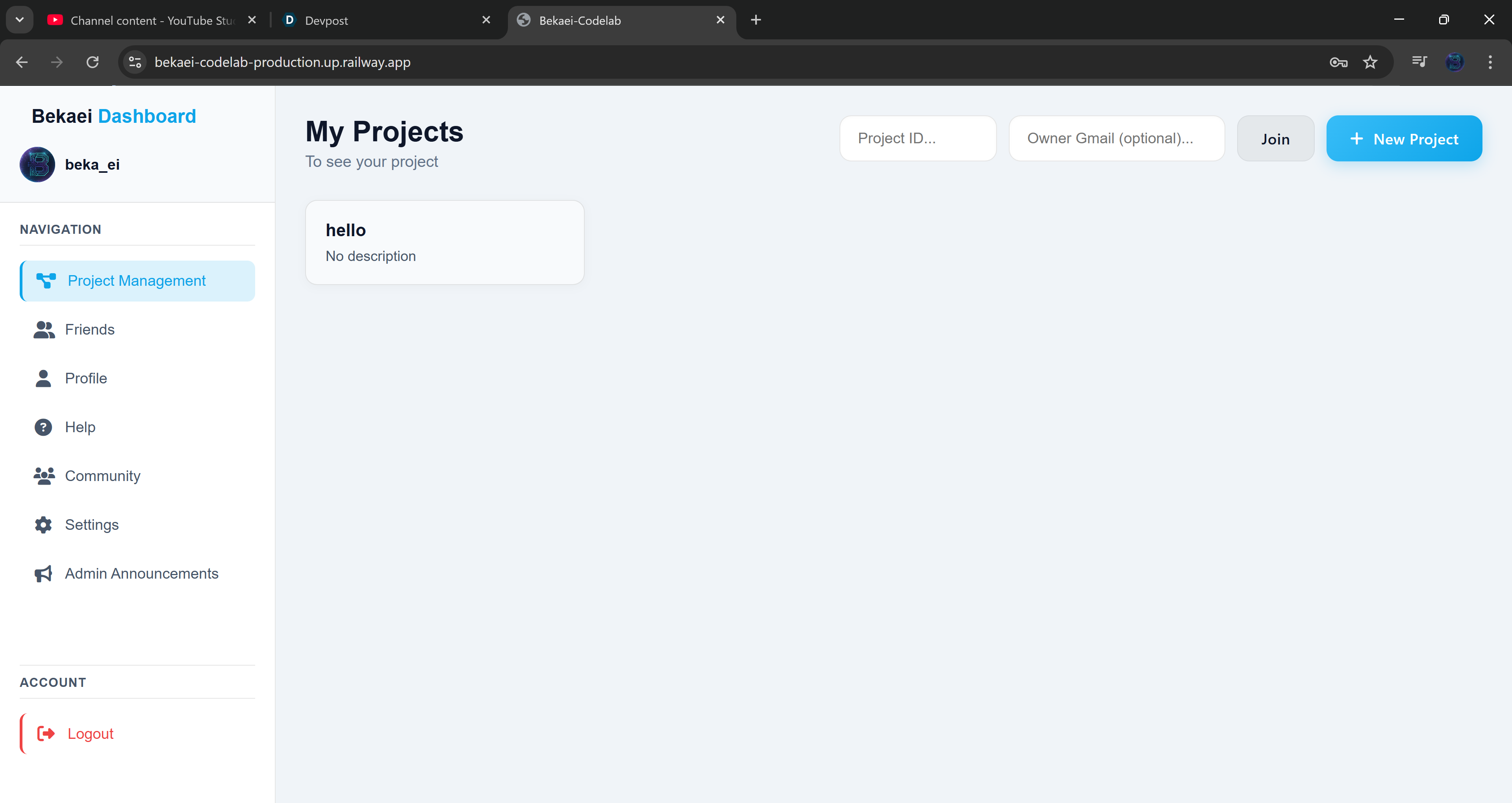
the dashboard look into the video and link for more information
-
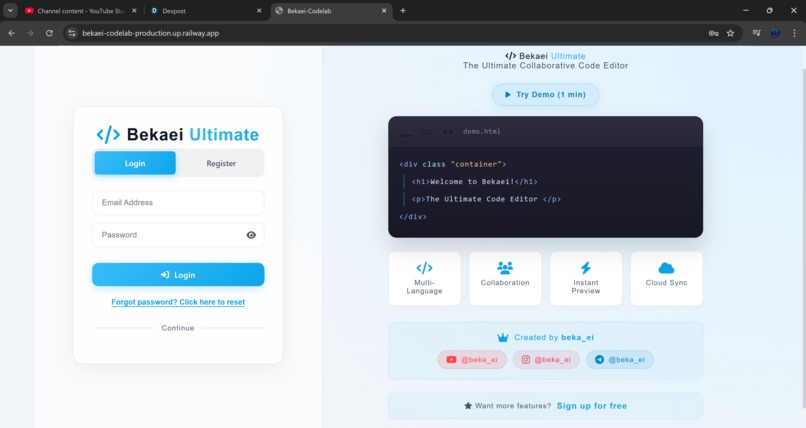
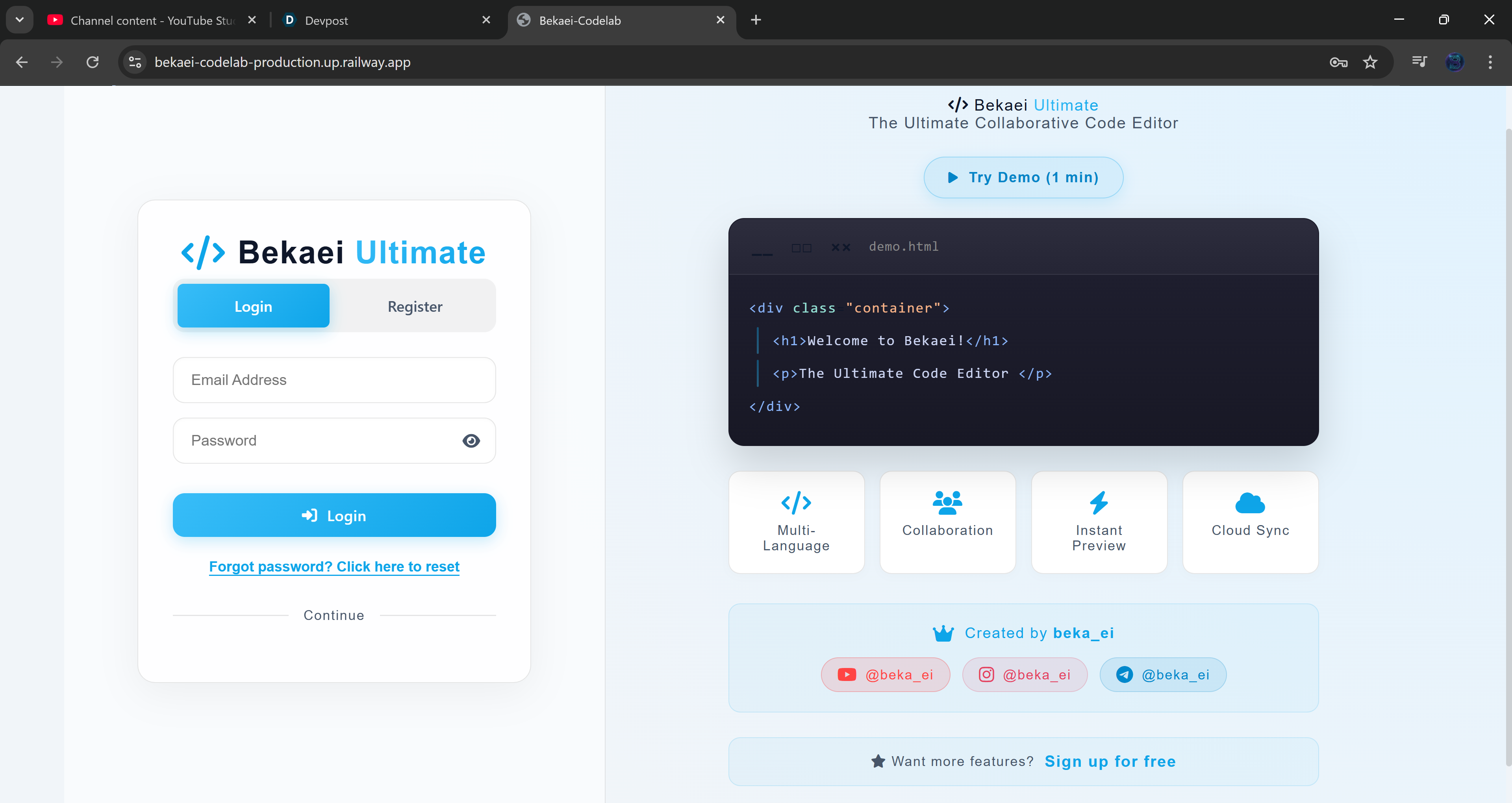
the login page look into the video and link for more information
Inspiration
jump between a code editor (VS Code), a communication tool (Slack/Discord), and an AI interface (ChatGPT/Claude). I wanted to create a "Single Pane of Glass"—a place where you can not only write and preview code with others in real-time but also build a community and leverage AI without ever leaving the tab.
What it does
Bekaei Codelab is an all-in-one collaborative development environment. It features:
Real-time Collaborative Editor: Multi-user editing with instant preview and terminal support.
Integrated Social Suite: A dashboard with a "Friends" system, team chat, and a community post feed to share ideas.
"Bring Your Own AI": A secure settings panel to connect OpenAI, Anthropic, Gemini, or Groq keys to power an integrated AI assistant that can "Auto Act" (implement code) or fix specific lines.
Project Management: Support for public/private projects with password protection.
How we built it
The platform is built as a full-stack web application:
Frontend: A responsive UI (optimized for landscape mode) featuring a custom-themed IDE, a sidebar for navigation, and dynamic modals for project/file management.
Backend & Hosting: Deployed via Railway for high availability.
Authentication & Data: Likely utilizes Supabase or a similar service for secure user registration, password resets, and real-time database updates for the chat and community feed.
AI Integration: A robust API handler that supports multiple providers (OpenRouter, Groq, etc.) with encrypted key storage.
Challenges we ran into
Real-Time Sync: Ensuring that multiple users can edit files and chat simultaneously without race conditions or lag.
IDE Complexity: Building a functional terminal and browser preview within a web environment while maintaining a smooth UX.
Responsive Design: Adapting a high-density "Desktop-first" tool like an IDE to work effectively on mobile (leading to the "Rotate Device" implementation).
Accomplishments that we're proud of
Successfully integrating a full social network (friends/posts/chat) directly into a coding environment.
Creating a "Thinking Mode" and "Auto Act" feature for the AI assistant that actually interacts with the file system.
Implementing a highly customizable editor with themes, auto-save, and execution mode settings.
What we learned
I learned a lot about state management and the complexities of building a secure, multi-tenant platform. Handling various AI model APIs taught me how to normalize different response formats into a single, cohesive user experience. I also gained a deeper understanding of "User Flow"—how to move a user from a Guest demo into a fully registered project owner.
What's next for bekaei-codelab
Voice/Video Chat: Adding integrated calls for even tighter team collaboration.
Version Control: Deeper GitHub integration to push/pull directly from the dashboard.
Plugin System: Allowing the community to build their own extensions for the Bekaei environment.
Expanded Mobile Support: Moving beyond "Landscape Only" to a fully native mobile app experience.
Built With
- api
- css
- html
- javascript
- more
- sql
- supabase


Log in or sign up for Devpost to join the conversation.