-
-
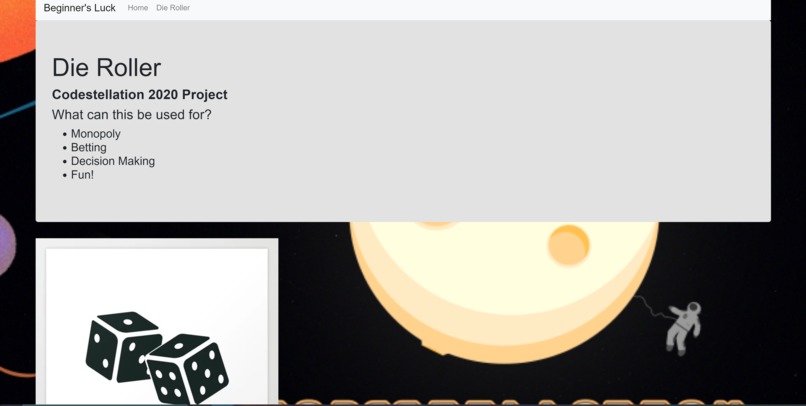
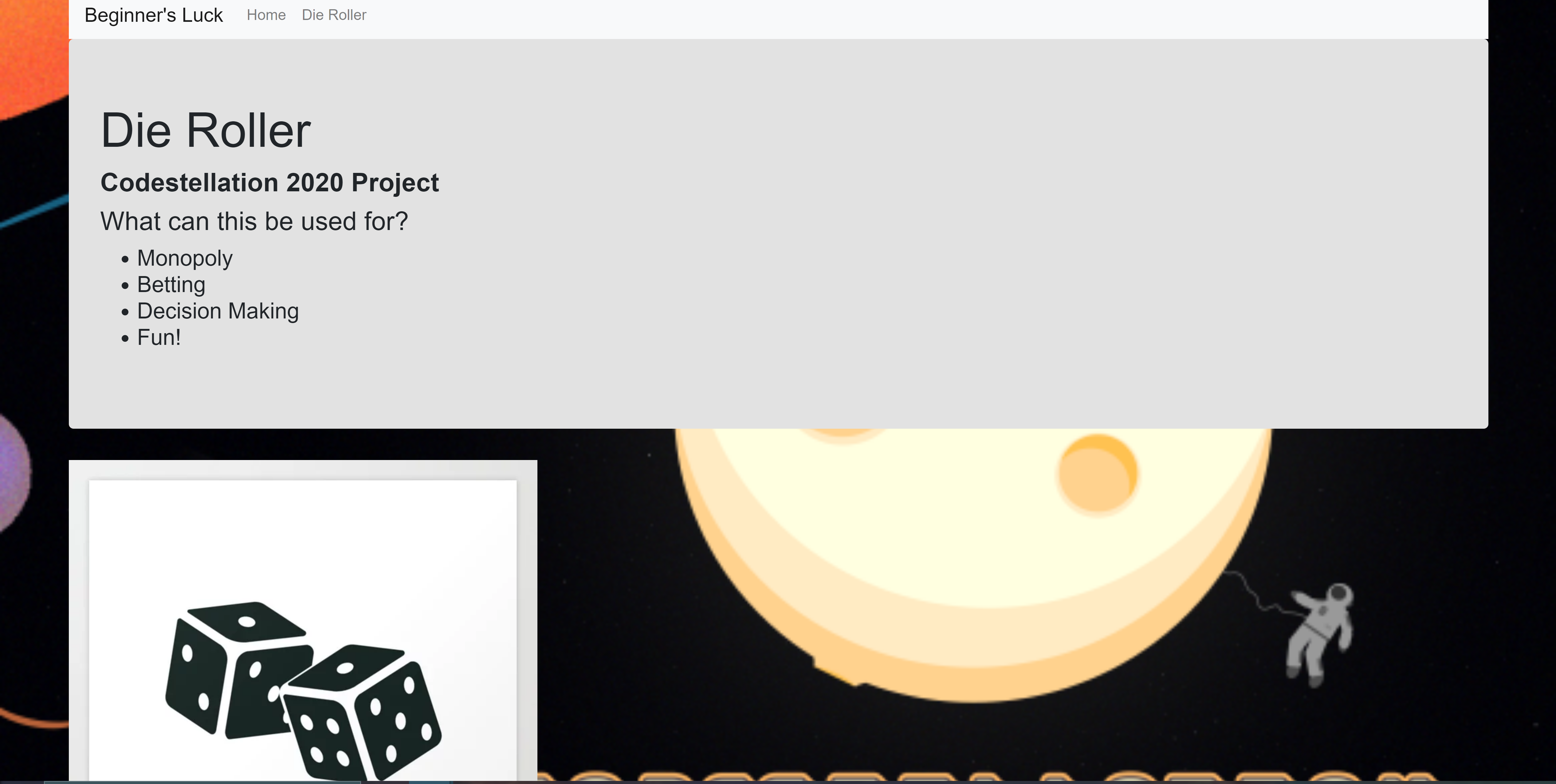
Home Web App Page
-
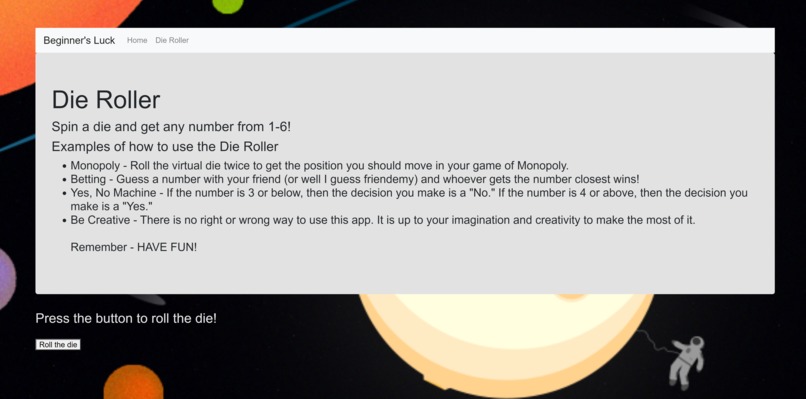
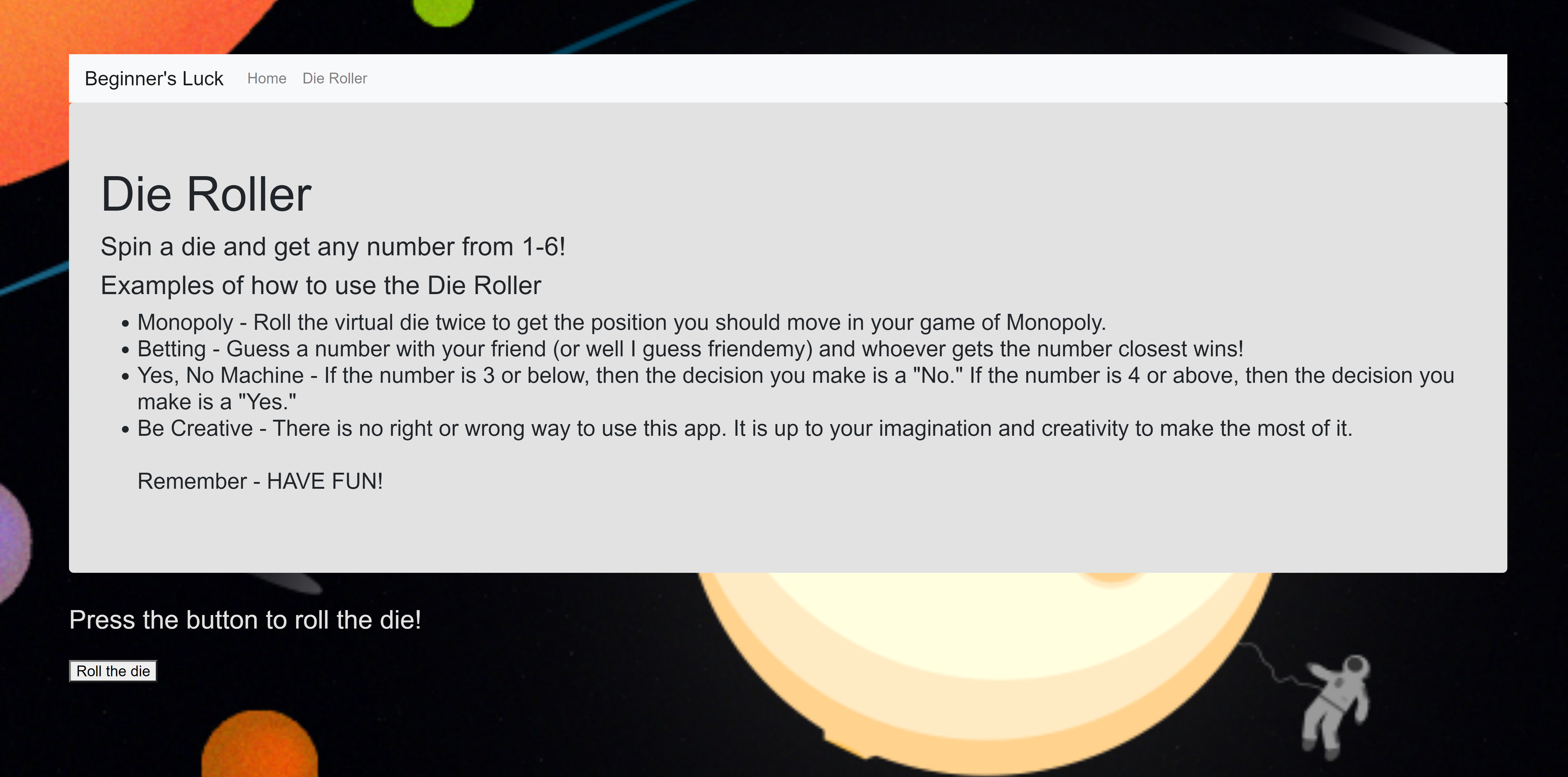
Dice Roller App Page
Inspiration:
Our new-found interest in coding and programming led us to make this app. "Something simple but would teach up invaluable beginner skills," we said. We all decided on an ambitious goal of making many simple apps on a webpage so that we could all learn a variety of skills. Some of our ideas were to make a die roller, coin flipper, and capitalization fixer. However, we were only able to get done with the die roller.
What it does:
Because we only got done with the die roller, we named our app "Die Roller." After pressing the "Roll the die" button, a die will pop up on the screen and after two seconds, it will "land" and a number from 1-6 will pop up on the screen. The player can do this as many times as they want, but they have to refresh the page each time they want to roll the die again.
How we built it:
We needed a coding environment that everyone could contribute on, but since we were new, we did not know of any except for Glitch.com. Thus, we used it to run the JavaScript and HTML for the web app. We used a template from a previous project from the Brandeis App Design Pre-College Program in order to start the project.
Challenges we ran into:
Only one member knew HTML from the Brandeis App Design Pre-College Program, and no one knew JavaScript well. We have all only dabbled into it, so learning JavaScript and teaching HTML was a huge part of the 36 hours. Then a lot of the troubleshooting came for coding came from trying to figure out how to implement something such as how to use "setTimeout()" and the bugs with why that new implementation didn't work. A current challenge we are still facing is figuring out how to make it so that we could roll the dice over and over without having to refresh the page.
Accomplishments that we're proud of:
We are proud that we were able to get a better grasp of HTML as well as how to implement CSS and Bootstrap into our HTML. We are proud that we were able to complete at least one of our original project ideas. We are also proud that we were able to logically and mathematically figure out how to make the die work by choosing a number between 1-6 with the Math.random code without having to search up how to make a die roller.
What we learned:
Learning JavaScript was definitely a challenge, but we pulled through and learned it within these 36 hours well enough so that we could create a working die roller. The most notable code we learned were all the "document." codes such as "document.getElementById()" as well as learning the "setTimeout()" code.
What's next for Beginner's Luck:
We are planning on making the other project ideas that we have in minds so that our app can be more than just a die roller, but instead an All in One Tool. We are also planning on figuring out how to make the die roller not require to refresh the page if we roll the die again.
Built With
- css
- glitch.com
- html
- javascript


Log in or sign up for Devpost to join the conversation.