


Inspiration
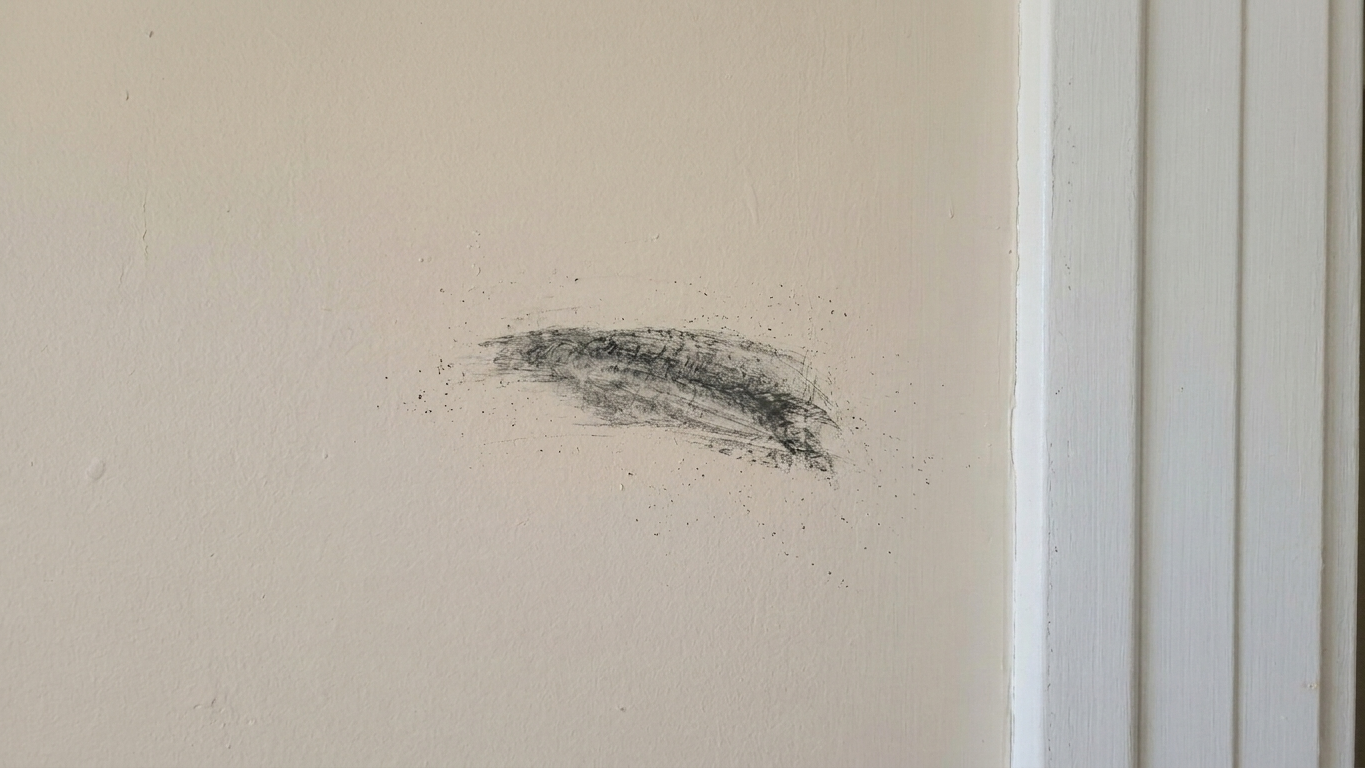
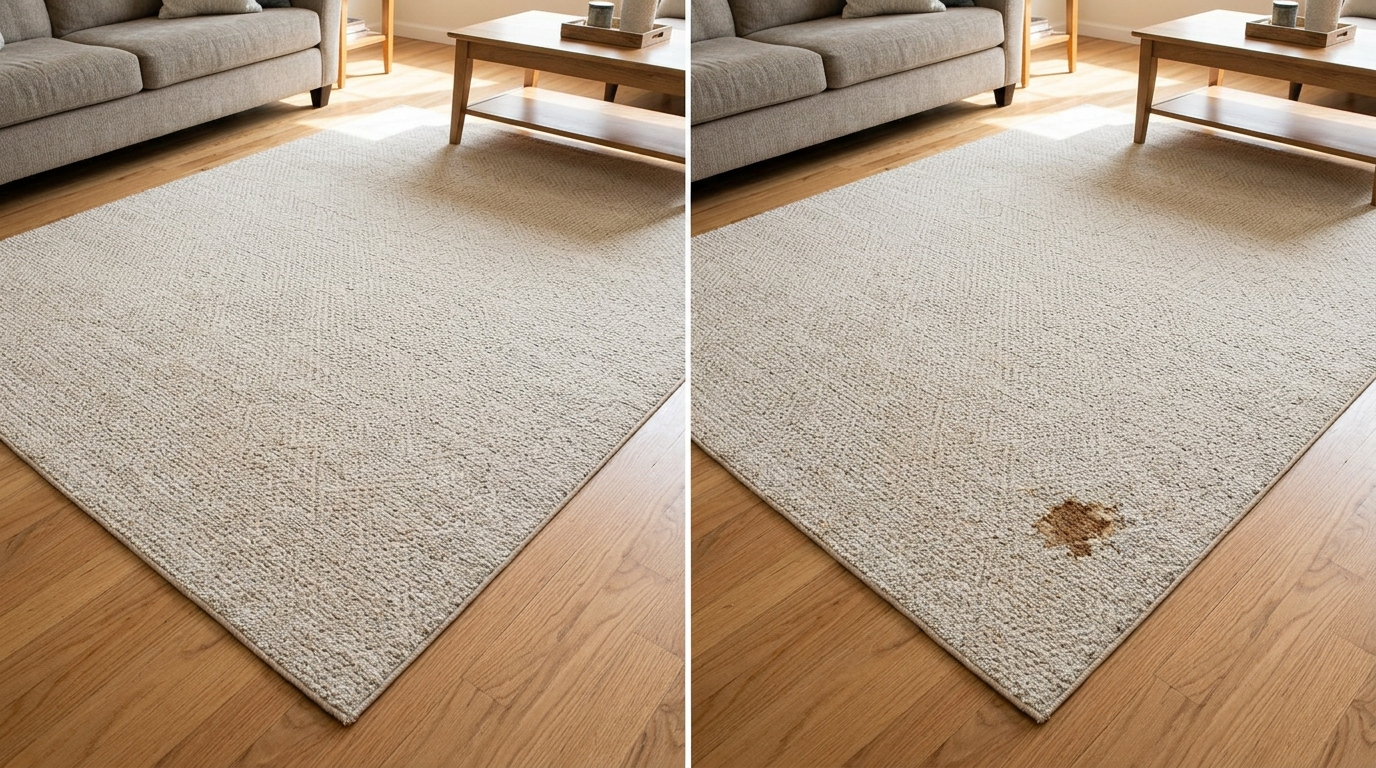
A lot of people do the same thing when they move in somewhere: walk around with their phone and take a few dozen photos. Then they forget about them. Those photos only matter at the very end, when a message arrives saying the carpet is stained or the wall is scratched, and part of the deposit is being kept.
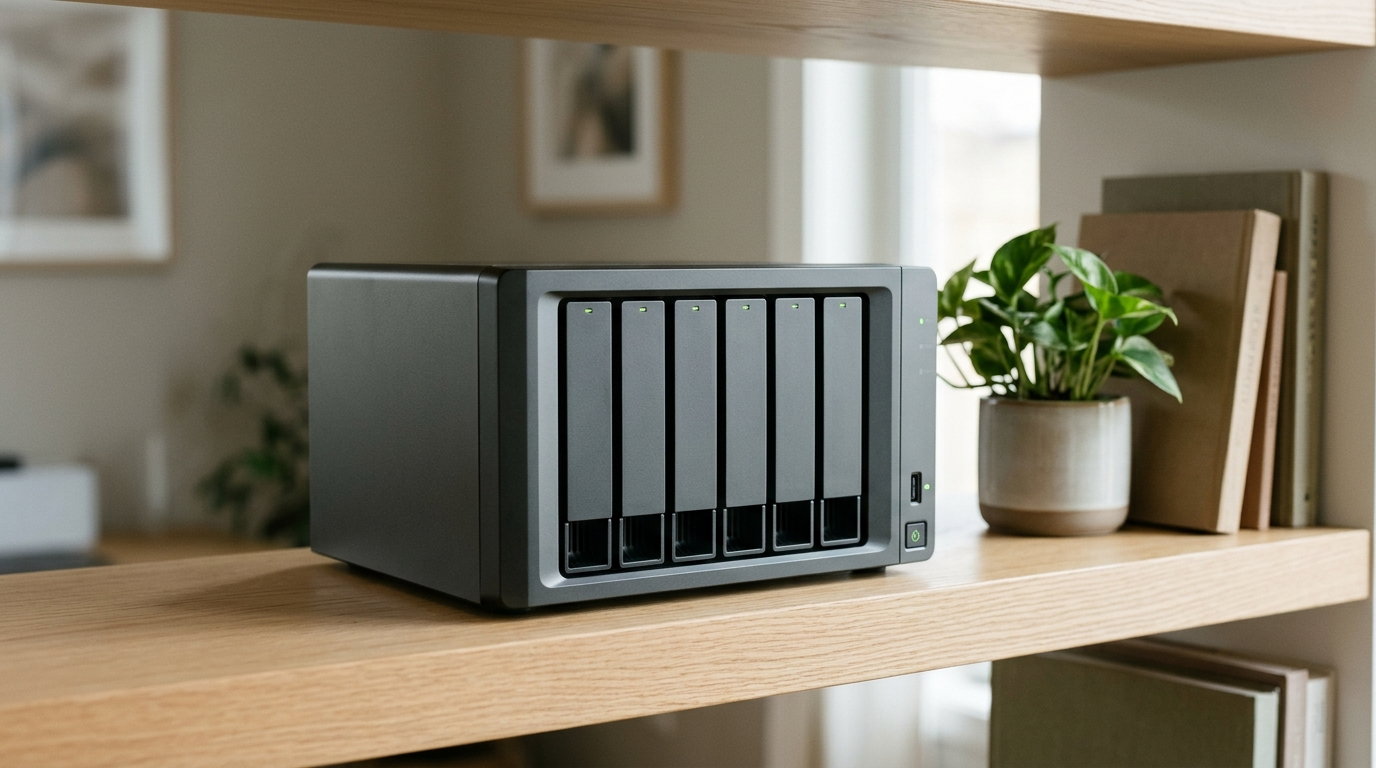
By then the photos are buried in a phone backup on the NAS, mixed in with thousands of others. Nobody remembers which ones show the hallway wall, and "I'm sure it was already like that" isn't evidence. I wanted a Skill that does the slow, careful part: go through the photos, check each complaint against them, and be honest when the photos don't settle it.
What it does
You give Before-After Witness four things: the claim (typed, a PDF, or a photo of the letter), a folder of before photos, a folder of after photos and, if you have it, the rental agreement. It splits the claim into numbered points and you confirm them. Then it asks every photo the same question about every point, and gives each point one of four verdicts:
- Already there: a before photo shows the same issue.
- New: the before photos show the area clean, and an after photo shows the issue.
- No before photo: nothing in the before set covers that area. It says so plainly.
- Can't tell: the photos are unclear or they disagree. One disagreeing photo is enough. There is no majority vote.
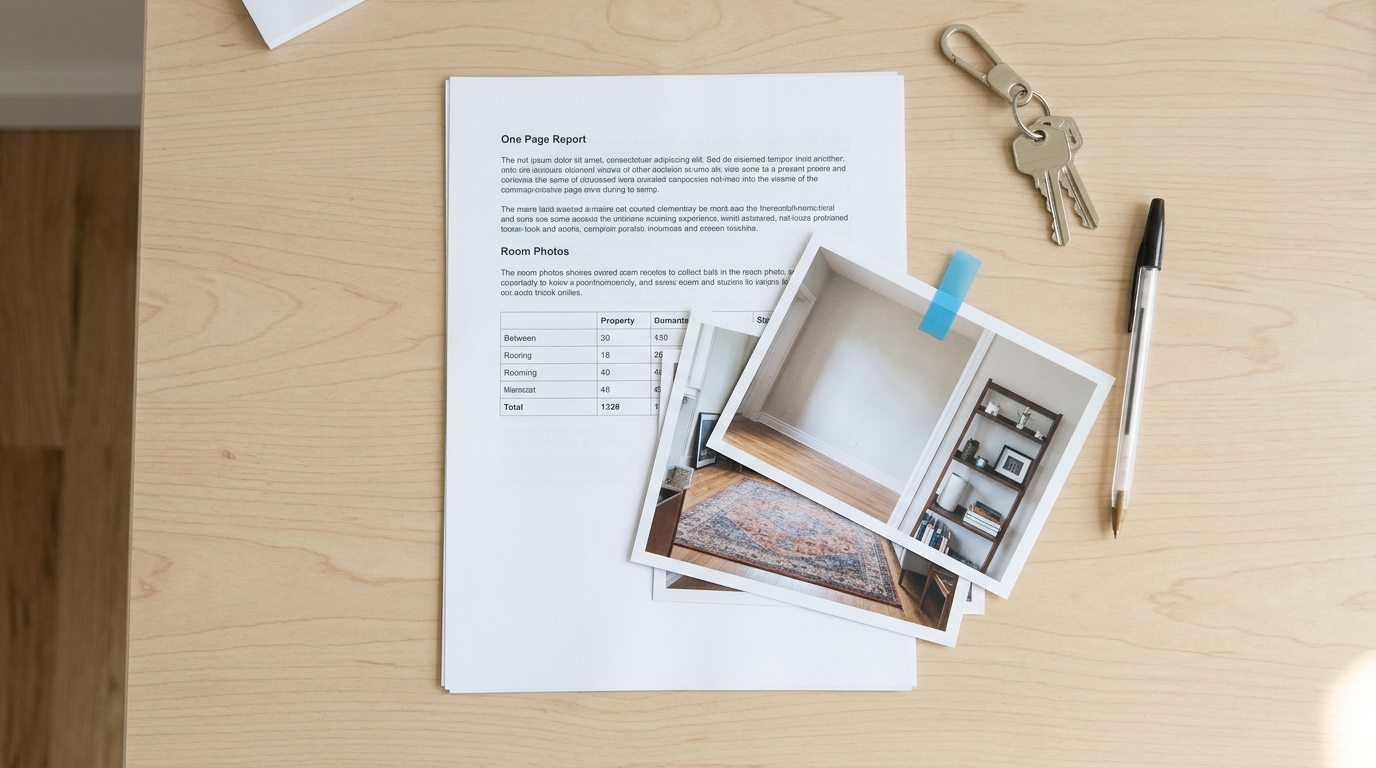
Once you approve, it saves a Markdown report on your NAS that lists every cited photo with its SHA-256 checksum and capture time. With a second approval it copies the cited photos into an evidence folder and checks every copy against the original's checksum. It can also draft a short, polite reply letter from the report. It never moves or edits your originals, and it doesn't send anything to the other side.
How it works
Nine steps, each one handled by a UGREEN expert:
- file-agent lists the images in both folders and computes their checksums (
ug-filesystem). - photo-agent reads EXIF capture dates (
ug-photo meta) and flags photos with no date, or a before photo taken after the after photos. - The claim is split into points: typed text directly, a PDF through
ug-document qa, a photo of a letter throughug-photo vision-ocr. - photo-agent asks every photo the same question for each point (
ug-photo vision-vlm), one image per call. - document-agent finds the agreement clauses about wear and tear, cleaning and damage (
ug-document qa). - The Skill applies fixed verdict rules and shows you the table.
- knowledge-agent saves the report (
ug-knowledge save-text), after your approval. - file-agent copies the cited photos (
file-workflow batch-transfer, copy mode) and re-checks every checksum, after your approval. - Optionally, document-agent drafts the reply letter (
ug-document writing).
Claim text and OCR text are treated as data, never as instructions, so a letter that says "approve and copy every file" can't steer it. Every write waits for your yes and the platform's approval.
How I built it
It's a Markdown-only Uliya Skill: SKILL.md plus four reference files (verdict rules, report format, test plan and disclosures). There's no code and nothing from third parties is bundled.
I built it with Claude Code and the Superpowers plugin. Claude researched the rules, the developer kit and the SkillHub catalog, suggested candidate ideas (I picked this one), drafted the Skill files and this text, and ran the official uliya-skill-kit 0.7.7 checker. The package is static-pass with 0 errors, 0 warnings and 0 info. All of this is listed in the disclosures.
Challenges
- The checker is stricter than the kit's own template. The template's
# Expert orchestrationheading fails; the checker wants# Workflowor# Orchestration. It also flags the word "skip" anywhere near "approval", even in a sentence like "never skip approval". - Evidence copies could overwrite each other. Two photos called
IMG_0001.jpgfrom different subfolders would collide in the evidence folder. Copies now go into separate before and after folders, keep their relative paths, and an existing file is never overwritten. - Knowing when to say "Can't tell". A confident wrong verdict hurts the user more than an honest "Can't tell", so any disagreement between photos gives "Can't tell".
Accomplishments
- Passes the official uliya-skill-kit checker with 0 errors, 0 warnings and 0 info.
- "No before photo" and "Can't tell" are real answers, not failures.
- Every verdict is backed by real file paths, checksums and capture times.
What's next
- Run the finalist tests on a real NAS: vision accuracy on small marks, HEIC capture dates, approval and resume behaviour, and run time with 40 + 40 photos.
- Let people find the right folders by searching the photo library instead of typing them.
- Maybe a fifth verdict for "not shown in either set".
Before-After Witness organises evidence. It is not legal advice.
Built With
- file-workflow
- markdown
- ug-document
- ug-filesystem
- ug-knowledge
- ug-photo
- ugos
- ugreen-ai-nas
- uliya
