BeenChilling - Project Write-Up Inspiration We have all been there. You open the fridge, find something suspicious in the back, check the date, and realize it expired two weeks ago. You throw it out, feel a little guilty, and move on. Multiply that by every household, every week, and you have a genuinely massive food waste problem.
We wanted to build something that actually lives with your fridge, not just a notes app where you manually type in groceries. The name BeenChilling came naturally - it is what your forgotten leftovers have been doing while you ignored them. The idea was simple: what if your fridge could just tell you what is inside it, what is about to go bad, and what you should cook tonight?
What It Does BeenChilling is a smart fridge management web app that tracks your food inventory in real time and helps you use things before they go bad.
Here is what it actually does:
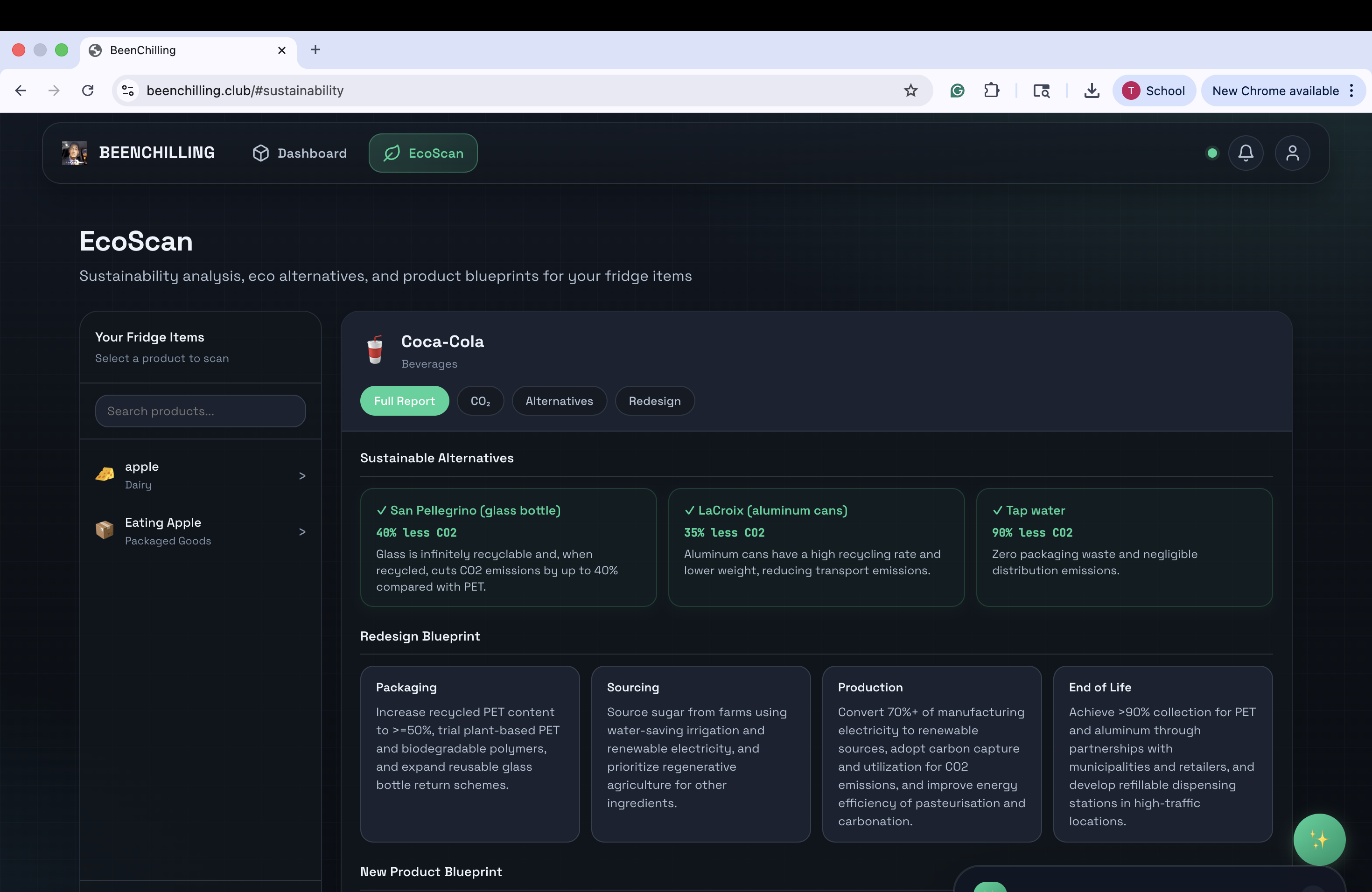
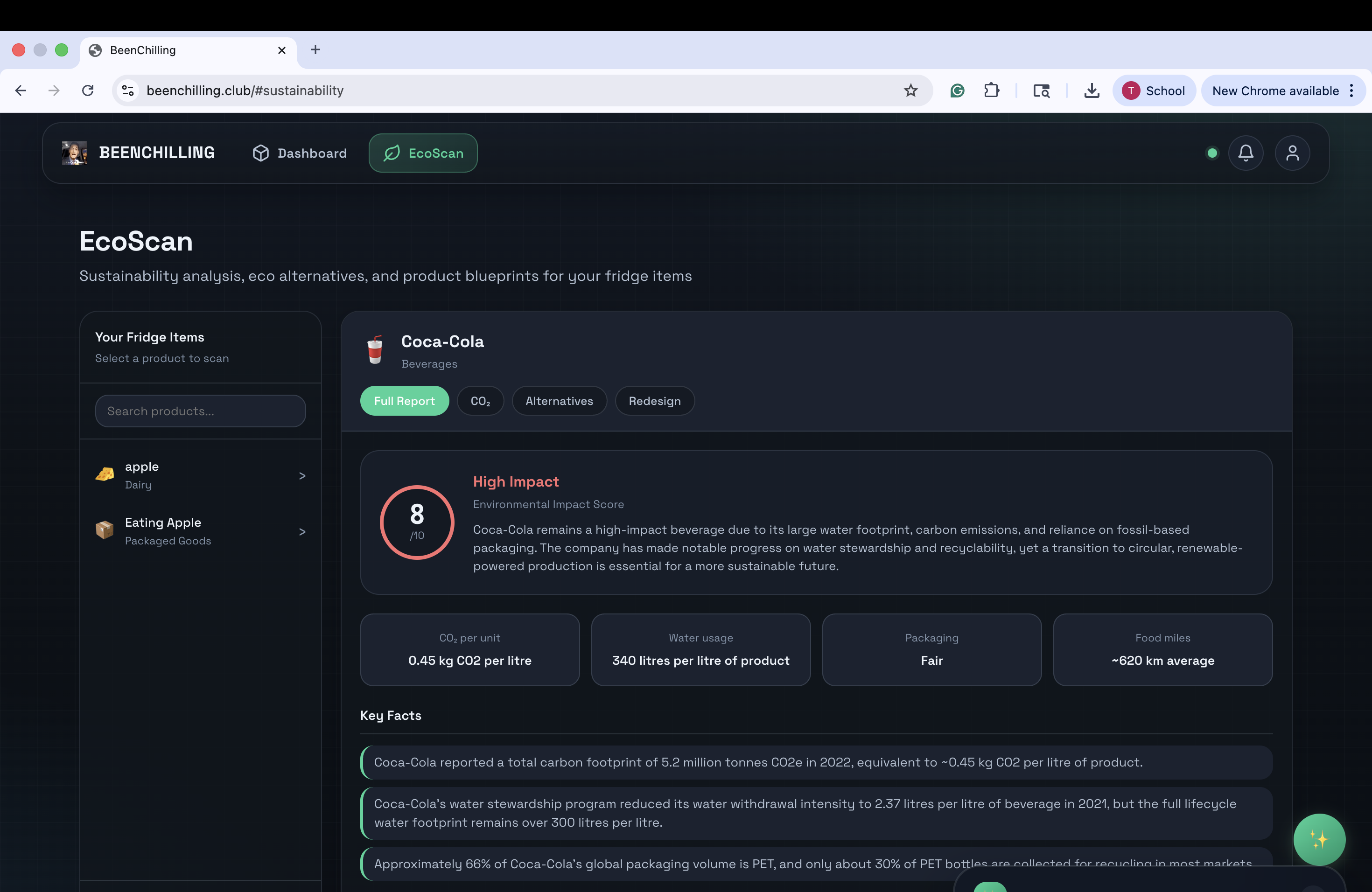
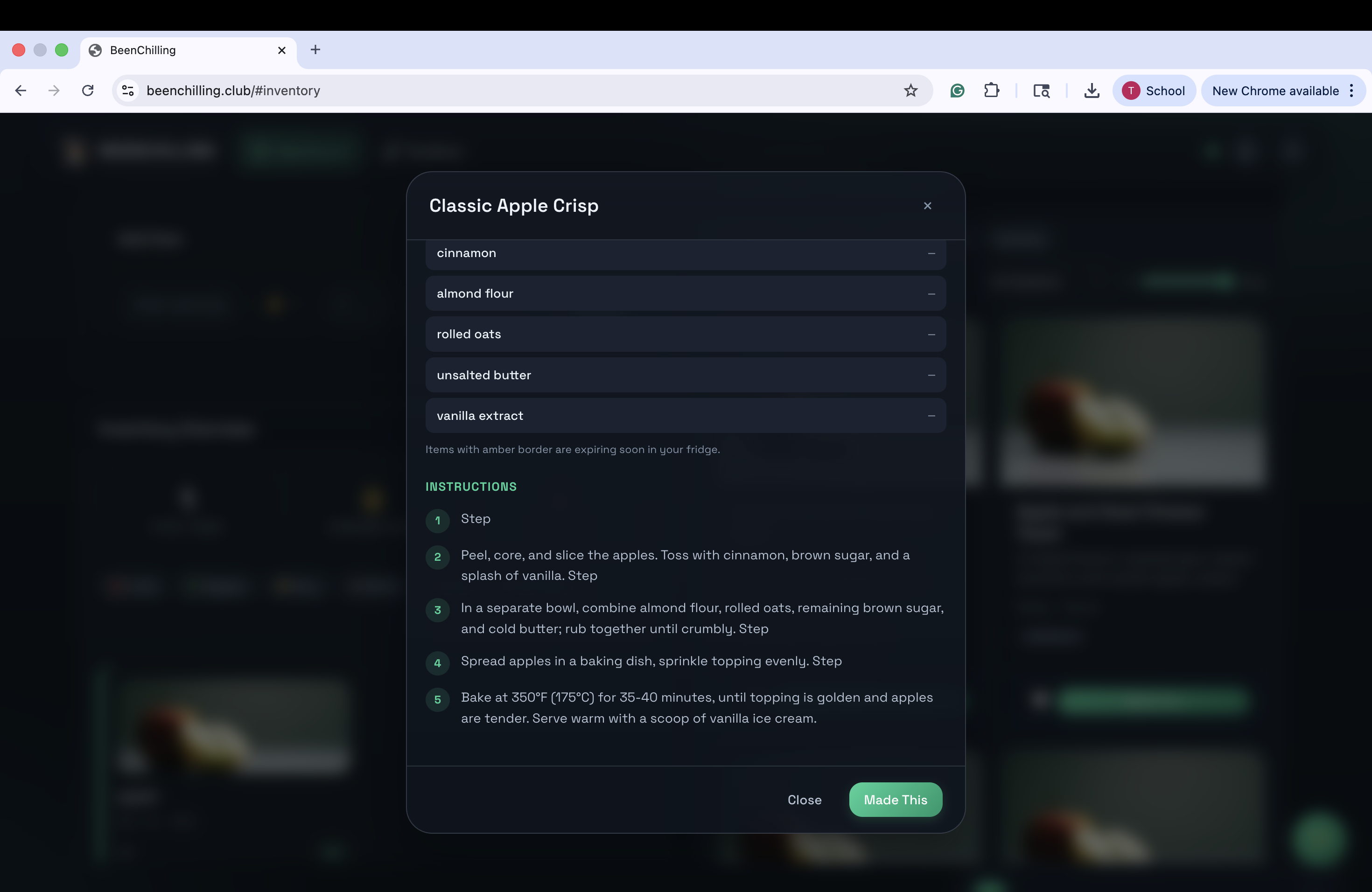
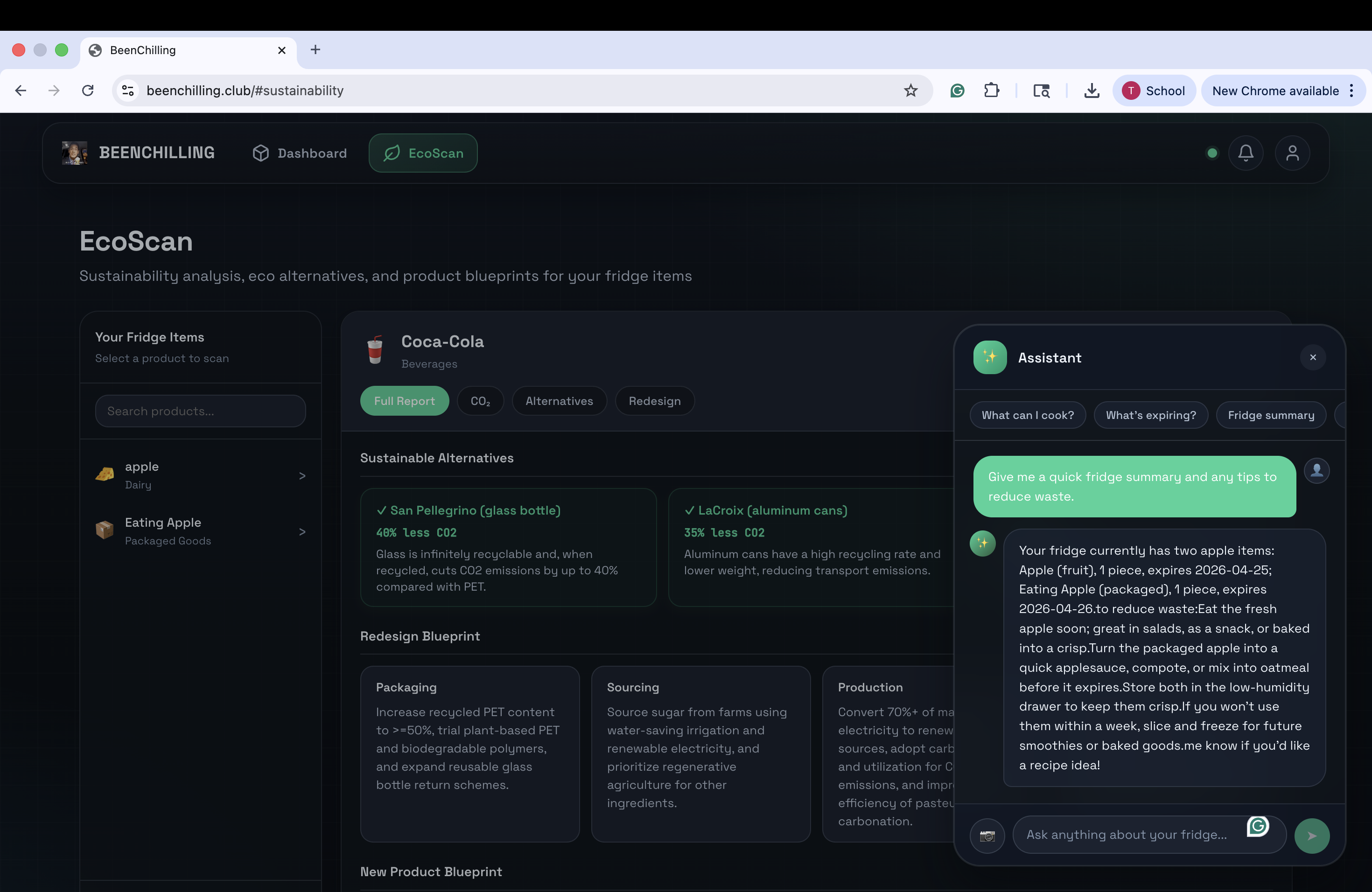
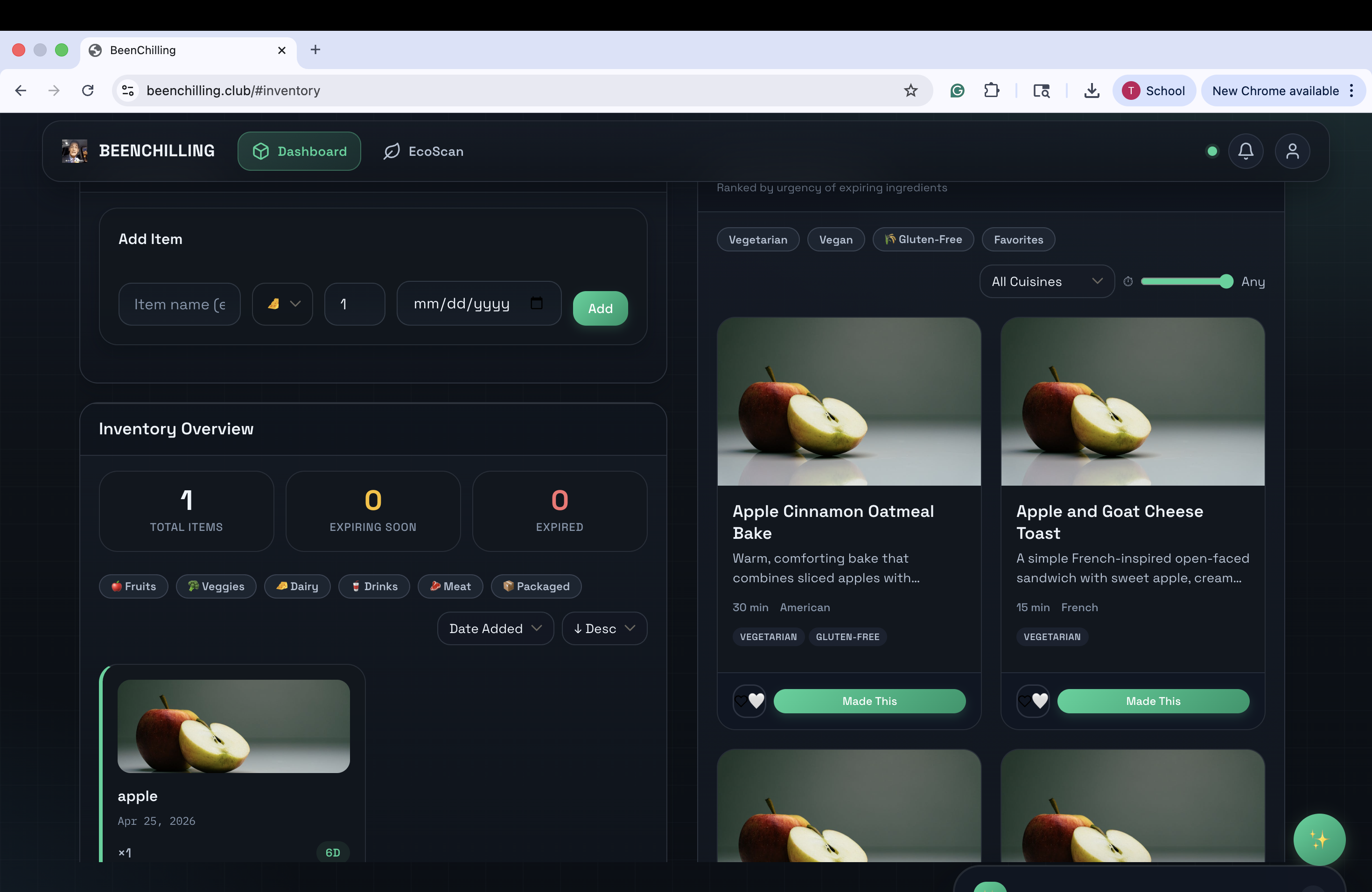
A Raspberry Pi sits near your fridge with a camera and a light sensor. When the fridge door opens, it wakes up, takes a photo, and sends it to the backend. Gemini Vision looks at the image and identifies every food item it can see, then adds them to your inventory automatically. The web app at www.beenchilling.club shows you everything in your fridge, color-coded by how close each item is to expiring. Red means use it today. Green means you are fine. The recipe section is powered by K2-Think AI. It looks at what you actually have, figures out which items are expiring soonest, and generates real recipes around those ingredients. Not generic suggestions — recipes built specifically for your fridge at that moment. There is an AI assistant you can chat with. Ask it things like "what can I make with the stuff that is about to expire" or "how long does cooked chicken last" and it gives you a straight answer. EcoScan lets you scan a product and generates a detailed blueprint of what it is, where it came from, and how to store it properly. You get expiry notifications so nothing sneaks up on you. How We Built It We split the work across three areas and built everything from scratch over the course of the hackathon.
The backend is FastAPI running on Python, deployed on Render. All data lives in Supabase, which gave us a managed PostgreSQL database and authentication without having to run our own server. We use Supabase Auth with a custom OTP email flow through Gmail SMTP because we wanted full control over the verification experience.
The AI layer is where things got interesting. Recipe generation uses K2-Think, which reasons through the inventory and produces structured JSON recipes with ingredients, steps, and quantities. Food identification from photos uses Gemini Vision. Blueprint image generation uses Gemini Imagen 3.0 via the AI Platform API. The AI assistant is also K2-Think, streaming responses word by word so it feels like a real conversation.
The hardware side is a Raspberry Pi 4 with a camera module and an LDR sensor wired to the GPIO pins. The sensor detects when the fridge door opens by measuring the change in light. When it triggers, the Pi captures an image and posts it to the backend API. We wrote the Pi code to handle edge cases like the sensor firing multiple times, camera initialization delays, and network retries.
The frontend is vanilla JavaScript, HTML, and CSS. No framework. We built the whole UI from scratch including the inventory grid, recipe cards, the AI chat interface, and the auth flow with OTP verification.
Challenges We Ran Into Honestly, a lot.
The Gemini Imagen API was a nightmare to get working. We started with Vertex AI OAuth authentication, which kept returning 401 errors. Then we switched to the AI Platform endpoint with an API key, which worked but required figuring out the exact URL format and payload structure through trial and error. The documentation was not exactly clear on which endpoint to use for which use case.
Recipe images were a recurring headache. We tried Gemini for generation (too slow, 20+ seconds per image), then Unsplash (kept returning 503 errors), then LoremFlickr (fast but random), then Pexels. The core problem was that generic image APIs do not understand recipe names — searching for "Baked Apple Cinnamon Delight" returns whatever it feels like. We eventually solved it by extracting the primary food keyword from the recipe name and searching for just that one word.
The Supabase environment variable naming was a quiet bug that broke everything on deployment. Locally we had SUPABASE_SERVICE_ROLE_KEY but the deployed app on Render had the old name SUPABASE_SERVICE_KEY. Signup was silently failing because the Supabase client could not initialize. We added fallback logic to accept both names so it works regardless.
Getting the Raspberry Pi to work reliably on a university WiFi network (eduroam) was its own adventure. The network requires certificate-based authentication which the Pi does not handle out of the box. We ended up using a mobile hotspot for the demo.
Accomplishments We Are Proud Of Getting the full hardware-to-cloud pipeline working is the one we are most proud of. The fridge door opens, the Pi wakes up, takes a photo, Gemini identifies the food, and within a few seconds the web app updates in real time via WebSocket. That whole chain working end to end felt genuinely satisfying.
The K2-Think recipe generation is also something we are proud of. It is not just pulling from a database of pre-written recipes. It is actually reasoning about your specific inventory, figuring out what is expiring, and constructing a recipe around that. When you have one apple in your fridge and it generates three different apple-based recipes sorted by urgency, that is the system working exactly as intended.
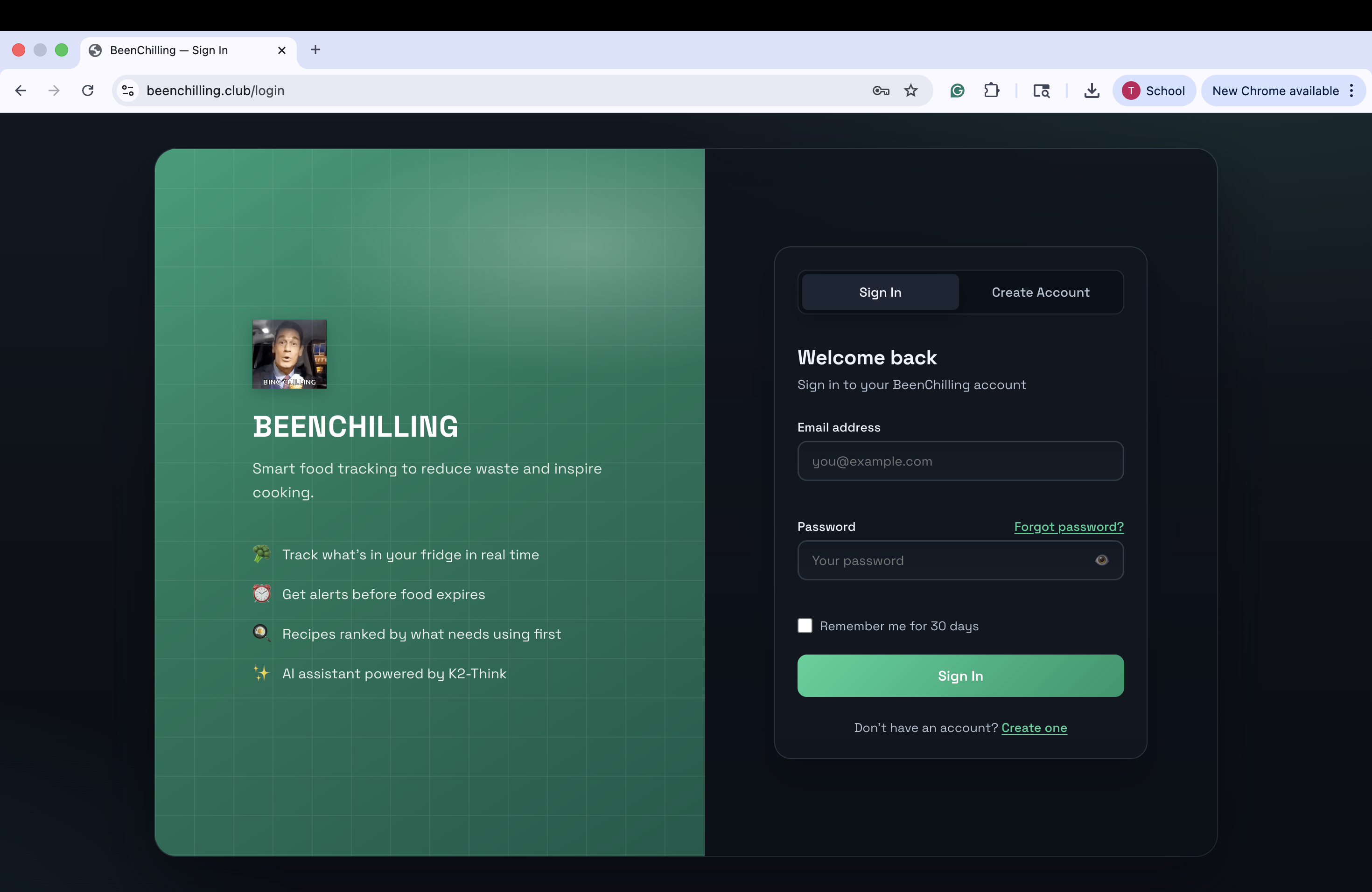
Building the entire auth system from scratch — Supabase Auth plus custom OTP emails plus session cookies — without using any auth library or pre-built component was a solid engineering challenge that we pulled off cleanly.
What We Learned We learned that hardware and software integration is genuinely hard in ways that are different from pure software problems. You cannot just restart the Pi when something goes wrong. The camera might not initialize. The GPIO pin might still be in use from a previous run. The network might drop. You have to write defensive code for every single failure mode.
We also learned that AI APIs are not plug-and-play. Every model has its own authentication method, rate limits, response format, and failure behavior. Switching between Gemini, K2-Think, and image APIs meant constantly adapting to different interfaces and debugging different error messages.
On the product side, we learned that the hardest part of building something useful is not the technology — it is figuring out what the user actually needs in the moment. The recipe section went through four or five complete redesigns because we kept asking ourselves whether it was actually solving the problem or just looking like it was.
What Is Next for BeenChilling The obvious next step is making the hardware smaller and more permanent. Right now it is a Raspberry Pi with wires hanging off it. We want to design a compact enclosure that mounts cleanly inside the fridge door, with a wide-angle camera that can see the whole interior in one shot.
We want to add meal planning — not just single recipes but a weekly plan that uses up everything before it expires, with a shopping list for what you are missing.
Sharing is another direction. Households have multiple people. Right now it is one account per fridge. We want shared fridges where everyone in the house can see the inventory and get notified when something is about to expire.
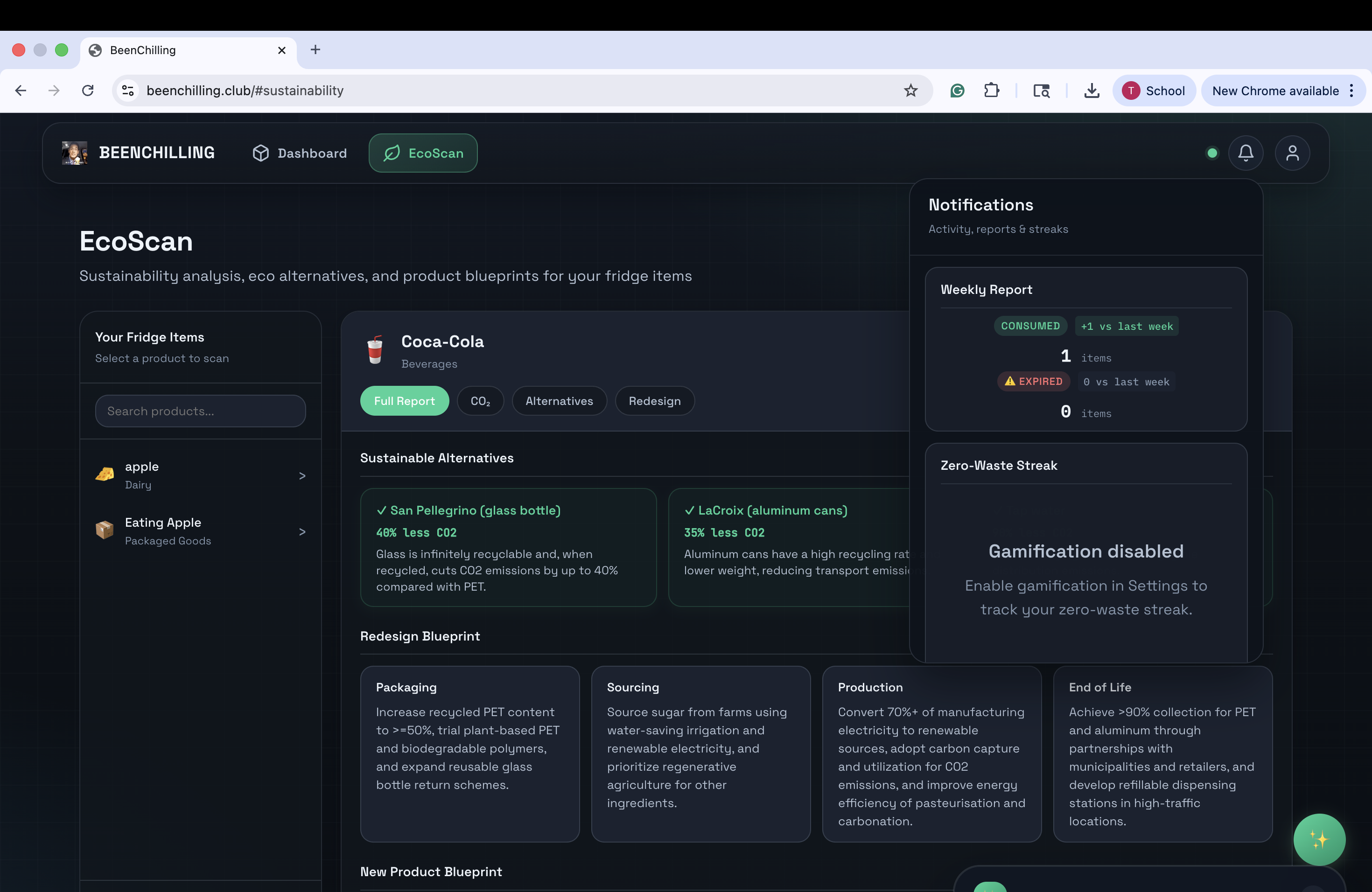
Longer term, we think there is something interesting in the sustainability data. If BeenChilling is tracking what you throw away over time, it can tell you your actual food waste footprint, which categories you waste most, and how much money you are losing. That kind of data could genuinely change behavior in a way that a one-time reminder cannot.
Built With
- camera
- css3
- html5
- javascript
- python
- raspberry-pi
- vanilla


Log in or sign up for Devpost to join the conversation.