Inspiration
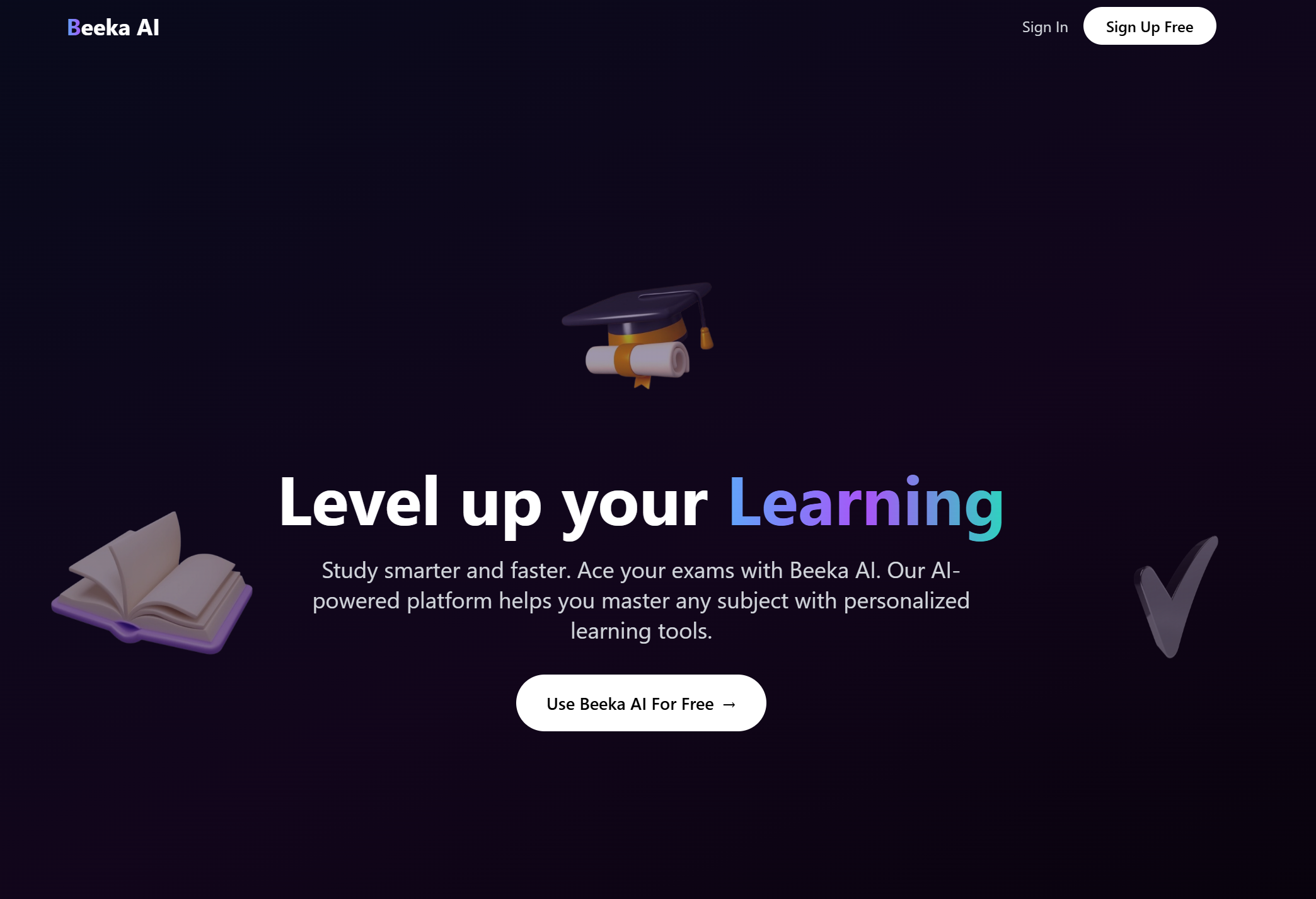
As a student myself, I’ve always believed that studying shouldn’t be stressful or boring. I wanted to build something that feels smart, personalized, and even a bit fun. Beeka AI was born from that vision — a tool that helps students turn any material into flashcards, quizzes, and notes instantly, with a fun and organized experience.
I started building this tool about a month ago. Back then, I only had the chat feature and a bit of the UI working. But once I saw this hackathon and registered, I locked in and gave it my all to bring Beeka AI to life. What did I add? Generate Notes, Generate Flashcard, Generate Quiz, improved a lot of the UI, added Landing Page, and the Authentication!
What it does
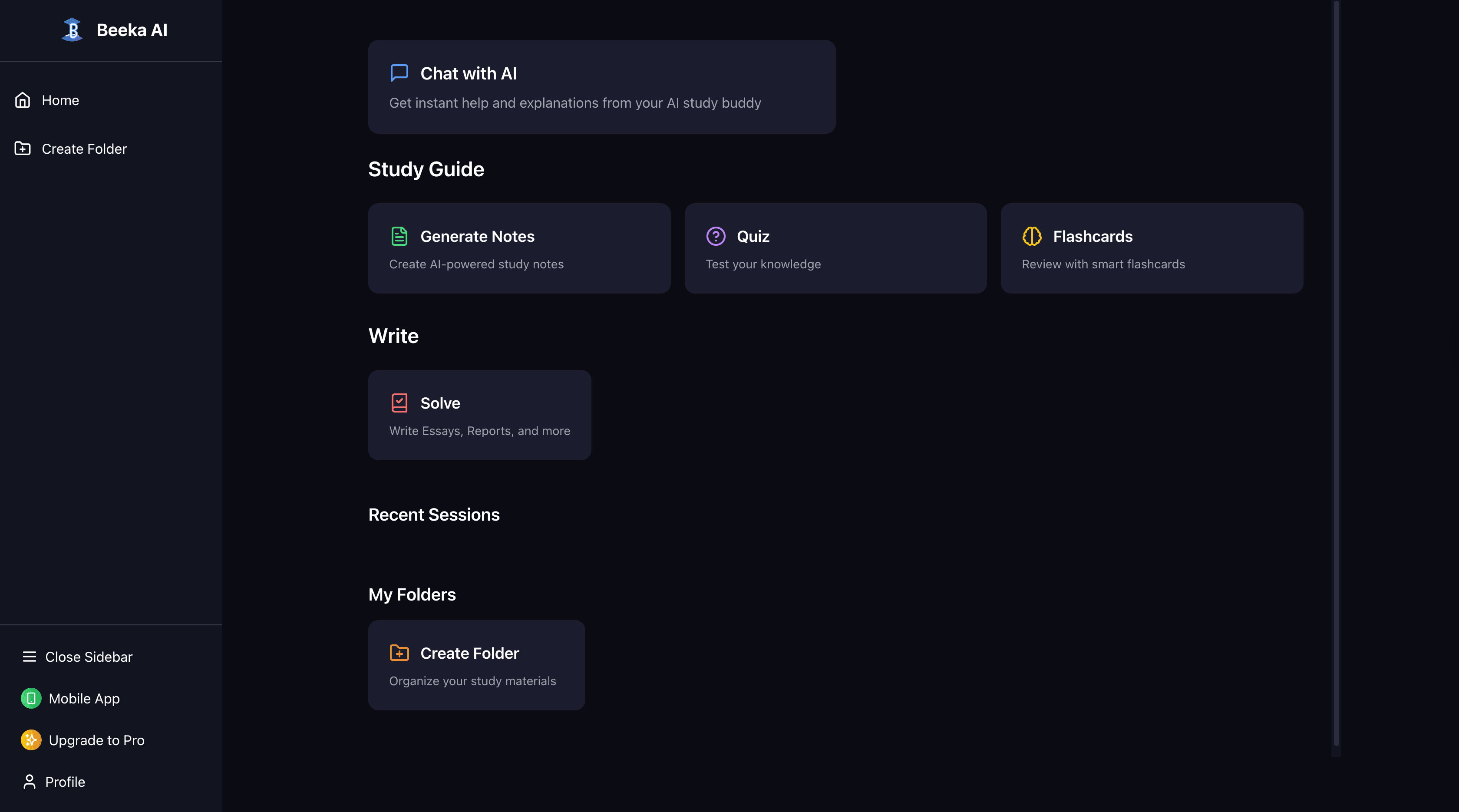
Beeka AI gives learners powerful tools to improve how they study:
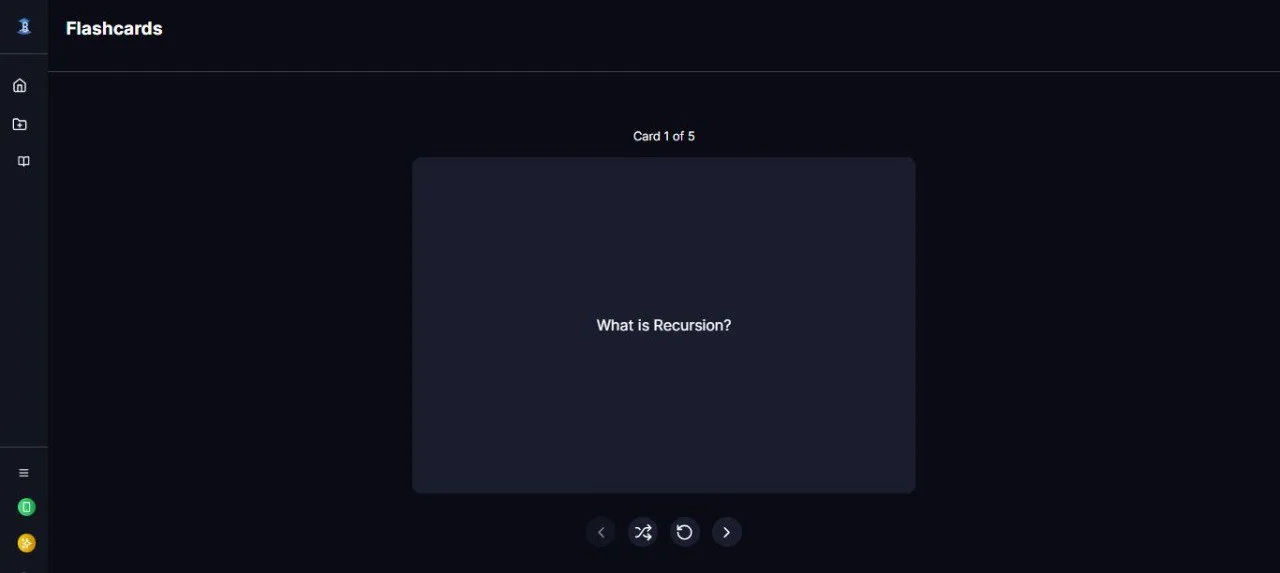
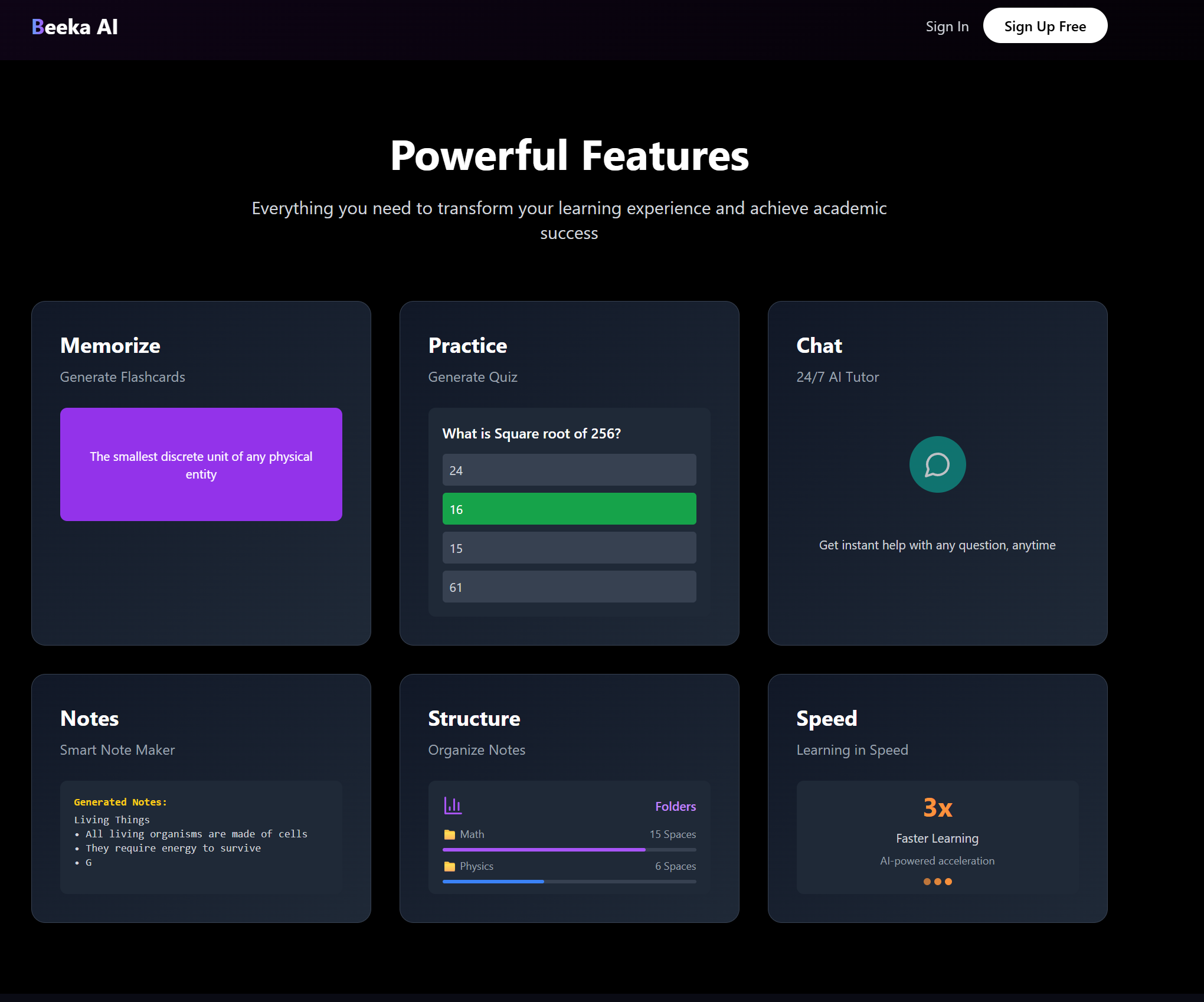
Flashcard Generator – Turns any text into flashcards in seconds.
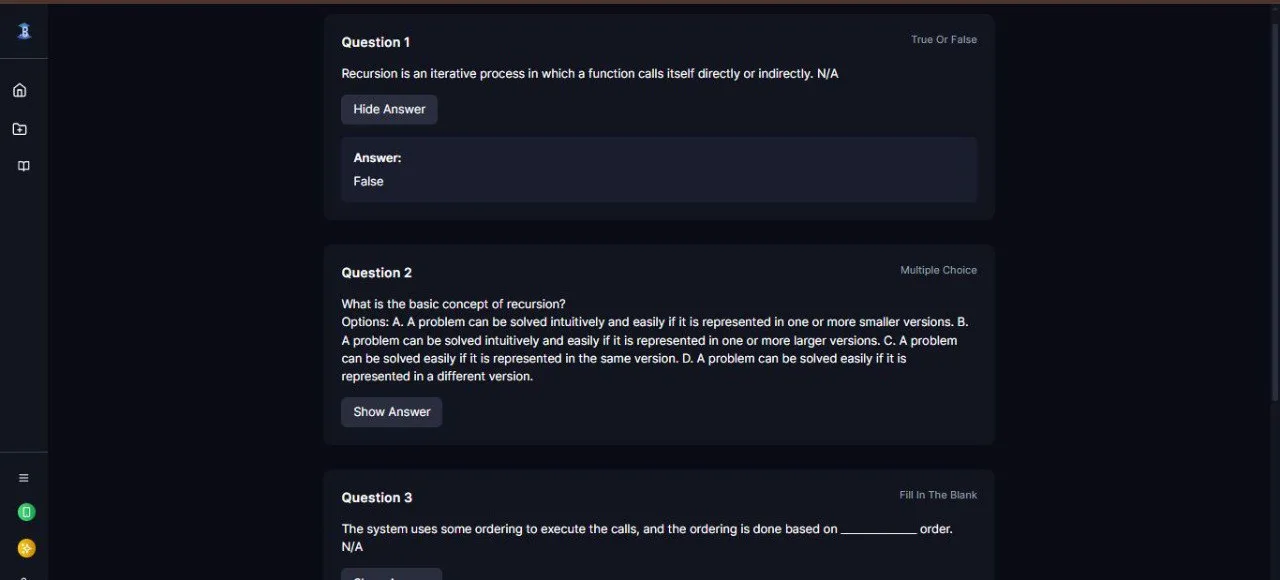
Quiz Maker – Creates custom quizzes with multiple-choice questions.
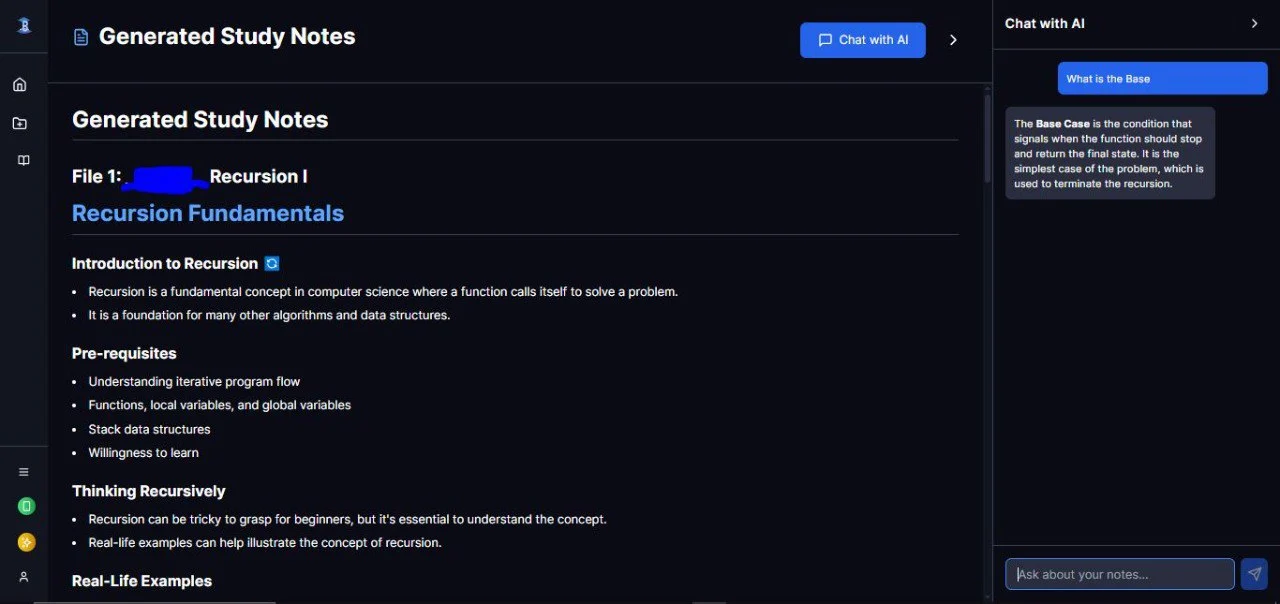
24/7 AI Tutor – Provides instant answers, explanations, and support.
Smart Note Maker – Helps organize content into clean, structured notes.
Folder System – Organizes notes and materials into subjects like Math or Physics.
How we built it
Frontend: React, TailwindCSS, TypeScript
Backend: Python and FastAPI
AI: I used OpenRouter to explore API options. I started with an OpenAI key until I ran out of credits, then switched to Groq's free API.
Database: Firestore and SQL
Authentication: Firebase Email Authentication and Google Auth
Deployment: Frontend is hosted on Vercel, backend on Render
Challenges we ran into
Ensuring folders and study materials are saved and synced properly
Deploying the backend on Render took over 20 attempts before it worked
Finding the right design direction wasn’t easy and took time
Integrating the AI APIs was tough, especially with credit limits constantly running out
Accomplishments that we're proud of
Building and deploying a working platform that helps students study better
Seeing Beeka AI live online is an incredible feeling
Overcoming countless moments where I felt stuck
Learning and growing throughout the entire building process
What we learned
How to implement AI into a full-stack application
How to pick the right tech stack and build a polished UI
I used many tools I hadn’t touched before and learned a lot from them
The importance of user experience and designing features that are simple but powerful
What's next for Beeka AI
Launching the product publicly for all students
Building a mobile app version
Adding smart features like an AI-powered Study Plan Generator
Introducing XP and a leveling system for gamified learning
Adding an offline mode so students can access notes and flashcards anytime
Built With
- fastapi
- firebase
- python
- react
- render
- tailwindcss
- typescript
- vercel


Log in or sign up for Devpost to join the conversation.