
Inspiration
The inspiration for building a toolbox for making beauty products websites and applications accessible to people with disabilities comes from the need to create a more inclusive world. Many individuals with disabilities have difficulty accessing and navigating websites and applications related to beauty and cosmetics, making it difficult for them to purchase products or find the information they need. This toolbox seeks to address this need by providing resources, guidance, and best practices to ensure that all users can access and enjoy the beauty and cosmetics products they desire. By providing a toolbox that is easy to use, developers can quickly and effectively make their websites and applications accessible to individuals with disabilities, thereby creating a more inclusive world.
What it does
Beauty UX Toolbox is designed to help web and app developers build accessible websites and applications. The toolbox contains a variety of tools and resources to help developers create accessible websites and applications.
The core features of the toolbox include:
Font Size: Font size can be adjusted so that text is easily readable for individuals with visual impairments. It should also be adjustable so that users can easily modify it to their preference.
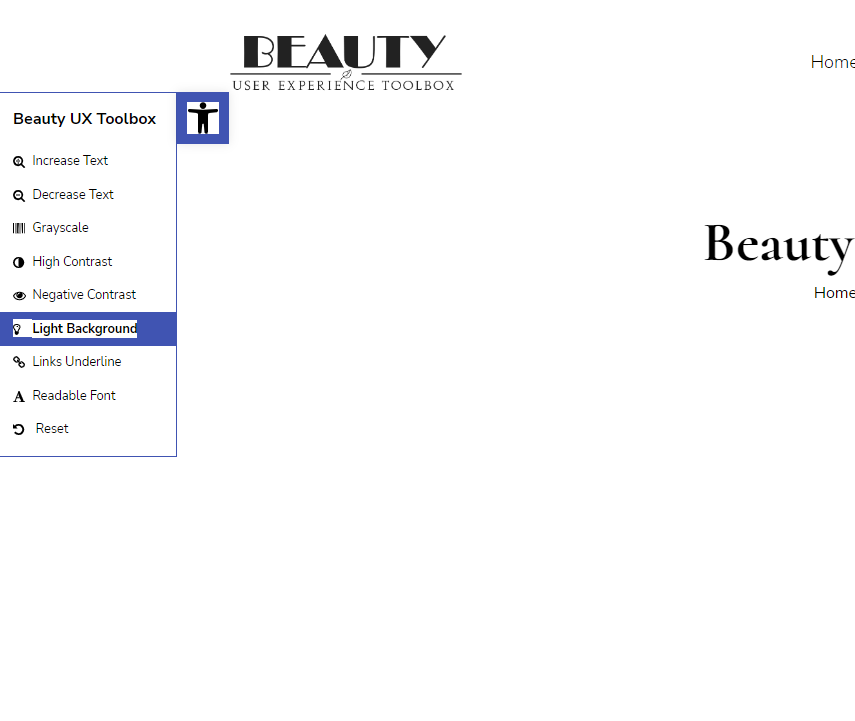
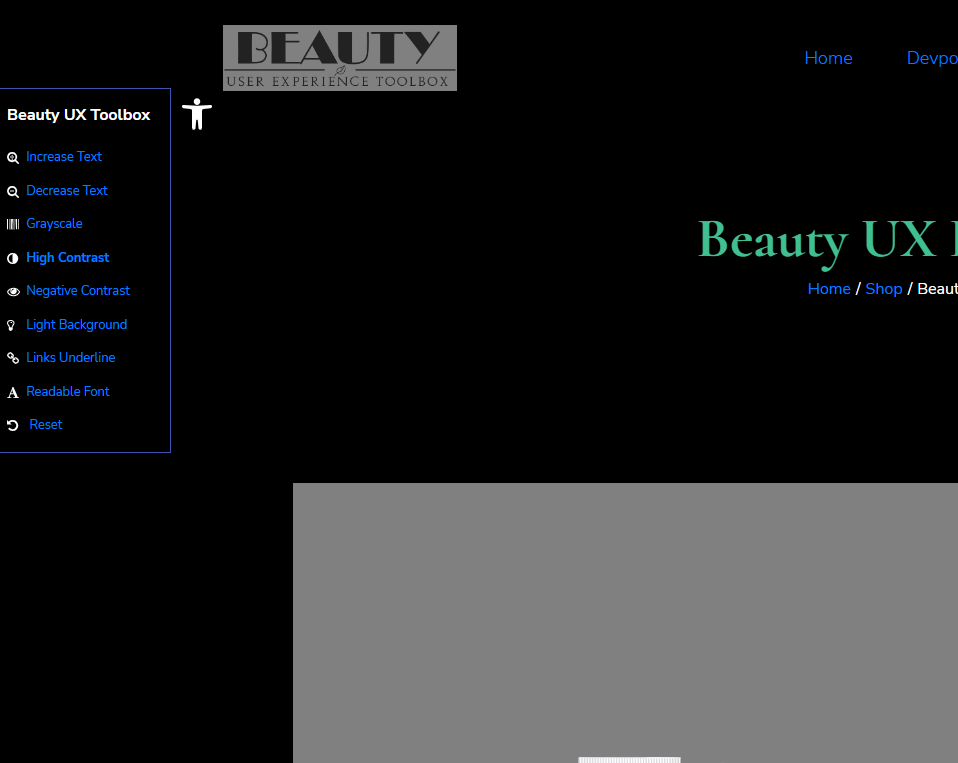
Background: Backgrounds can be adjusted to have a high contrast ratio, allowing users with low vision to be able to read text on the page. Additionally, backgrounds can be adjusted to be as non-distracting as possible to prevent confusion for individuals with cognitive impairments.
Contrast: Contrast can be optimized so that text and images are easy to distinguish and understand. Additionally, the contrast is adjustable so that users can adjust it to their preference.
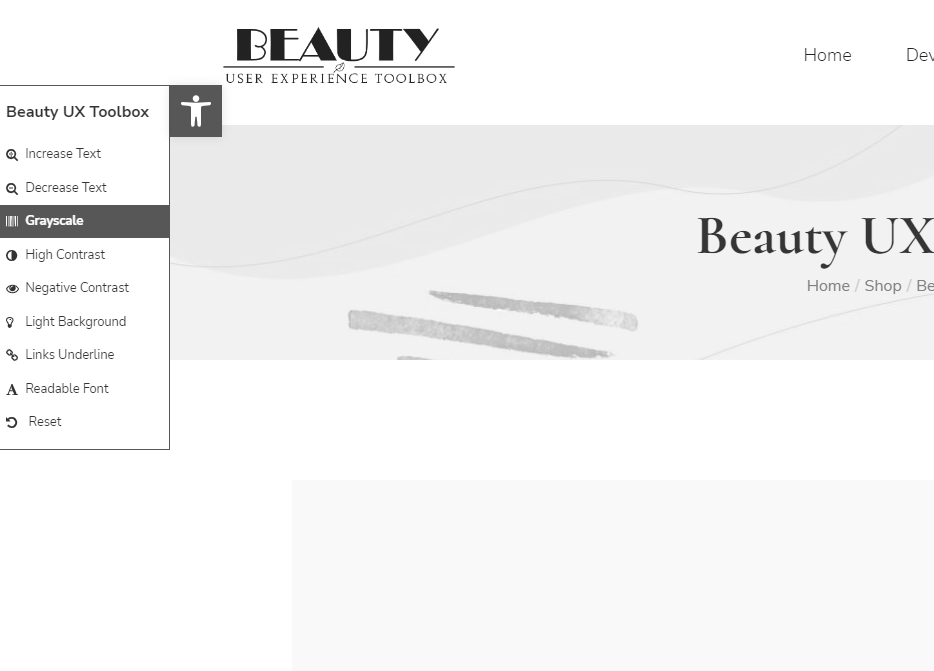
Color: Color can be adjusted to ensure that it is accessible to users with colorblindness and other visual impairments.
Text to Speech: Adds Text to Speech capabilities in the website or application to allow users with cognitive or physical disabilities to access the content.
Readable Font: The website or application can adjust to a font that is easy to read, such as Arial or Verdana, to make the content more accessible.
Links Underline: All links can be underlined to make it easier for users to identify and click on them.
These are just a few of the key features that Beauty UX Toolbox includes. By implementing Beauty UX Toolbox, website and application developers can ensure that all users, regardless of their abilities, can access and understand the content.
How we built it
Identify the Requirements: The first step in building Beauty UX Toolbox was to identify the requirements. This included understanding the type of disabilities the toolbox will be designed to accommodate, the types of products the toolbox should target, and the desired level of accessibility.
Research Existing Solutions: The next step in building Beauty UX was to research existing solutions. This included exploring the types of tools and techniques currently available for making websites and applications accessible, as well as researching standards and best practices around accessibility. Additionally, research was conducted to understand user needs, preferences, and expectations in terms of website and application accessibility.
Design and Develop the MVP: After researching existing solutions, the next step was to design and develop the toolbox. This included developing the necessary code in PHP, JavaScript, HTML, and CSS to create Beauty UX. Additionally, the toolbox was designed to be user-friendly and intuitive for users with disabilities.
Challenges we ran into
Ensuring compatibility with assistive technology: One of the main challenges was ensuring compatibility with assistive technologies such as screen readers, voice recognition, and keyboard navigation. This required that all interface elements are properly labeled and structured, and that all necessary information is provided in an accessible format.
Supporting older browsers: Many users with disabilities may be using older browsers which may not support the latest web technologies and standards. Therefore, it was important to ensure that Beauty UX is compatible with older browsers and can still provide an accessible experience.
Supporting multiple devices and platforms: Another challenge is ensuring that Beauty UX works across multiple devices, including desktop, mobile, and tablet, as well as different operating systems, such as iOS and Android. This required that Beauty UX is designed in a responsive way, so that it works well on all platforms and devices.
Testing and debugging: Testing and debugging Beauty UX to ensure its accessibility was also a challenge. This required that we take time to review and test the toolbox for any accessibility issues, and makes sure that any changes are made in a timely manner.
Accomplishments that we're proud of
We have created an MVP that contains a variety of features designed to meet the accessibility needs of people with disabilities.
We have developed an innovative user interface (UI) design that ensures users with disabilities can access the toolbox with ease. The UI is designed using principles of universal design, which means it is intuitive and easy to use for all users, regardless of their abilities.
We have conducted extensive testing to ensure the toolbox works as expected on different devices and platforms. This testing has allowed us to identify any potential issues, and ensure that the toolbox is optimized for use on all devices.
We have worked hard to ensure the toolbox is secure and reliable. We have implemented various security measures to keep users’ information safe.
We have created a user feedback system to collect user feedback and use it to continually improve and refine the toolbox. This feedback helps us understand how users are using Beauty UX and allows us to address any issues they may be facing.
What we learned
After building Beauty UX, we learned that it is essential to ensure that websites and applications are designed with disabilities in mind. It is important to ensure that all elements of a website or application are easy to use and understand for people with visual, hearing, and motor impairments. Furthermore, it is critical to conduct user testing with people with disabilities to ensure that the website or application is actually accessible and meets their needs.
What's next for Beauty UX Toolbox
Testing and Refining Beauty UX: We will test it to ensure it meets the desired level of accessibility and functions as expected. This includes conducting usability tests with users with disabilities to ensure the toolbox is user-friendly and meets the needs of users with disabilities. Once complete, any identified issues will be addressed and the toolbox will be refined to ensure it meets the desired level of accessibility.
Deploying the Toolbox: This includes making the toolbox available to users with disabilities so they can begin to use it. Additionally, it will be important to ensure the toolbox is properly documented and maintained so it continues to provide the desired level of accessibility over time.
