-
-
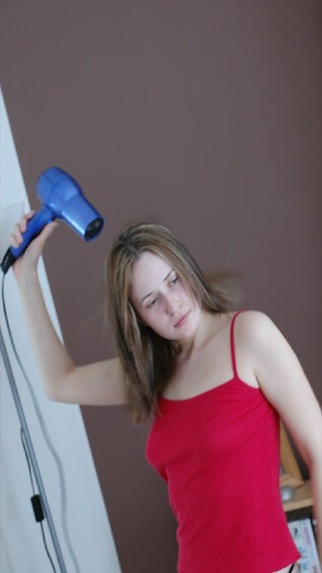
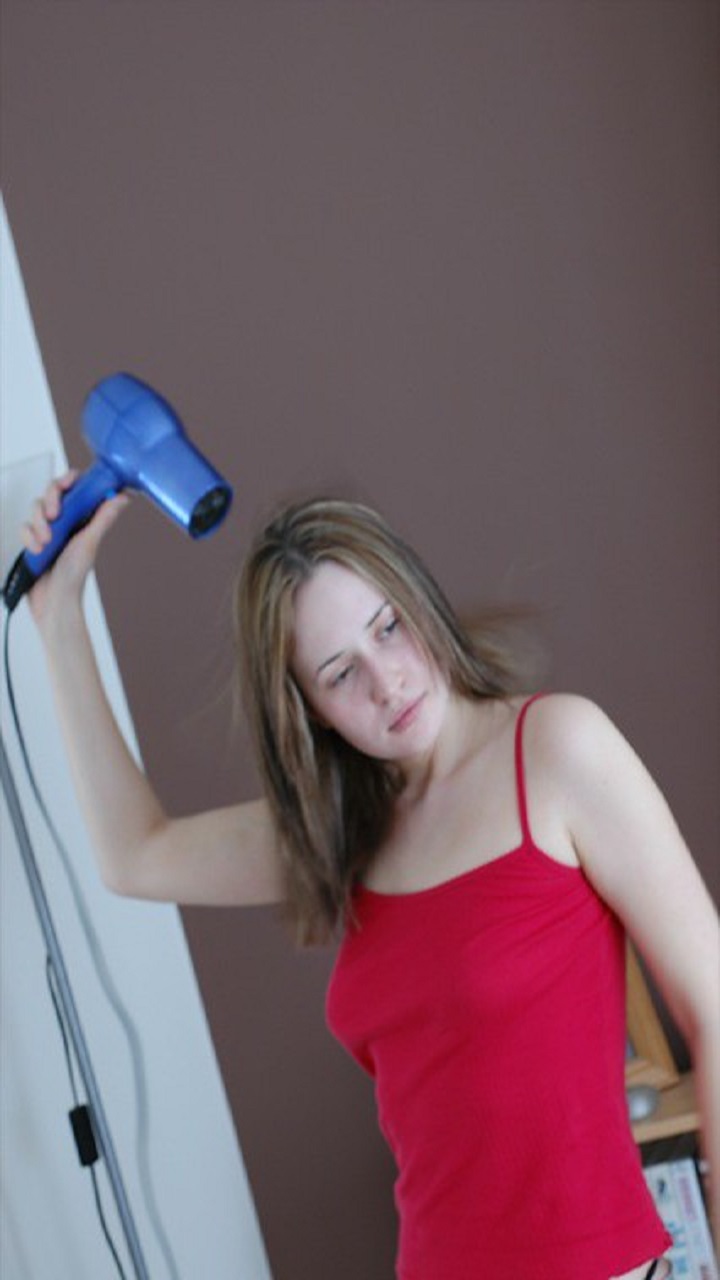
Using the hair dryer before being detected
-
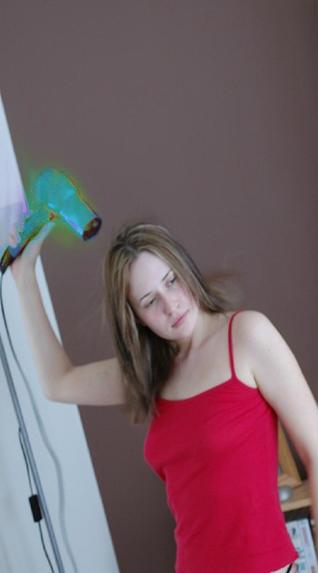
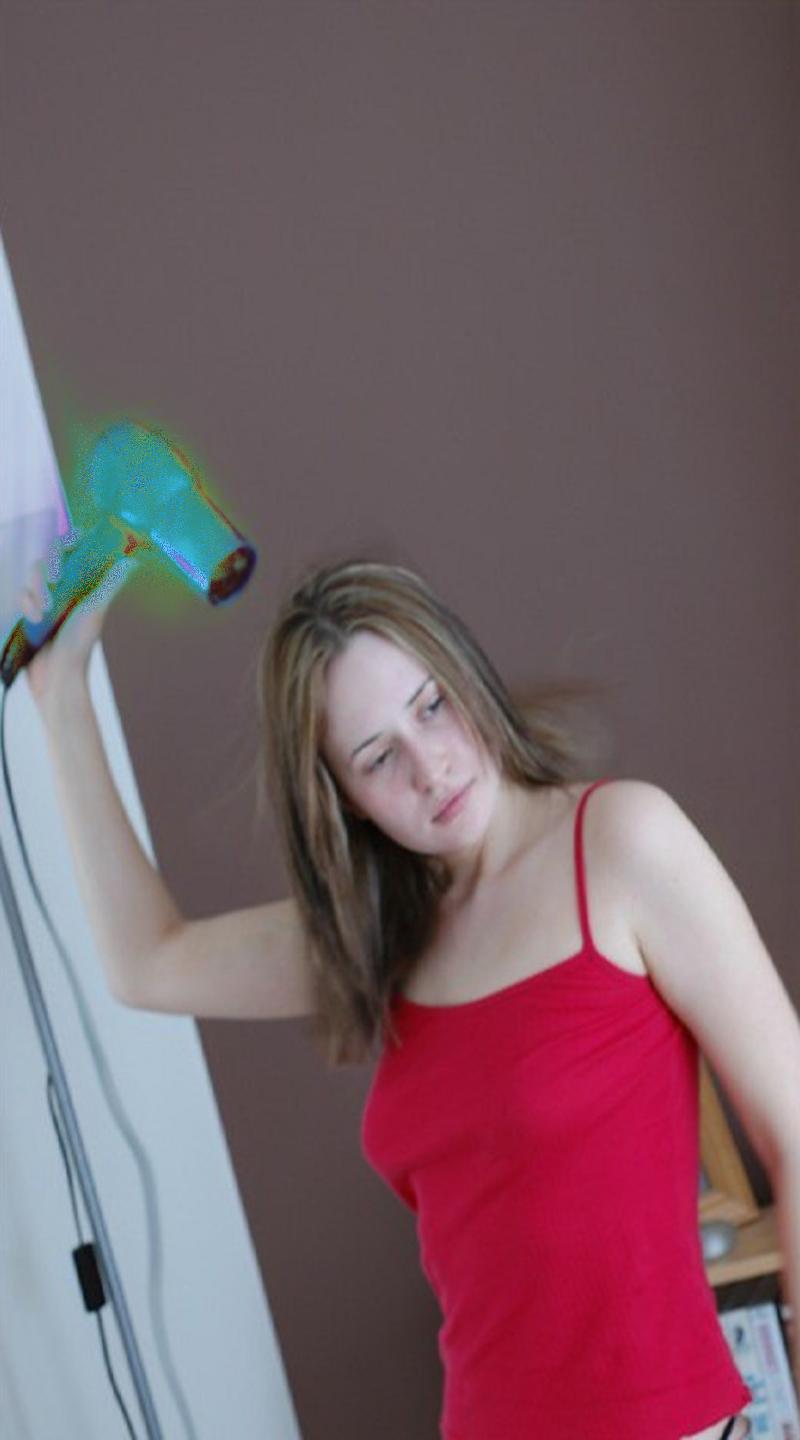
Using the hair dryer after being detected
-
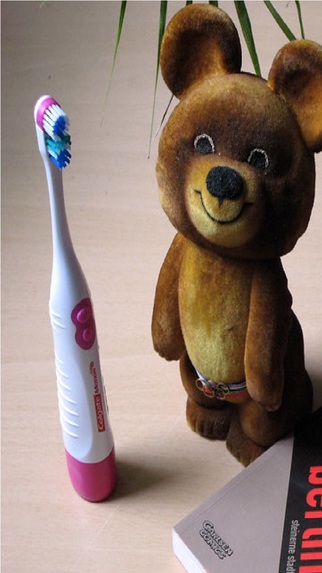
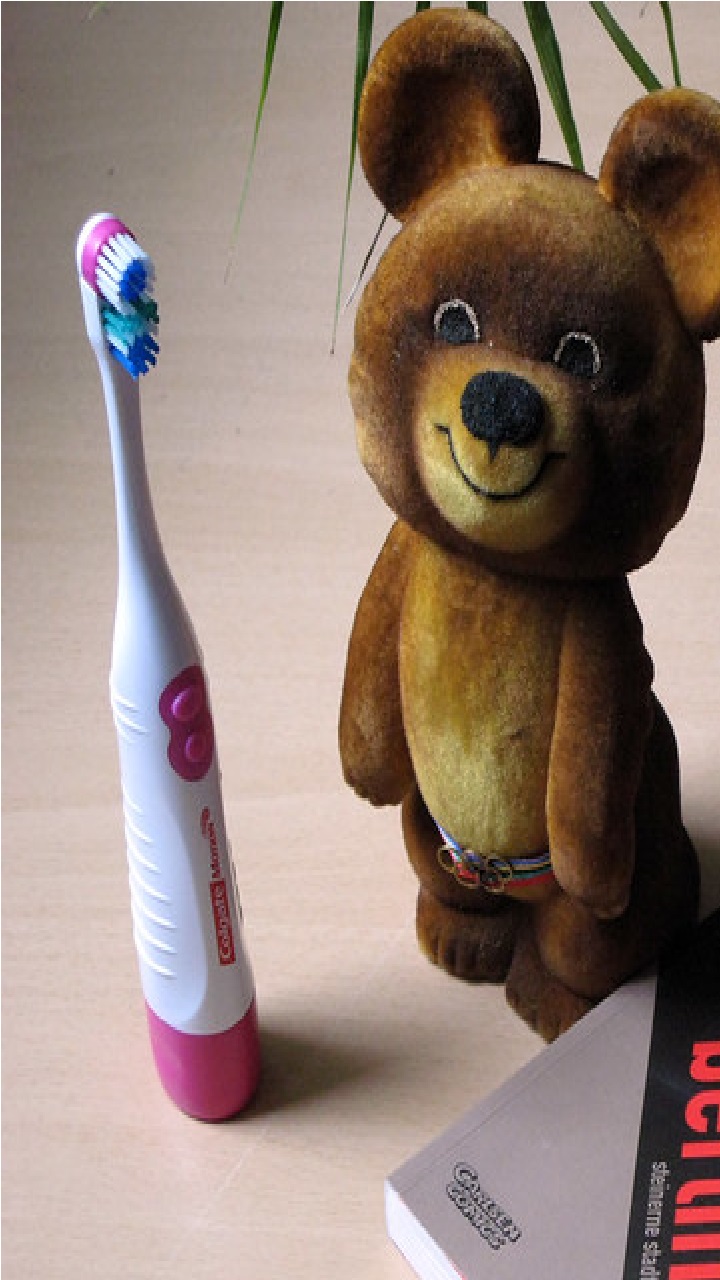
Watching the toothbrush before being detected
-
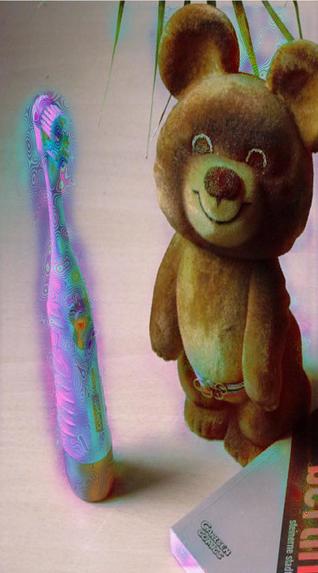
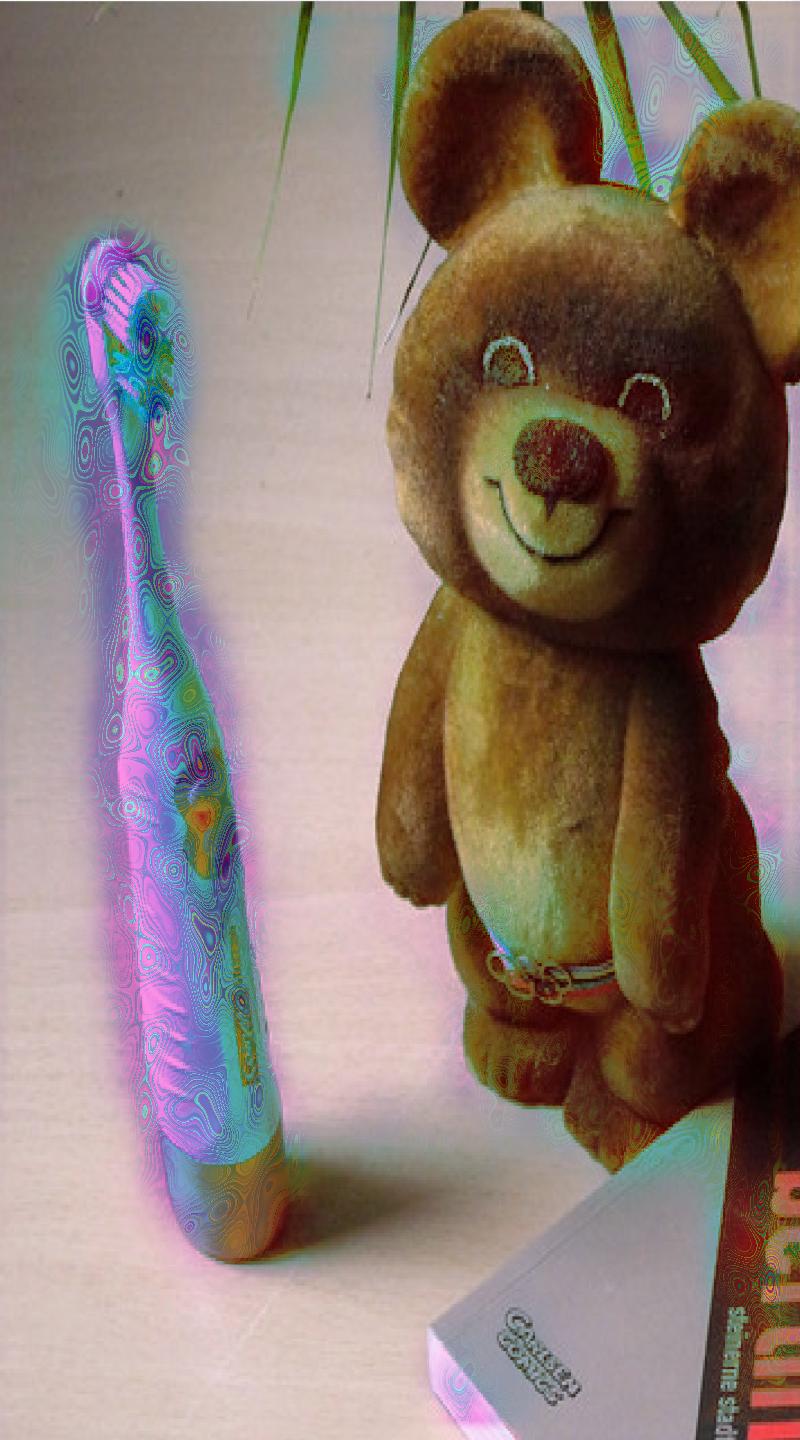
Watching the toothbrush after being detected
Inspiration
I was inspired by ELC Accessible Beauty Hackathon, and the idea of find a practical solution to help find the personal beauty products of visually impaired people by using the Smartphone or IPhone.
What it does
Using the Snapchat app I have created a tool called "lens", and it can help to find a visually impaired person's hair dryer by showing a rainbow colored effect on the found hair dryer. Today, this solution can help people with partial vision, and the app for blind people is under development by playing a molody when the object is detected. Working with artificial intelligence helps predict an event. In this case, to find the hair dryer I obtained an accuracy of 98%, so the visually impaired person is required to try to use this solution until they find the desired object.
How we built it
1) I followed all the instructions in the Custom Segmentation template guide; 2) then I opened the segmentation_training.ipynb notebook; 3) I opened google colaboratory; 4) I made some small changes to segment a hair dryer and you can see in this link hair_dryer_training.ipynb; 5) Following the step 1, I downloaded the "hair_drier_segmentation.onnx" model, then I opened the Lens Studio program and loaded this model, which you can download at this link hair_dryer_model; 6) Finally I have added the "Rainbow color correction", so the rainbow effect to the hair dryer was created when I applied a mask the image or video; 7) The Lens Studio project in its first version you can download at this Github link hair_dryer_model; 8) You can install Snapchat app via Play Store at Snapchat; and 9) My lens app "Hair Dryer Detect " is public an you can get and use on Snapchat app in this link Hair Dryer Detect
Challenges we ran into
There were complicated challenges, but satisfying to do! 1) Google Colaboratory offers little time to experiment for free (4-5 hours per day); 2) In Lens Studio documentation I didn't find enough technical support to solve technical problems, I hope they publish some tutorial or more documentation on machine learning (how to solve technical problems, how to make a machine learning template, or how to use other machine learning tools like kaggle); and 3) a lot of the things that I progressed were by dint of experimenting with machine learning, adding filters, and modifying audio filters.
Accomplishments that we're proud of
I finally made this app to help find a personal beauty product such as hair dryer of visually impaired people by using Lens Studio and Machine Learning. Now I just have to experiment to improve this template. Maybe achieve a best hair dryer segmentation thanks to artificial intelligence training, plus the excellent tools of Lens Studio.
What we learned
I learned how to segment a hair dryer with machine learning of SnapML. Also I learned to use various types of effects and color corrections be applied to the lens with Lens Studio. But all this was used to improve the application to detect the hair dryer of a visually impaired person.
What's next for Beauty Object Detector For Vision Impairment People
It remains for me to experiment with addind melody to the hair dryer detector, so we can help blid people to find its beauty device. I have made progress with this new version but I am still not totally satisfied. I don't know, but I would like technical staff of ESTEE LAUDER COMPANIES will give me ideas and other kind of support. Eg, I have ideas to detect other beauty objects such as: perfumes, soaps, toothbrushes, makeup, jars, bottles, etc.
Project Report Updated
Toothbrush Detector Lens This update corresponds to a toothbrush detector, since this object is also used to beautify the teeth of people with visual disabilities. The way I built it is the same as the one I used in step three of this document, so I don't think I need to repeat the same words. Finally, I provide you next software updates: 1) The software links to get the AI "Toothbrush Model" and the "Lens Studio Project" on my Github account: Update 1 ; 2) I also attach the link to the "Toothbrush Detect Lens" that you can download and test on the "Snapchat app"; and 3) The Youtube video where you can see the tests carried out with the Toothbrush Detector with SnapML
Built With
- google-colaboratory
- javascript
- lens-studio
- python

Log in or sign up for Devpost to join the conversation.