-
-
-
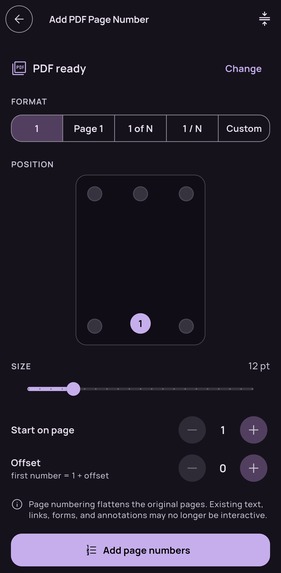
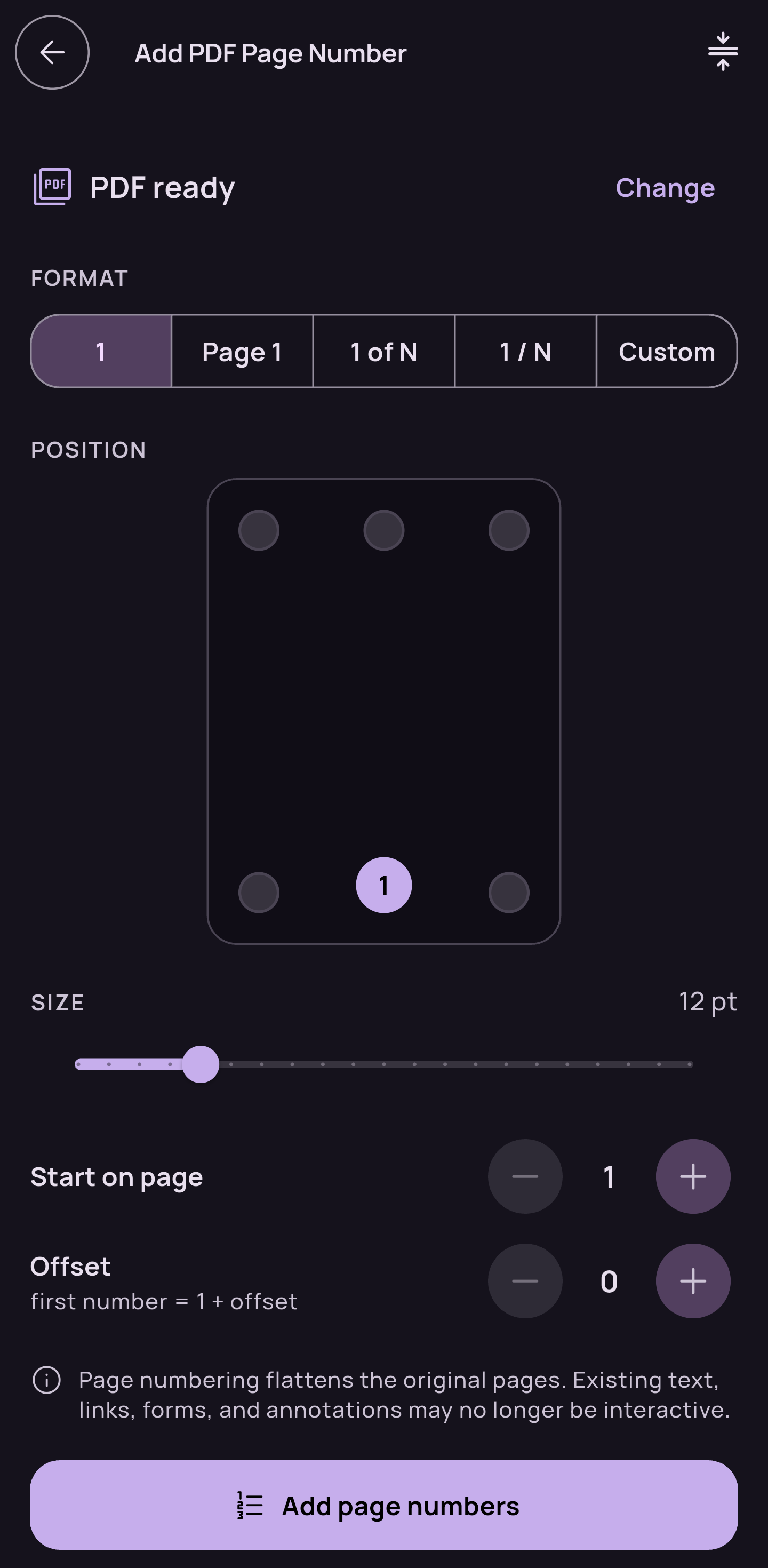
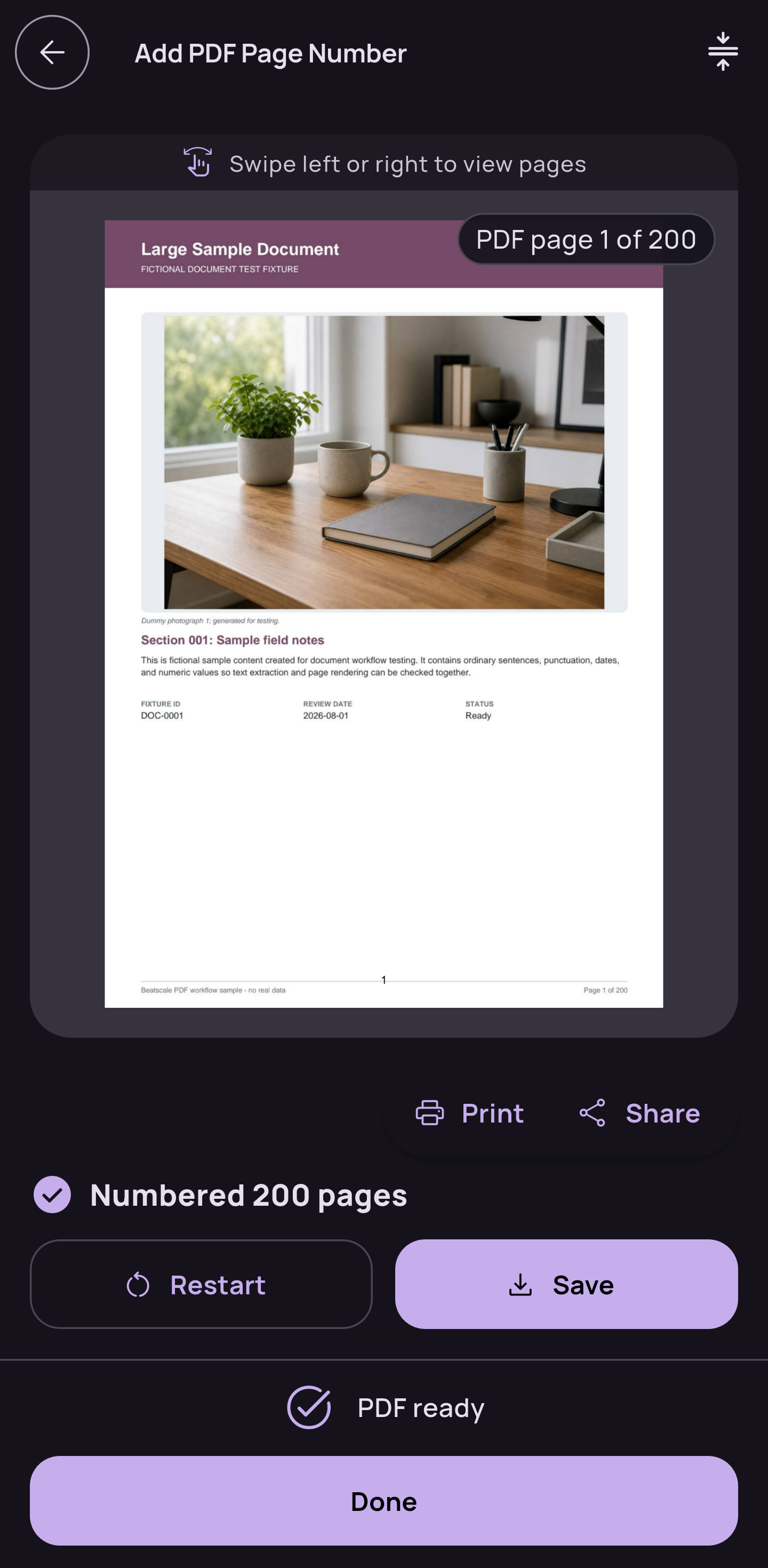
Add page number to PDF
-
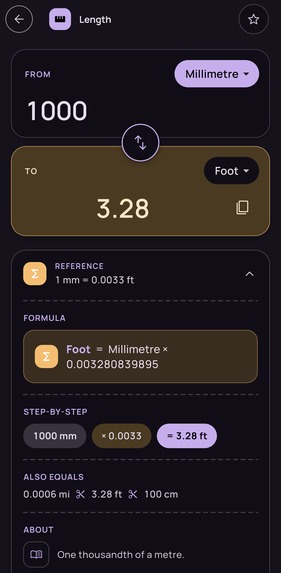
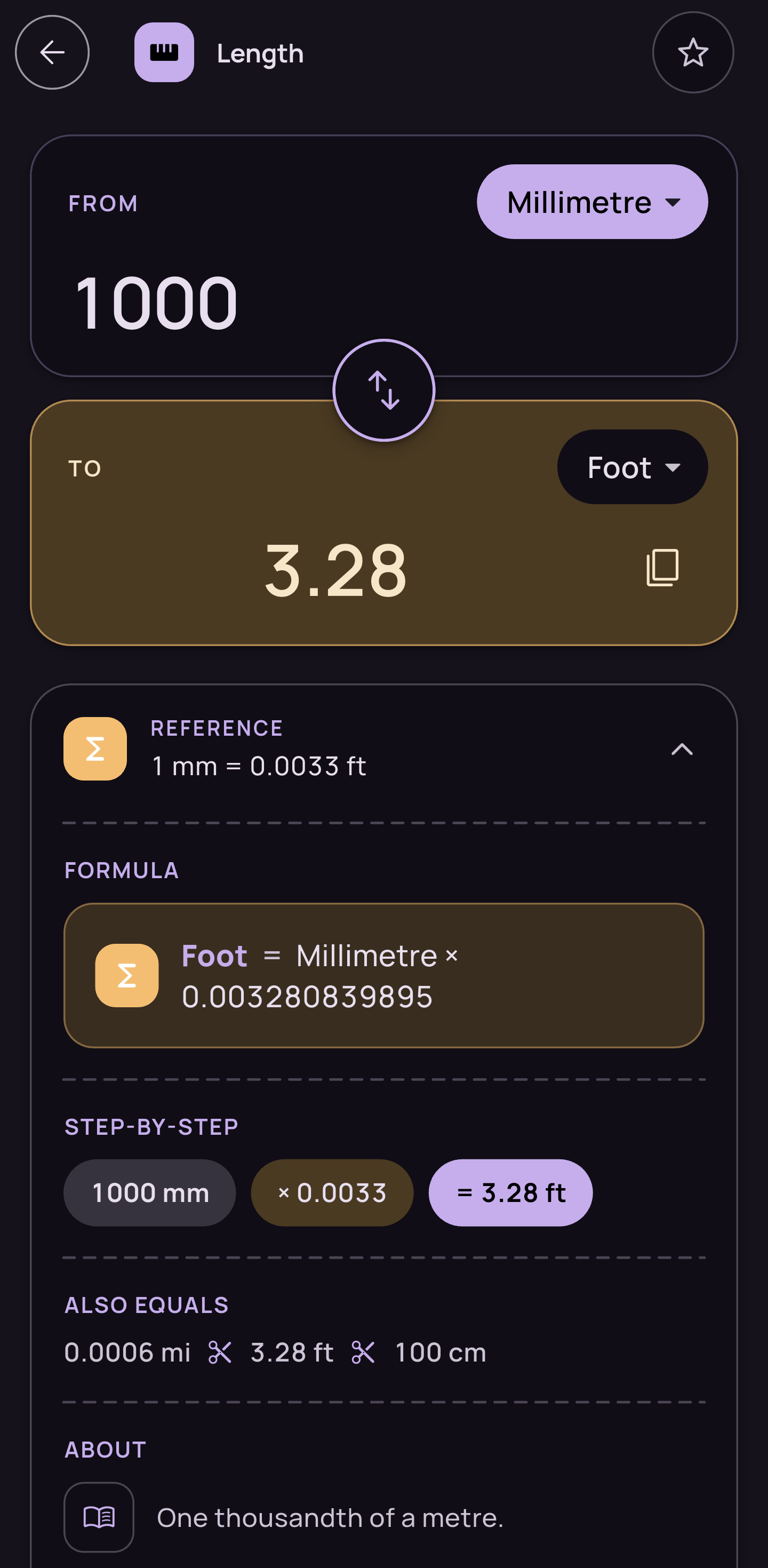
Unit Converter
-
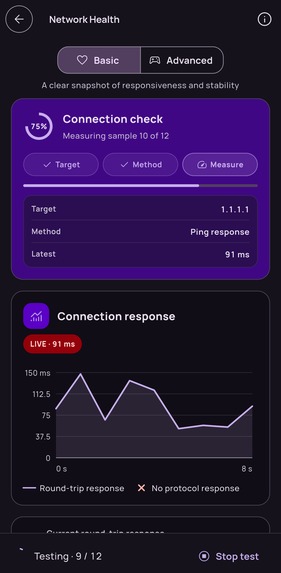
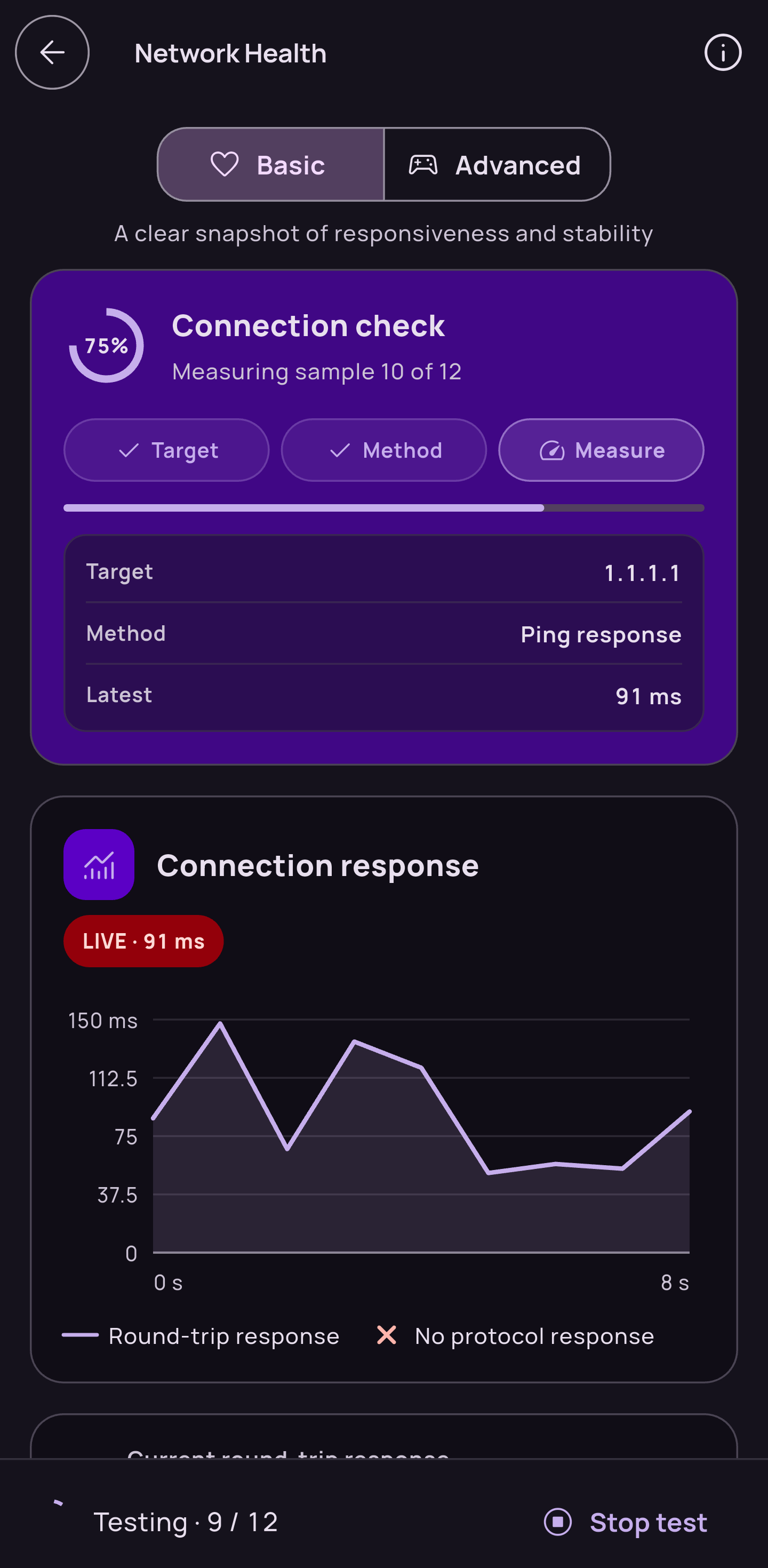
Network Health Check Tool (Basic View)
-
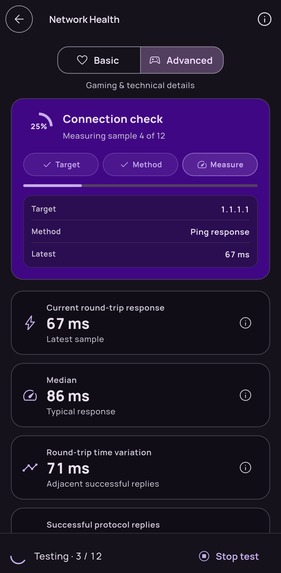
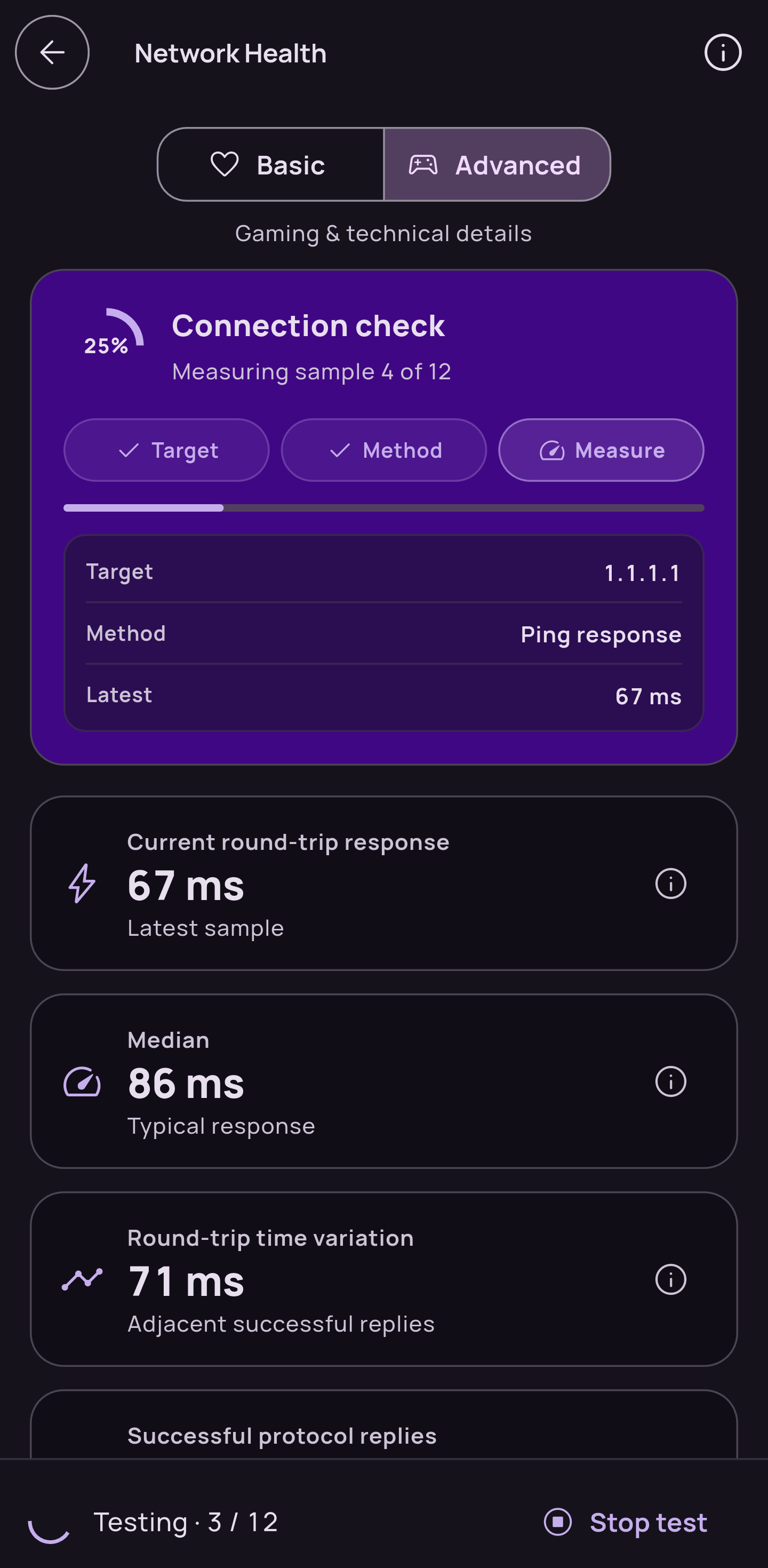
Network Health Check Tool (Advance View)
-
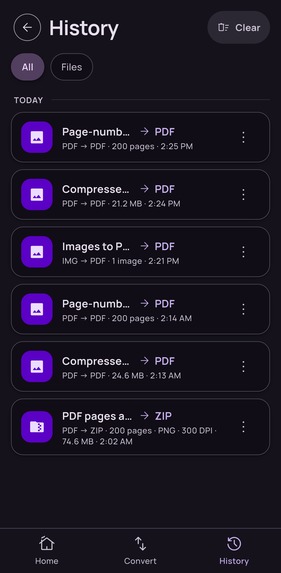
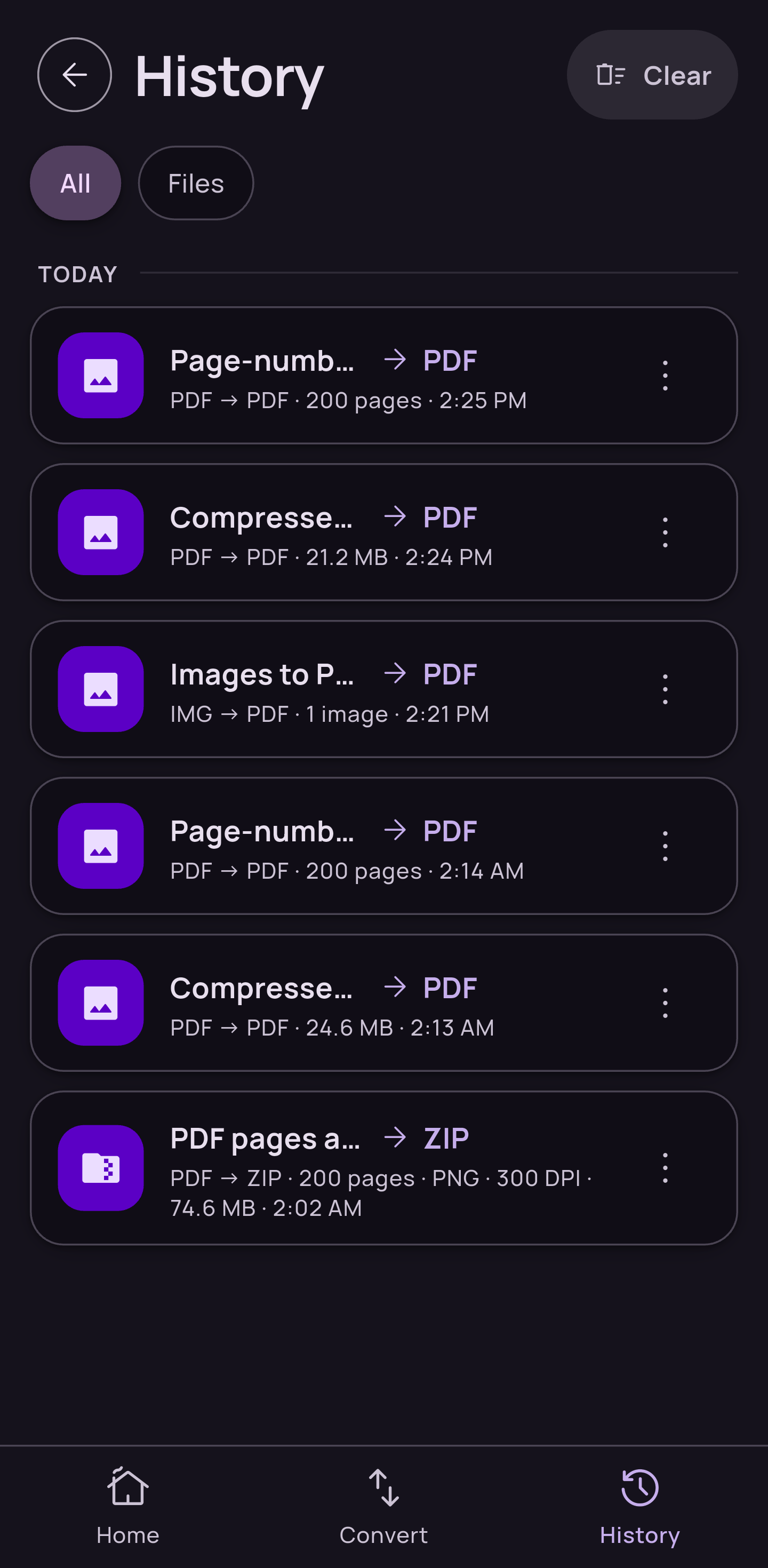
History Page
-
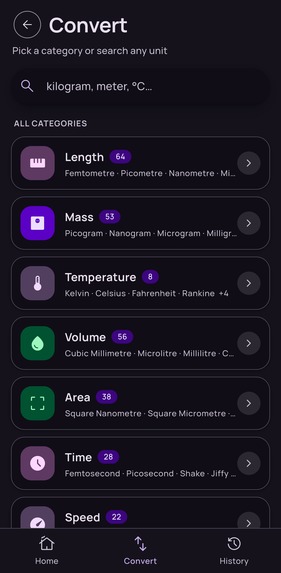
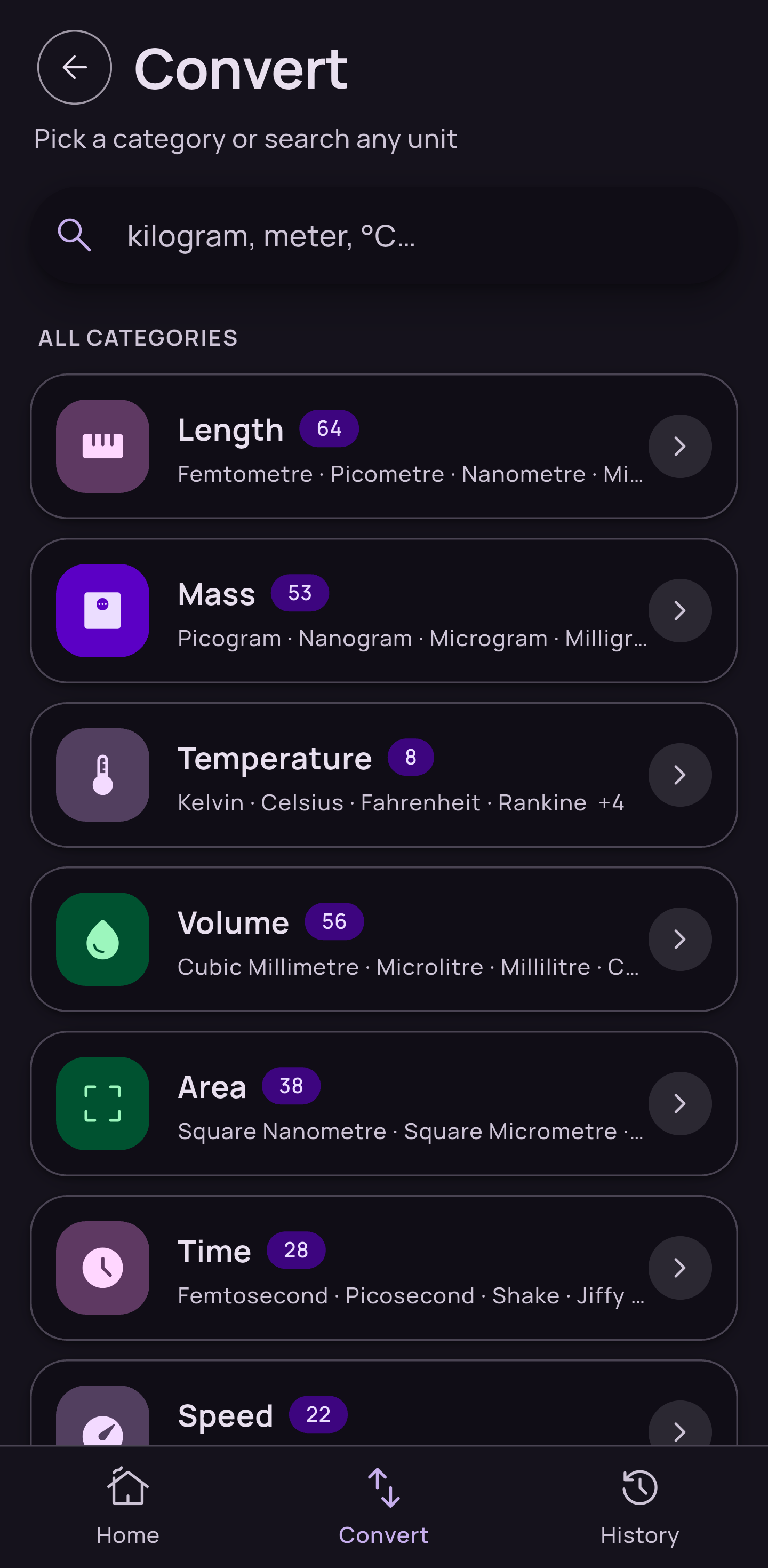
Converter Page
-
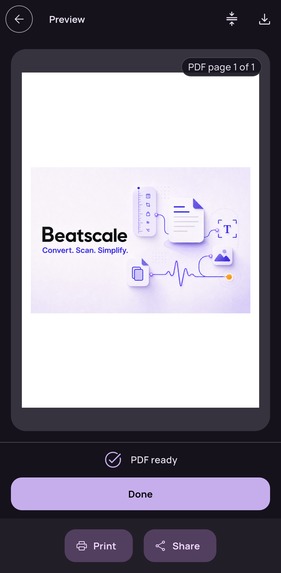
Image to PDF (Complete)
-
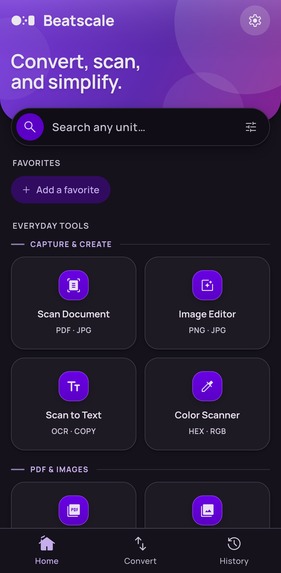
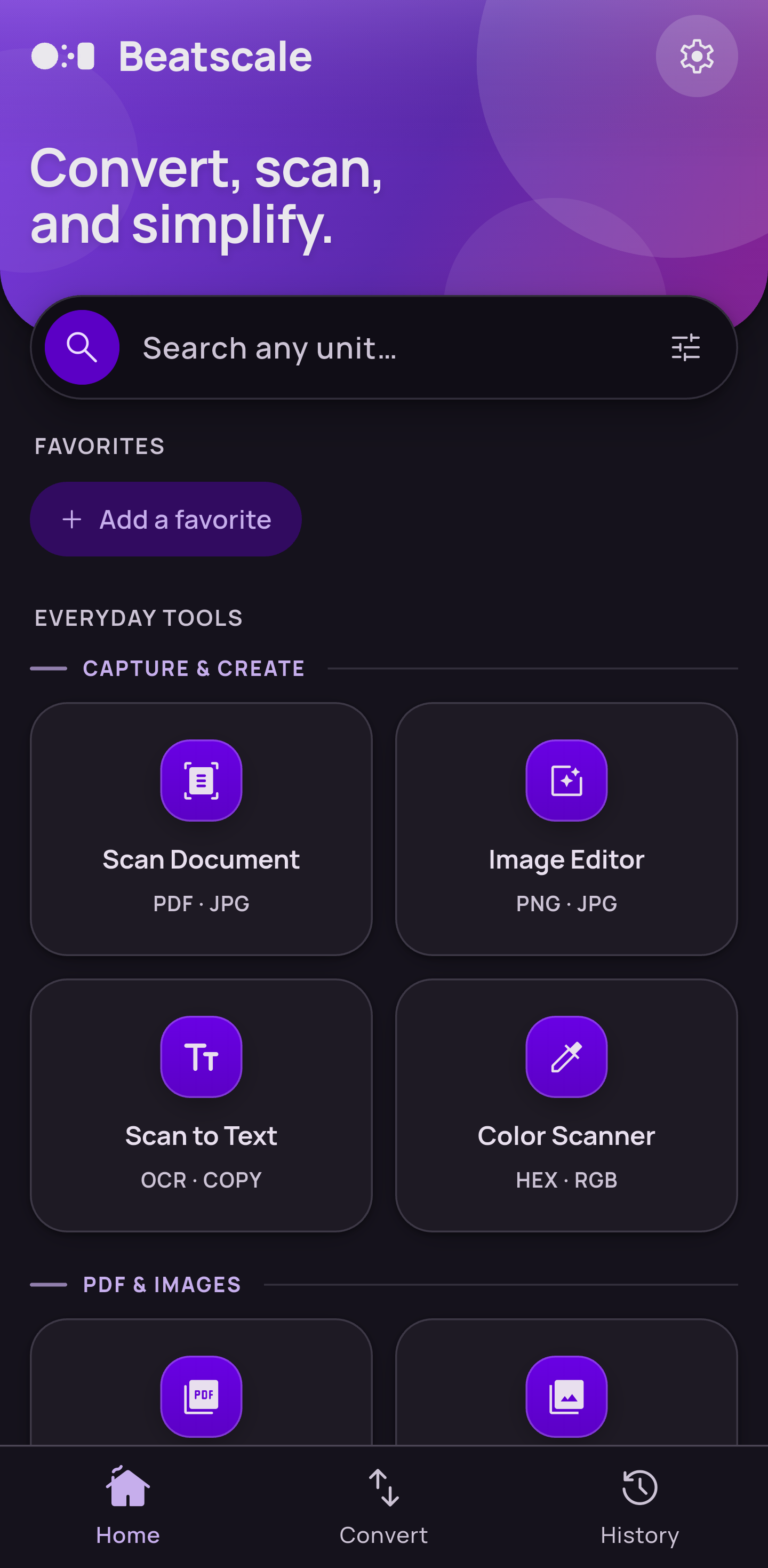
Dashboard
-
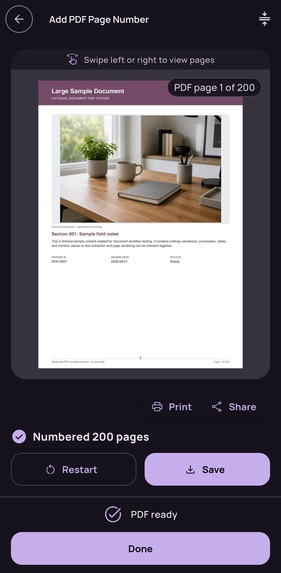
Add page number to PDF (Complete)
-
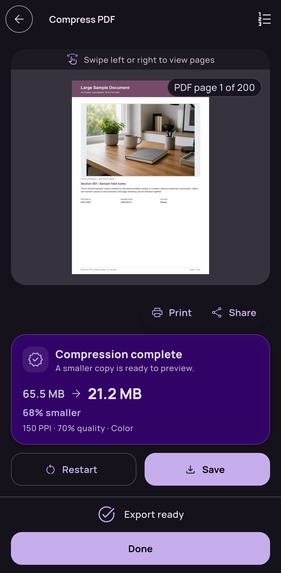
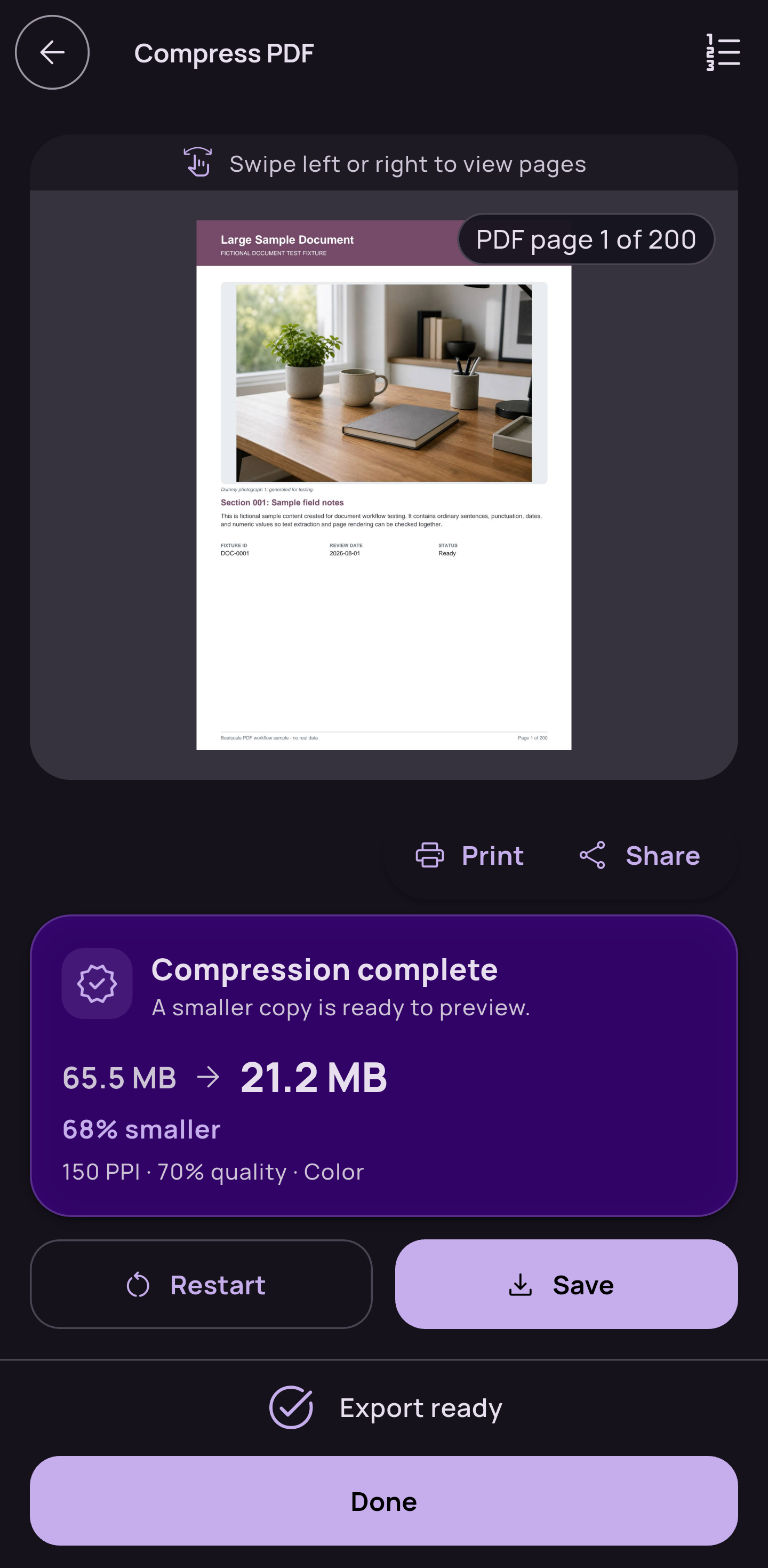
Compress PDF
-
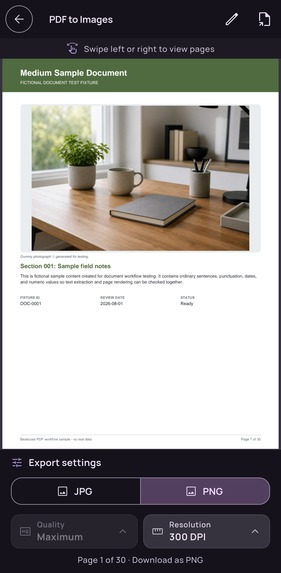
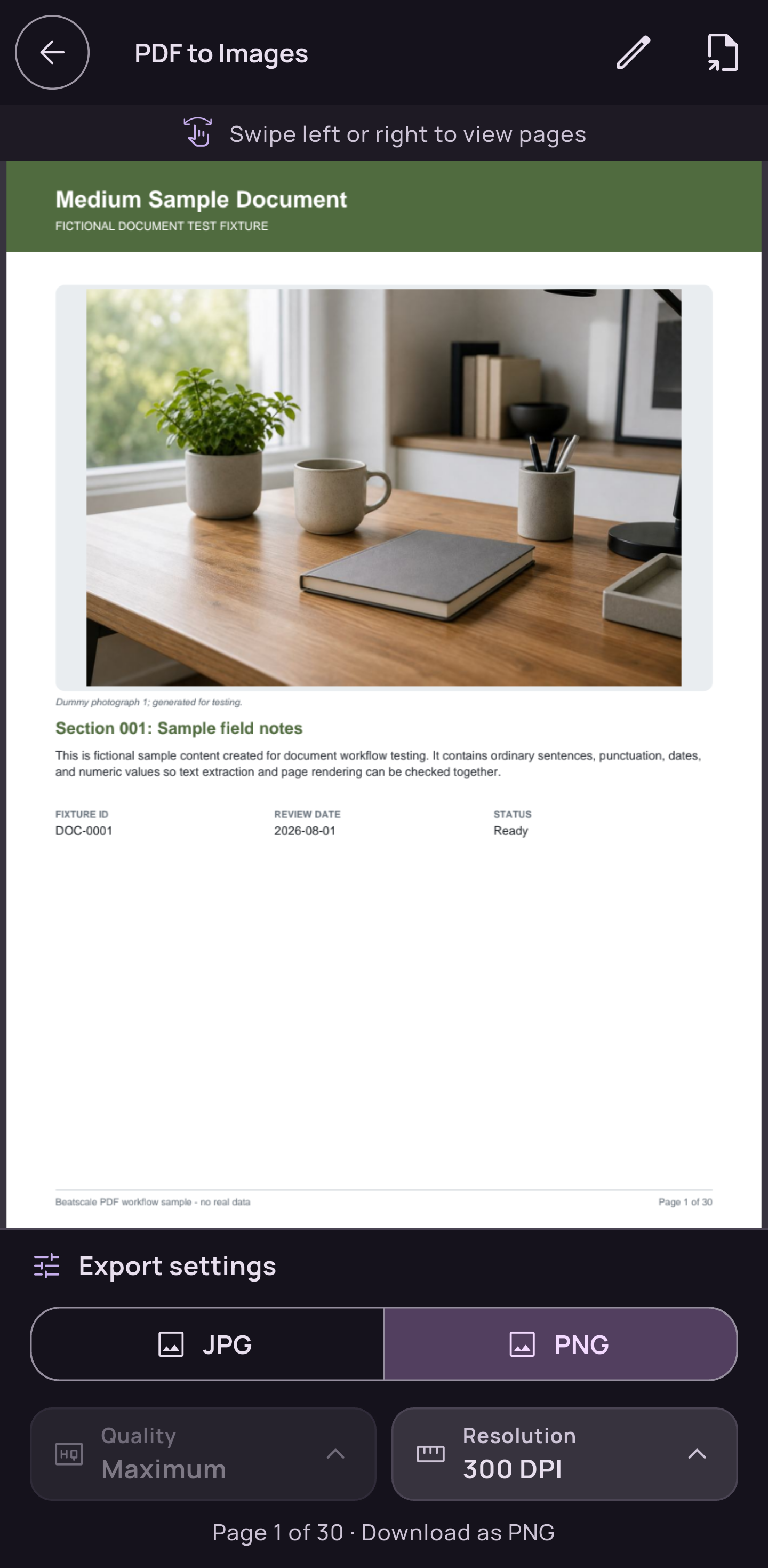
PDF to Image Preview
-
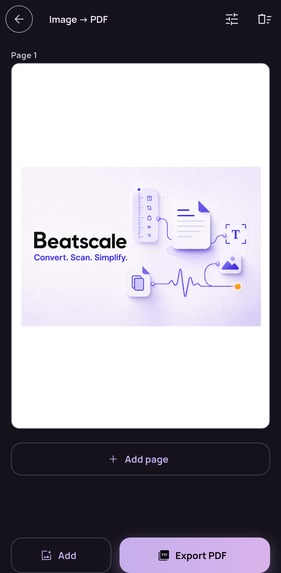
Image to PDF
Inspiration
Beatscale started because I kept needing small tools for myself. One day my internet felt unusually slow. I searched the Play Store for something that could give me a clearer idea of what was happening. I wanted to see response time, stability, and missed replies instead of getting only a download-speed number. I could not find exactly what I wanted, so I built Network Health as a personal tool.
The same thing happened with documents. I needed to scan several pages quickly using my phone. Many of the apps I tried placed the useful tools behind a recurring subscription. I did not want another subscription for something I only needed occasionally, so I made my own scanner and PDF tools.
Then I needed to convert US and UK shoe sizes. I added that too. After a while, I noticed a pattern. These were small jobs, but each one meant finding another app, dealing with ads, starting a trial, paying for a subscription, or uploading a personal file to a website. I had already built the tools I needed, so I decided to bring them together in one app. If I kept running into these problems, other people probably did too. That became Beatscale.
What it does
Beatscale is a local-first toolbox for conversions, documents, images, and everyday technical tasks.
It includes more than 1,000 units across over 70 categories, including length, mass, temperature, cooking, digital storage, engineering, clothing, and shoe sizes. People can search for units, choose their preferred precision, view formulas, save favorite pairs, and return to recent conversions.
The document tools can scan pages, create PDFs from images, export PDF pages as images, compress scanned PDFs, add page numbers, recognize text and QR codes, and edit images. The image editor supports layers, drawing, text, shapes, filters, crop, rotation, and canvas controls.
Network Health runs a short, user-started latency and stability check. It does not pretend to be a full internet speed test. It gives the user a simple view of response time, missed replies, and connection consistency.
Beatscale also includes date calculations, camera color sampling, and local backup and restore.
Conversion inputs, scans, source images, recognized text, and generated files are processed on the device. Beatscale does not upload that content to provide its tools.
How we built it
I built Beatscale with Flutter and Dart, using Riverpod for app state and task coordination. Native Kotlin handles Android work that needs closer platform integration, including PDF rendering, long-running document tasks, notifications, file operations, and network diagnostics.
Large files needed a different approach from small demos. Document pipelines process one page at a time and use temporary files on disk instead of trying to keep an entire job in memory. This reduces memory spikes and lets the app show live progress for large exports.
The interface is designed for phones and tablets in portrait and landscape. Tool grids, information cards, editor controls, and long pages adjust to the available width while keeping consistent spacing and readable margins.
RevenueCat powers the one-time Premium purchase. The free version allows every workflow to be tried in preview mode. Premium unlocks full results and the save, copy, print, and share actions. RevenueCat provides the live store price, purchase handling, entitlement status, and purchase restoration.
I chose a lifetime purchase because Beatscale is a personal utility toolbox. It has no subscription, account requirement, or advertising.
Challenges we ran into
Long-running document jobs were one of the hardest parts.
Small PDFs worked well, but larger files exposed memory and lifecycle problems. An early version could leave a task running after the progress screen had closed. The user would tap Cancel, return to the tool, and be told that another task was still running.
I moved document work into an app-level task runner shared by the progress screen, Android worker, and notification. The Cancel button now reaches the task doing the work instead of only closing the interface.
Purchases had another difficult edge case. Google Play can finish a transaction before the final Premium entitlement reaches the app. The purchase flow now waits for RevenueCat to confirm the entitlement, supports restoration, and preserves previously verified Premium access during an offline start.
Making a large set of tools feel like one app was also difficult. A converter, scanner, image editor, PDF exporter, and network test need different controls. I created shared layouts, cards, progress states, spacing, and status language so users do not have to relearn the interface every time they open another tool.
Accomplishments that we're proud of
I am proud that Beatscale grew from a few tools I needed into one consistent product. It can handle a quick shoe-size conversion and a large PDF export without treating either job as an afterthought.
I am also proud of the preview-first Premium model. People can use their own input, see the workflow, and decide whether the one-time purchase is useful to them. The app has to earn that purchase by doing the job.
What we learned
I learned that small utility features still need careful engineering. A progress spinner is easy to add. Reliable progress, background behavior, cancellation, recovery, and storage limits require much more work.
I also learned to be precise when talking about privacy. Beatscale processes file content on the device, but purchases, optional crash reports, SDK diagnostics, and user-started network tests can still make limited connections. The app explains those boundaries instead of claiming that it never uses the internet.
The biggest lesson came from using the app myself. People usually open a utility because they need to finish something immediately. They do not want a long setup process or a subscription screen before they can find out whether the tool works.
What's next for Beatscale: Converters & Tools
The next step is the first public Google Play release. Once it is live, I will focus on real feedback, device-specific problems, purchase conversion, and the places where users leave before completing a task.
I plan to improve the tools people use most, test clearer store and paywall messaging, and continue refining the tablet and foldable experience.

Log in or sign up for Devpost to join the conversation.