-
-
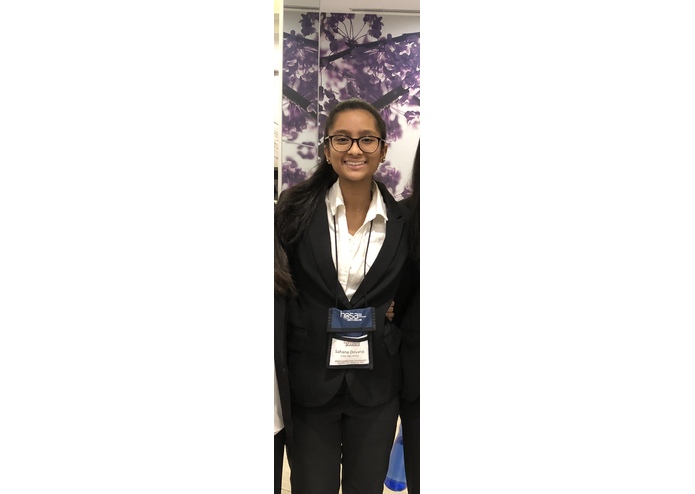
Sahana Devaraj, Sophomore at Enloe High School
-
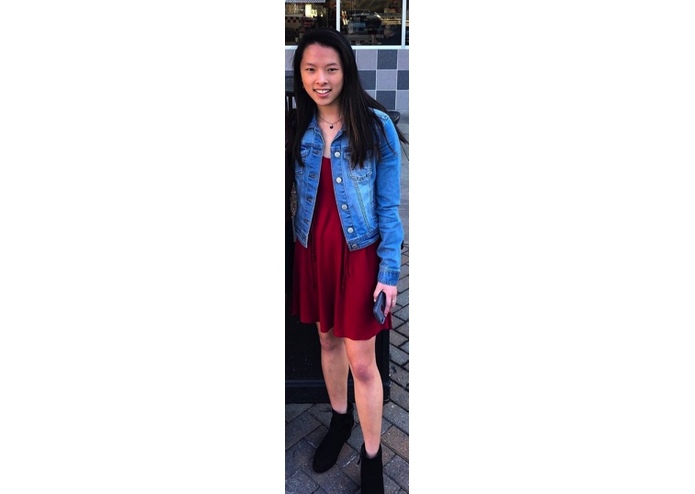
Emilia Wall, Sophomore at Enloe High School
-
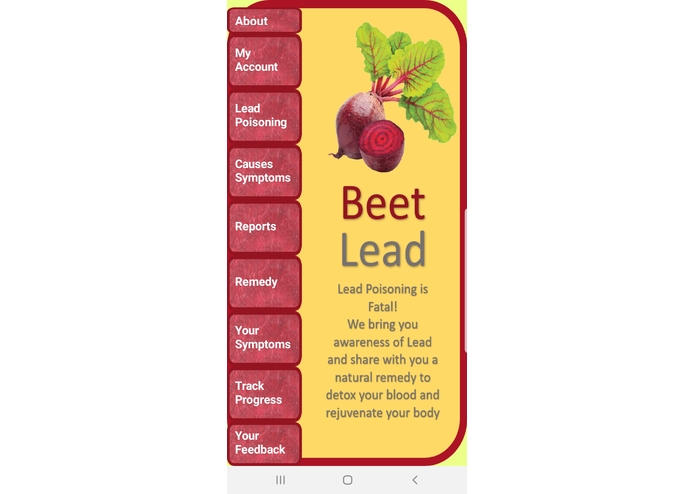
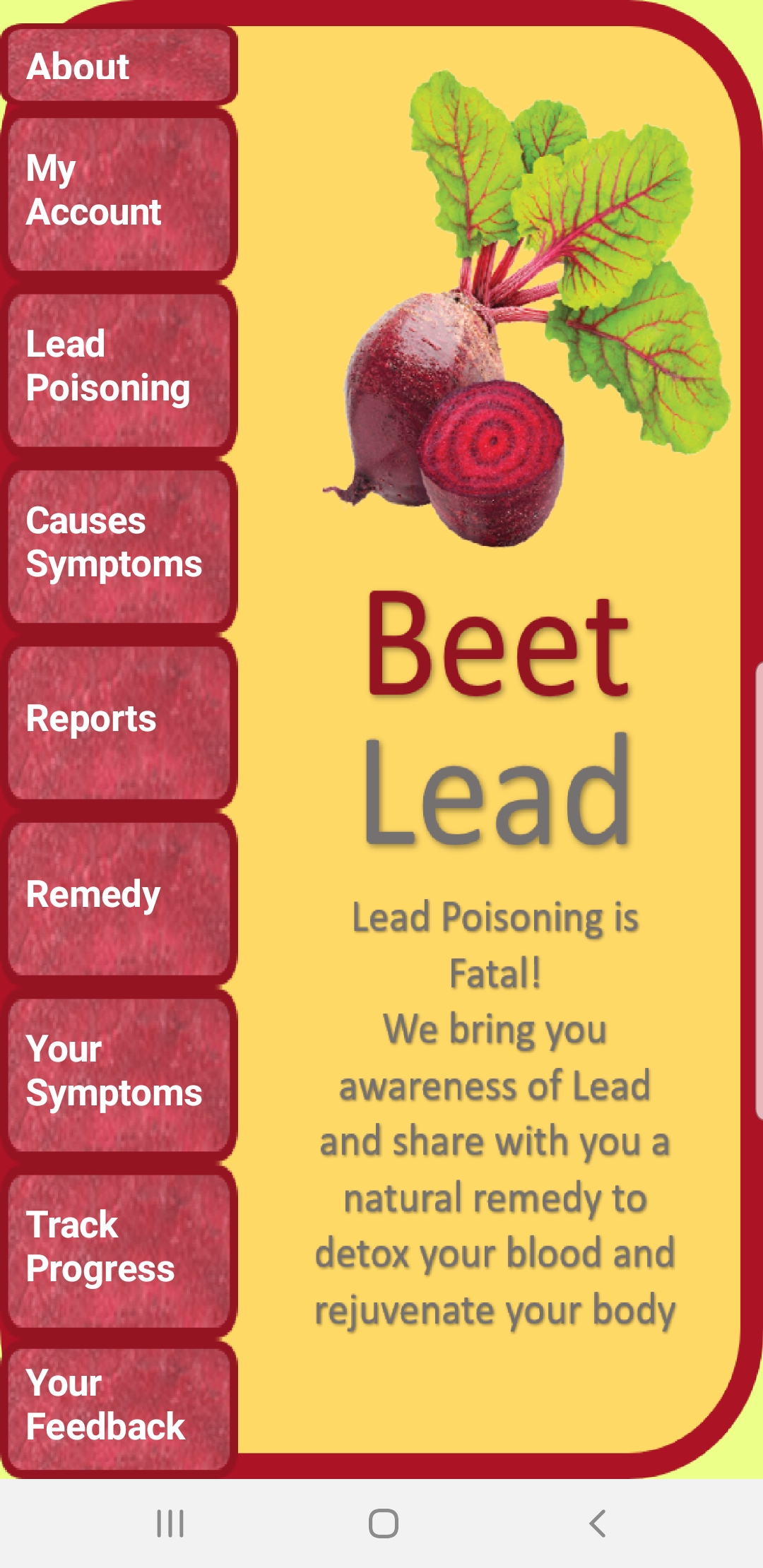
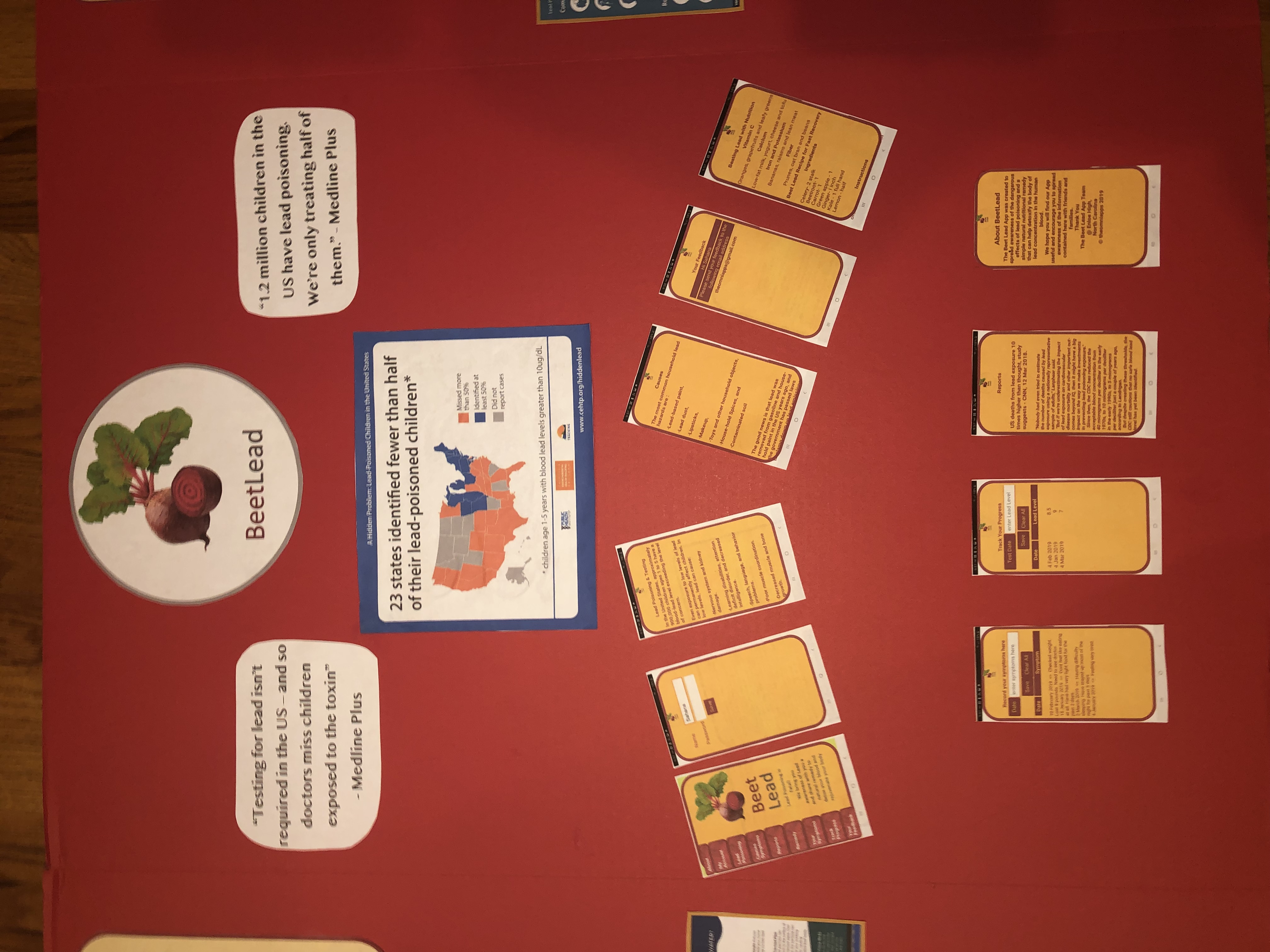
Home Screen
-
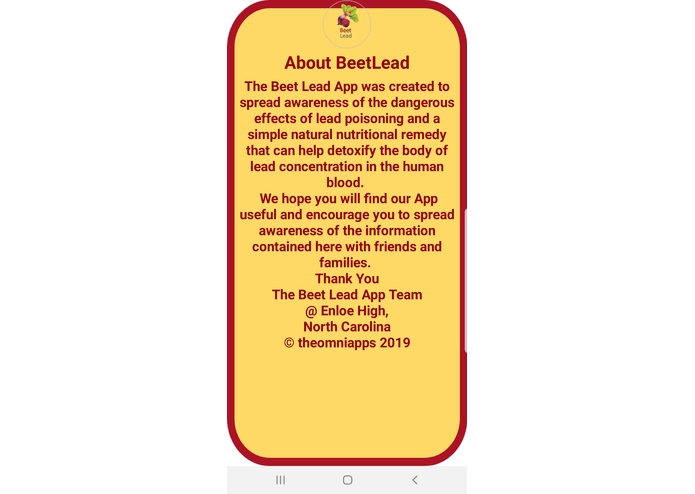
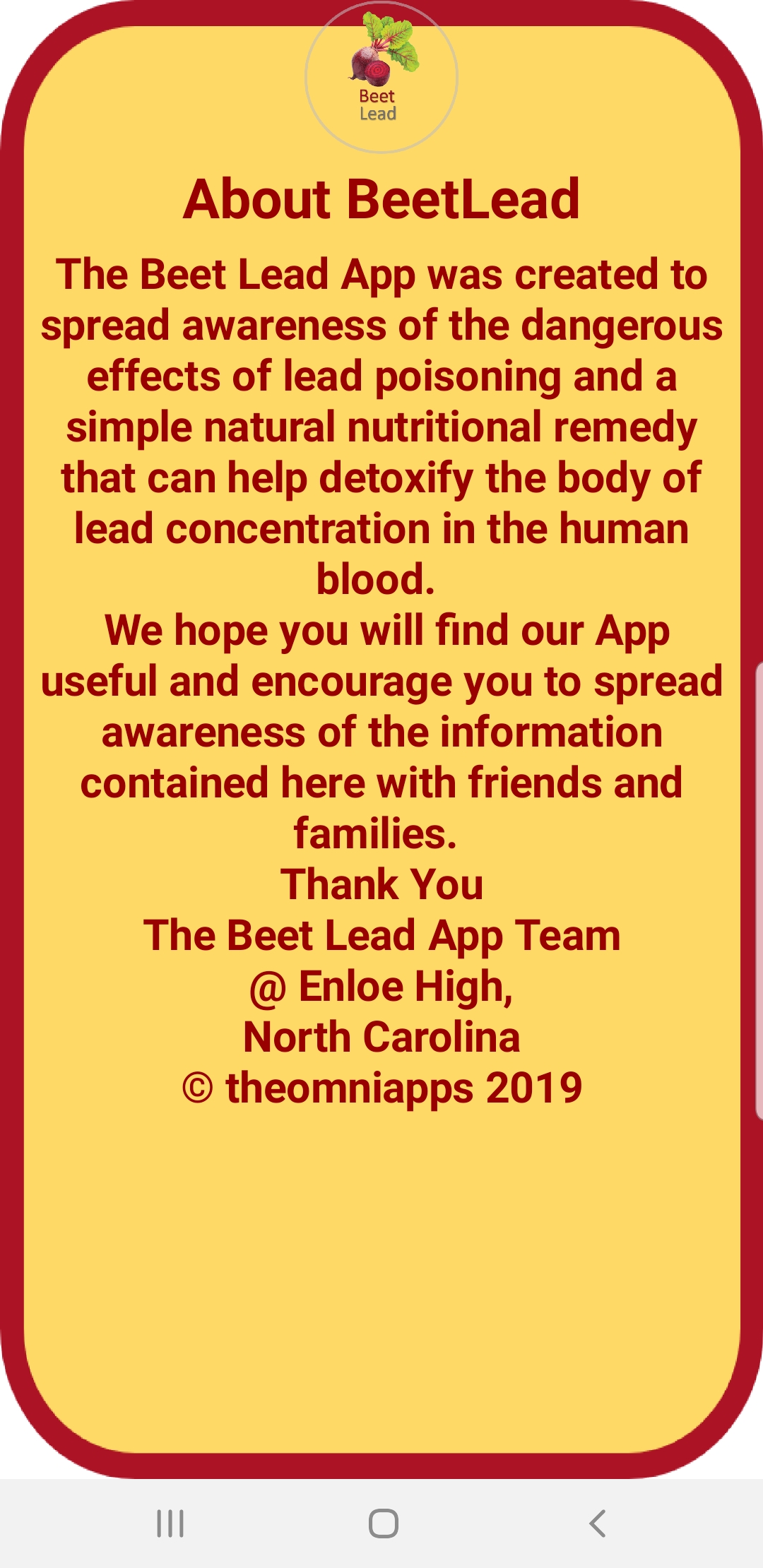
About Screen: Mission & Purpose of BeetLead
-
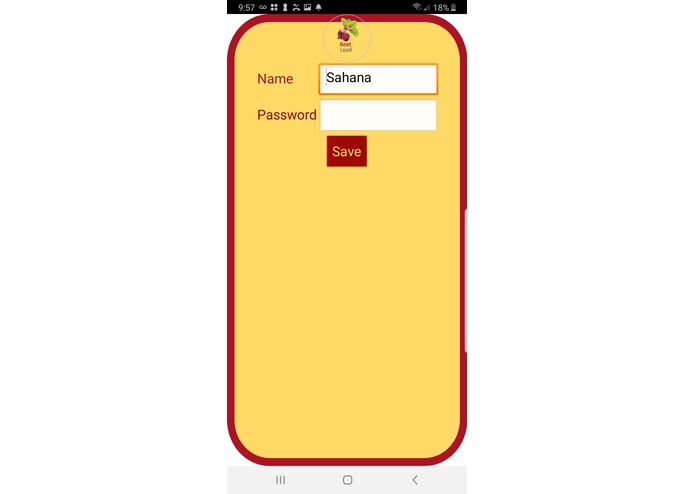
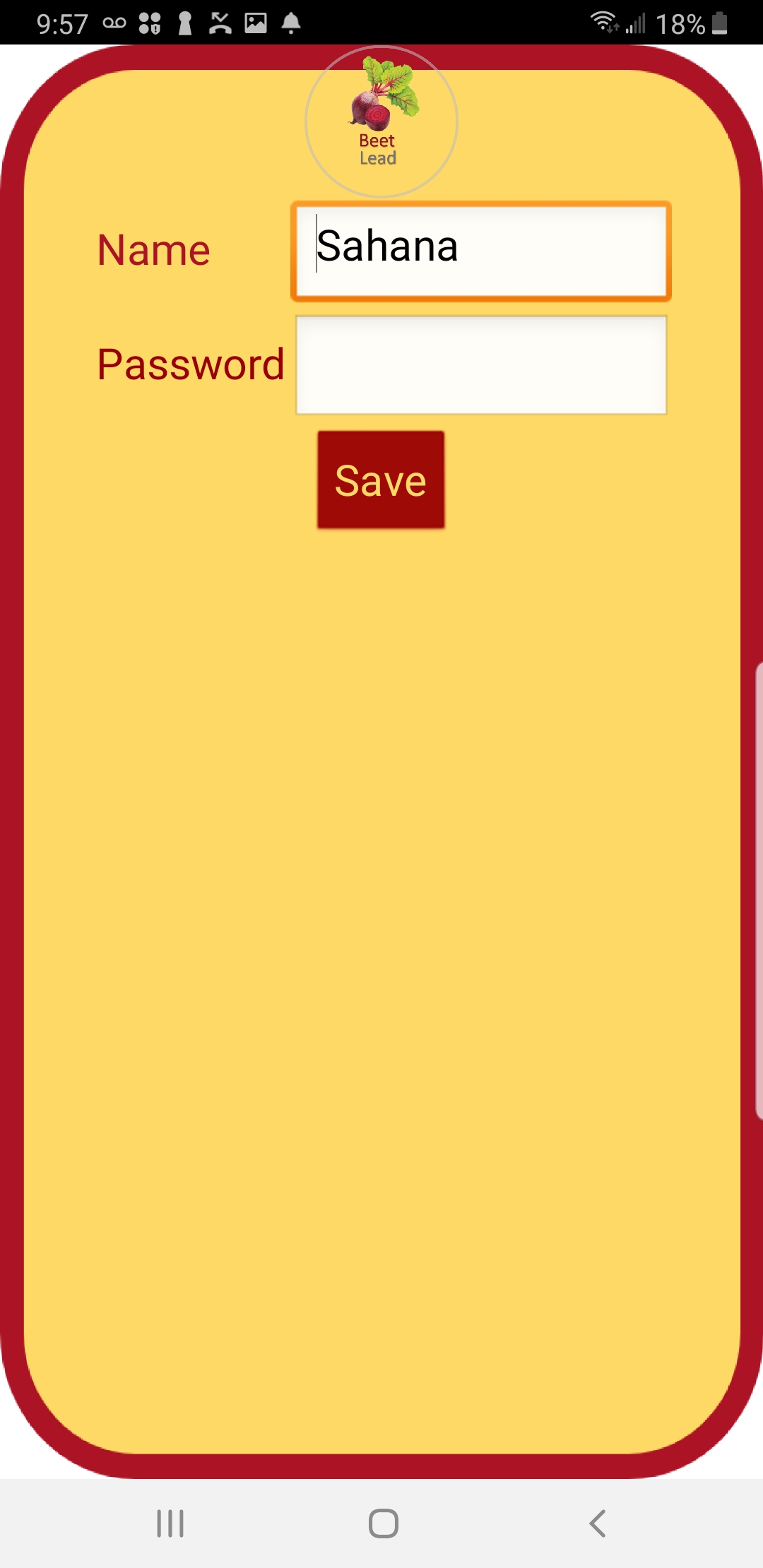
My Account Screen: Create your login by choosing a username and password. This will store your data in respect to your login.
-
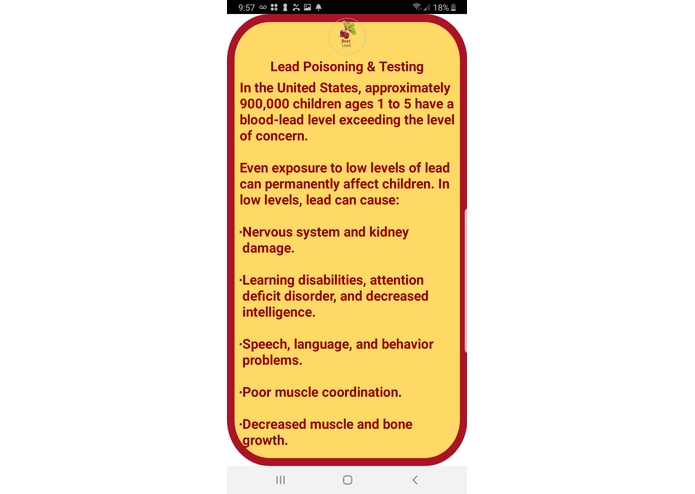
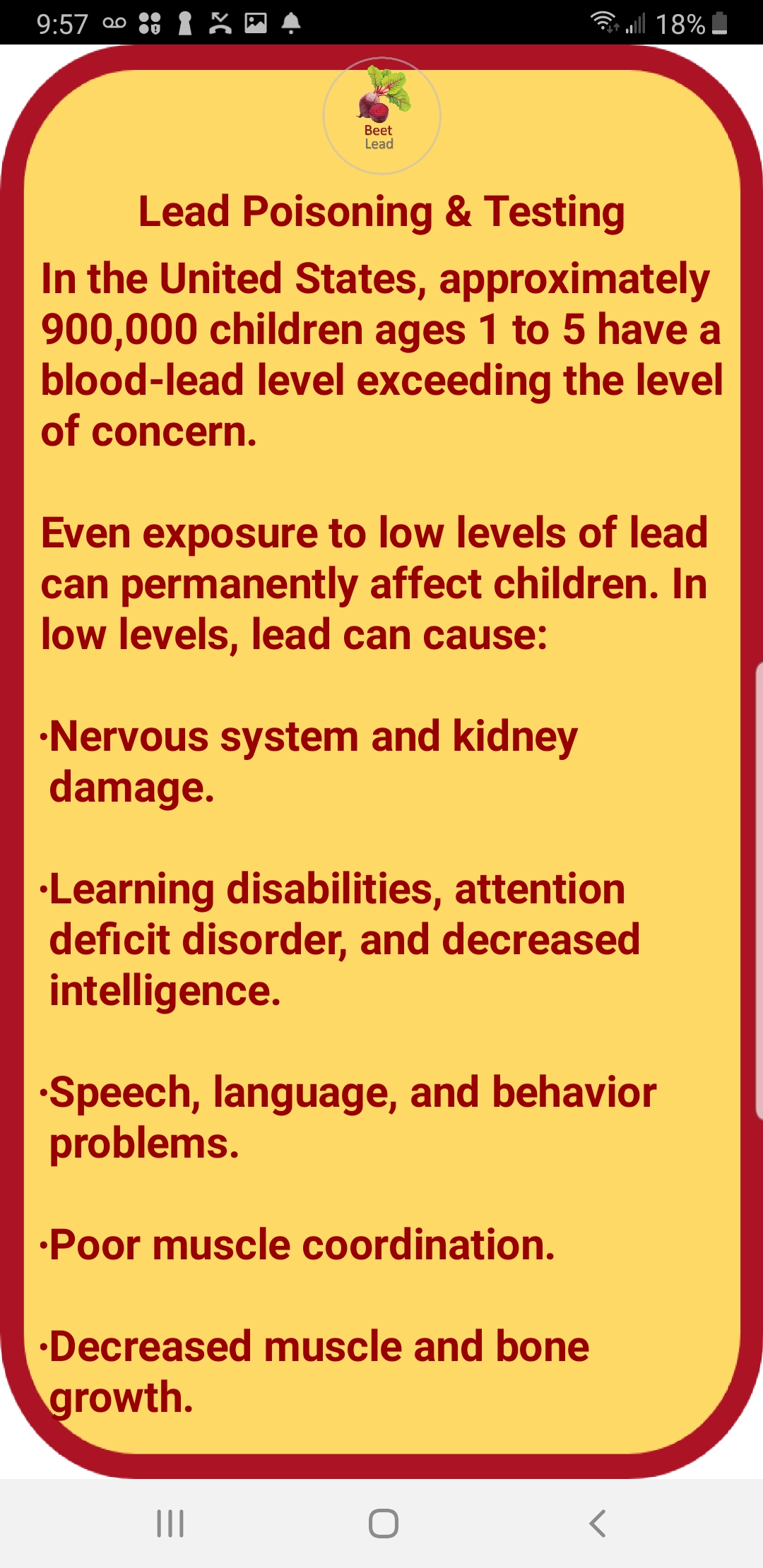
Lead Poisoning & Testing: Provides the user information about Home Lead testing kids and the complications of Lead Poisoning
-
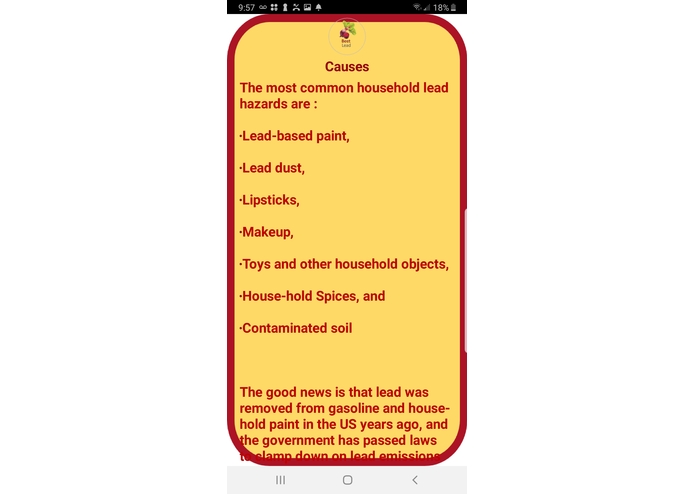
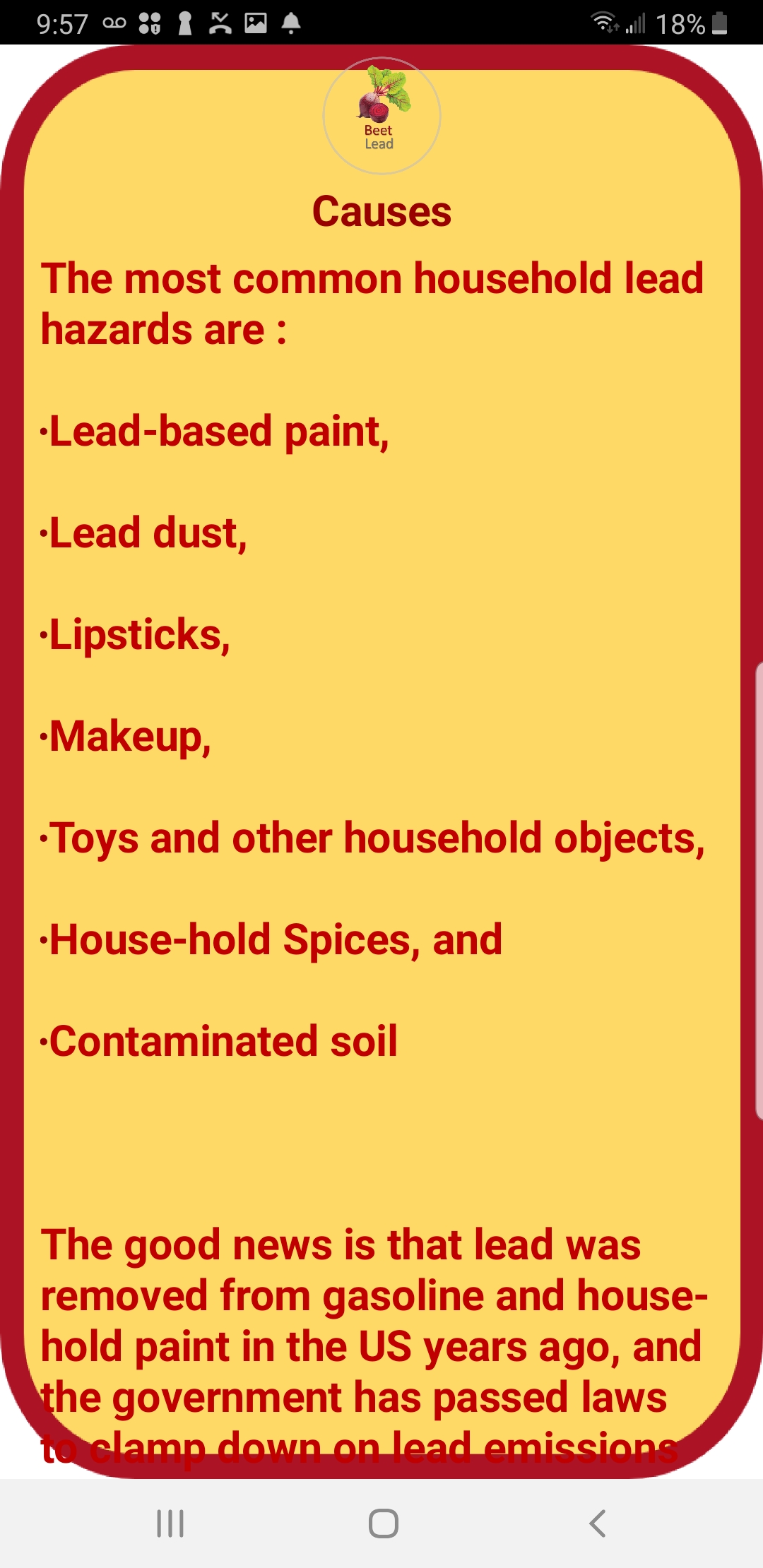
Causes: Provides the user information about the sources of Lead and how to avoid these contaminated products and sources
-
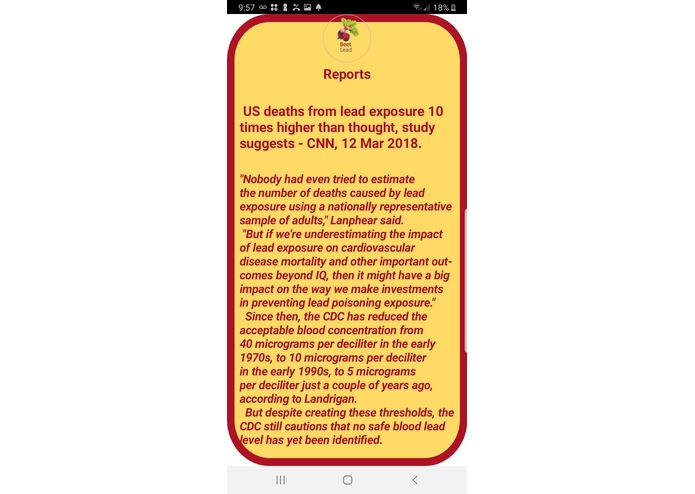
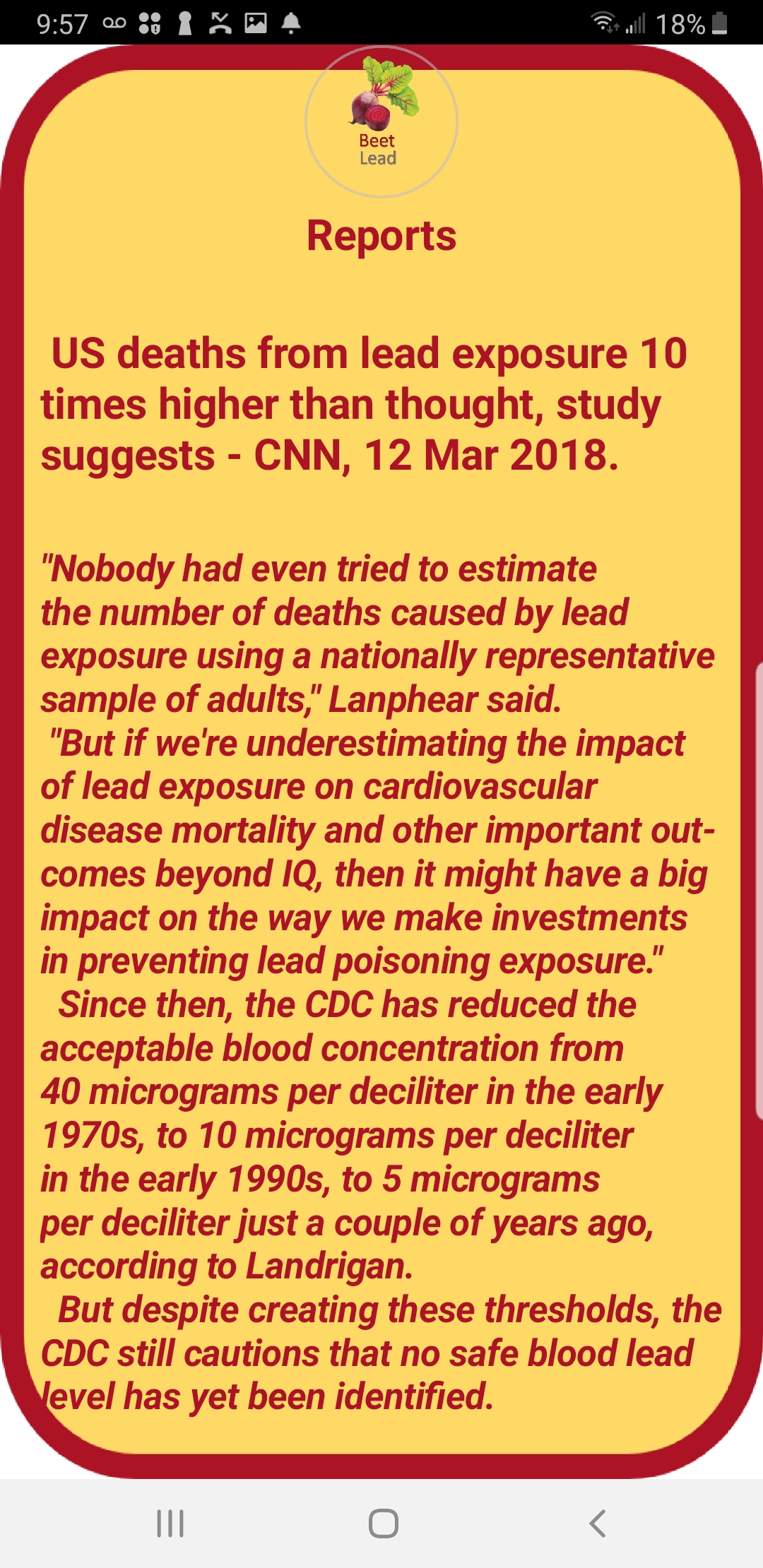
Statistical Data and Reports: Provides the user up-to-date articles and reports on Lead Poisoning and updates on regulations.
-
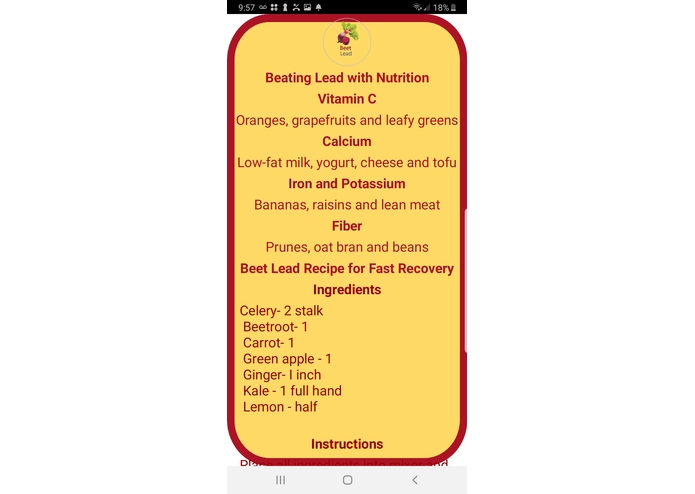
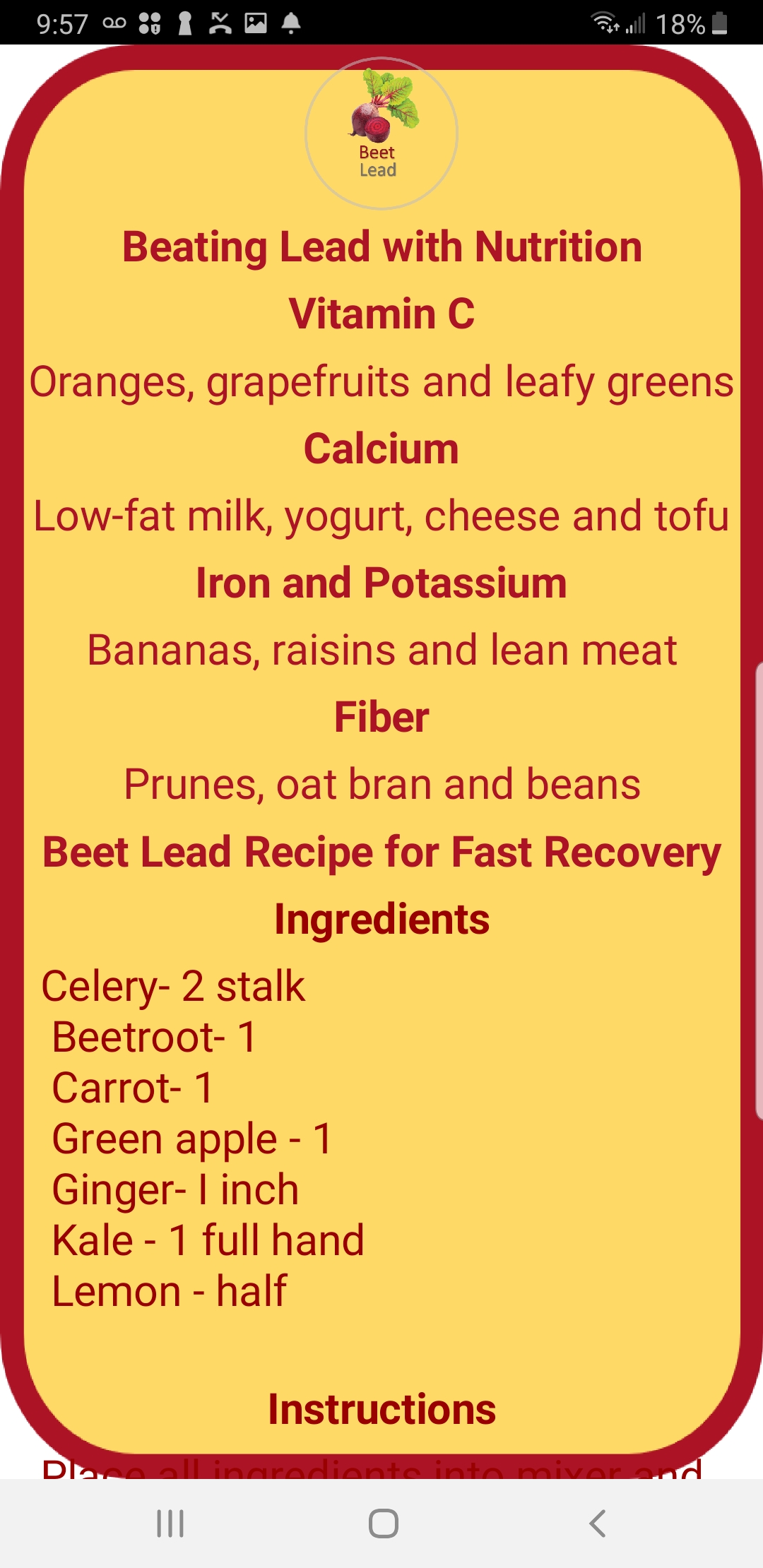
Nutritional Remedy: Provides the user with the Beet Juice recipe to detoxify lead. Other foods are also encouraged to be a eaten.
-
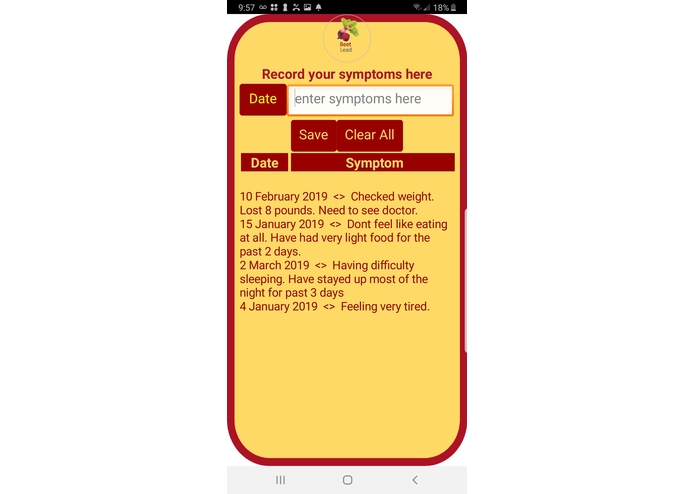
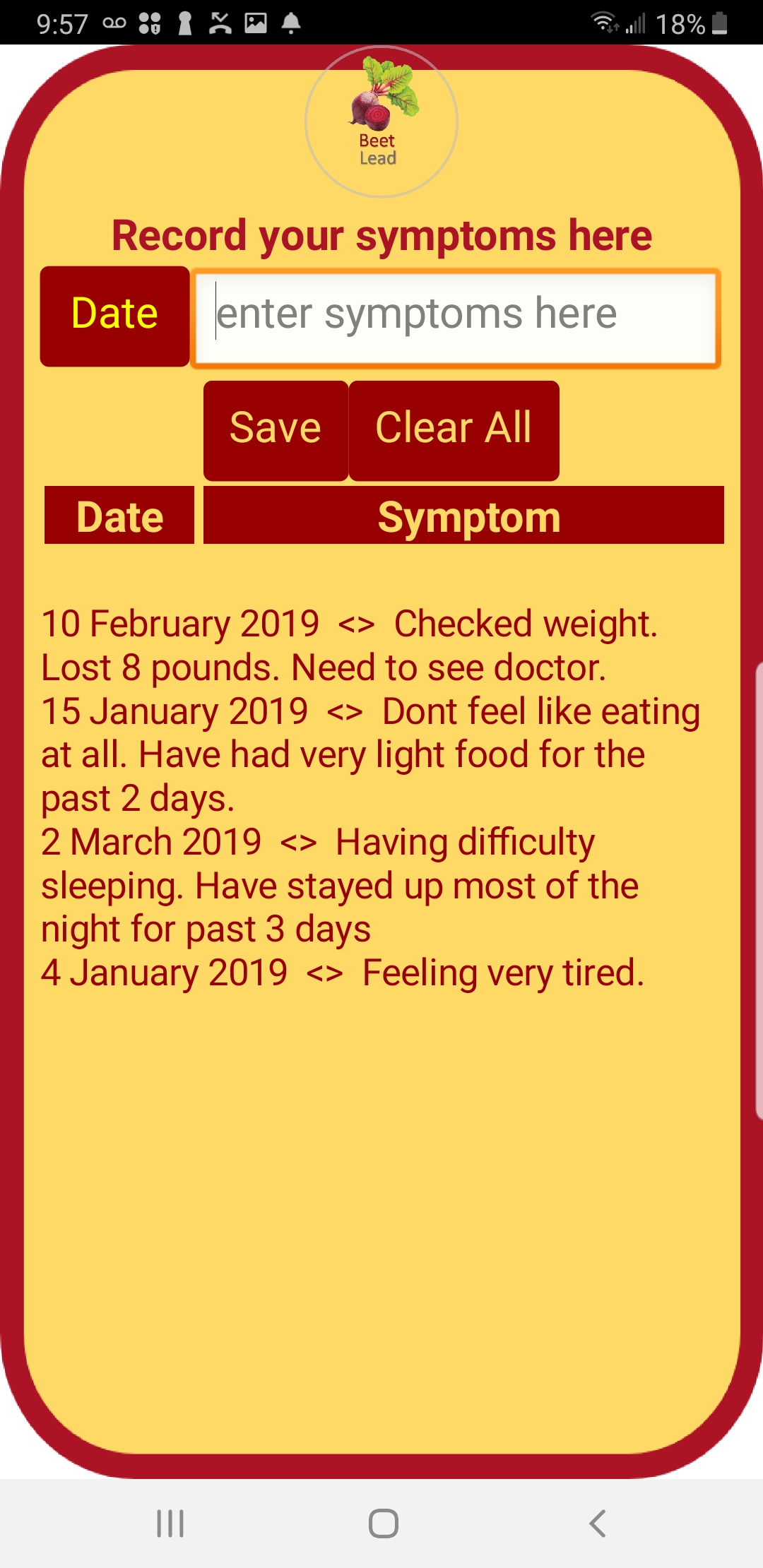
Track Your Symptoms: Patient can record and track symptoms to analyze progress
-
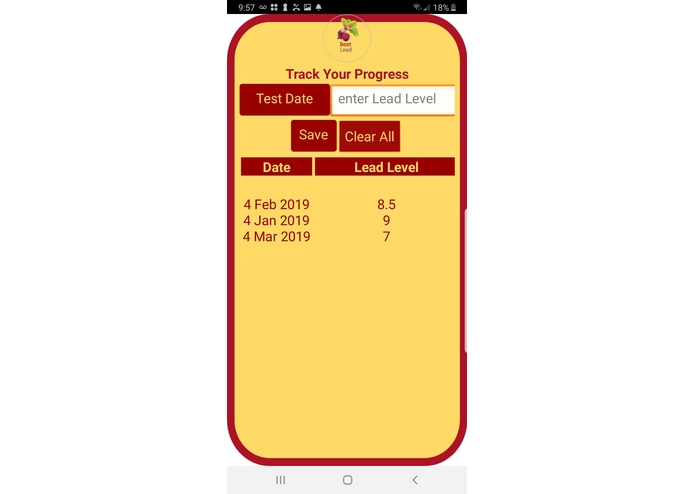
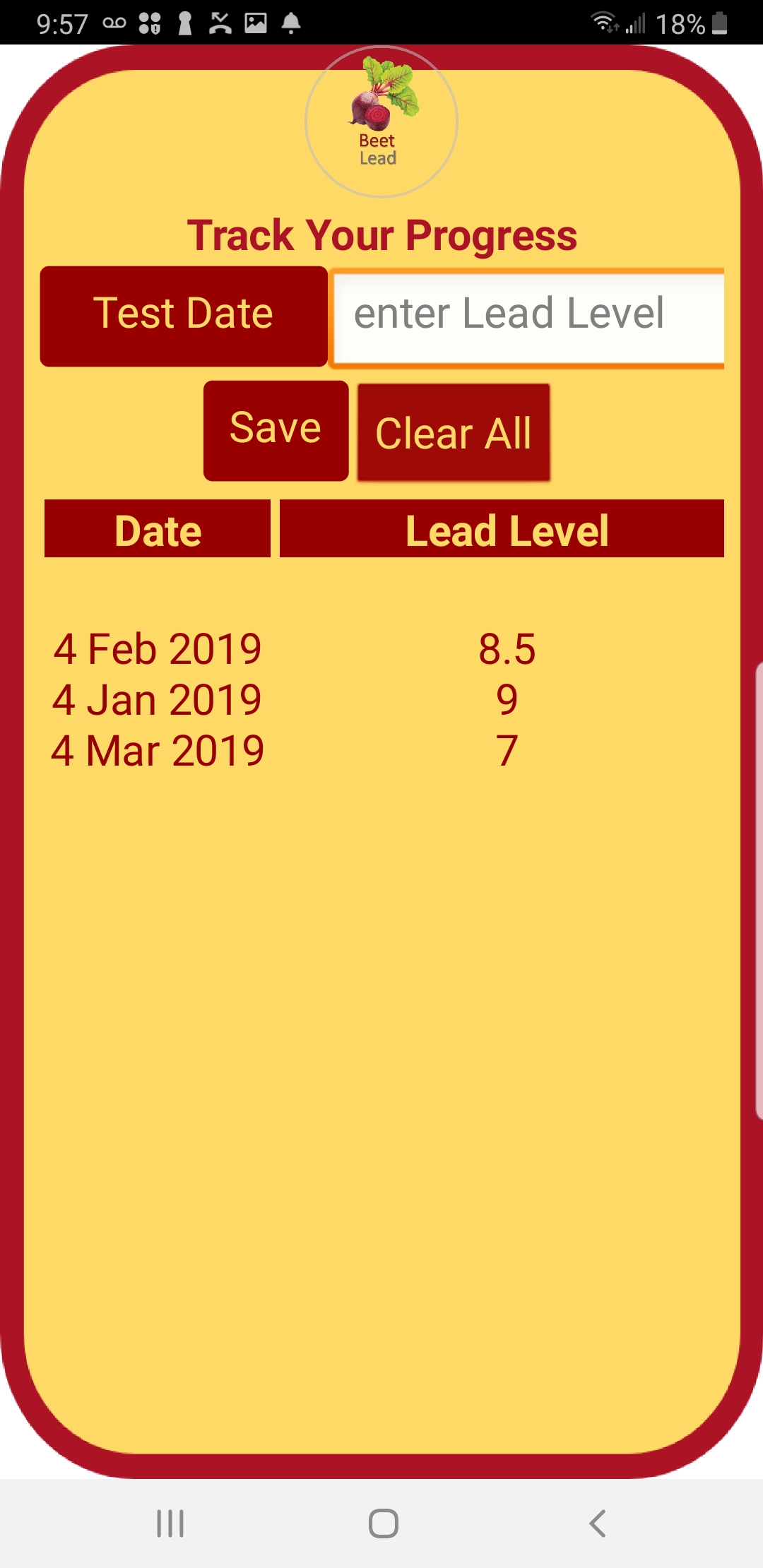
Track Your Lead Levels: Patient can track their lead levels after each doctor visit. Helps keep track if patients condition is getting worse
-
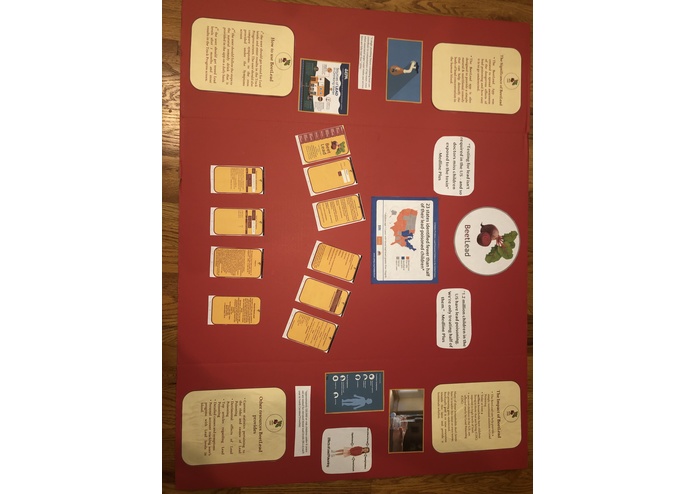
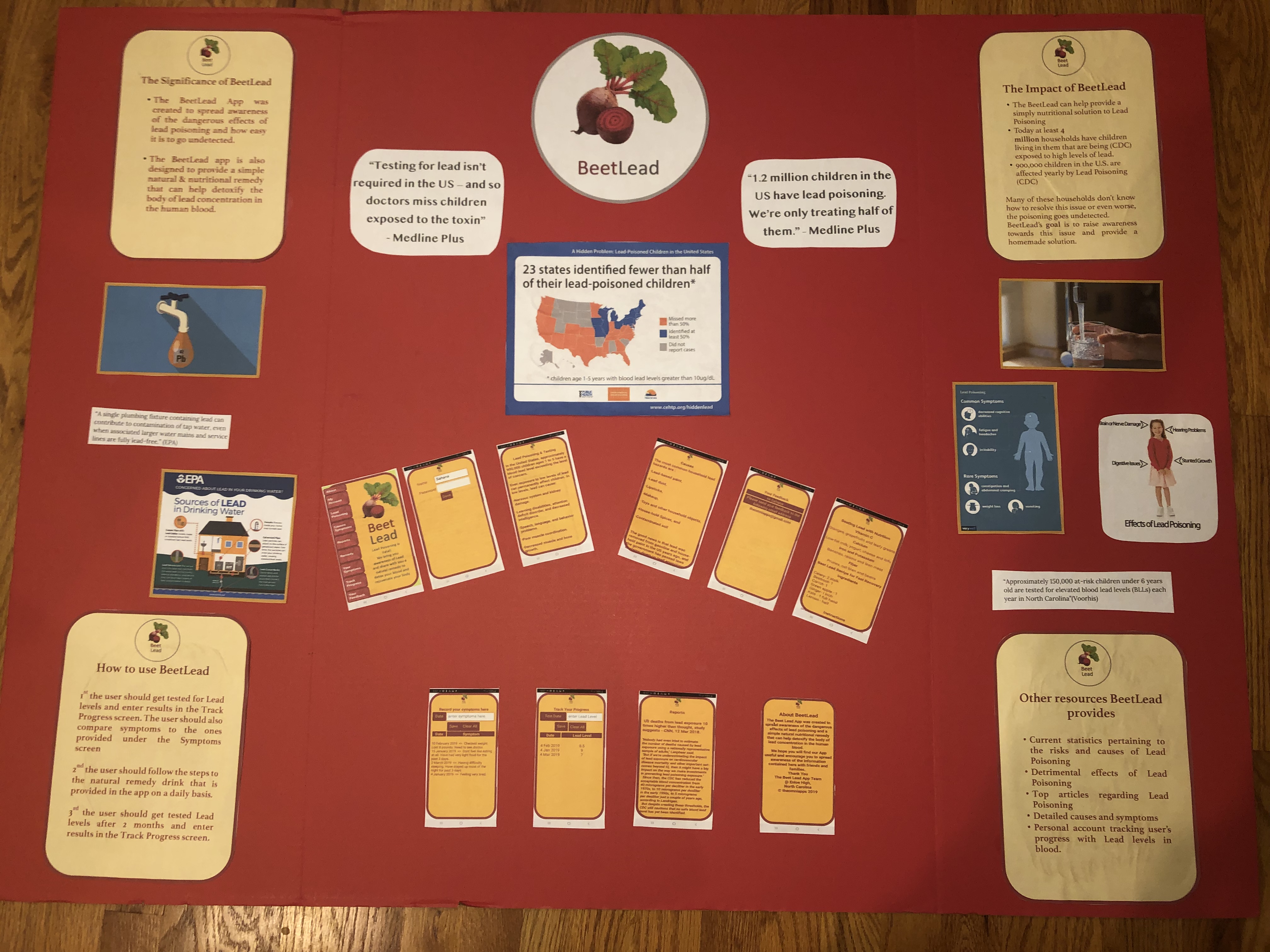
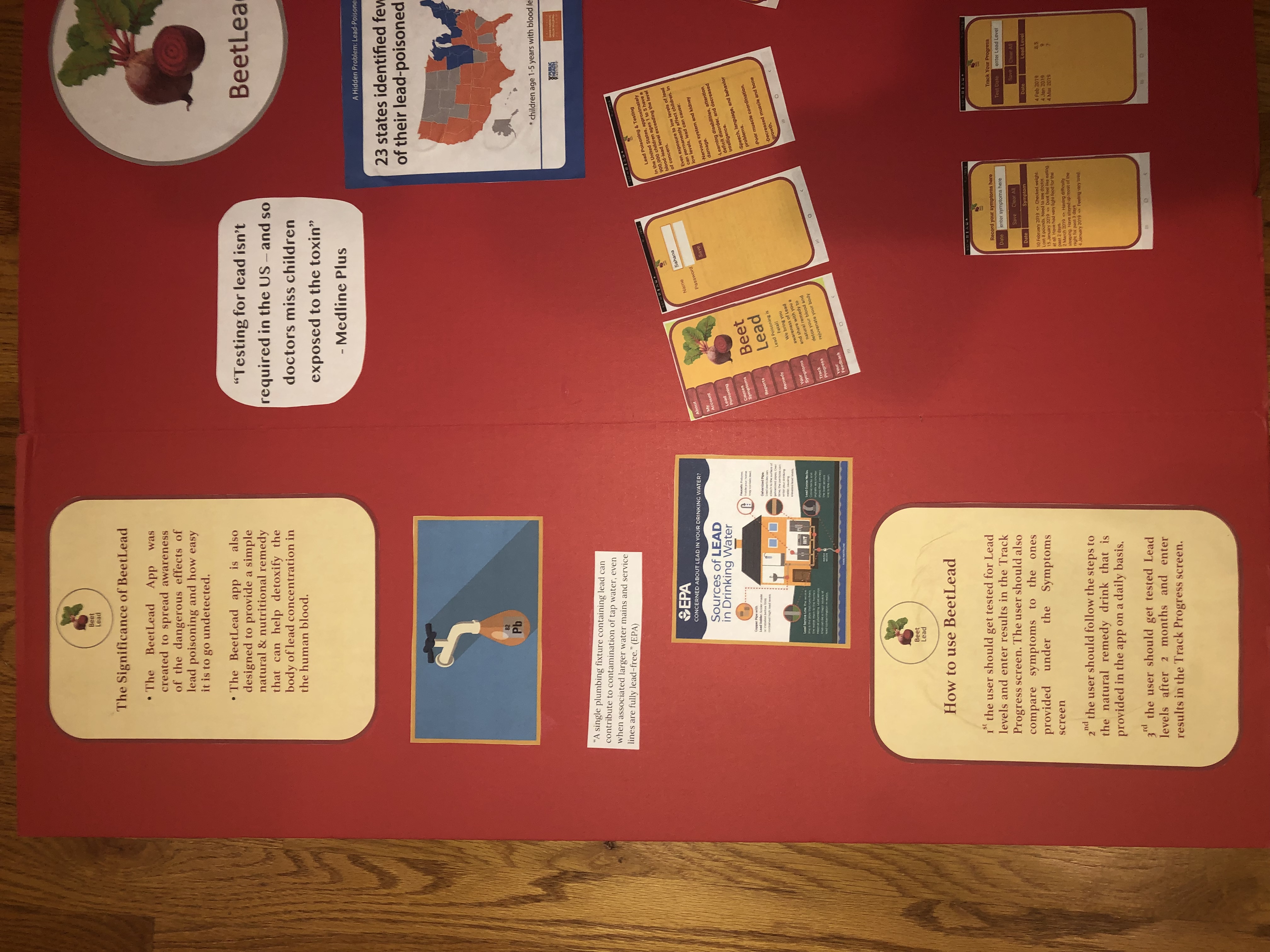
BeetLead Tri-Fold Poster Board
-
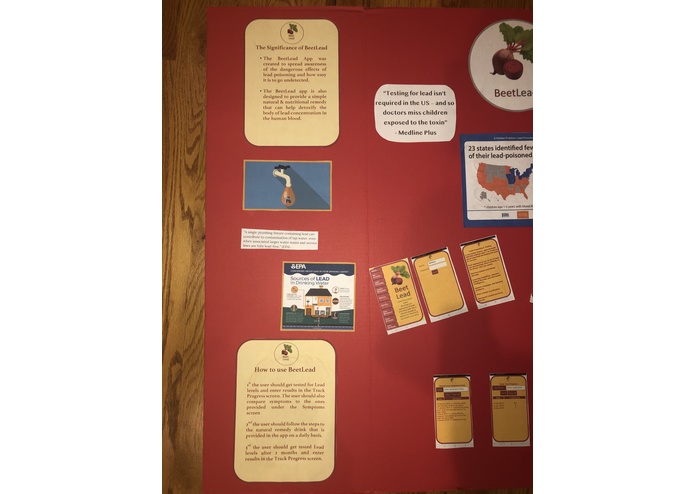
Left Portion
-
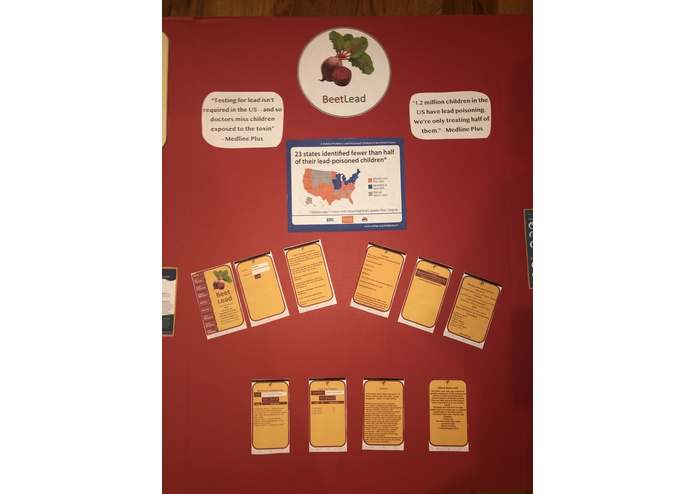
Middle Portion
-
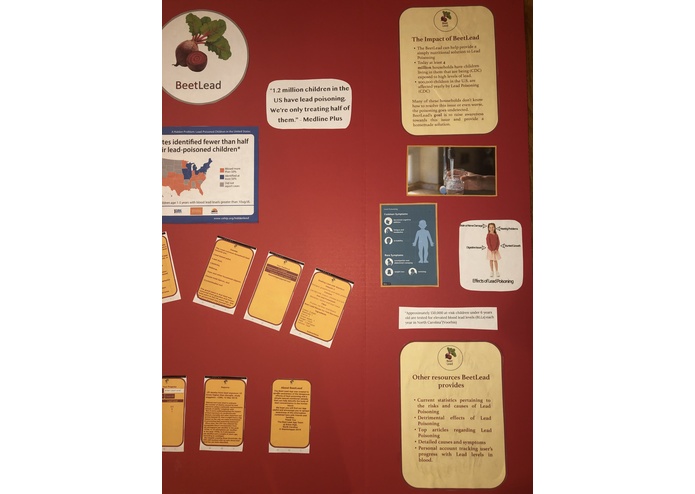
Right Portion
"Beat Lead with Beets"
Inspiration
Our inspiration for the app came from one of the team member's personal experience. Me and my sister were going to the doctor’s office for a normal check-up, nothing serious. My sister had always been below the percentile range for height and my parents were also constantly worried. Our doctor had a thought that there might be high levels of lead in my sister’s blood that might have caused a stunt in her growth. My sister got her lead levels checked and just to make sure my parents made sure that I got my lead levels checked too. I didn’t really see the need as to why I needed to get my Lead checked because I didn’t feel abnormal. A week after, the blood results came in. My sister’s lead level was 9 and mine was 8. The blood testers were shocked to find such a high level of lead in our blood. The range for a normal amount of Lead in someone’s blood is from 1-2. My parents were shocked and were clueless on how to approach this situation. We didn’t know where the source of Lead was coming from. My mom’s top priority was to get rid of the Lead levels in my blood. She researched about different fruits and vegetables, trying to find out their antioxidant level. She put together a juice and was determined to make me and my sister to drink it every day for the next two months. After two months we went back to the doctor’s office to get our lead levels tested. The results came back and the doctor was shocked that both me and my sister had brought our lead levels down to a 1. I've always wanted to spread this recipe and share it to the public in an efficient manner. When I had the choice of competing in the Lenovo App Challenge I knew it would be the perfect idea to create an app about Lead Poisoning. Creating an app is the most efficient way to spread our information because users can download apps in just one click. We want parents to be aware of this problem because the onset symptoms for lead poisoning are not strong. My sister and I didn't feel sick or nauseous but we had lead poisoning. We urge parents to get their children tested for lead poisoning so matters don't get worse. For parents and children who already know that they have high levels of lead on their blood, we provide a natural remedy to detoxify the lead levels from your body
How I built it
I used the MIT App Inventor Software to build the BeetLead App. I had no prior experience to programming before taking on this task. It was quite challenging in the beginning to learn all the functions and purposes of each tool. However, after watching numerous youtube videos and printing out packet after packet, I found myself comfortable with programming. I would like to thank the Enloe High School Academy of Health Sciences, for exposing me to coding and inventing apps. I would have never thought to be programming any type of app because I was never keen on computer science. However now I've developed a great interest towards the field and find it intriguing.
Our Solution
We created the BeetLead app with the intent to bring awareness to lead poisoning and provide a way for people to track the lead levels in their blood. The BeetLead app provides a user friendly way for people of all ages to track the levels of lead in their blood over an extended period of time. By entering your statistics following your most recent doctor’s appointment, you are able to track these lead levels over time and see the improvement or worsening condition of your blood levels. This can help you determine whether you need to seek further help or track what lifestyle choices may be causing your levels to improve. With the BeetLead app, you are also able to track any dietary habits that may be contributing to you failure or success. By creating your own account, all of your information will be saved, allowing you and/or your doctor to see your progress over an extended period time.
Statistical Data on the significance of Lead Poisoning
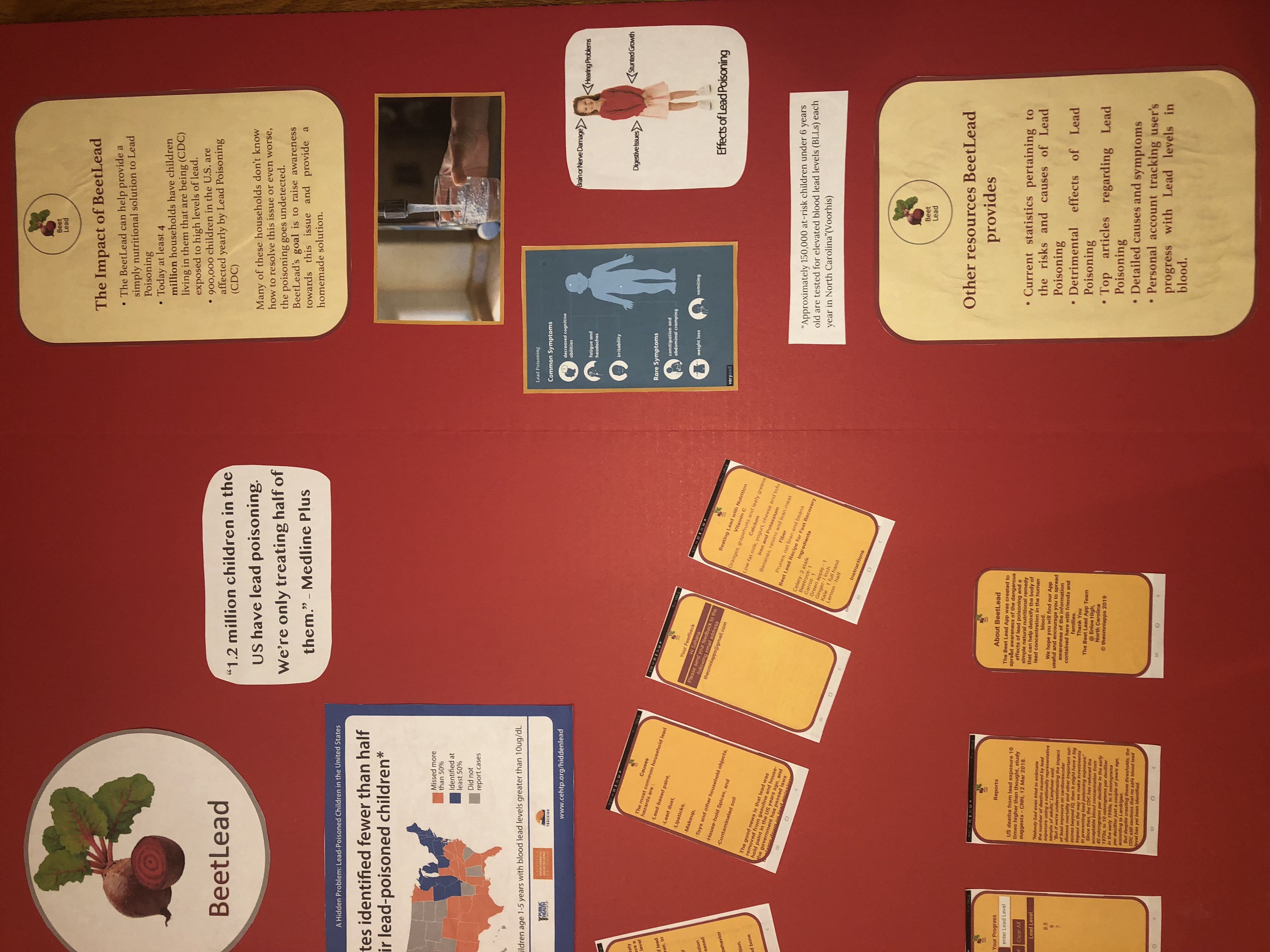
“Approximately 150,000 at-risk children under 6 years old are tested for elevated blood lead levels (BLLs) each year in North Carolina”(Voorhis)
"The World Health Organization estimates that 240 million people are overexposed and 99 % of those with blood levels above 20 μg/dl are in the developing world" (WHO)
“A single plumbing fixture containing lead can contribute to contamination of tap water, even when associated larger water mains and service lines are fully lead-free.” (EPA)
"Children around the world today are at risk of exposure to lead from multiple sources. Lead poisoning accounts for about 0.6% of the global burden of disease" (WHO)
Challenges and Further Enhancements
Storing data on the phone: This was the most challenging part for me. I created the text boxes for the screens where users can enter data. I found the data was not being retained. I then researched on this and found that I have to do some special things to store data. I found that Tinydb was probably the easiest to do. It took me some time to understand some of the concepts on storing data such as namespace, tags, lists etc. I did several trials before I got the App to work as I wanted. When I thought about what options should be available, things became more complex. There should be buttons for clearing all the data and saving each record of symptoms and tracking lead levels. When these buttons are clicked, the data should be either saved to the tinydb or deleted from it. My code grew longer. I learnt about the global and local variables. I used a different 'namespace' for storing symptoms and tracking data.
Formatting Text: This was another challenge. When I first used Labels to display text, I observed that the formatting of the text was not the way I wanted. So used images instead. After I was done with the App, I researched on how the text can be formatted. I saw that there was an html option. I found an online tool which would take some rich text and then convert it to html. This was very handy for me. After I pasted the html code into the label I could see that the text was displayed properly.
Displaying multiple lines of Symptoms and Tracking data: How do I display multiple lines when there are more than 1 symptom or 1 tracking record is entered. For this I had to read the data from the tinydb in a loop and then store it in internal variables. I first used a multi-line Listview UI component but the text was not displayed properly. For example, for symptoms screen, I wanted to display both Date of Symptom and also the Symptom text. If the symptom text is long, then the words would continue on the next line and would be displayed under the Date. I did research online and found that I can use the 'line feed' character to display multiple lines. So I wrote code to stitch all the values and move it to a label using the 'linefeed' character and spaces and also to align the date and symptoms text properly.
Further Enhancements I'd like to achieve:
On the feedback screen, I want to add a button called 'Email' which should send the entered feedback text and email to BeetLead team email.
Top Frozen area on each screen: I want to freeze the top area of each screen with the Logo, so that when I scroll the screen the Logo and the Title remains on the top and does not scroll up.
What's next for BeatLead
We hope that our app will motivate people to get their blood levels checked regularly since it often times goes undetected. We plan to reach out to local pharmacies/doctor’s offices to urge them to check their patient’s blood levels checked. At the very least we will urge pharmacies/doctor’s offices to make their patients aware of this dilemma before it’s too late. We plan to make this app as user friendly and appealing as possible so people will be motivated to track the lead levels in their blood. We plan to extend this use beyond the English speaking population by providing the option of language translations for your convenience as well as an auditory feature for the visually impaired. We believe that everyone should be able to track their health, without limiting it to a certain population. We hope that our app will reach people of all ages, races, ethnicities, etc. and make everyone aware of the potential lead poisoning in their blood. We hope our app can change people’s lives and prevent any future complications regarding lead poisoning.
Coding and designing done by Sahana Devaraj

Log in or sign up for Devpost to join the conversation.