-
-
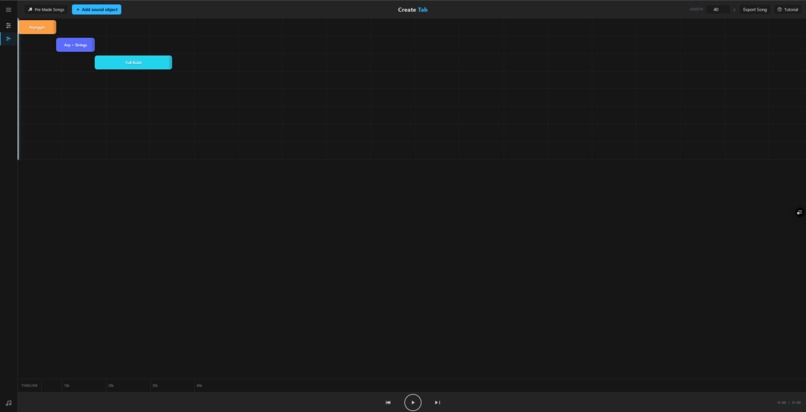
Create Tab
-
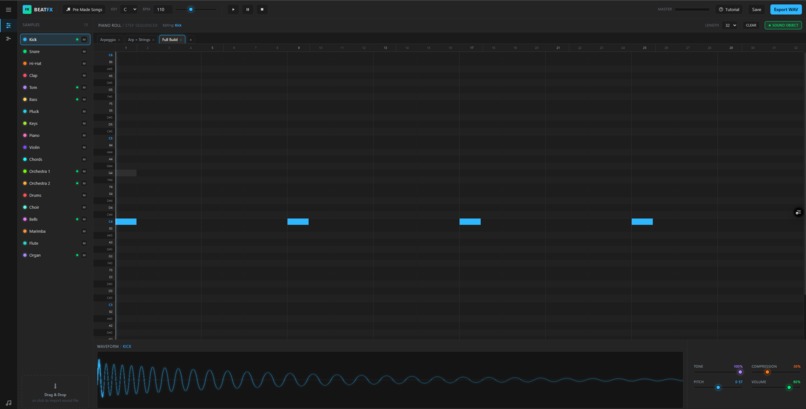
Pre made song (ICC)
-
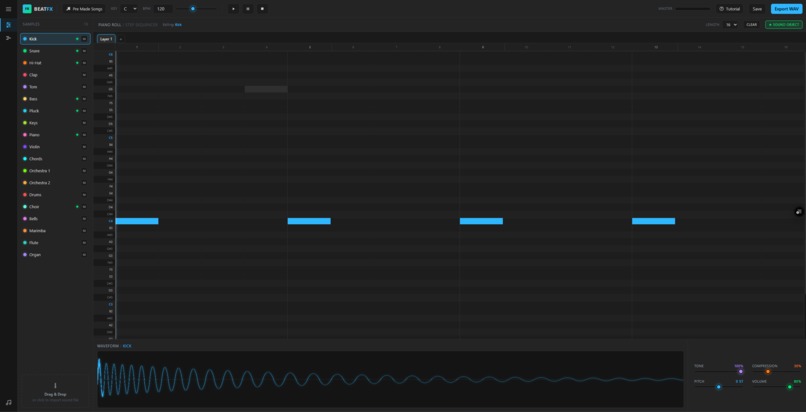
Start screen
-
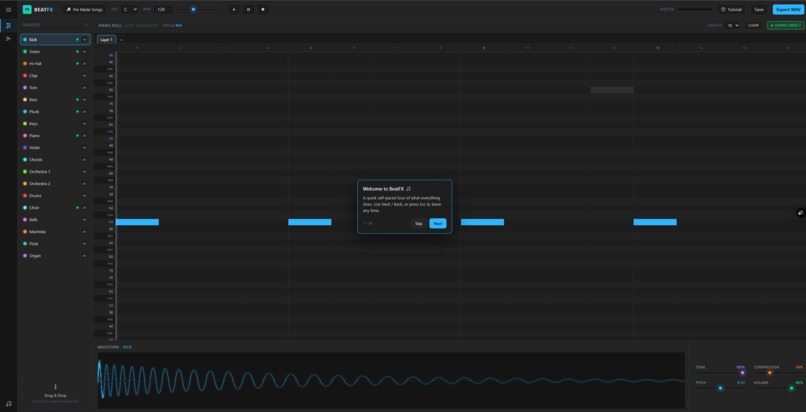
Tutorial

Inspiration 💡
BeatFX was inspired by the idea that making music should feel instant. Most digital audio workstations require downloads, plugins, sample packs, and a lot of setup before you can create anything. I wanted to build a music tool that opens in the browser and immediately lets someone make a beat, shape the sound, arrange a song, and export it.
What it does 🎛️
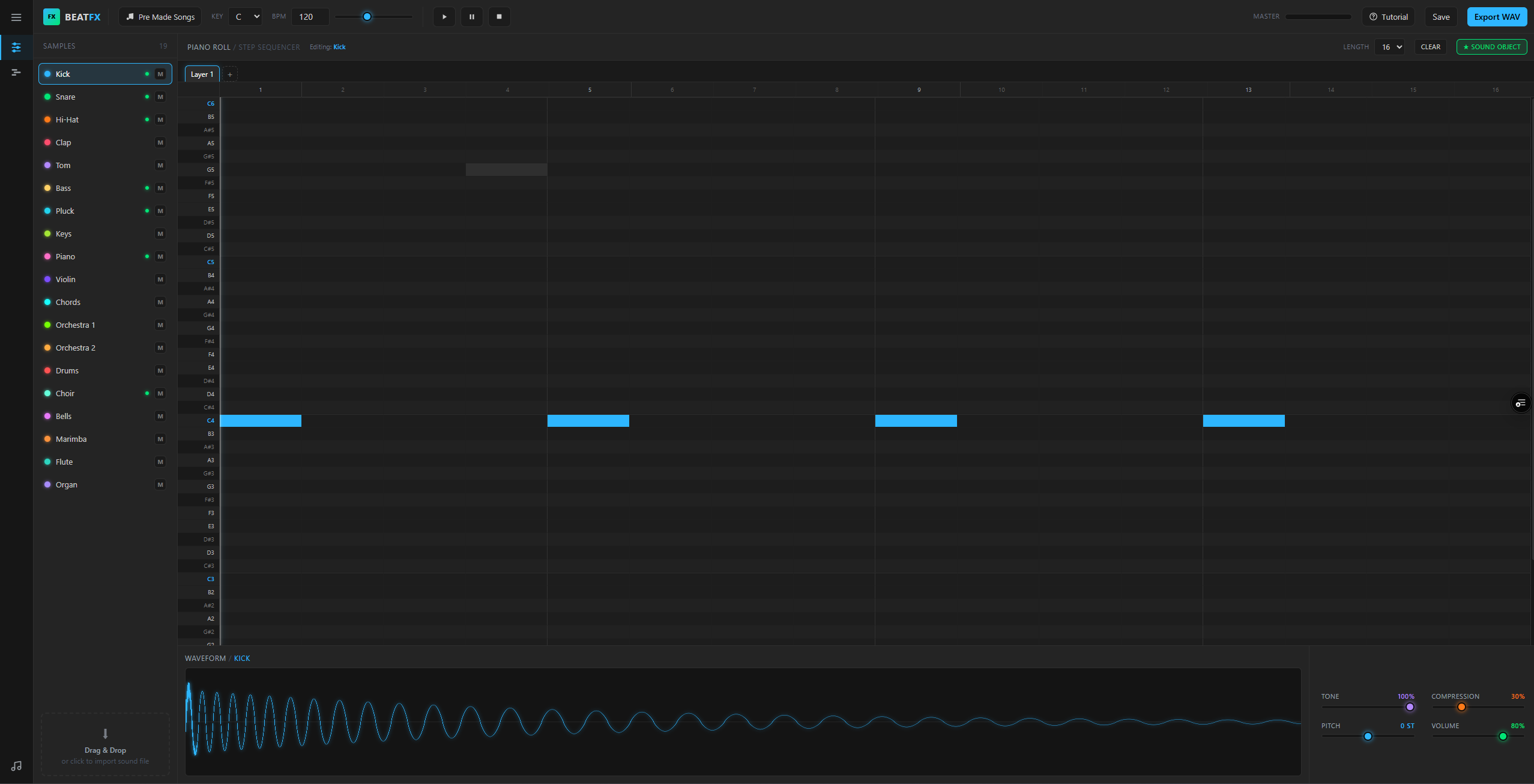
BeatFX is a browser-based digital audio workstation built with the Web Audio API. It includes a Studio view where users can create patterns with a step sequencer and piano-roll style grid, customize instruments with effects, and bounce layers into reusable Sound Objects.
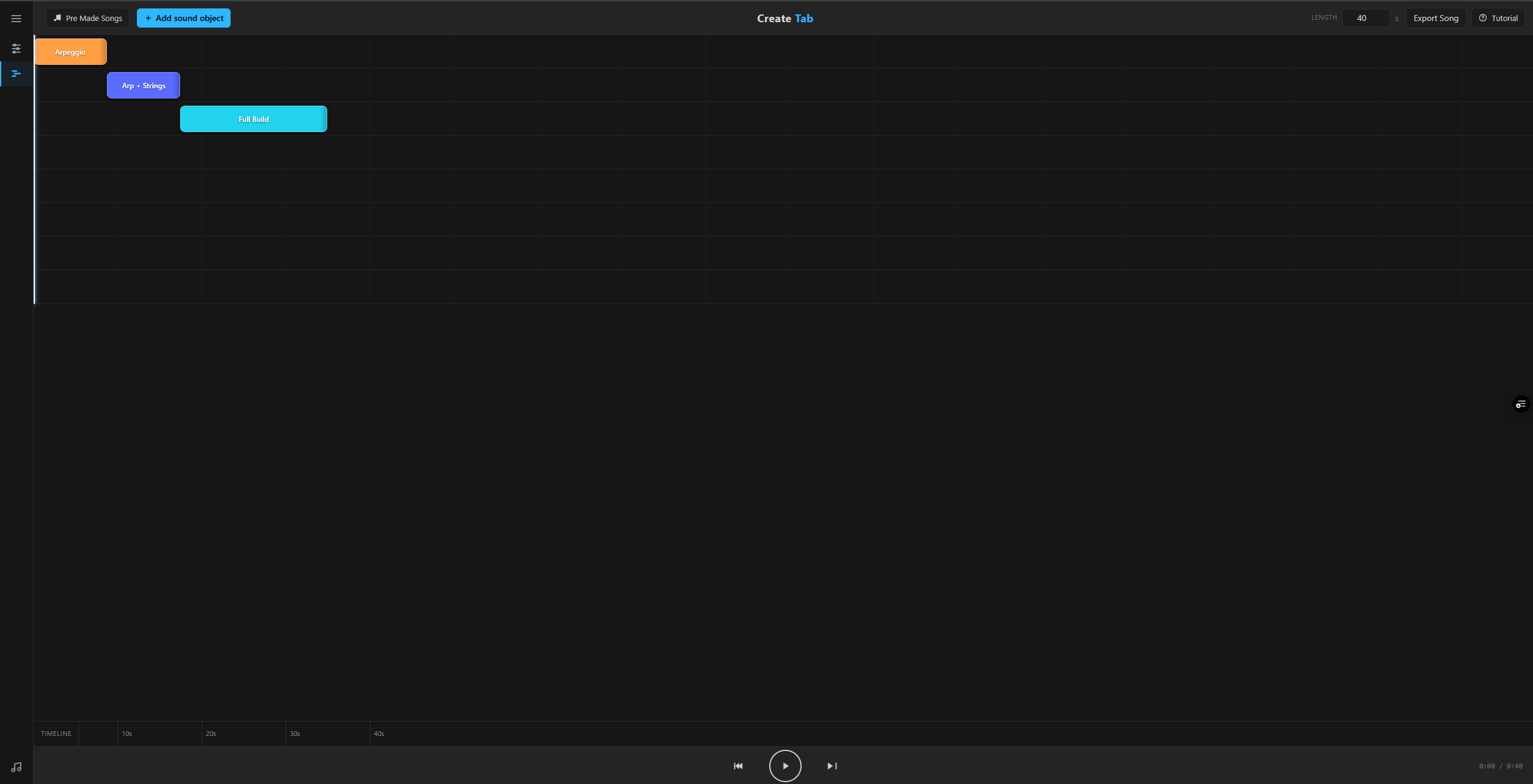
It also includes a Create Tab, where those Sound Objects can be arranged on a timeline to build a complete song. Users can play, edit, stretch, layer, and export their music as WAV files directly from the browser.
Special features ✨
BeatFX lets users upload their own sound, turn it into an instrument, and use it inside the sequencer. From there, they can build patterns, bounce them into Sound Objects, arrange those objects on a timeline, and make a full song out of them.
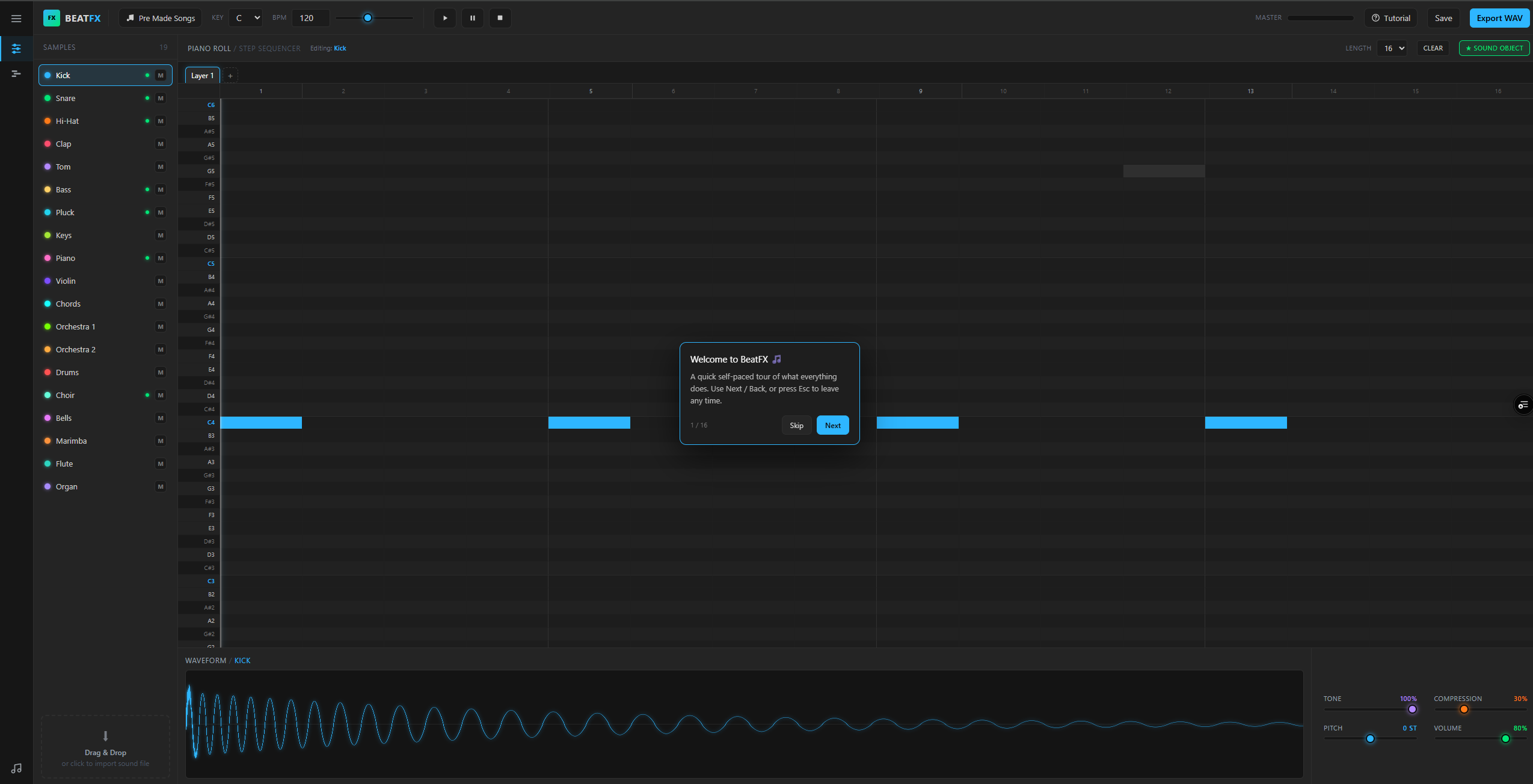
Other special features include live waveform feedback, per-channel effects, layered pattern creation, pre-made songs, an interactive tutorial, browser-based saving, and WAV export for both loops and full arrangements.
How I built it 🛠️
I built BeatFX as a fully client-side web app using HTML, CSS, JavaScript, Tailwind CSS, and the Web Audio API. The audio engine generates and manipulates sounds directly in the browser, without needing a backend or external audio files.
The sequencer, instruments, effects, waveform display, Sound Object system, arranger timeline, and WAV export pipeline are all handled in JavaScript. The project is designed to deploy as a static site, making it easy to host on platforms like Vercel or GitHub Pages.
Challenges I ran into 🧩
One of the biggest challenges was building an audio workflow that felt like a real DAW while still running entirely in the browser. Timing, playback, layering, sound generation, exporting, and arranging all had to work smoothly together.
Another challenge was making the app powerful without making it overwhelming. BeatFX needed to support advanced features like sound objects, effects, uploaded audio, and song arrangement, while still being easy enough for someone to understand during a short demo.
Accomplishments that I'm proud of 🏆
I’m proud that BeatFX is more than just a beat pad or simple sequencer. It has a complete creative workflow: create a pattern, customize the sound, bounce it into a reusable object, arrange it into a song, and export the final result.
I’m also proud that it runs completely in the browser with no backend required. The fact that users can upload a sound, turn it into an instrument, and build a full song from it makes the project feel flexible and creative.
What I learned 📚
I learned a lot about the Web Audio API, especially how to synthesize sounds, schedule playback, process audio, and export generated music as WAV files. I also learned how much design matters in creative tools. A music app needs to feel responsive, visual, and fun, not just technically functional.
This project also taught me how to think about workflows: not just one feature at a time, but how each feature connects into a full user journey.
Credits 🙌
The mechanism for this application was inspired by BeepBox.
Claude helped build BeatFX, including the core app structure and implementation.
Codex helped review and test the project, verify the demo workflow, and refine the hackathon submission materials.
Why choose BeatFX 🚀
BeatFX makes music creation fast, accessible, and browser-native. Unlike traditional DAWs, it does not require installation, plugins, sample packs, or a backend. Users can open the app and immediately start creating.
It combines a sequencer, sound design controls, uploaded audio instruments, reusable Sound Objects, a timeline arranger, and WAV export into one lightweight web experience. BeatFX is designed for anyone who wants to turn an idea into a song quickly.
What's next for BeatFX 🔮
Next, I would like to add more advanced editing tools, more instrument presets, cloud project saving, collaboration features, MIDI support, and more export options. I’d also like to improve the arrangement workflow with automation, transitions, and more detailed mixing controls.
The long-term goal is to make BeatFX feel like a lightweight browser-native DAW that anyone can use, from beginners experimenting with music to creators quickly sketching full song ideas.
Built With
- claude
- codex
- css3
- html5
- javascript
- tailwind.css
- vercel
- we-audio-api

Log in or sign up for Devpost to join the conversation.