-
-
Bear With Me! Thumbnail
-
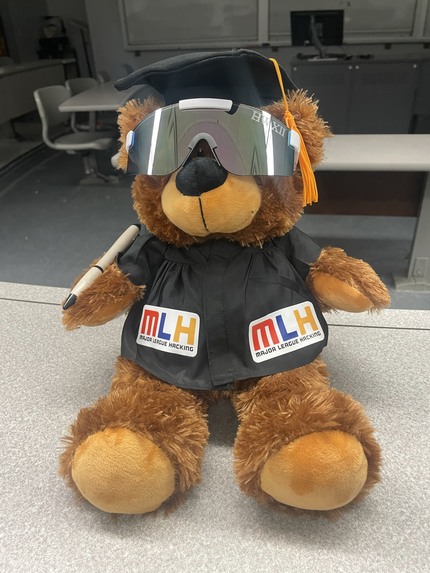
Your friendly bear companion!
-
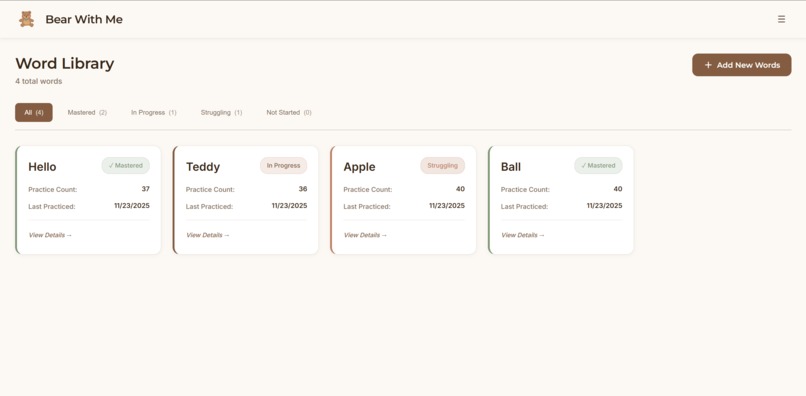
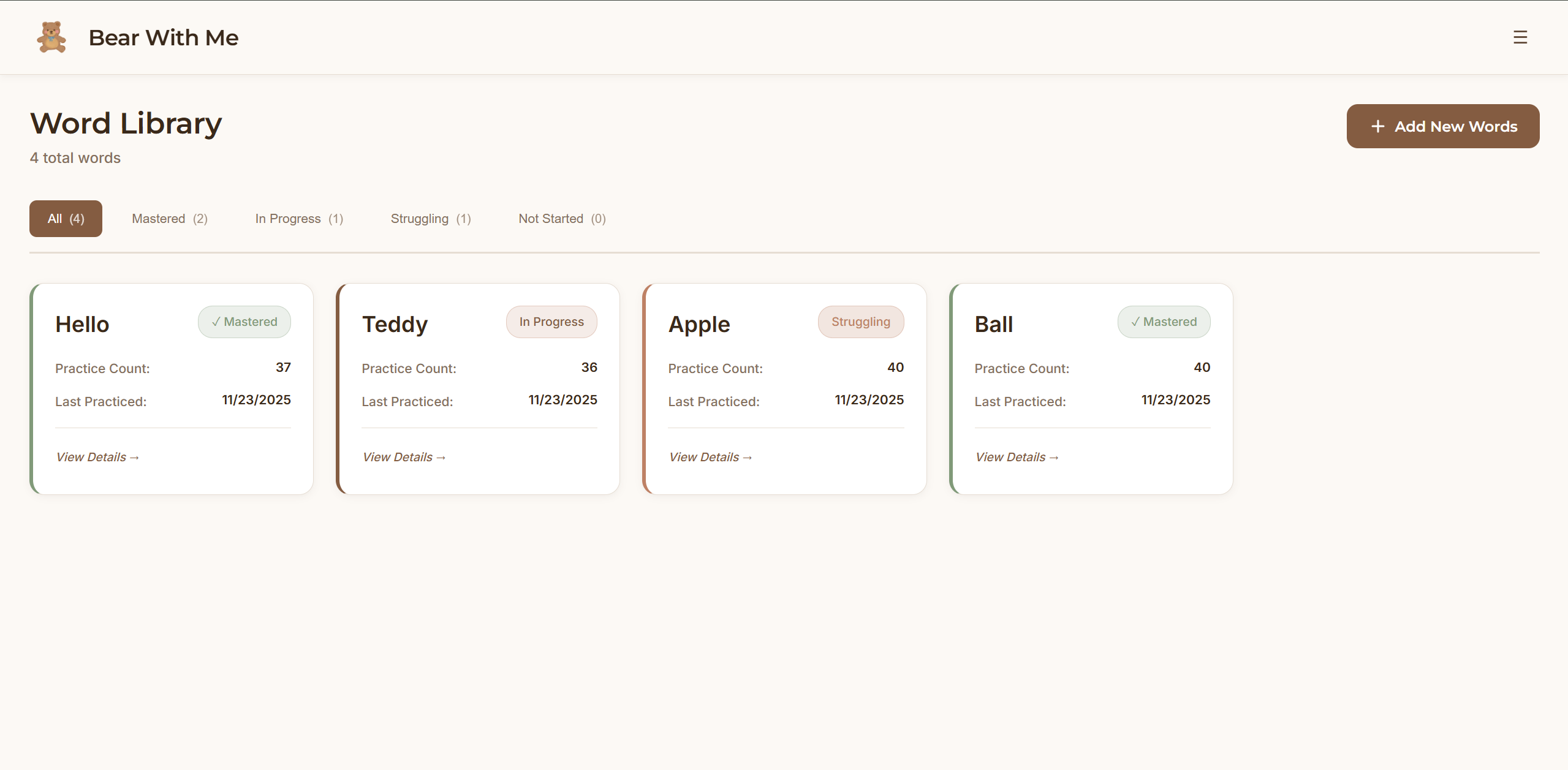
Word library interface
-
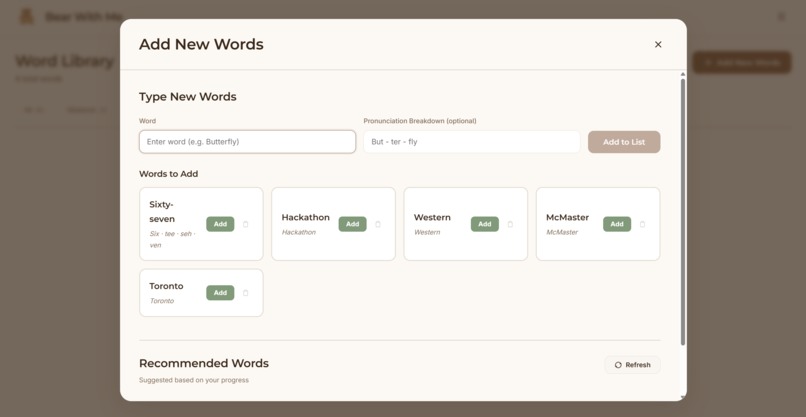
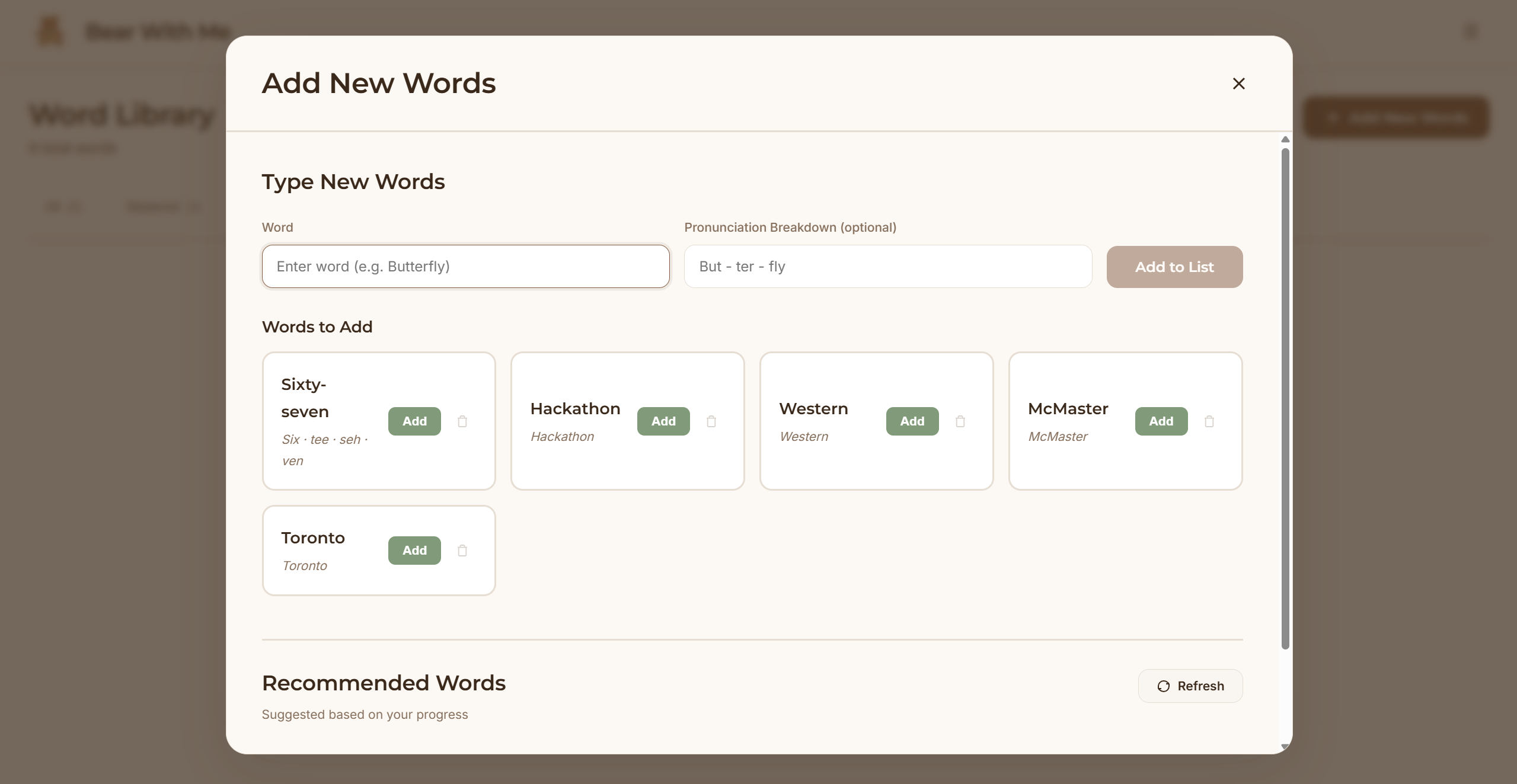
Adding new words interface
-
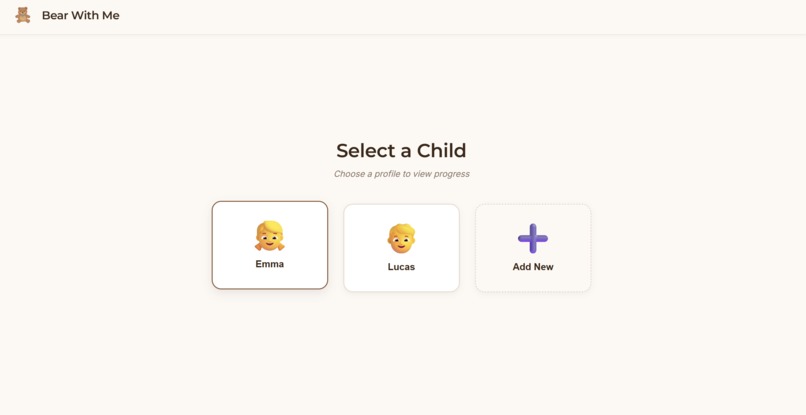
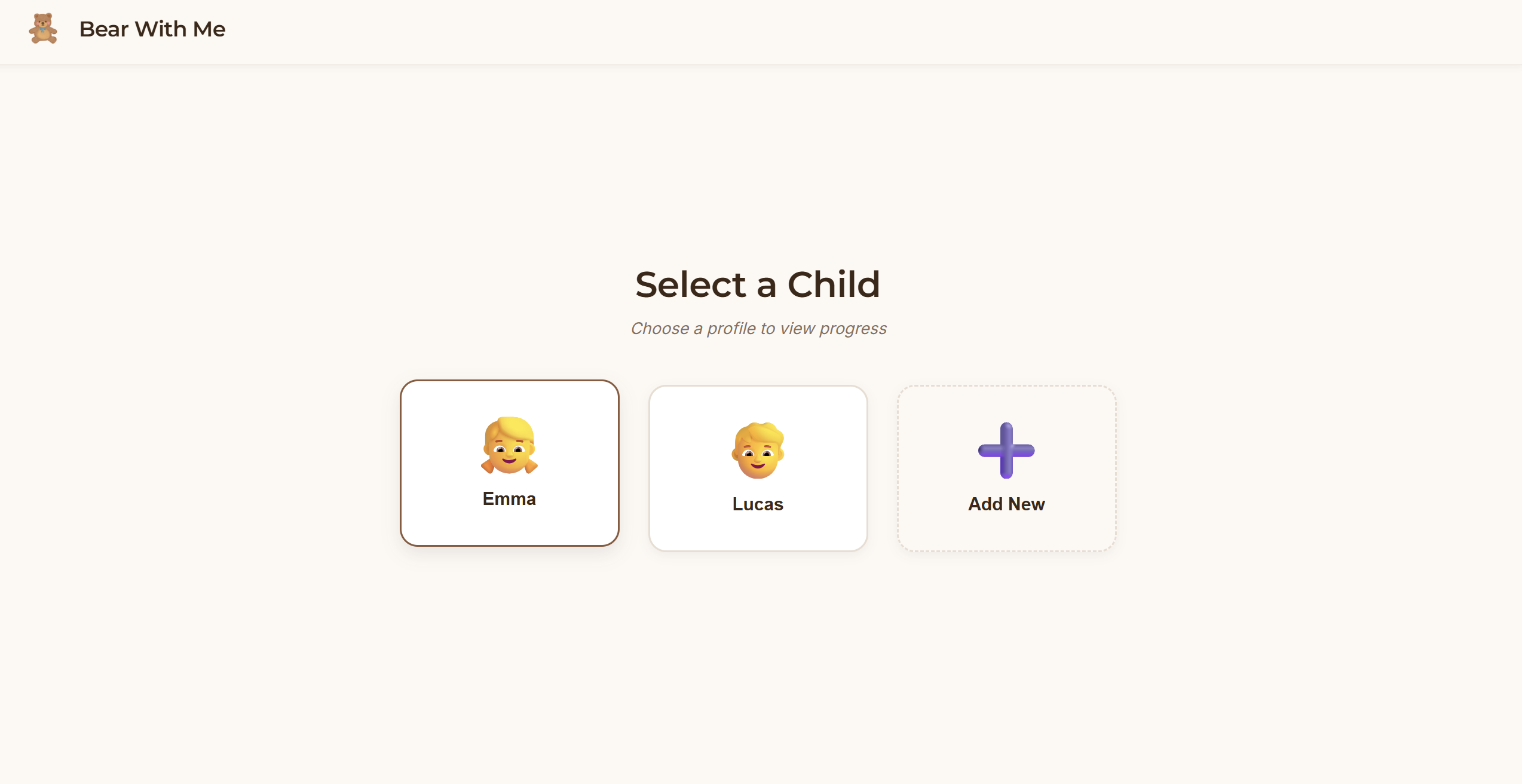
User selection interface
-
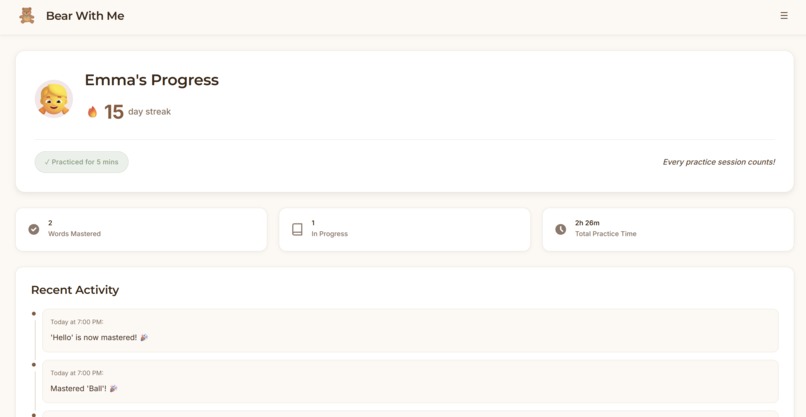
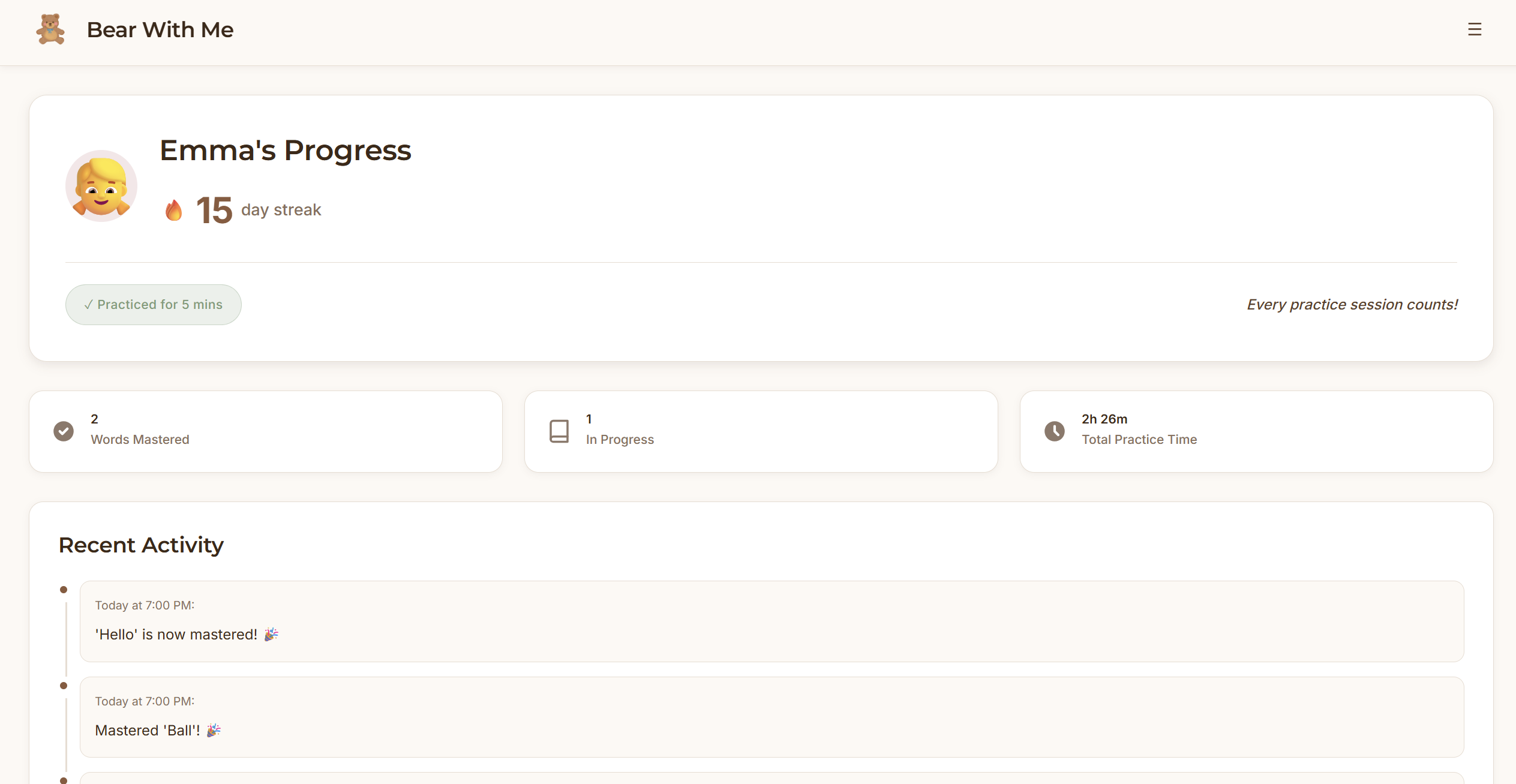
Main dashboard
-
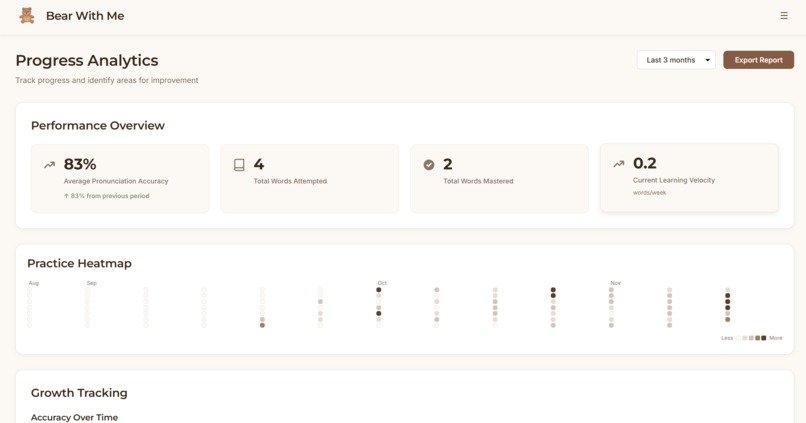
Progress tracker interface
-
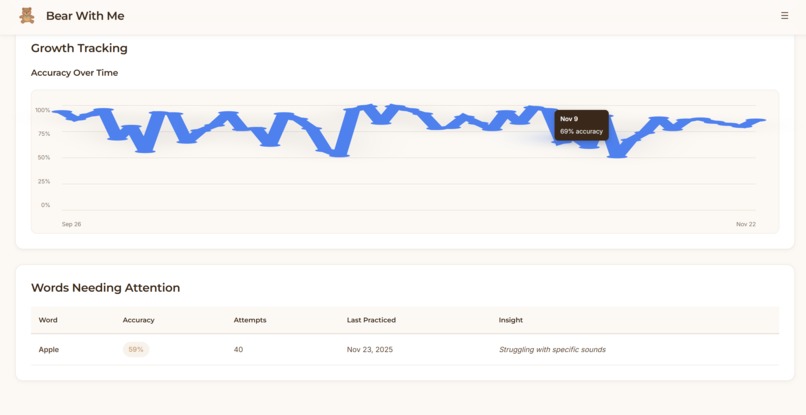
Progress tracker interface
-
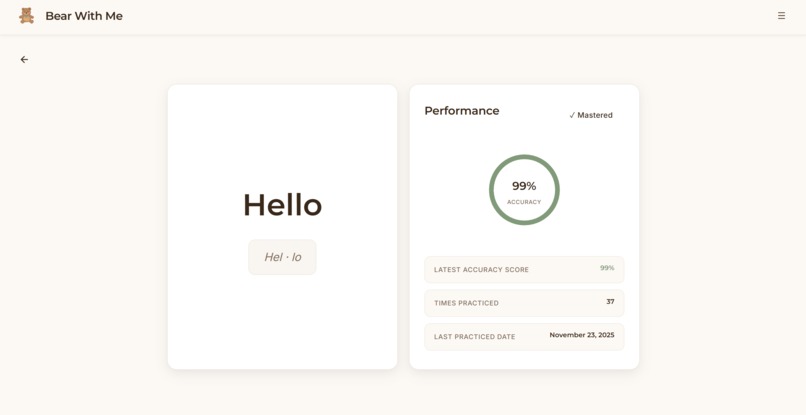
Word progression
-
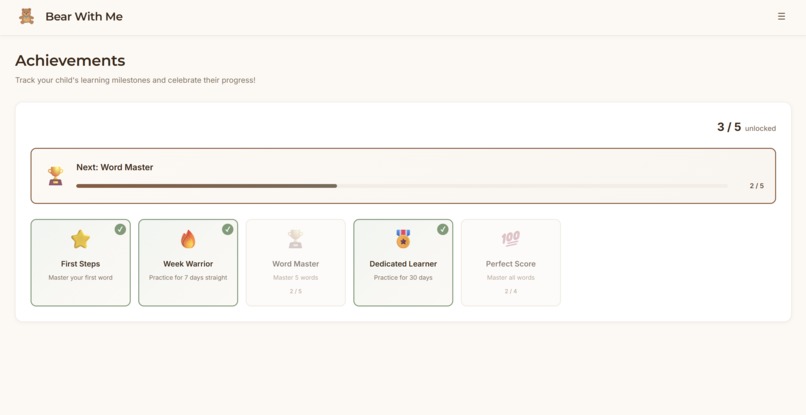
Achievement interface
Inspiration 🐻💗
We all see the same pattern in young children: a need to guide pronunciation and expansion of vocabulary for young, developing minds. In today's world every solution involves more screen time.
This creates a frustrating paradox for parents who want to support language development while limiting device exposure. The stakes are real. Ages 3-8 represent a critical window for speech development. Children's brains are incredibly plastic during this period, forming neural pathways for language at a rate they'll never experience again. Pronunciation habits formed now stick with them. But this is also exactly when we should be minimizing screens, not adding more. Parents want to help, but they're not speech therapists. They don't always know if pronunciations are correct or how to guide improvement. Even with good intentions, tracking consistent progress is hard when juggling everything else. We wanted to create something that gives kids the immediate feedback of educational technology, but in a form they already love and seek comfort in: a teddy bear.
What It Does
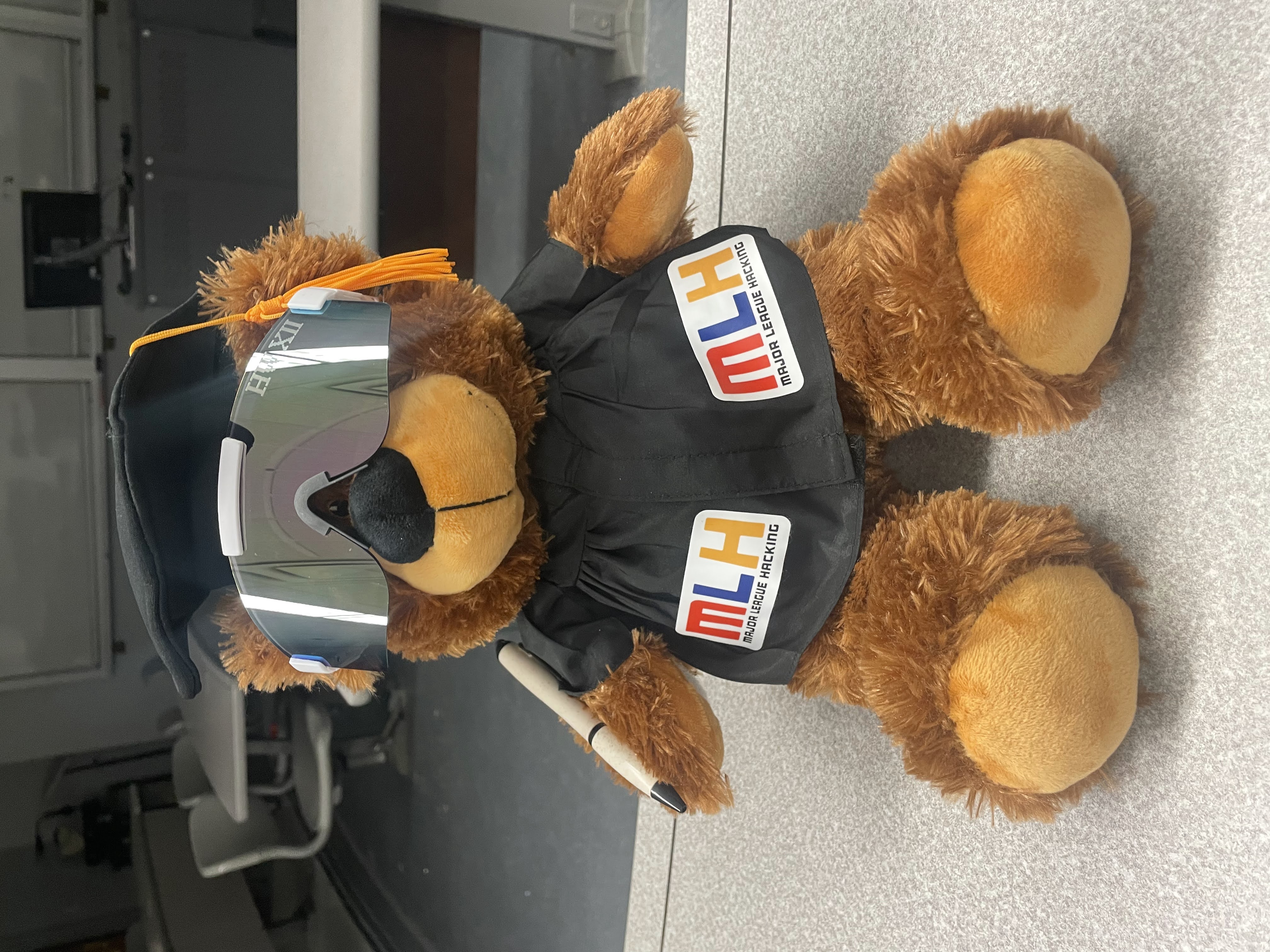
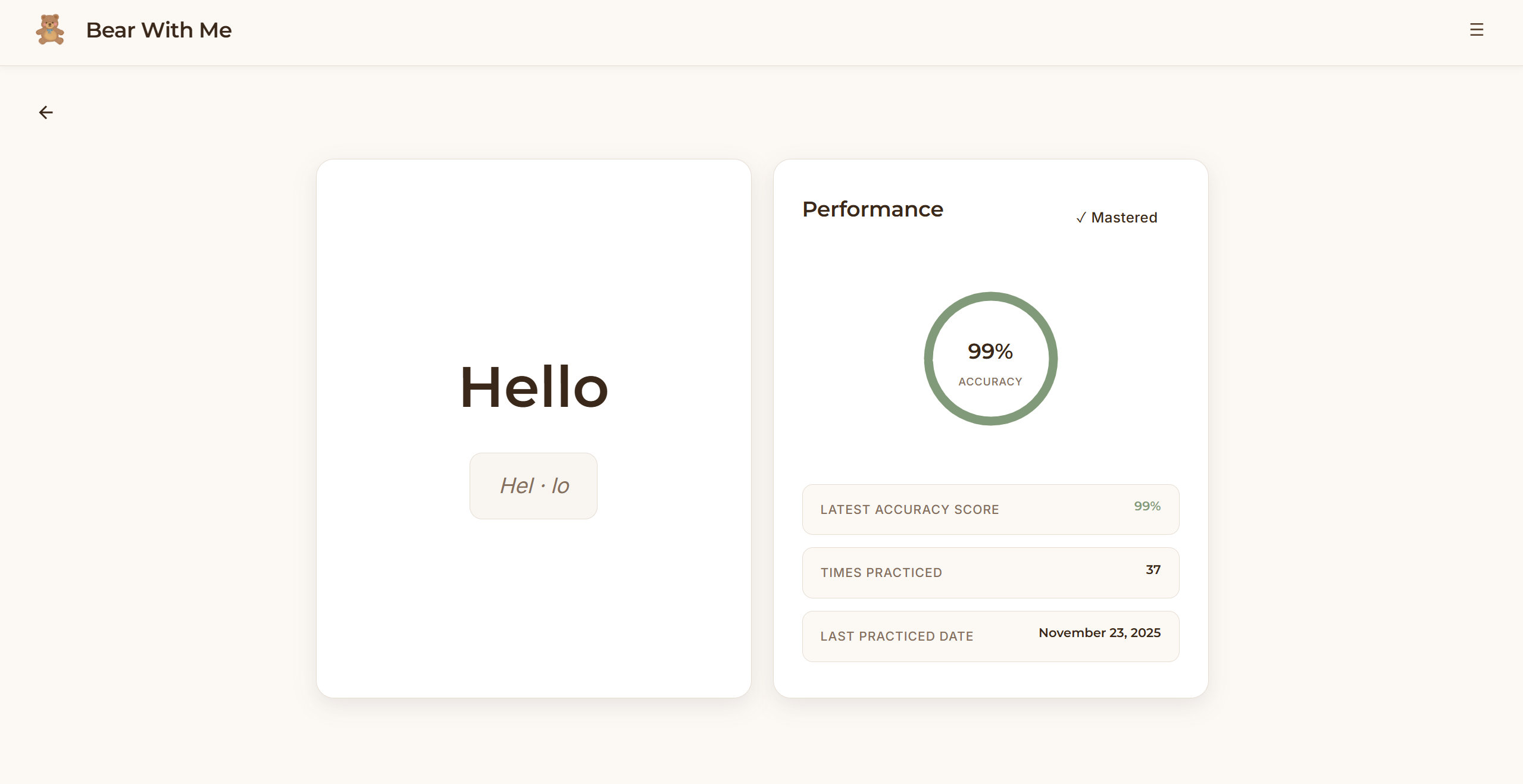
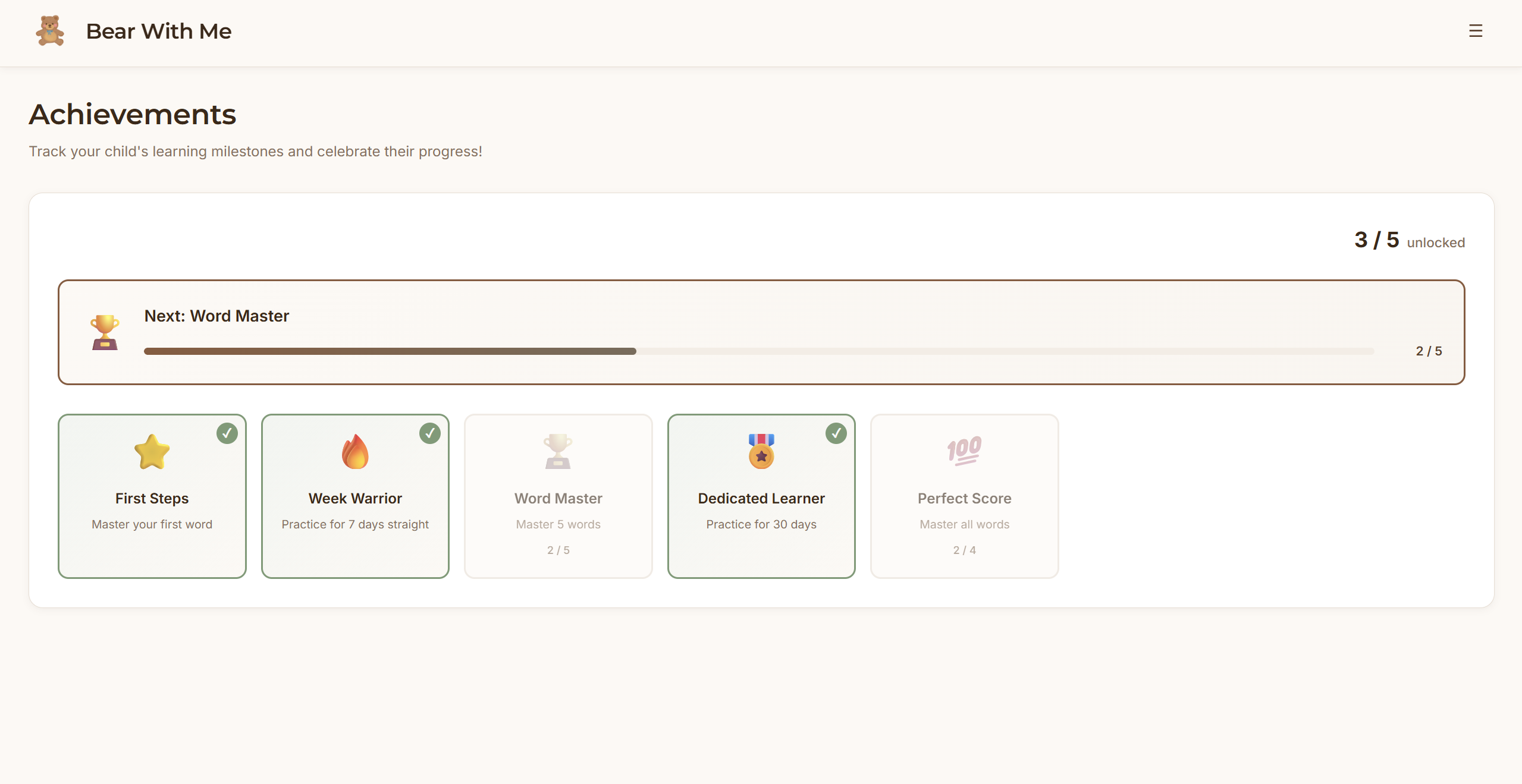
Bear With Me is a screenless pronunciation learning system built around a physical teddy bear companion. A child speaks a target word to the teddy bear. The bear listens, processes the pronunciation, and responds with encouraging feedback through its speaker in a warm, natural voice. "Great job with 'butterfly'!" or "Let's try 'Banana' one more time together." All iterations of practice flow to a parent dashboard where parents can view their child's learning journey. Which words are they mastering? Which sounds need work? How many days have they practiced? All those questions are answered in the visibility of an app, but the child’s learning happens entirely offline with a cuddly companion.
How We Built It 🛠️
Hardware: Raspberry Pi connected to a sound sensor that detects when a child starts speaking. A Logitech webcam microphone captures high-quality audio, and a connected speaker shows the child they're being heard (run through a Python script in VNC Viewer). Feedback plays through a Bluetooth speaker connected to the Pi.
Backend: Python Flask server receives audio from the Pi and calls ElevenLabs and Azure's Pronunciation Assessment API. This provides accuracy scores and phoneme-level feedback on which specific sounds the child struggled with. We convert feedback to natural speech using ElevenLabs' voice synthesis to create a consistent, warm teddy bear voice.
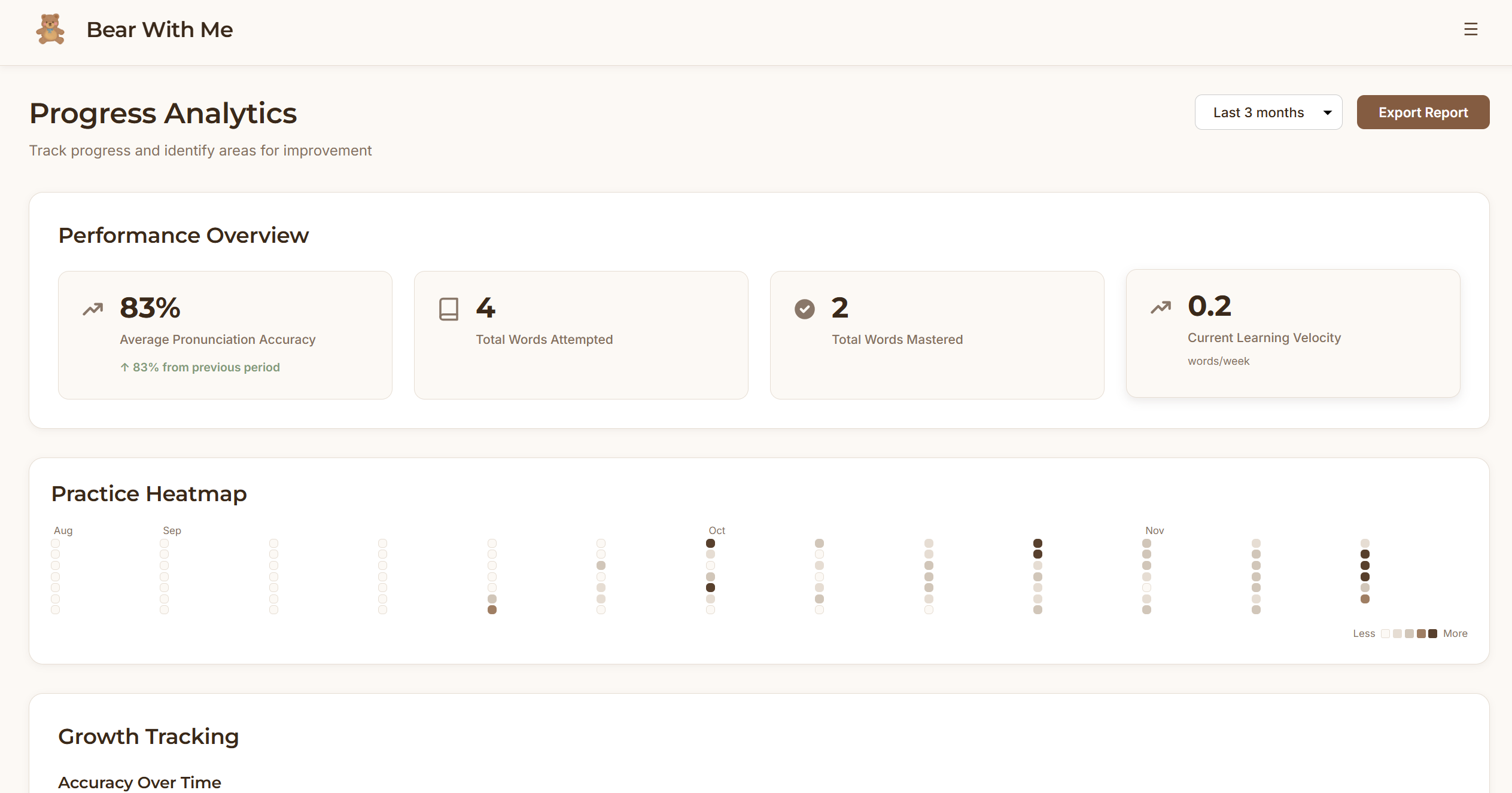
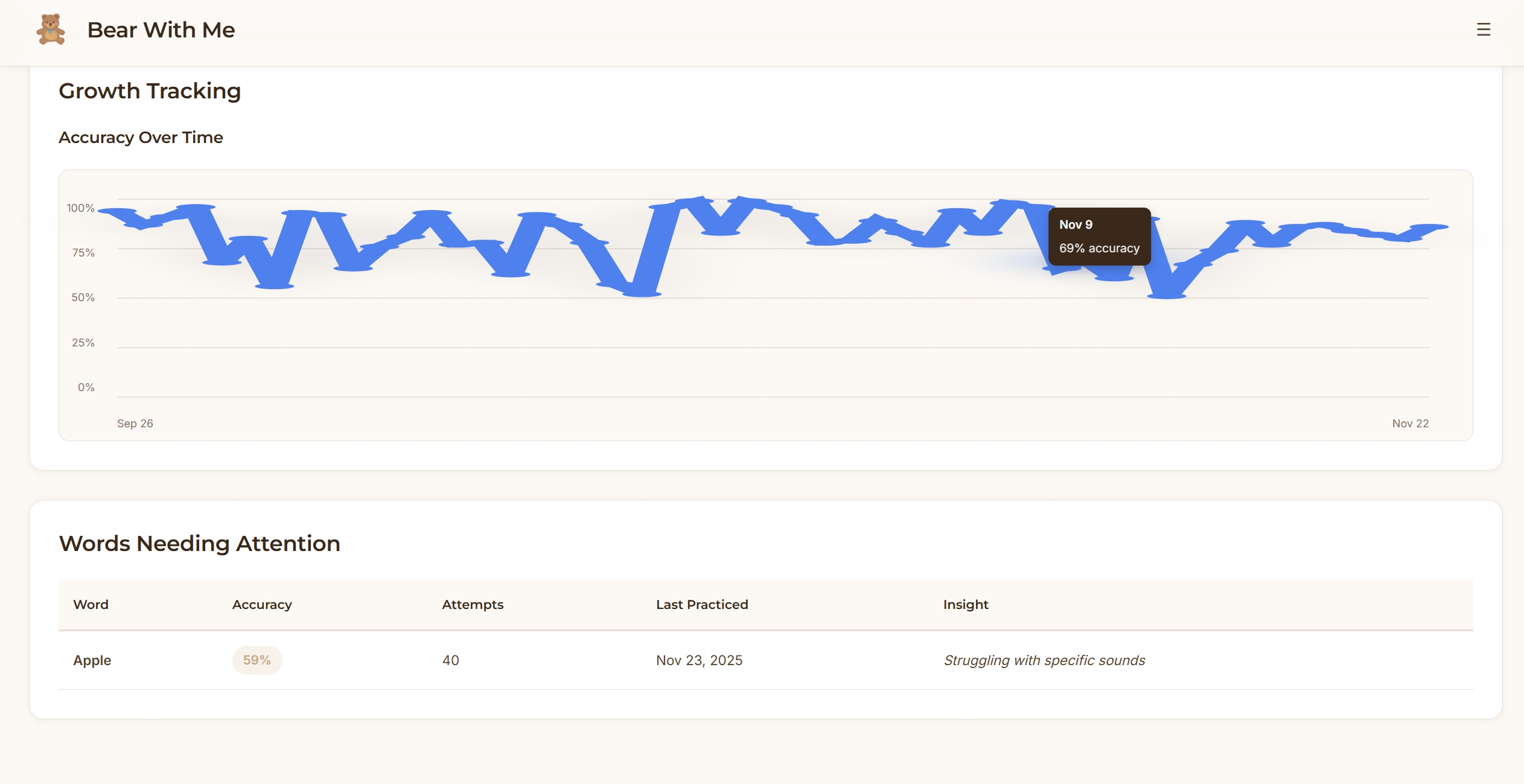
Frontend: React dashboard with local storage. Parents see quick overview metrics (streak, words mastered, today's practice) then can drill into detailed analytics such as practice heatmaps, accuracy trends over time, and words needing attention.
Challenges We Ran Into
Hardware failure and network connectivity: Our biggest setback came when the SD card on the Raspberry Pi was corrupted, completely preventing network connectivity. This meant we couldn't communicate with our backend server or access Azure's API. Troubleshooting hardware issues is uniquely frustrating because you can't just debug code or check logs. We had to systematically test components, check connections, and eventually identify that the Pi's network module itself was compromised (and also got clutched up from our mentors 🙏).
This cost us valuable development time and taught us the importance of having backup hardware for critical components. Making data meaningful: Raw accuracy percentages don't help parents. They want to know if their child is improving and what to focus on. Translating metrics into actionable insights meant thinking hard about what questions parents actually have.
Accomplishments We’re Proud Of
We created a genuinely screenless learning experience that feels natural for kids. The teddy bear interaction doesn't feel like technology, it feels like playing with a friend who happens to help with words.
The parent dashboard strikes the right balance between quick check-ins and deep insights, based on the parents’ intention. Parents can see progress in 10 seconds or spend 10 minutes analyzing patterns. The practice heatmap and struggling words detection give parents visibility they've never had before.
Bringing our vision of the entire pipeline working end-to-end was an accomplishment. From sound sensor trigger to Azure pronunciation analysis to ElevenLabs voice generation to Google Home playback, there are so many points of potential failure. Seeing a user speak and hear relevant feedback seconds later felt extremely meaningful.
What We Learned
Hardware integration: Working with multiple hardware components (sound sensor, microphone, LED, Bluetooth speaker) taught me about timing coordination and user feedback loops. Design: Information architecture matters more than we thought. Our first dashboard version showed everything at once and was overwhelming. We learned that people want different levels of detail at different times and an application should feel intuitive on the first use.
Product Thinking: Physical feedback (even seeing red/green LED responsiveness from the RBP) is just as important as audio feedback. Kids need to know the system before they hear a response. These small UX details make the difference between confusion and confidence.
What's Next for Bear With Me
Phoneme-specific practice: When we detect a child struggles with specific sounds (like "R" or "TH"), automatically generate practice word lists targeting those phonemes for focused improvement. Speech therapy integration: Partner with speech-language pathologists to create clinically-backed practice routines. Let therapists assign words and monitor progress remotely through the parent dashboard. Enhanced audio feedback: Add sound effects and music to celebrate mastery moments. Make the teddy bear's responses even more engaging with varied encouragement styles.
The core vision remains: learning tools that feel less like technology and more like childhood. If we do this right, kids won't remember using an "AI system." They'll remember practicing words with their favorite teddy bear.
Special thank you to the mentors who went above and beyond to help us with our hardware: Hugo, Janik, Wei, and Jimmy!

Log in or sign up for Devpost to join the conversation.