-
-
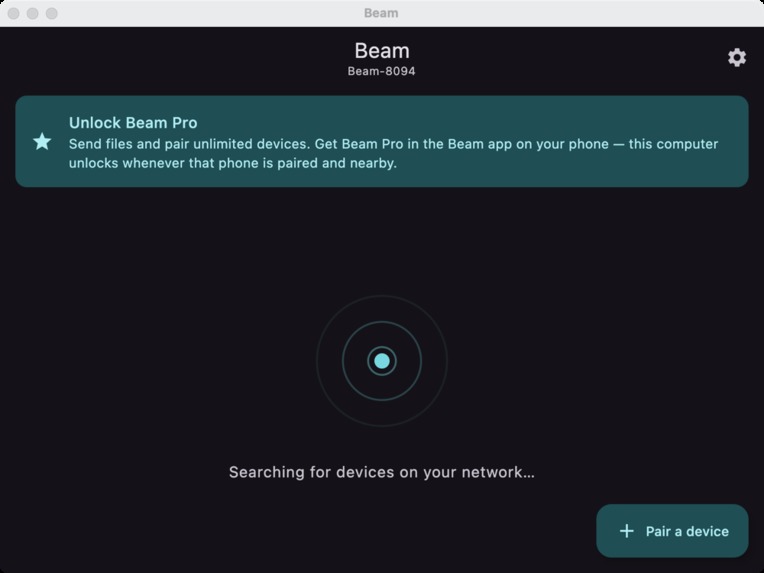
Desktop - Home
-
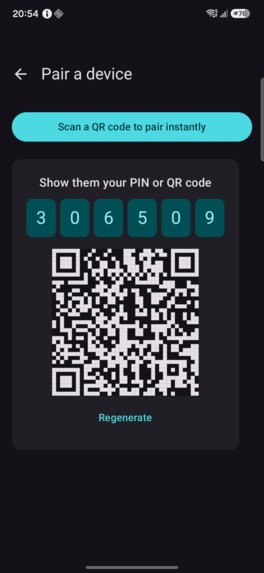
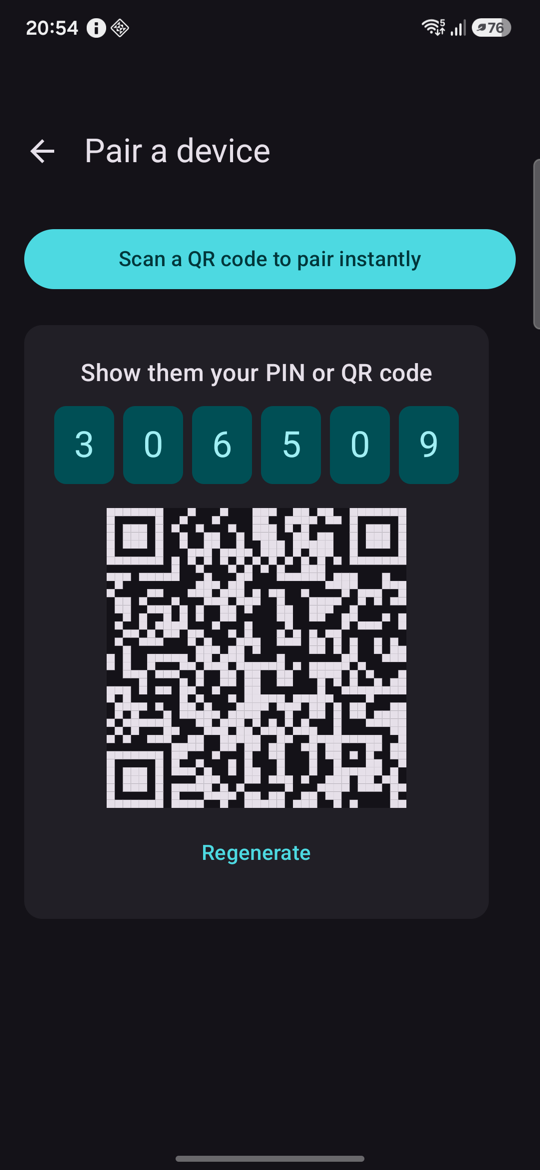
Mobile - Pair
-
Cover
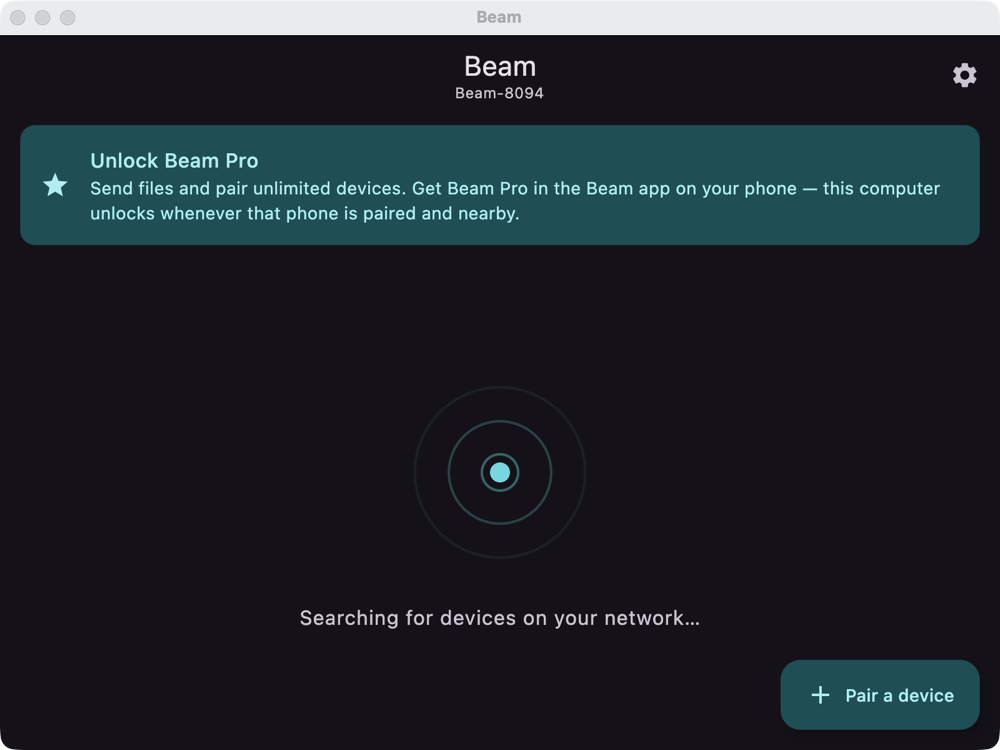
Inspiration
Moving a link or a file from my phone to my laptop is still oddly painful. I end up emailing it to myself, messaging it on Slack, or hunting for a cable. AirDrop solves this beautifully, but only inside Apple's ecosystem. I wanted that same "it just appears" feeling across Android, iOS, and desktop, and I wanted to build it once, which made Kotlin Multiplatform the obvious choice for the RevenueCat Shipaton.
What it does
Beam is an AirDrop-style drop zone for your own devices. Open it on two devices on the same Wi-Fi and they find each other automatically. Pair once with a one-time PIN or a QR code, and from then on you can send text, links, and files with a tap.
The flow I care about most: on your phone, open a web page, hit Share → Beam, pick your laptop, and the page opens there immediately.
Everything stays on your local network. There are no accounts and no cloud.
Beam Pro (RevenueCat): text and links are free, and pairing is free for up to 2 devices. Sending files and pairing more devices are behind a Beam Pro paywall, built with RevenueCat's purchases-kmp and Paywalls.
How we built it
One codebase: discovery, pairing, transport, persistence, and the whole UI live in one Kotlin Multiplatform module, using Compose Multiplatform for Android, iOS, and desktop. Discovery: mDNS/Bonjour, using each platform's native API (NsdManager, NSNetService, jmdns) behind a shared interface. Transport: every device runs a small embedded Ktor server (/pair, /text, /file, /status) and talks to peers over the LAN. If the default port is taken, it falls back to the next free one and advertises whichever it actually bound. Trust: a single-use, time-limited PIN (or QR) must be verified before any device counts as paired, and text and file requests from unpaired senders are rejected. Persistence: SQLDelight for paired devices and history, plus each platform's native key-value store for the device identity and settings. Always on: an Android foreground service and a macOS menu-bar tray keep Beam reachable when its window is closed. RevenueCat: the paywall, purchases, and a Thingsenz Pro entitlement gate file transfers and the device limit.
Challenges we ran into
RevenueCat has no desktop SDK. So the desktop app can't sell Pro. I made it inherit Pro from a paired phone: it asks each paired, reachable phone whether it holds the entitlement, and unlocks while any says yes. That turned a limitation into a feature that fits Beam's "your devices work together" idea. A thread-visibility bug. Correct PINs were being rejected as wrong. The PIN was written on the UI thread and read on the server's threads without @Volatile, so the server kept comparing against a stale value. It took ruling out expiry, duplicate processes, and the random generator before I found it. "Ghost" devices. I generated a fresh random device ID on every launch, so each relaunch looked like a brand-new device. Persisting the ID fixed the ghost entries and pairing surviving restarts. Kotlin/Native crashes. An uncaught error in a background coroutine kills an iOS app. That showed up when two Beam instances shared one machine, and led to the port fallback.
Accomplishments that we're proud of
A single shared codebase that actually discovers, pairs, and transfers between an Android phone, an iOS simulator, and a Mac. The share-a-link-and-it-opens-on-my-laptop flow works reliably. A working end-to-end paywall: free-plan lock, RevenueCat paywall, a test purchase, and the desktop unlocking itself.
What we learned
Multiplatform is strongest when you share the boring 90% and keep the platform edges thin. I also learned to distrust "it works on my machine" for threading, and that a small paywall design decision (desktop inherits Pro) can matter more than the paywall itself.
What's next for Beam
QR scanning and showing the device's own LAN address on iOS (both are Android-only today). Verifying the Windows and Linux tray and launch-on-login code on real machines. Real Play Store and App Store products in place of RevenueCat's Test Store, and a proper unpair option.
Built With
- android
- android-studio
- compose
- ios
- kmp
- kotlin-multiplatform

Log in or sign up for Devpost to join the conversation.