-
-
beacon reading discord
Inspiration
My grandfather recently got a failed LASIK surgery and it left him even more visually impaired than before. He has trouble navigating through everyday life now, and the only tool he can reliably use is a screen reader.
Screen readers narrate a screen, and but they don't operate it. A blind user who wants to send one email still has to click every button themselves, through menus and toolbars they can't even see, with VoiceOver reading each stop along the way. The information is accessible. The task still isn't.
I wanted to invert that: say what you want, and have the computer do the work and tell you what it did. Not a screen reader that describes buttons, but an assistant that presses them. It's so scalable, I even let it take over your house.
What it does
Beacon is an eyes-off, voice-driven assistant for macOS. You hold a key, say what you want, and it operates real apps while narrating in plain language.
- Messages and email: "Draft an email to my boss saying I'm out tomorrow." It writes it, tells you how it phrased things, edits on request ("tell him I'm sick instead"), reads it back word for word, and only sends when you say so. Same flow for iMessage and Discord.
- The web: "What's the weather like today?" or "Look up Crimpers and tell me how much a day pass is and when they're open." It searches, follows links to the right pages, and answers conversationally.
- Shopping: it reads back the top results with prices and ratings, lets you pick by voice, and stops before checkout.
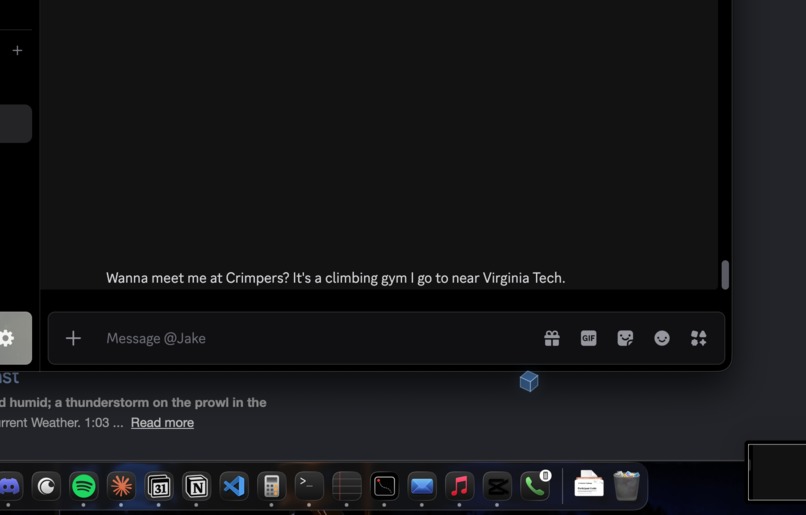
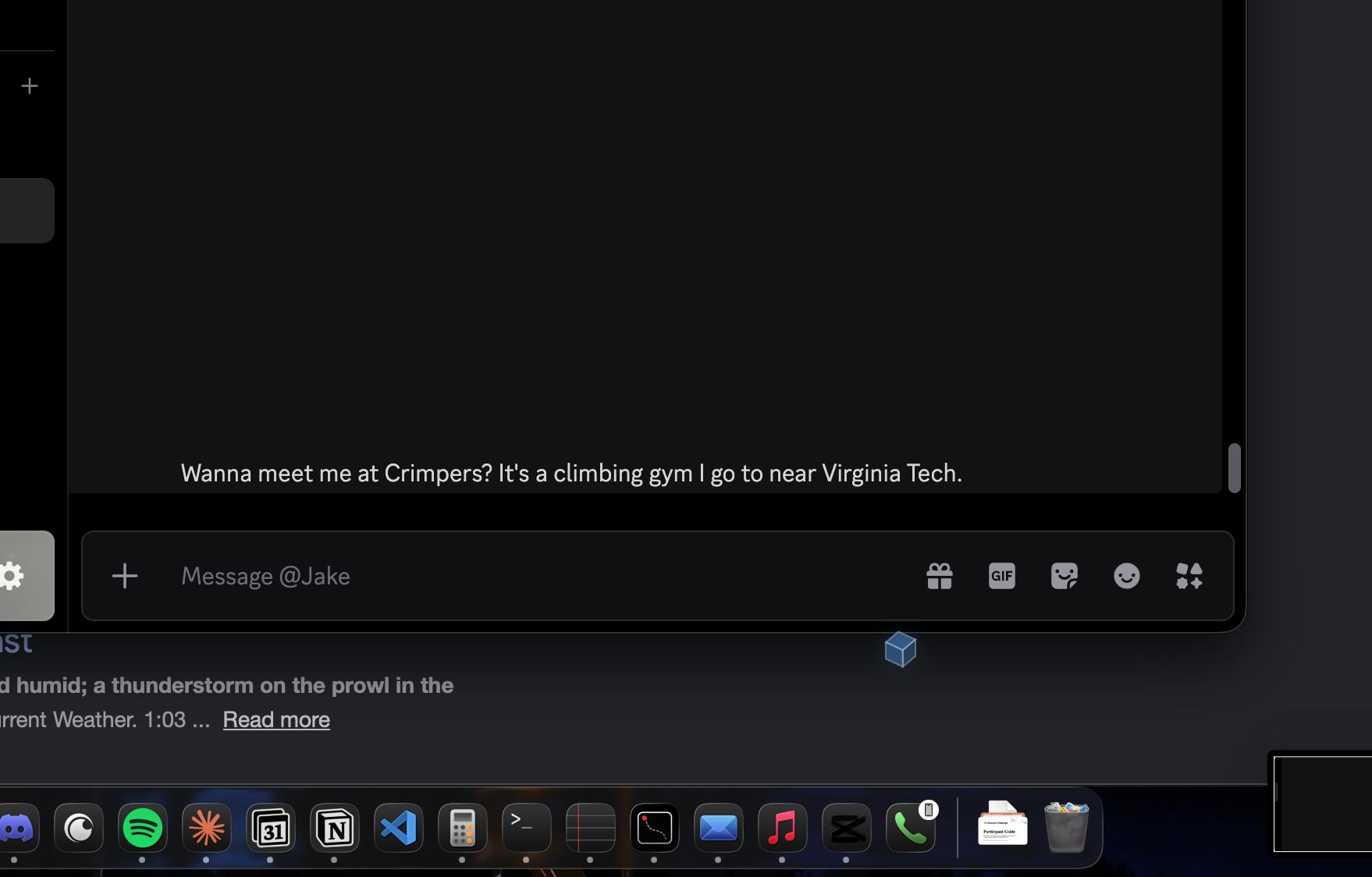
- Reading: "What am I looking at right now?" describes the page; "What did Jake send me?" reads the latest messages.
- The room: it controls Govee lights, so "I'm heading out" turns them off.
- Safety: Esc stops it mid-action, and it won't speak a number it didn't actually read on screen.
The glowing cube on screen isn't for the blind user, who never looks at the screen. It's for everyone else: a judge, or a family member who wants to see what just happened on their account.
How we built it
Python on macOS, with Gemini for language and the macOS Accessibility API for perception.
- Decisions: a router turns each request into one skill plus its details. Skills are scripted playbooks, so the model decides what to do while the code decides how. A general screen-reading agent handles anything off-script.
- Action: synthetic mouse and keyboard events, with the user's real cursor put back where it was, so the on-screen cube appears to do the clicking.
- The HUD: native click-through overlay windows, a 60 fps animation loop, and a spinning cube that morphs into a speech bubble and glows while speaking.
Challenges we ran into
Almost every hard bug came from the gap between what an app looks like and what it exposes.
- A stuck modifier key turned typing into shortcuts: "weather" became Cmd+W (close window), Cmd+E, Cmd+A. Every keystroke now carries explicit modifier state, and Beacon refuses to type into the terminal it's running from.
- Amazon's Add to Cart failed for hours. It turned out my element search gave up before reaching the buy box on those enormous pages, and the helper that built elements never recorded whether they could be pressed, so the correct button was found and discarded 14 times.
- Hidden menus: a climbing gym's site kept its navigation in a closed panel that's absent from the accessibility tree, so Beacon couldn't find "Prices." Reading the site's HTML directly solved it.
- Latency vs. quality in speech: Gemini's voice sounds great but took 3–12 seconds per line. A local neural voice got that to about half a second.
Accomplishments that we're proud of
- It does the whole task, doesn't skip steps, and makes sure you're happy. I'm happy to have completed this project as a whole, as this is something I can see many using, even without being visually impaired, as it does tasks even more efficiently than I can sometimes.
What we learned
- Accessibility APIs are a better foundation than vision for this: exact labels and coordinates, and it's the same data assistive tech already relies on.
- Reliability comes from splitting decisions from execution. Letting the model choose what while scripts handle how was the single biggest jump in stability.
- Voice latency shapes the experience more than voice quality does.
What's next for Beacon
- Call your computer: answer a FaceTime or phone call and take requests over it, so the Mac is reachable from anywhere. It's built but needs audio routing work.
- Watch for things: "Tell me when .... replies," and Beacon says so when it happens.
- Memory: learn preferences ("I climb at Crimpers," "my manager is Sarah") instead of being told each time.
- Testing with blind users, which is the only way to know which parts of the narration actually help.
- An accessibility audit mode: tell a user, or a developer, which parts of an app are unlabeled and unusable to assistive tech.
- Let it control even more parts of your house and everyday life.
Built With
- api
- govee
- pyautogui
- pynput
- pyobjc
- python
- quartz
- speech-to-text
- text-to-speech
- voice-ui
