Inspiration
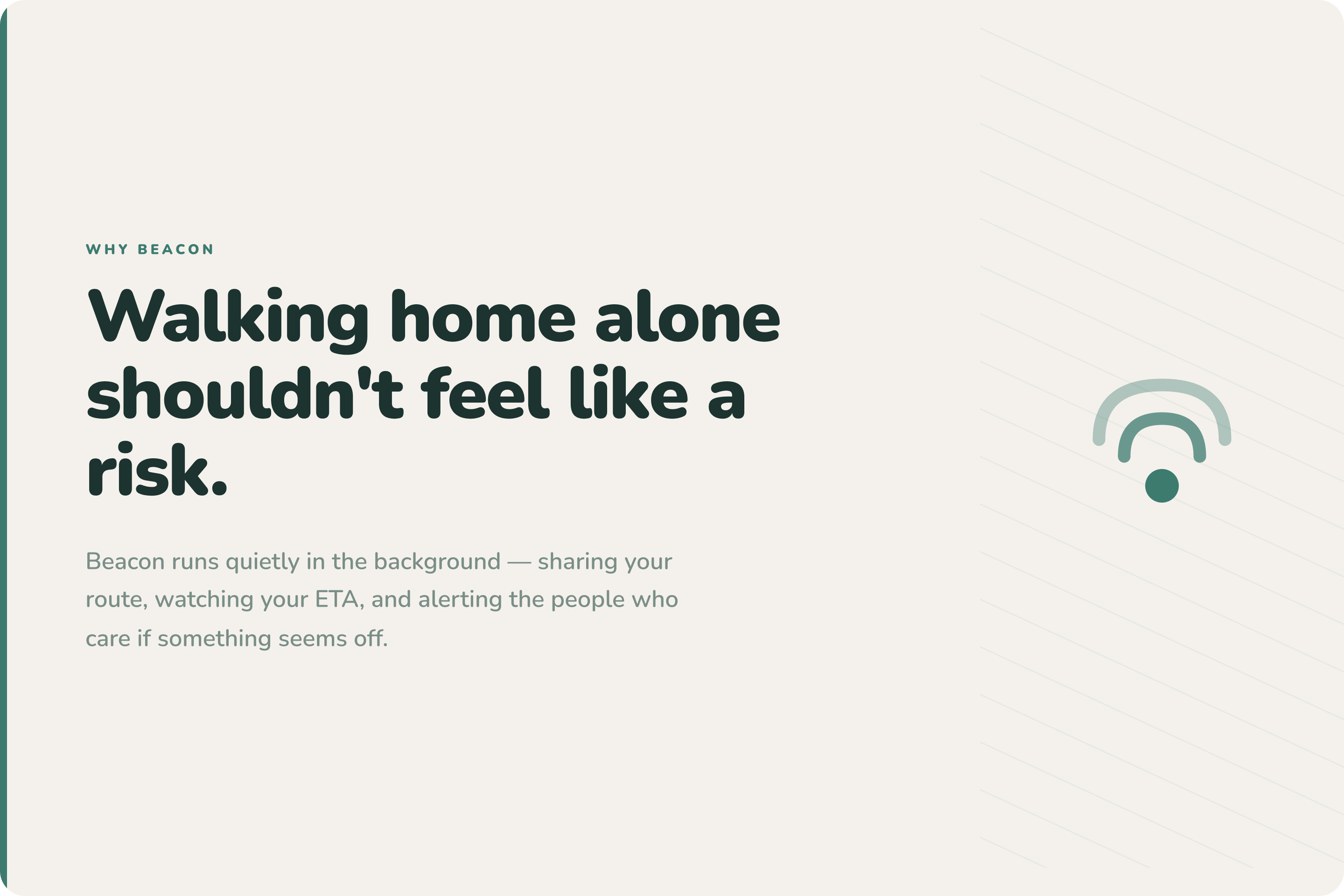
Travelling alone can feel unsafe, especially at night or through quiet and poorly lit areas.
In DKI Jakarta, only 34.77% of people feel safe walking alone after dark. KRPA 2022 also found that three out of five women have experienced harassment in public spaces, and 46% of incidents happened during the afternoon and evening.
This problem is personal to us. Some of us have called friends, shared live locations, chosen longer but busier routes, or pretended to be on a call just to feel safer.
But today’s safety habits are still passive. Travellers must keep sending updates, while trusted contacts must keep checking.
When someone is late or stops responding, no one knows exactly when to act.
That inspired us to build Beacon.
What it does
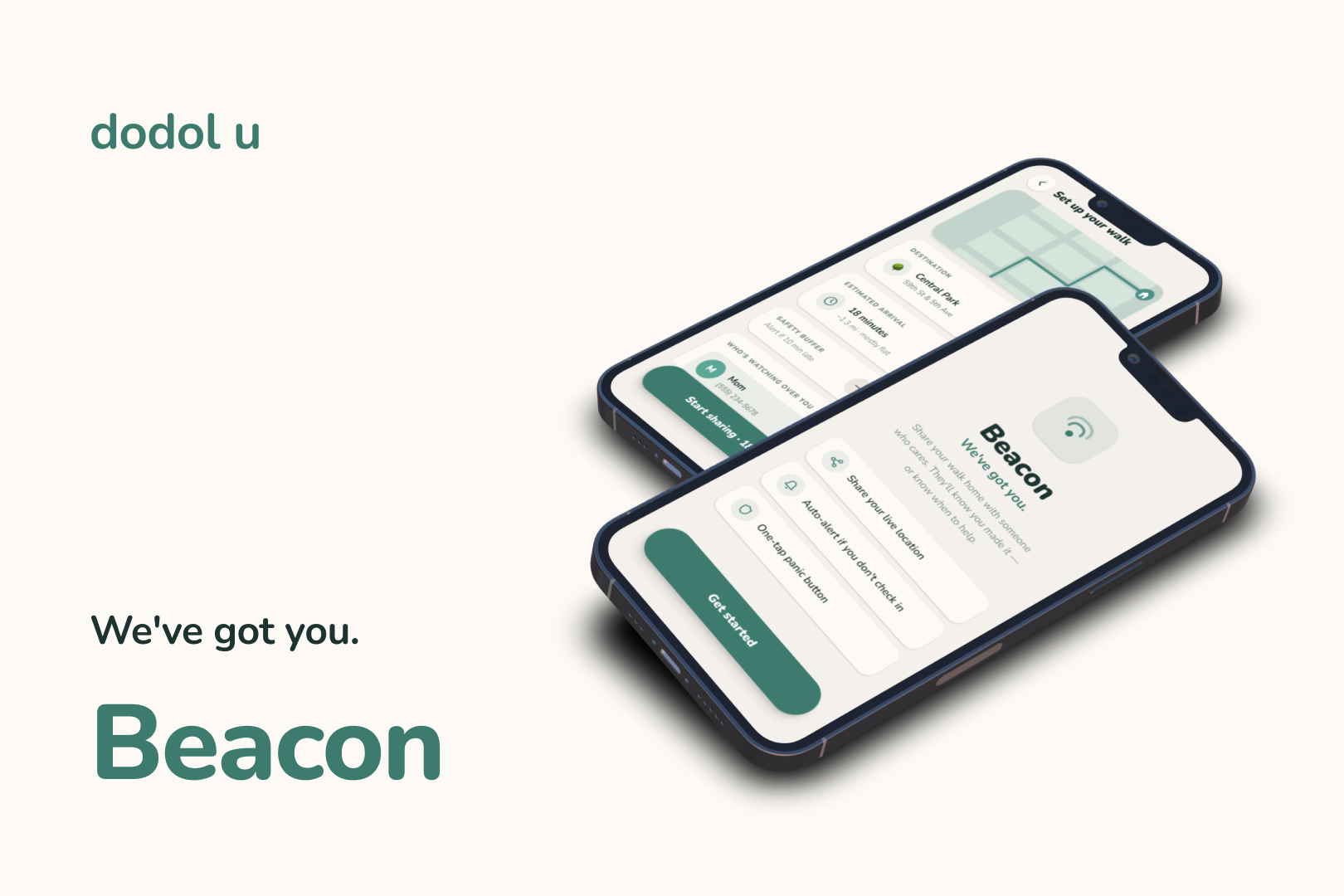
Beacon turns “Let me know when you get home” into an active travel safety system.
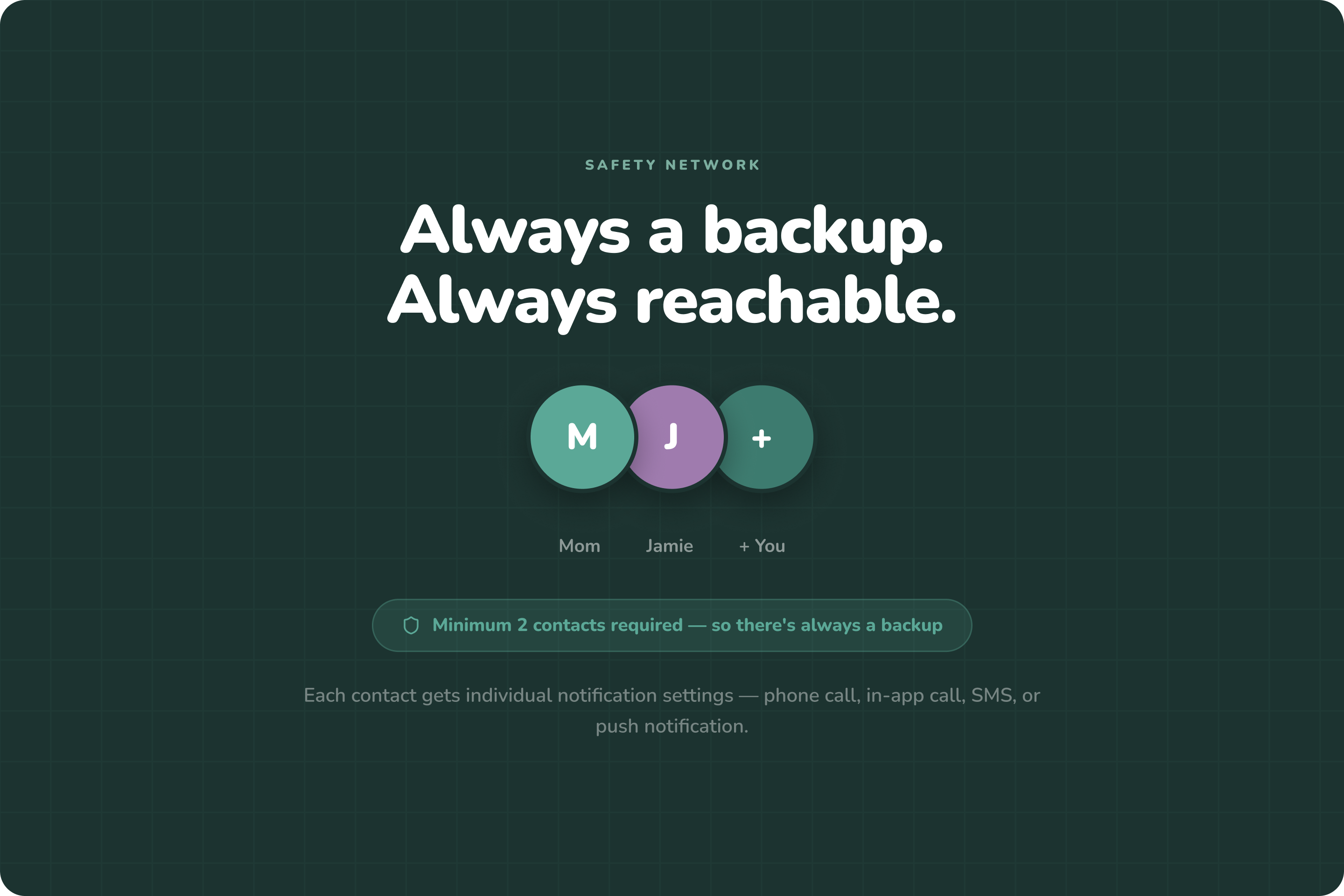
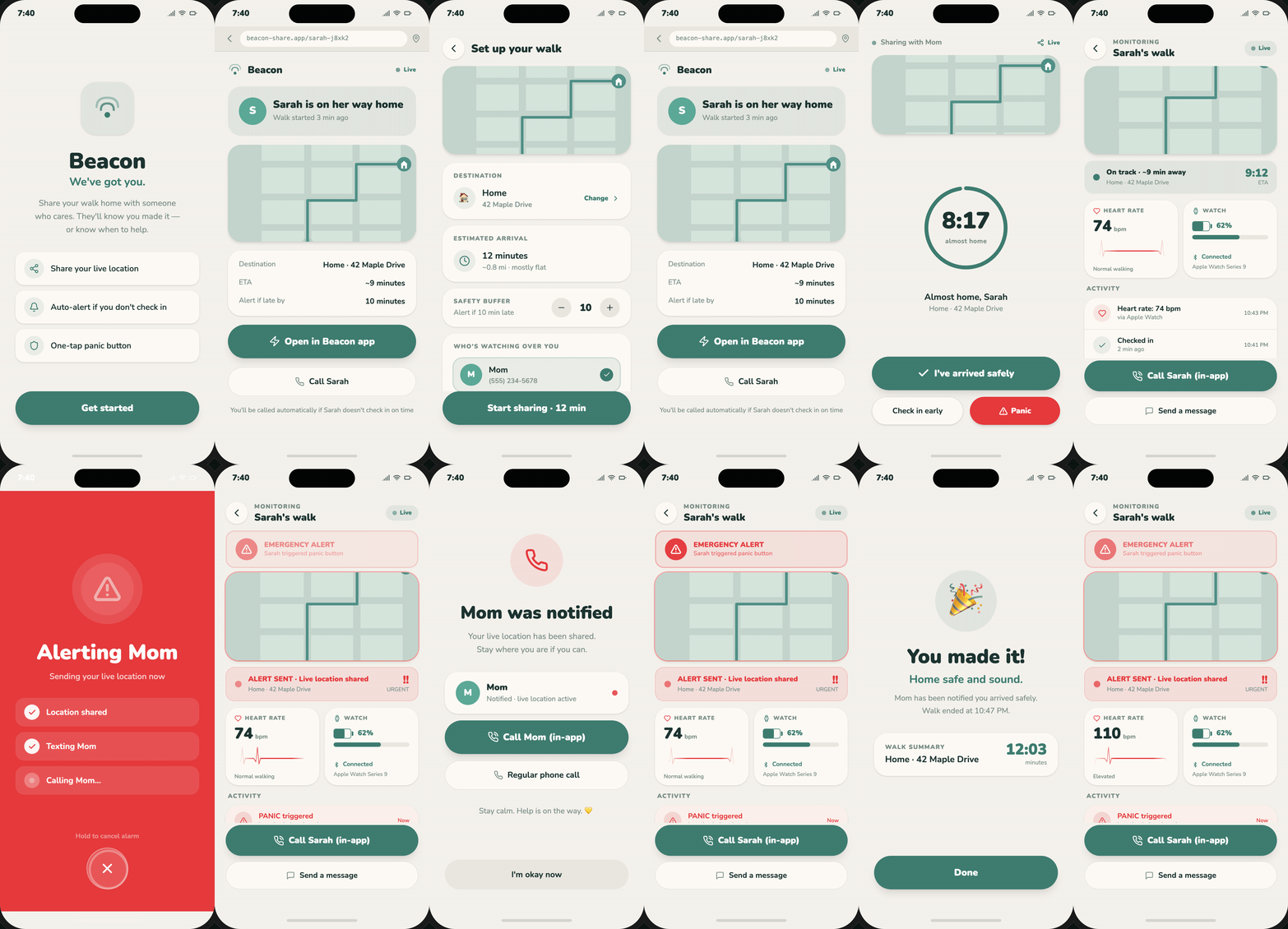
Before a journey, users can add trusted contacts, choose a primary and backup contact, enter their destination, and review their ETA.
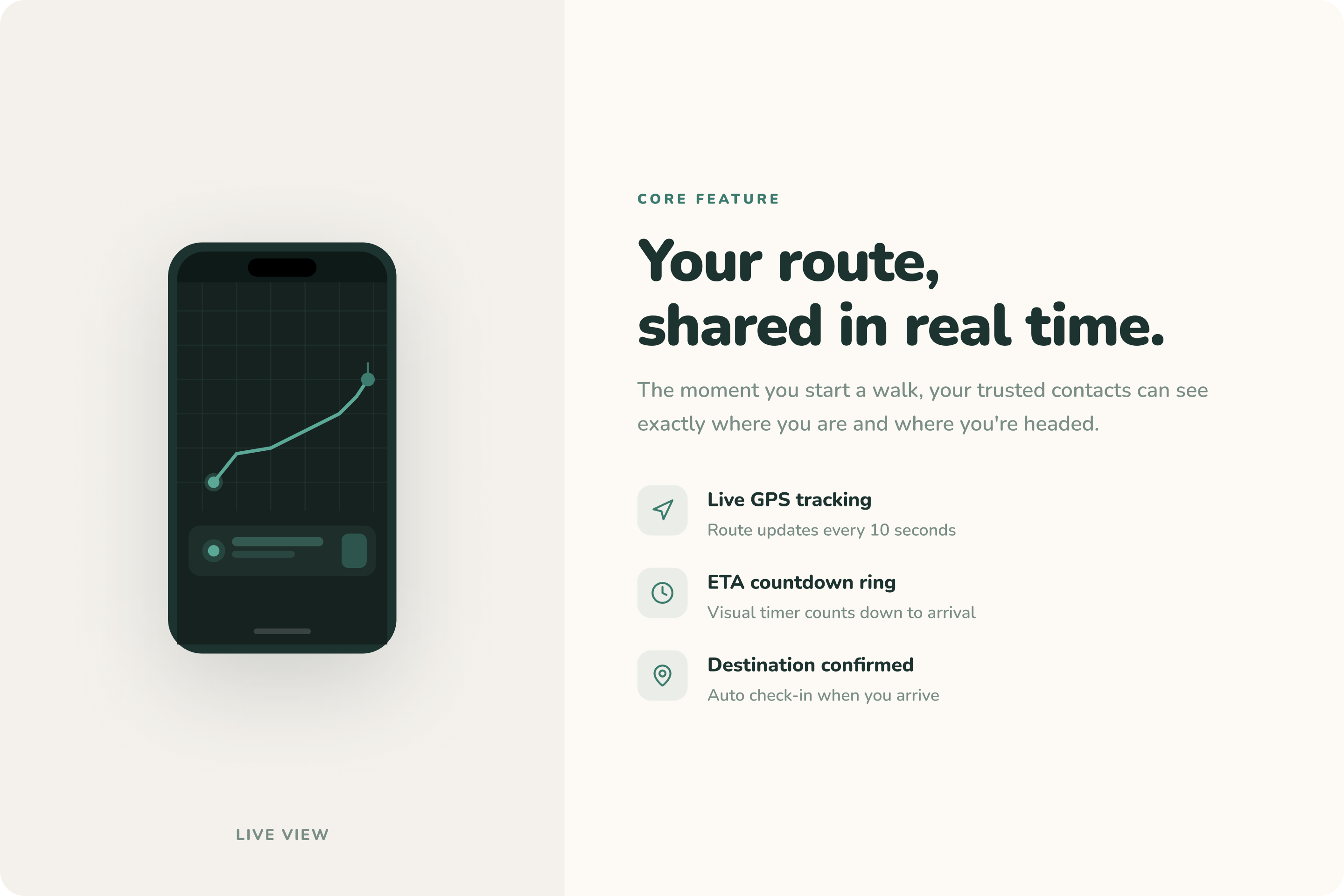
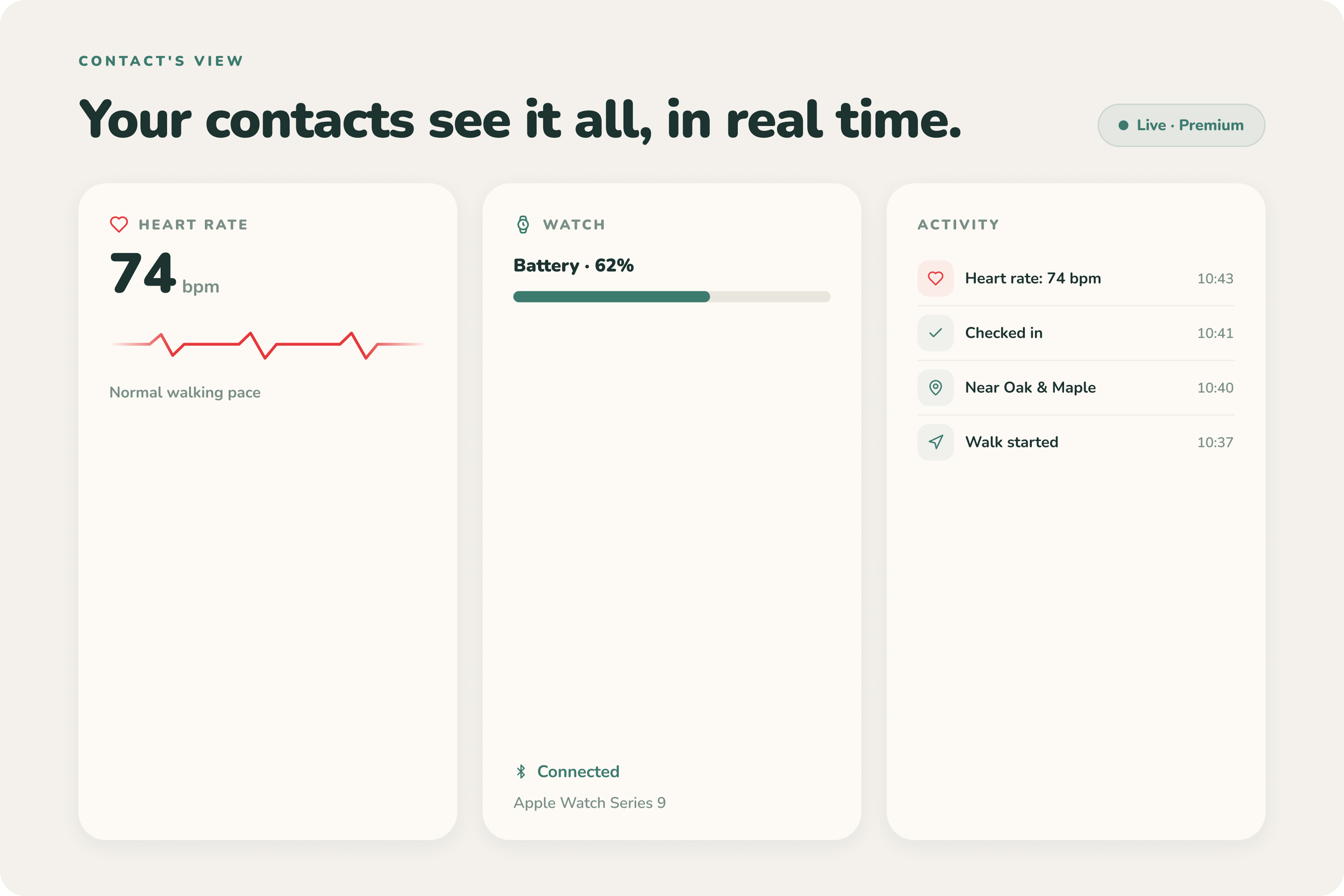
Once the trip starts, Beacon creates a live journey session and generates a shareable web link. Trusted contacts can follow the traveller’s location and journey status from any browser, without installing the app.
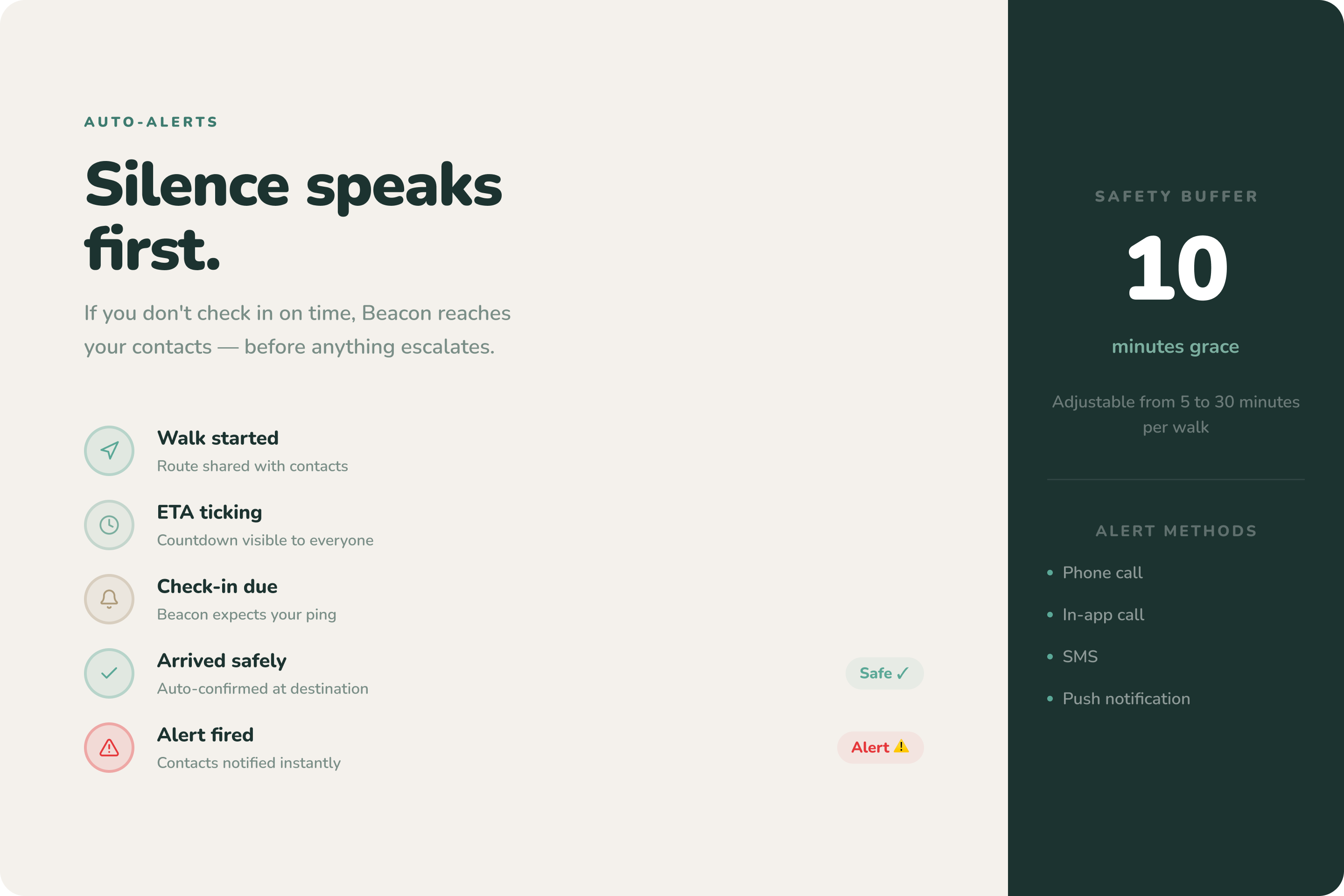
If the traveller is late, Beacon sends a safety check. They can confirm they are safe or extend the trip time.
If there is no response, Beacon automatically alerts all trusted contacts and calls the primary contact. If needed, the call can move to the backup contact.
Beacon can also share low-battery alerts, device status, and the traveller’s last known location.
Even when the traveller cannot ask for help, Beacon keeps the safety flow moving.
How we built it
Beacon started from a familiar conversation:
“I’m going home.”
“Share your location.”
“Let me know when you arrive.”
We realised that existing tools can show where someone is, but they do not automatically check whether that person arrived safely.
So we built Beacon around five core parts:
Trusted Contact Management
Users can add multiple contacts and choose a primary and backup contact.
Trip Setup
Users enter their destination and review the ETA before starting.
Shareable Live Tracking
Beacon creates a browser-based tracking link that works without an app.
Safety Checks
If the traveller is late, Beacon asks whether they are safe or need more time.
Emergency Escalation
No response triggers alerts, calls, and last-known-location sharing.
We used FigJam to map the problem and user journey, Figma and Figma Make to design the experience, and Figma Slides to build our pitch deck.
We used React, Vite, Node.js, Express.js, and WebSocket to create the working demo.
Challenges we ran into
Our first challenge was making Beacon useful even when trusted contacts did not have the app.
We solved this with a shareable web link that works directly in a browser.
We also wanted to avoid depending on only one person. Beacon therefore supports a primary and backup contact, while emergency alerts can be sent to everyone.
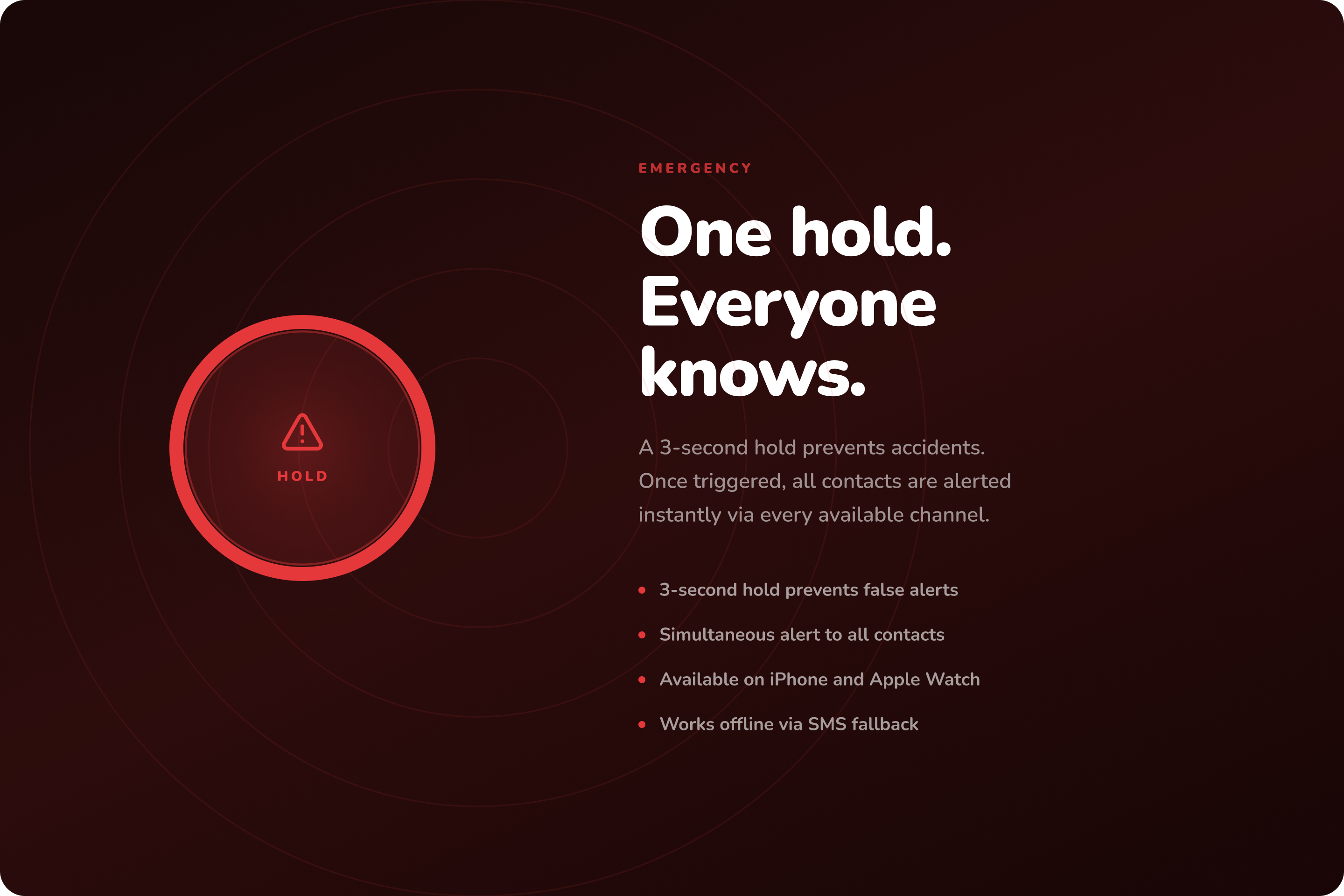
Another challenge was helping users when they could not touch their phone. Beacon does not rely only on a panic button. Silence, missed check-ins, and journey overtime can also trigger escalation.
Battery and connectivity were difficult too. A low battery or lost signal may look like an emergency, so Beacon shares device status and the traveller’s last known location.
We also had to avoid unnecessary alerts. Being late does not always mean danger, so Beacon sends a safety check first.
Finally, we designed Beacon with privacy in mind. Location sharing only runs during an active journey and ends when the trip is completed.
Accomplishments that we're proud of
We are proud that Beacon supports both the traveller and the people waiting for them.
Our MVP includes:
multiple trusted contacts;
primary and backup contact selection;
destination and ETA setup;
browser-based live tracking;
safety checks and overtime detection;
hands-free escalation;
low-battery and device-status alerts;
last-known-location sharing;
emergency notifications and call escalation;
safe-arrival confirmation;
temporary journey-based tracking.
We are especially proud that Beacon does not rely only on a panic button. It can continue working when the traveller is silent, late, offline, or unable to respond.
We are also proud that trusted contacts can follow the journey without installing another app.
What we learned
We learned that personal safety is not only about maps or emergency buttons.
It is also about timing, trust, communication, privacy, and reassurance.
We learned that safety tools must stay simple, especially during stressful situations.
We also learned how to turn research and personal experiences into one clear user journey.
Most importantly, we learned to keep the MVP focused: one complete safety flow, from starting a trip to arriving safely.
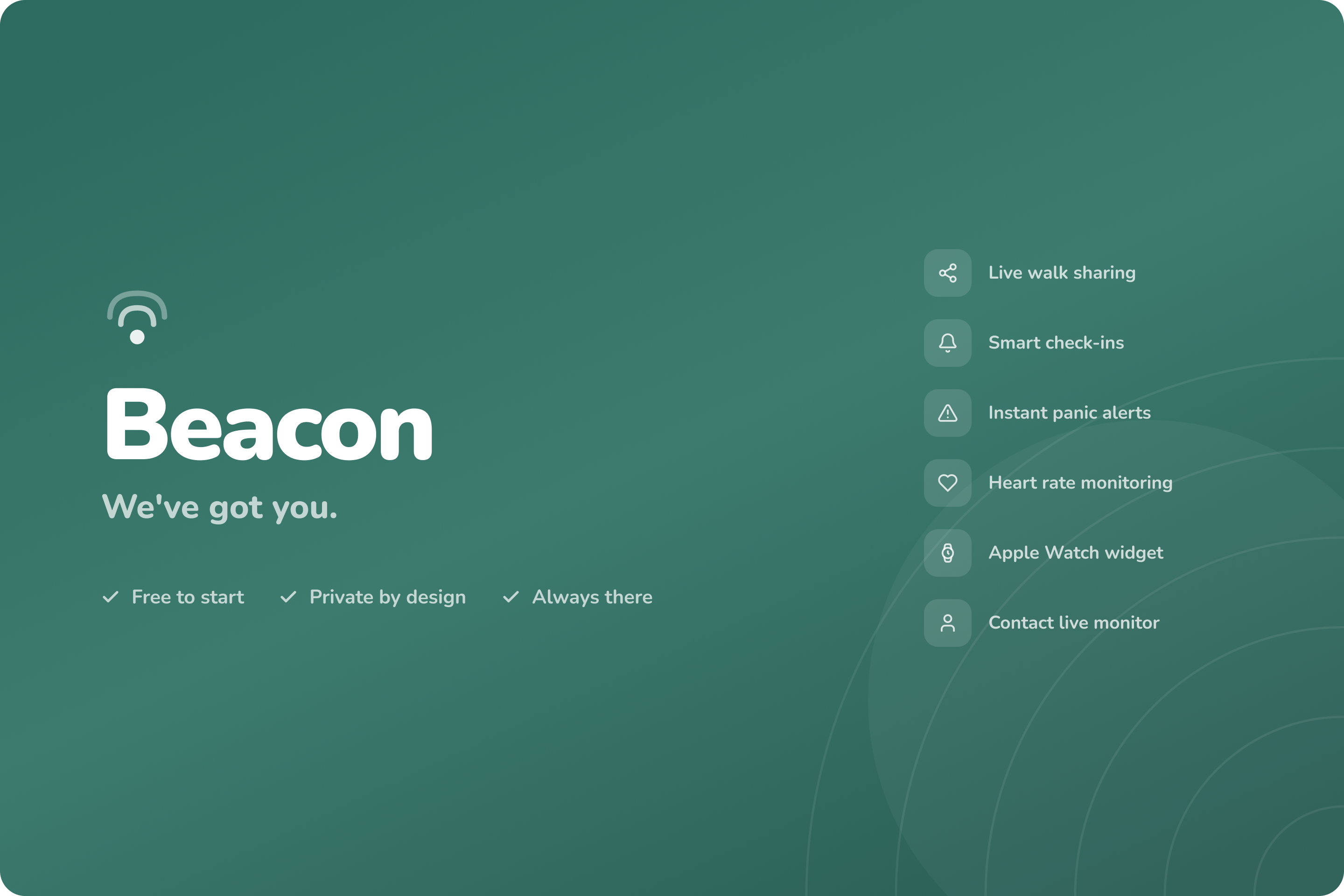
What's next for Beacon: We've got you.
Sequential Call Escalation
If the primary contact does not answer, Beacon will call the next trusted contact.
Smarter Route Monitoring
Beacon can detect unusual stops, route deviations, or movement away from the destination.
Smartwatch Signals
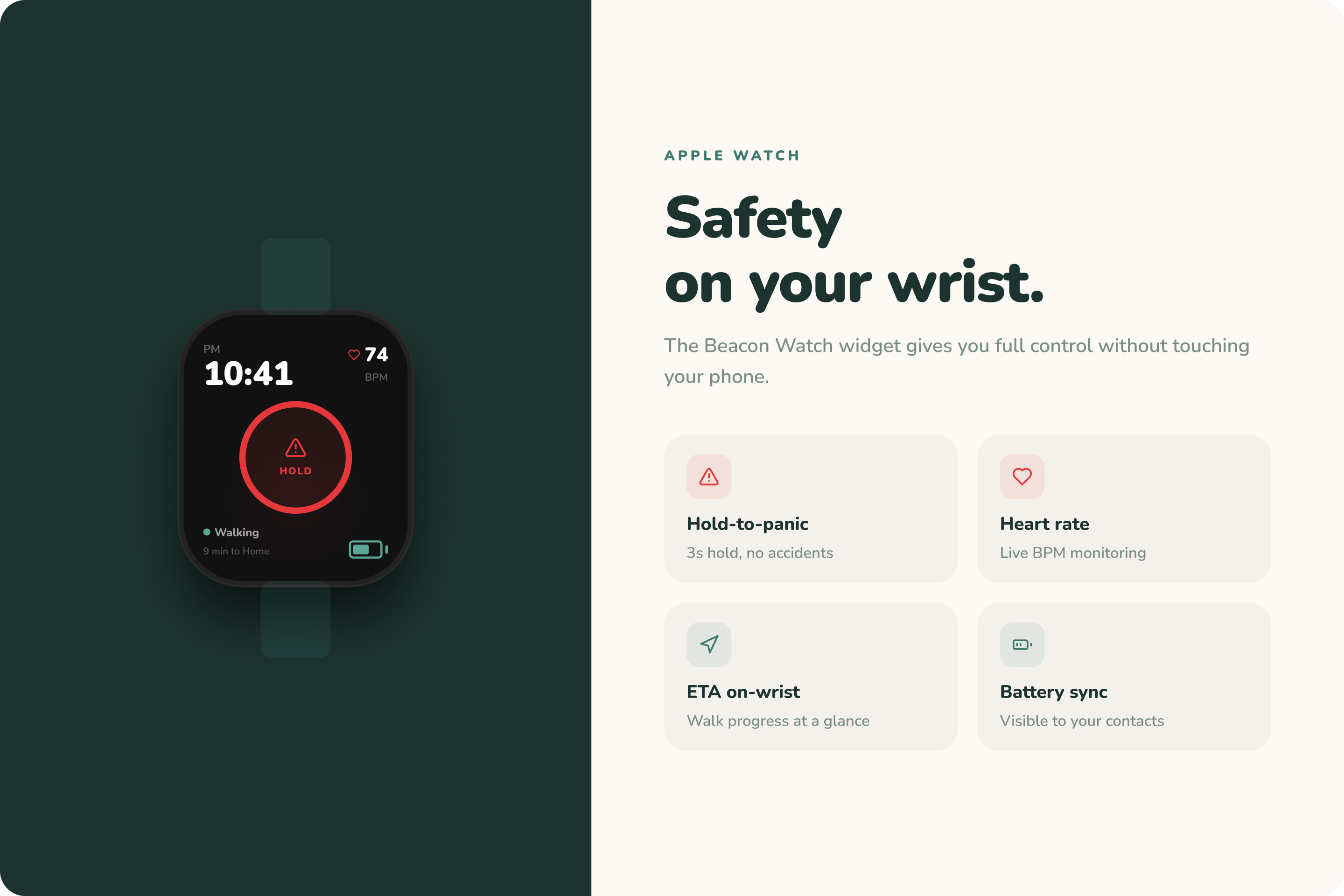
Future versions can use heart rate, fall detection, or sudden movement changes as additional safety signals.
Device Went Dark Detection
Beacon can better detect when a phone loses signal, shuts down, runs out of battery, or stops sending updates.
Stronger Privacy and Security
Future improvements can include encrypted tracking links, stronger access controls, configurable data retention, and link revocation.
Built With
- express.js
- figjam
- figma
- figmamake
- node.js
- react
- vite
- websocket


Log in or sign up for Devpost to join the conversation.