-
-

Splash Page
-
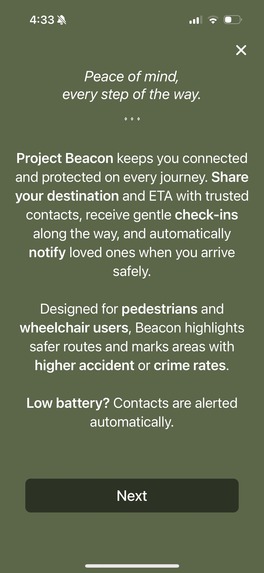
Introductory Modal
-
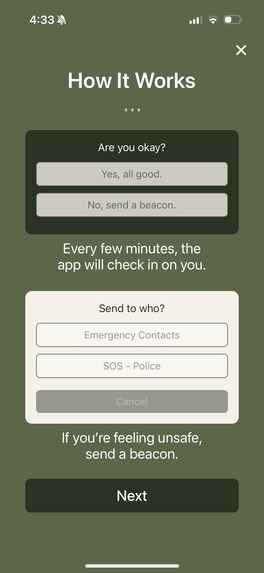
Explanation
-
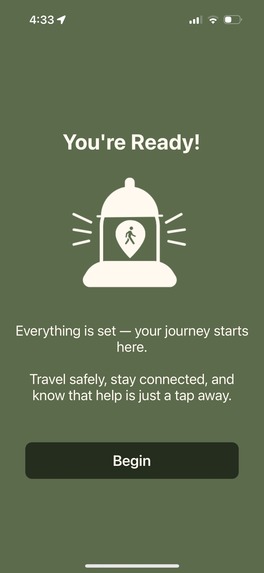
Ready to Start
-

Log-In Page
-
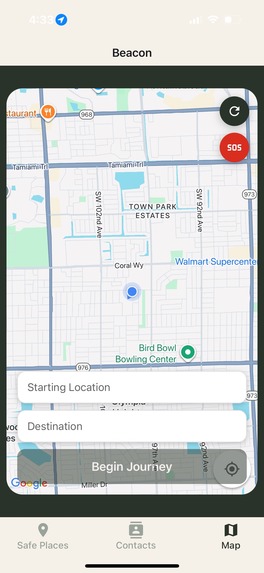
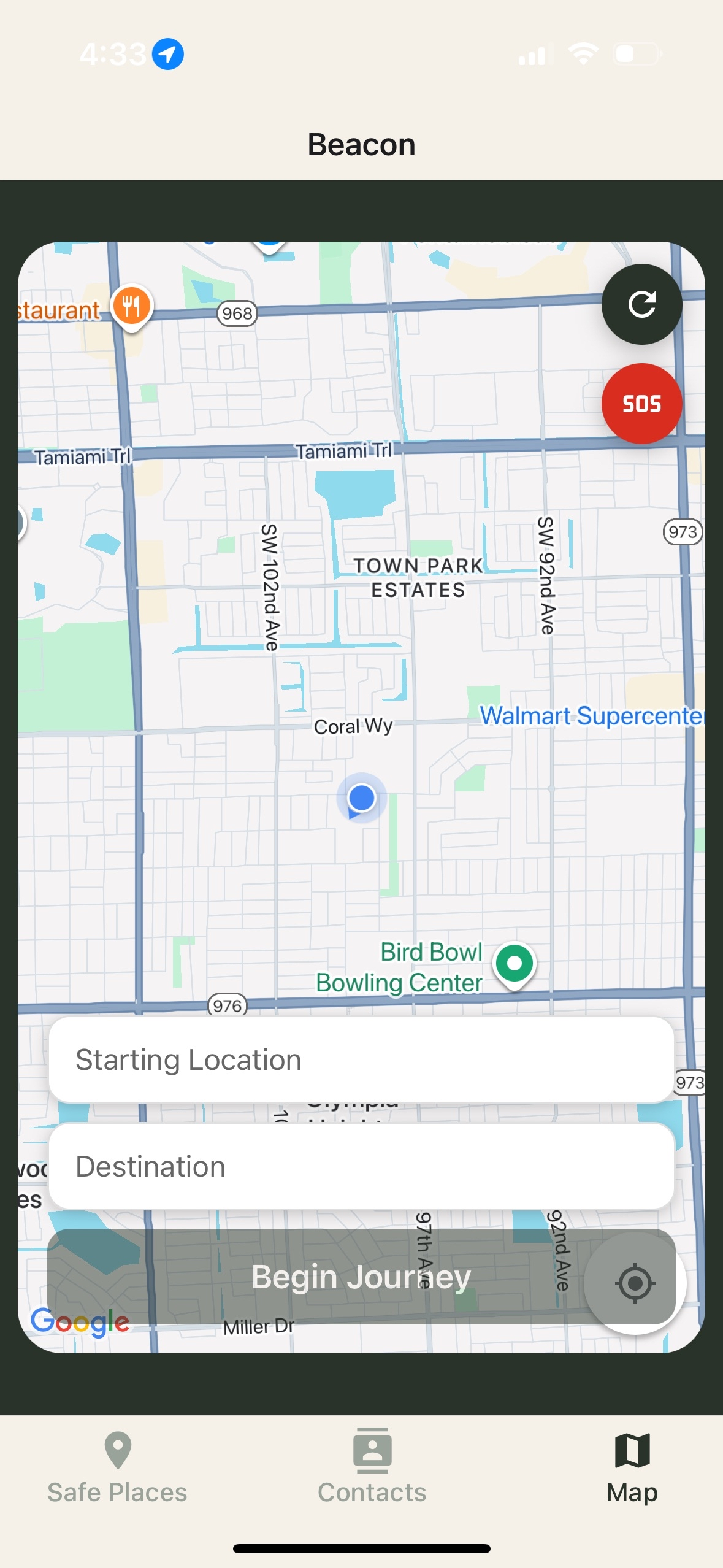
Map
-
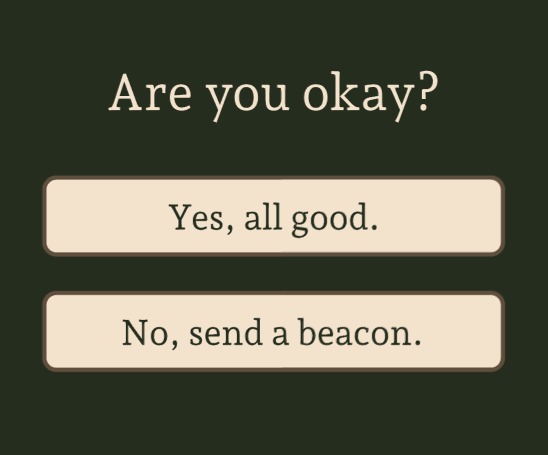
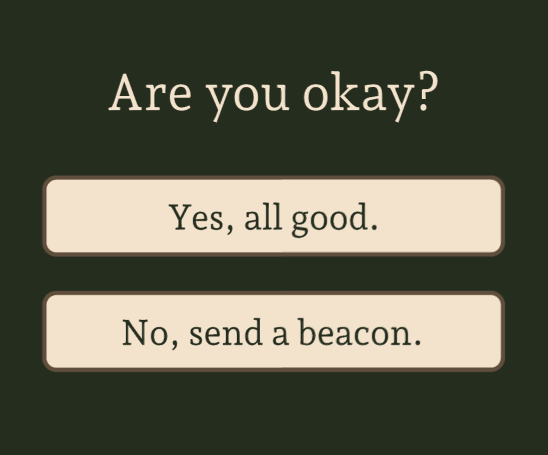
"Are you okay?" Prompt
-
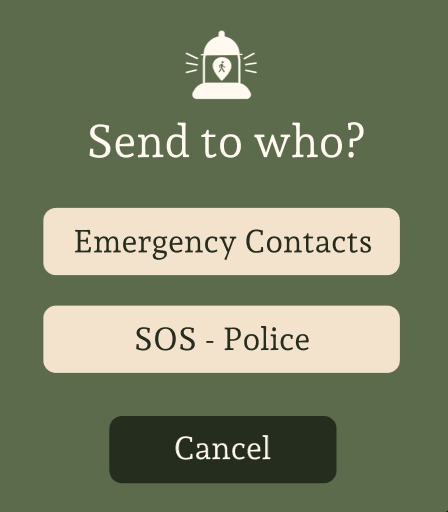
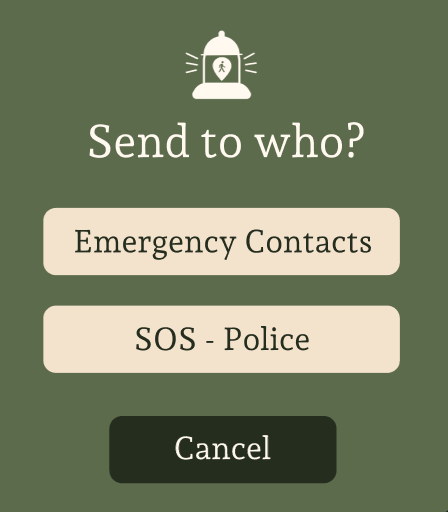
Sending a beacon
-
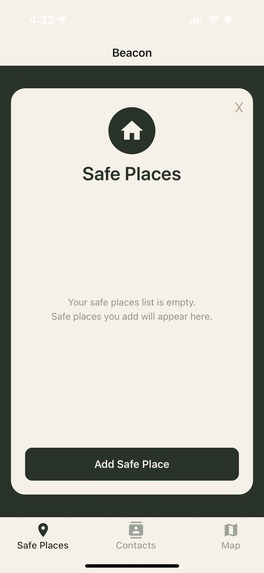
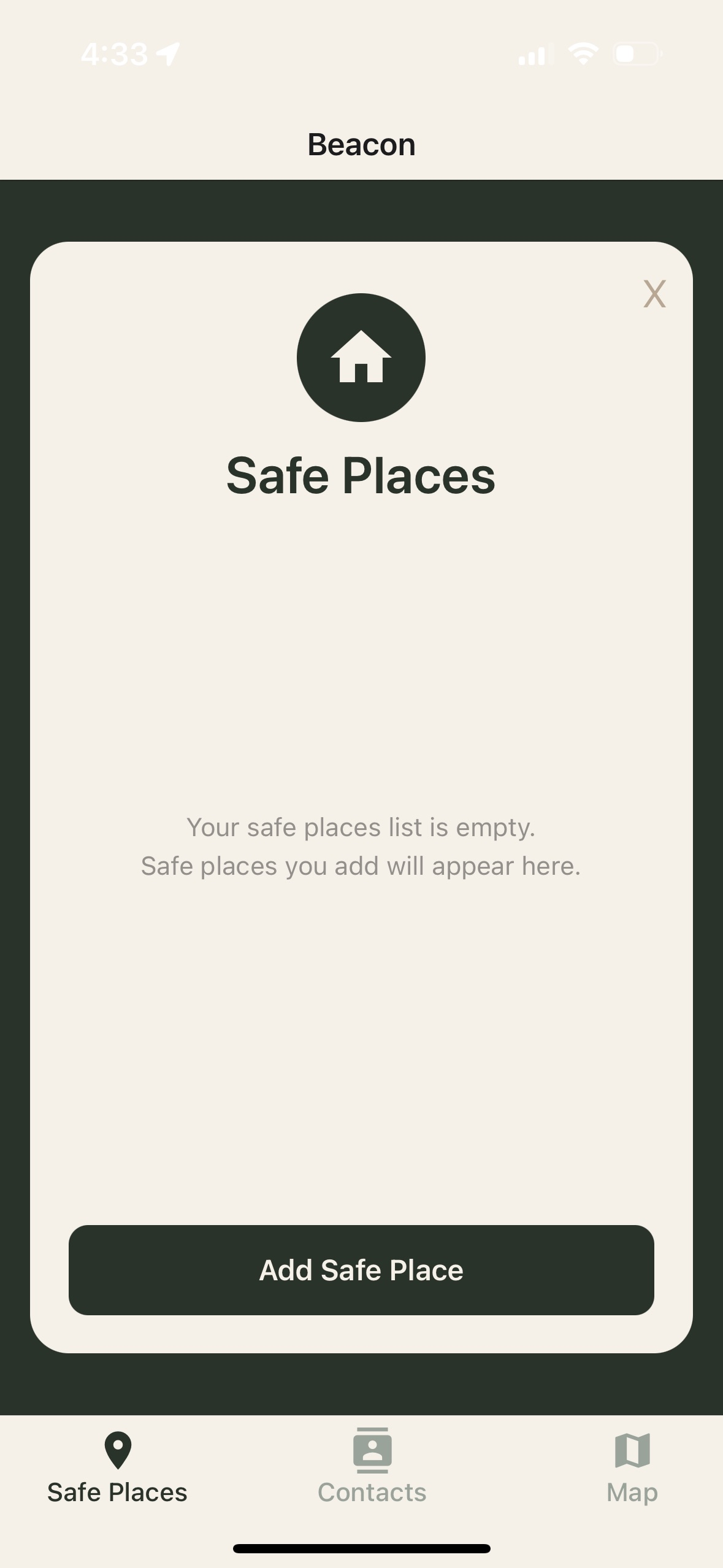
Safe Places
-
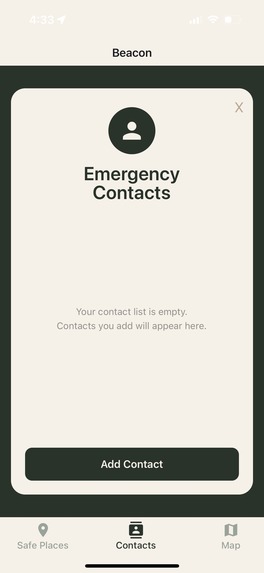
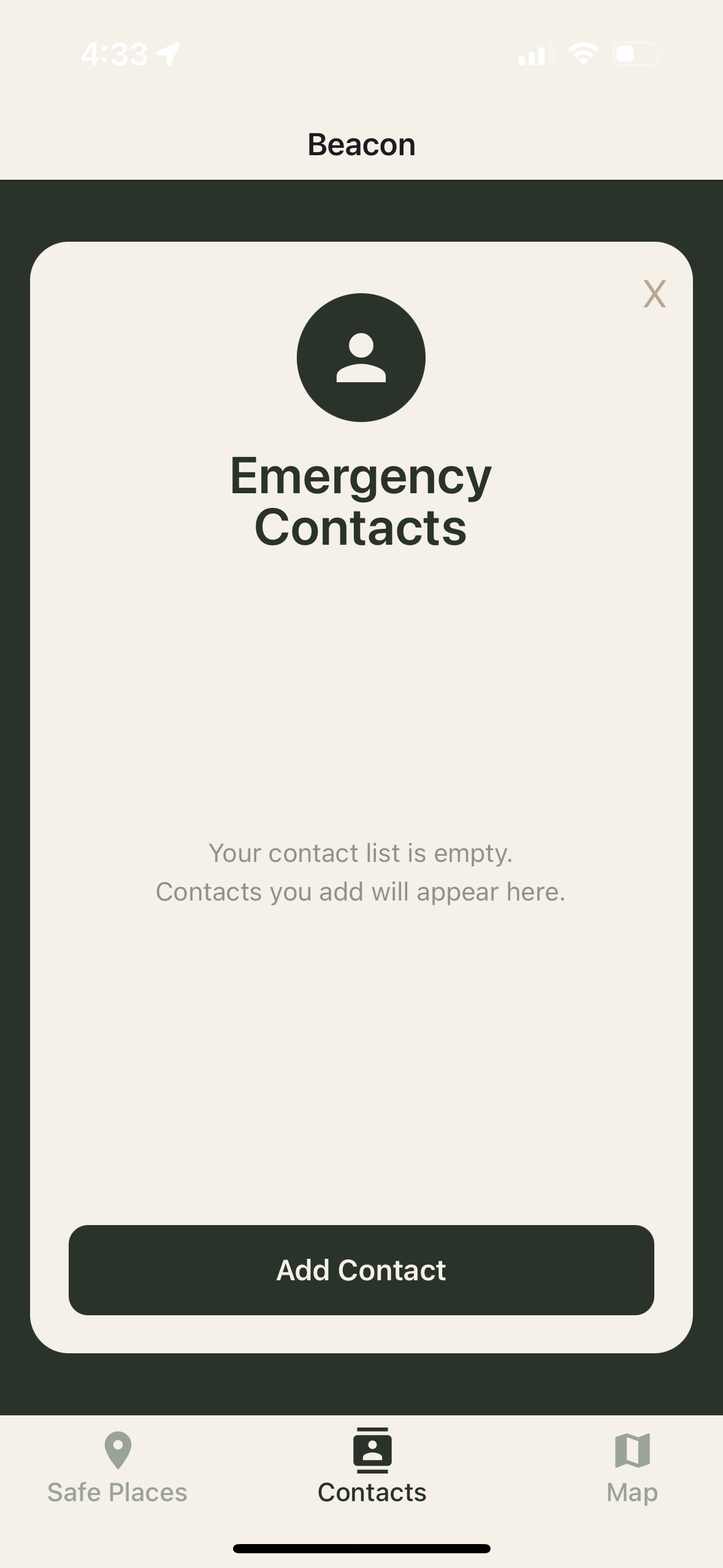
Emergency Contacts
-

Arrival Screen


Inspiration
The inspiration for this app came from real-life scenarios that all of our team members have experienced: the feeling of being unsafe while walking in public. Especially living in places that are not considered walkable and have high crime rates, we wanted to create an app that automates things we ourselves would do to feel safe—like texting our friends and family our location and keeping them updated. This led us to the idea of Beacon.
What It Does
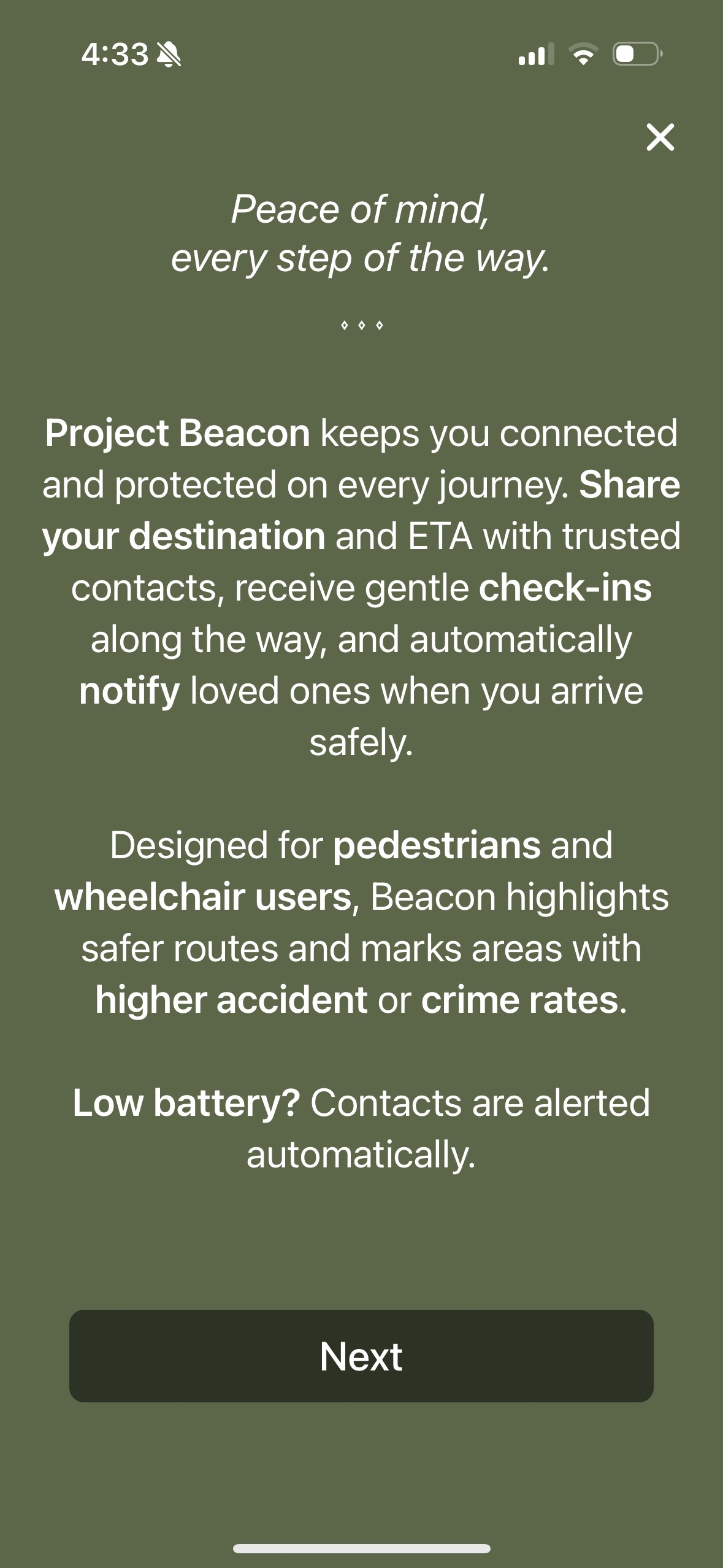
Beacon is a mapping app with user safety tools for pedestrians. The features of Beacon include walking navigation, "safe places," contacts, and "Are you okay?" prompts.
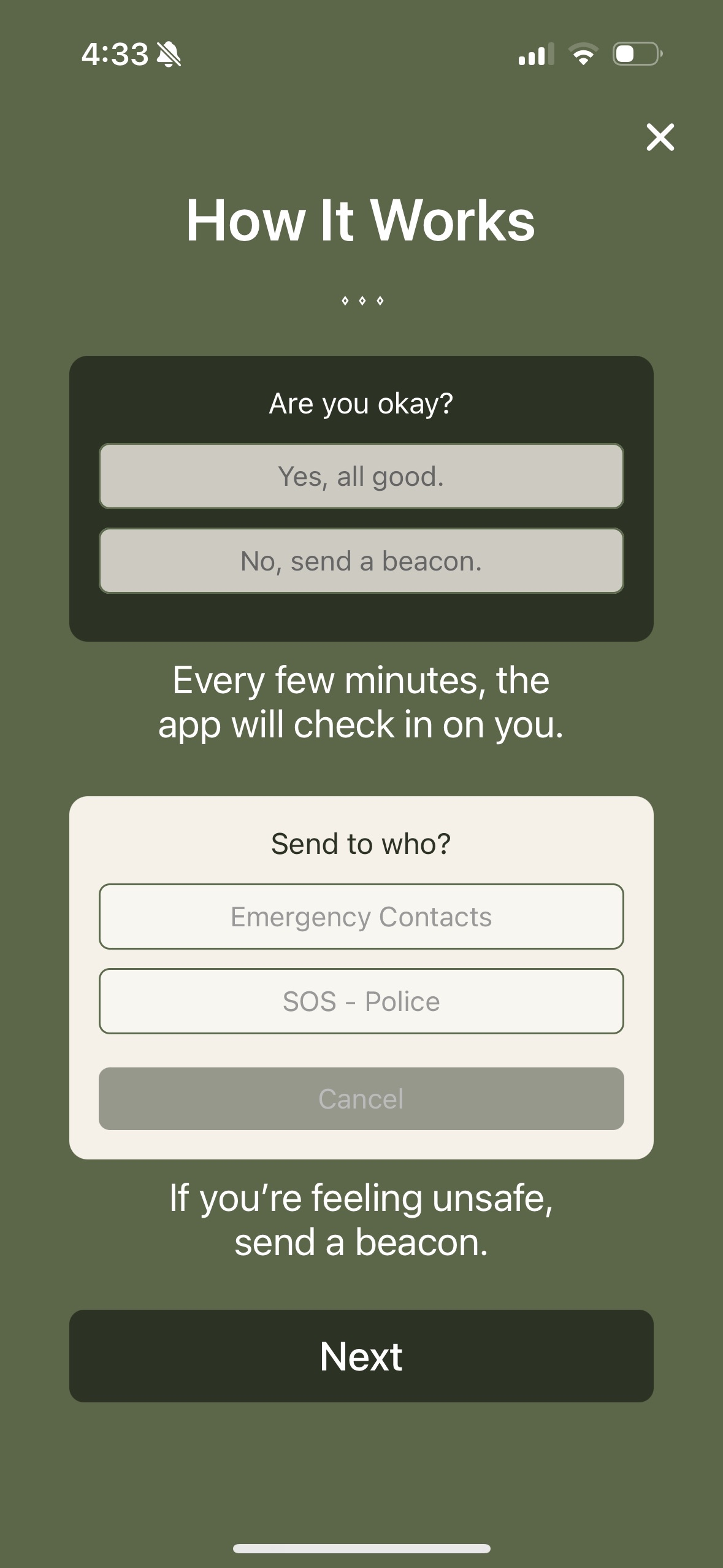
The user begins by adding contacts they want to share their status with. They also have the option to add "safe places," so their contacts receive notifications when they arrive at a safe location. Next, the user begins their journey by selecting a starting point and destination. Once the journey starts, the app notifies their contacts that they have begun and provides their ETA. Every few minutes, the app checks in with the user to ask if they are safe.
- If the user selects "yes," they continue their navigation.
- If the user selects "no," their location is automatically sent to all their contacts along with a message indicating they are not safe.
A button to call emergency responders (911) automatically appears, giving the user the option to call. The app also automatically notifies contacts when the user's battery is low and sends their current location. Once the user completes their journey, another notification is sent to their contacts confirming safe arrival.
How We Built It
Our frontend was built using React Native, Expo, and NativeWind. React Native allowed us to build a proper mobile application for Android and iOS. Expo served as a framework for React Native, enabling live testing on a mobile device—this was very helpful in the design process to see and feel how our app would look and function on actual devices. NativeWind was our main styling tool, bringing our Figma designs to life and providing flexible, attractive styling options.
For the database, we used Firebase Firestore and Realtime Database. Firestore stores data such as user information and contacts, while Realtime Database handles data that needs to be accessed immediately, like the user's battery level.
Challenges We Ran Into
Some challenges were mainly associated with AI integration. Our goal was for AI to analyze the provided route and detect any high-crime areas along it. The problem was that very little public crime data exists at the level of specific roads, making it difficult for the AI to accurately identify unsafe areas.
Accomplishments That We're Proud Of
We are proud of creating a functional mobile app. We were able to meet most of the goals we set for this project, implementing multiple safety features while maintaining a clean and easy-to-understand UI.
What We Learned
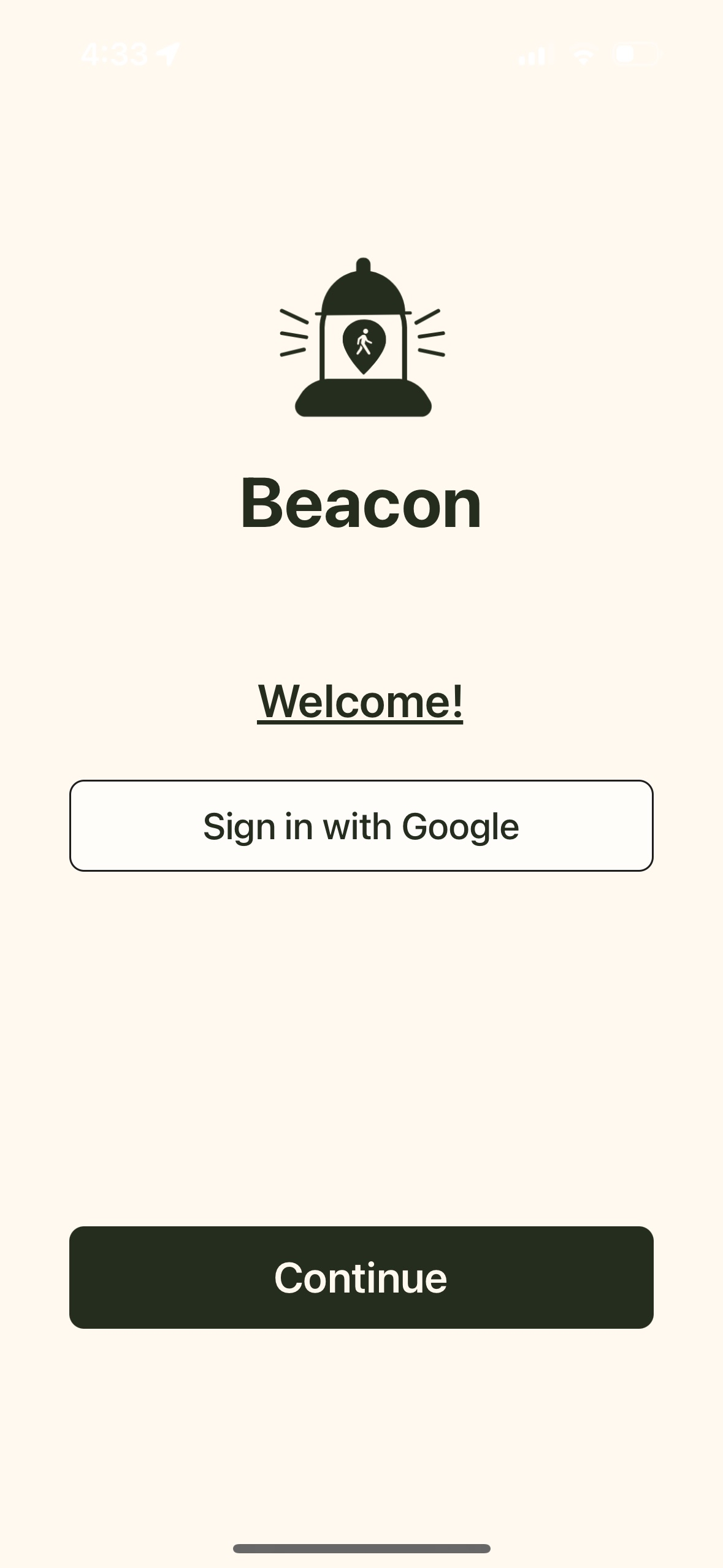
Many of the technologies we used were unfamiliar to most of us. We all gained hands-on experience building a mobile app. For most of us, it was the first time using the Google Maps API and learning how to implement it for a functional map in our app. It was also our first time using Firebase for databases, and we learned how easy it is to use, as well as the benefits of its built-in functionalities, like automatic authentication through Google account sign-in.
What's Next for Beacon
Next steps for Beacon include continuing to polish our current features, adding more security, and implementing SMS messaging for notifications instead of email. We also plan to further develop the AI aspect to create a more accurate model for detecting crime rates along routes.
Built With
- expo-go
- expo.io
- express.js
- figma
- firebase
- firestore
- google-cloud
- google-directions
- google-maps
- javascript
- json
- nativewind
- node.js
- postman
- reactnative
- realtime-database
- typescript.jsx


Log in or sign up for Devpost to join the conversation.