-
-
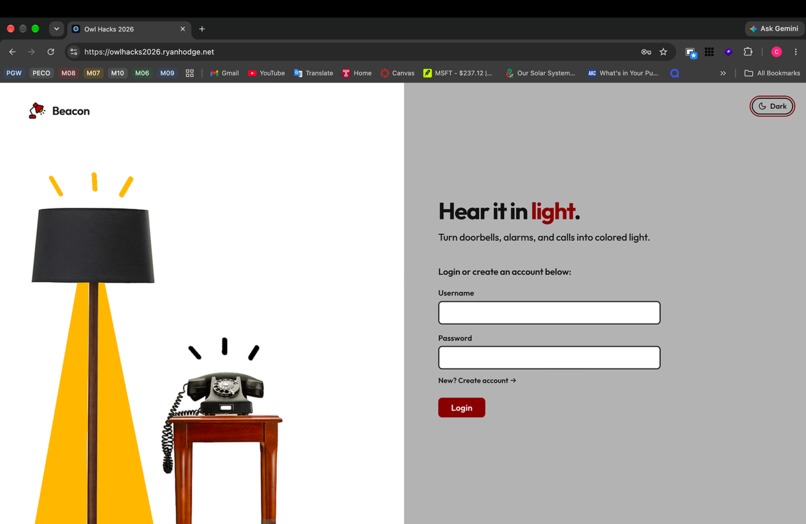
Sign-on
-
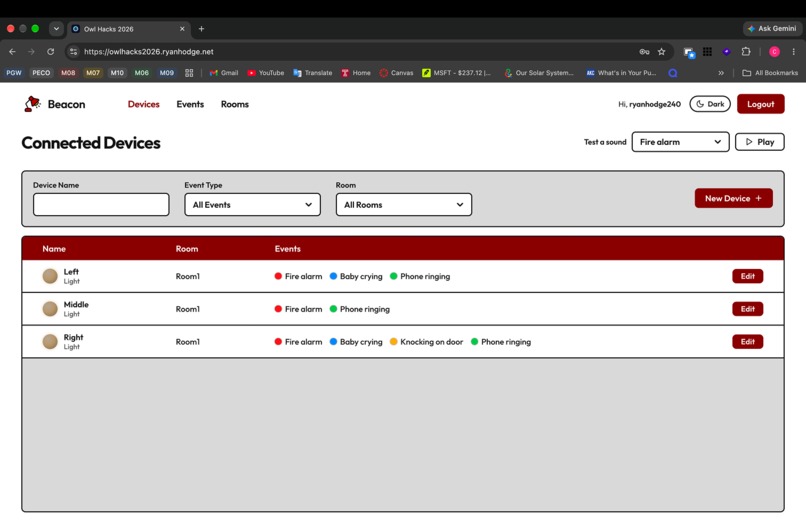
Devices
-
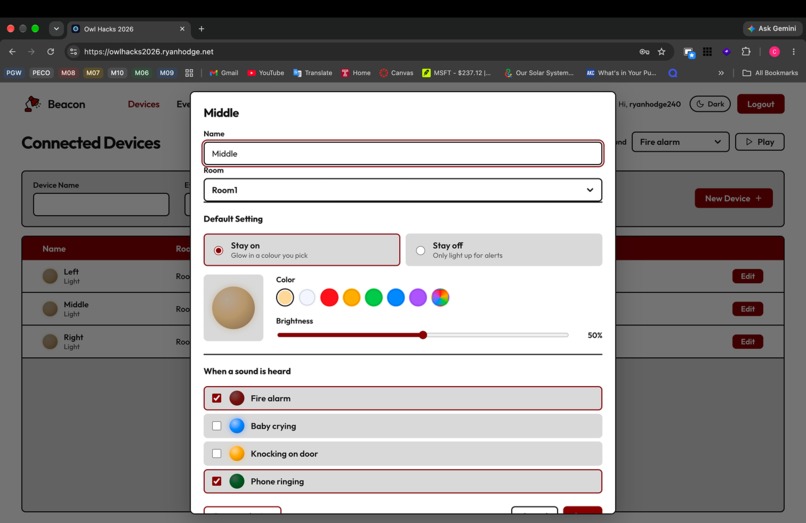
Edit Device
-
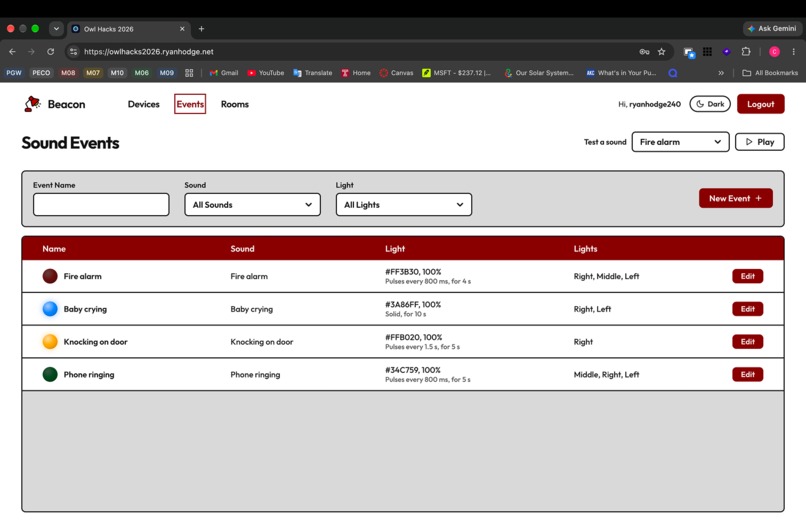
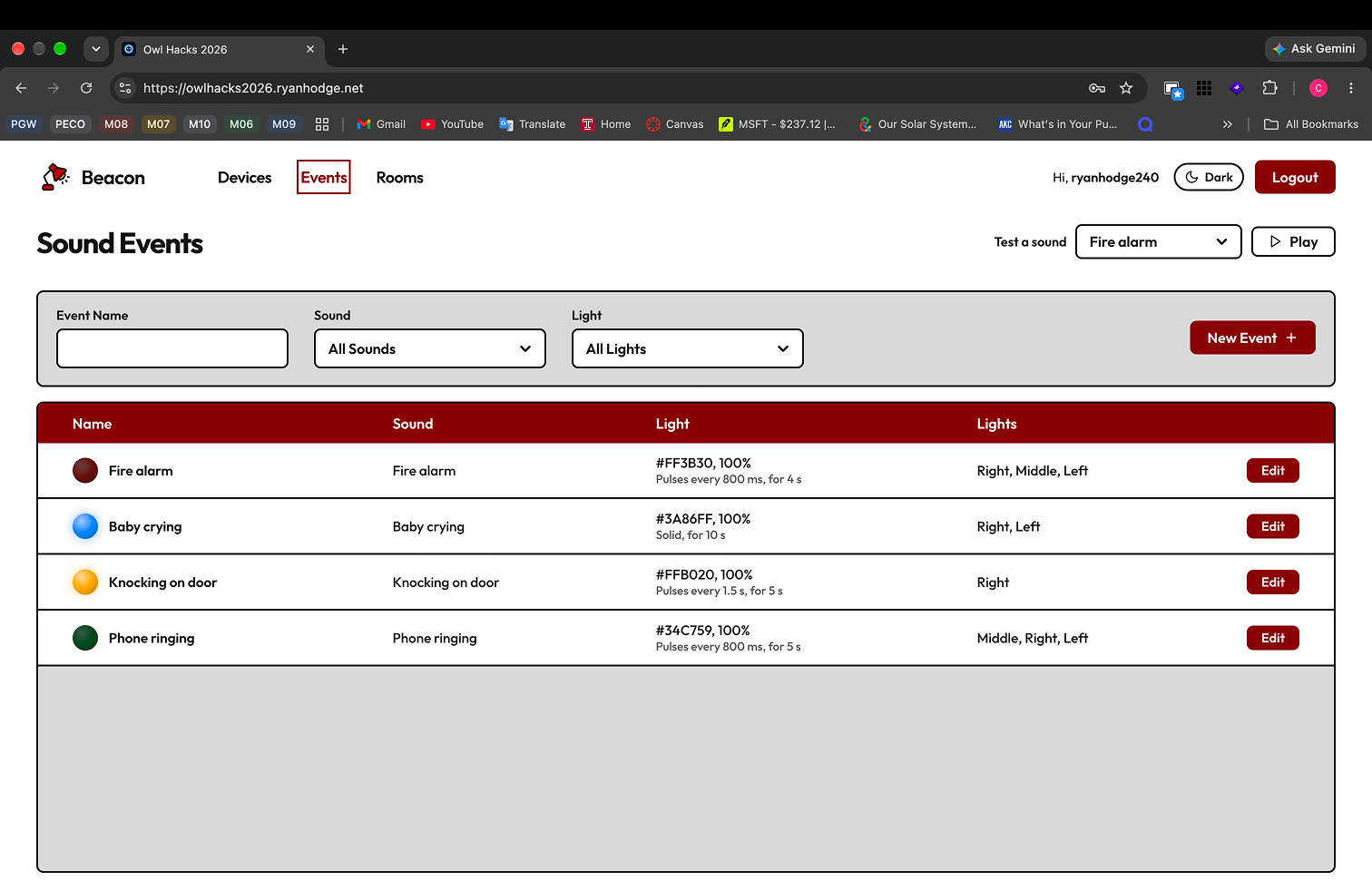
Events
-
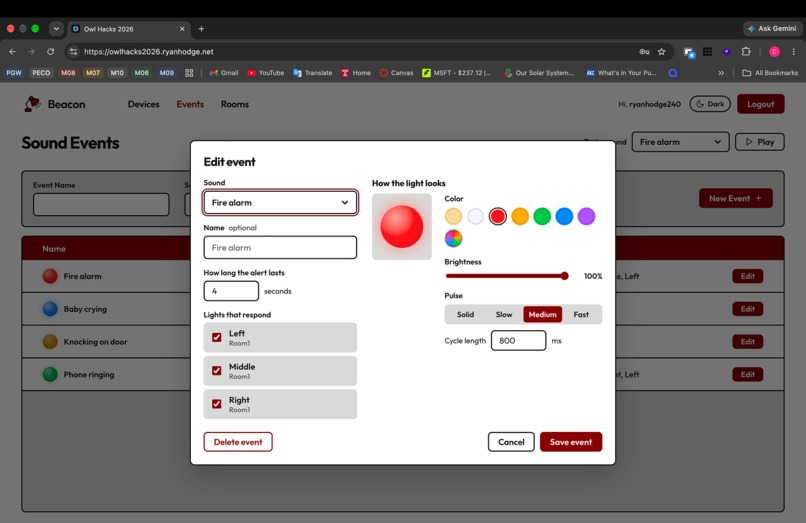
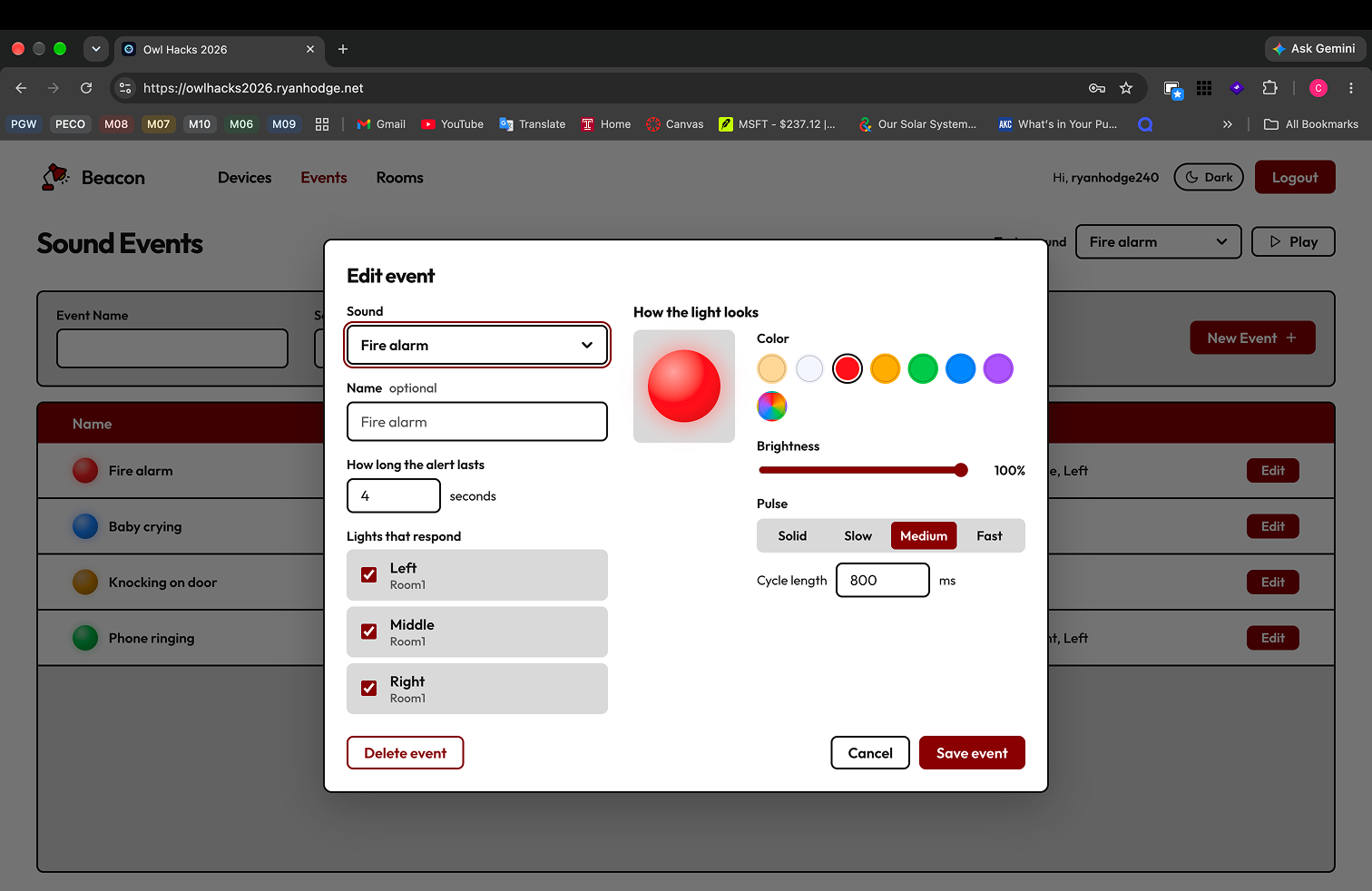
Edit Event
-
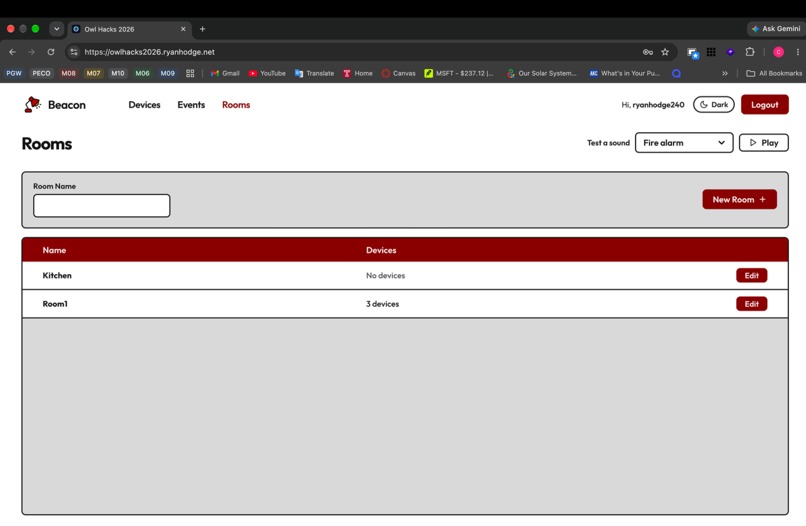
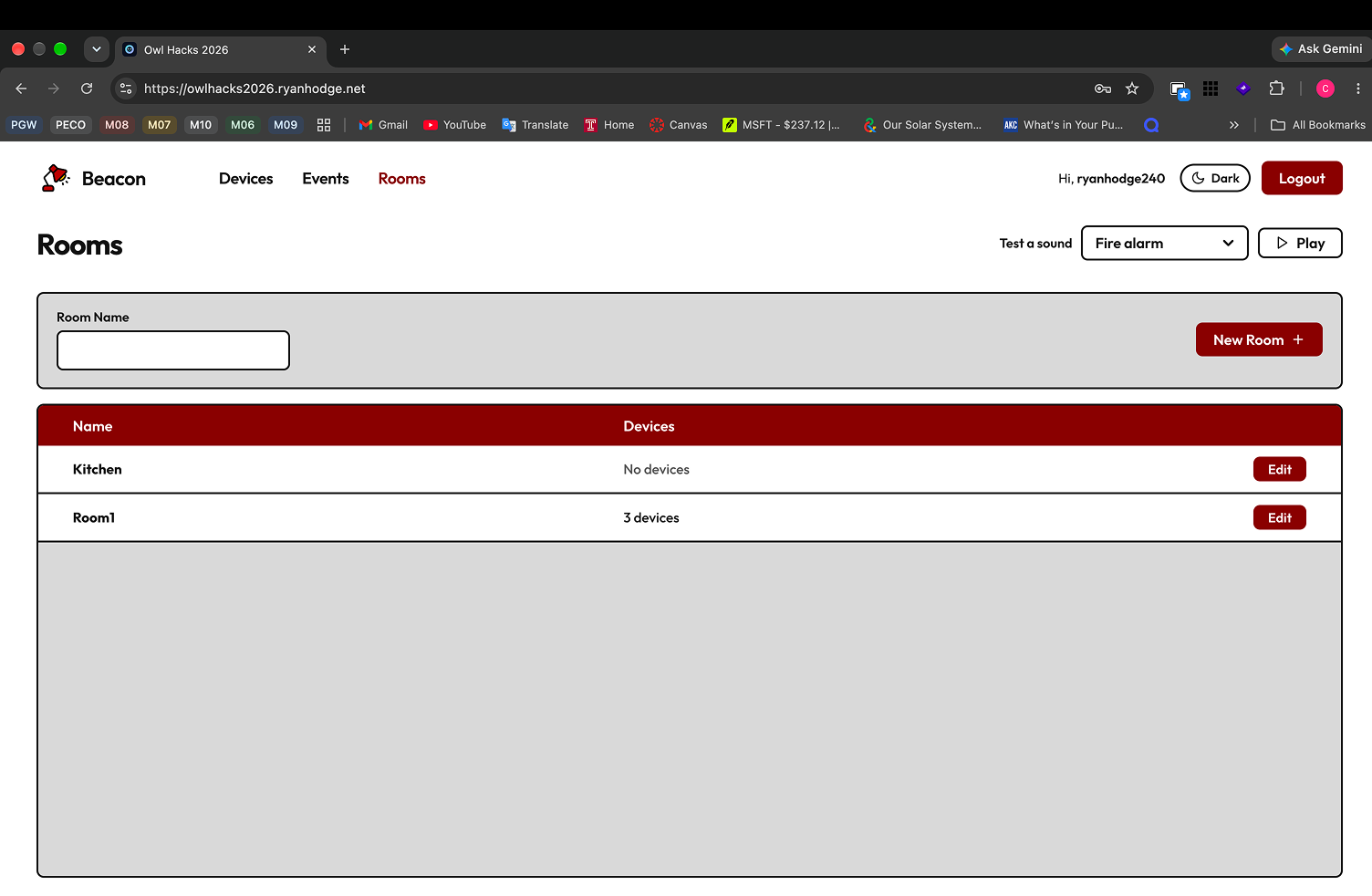
Rooms
-
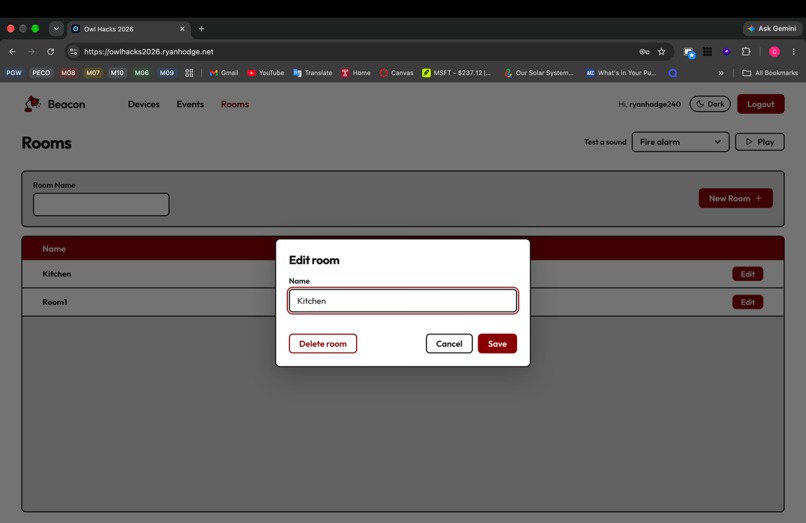
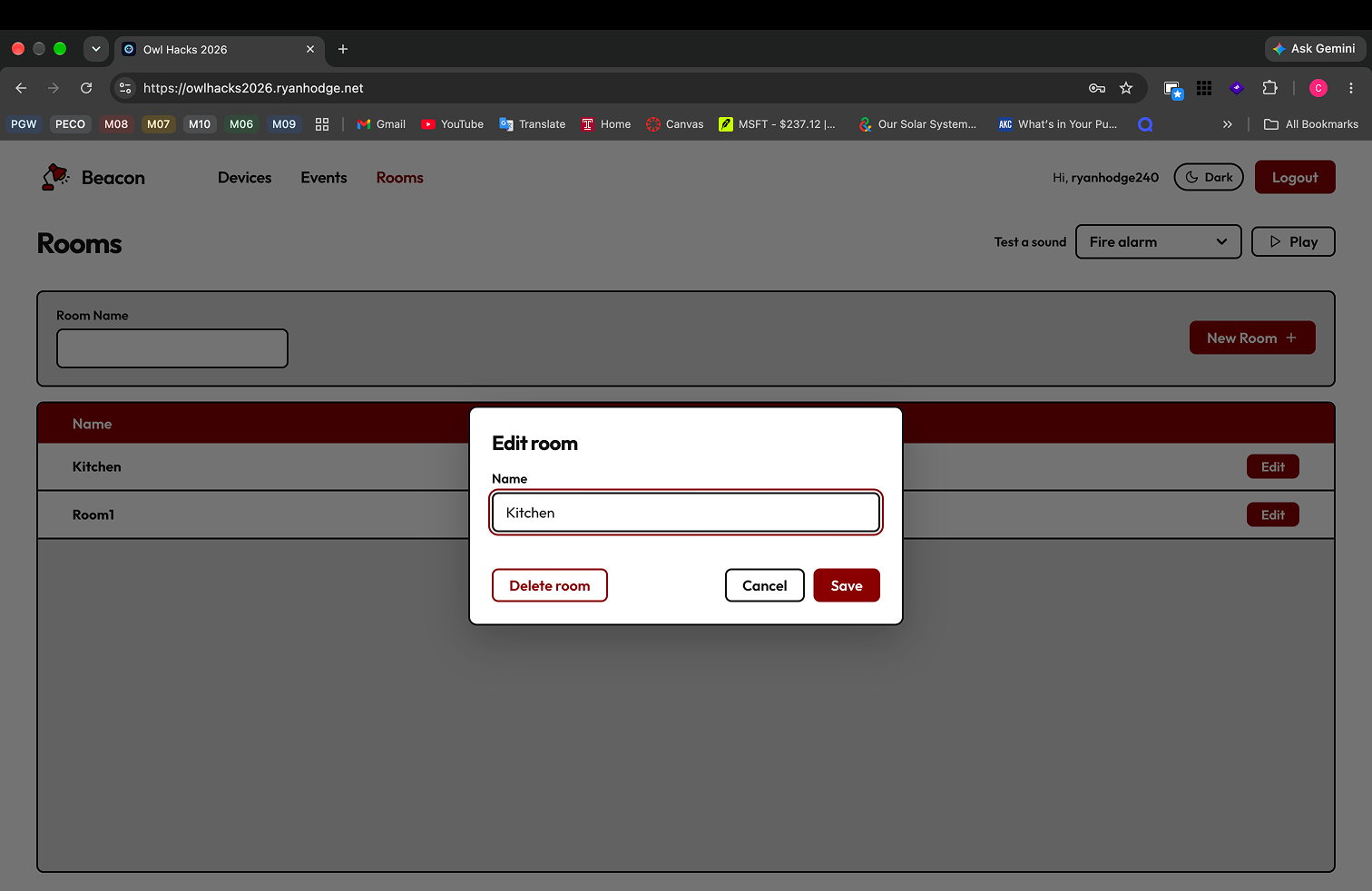
Edit Room
-
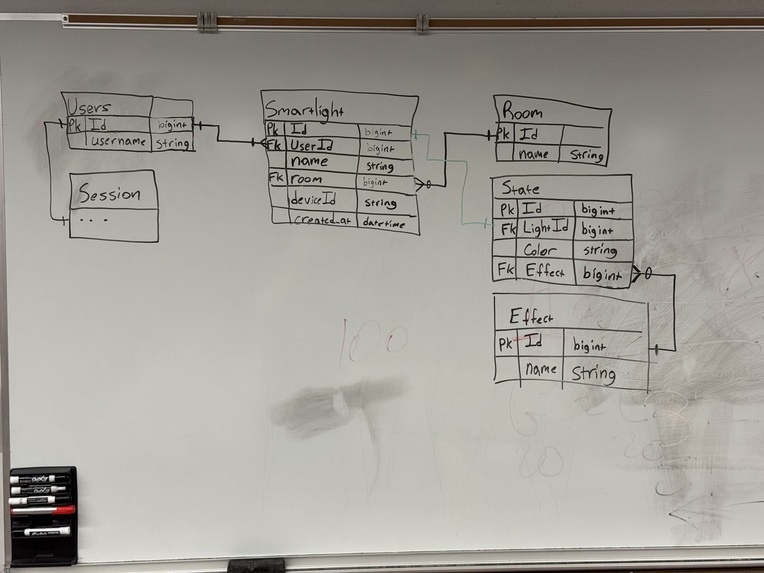
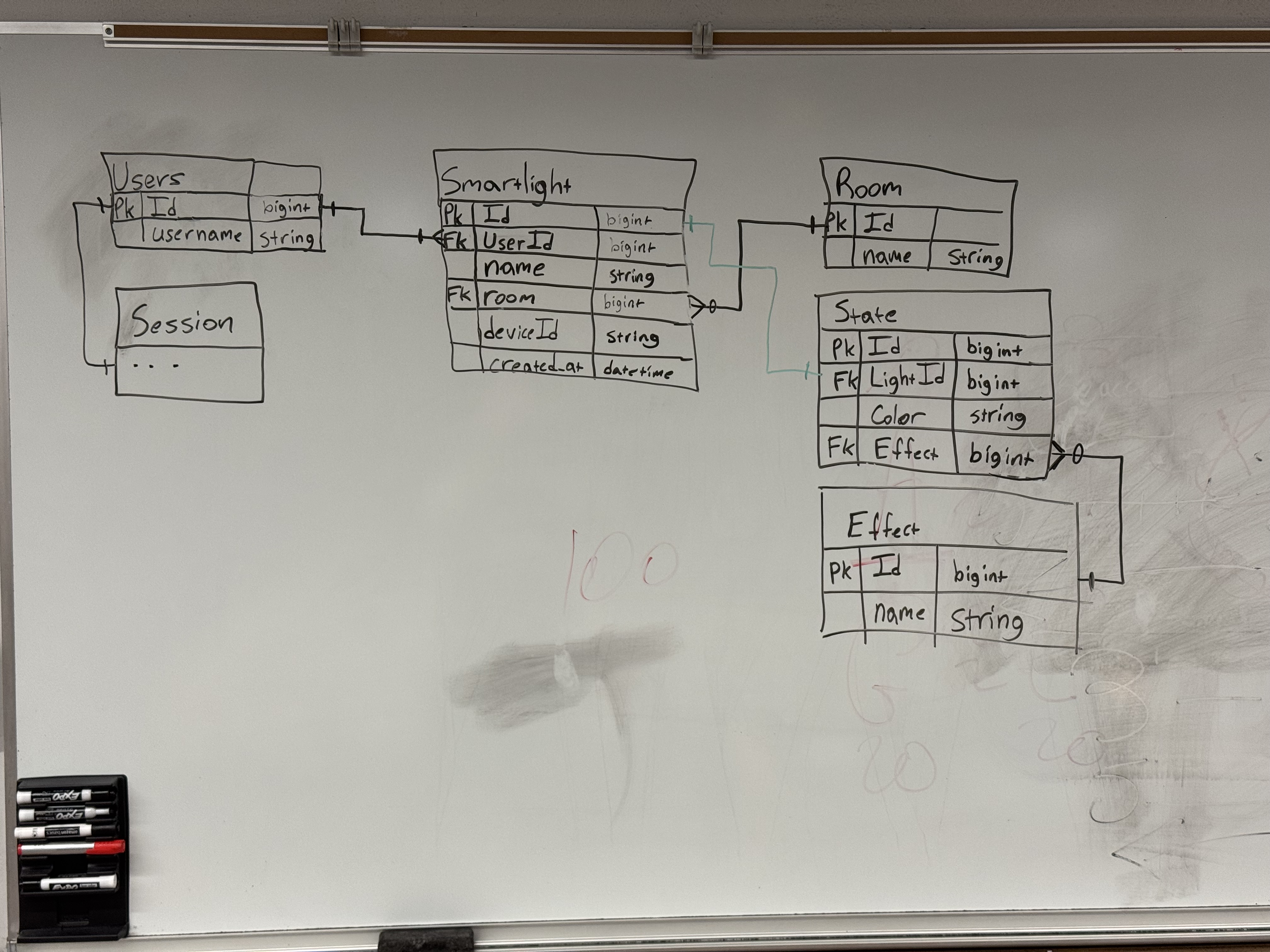
Original Database Design
-
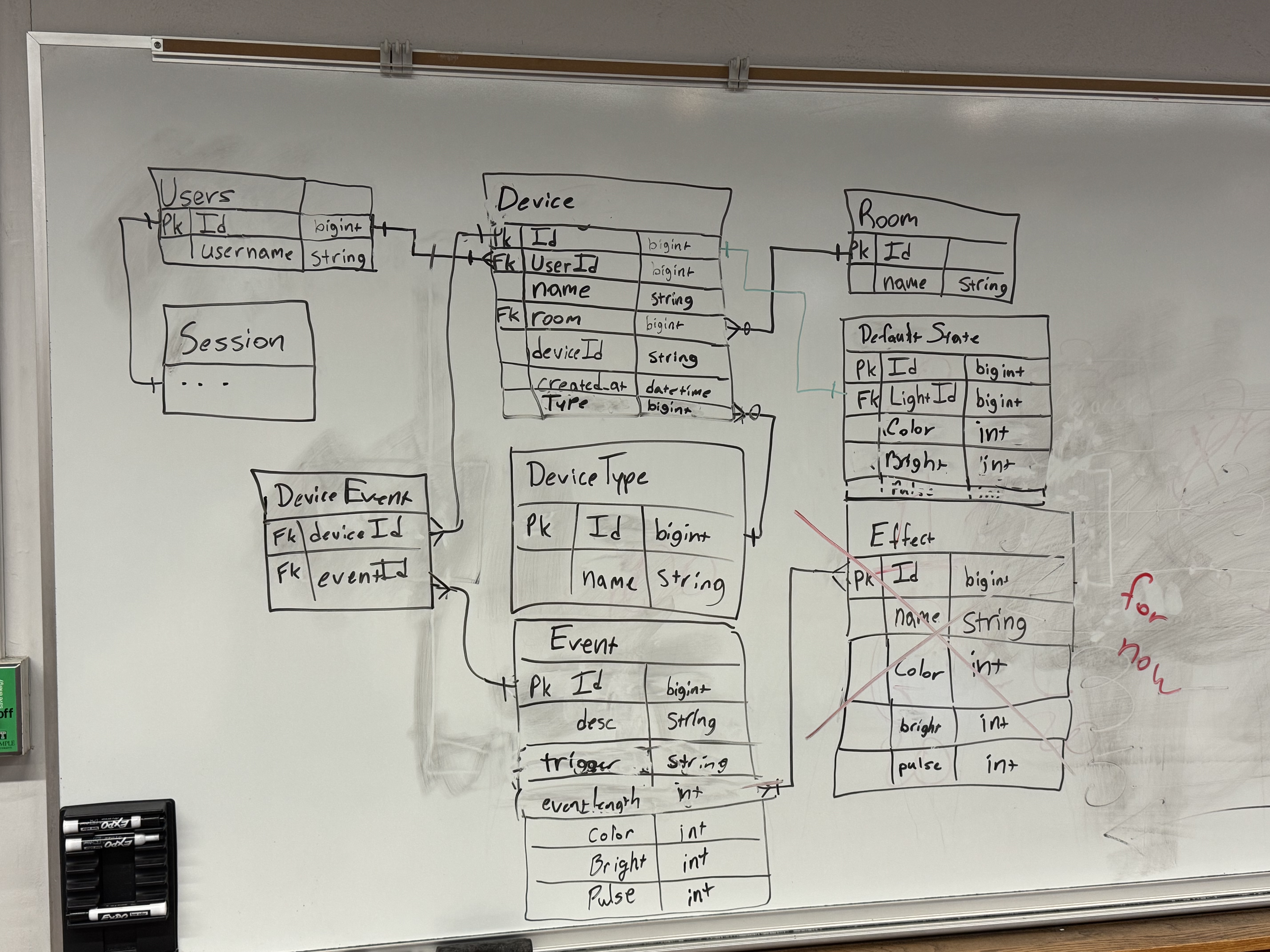
Final Database Design
Inspiration
One of our teammates has a grandpa who is hard of hearing, and when he's alone, they're concerned that he won't be able to hear the phone ringing when called, a knock at the door, or the fire alarm going off. We built this project as a way to help him visualize these audio queues. We hope to expand this so that it can reach more hard of hearing individuals, and further down the line, vision impaired individuals.
What it does
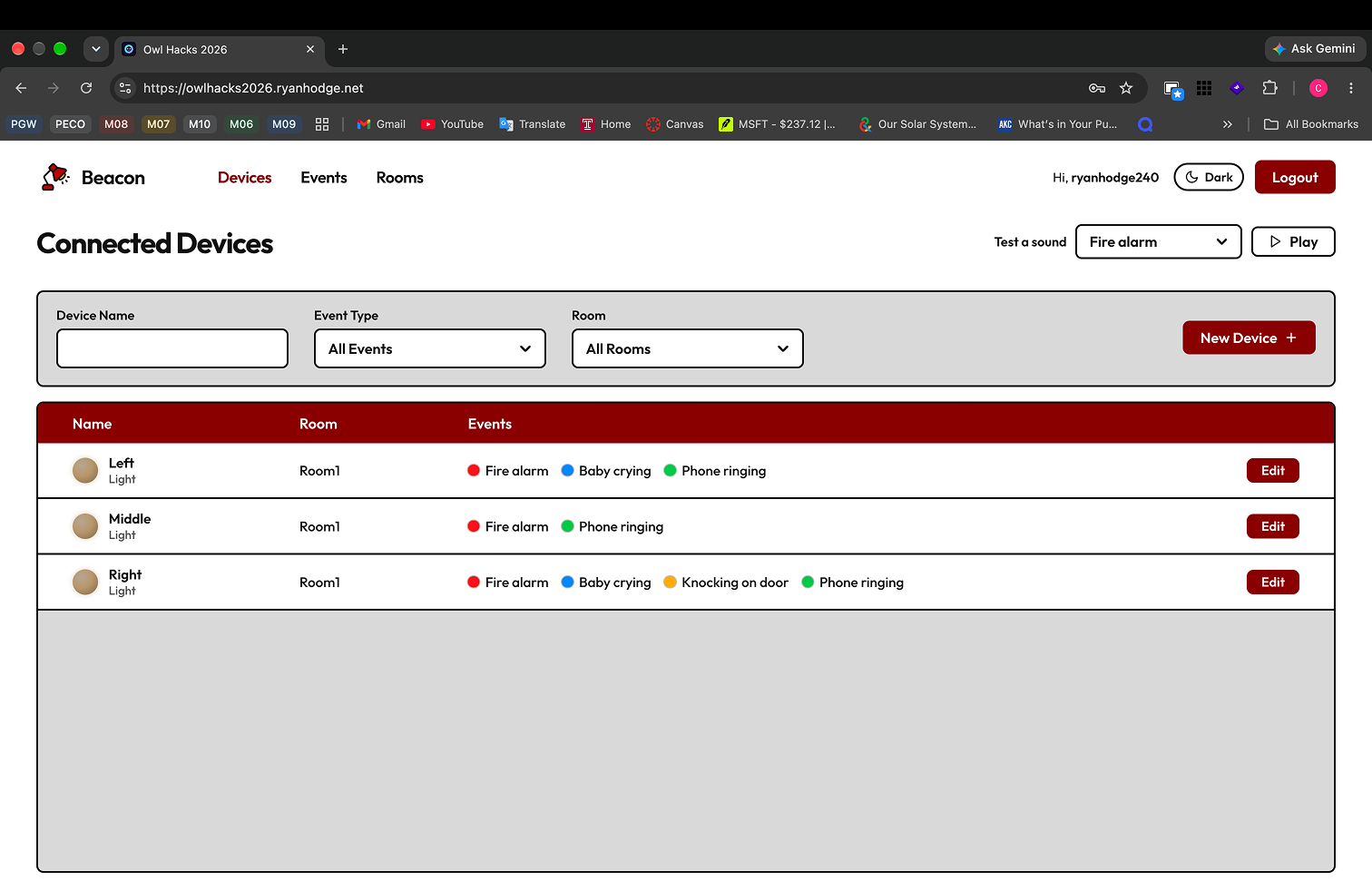
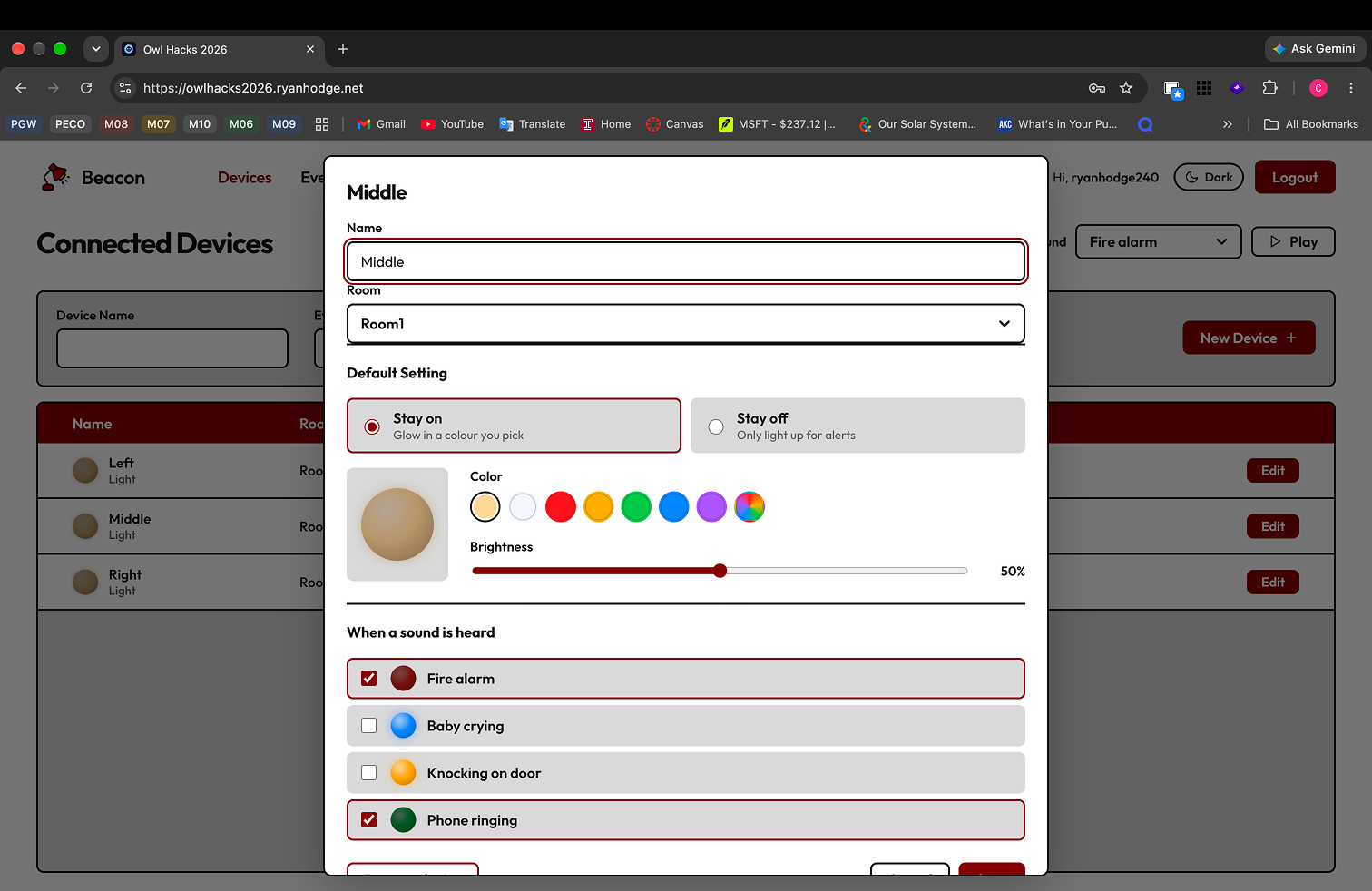
This application connects to a microphone and alerts users through Matter-enabled smart lights as to which audio queue the microphone hears. The user is able to assign colors and flashes to certain sounds, such as ringing phones and fire alarms. Also, it has the functionality to connect to other devices, such as switches to detect when a door opens, but this is still in a very early form.
How we built it
Setup
We started by setting up a skeleton application on an off-prem server, which had a PostgreSQL enabled database and a React frontend. We then set up CICD Pipelines to automatically push images to a Github registry, which then were pulled by an argoCD instance running on the server, automatically deploying changes. We also added Sealed Secrets to manage API keys and passwords.
Backend
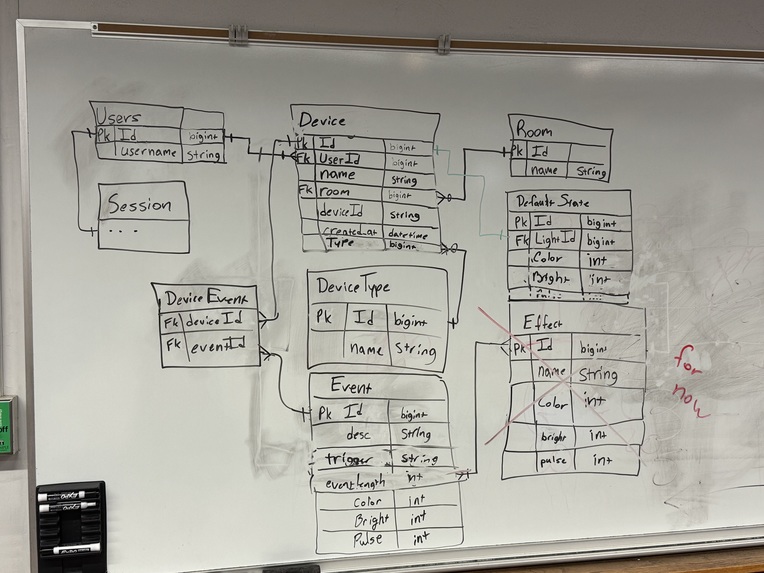
The backend consists of NodeJs code with Express routes living on the server we initially setup. It handles SQL Queries to the PostgreSQL database and routes for communicating with the fronted. We also communicated with Home Assistant using their API. We also drew our database out on the whiteboard and defined it in our code, so that tables would be created every time the app is built.
Raspberry Pi
We added a Raspberry Pi for the smart light integration. We installed Home Assistant OS on the Pi to manage and maintain connections to the smart devices. On Home Assistant, we added two different apps, one for the microphone, and one for the switch. These apps ran a python script to detect events and send an API call to our backend to trigger changes in the device state.
Frontend
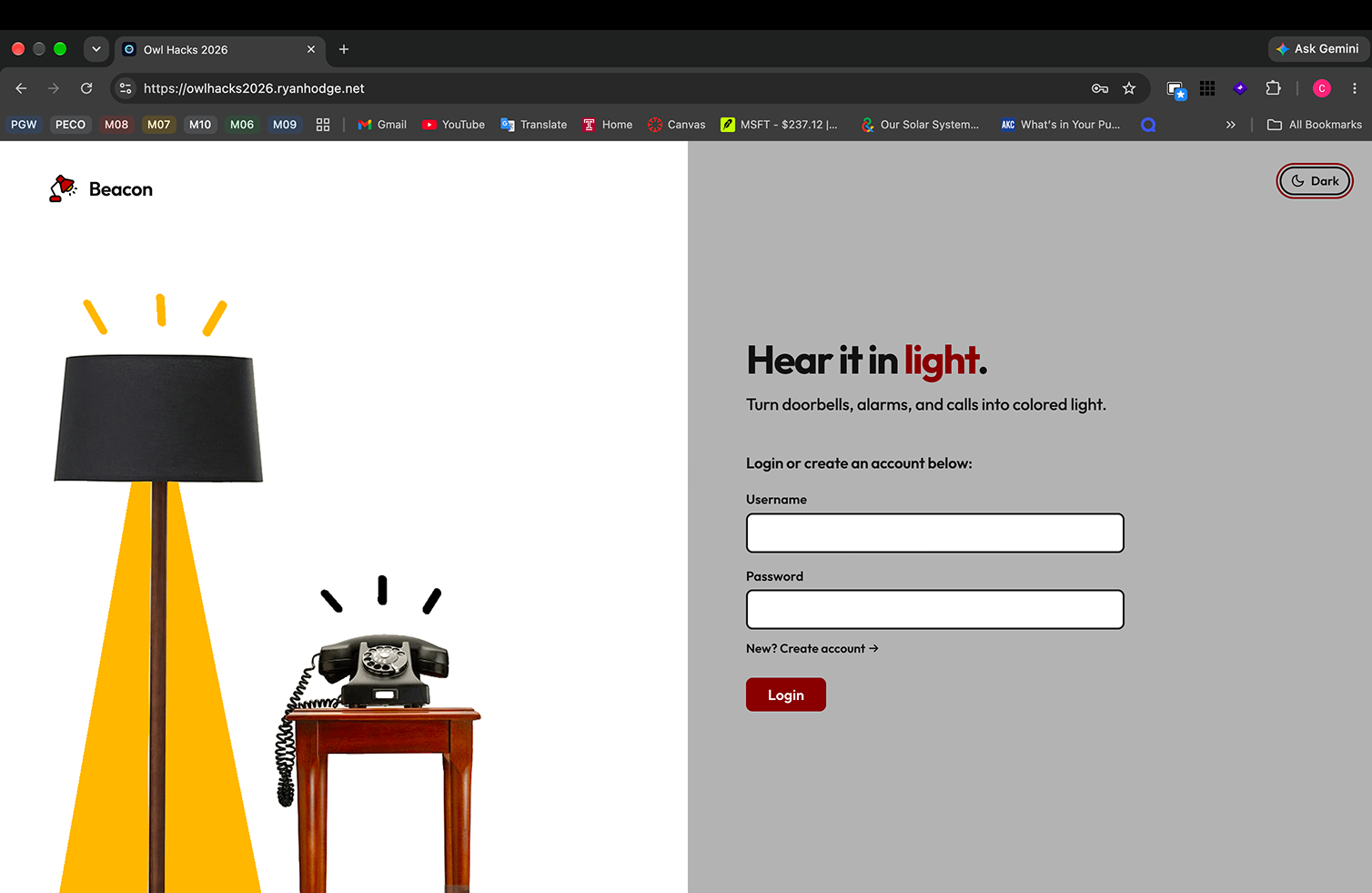
The frontend consists of a simple React project, implementing components with Typescript and CSS. We used Javascript to communicate with all the API routes and used Figma to plan out the user interface, creating custom gifs for our sign-in page and a custom logo.
Challenges we ran into
The main challenge we ran into was sourcing our hardware and having to use a hotspot to communicate with all of our smart lights, since Temple's wifi was restrictive. We got around the hardware issue by leveraging connections, and we got around the wifi issue by using the hotspot with the Raspberry Pi.
We also had trouble figuring out all the networking involved. It was difficult to communicate between the server and the Pi, which were both on different networks. Luckily, the VPN tailscale was installed on the server, and by installing it on Home Assistant OS, we were able to communicate with the server.
Accomplishments that we're proud of
We're really proud of idea and how well we were able to execute it. There were a lot of interesting challenges to overcome, and we learned a lot from solving them. This was our first time developing with Home Assistant, and we were able to successfully create new plugins.
What we learned
We learned how work with Home Assistant, Networks, and deployments in general. It was challenging setting up all the CICD framework, but in the process, we discovered how docker images can get built and pushed to a registry.
What's next for Beacon
We would like to expand this app to detect other events than the predefined ones. We would also like to incorporate more peripherals, such as cameras, motion sensors, and speakers. These would allow us to expand our user base into visually impaired individuals.
Built With
- docker
- figma
- home-assistant
- kubernetes
- postgresql
- python
- raspberry-pi
- react
- tailscale
- typescript

Log in or sign up for Devpost to join the conversation.