-
-
BRAND LOGO
-
LANDING PAGE
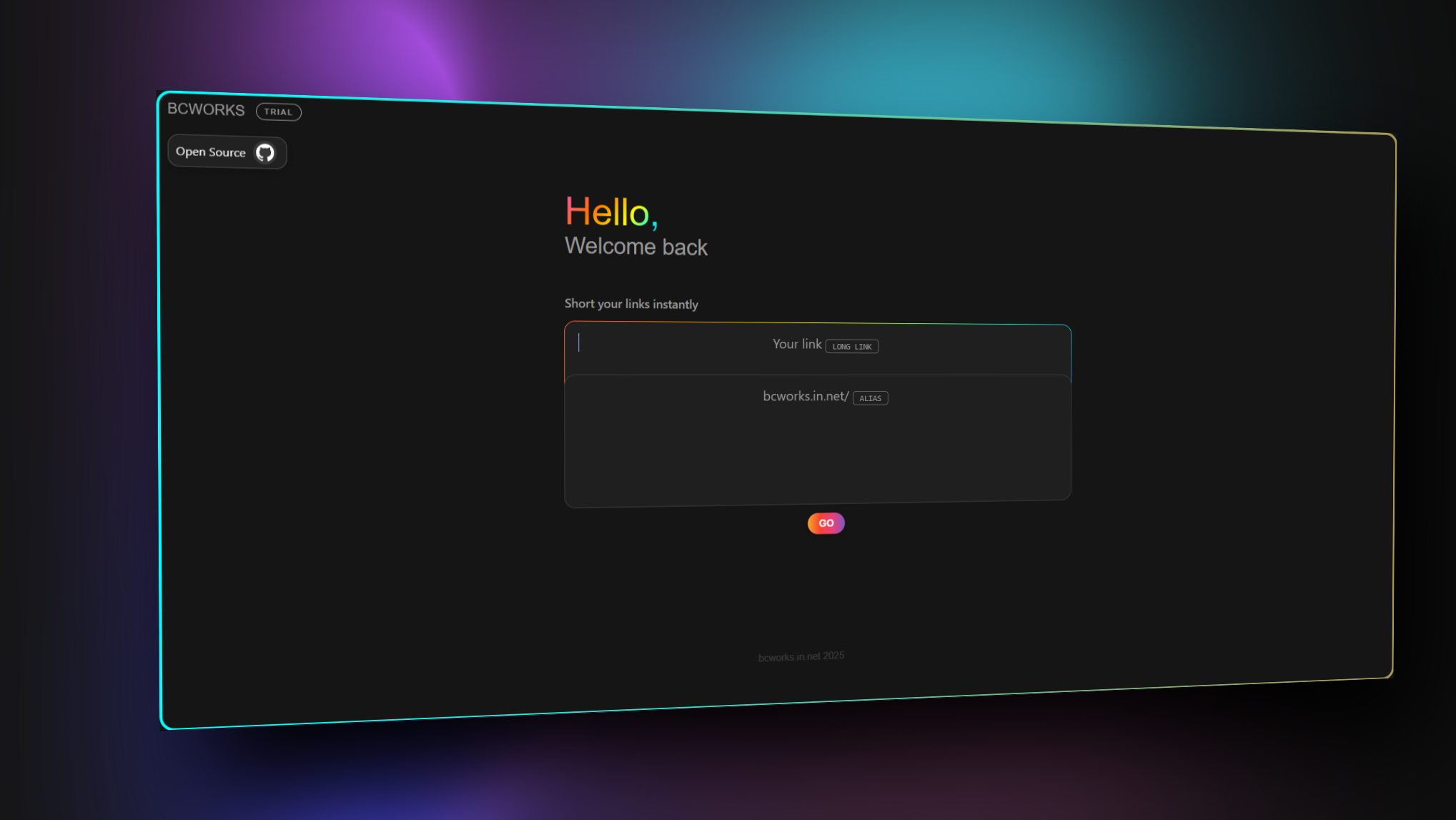
Inspiration The web is full of scattered tools, scripts, and code drops. I wanted to unify my creations under one roof—not just as links, but as a personalized portal that represents my identity: bC Works. Inspired by platforms like FireStudio and Linktree, I built BC LINKS—a futuristic, glowing hub where I can manage, showcase, and share my tech drops, tools, and secret utilities with style.
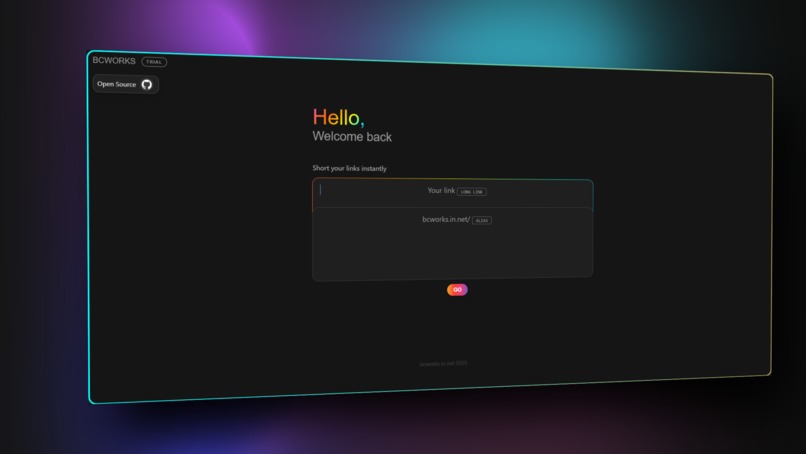
What it does The platform lets users explore and access my tools using custom aliases like bc://gatekeeper, with each alias mapped internally to a unique hash code. This allows not just stylish navigation, but also secure access management. It supports iframes for live previews, modal downloads, and even hidden tools unlocked via specific codes. Every element is designed with intention—from glowing buttons to blurred glass cards and full dark-mode support.
How I built it I built BC LINKS using HTML, CSS, and JavaScript, with zero backend. All alias-hash mappings are stored in static JSON, and a smart JS router handles the logic for lookup, iframe loading, and UI transitions. Netlify powers the hosting, and the UI was custom-crafted by me to feel smooth and modern with a FireStudio-inspired visual language. The system is modular too—adding new tools or aliases takes just a few lines.
Challenges I ran into The main challenge was managing secure routing, console-clean behavior in iframes, and keeping performance high even with advanced visuals. Handling sandbox restrictions, orientation locks, and mobile responsiveness also took some work. But I pushed through and made sure every tool loads fast, feels premium, and respects user experience.
Accomplishments that I'm proud of What I’m proud of most is how BC LINKS became more than a dashboard—it’s now the face of bC Works. The alias system, glowing UI, and tool modularity show what’s possible with just frontend tech. It proved that even without databases or backends, I could build something professional, secure, and beautiful.
What I learned In the process, I learned how far static data can go, how to style and structure a futuristic UI, and how important small details are when creating a branded experience. I also understood the value of routing logic and minimal code practices to keep things snappy and clean.
What's next for BC LINKS Next up, I’m planning to bring in Supabase for dynamic alias generation, session-based hash codes, and even QR code exports. I want to build a full bC Admin panel to track clicks, manage tools, and add new drops in real-time. The future of BC LINKS is modular, powerful, and built to grow with every new tool I release.
Built With
- bigrock
- css
- github
- html
- javascript
- netlify

