-
-
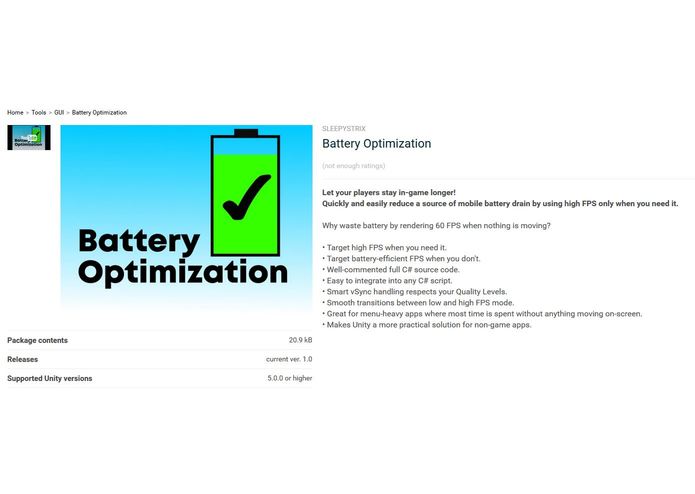
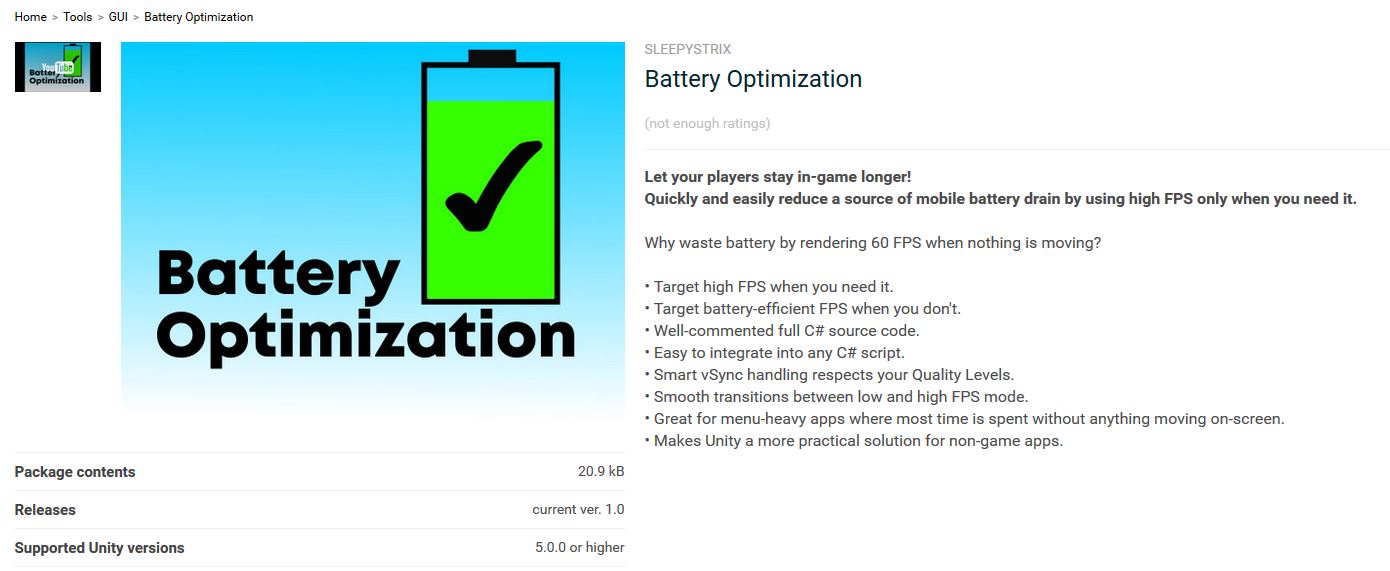
Page on Unity Asset Store, pending approval
-
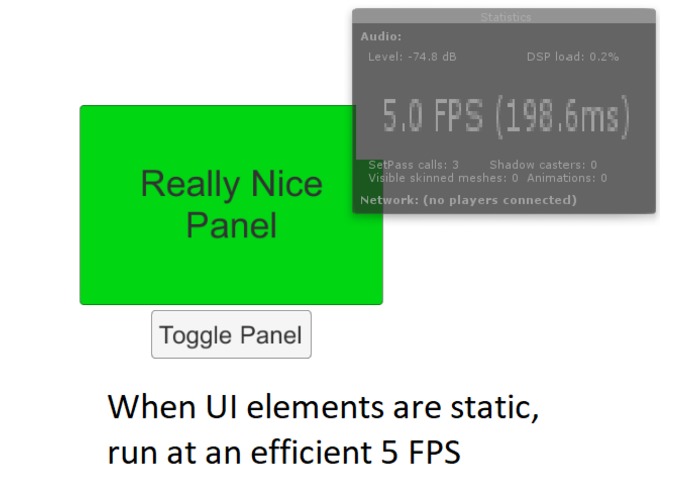
When no movement on-screen: Runs efficient 5 FPS
-
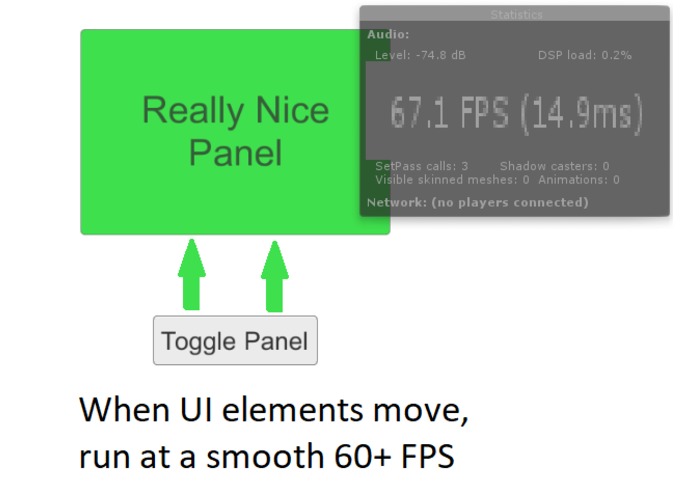
When movement on-screen: Runs a smooth 60+ FPS
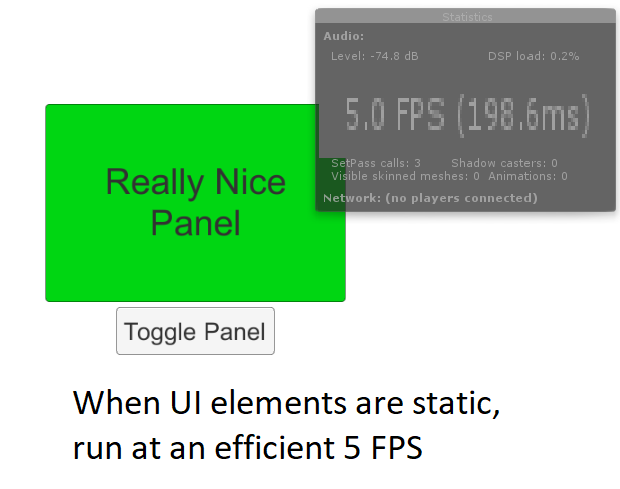
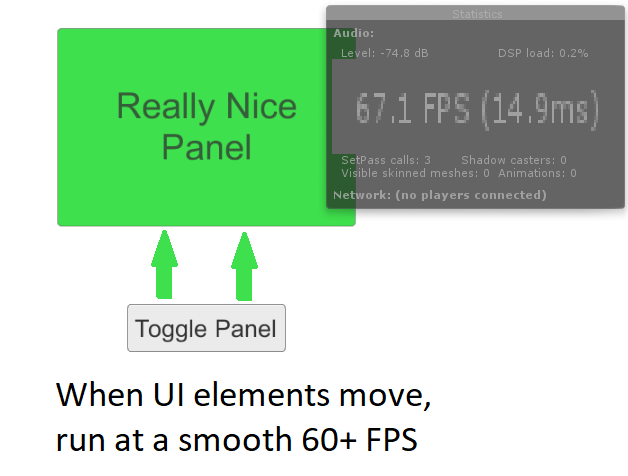
Inspiration
There are a ton of popular mobile games made in Unity, but they are notorious for draining a phone's battery even if they spend a lot of time just showing static menus. This also limits Unity's suitability for building non-game apps.
What it does
- Target a high FPS when you need it.
- Target a low, battery-efficient FPS when you don't.
- Well-commented full C# source code.
- C# API easy to integrate into existing scripts.
- Smart vSync handling respects your Quality Levels.
- Smooth transitions between low and high FPS mode.
- Great for menu-heavy apps where significant time is spent without much moving on-screen.
- Makes Unity a more practical solution for non-game apps.
- Supports Android, iOS, Windows Phone, and probably all other platforms Unity can deploy to.
How I built it
Battery Optimization is written in C# on top of Unity's MonoBehaviour.
Challenges I overcame
While seemingly straight-forward, there were a number of challenges in actual implementation:
- Handling vSync settings, which can change at run-time in several ways.
- Minimizing overhead, it'd be pointless if the Optimizer drains much battery.
- Designing the API to be integrated into existing code as quickly, easily, and flexibly as possible.
- Assets still have to use an old and buggy version of Unity for backwards compatibility, especially with mobile.
What's next for Battery Optimizer for Unity
- Battery Optimizer has been submitted to sell licenses on the Unity Asset Store, pending approval.
- Targeting other sources of battery drain besides unnecessary FPS.
- For the sake of thousands of phone batteries, I'd love to see this integrated in popular mobile Unity games.
How do I try it out?
Battery Optimization will probably be in Unity's approval process for a few days.
When that is done, I'll update with the Asset Store link.
Licenses for this first version will be available for $10 USD.


Log in or sign up for Devpost to join the conversation.