-
-
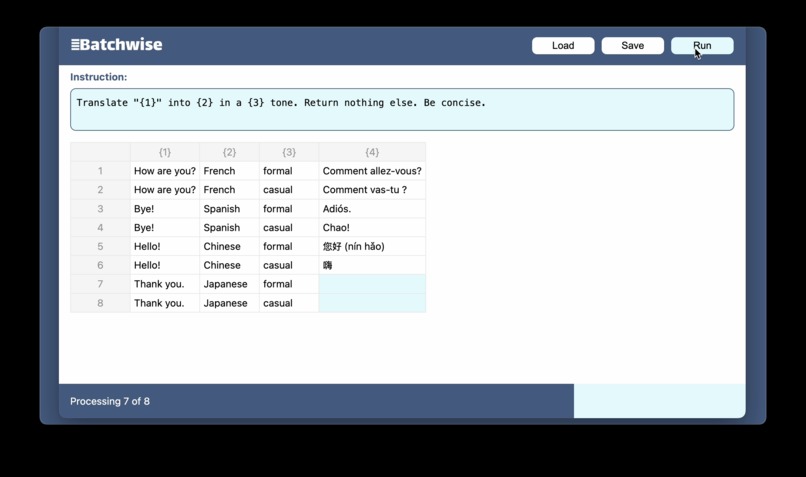
Multi-language translation with specific tones
-
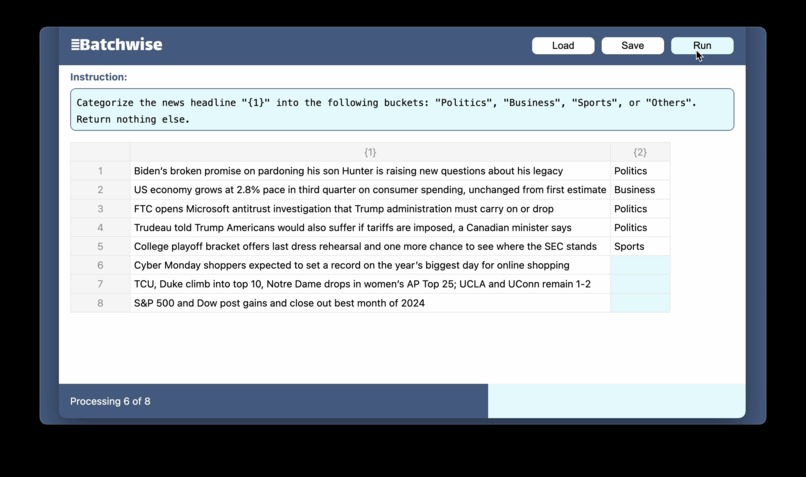
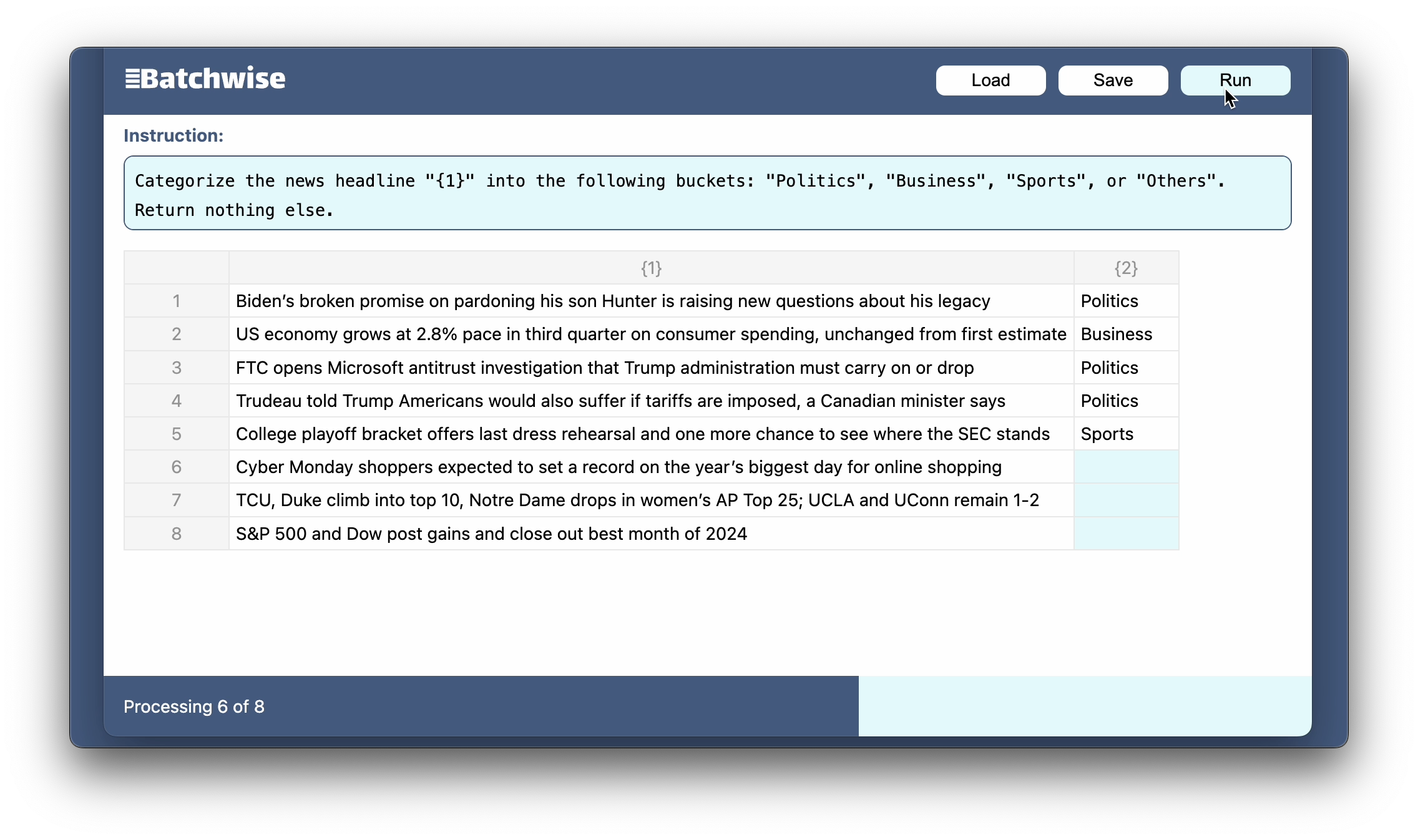
News headline categorization
-
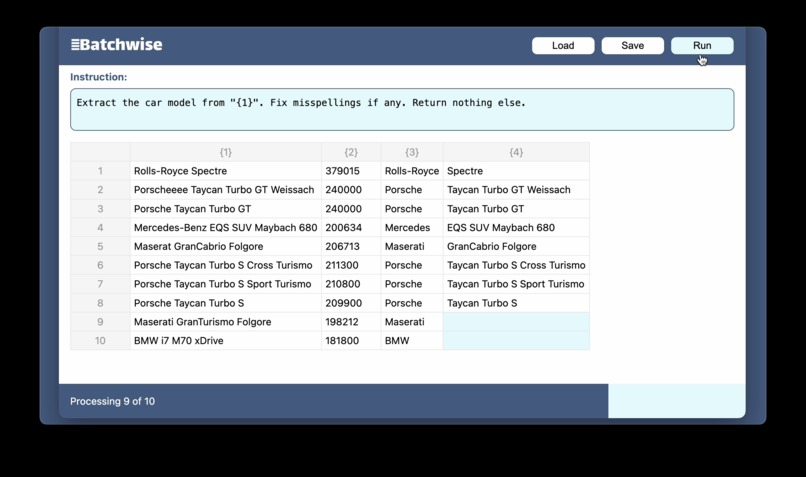
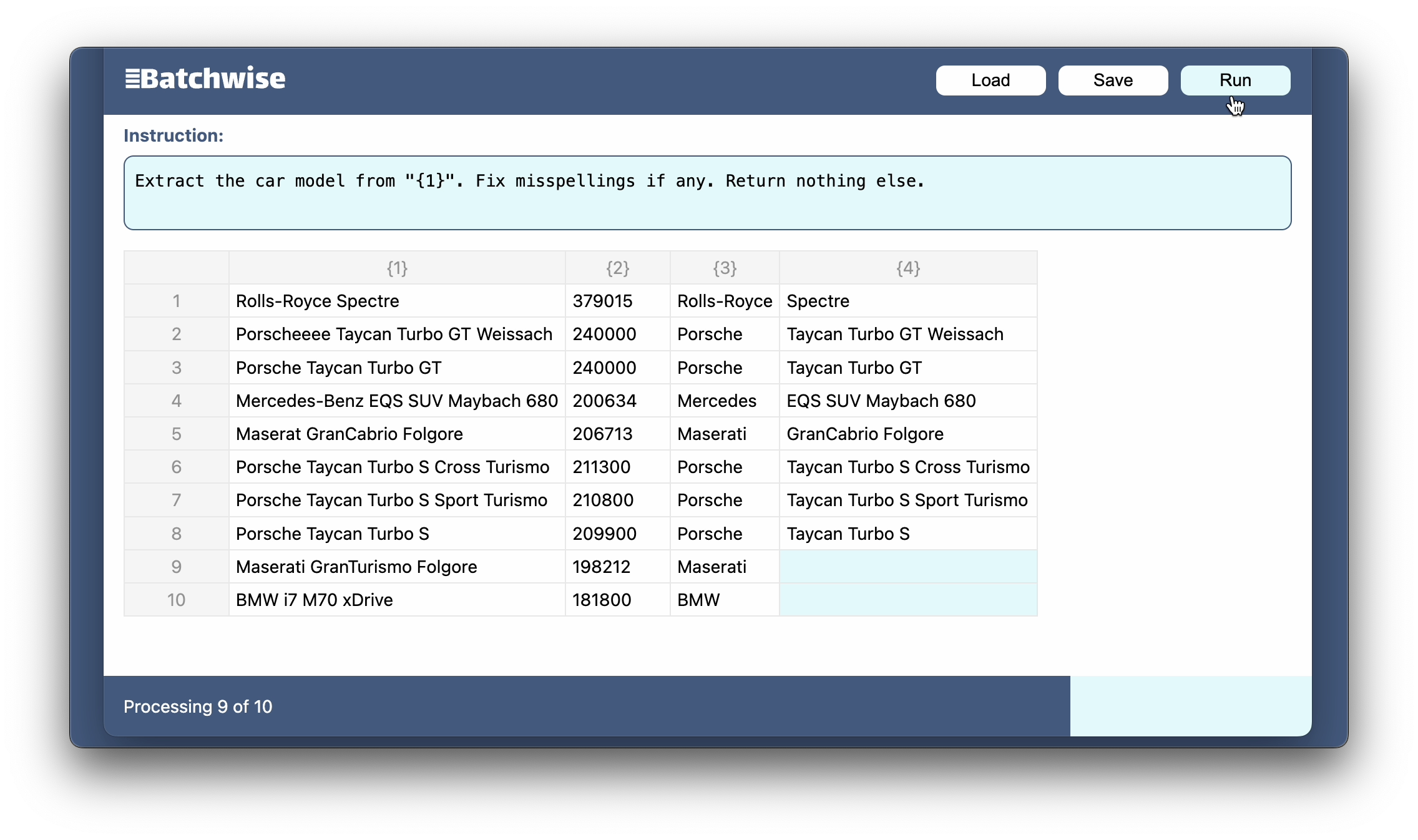
Car make & model extraction
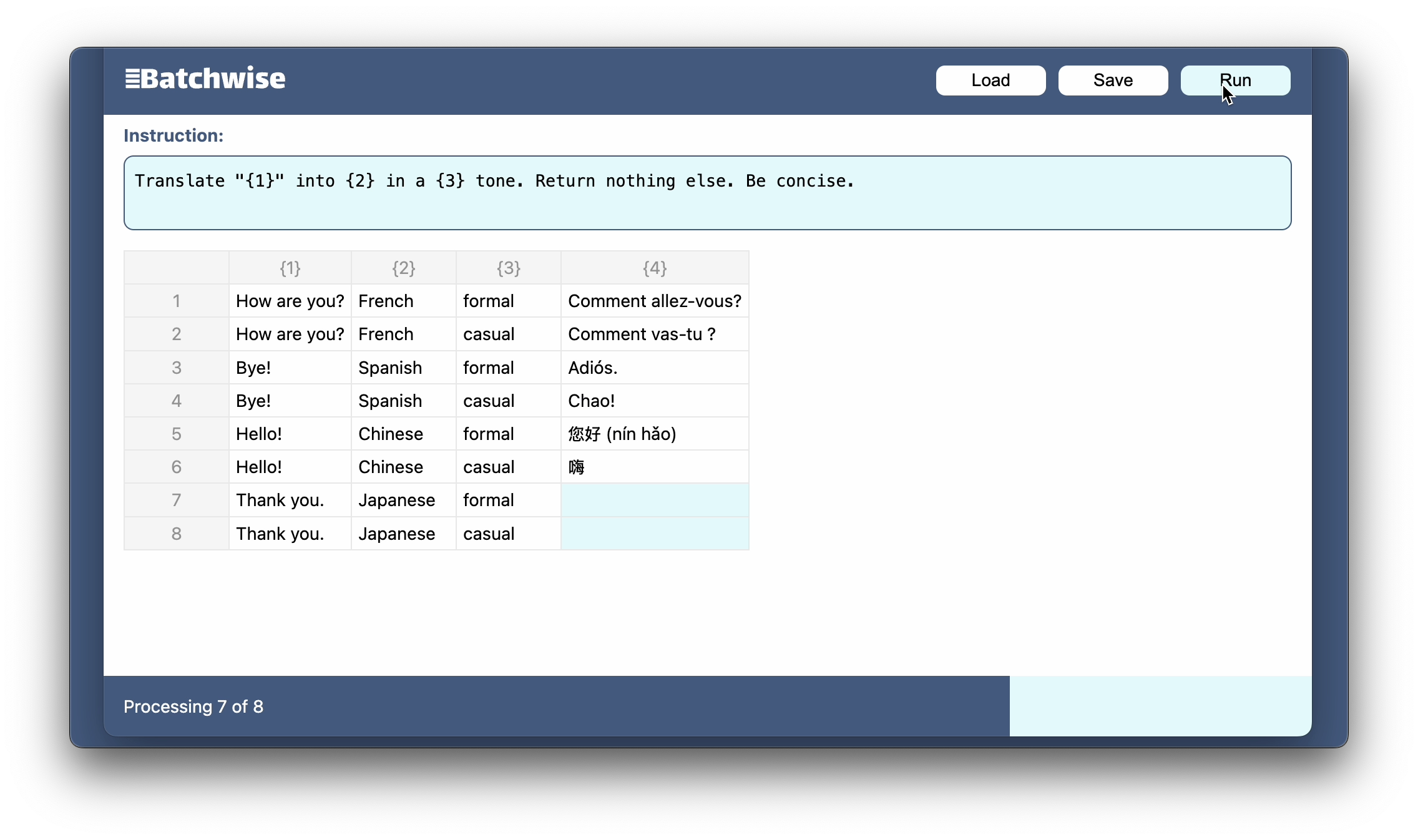
Inspiration
I developed Batchwise to streamline my data processing workflow with LLMs. While I frequently used API calls to services like OpenAI, Anthropic, and Google Cloud for data processing, I found myself repeating similar code patterns. Moreover, concerns about data privacy and API costs led me to seek a solution that could process data locally. Batchwise emerged as a no-code tool that addresses these three key needs: operational efficiency, data privacy, and cost-effectiveness.
What it does
Batchwise is a no-code tool that processes CSV data using natural language instructions. It leverages Chrome's built-in AI capabilities to transform data row by row, all while keeping processing local to the user's device.
How I built it
The application is built as a React web application, developed with assistance from Github Copilot. The implementation relies on open-source libraries for CSV handling and includes an Excel-like spreadsheet interface for user interaction.
Challenges I ran into
Working with Chrome's AI API presented several technical challenges. The API's instability led to occasional NotReadableError and NotSupportedError exceptions. Additionally, the API lacks a deterministic way to generate tokens which sometimes impedes debugging.
Accomplishments that I'm proud of
Batchwise is arguably more useful than my previous Chrome AI experiment (https://github.com/zmxv/fecal).
What I learned
Fine-tuned Gemini Nano models optimized for translation and rewriting tasks outperform the general-purpose model, even with prompt engineering tricks.
What's next for Batchwise
A hybrid architecture that combines the benefits of both local and remote LLMs, offering users flexibility in choosing their data processing approach for specific needs.


Log in or sign up for Devpost to join the conversation.