BatchlyBee Bulk Image Editor
Inspiration
The idea for BatchlyBee was born from a real frustration I faced while trying to send photos to a friend. Each image had an old watermark sticker in the corner that needed to be removed, then I had to add my own watermark, resize them, and convert to different formats for uploading. What should have been a simple task turned into hours of repetitive editing - doing the exact same operations on dozens of images, one by one.
That's when it hit me: Why isn't there a simple way to edit once and apply everywhere? I was spending so much time doing the same edits repeatedly, and I knew countless others faced this same problem daily. This sparked the journey to create BatchlyBee - an app that would make my life easier and save 90% of the time people spend on repetitive image editing.
What it does
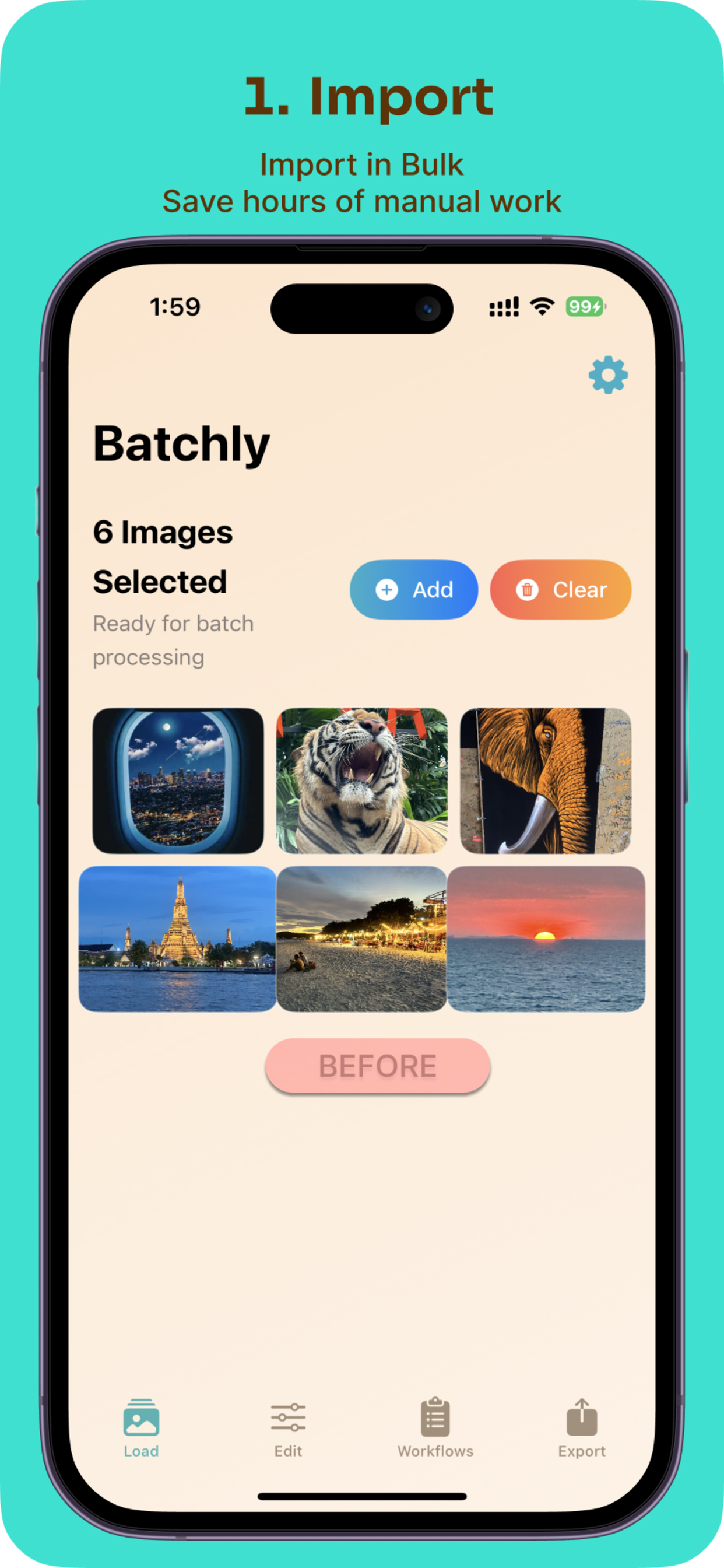
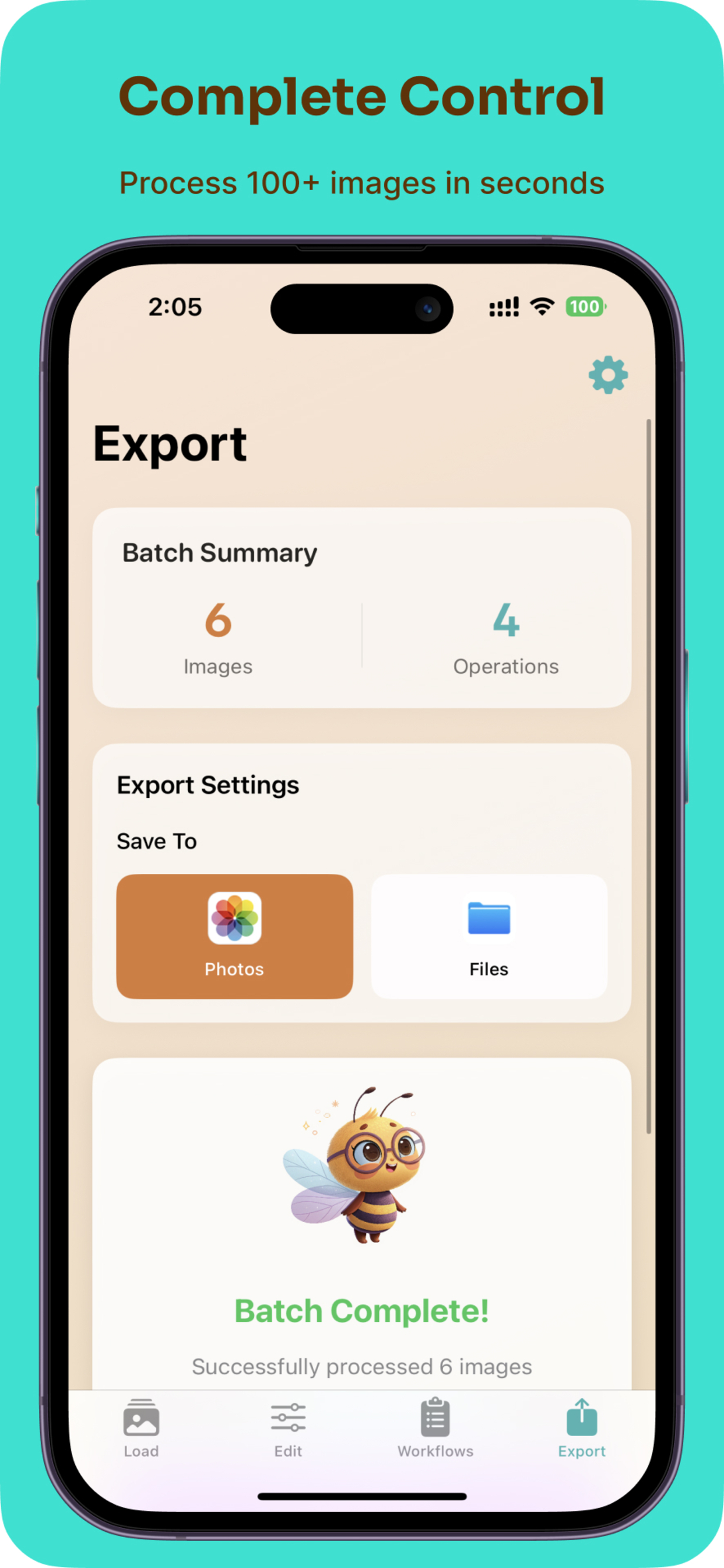
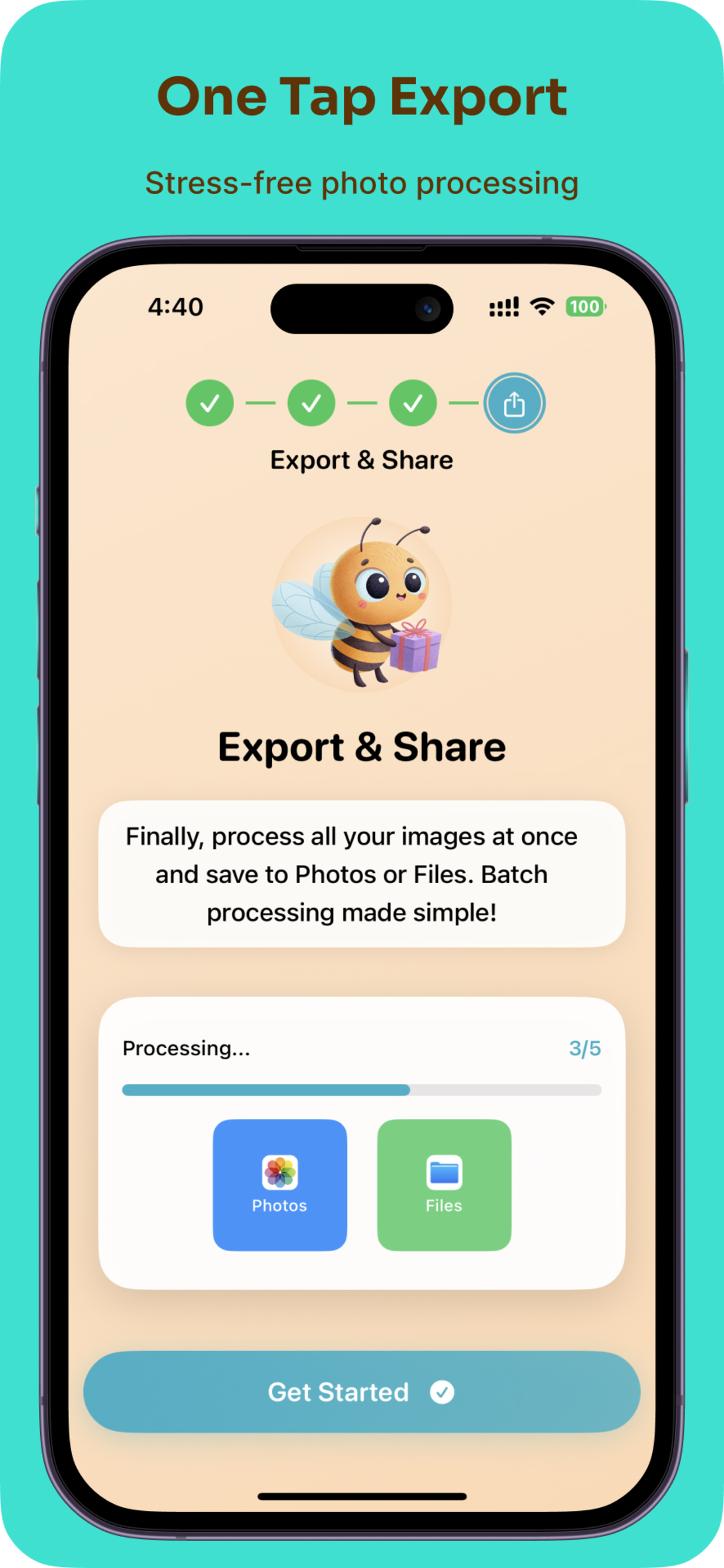
BatchlyBee is an iOS batch image processing powerhouse that transforms hours of repetitive photo editing into seconds. Users can:
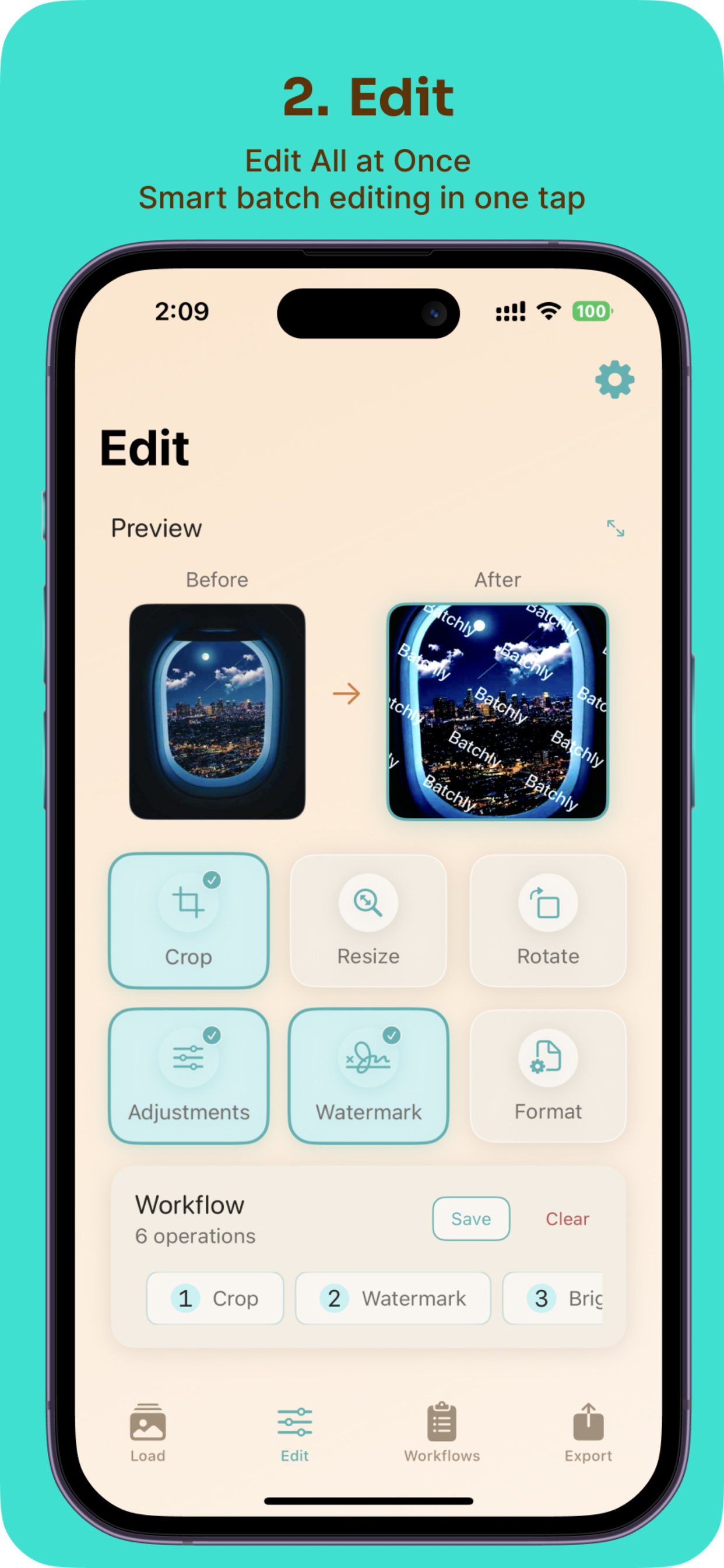
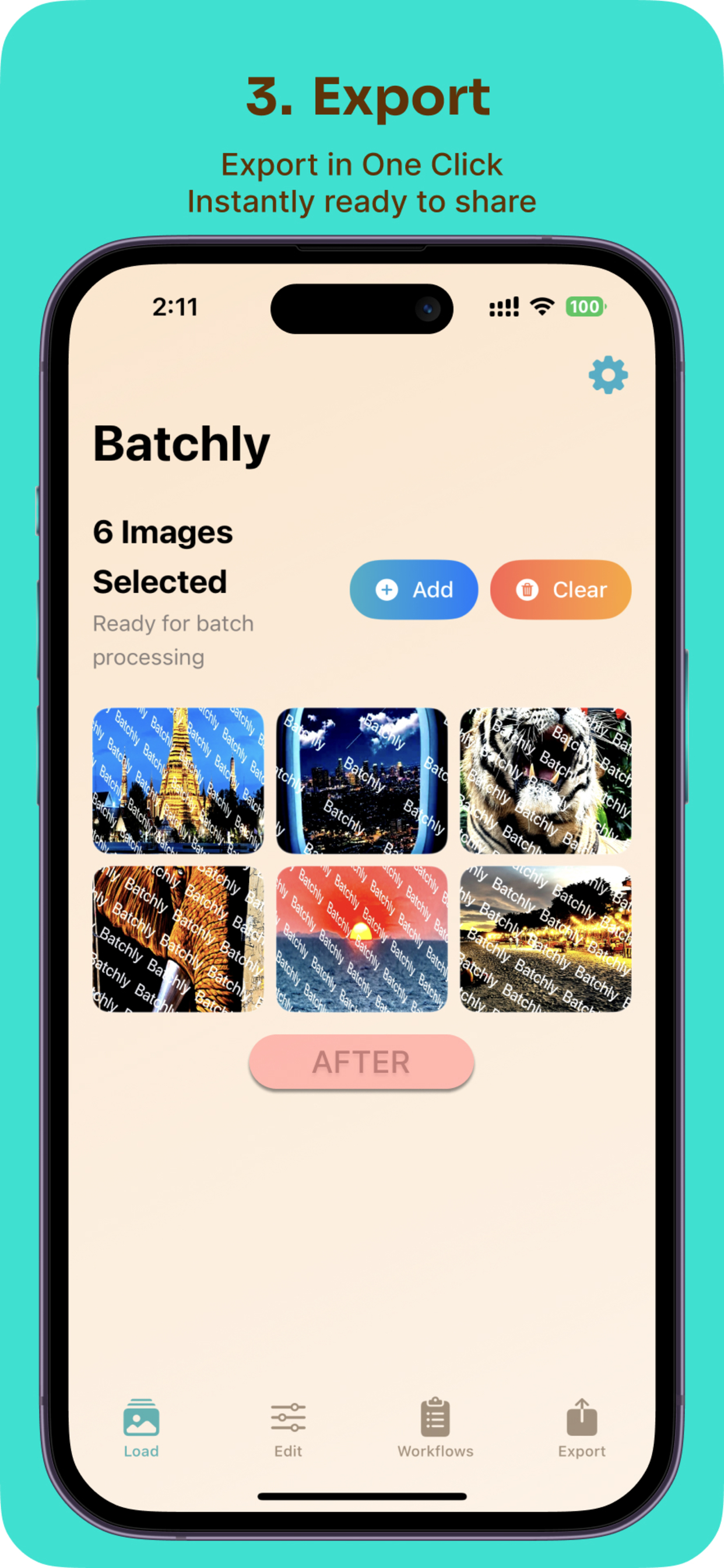
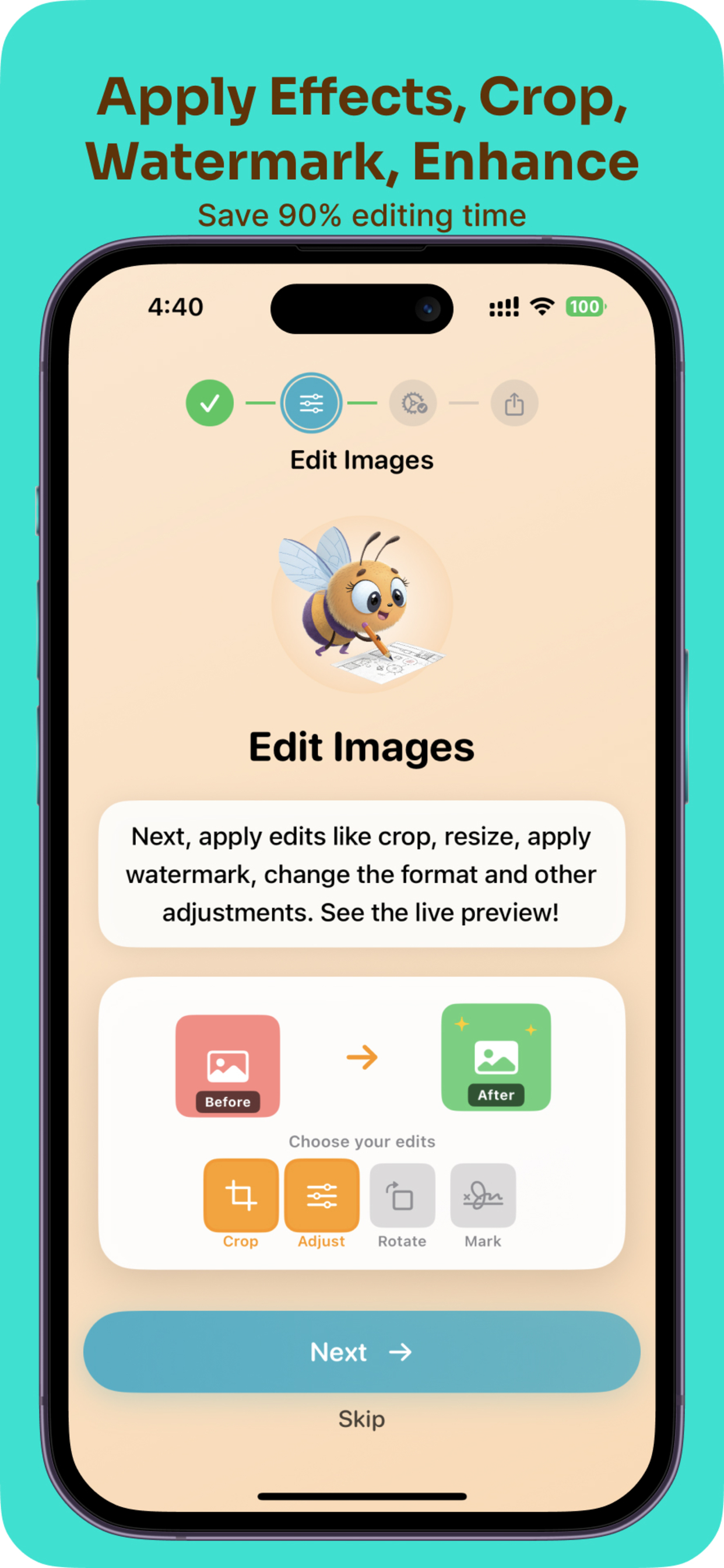
- Apply edits to hundreds of images at once: Crop, resize, rotate, adjust brightness/contrast, add watermarks, and convert formats - all in one go
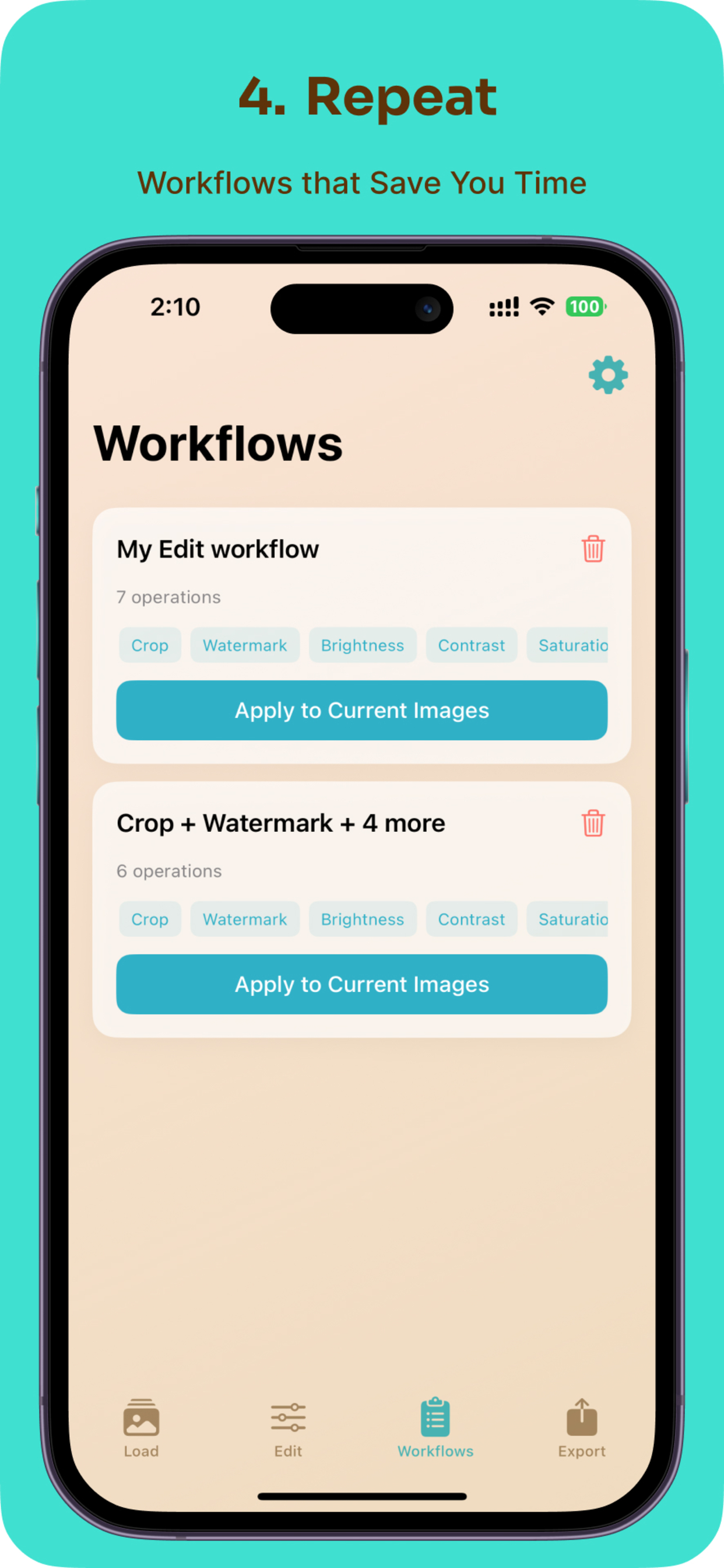
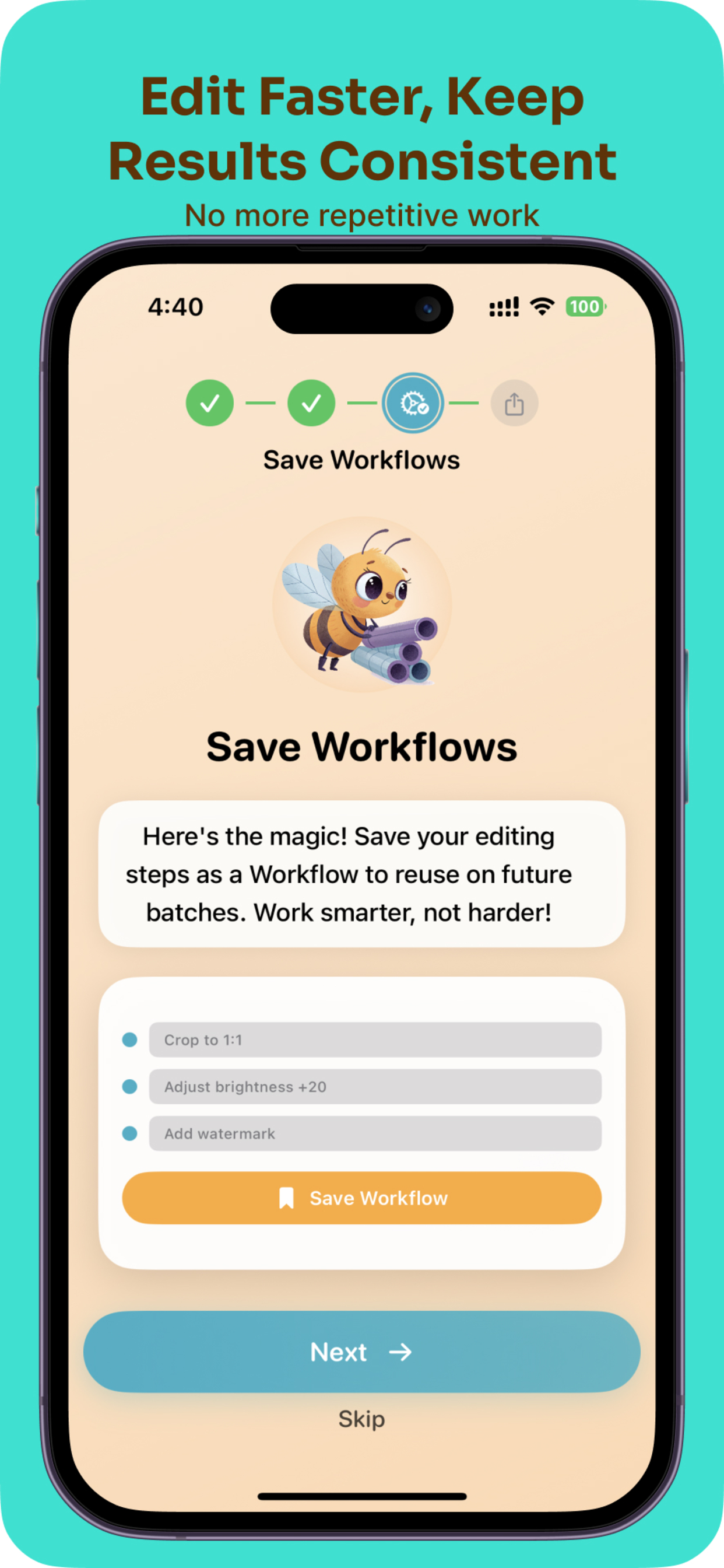
- Create reusable workflows: Save your editing sequences as templates. Create a "Social Media Pack" that resizes and watermarks for Instagram, or a "Client Delivery" workflow for high-res exports
- Preview before processing: See exactly how edits will look before applying to your entire batch
- Process locally: All editing happens on-device for maximum privacy and speed - no cloud uploads, no subscriptions
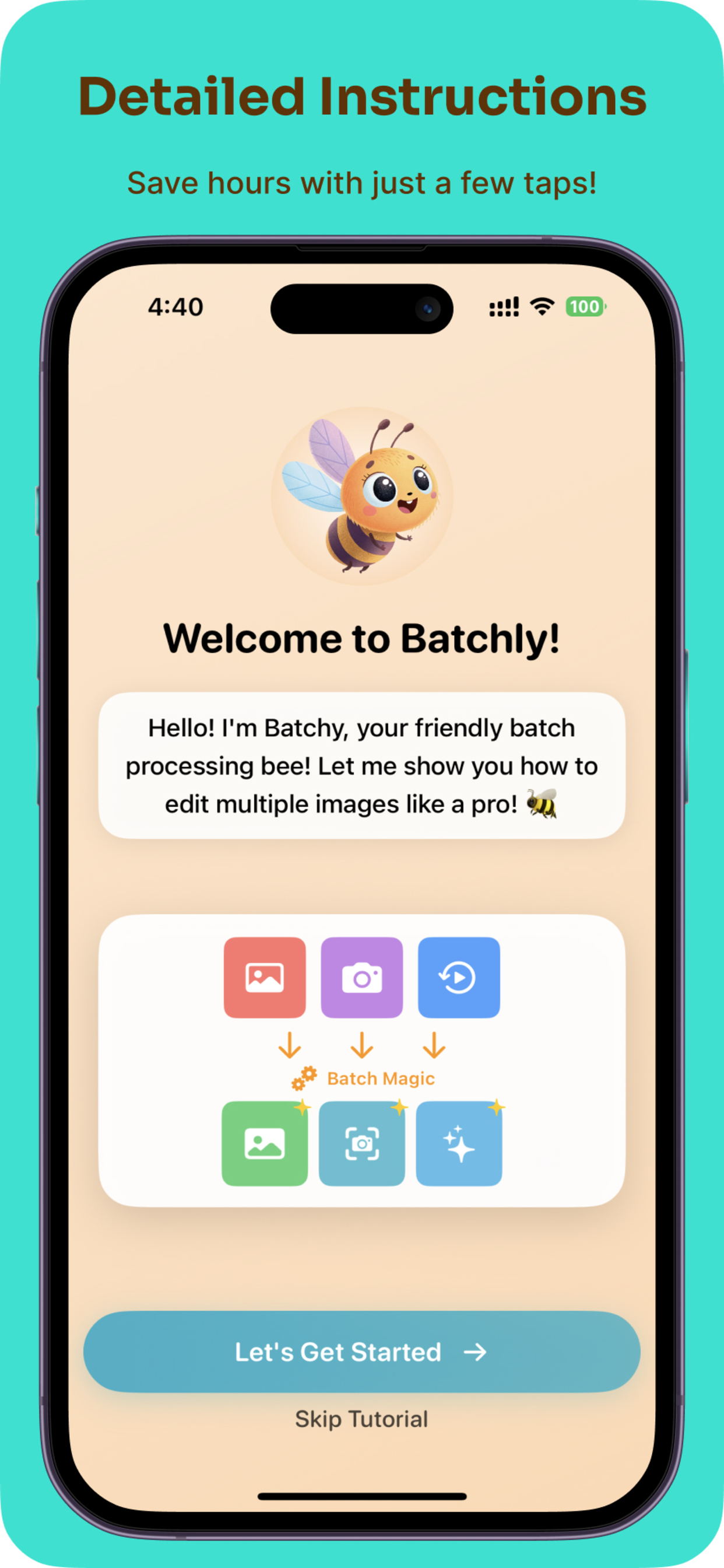
Whether you're an e-commerce seller processing product photos, a photographer delivering galleries, or a social media manager maintaining brand consistency, BatchlyBee handles it all with a friendly bee mascot guiding you through the process.
How we built it
After several false starts with third-party libraries that broke due to iOS version updates, I decided to build BatchlyBee from scratch using native Apple frameworks:
- Swift & SwiftUI: For a native, performant iOS experience with modern UI components
- Core Image & Vision: Apple's powerful image processing frameworks for all editing operations
- SwiftData: For persistent workflow storage so users can save and reuse their favorite editing combinations
- PhotosUI: For seamless photo library integration and multi-image selection
- MVVM Architecture: Clean separation of concerns with modular operation components
Each image operation (crop, resize, watermark, etc.) is a self-contained module that can be combined into workflows. The app features a warm, organic design with our mascot "Batchy" - a friendly bee with photographer glasses representing efficient batch processing.
Challenges we ran into
Library Compatibility Hell: My initial approach relied on popular image processing libraries, but iOS version updates had broken most of them. Nothing worked out, forcing me to start fresh with native frameworks - ultimately a blessing as it resulted in better performance.
UI/UX Complexity: The biggest challenge was presenting all editing options in an intuitive way. How do you show crop ratios, resize options, filters, and watermarks without overwhelming users? I went through multiple iterations, constantly asking "when is the best time to show each option?" before landing on the current tabbed interface with live previews.
Performance Optimization: Processing hundreds of high-resolution images without crashing required careful memory management. I had to implement smart caching, concurrent processing, and batch size limits to prevent memory overload while maintaining speed.
Accomplishments that we're proud of
- 90% Time Savings: What used to take hours now takes seconds - users can process hundreds of images with just a few taps
- Workflow System: Creating a reusable workflow system that turns complex editing sequences into one-tap solutions
- 100% Native Implementation: Building everything with native frameworks after third-party libraries failed, resulting in a more robust and performant app
- Intuitive Design: Successfully organizing dozens of complex editing options into a clean, approachable interface that doesn't intimidate users
- On-Device Processing: Maintaining user privacy by processing everything locally without requiring cloud uploads
What we learned
- Native is Better: While third-party libraries seem convenient, building with native frameworks provides better long-term stability and performance, especially with iOS's rapid evolution
- User Experience is Everything: Powerful features mean nothing if users can't easily access them. The time spent iterating on UI/UX was more valuable than adding more features
- Automation Transforms Workflows: What started as a simple batch editor evolved into a powerful automation tool. The workflow system showed how saving and reusing patterns can fundamentally change how people work
- Real Problems Drive Innovation: The best apps come from scratching your own itch. My personal frustration led to a solution that saves thousands of others time every day
What's next for BatchlyBee Bulk Image Editor
- AI-Powered Features: Implement smart background removal, object detection, and automatic image enhancement using Core ML
- Cloud Workflow Marketplace: Allow users to share and download workflows created by the community
- Advanced Watermarking: Support for batch QR codes, barcodes, and dynamic text watermarks with variables
- Batch Video Processing: Extend the same workflow concept to video files
Because your creativity shouldn't be bottled up by repetitive tasks. Let BatchlyBee handle the boring stuff, so you can focus on what matters.
Built With
- swiftui

Log in or sign up for Devpost to join the conversation.