This is a flask app that helps network engineers set up configure routers by taking the router information and outputting custom commands. It's name is a play on "your configuration".
Inspiration: I got the idea for my project because I'm taking a Cisco Certified Network Associate course. Entering configuration commands for many routers is tiresome. So I had the idea to create an app that makes it easier and more accurate.
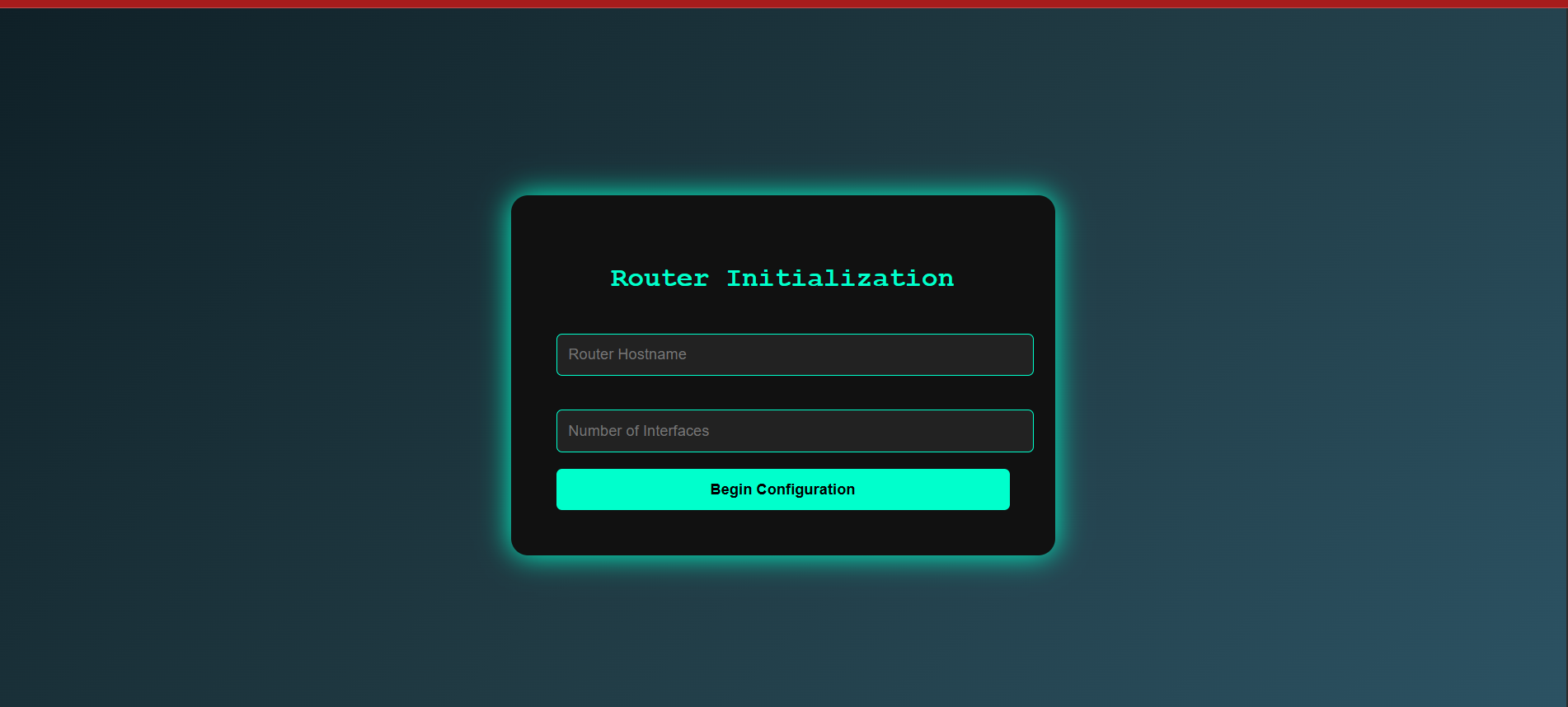
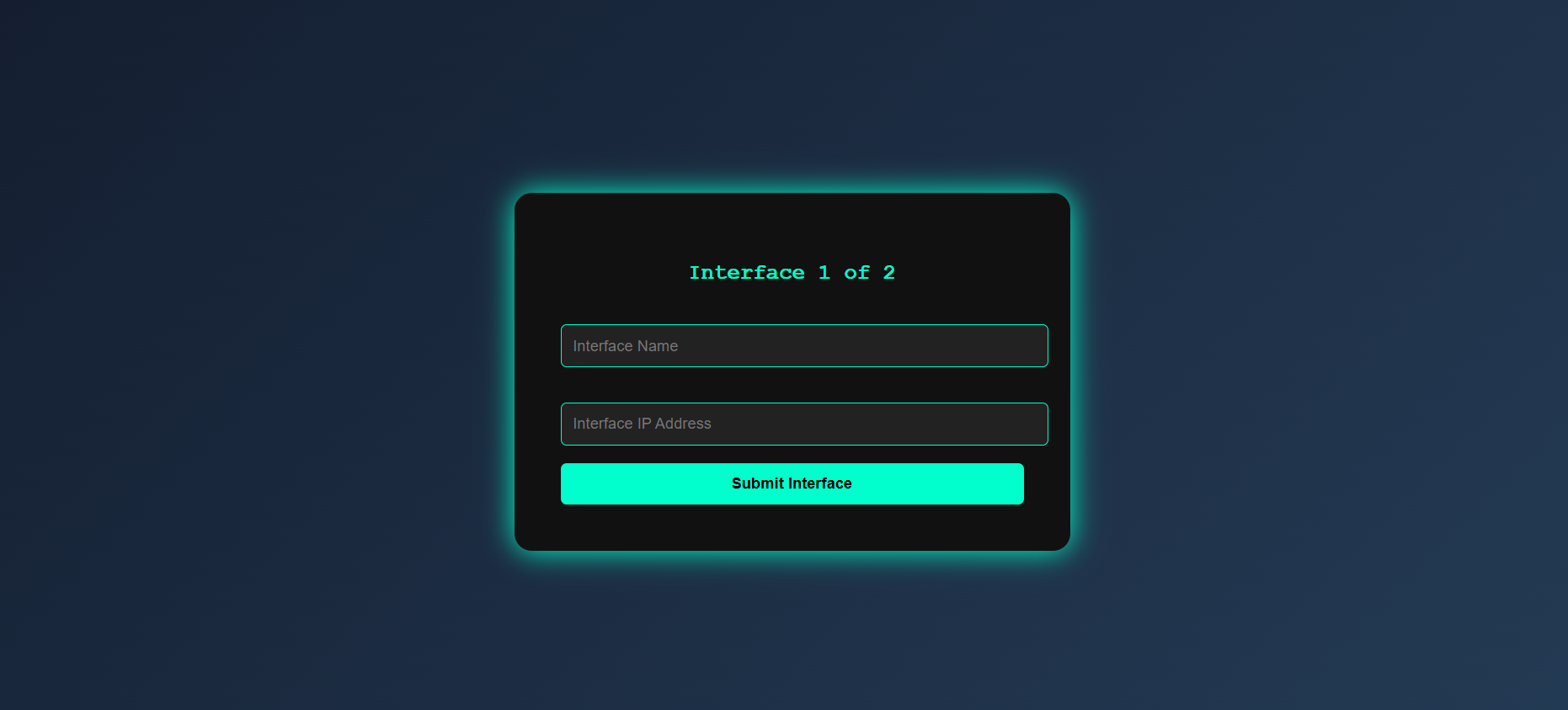
What it does: it takes input from a network engineer: the name of the router, the number of interfaces, and then takes the name of each interface and its ip address and subnet mask respectively. The app then compiles a .txt file with the custom router attributes and the commands so that a network engineer can copy and paste them into the configuration software.
How we built it: I used Flask for the backend and enlisted the help of ChatGPT for the front-end HTML/CSS. First, I wrote out the logic in a python file. Then I created a Flask app and had to figure out how to input the logic functionality. It was my first Flask project so it was quite challenging.
Challenges we ran into: As I said above, using Flask for the first time was challenging in general. I knew I didn't want to create a whole database for such a simple app. So I had to figure out how to use Sessions. At first I didn't incorporate functionality to download the output. I had to learn how to use Responses to get back a specific kind of file. And off course, using AI for the front-end wasn't as straight forward as I had thought, taking multiple prompts to get my desired output.
Accomplishments that we're proud of: I'm proud that I even finished this project as it's my first hackathon. I'm proud that I used AI as a tool that's here to stay rather than see it as a threat. And I'm proud that I finally did something to merge my networking knowledge with my coding knowledge.
What we learned: I learned how to take data from an HTML form and manipulate it using python. And I also learnt how to use Jinja2 to run Python code in an HTML file. I learnt how to use sessions to store input from the user for the duration of their interaction with the app.
What's next for BASIC ROUTER CONFIGURATIONS FLASK APP: the goal is to keep updating the app with every new commands that I learn. I'm already working on version two that also gives commands to set the routing protocols and access control lists. The goal is to create a tool that network engineers can use for all their configuration needs.


Log in or sign up for Devpost to join the conversation.